|
|
|
|
|
Installing openSUSE 11.0From GNOME or KDE Live CD! |
By Marius Nestor, Linux Editor
19th of June 2008, 12:41 GMT
Adjust text size: 
|
| |
|
The final version of openSUSE Linux 11.0 was released a couple of hours ago, after approximately 7 months of hard work. It brings lots of new features for end users, developers and system administrators. Among the new features, we can find a redesigned and professional installer, a live installer, new and glamorous artwork, PackageKit software manager, Microsoft Office file compatibility with the latest OpenOffice.org office productivity suite, and enhanced multimedia support. What more could an ex-Windows and future Linux user want? Therefore, if you have decided to install openSUSE 11.0 on your computer, right below is a full tutorial, complete with screenshots.
First of all, you will need to download the openSUSE 11.0 CD or DVD right now from here. We recommend you download either of the GNOME or KDE Live CD editions, as they are smaller in size (about 700 MB compared to the 4.3 GB DVD edition), and you can also test it before you install it. Burn the CD with your favorite CD/DVD burning application and insert/leave it in the CD/DVD unit of the computer on which you want to install openSUSE. For this installation, we've used the 32bit GNOME Live CD, but the KDE4 Live CD installation is absolutely the same!
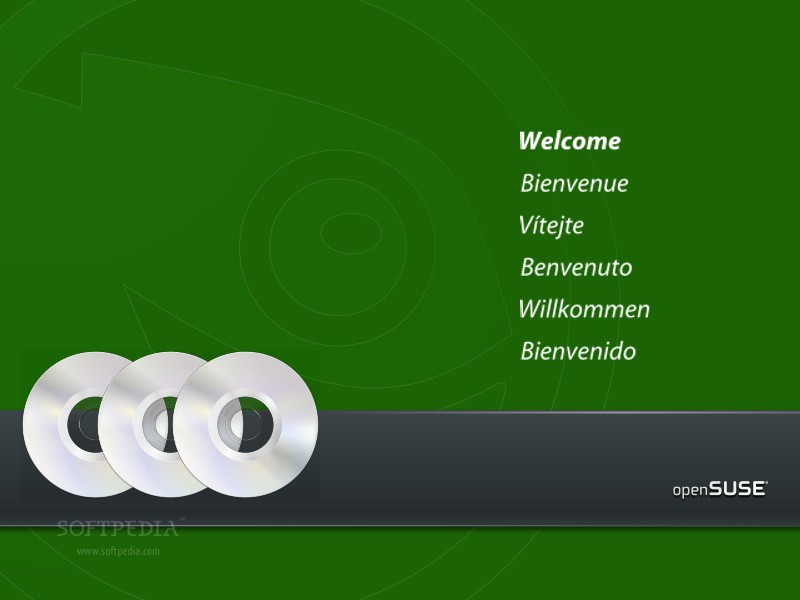
You will be greeted by a very nice welcome screen...
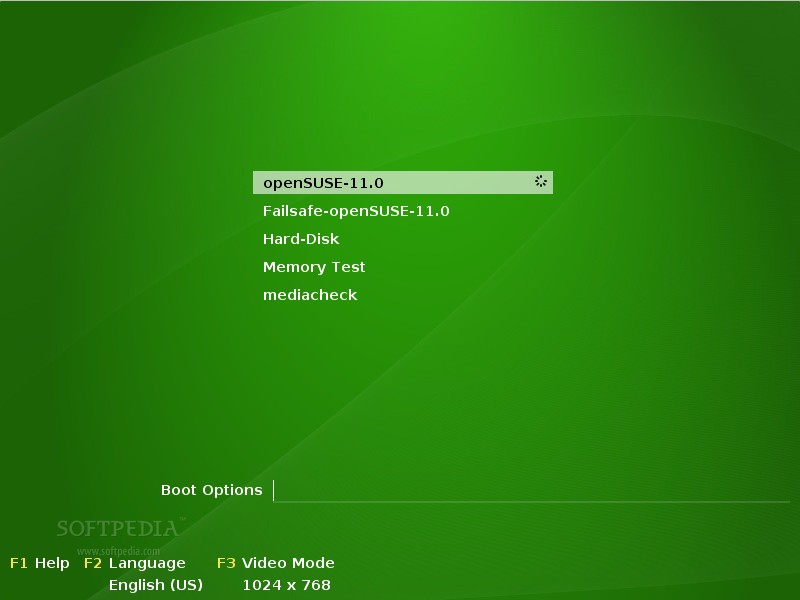
Hit Enter on the first option, "openSUSE 11.0"...
Wait for the Live CD to load...

The desktop will appear in about 1-2 minutes...
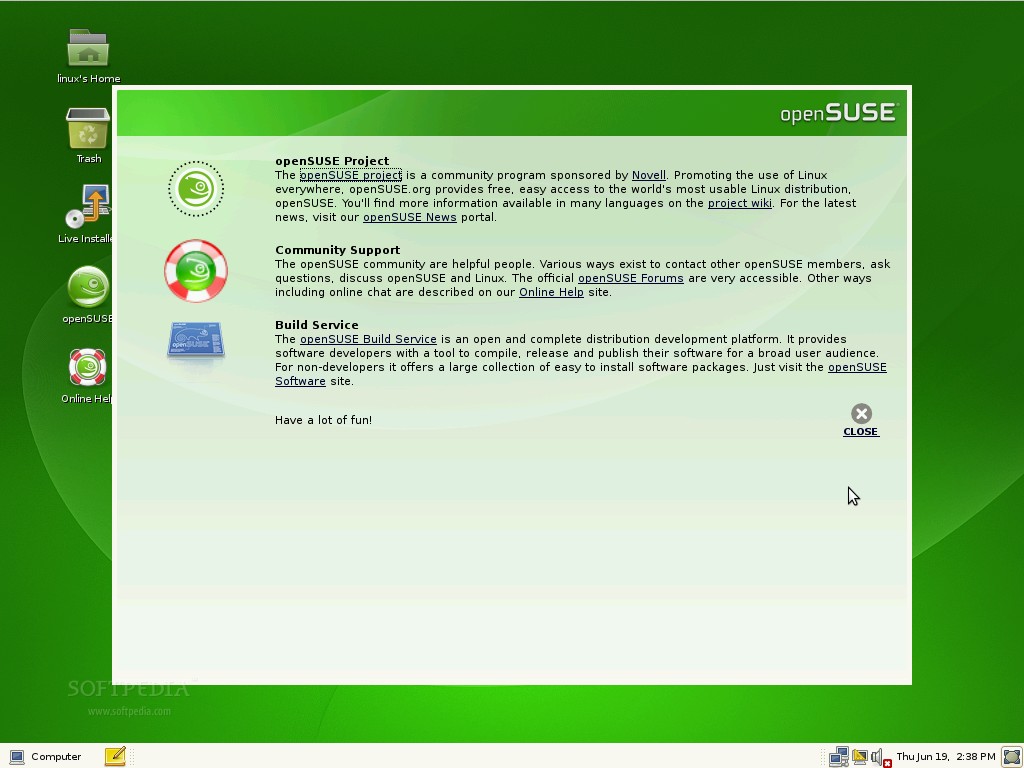
Double click the "Live install" icon from the desktop and the openSUSE 11.0 Live Installer will appear. Agree to the license agreement...
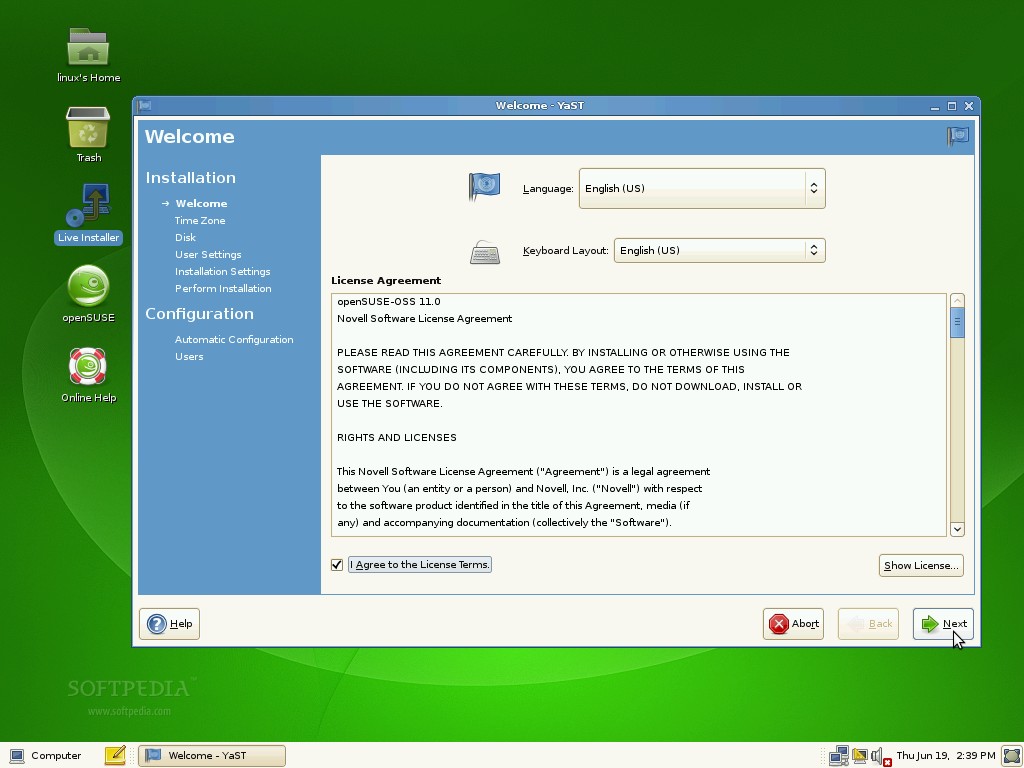
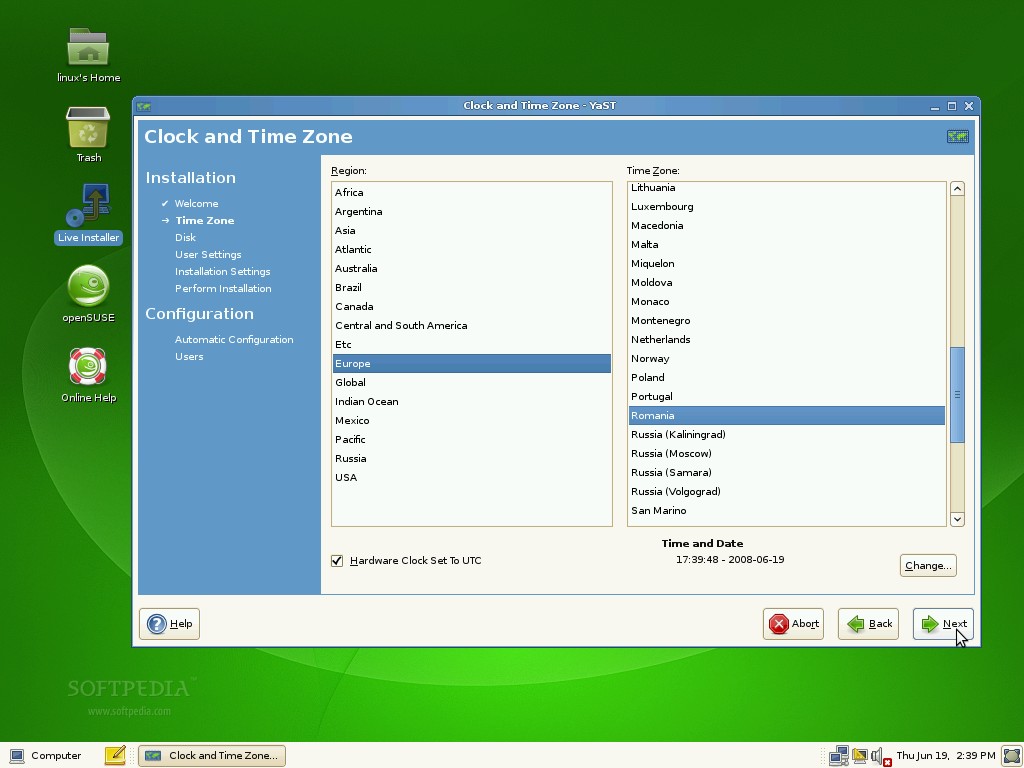
Choose your time zone and set up the system clock...
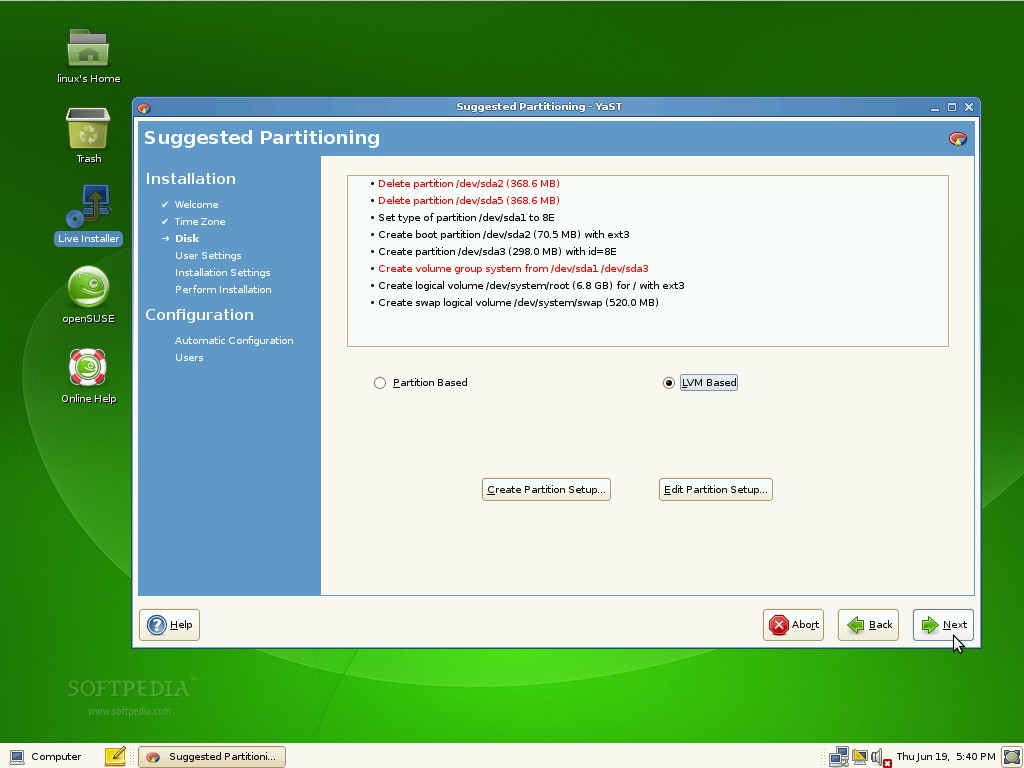
Select the "LVM Based" option on the partitioning screen, as it will create a separate /home partition for future upgrades...
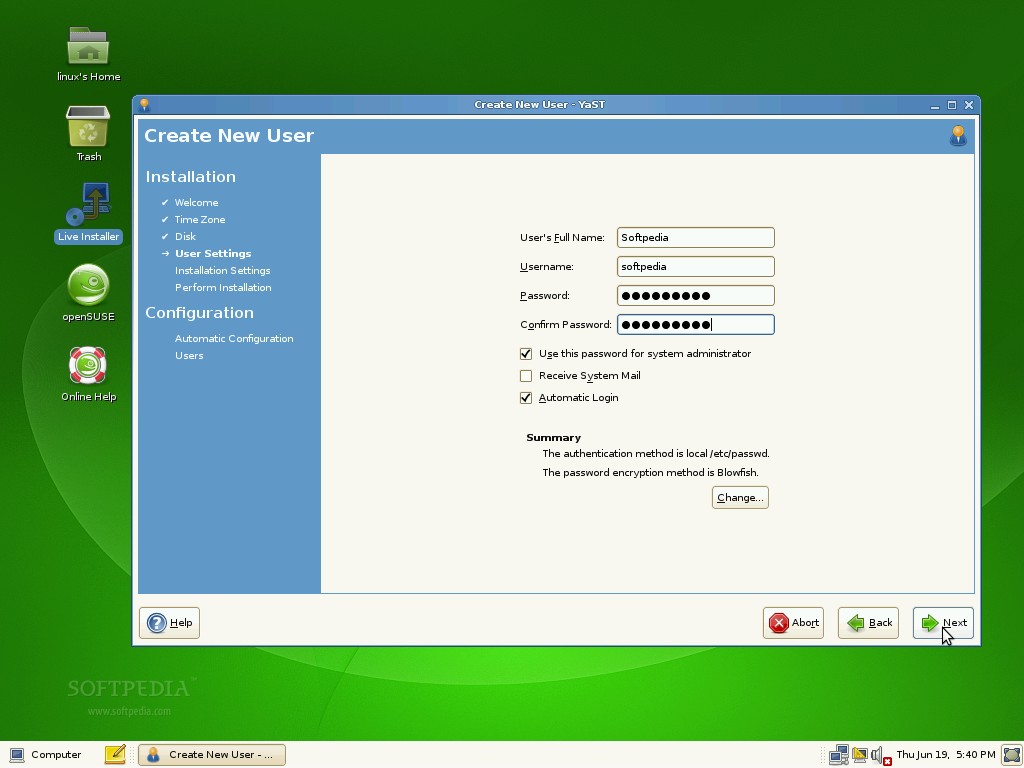
Create the default system user. Here, you'll find an option to enable automatic login with this user every time the computer starts and to use the password for system administrator, if you so wish.
Now, the system will be analyzed and you can change the settings if they don't suit your needs...
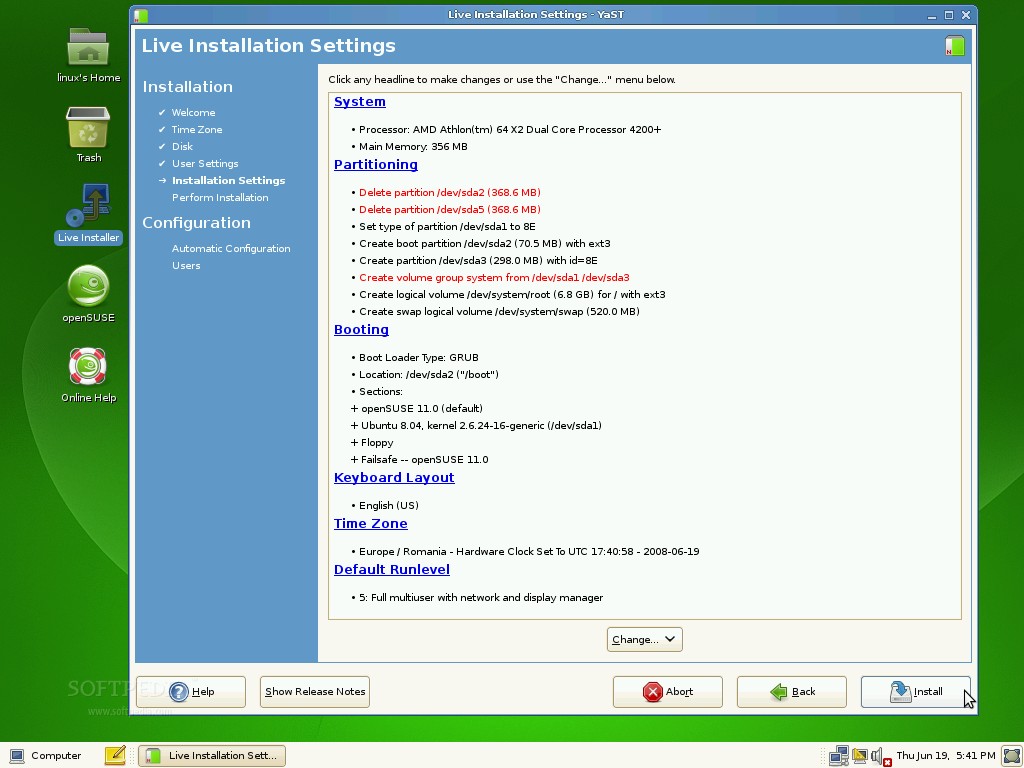
Click the 'Install' button and wait for installer to copy all the necessary files to your hard drive...
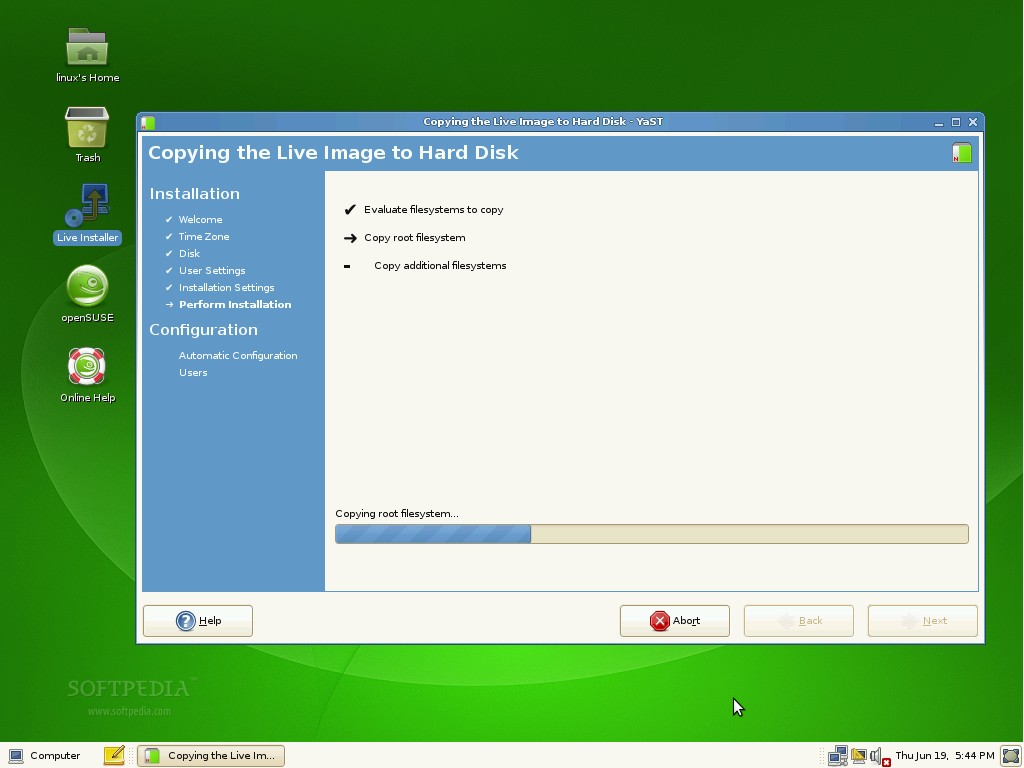
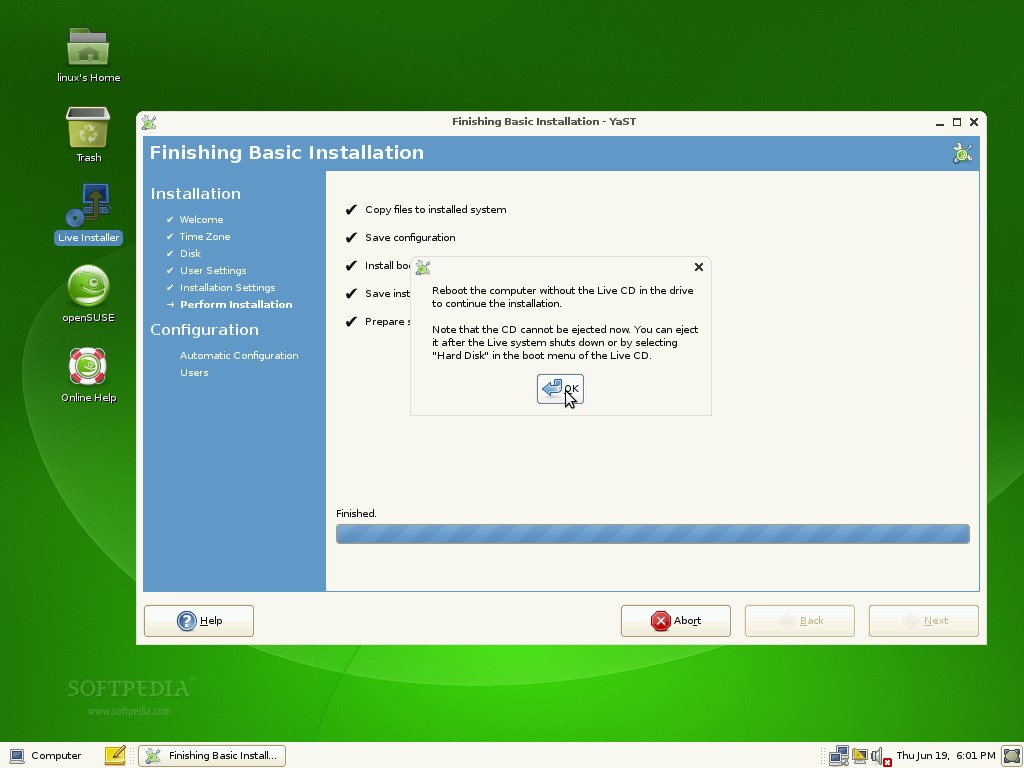
When the installation is over, click 'OK' on the notification window...
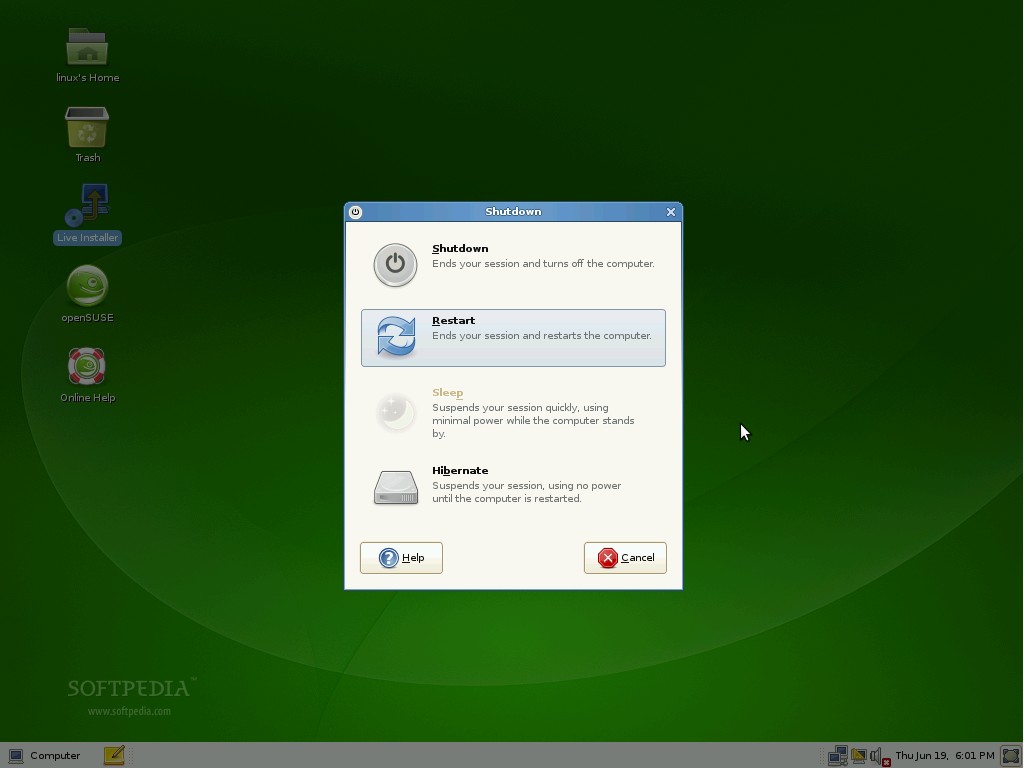
Reboot the computer...
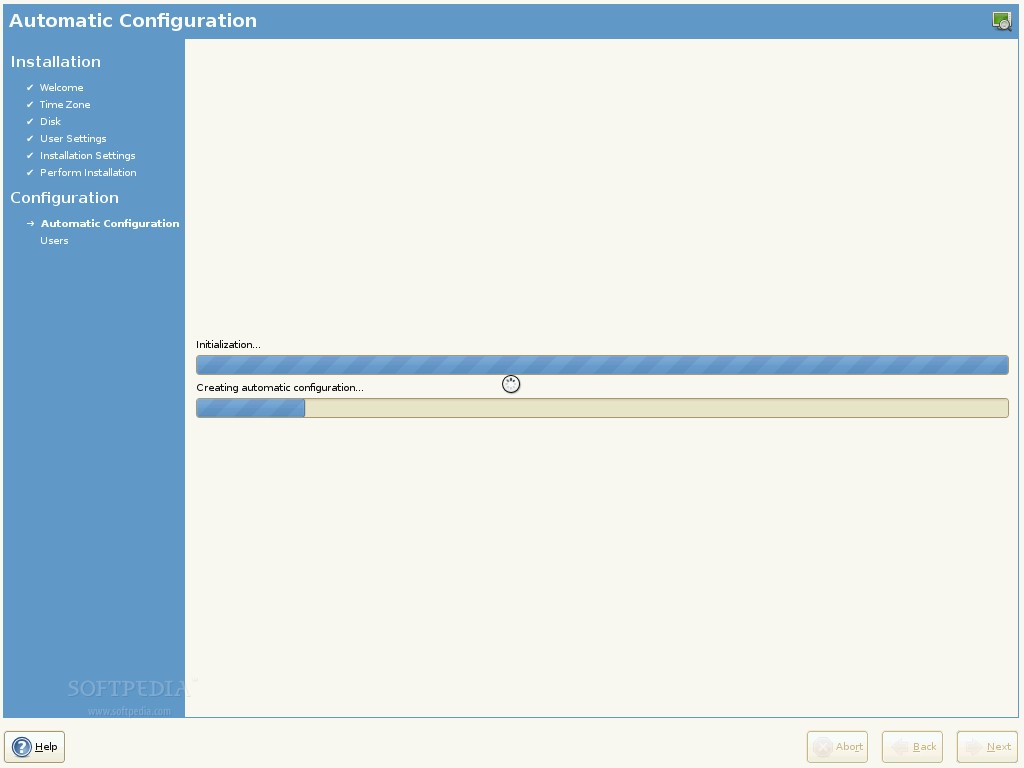
After reboot, eject the CD and wait for the system to do an automatic configuration...
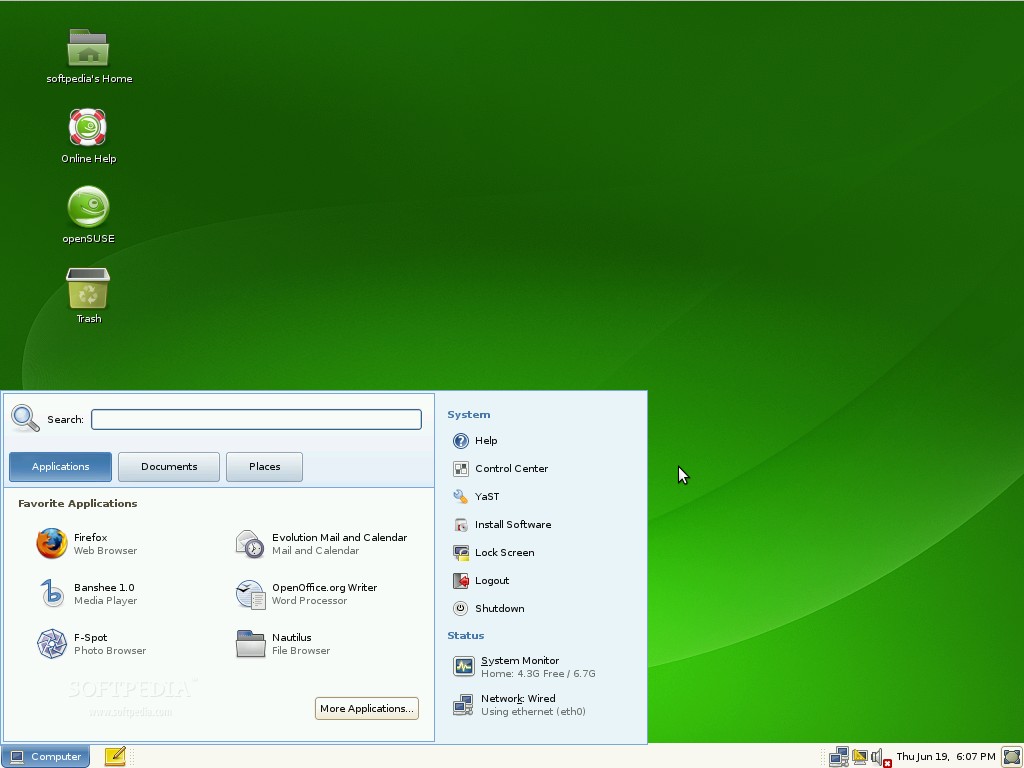
That's it! Congratulations! You'll be automatically logged in and we really hope that you will find openSUSE 11.0 a great, useful and wonderful Linux distribution!
|
|
| Rating: |
|
Good (3.8/5) |
5 vote(s) so far |
|

|
|
|
User opinions: |
| Comment #2 by: GiBu GeorGe on 04 Jul 2008, 09:32 GMT | reply to this comment | Opensuse 11 is the best kde4 distribution yet,,,, just love this one,,, well if anyone looking for fedora kde 4 dont even think about it... after 2 months its still buggy like hell |
| Comment #3 by: Bharath Iyer on 06 Jul 2008, 05:31 GMT | reply to this comment | I tried downloading the DVD installers.... Both 64 bit and the 32 bit version. After burning it with K3b and running the disk, i found that the 64 bit had a broken kernel and the 32 bit had a broken repository manager. The MD5 checksum matched perfectly i must say.. Let me try this method now for a change... |
| Comment #4 by: Polish Ubuntu on 08 Jul 2008, 09:02 GMT | reply to this comment | There is a difference between the KDE and GNOME cd. The installation is the same, but most other things are a little different!
KDE:
In KDE you will get more eye candy, but yet much speed, and actually a little more support (from forums etc) because most SUSE users are using KDE. However KDE is a little less unstable then GNOME and because of the eye candy it is yet a little slower as well.
GNOME:
If you want speed. GNOME doesn't have that much built-in eye candy, but it is a little faster and more stable then KDE. |
| Comment #5 by: dan on 13 Jul 2008, 17:28 GMT | reply to this comment | Downloaded netinstal iso and installed opensuse11 with both kde3 and 4, kde 4 looks promissing, but needs more work. I did the same on my other machine with fedora 9. Indeed kde4 does not work as well as with suse, but with kde 3, fedora 9 is excellent.
Anyway, I have no doubts kde 4 will soon be improved.
And I don't understant why people think gnome is faster than kde, I tried it myself, and for no reason will I ever switch from kde to gnome.
Wish everyone a happy linux experiance |
| Comment #6 by: Louie on 07 Aug 2008, 04:08 GMT | reply to this comment | I need SOMEONE to tell me how to install openSUSE 11.0 Live Cd either the Gnome version or the KDE4. I have been to a lot of "user groups" and have been told different things by different people. That, in itself just confuse me more. After downloading both version, I checked the MD5 check sums against what they should have been and they matched perfectly. What files are there that direct you computer at boot time to install the OS? I have had great success wit Ubuntu because I checked the files on the CD and they were exe installation files. Where are those types on the openSUSE 11.0 version(s)? Someone, please help, I want a taste of openSUSE since I've heard so much about it. |
|
|
|