
Softpedia
 

NEWS CATEGORIES:


NEWS ARCHIVE >>
SOFTPEDIA REVIEWS >>
MEET THE EDITORS >>
TRENDING TODAY
Home > News > Telecoms > Help guides, tweaks and facts

February 17th, 2009, 15:11 GMT · By

Display Your Symbian Phone Screen on a PC

SHARE:

Adjust text size:

ImageExpo screenshot
Enlarge picture
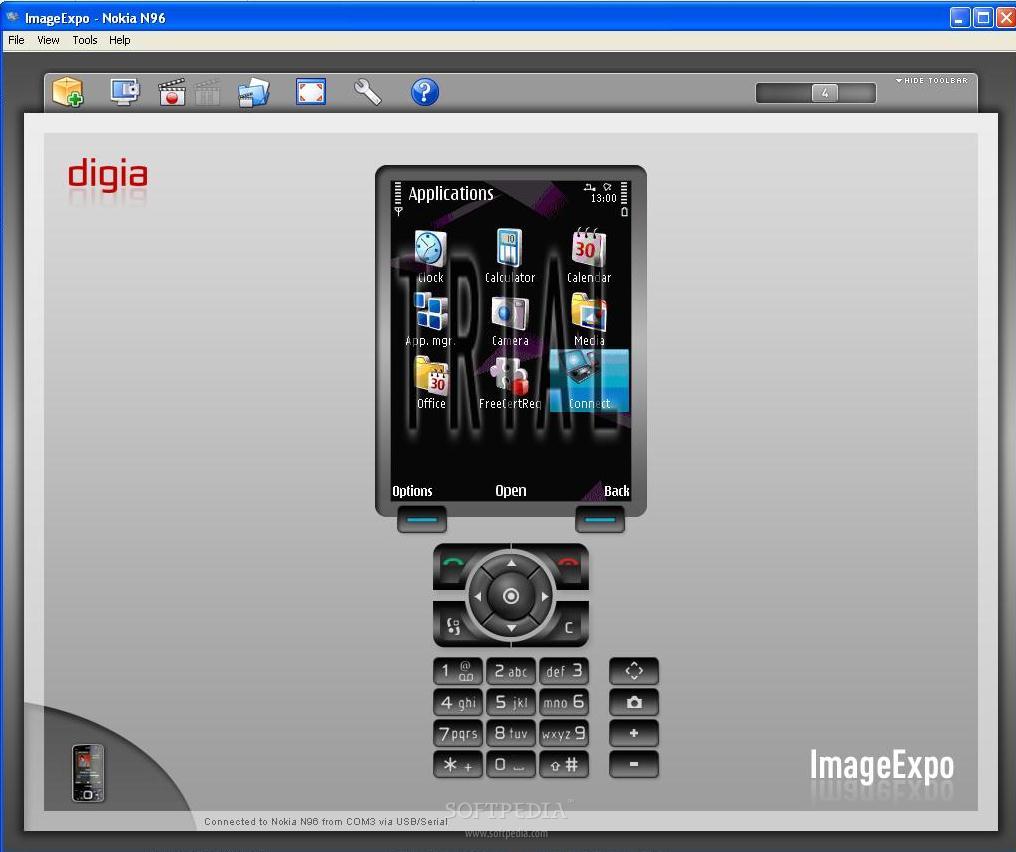
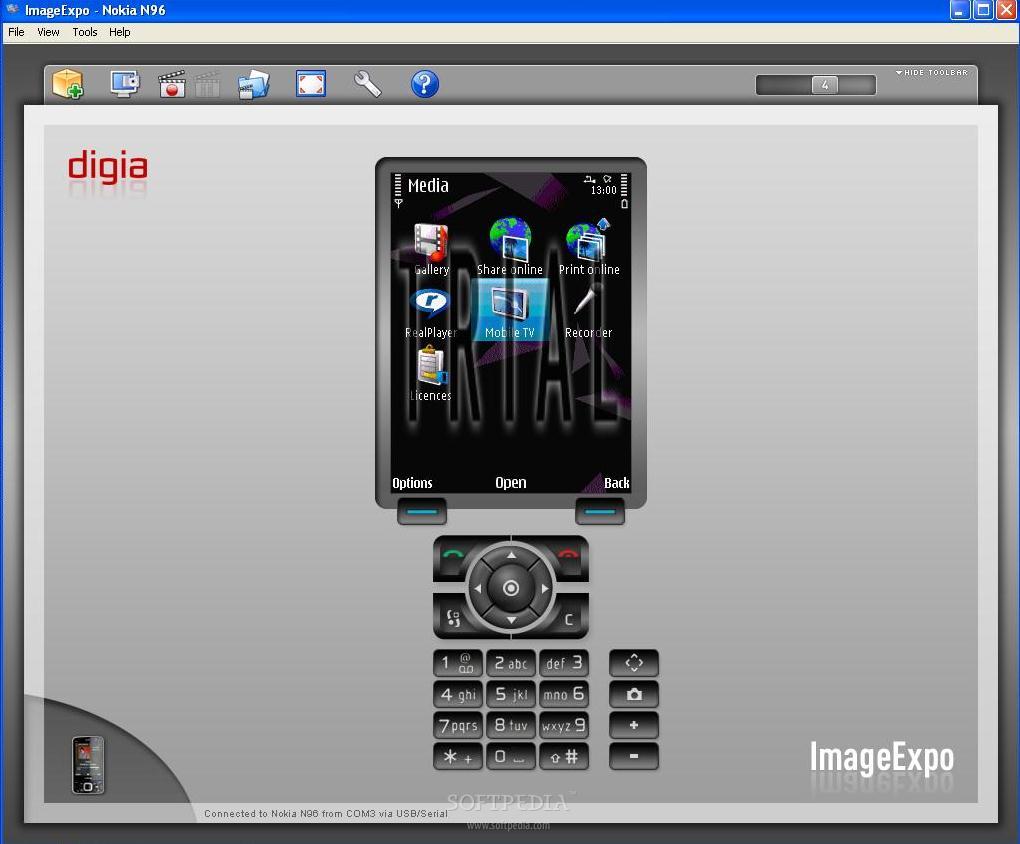
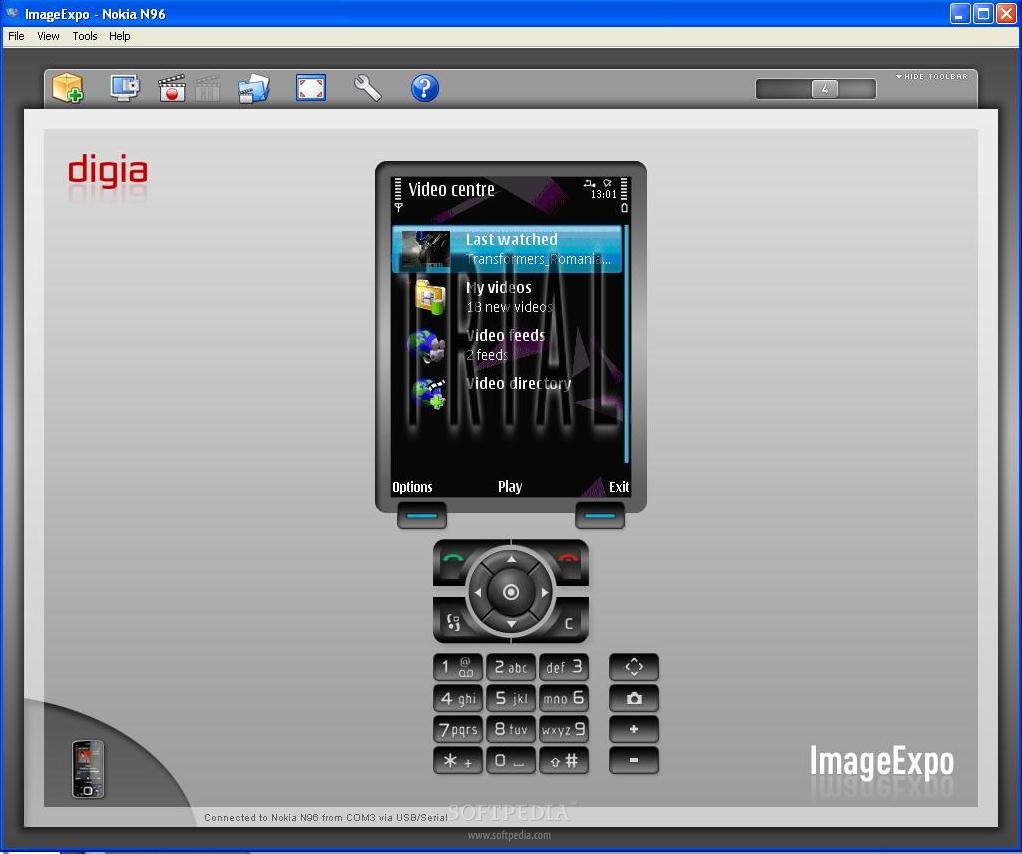
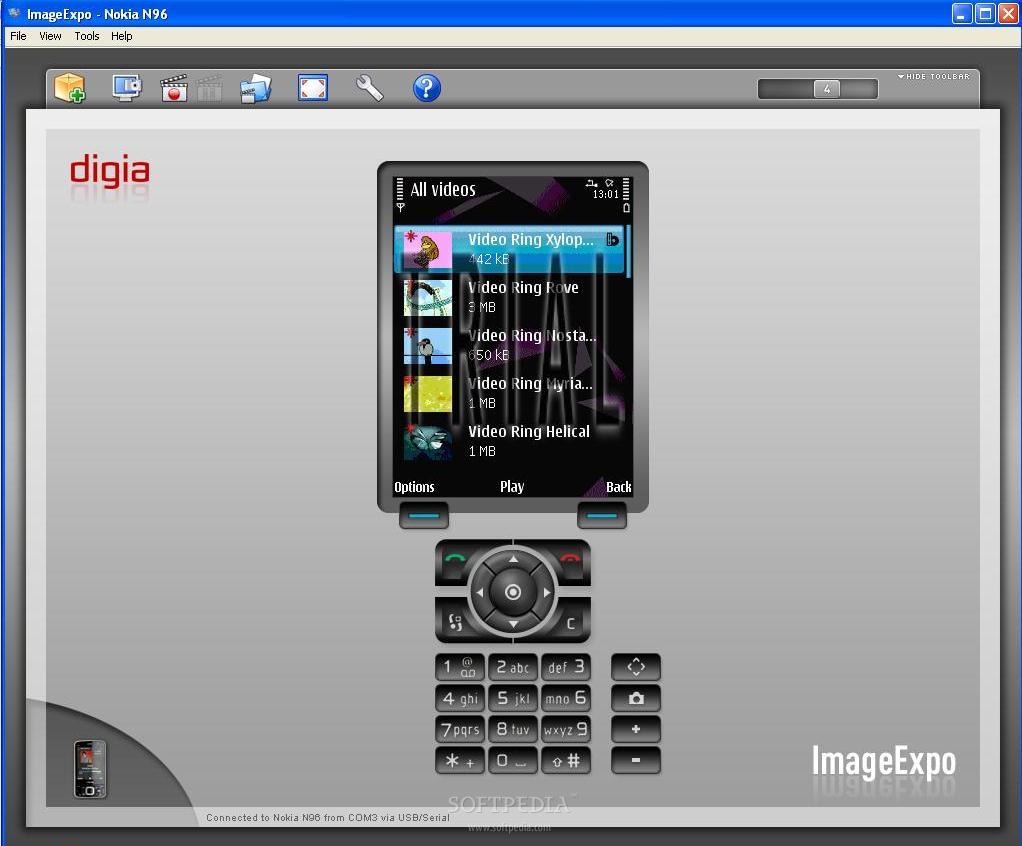
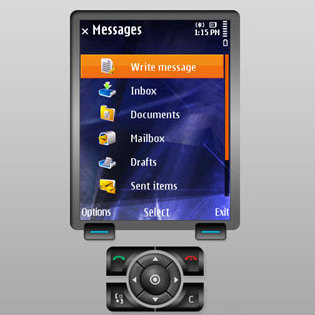
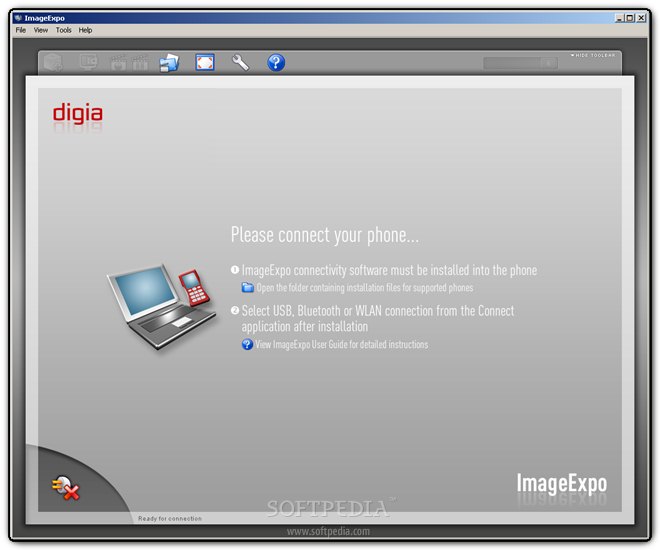
The following application has been especially developed for Symbian OS-based smartphones and allows displaying the mobile phone's screen on a computer screen in real-time. ImageExpo, developed by Digia, is a complete presentation tool, but can also be used to record short demonstrations of applications that you can run on the smartphone. 

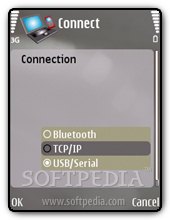
You get to choose from three available methods of connection with the computer: Bluetooth, USB cable or WLAN. The phone will send a copy of its display to the computer, while the computer will send key and mouse events to the phone. The latter means that you'll be able to use your PC keyboard to quickly write an SMS or simply for easier control of the phone. 

The application consists of two parts, one part installed on the computer, the other installed on the phone. After installing the Desktop part, you'll need to send the mobile version on your smartphone, through Bluetooth or USB cable, whichever you find easier. Installing the application on the phone is smooth and you don't need to make supplementary settings. After both parts have been installed, open the Desktop component first and then the application is installed on your phone. Before actually trying to connect the handset to the PC, be sure to check whether you have an active Bluetooth (Bluetooth dongle), WLAN (Internet) or USB (cable) connectivity between the two. According to the choice you made, you can connect your phone easily by making the right adjustments into the Settings menu.

ImageExpo screenshot
Enlarge picture
ImageExpo screenshot
Enlarge picture
ImageExpo screenshot
Enlarge picture

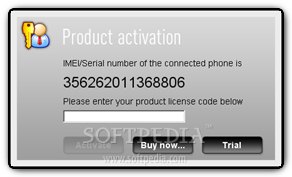
The phone will automatically connect and if no licenses are detected, you'll be asked to provide an activation code. You can also choose the Trial version, which is fully available, but only for 2 minutes. That's one drawback I found, as it is pretty hard to make an idea about such a piece of software in only 2 minutes. Fortunately, if you run out of time, you can close the application and open it again to be able to use it for another 2 minutes (pretty annoying).

ImageExpo screenshot
Enlarge picture
ImageExpo screenshot
Enlarge picture
ImageExpo screenshot
Enlarge picture

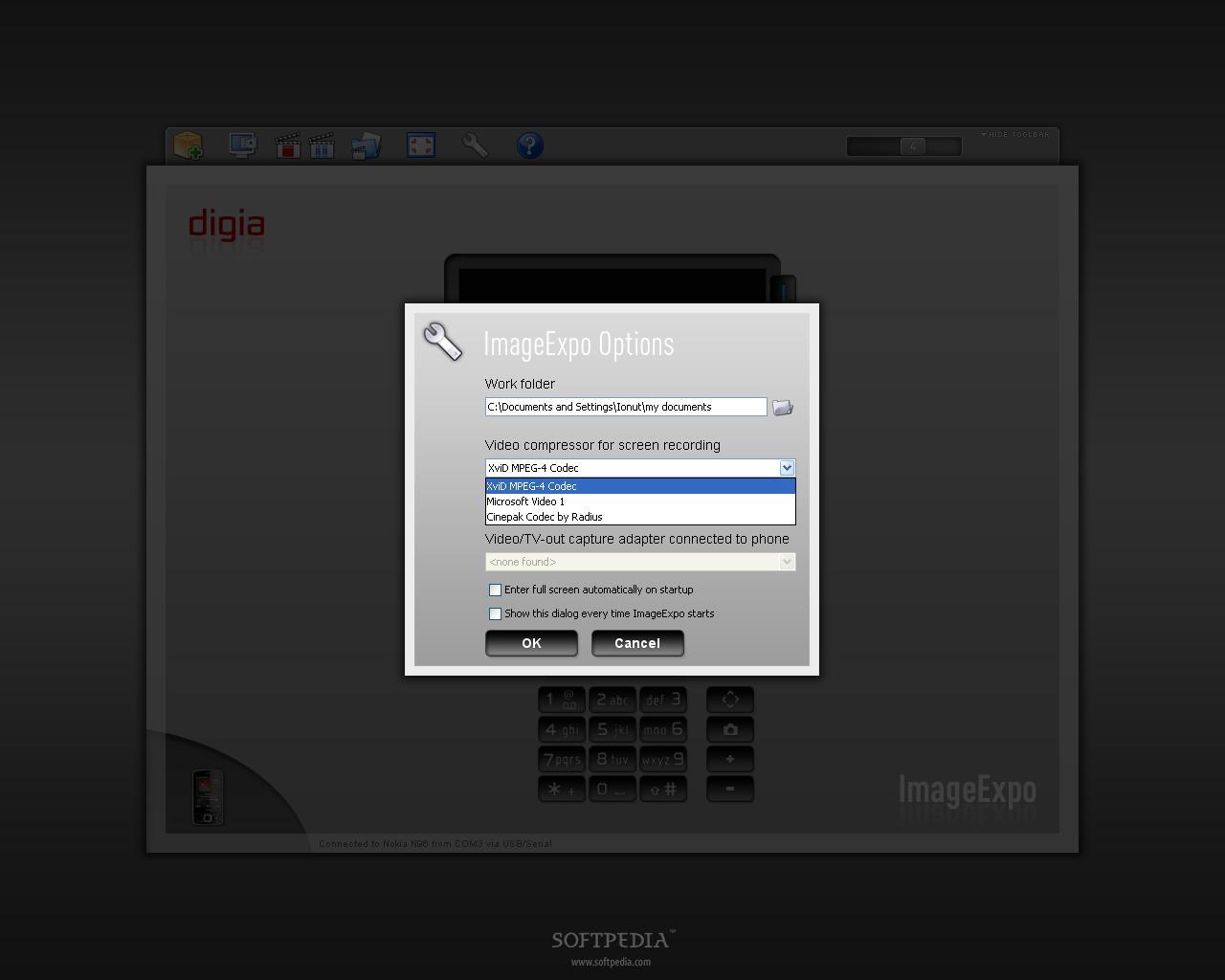
Anyway, in either case, you'll see your phone screen on the computer display and can easily take screenshots or record short movies. There are some options that can be adjusted in the Desktop component of ImageExpo, such as: Work folder (where you save screenshots), Video compressor for screen recording, Sound recording device or Video/TV-Out capture adapter. The control of the phone can be made from the phone itself or by using the mouse and keyboard of the PC. You can also record a video of the phone display. This feature can be used to record a demonstration of a certain application. To begin recording a video clip select Tools / Start Recording. Recording will start immediately, and the video is saved into the Work Folder path and with the video codec specified in the Options menu. You can Pause, Stop and Resume Recording by selecting the appropriate commands.

There is a handful of native Video codecs supported on the Windows platform, such as: XviD MPEG-4 Codec with MP3 audio, Microsoft MPEG-4 Video Codec V2 with Windows Media Audio V1, Microsoft Video 1 with Windows Media Audio V and Cinepak Codec by Radius with PCM audio. On Linux and Mac OS X, only uncompressed AVI files are supported.

ImageExpo screenshot
Enlarge picture
ImageExpo screenshot
Enlarge picture
ImageExpo screenshot
Enlarge picture

ImageExpo supports phones based on S60 3rd Edition and newer or UIQ 3.0 and newer. Also, an earlier version of the software is compatible with S60 2nd Edition and UIQ v2.x platforms. As you can see in the screenshots, I have tested the trial version with Nokia N96 using USB cable and everything worked smoothly. ImageExpo is pretty expensive, around USD 150$, but you can check out the trial before buying the product, like I have.

Note: You can easily follow my daily guides by subscribing to the RSS feed.

20,335 hits · 1 comment
Link to this article · Print article · Send to friend

MUST-READ RELATED ARTICLES:


Spb Brain Evolution Now Available for Symbian As Well

LG Electronics Announces New Symbian Handset

Symbian Foundation Adds 14 New Members

Samsung’s i8510M Comes for AT&T’s 3G Network

Nokia Symbian S60 Affected by the 'Curse of Silence' Bug

READER COMMENTS:


Comment #1 by: varun on 16 Jul 2010, 13:48 UTC reply to this comment

its a good.the one which i looking for

Copyright © 2001-2013 Softpedia. Contact/Tip us at

WindowsGamesDriversMacLinuxScriptsMobileHandheldNews

SUBMIT PROGRAM   |   ADVERTISE   |   GET HELP   |   SEND US FEEDBACK   |   RSS FEEDS   |   UPDATE YOUR SOFTWARE   |   ROMANIAN FORUM