 14 DAY TRIAL //
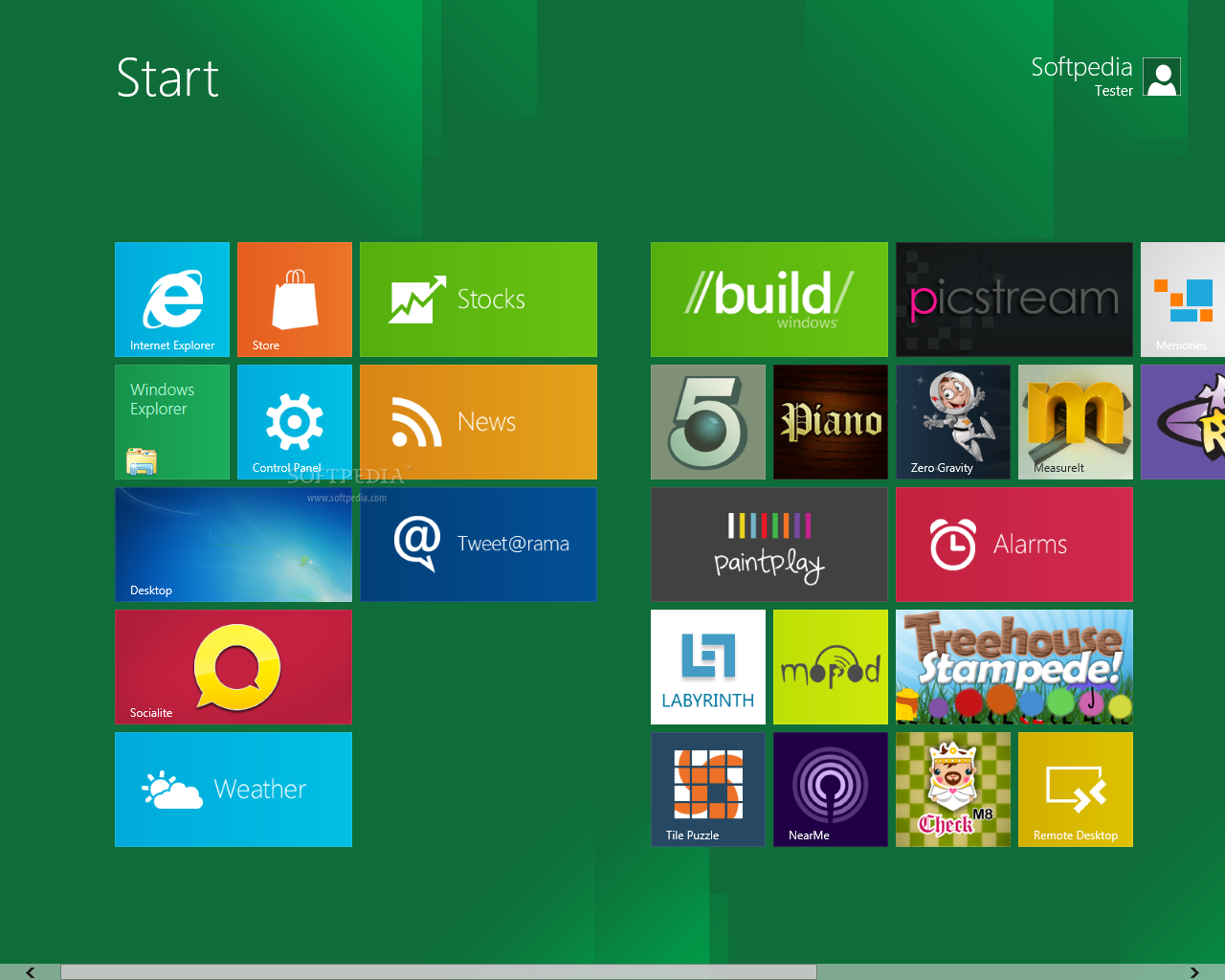
 When made available for the world, the Windows 8 Developer Preview lacked one feature that users were certainly keen on having available for them, namely customization of the Metro background.
While you can easily change the theme or background of the desktop, with Windows 7 themes supported in the new desktop client, you find yourself stuck when it comes to making a similar move with the Metro background as well.
That happens in the Developer Preview, but is bound to change when the first beta release of Windows 8 arrives, and the first steps in this direction have been made starting with the pre-beta release of Windows 8, it seems.
In the new builds of the client, one can change the background in Metro, though it appears that the use of custom images was not yet implemented.
There are eight pre-defined backgrounds available to choose from, though setting a custom image as the background might prove more than difficult to achieve.
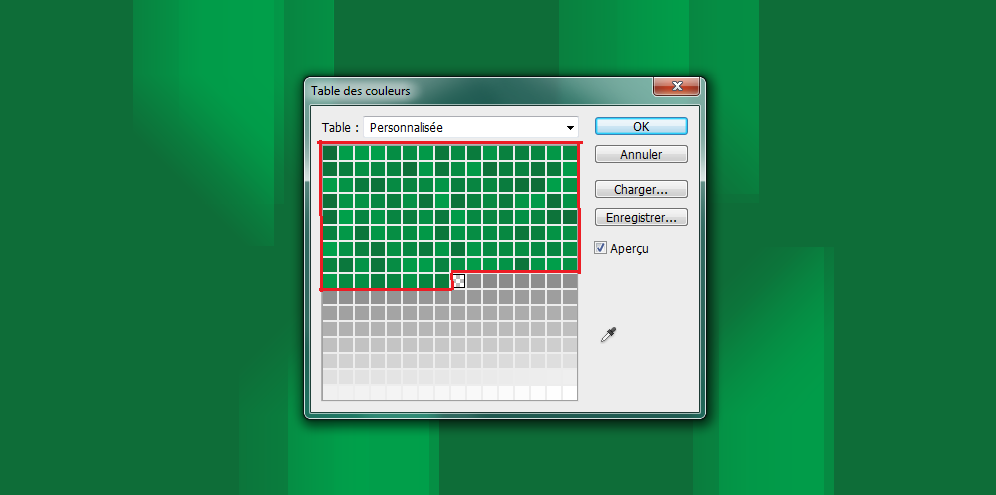
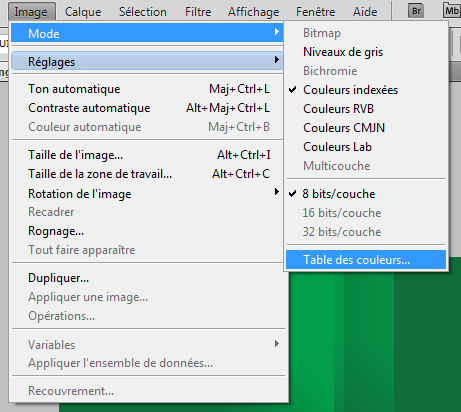
There is no support for usual .png images, for example, but only for 8-Bit photos. Furthermore, there is way to actually convert an image to 8-bits and then use it as a background, simply because the system will automatically convert its color to match the metro color of one’s choice.
Basically, regardless the selected image, you will get a green colored one when selecting green as the default Metro color, and so forth.
Unlike the Developer Preview, which stores backgrounds in a shsxs.dll file, the pre-beta builds of Windows 8 store them in an imageres.dll file, winunleaked.tk explains.
However, it’s unclear whether this applies only to the pre-beta version of the platform, or the beta release will also include it.
One way or the other, since we’re still many months away from the actual Windows 8 release, we should expect for these aspects to be addressed in due time. After all, we are fond of being able to personalize our computers in every possible way we want it.
Those who would like to get a taste of the Windows 8 Developer Preview will find it available on Softpedia here.