
Softpedia
 

NEWS CATEGORIES:


NEWS ARCHIVE >>
SOFTPEDIA REVIEWS >>
MEET THE EDITORS >>
TRENDING TODAY
Home > News > Microsoft > Windows

September 13th, 2011, 16:40 GMT · By

Windows 8 Developer Preview Build 8102 M3 Available for Download This Week

SHARE:

Adjust text size:

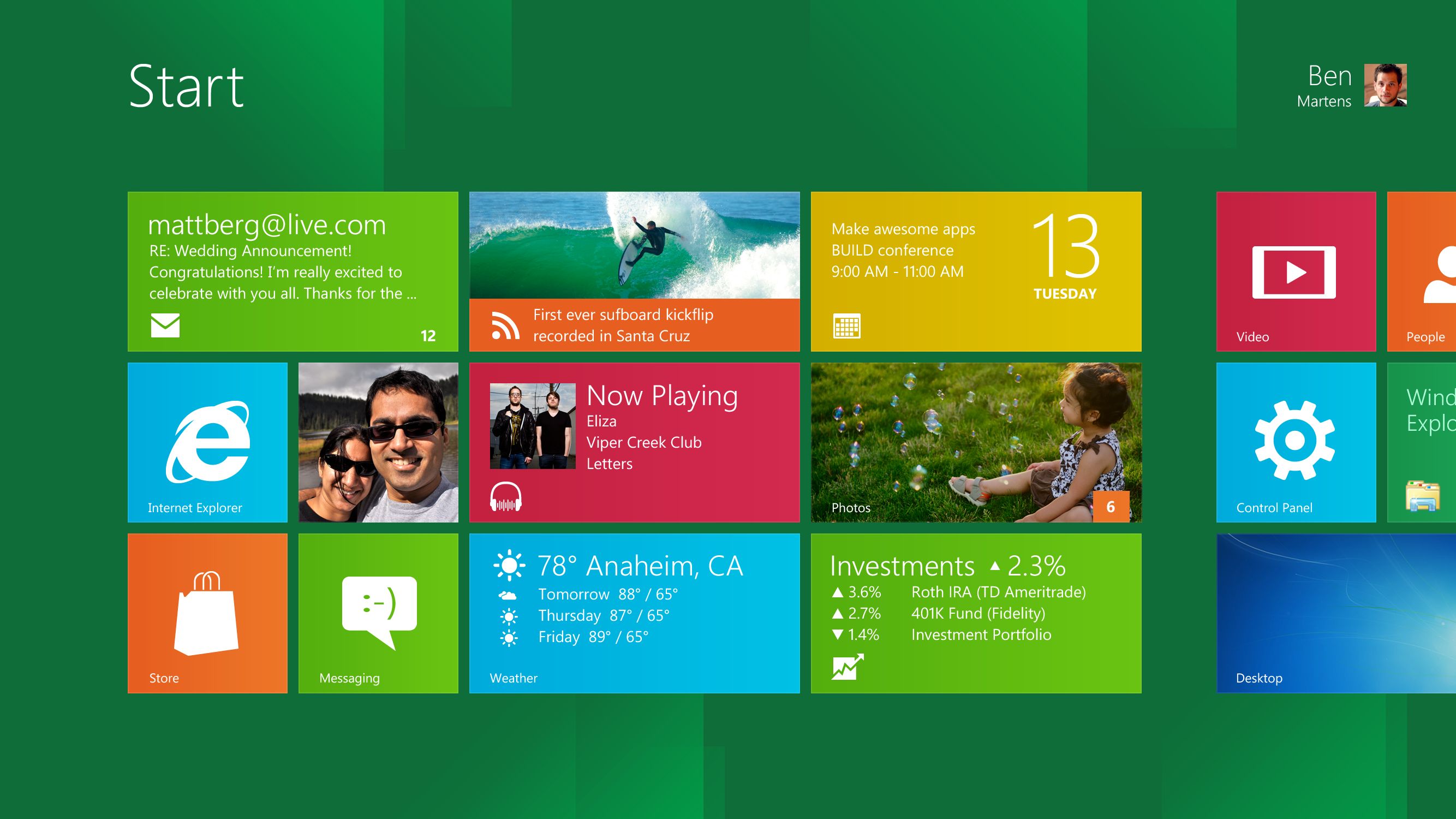
Start Screen
Enlarge picture
Early adopters should get ready for the first taste of Windows 8, and no, it’s not the Beta development milestone.

Instead, as I was expecting, Microsoft is sharing a pre-Beta Milestone 3 (M3) release of the next major version of the Windows client.

What the software giant is offering testers is a Windows Developer Preview. And just as with the new Internet Explorer Platform Preview releases, the first Windows 8 bits are designed for developers looking to already start building projects tailored to the OS.

In fact, the availability of the Windows 8 Developer Preview should be taken as an invitation from Microsoft to all developers. An invitation to explore all the new developer opportunities that Windows 8 catalyzes.

According to Microsoft, Windows 8 Developer Preview Build 8102 M3 downloads are planned to go live later this week via the new Windows Dev Center.

Windows 8 Developer Preview Build 8102 was compiled recently, and still belongs to the Milestone 3 stage of the development process.

According to Steven Sinofsky, President, Windows and Windows Live Division, a lot of work has already gone into building Windows 8, including 2 million installs internally, 9.3 million performance tests, 1 trillion telemetry data points analyzed, and in excess of 380,000 hours of compatibility testing.

Just a reminder, Windows 8 will deliver the same full PC experience whether it’s running on traditional computers or tablets / slates and additional next-generation form factors.

Featuring support for ARM-based chipsets, but also for x86 and x64 CPUs, Windows 8 is optimized for touch devices and that’s why the new Metro UI Start Screen takes center-stage pushing the desktop to the background.

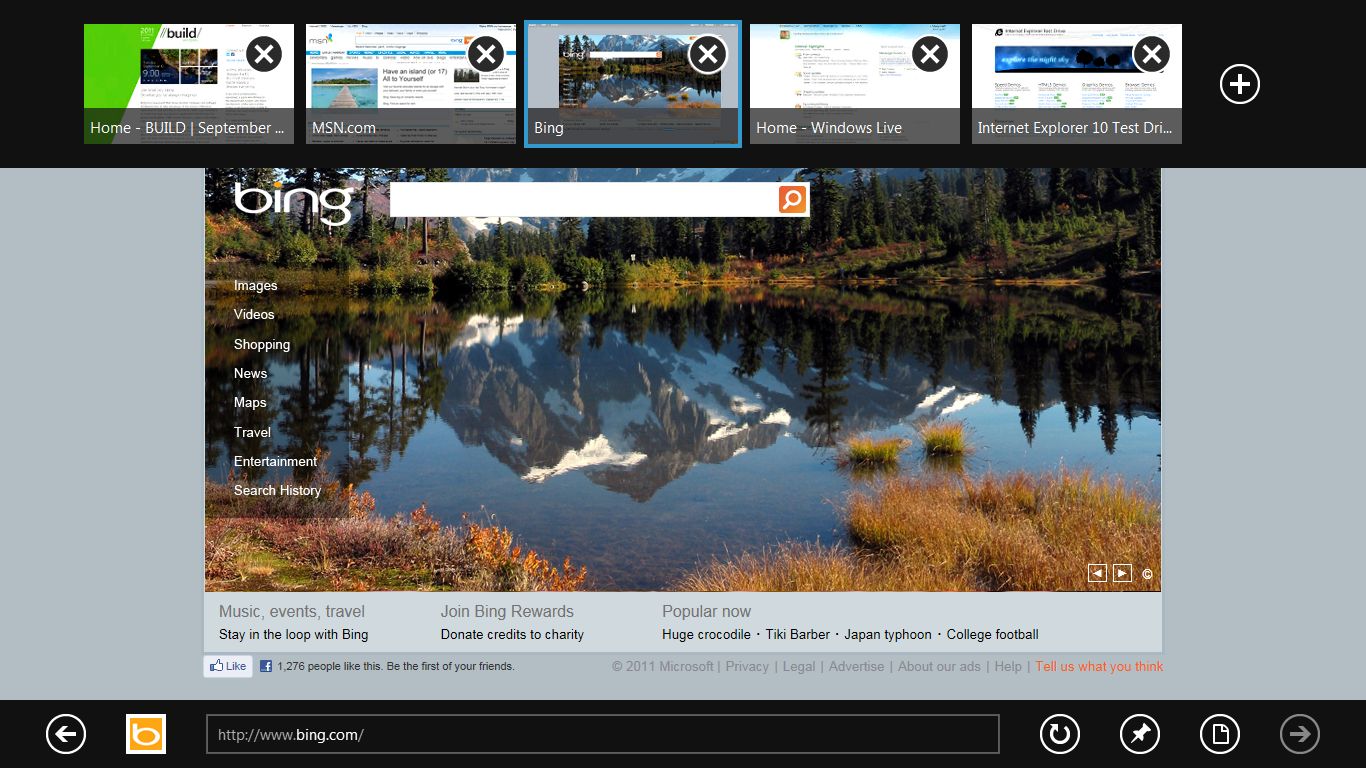
Windows 8 comes with Internet Explorer 10 (IE10), a new Metro platform for immersive applications, enhanced performance, its own Windows Store, and so much more.

Sinofsky made it clear that there are hundreds of new features in Windows 8 that await to be discovered, so early adopters should download Windows 8 Developer Preview Build 8102 M3 as soon as it becomes available and start testing.

UPDATE: "You probably want to try out the preview release—and you can. Starting at 8PM today, Seattle time, you can download all of the code that attendees at BUILD received. This includes 32 or 64 bit x86 builds, with or without development tools. The releases also include a suite of sample/SDK applications and the SDK (please note these are merely illustrations of potential apps, not apps that we intend to ship with Windows 8). The ISOs are linked to from http://dev.windows.com. You download with a Windows Live ID (which you might want to use to test out some of the new roaming features)," Sinofsky said.
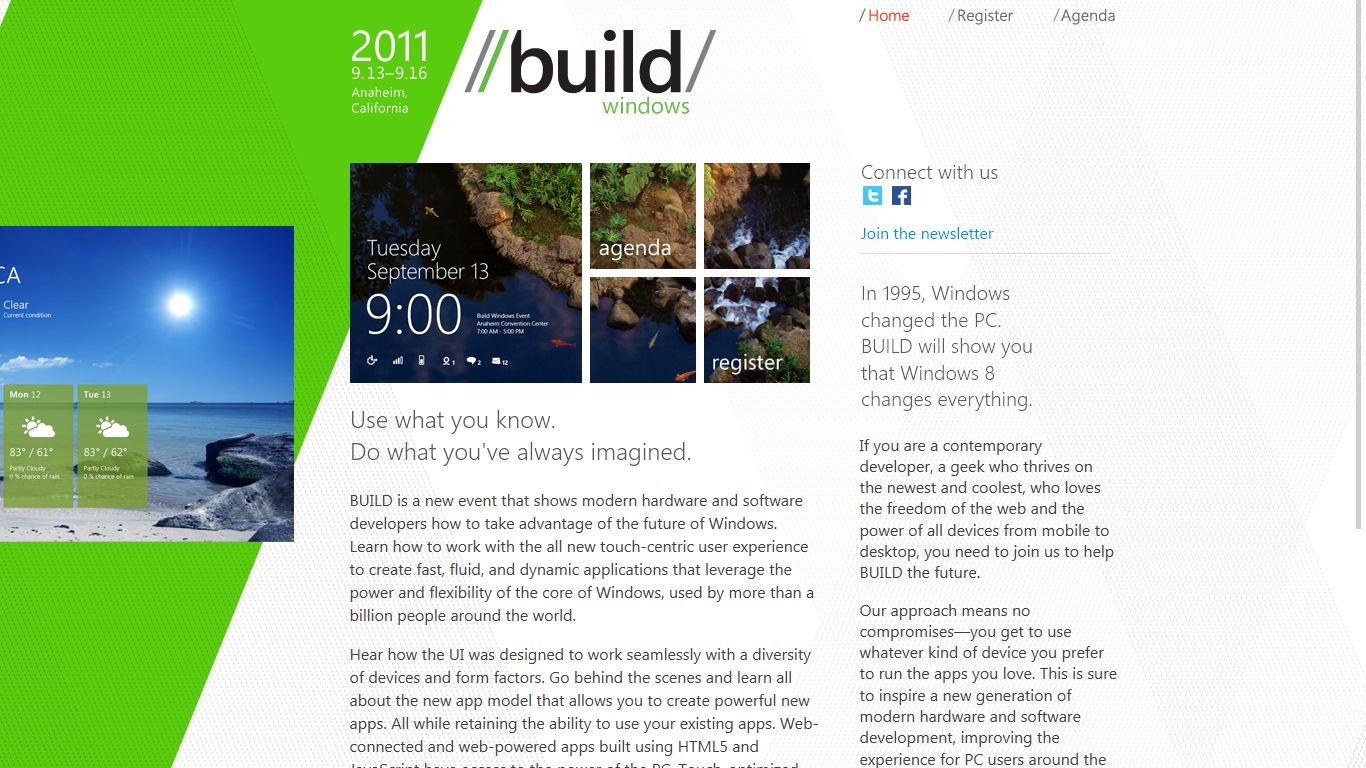
Windows 8 Developer Preview Build 8102 Milestone 3 (M3) is available for download here.

App switching
Enlarge picture
IE10
Enlarge picture
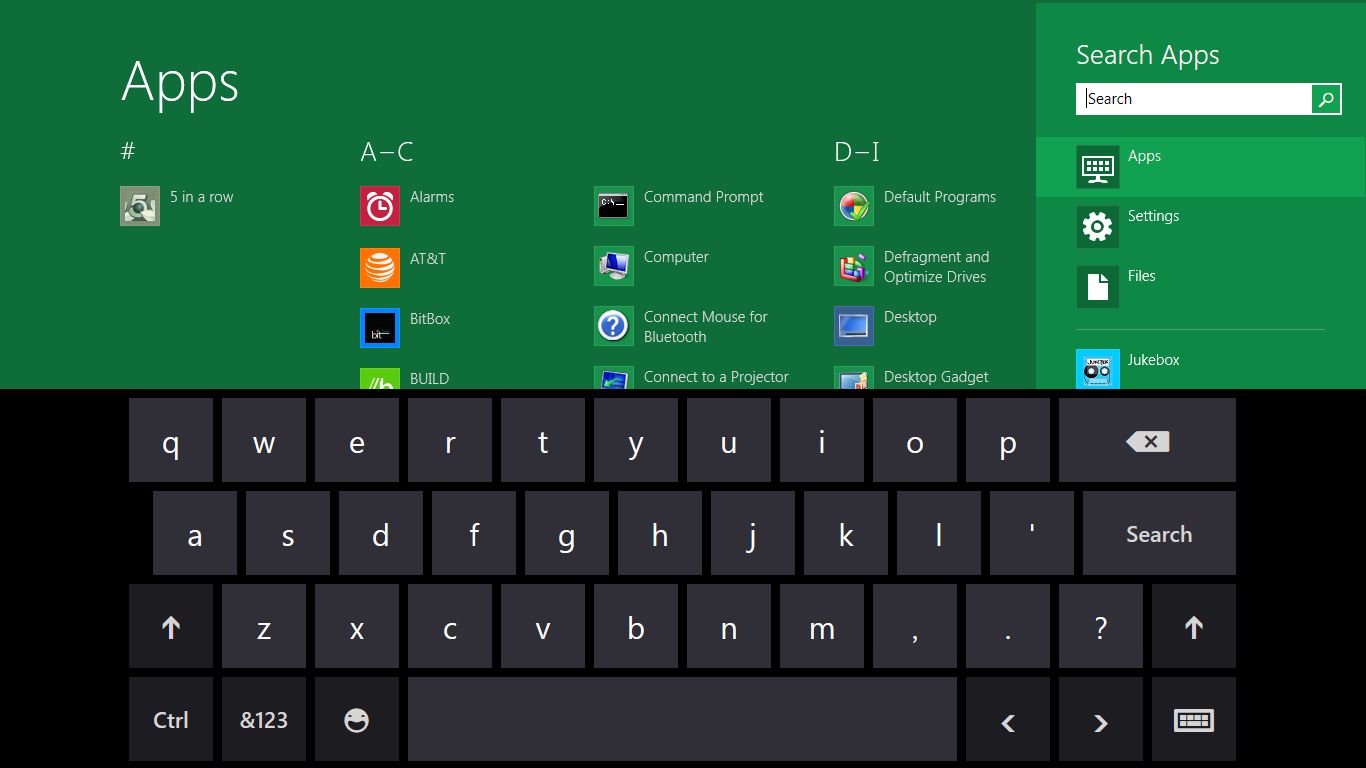
Keyboard
Enlarge picture
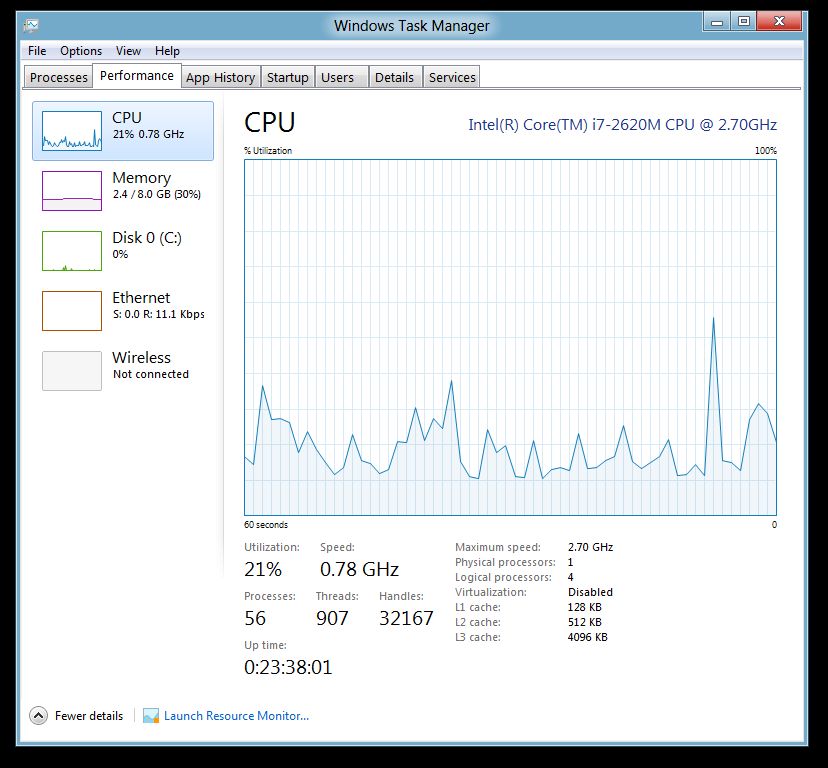
Task Manager
Enlarge picture

Lock screen
Enlarge picture
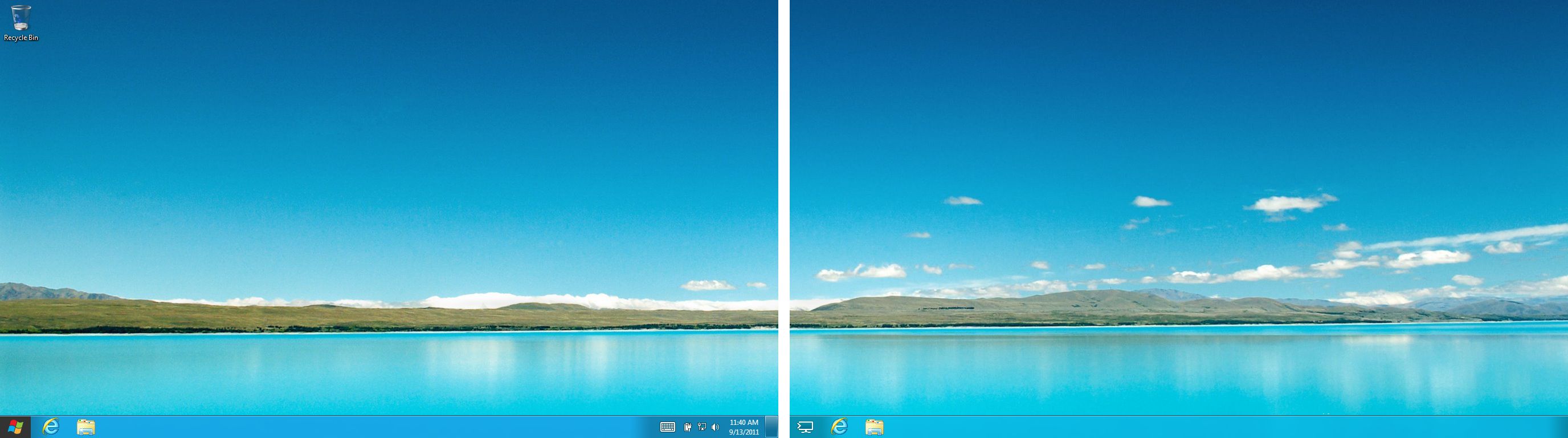
Multi-monitor
Enlarge picture
Photo Picker
Enlarge picture
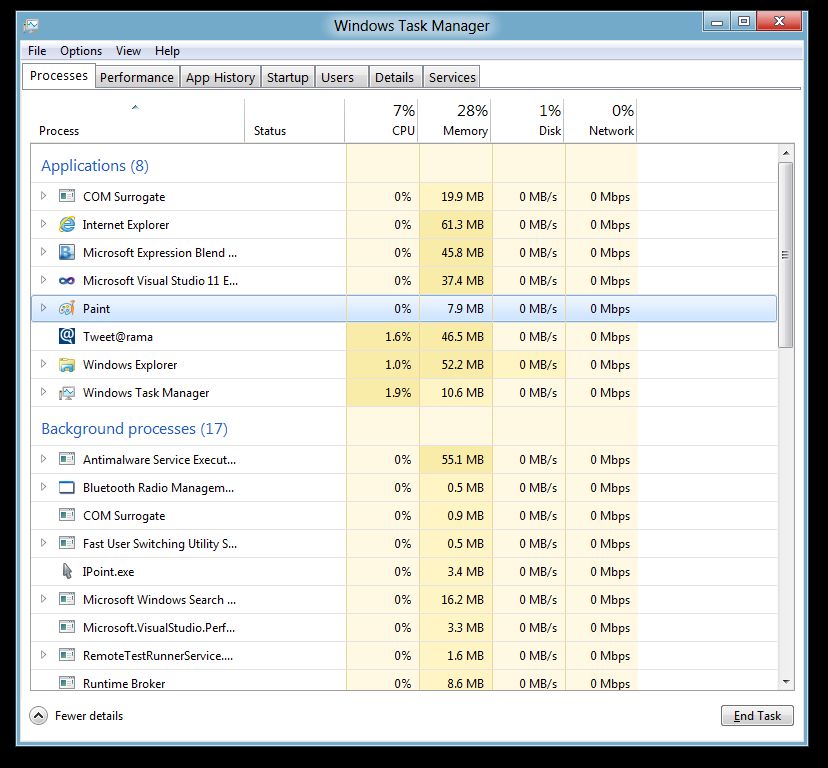
Task Manager
Enlarge picture


41,486 hits · 21 comments
Link to this article · Print article · Send to friend

MUST-READ RELATED ARTICLES:

READER COMMENTS:


Comment #1 by: Kriss on 13 Sep 2011, 17:48 UTC reply to this comment

I see no links there to DL ;< IS it limited to devs ?


Comment #2 by: max on 13 Sep 2011, 19:25 UTC reply to this comment

i cant see the links too-.-

Comment #2.1 by: PGHammer on 13 Sep 2011, 21:06 GMT

http://dev.windows.com (Windows Development Center - not live yet)


Comment #3 by: Anonymous on 13 Sep 2011, 20:00 UTC reply to this comment

Maybe because you both are too stupid to notice we aren't yet at the time of launch?


Comment #4 by: Will on 13 Sep 2011, 20:14 UTC reply to this comment

It's not available yet- http://msdn.microsoft.com/en-us/windows/home/


Comment #5 by: vrosa on 13 Sep 2011, 20:24 UTC reply to this comment

"I see no links there to DL ;< IS it limited to devs ? "

Wait until tonight


Comment #6 by: PGHammer on 13 Sep 2011, 21:07 UTC reply to this comment

http://dev.windows.com (Windows Dev Center - not currently live)


Comment #7 by: Ramon on 14 Sep 2011, 01:57 UTC reply to this comment

this link is wrong http://dev.windows.com.


Comment #8 by: happy camper on 14 Sep 2011, 02:06 UTC reply to this comment

the links are live now! wow that was fast Softpedia! congrats :)


Comment #9 by: TWeiss on 14 Sep 2011, 02:31 UTC reply to this comment

I have absolutely *no* desire to give up my keyboard - NONE. This touchscreen stuff is for the birds. Writing serious articles on a touchscreen keyboard is the pits.

Think I'll stay with Windows 7.

Comment #9.1 by: jlogicalor on 14 Sep 2011, 12:05 GMT

it works with a keyboad and mouse too.

Comment #9.2 by: TWeiss on 14 Sep 2011, 17:14 GMT

Arg matey - if it works with a keyboard and mouse me needs to be a'savin', arrrr....

Just as I was gettin' used to Windows seven; where's the rum?


Comment #10 by: K4delay on 14 Sep 2011, 06:45 UTC reply to this comment

can't wait im downloading now wana test the preveiew


Comment #11 by: Me on 14 Sep 2011, 16:46 UTC reply to this comment

writing this post from windows 8 preview :)


Comment #12 by: hamdy on 21 Sep 2011, 22:10 UTC reply to this comment

It is designed for touch PC. Any one tell me how close any start apps after open it (( like Stocks or News)). and where is shutdown button


Comment #13 by: mansour on 02 Nov 2011, 09:45 UTC reply to this comment

i think its too good


Comment #14 by: Bob on 07 Feb 2012, 02:01 UTC reply to this comment

I think Windows 8 sucks.

Comment #14.1 by: bolo on 21 Feb 2012, 19:48 GMT

indeed sucks


Comment #15 by: happyman on 12 May 2012, 20:53 UTC reply to this comment

how can I get rid of the message on my wall???? and it is not activated yet!!!!!!


Comment #16 by: Leangkruy on 06 Jun 2012, 11:33 UTC reply to this comment

Hello, how could I download window 8 build 8102?

Comment #16.1 by: leangkruy on 07 Jun 2012, 03:17 GMT

Hello, my window set up is not activate yet how could I download activator build 8102?

Copyright © 2001-2013 Softpedia. Contact/Tip us at

WindowsGamesDriversMacLinuxScriptsMobileHandheldNews

SUBMIT PROGRAM   |   ADVERTISE   |   GET HELP   |   SEND US FEEDBACK   |   RSS FEEDS   |   UPDATE YOUR SOFTWARE   |   ROMANIAN FORUM