 14 DAY TRIAL //
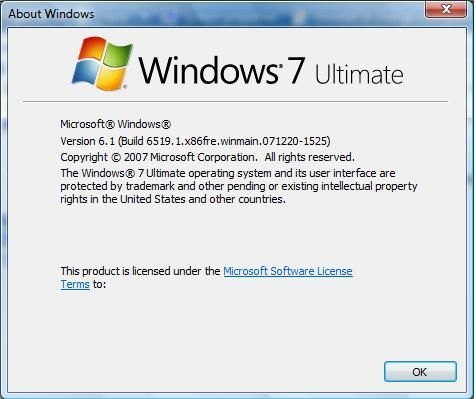
 Windows 7, the successor of Windows Vista, is set to bring to the table an overhauled graphical user interface. As far as Windows 7 Milestone 1 (M1) Ultimate Edition Build 6.1.6519.1 is concerned, Windows Aero has survived without any major redesign, for the time being. There is, however, a certain amount of specific nip and tuck touch-ups across the Windows Aero in Windows 7, for build 6.1.6519.1, but nothing definitive, and certainly nothing that provides a clue as to the final visual style of the next Windows iterations. But as an integer part of the Aero UI, the Start Menu is bound to take a heavy hit in terms of revamping in the user interface redesign that will be synonymous with the evolution from Windows Vista to Windows 7.
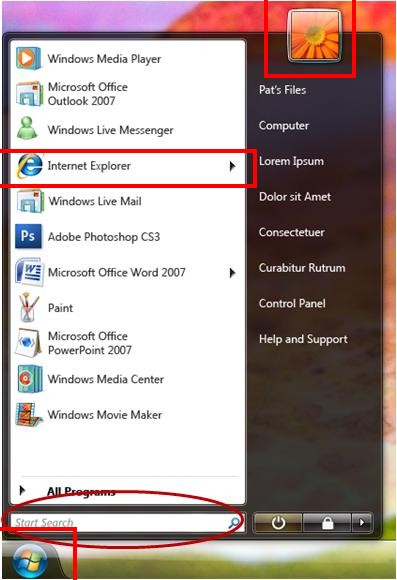
As was the case with Windows 7 M1 Build 6.1.6519.1, which generated a consistent volume of leaked details, screenshots and videos, Microsoft left yet another piece of the operating system slip through its fingers. While conducting a private feedback survey on the Windows 7 Start Menu concept, Microsoft managed to reveal a mockup design to the public. The image included on the left, courtesy of Long Zheng, was accompanying the Windows 7 Start Menu concept survey, and has been removed from the servers hosting the marketing research.
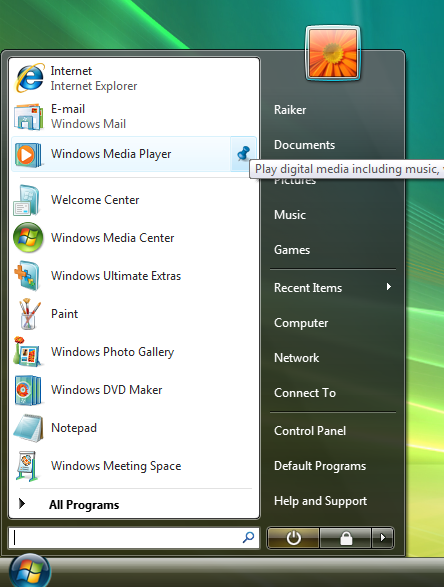
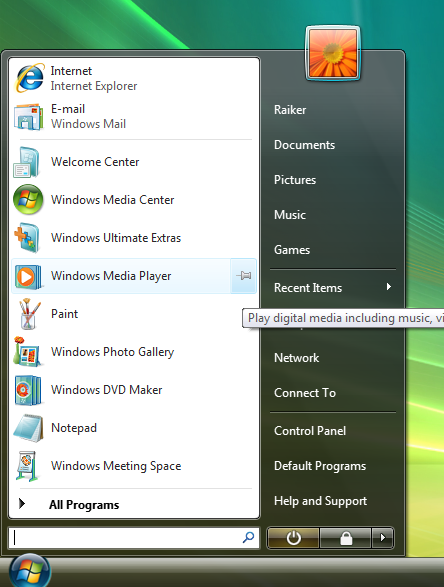
I have highlighted some areas that may present an interest to you. At the same time, I have included screenshots of the current Start Menu at the bottom of this article, as it is in Windows 7 M1. The mockup indicates some interesting design directions for Microsoft. First off, even in Milestone 1, the user account picture was transitioned at the top of the Start Menu, but also over its surface, overlapping the desktop.
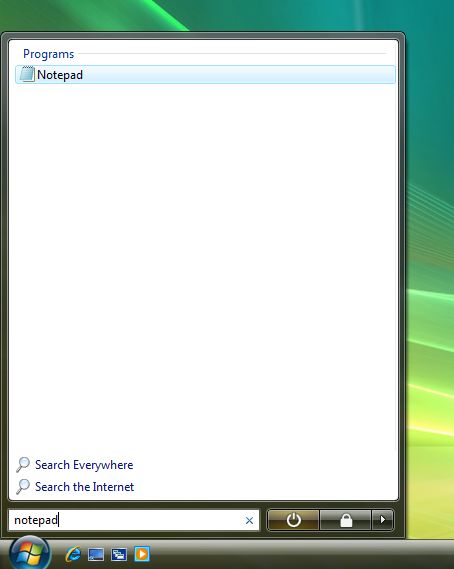
As you will also be able to see, now the Start Menu button, or orb, sphere, however you want to call it, is separated, having a well-delimited area, with different transparency settings than the rest of the taskbar. Also, some applications such as Internet Explorer and what seems to be Office 2007 Word feature cascade buttons on their right permitting perhaps additional menus, and shortcuts to the last visited website, or last opened document. One thing that Microsoft has implemented even as early as Windows 7 M1 is the expansion of the area for the results returned to queries entered in the Search box to the entire Start Menu, scrapping the pane on the left.