 14 DAY TRIAL //
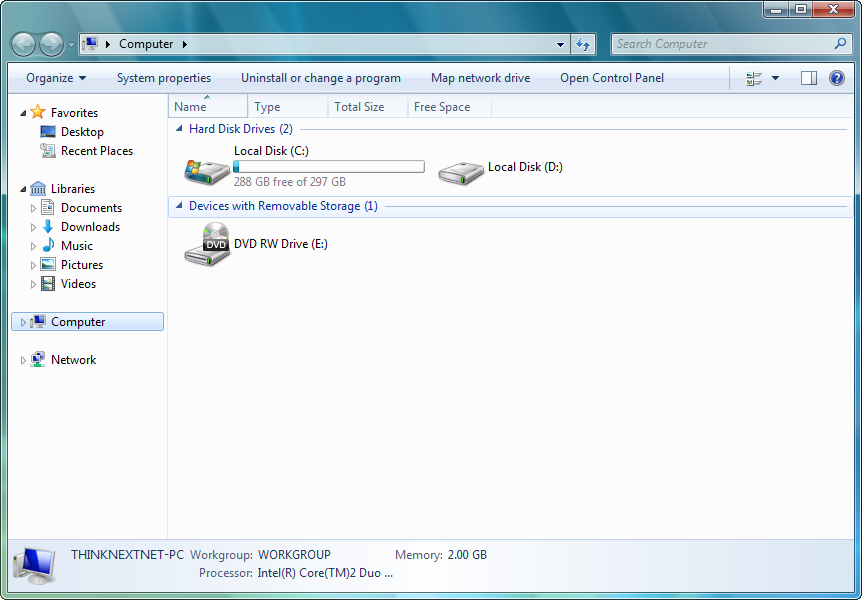
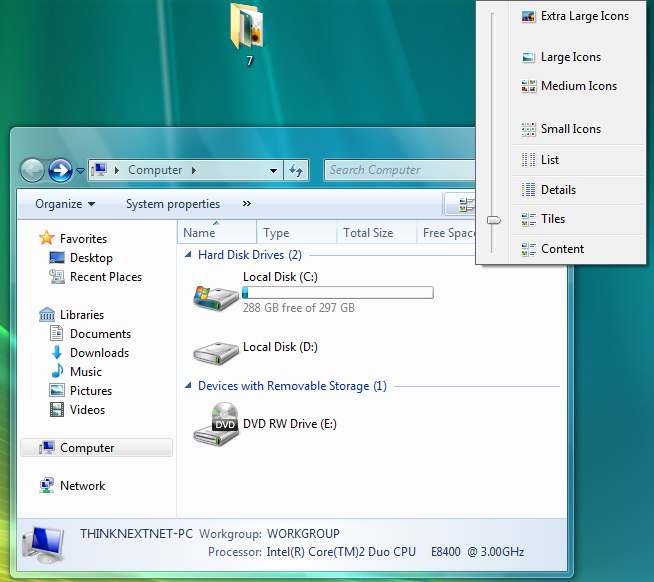
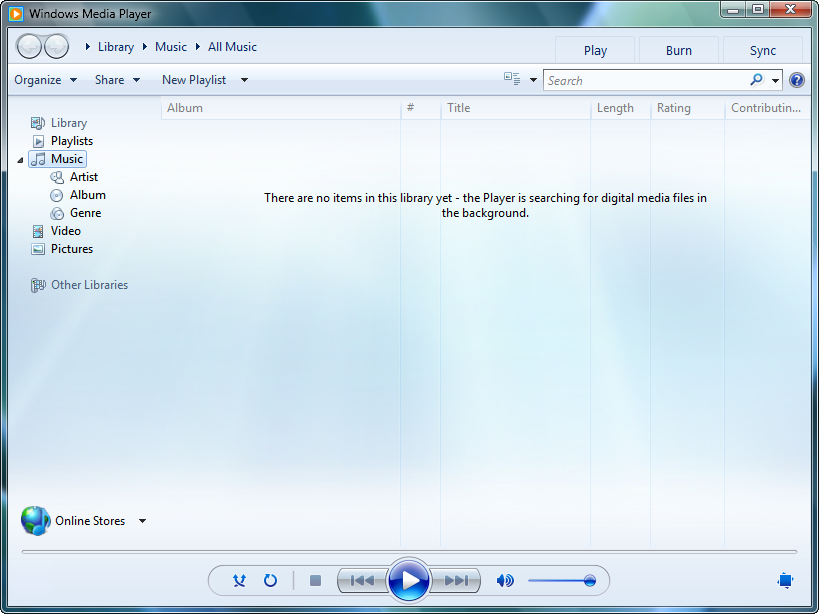
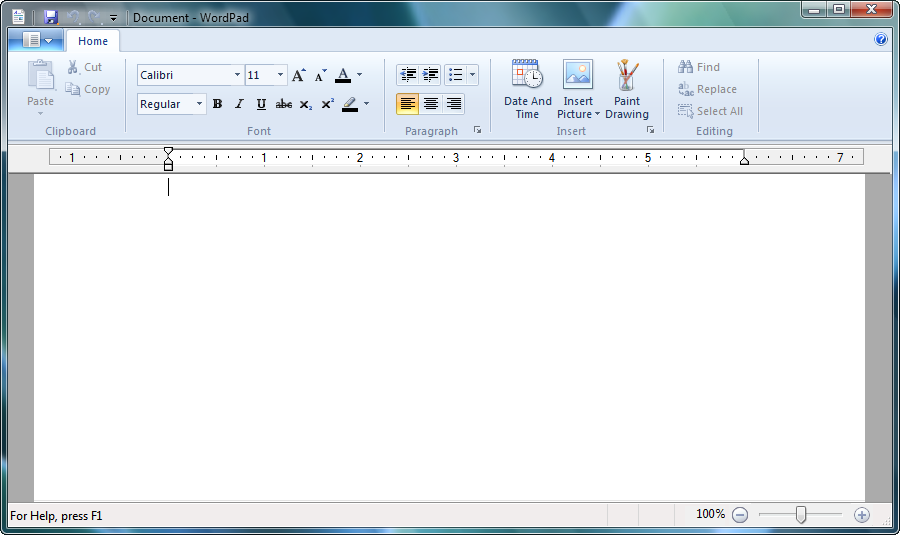
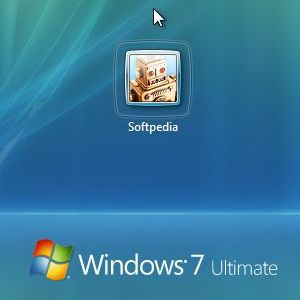
 With Windows 7 Milestone 3 out of Redmond, it was only a matter of time before the latest release of the next iteration of the Windows client would share the same fate as Milestone 1, dropped in December 2007. The first leaked screenshots and videos of Windows 7 M3 Build 6780 are available for the general public, introducing yet again cracks in the Translucency communication strategy set in place by Steven Sinofsky, Senior Vice President, Windows and Windows Live Engineering Group. While you’re waiting for the first actual taste of Windows 7, in either a preview build or the first Beta, feast your eyes on the evolution from Milestone 1, as the Build 6780 Milestone 3 leaked screenshots and videos are included at the bottom of this article.
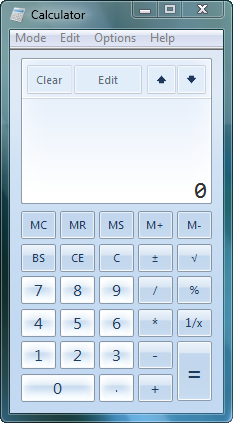
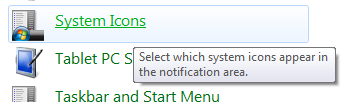
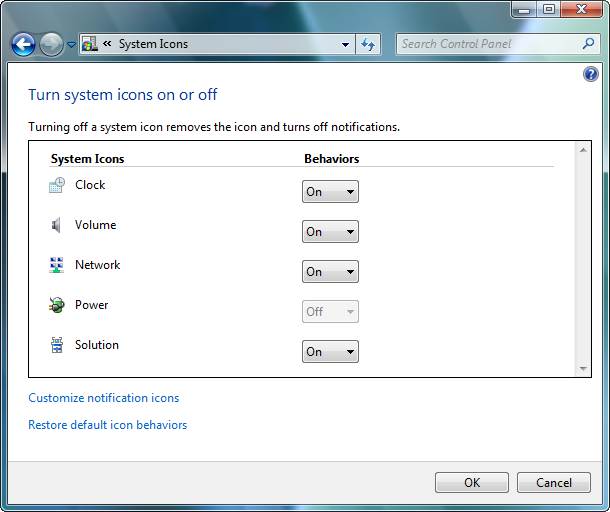
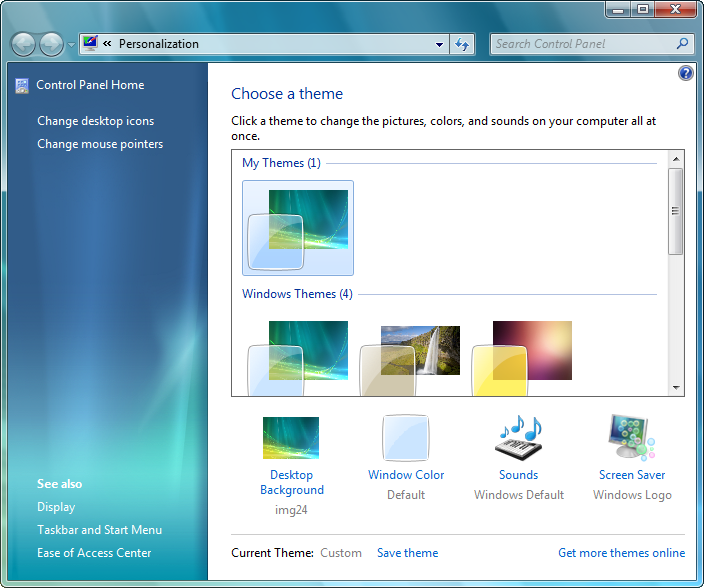
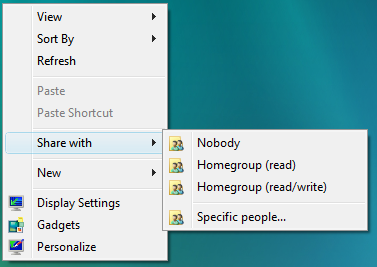
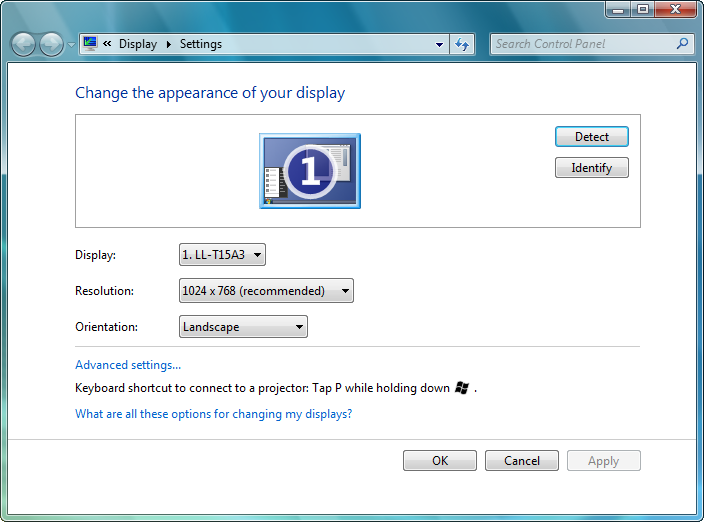
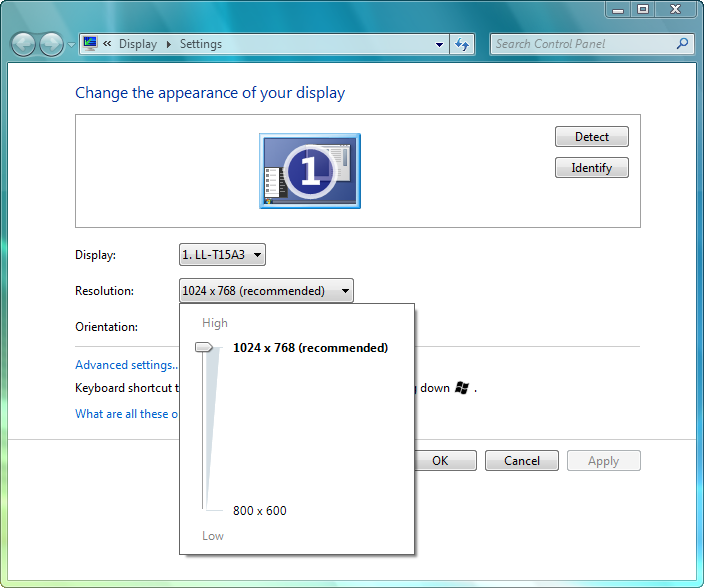
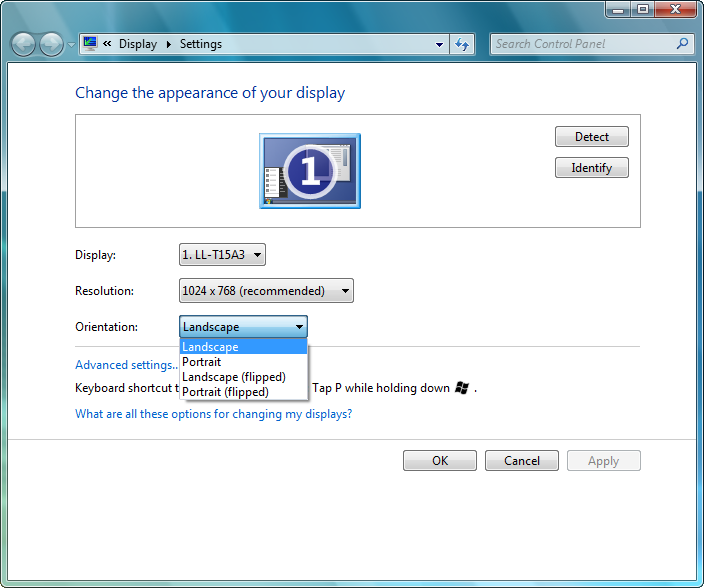
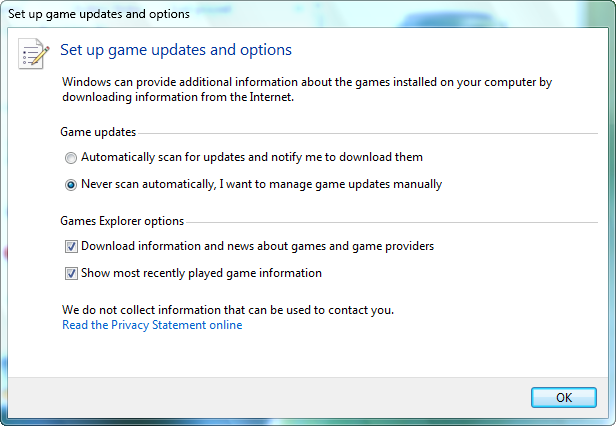
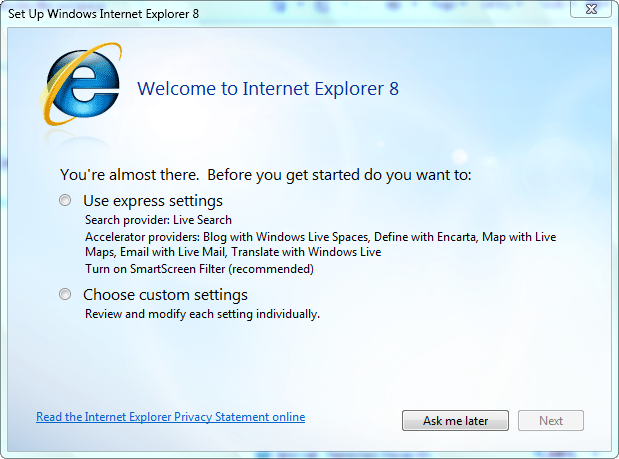
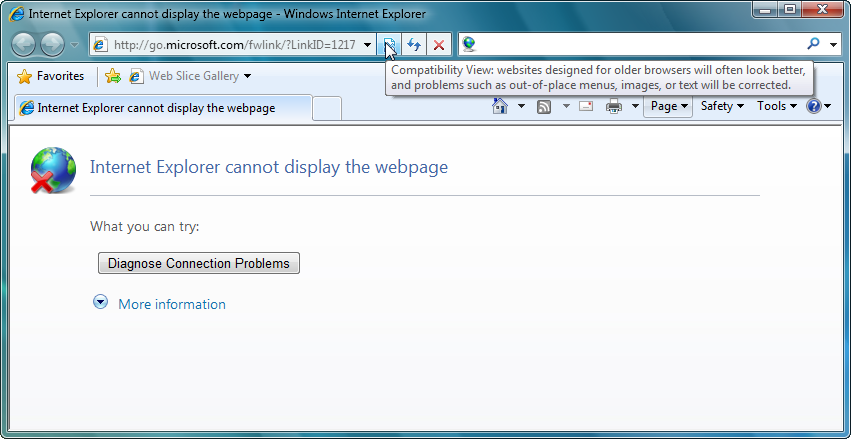
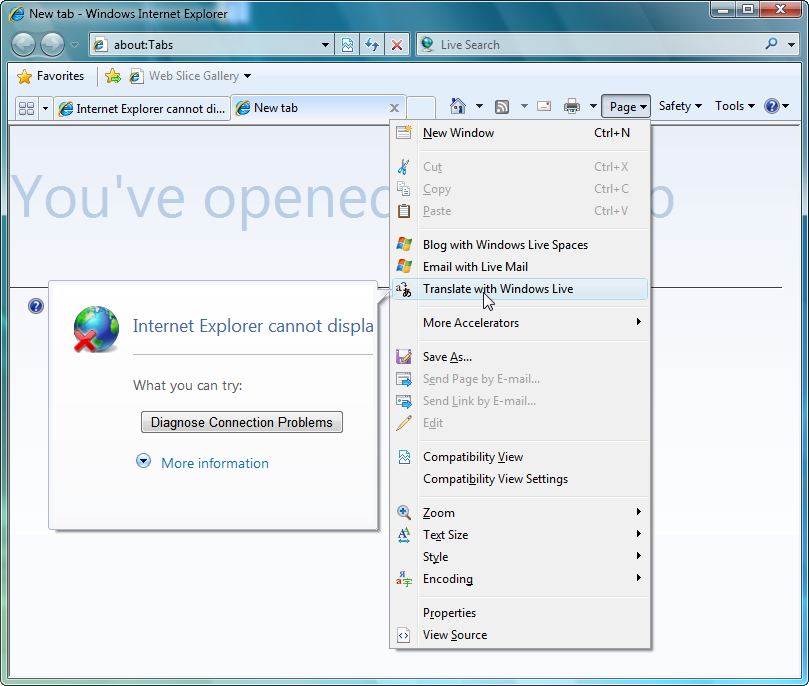
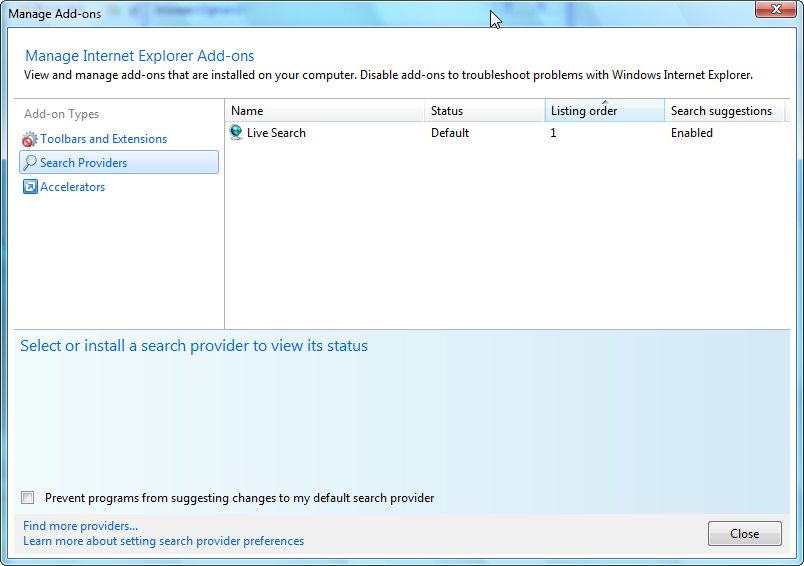
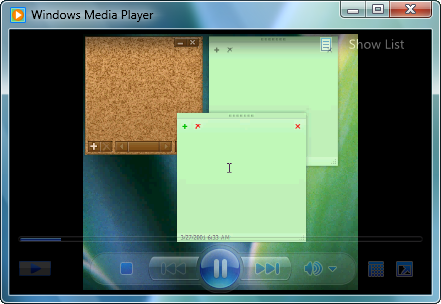
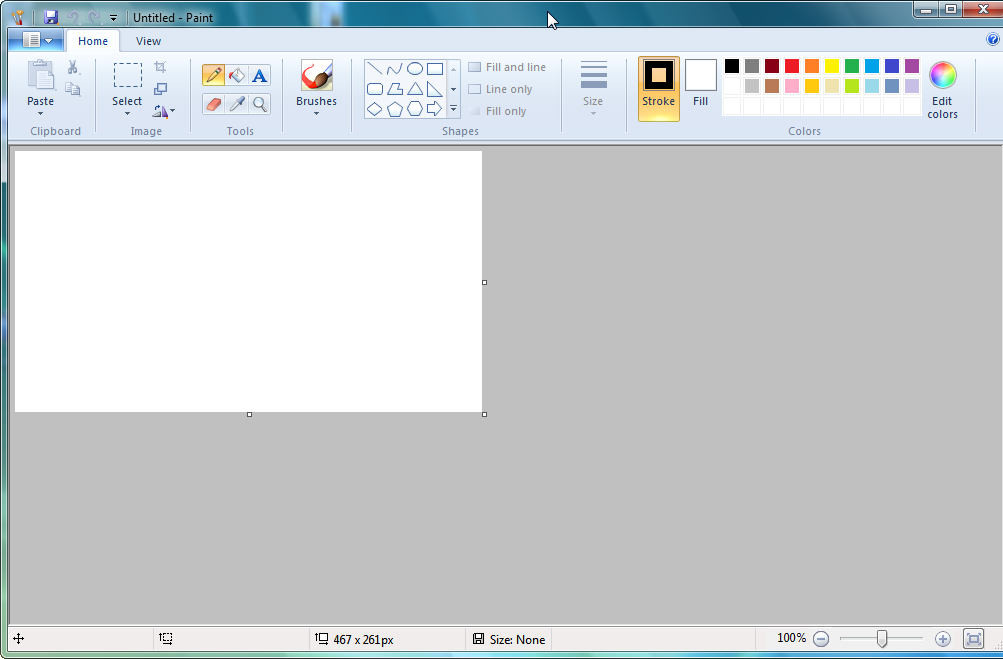
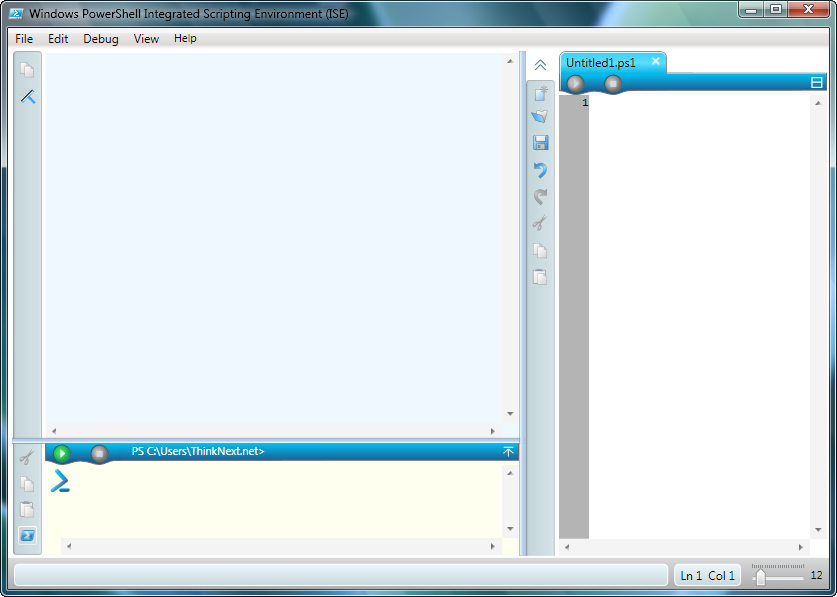
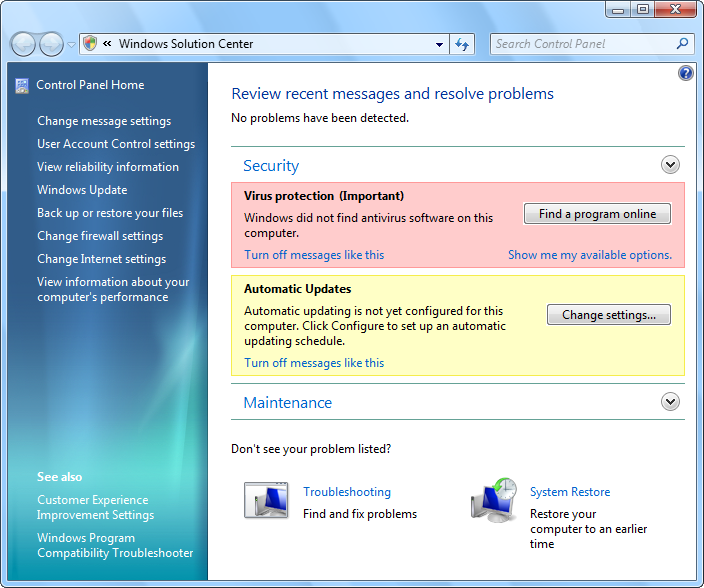
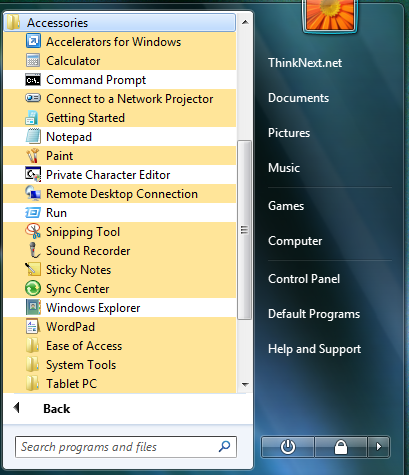
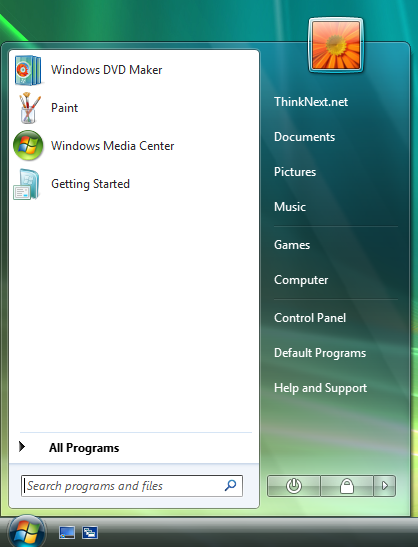
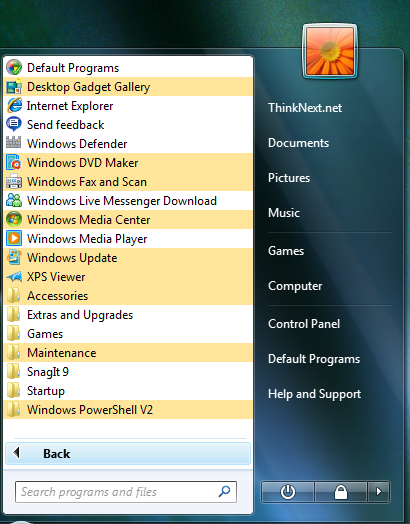
The Windows 7 M3 Build 6780 details are available courtesy of ThinkNext, who also leaked information related to Windows 7 Milestone 1 Build 6.1.6519.1. As you can see from the content included at the bottom of this article, Microsoft has introduced a range of modifications across various areas of the operating system. There are subtle changes to the graphical user interface, the Start Menu, Calculator, Paint, WordPad, the Windows Explorer toolbar, the Desktop right-click contextual menu, the personalization options, etc.
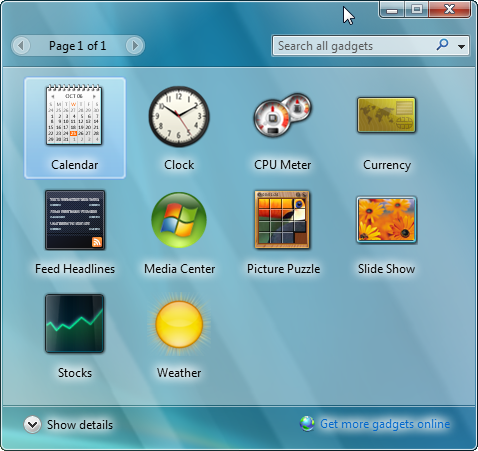
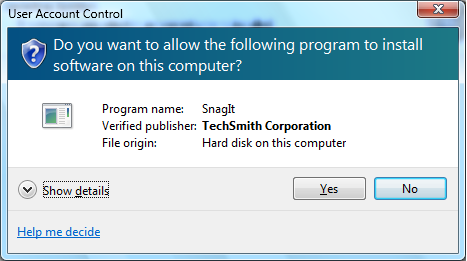
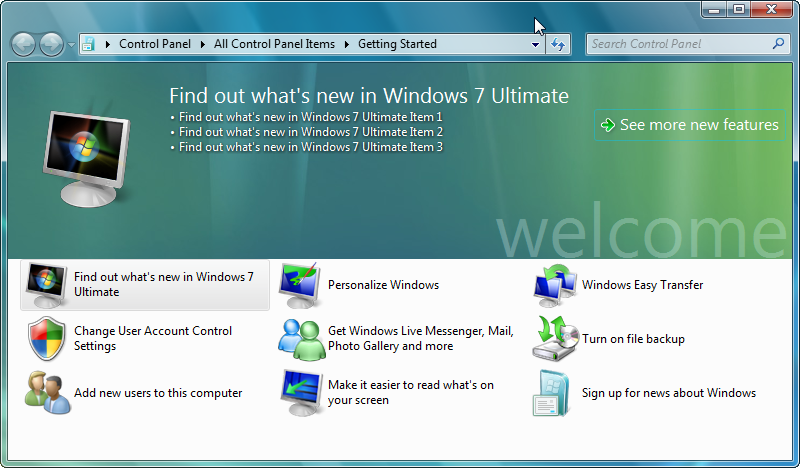
Still, the adjacent screenshots and the videos embedded along with this article reveal that Windows 7 M3 Build 6780 continues to share similitude with Windows Vista. Granted, the graphical user interface will be among the last aspects of the platform which will be revamped, but with M3, Vista continues to grab the focus in the detriment of Windows 7. And of course that it's not only the visual style that defines an operating system, but the actual experience. And the “feel” of Build 6780 M3 is that it still has to evolve past Windows Vista and reach Windows 7.