14 DAY TRIAL //
 Windows 7 Build 7077 is the latest development milestone of the next iteration of the Windows client leaked in the wild. Various illegal third-party sources, including torrent trackers, are offering both the 32-bit and 64-bit versions of the operating system for download. Initially, the x86 flavor was the only one that made it out of Redmond, but x64 soon followed, with the bits up for grabs for any user with a BitTorrent client.
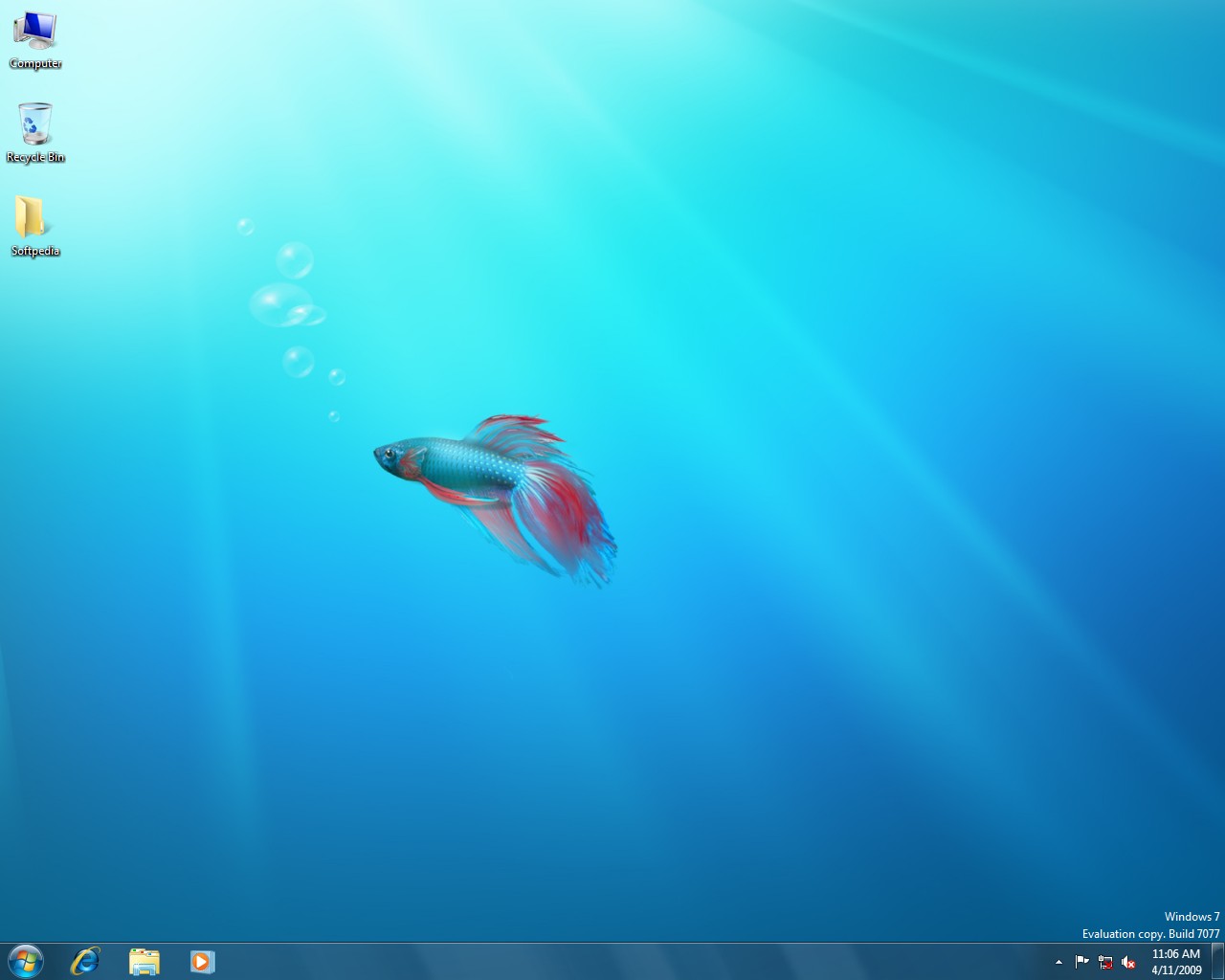
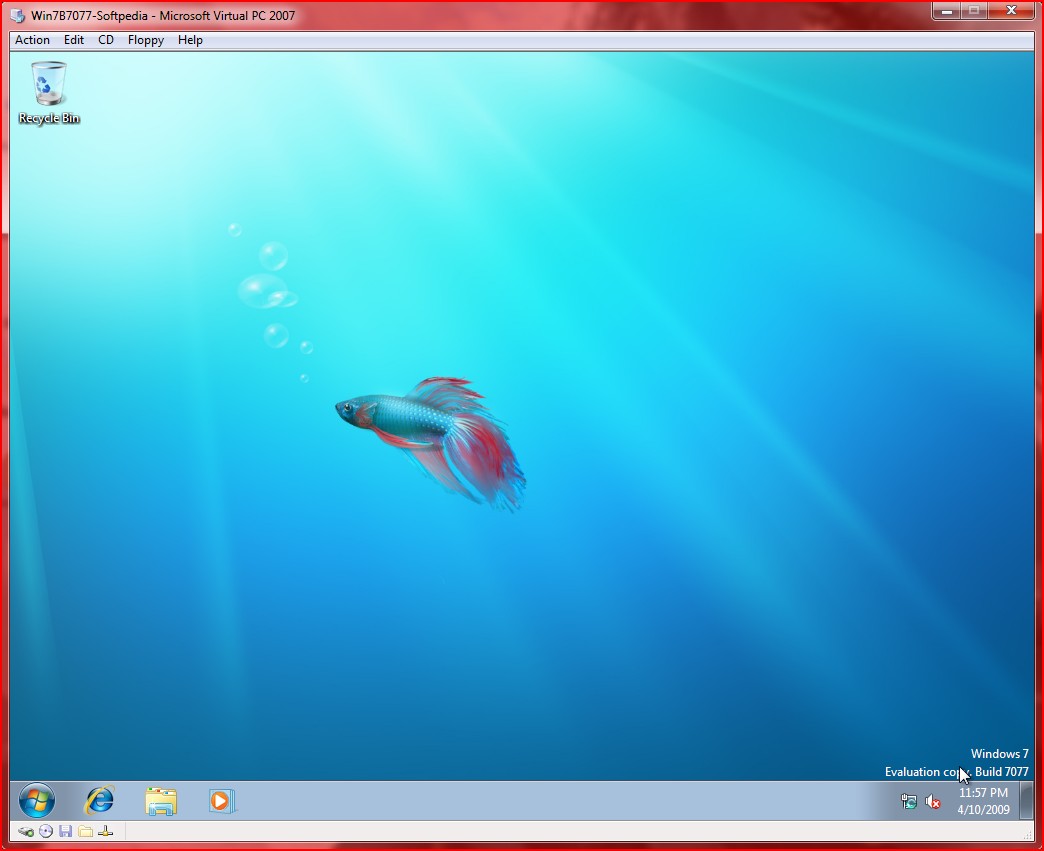
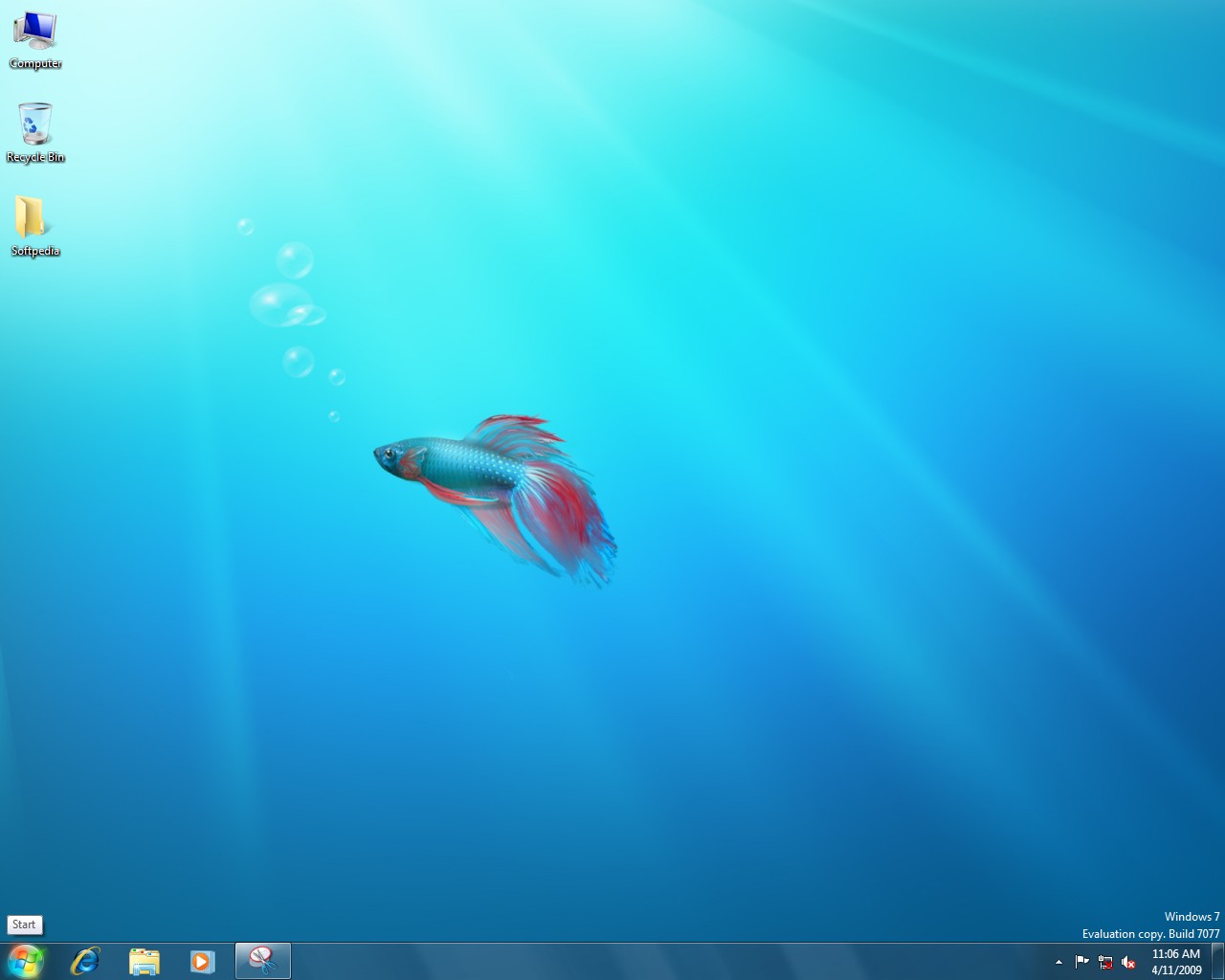
And yes, in case you were wondering if the Betta fish wallpaper is still the first visual contact users will have with Windows 7 Build 7077 following installation, although it will be quite a stretch for Microsoft to come up with a new visual concept to illustrate the Release Candidate stage. Release Candidate, just as the Beta, the first and only of its kind for Windows 7, is the next major development milestone. Leaked builds such as 7022, 7048, 7057, 7068 and, now, 7077 have offered end-users a test of the evolution of Windows 7 from Beta to RC.
In this context, the most notable changes occurred between builds 7022 and 7048. With Build 7077, Microsoft has reportedly reached the RC-Escrow stage. This means that the code for the platform is essentially frozen. The RC-Escrow is provided to testers in order to confirm that the reported bugs have been fixed, and to comb the OS for any regression issues that might have been introduced within the evolution from Beta Build 7000.
And, in this regard, while users of Windows 7 Build 7000 that will play around with Build 7077 are bound to notice a consistent array of changes, those that have test-driven Build 7068, for example, will see almost nothing new. The limited volume of modifications is a clear indication that the Redmond company is now focusing on the under-the-hood evolution of Windows 7, with the fully fledged RC build just around the corner. The software giant is reportedly working to offer Windows 7 Build 7077 to the participants of its Technology Adoption Program, a move that indirectly points out that the development milestone could, in fact, be RC-Escrow, although there is no official confirmation from Microsoft on this matter.
“This has been a remarkably valuable and beneficial testing cycle for Windows as we have had a tremendous amount of very rigorous testing and usage. We’ve had millions of people install and use the Beta since January and as we’ve talked about, the feedback and telemetry have been of tremendous value as we finalize the product. The effort of Beta testers has contributed immensely to our ability to deliver a high-quality product to hundreds of millions of customers. We continue to follow the plan we have previously outlined,” a member of the Windows team revealed earlier this week.
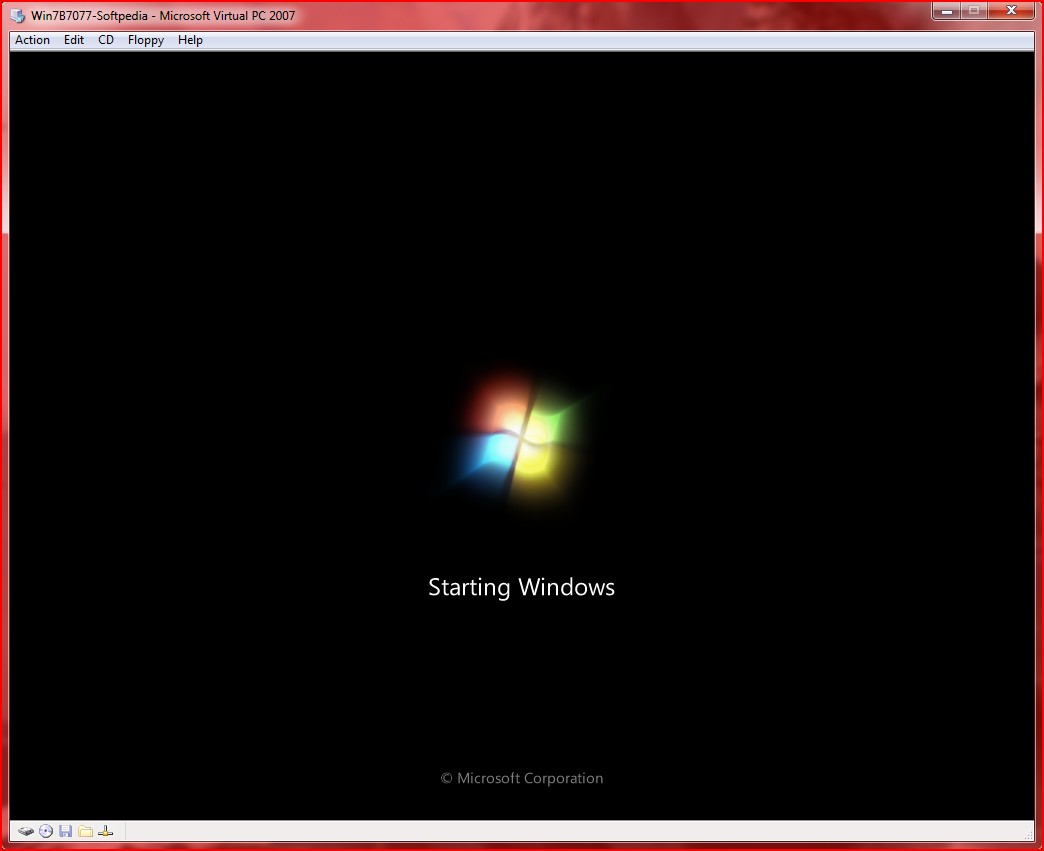
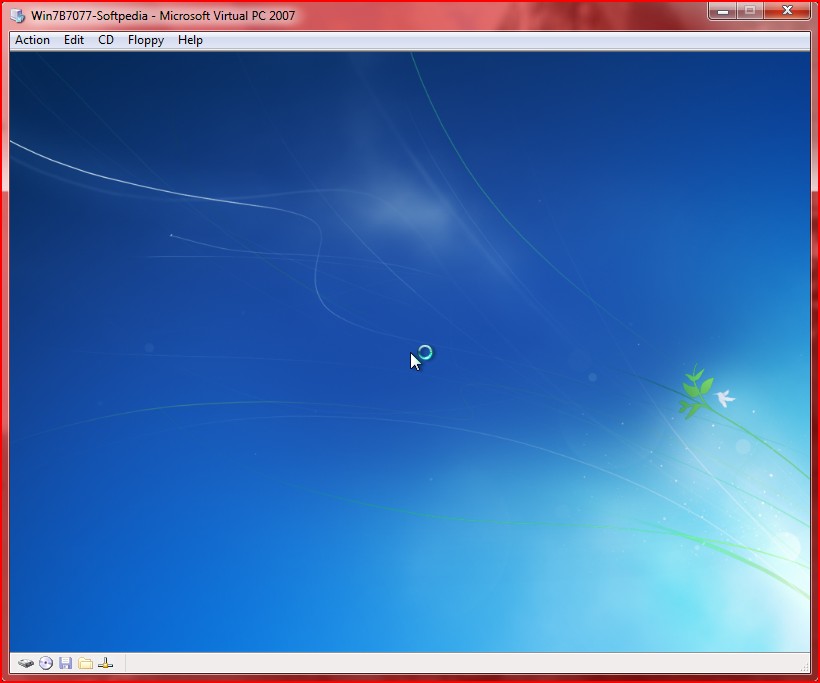
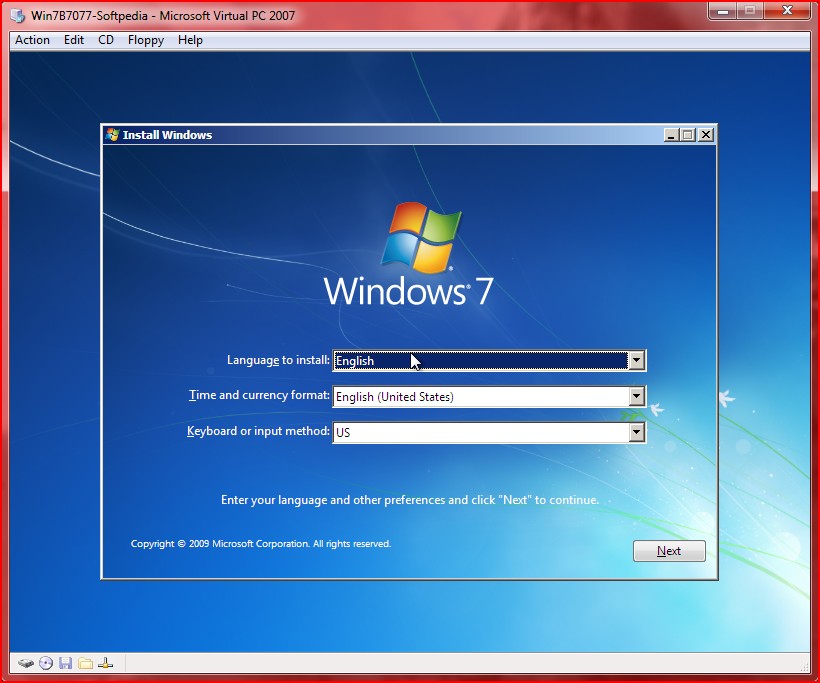
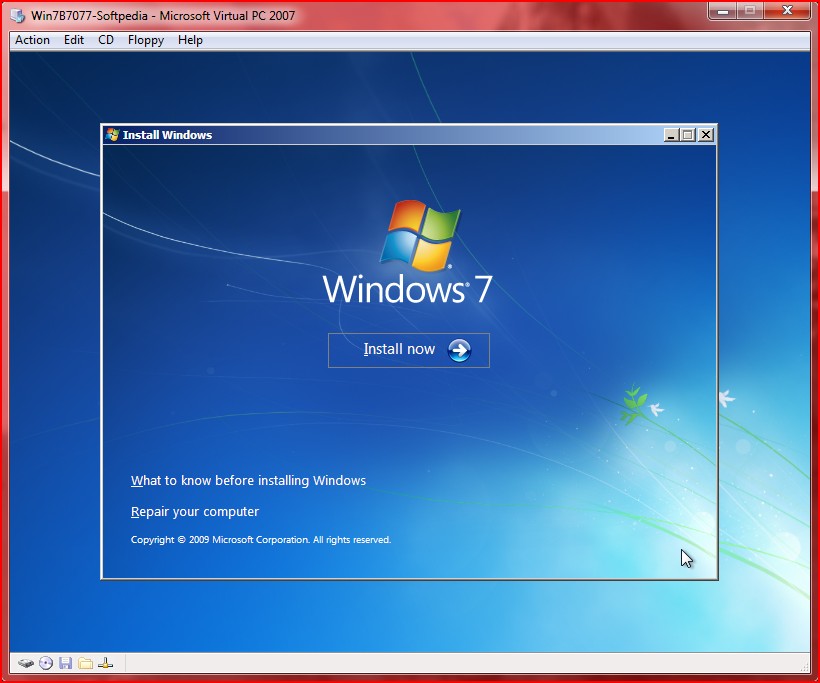
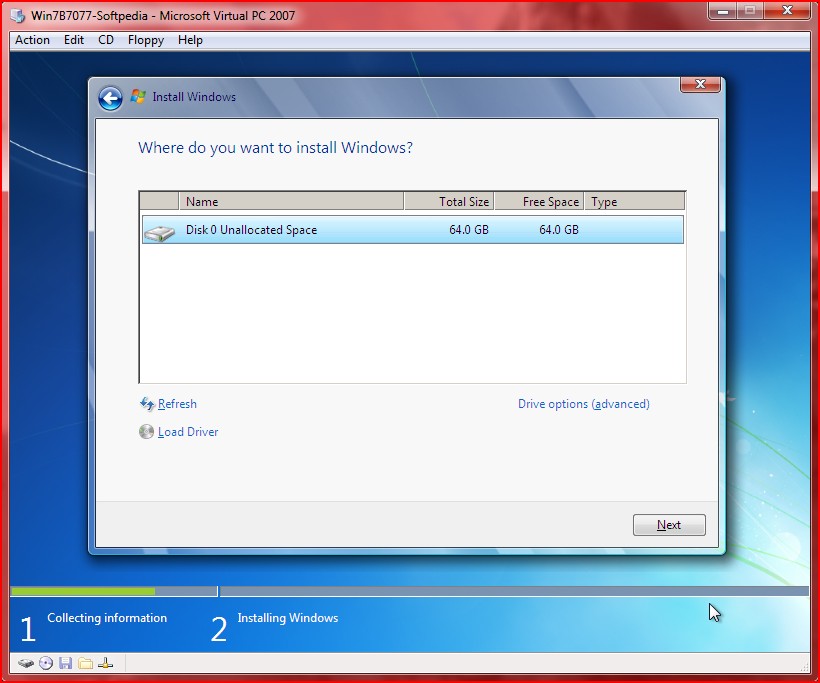
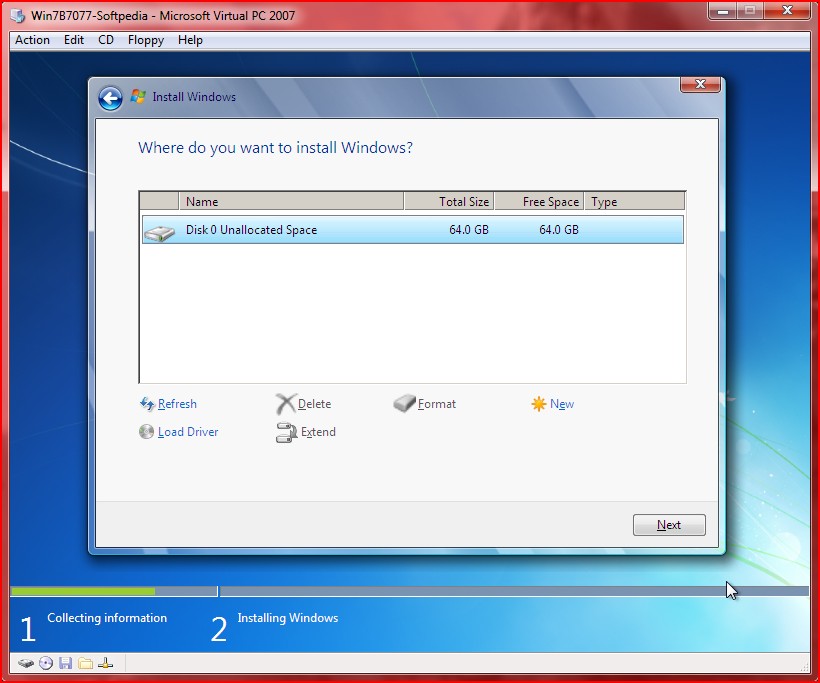
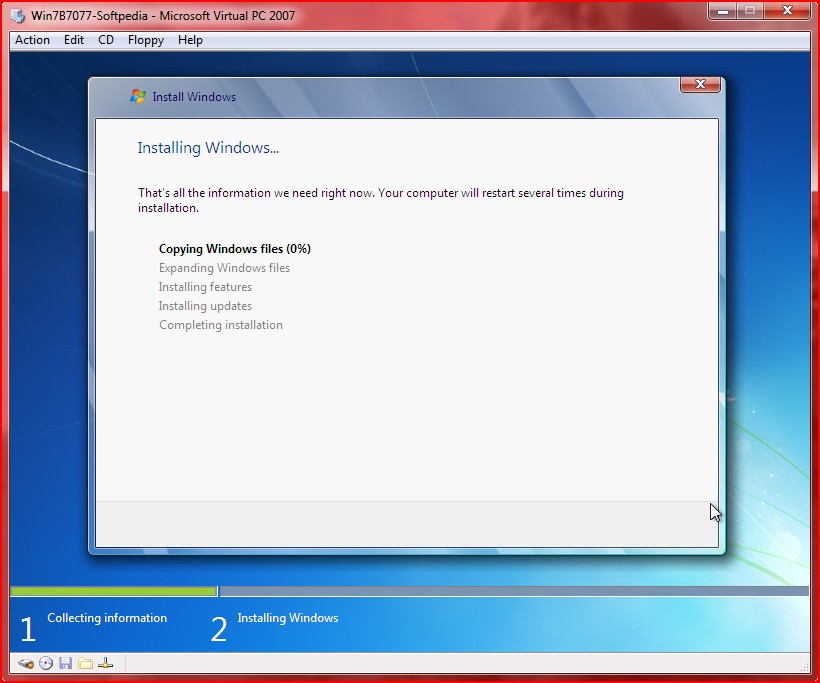
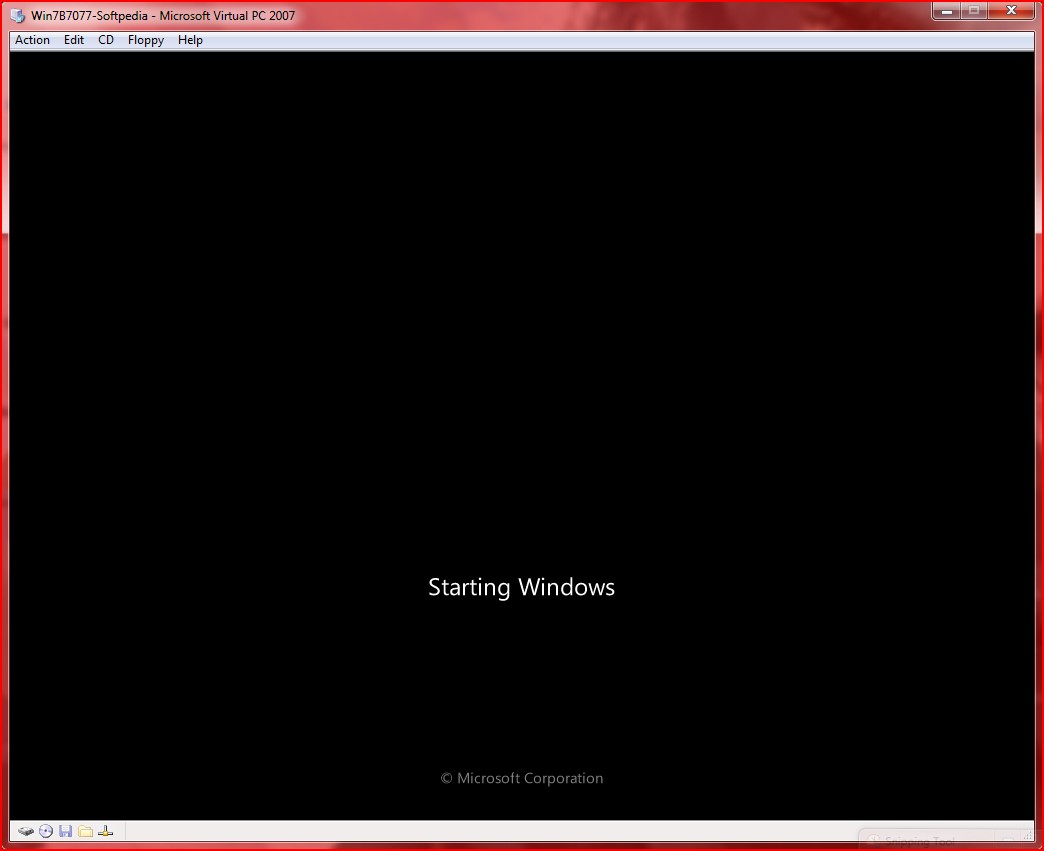
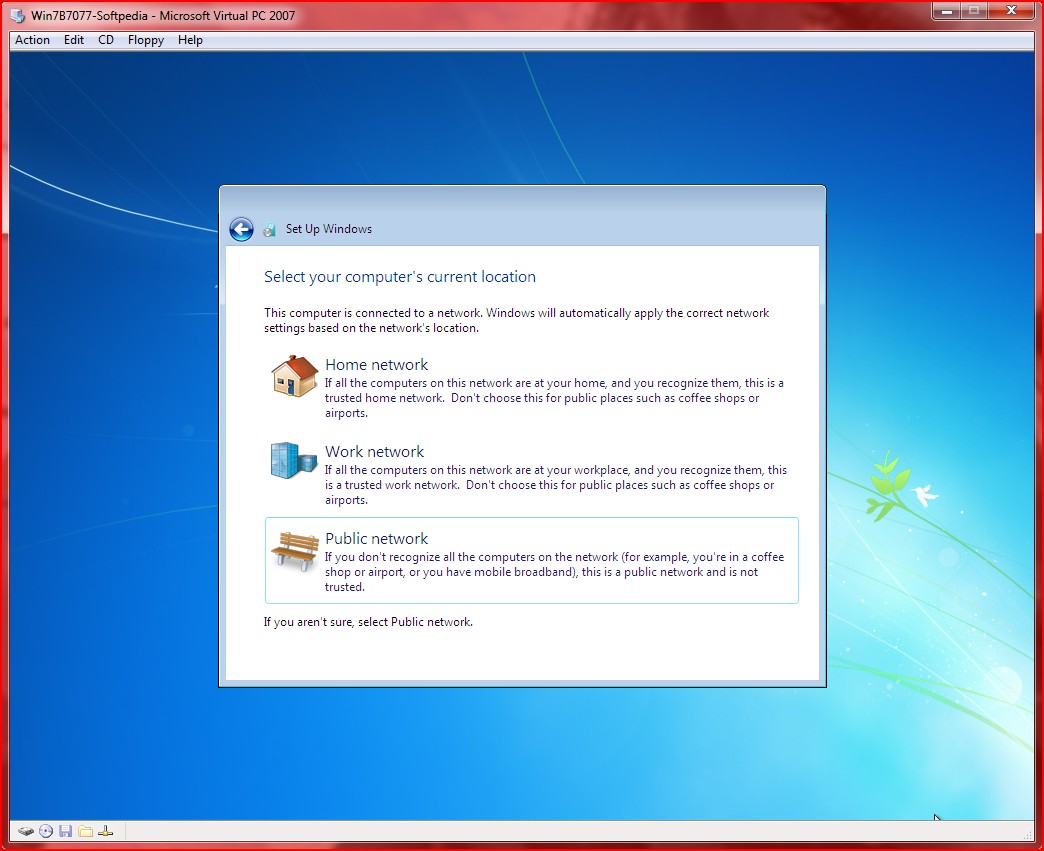
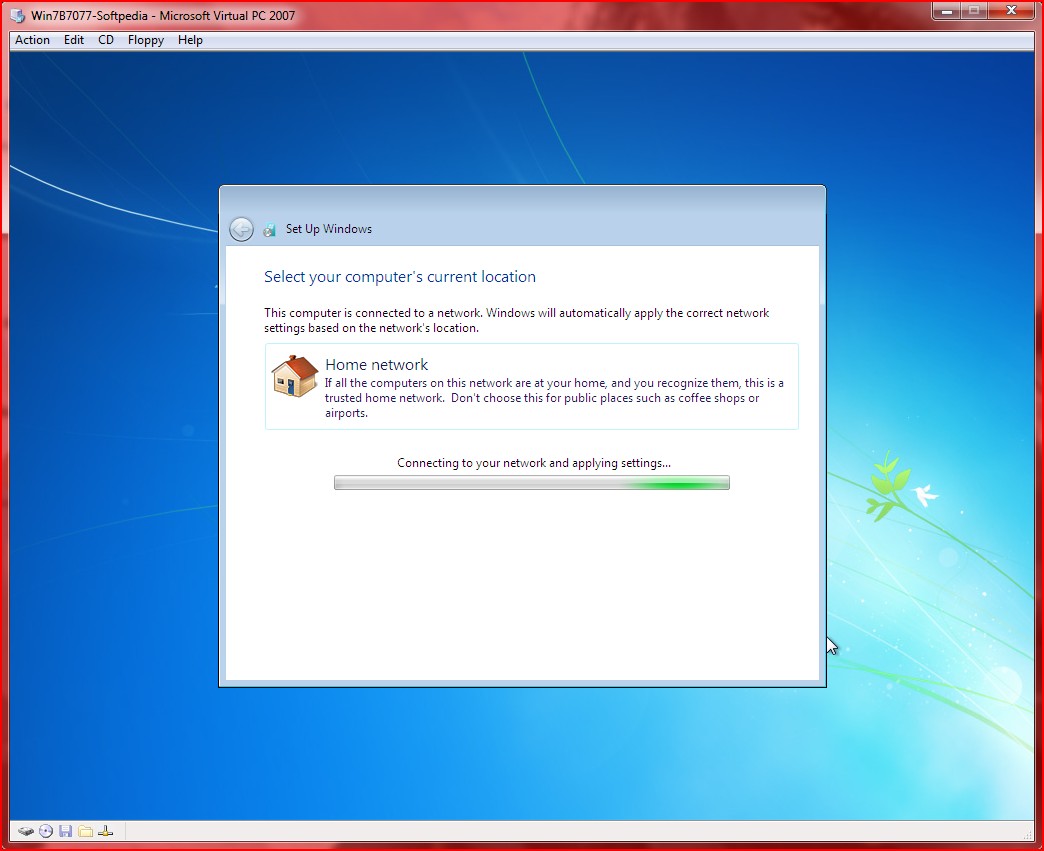
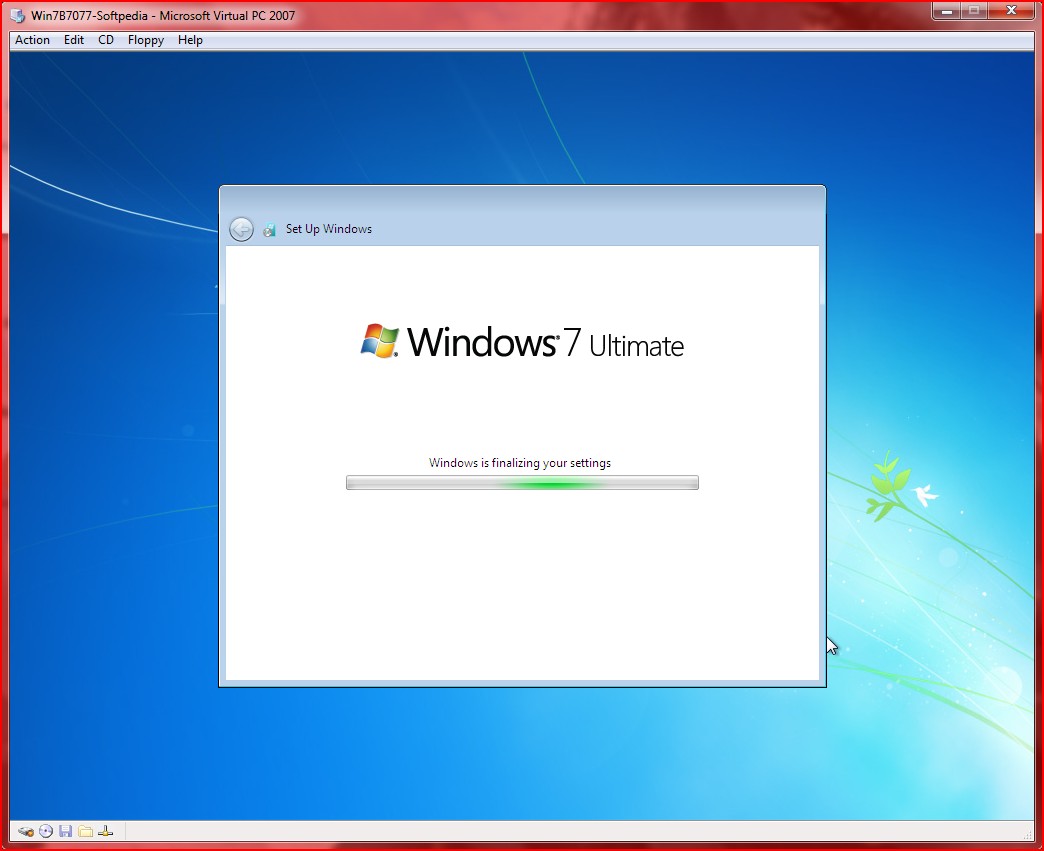
Installing Windows 7 Build 7077
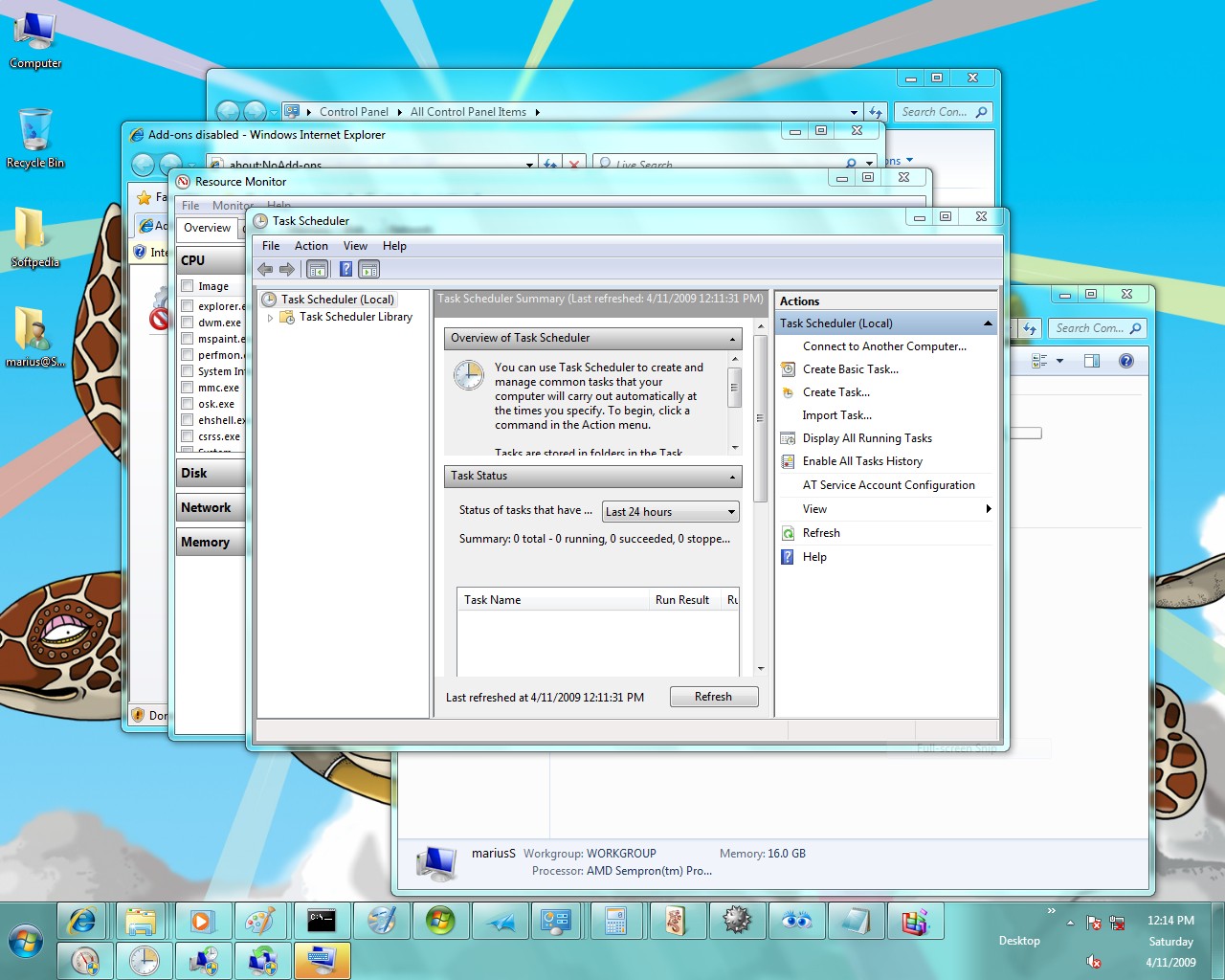
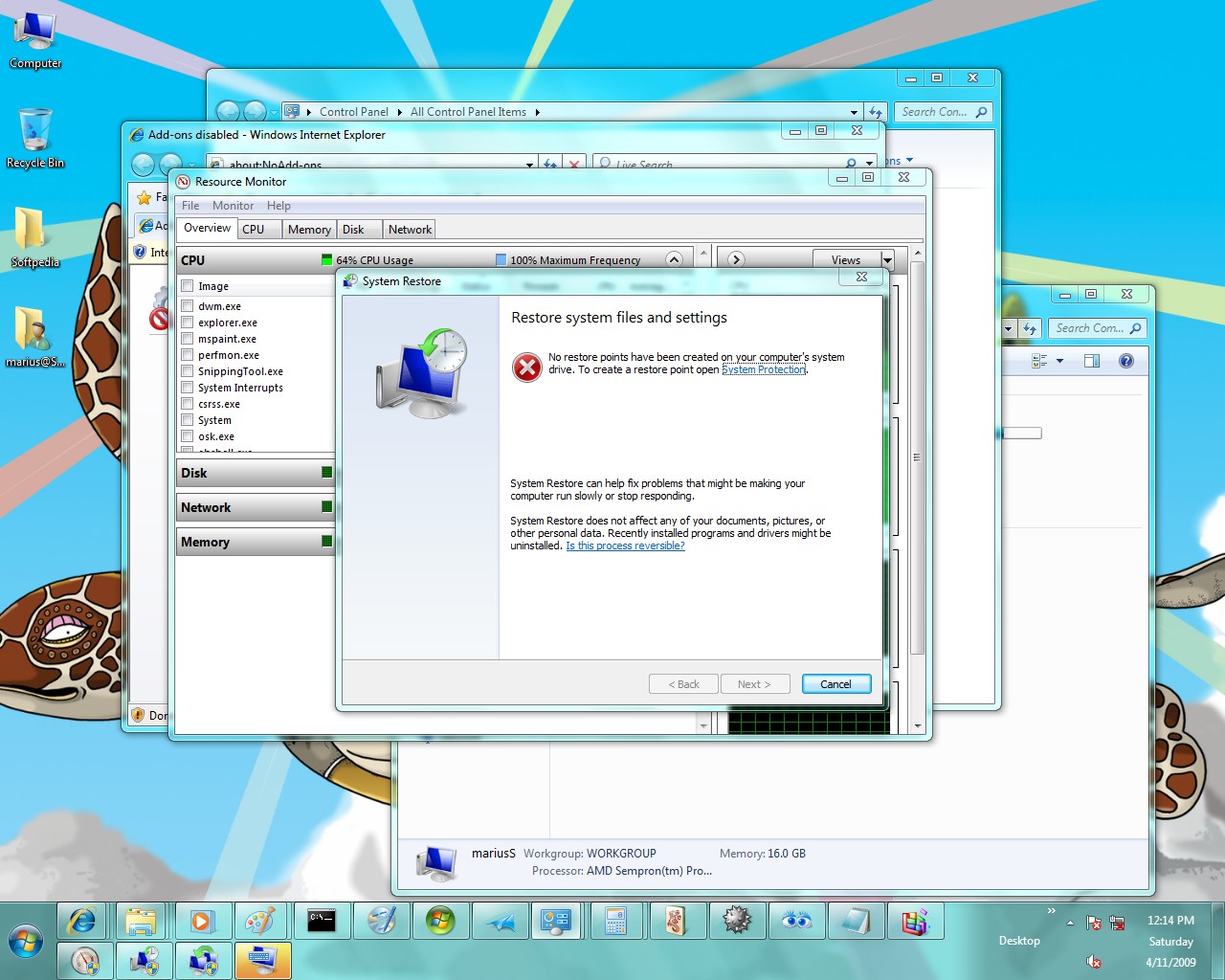
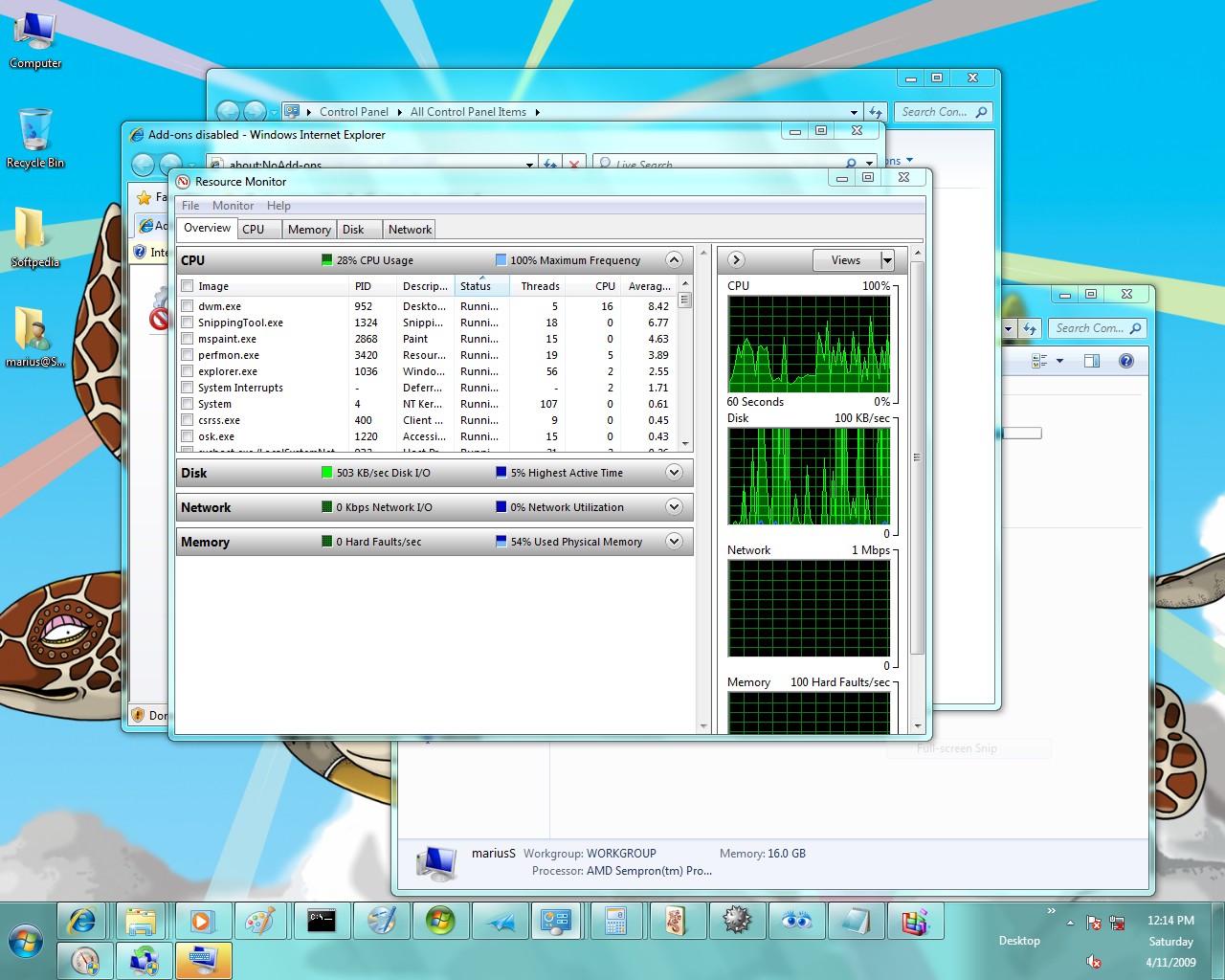
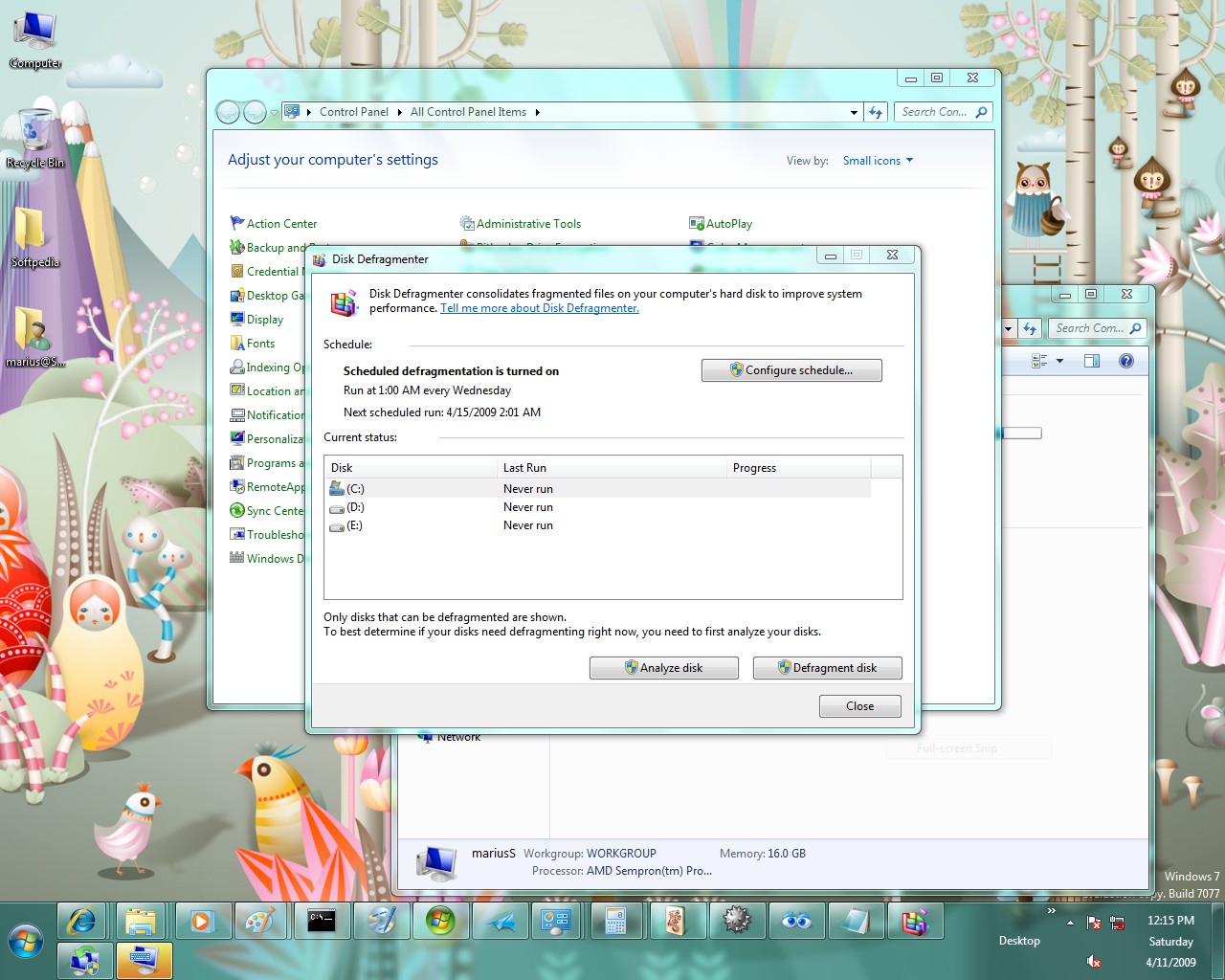
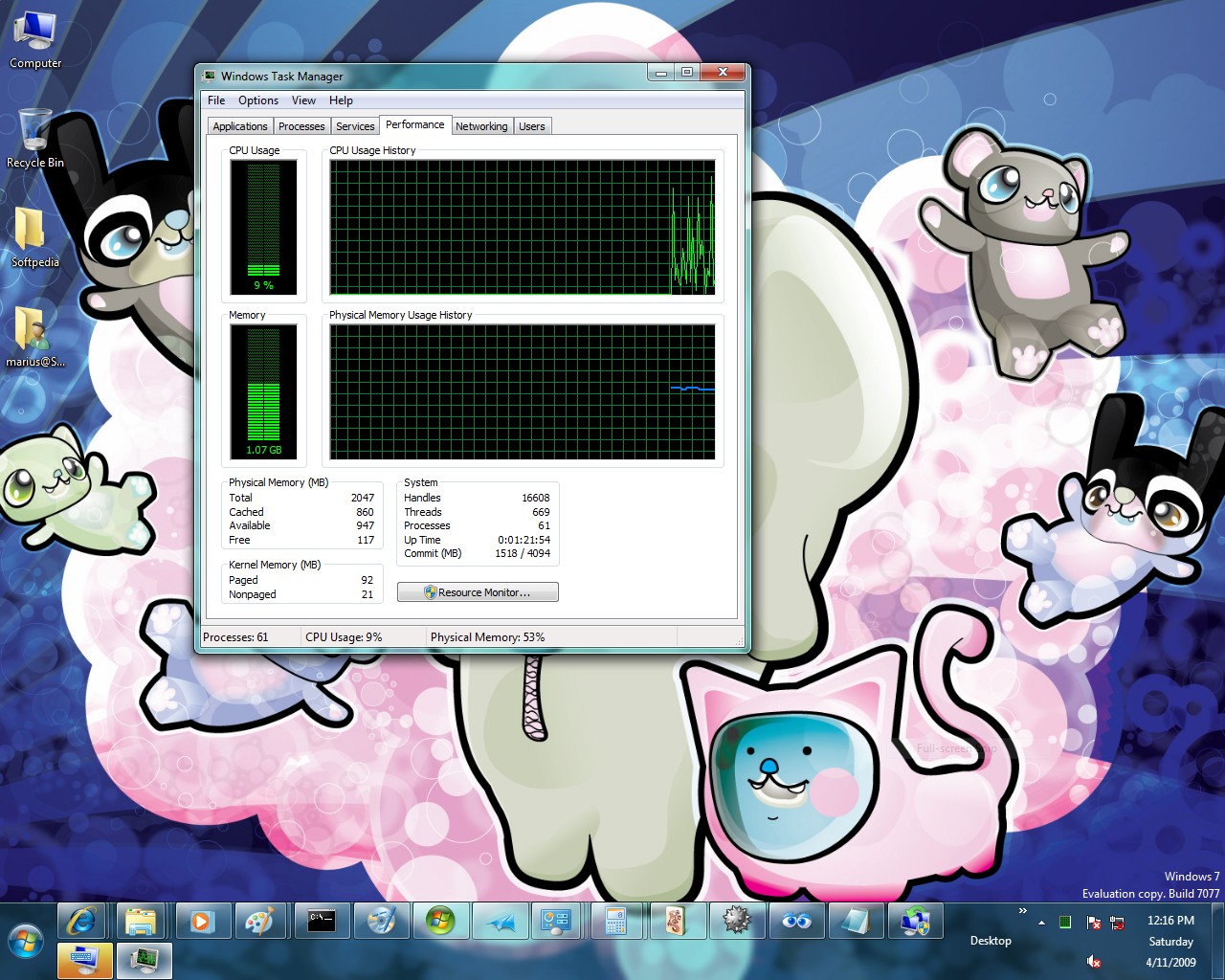
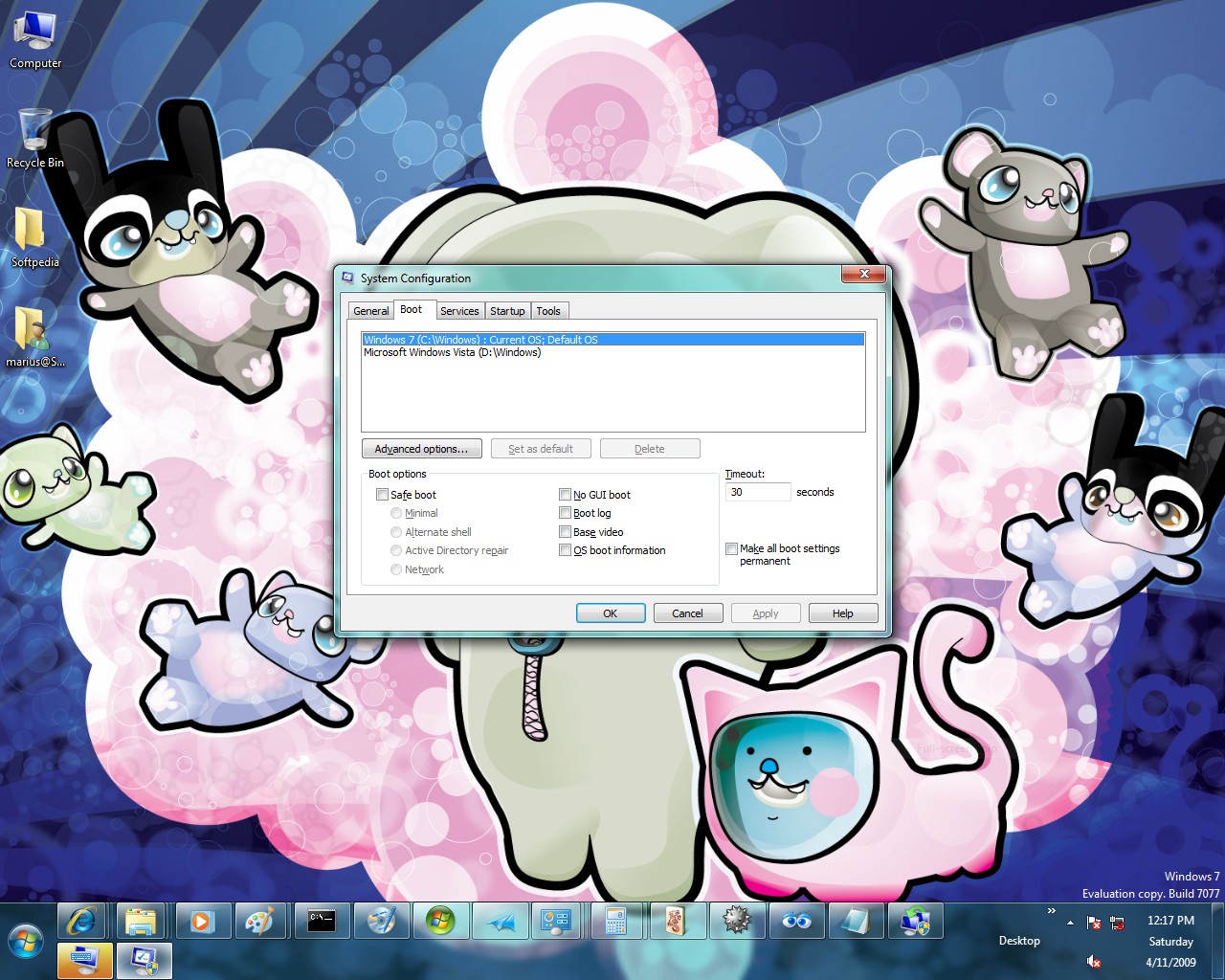
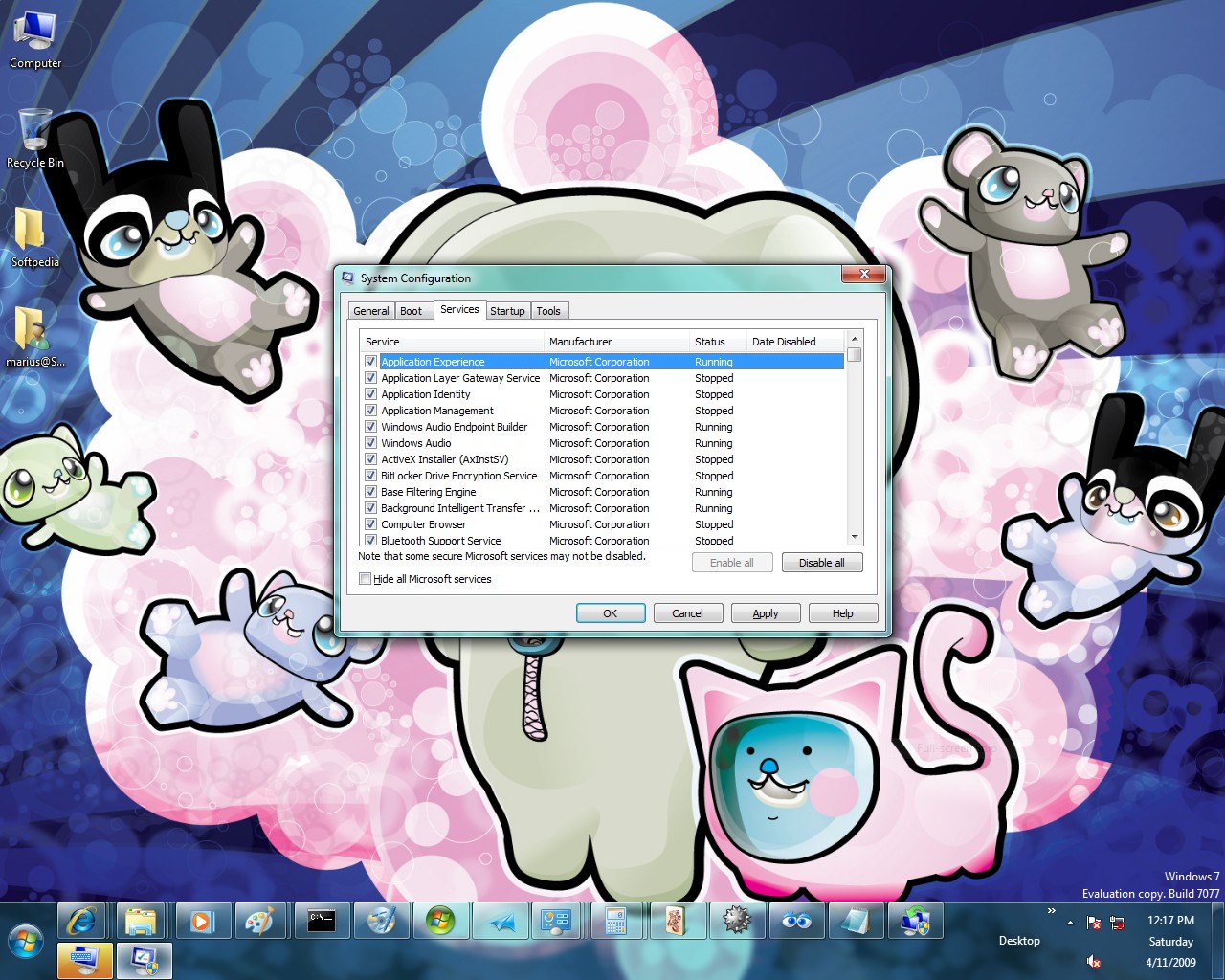
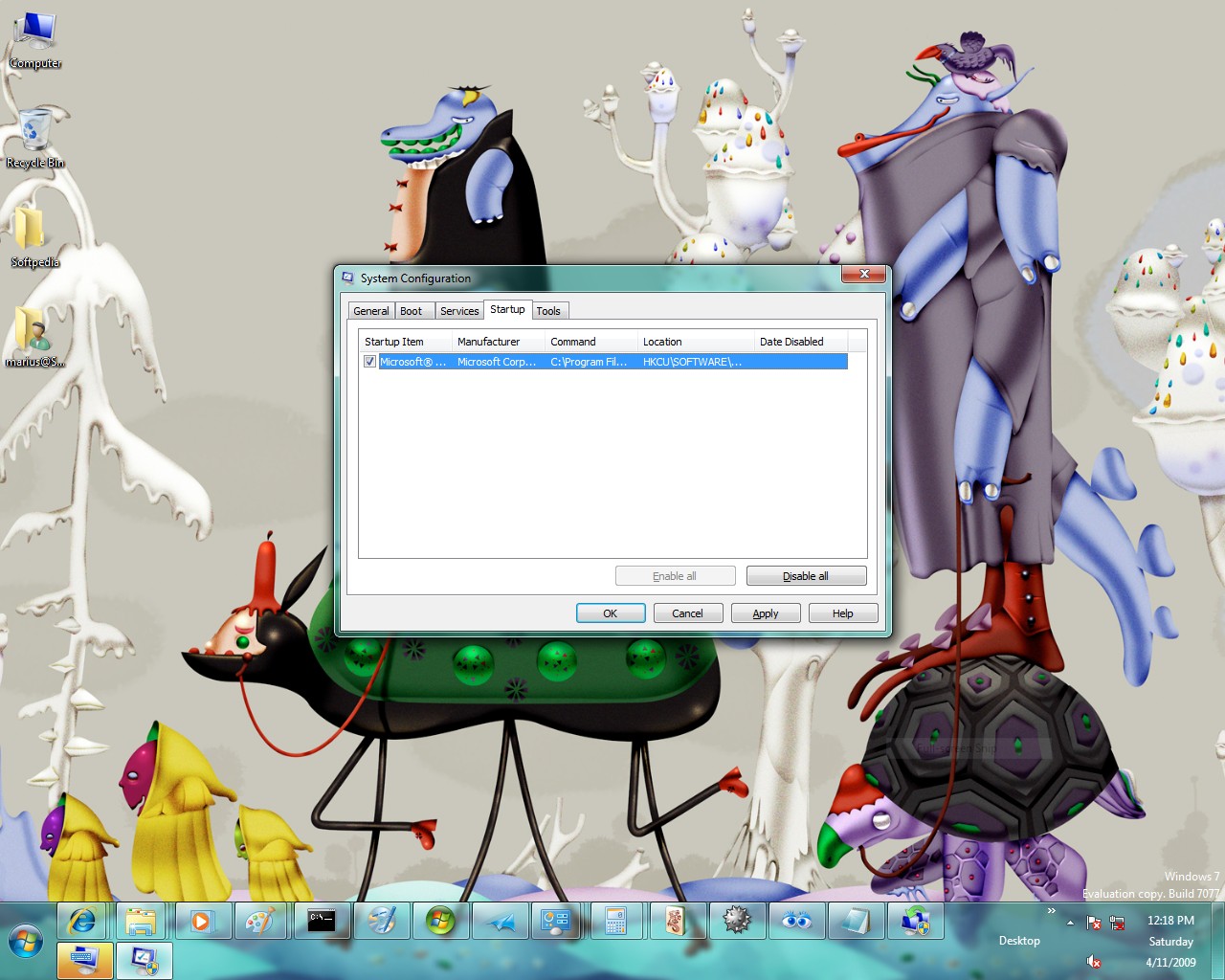
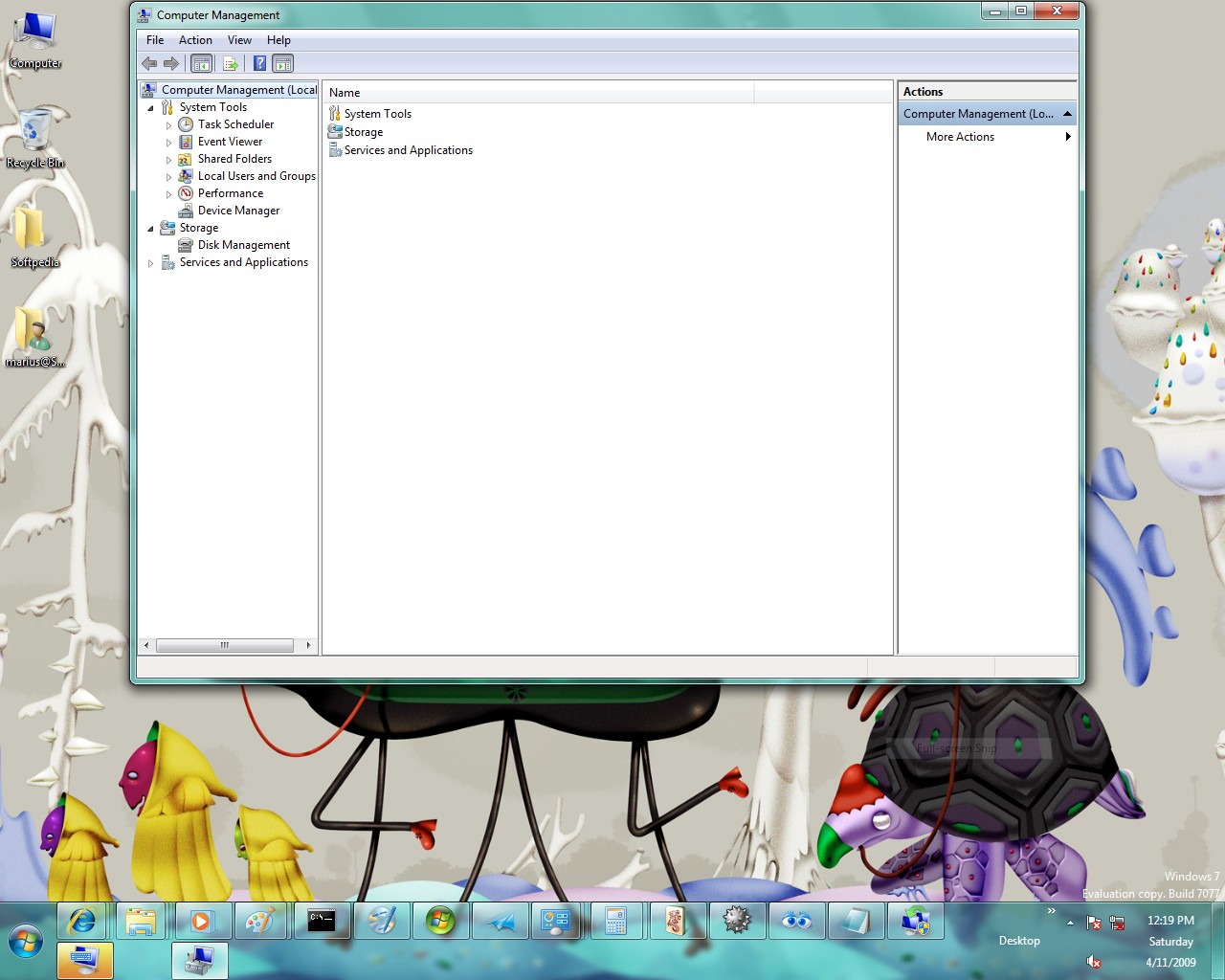
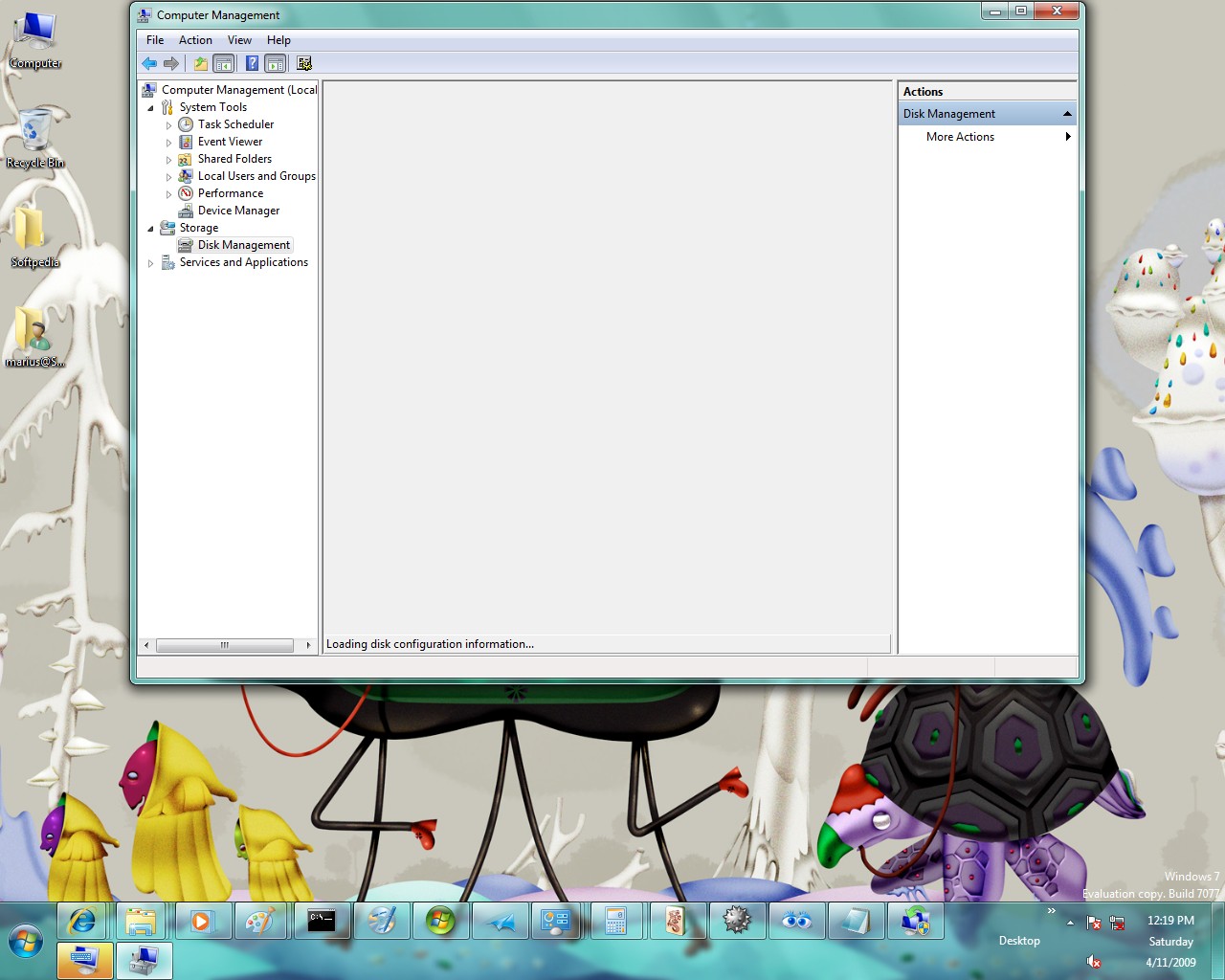
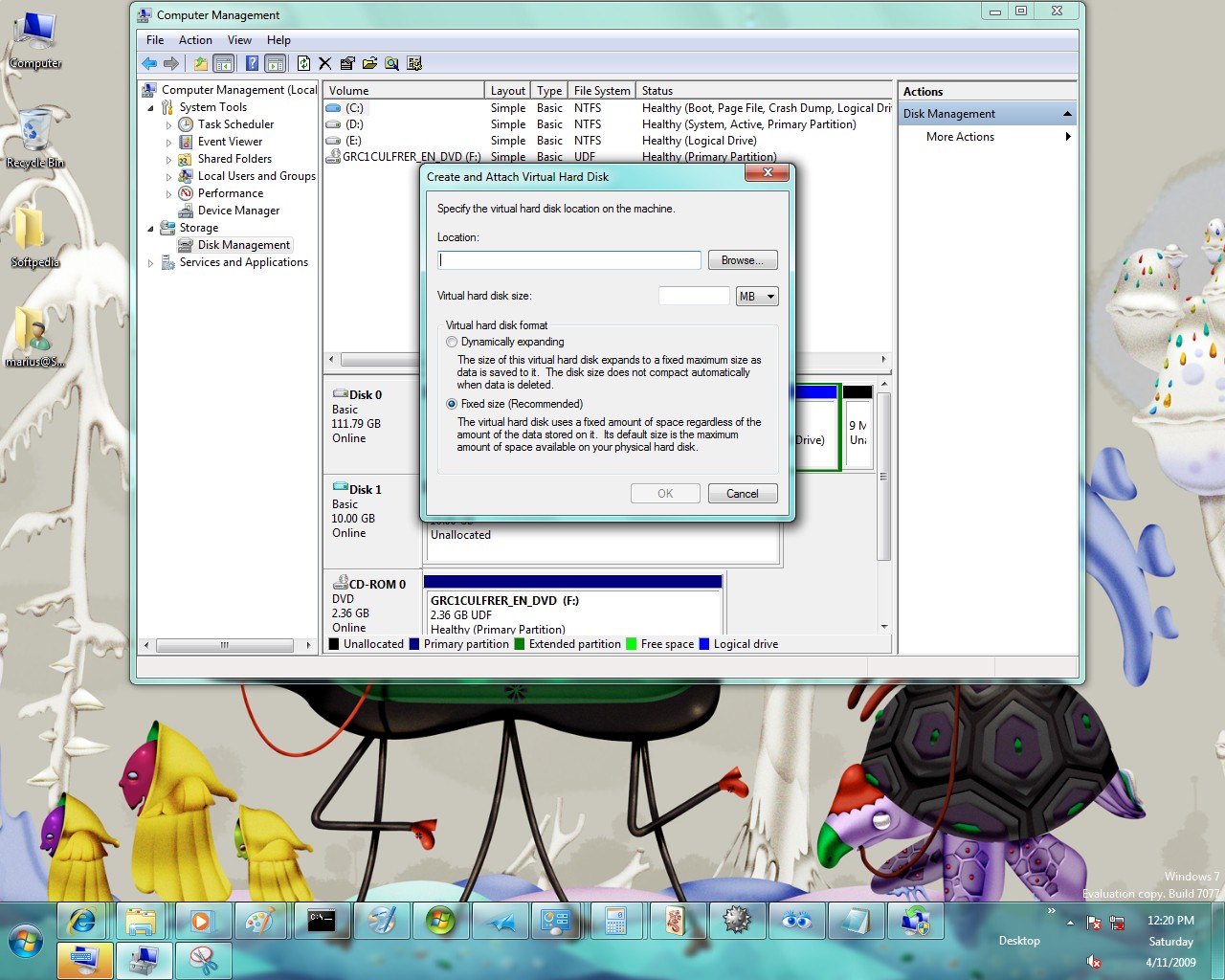
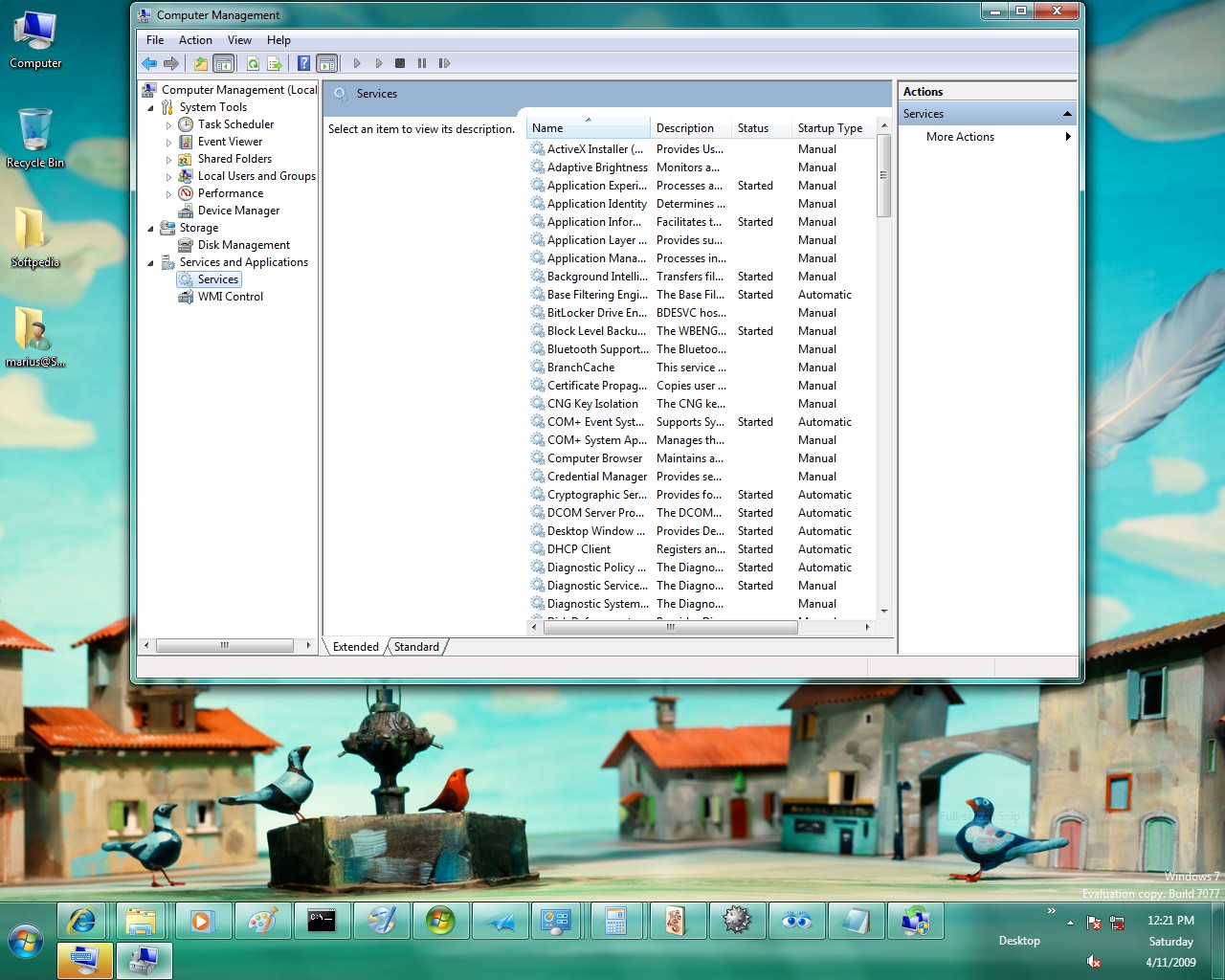
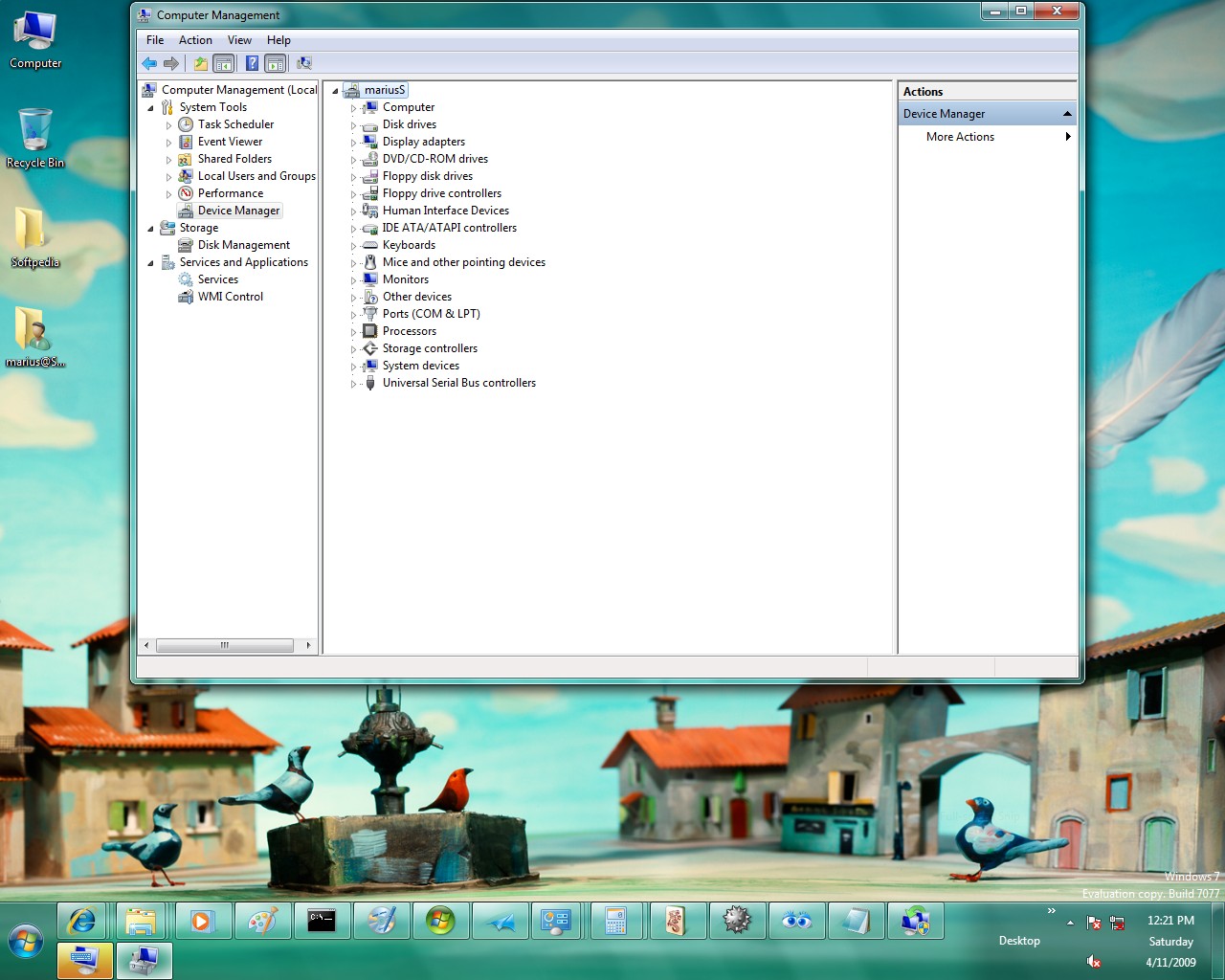
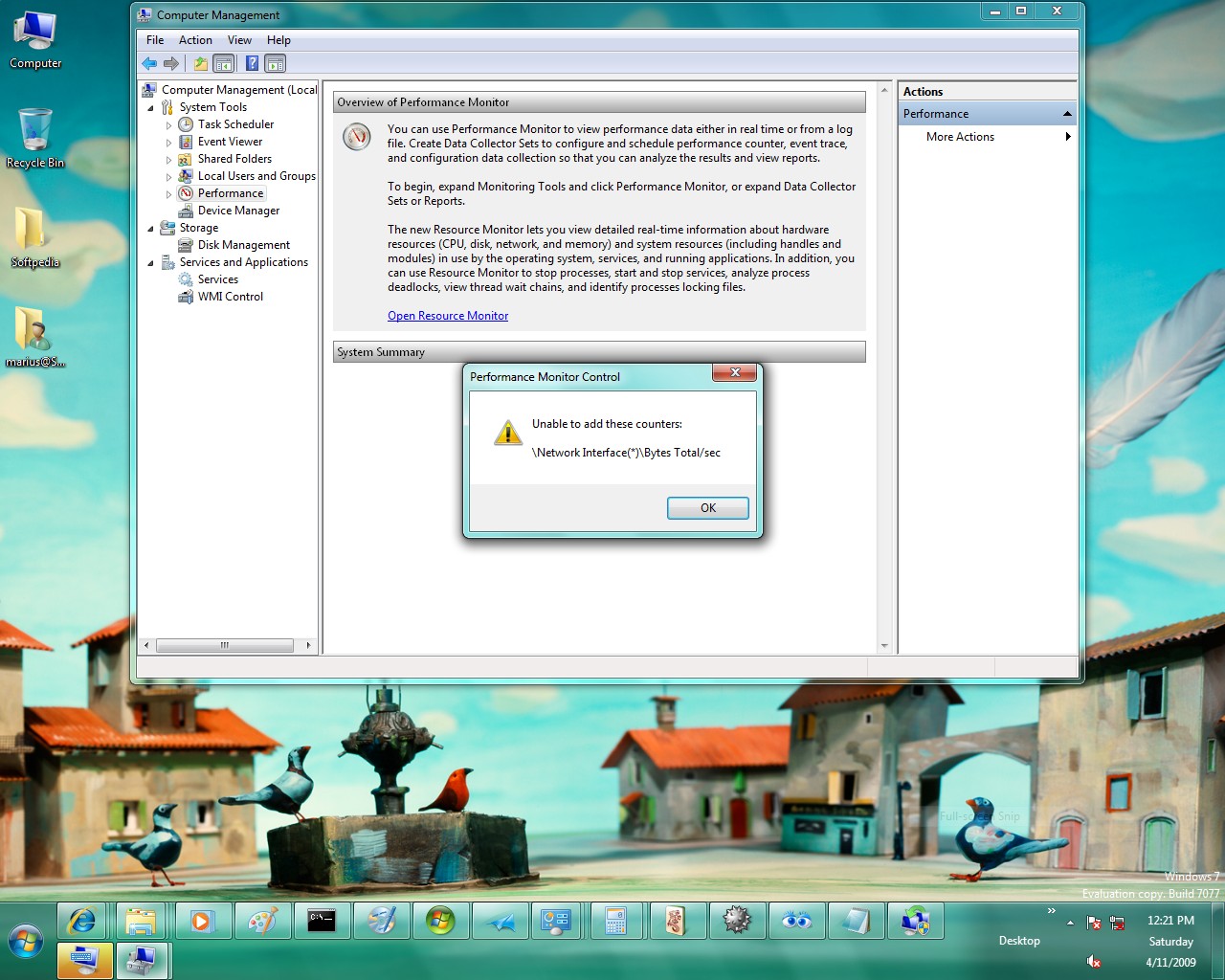
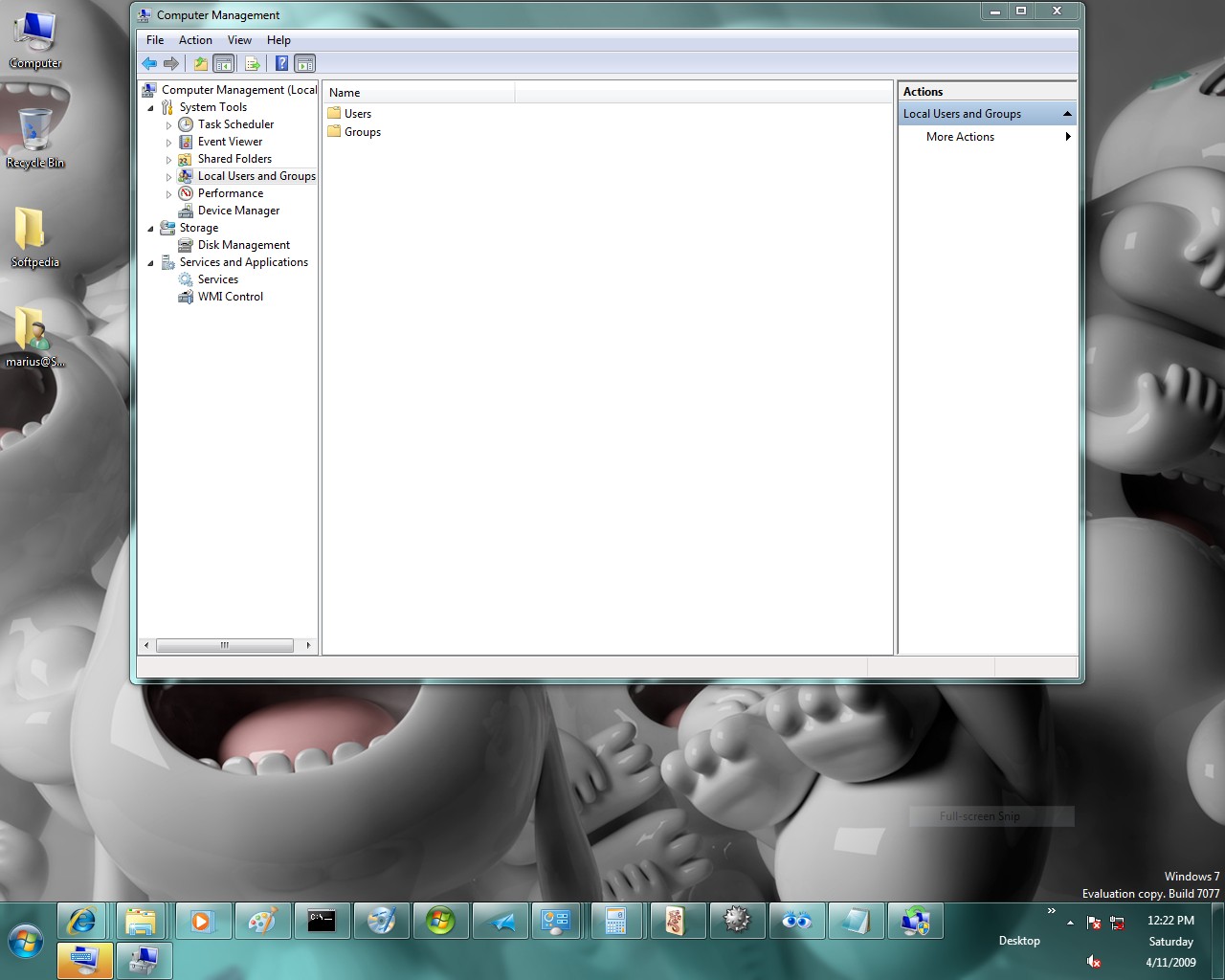
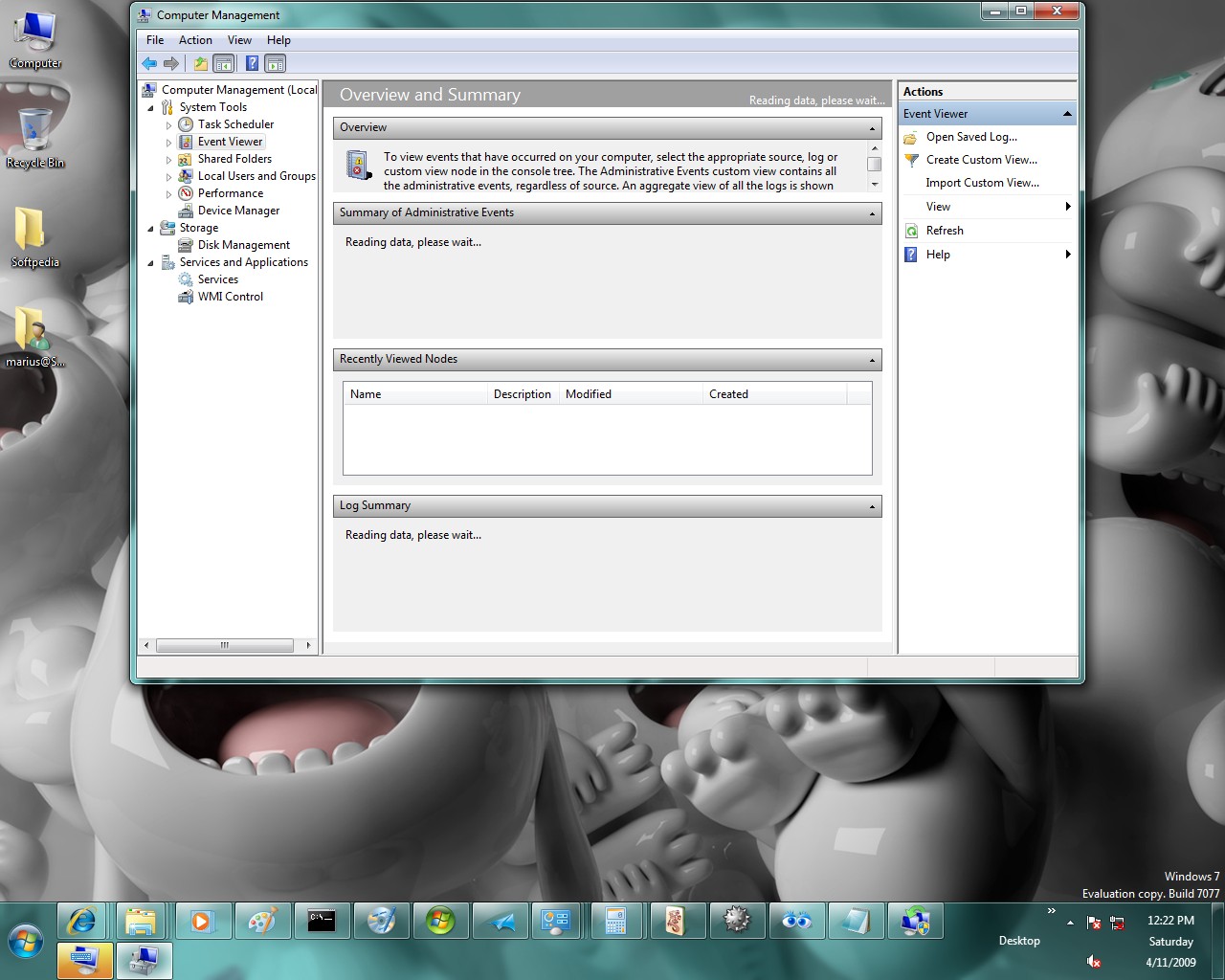
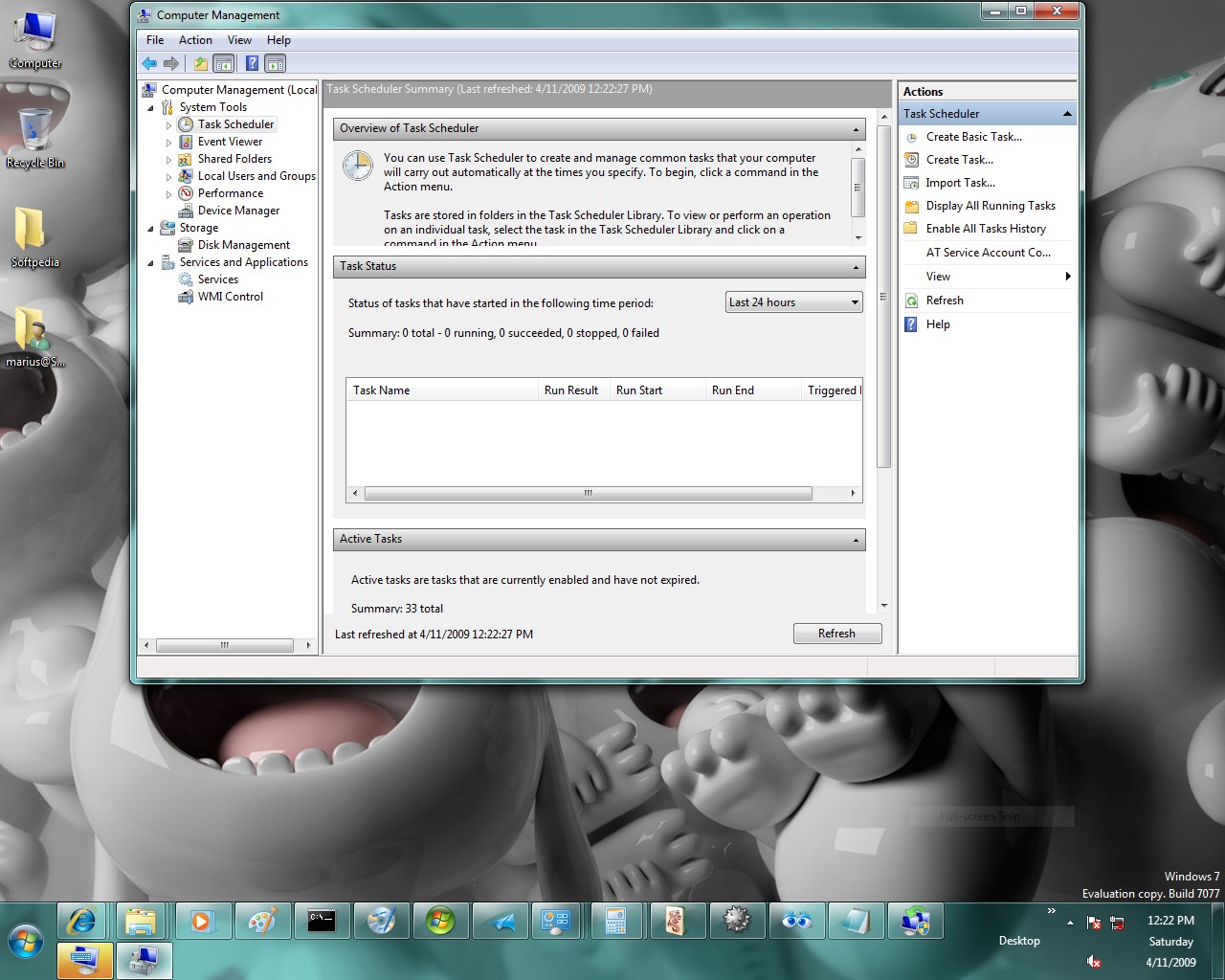
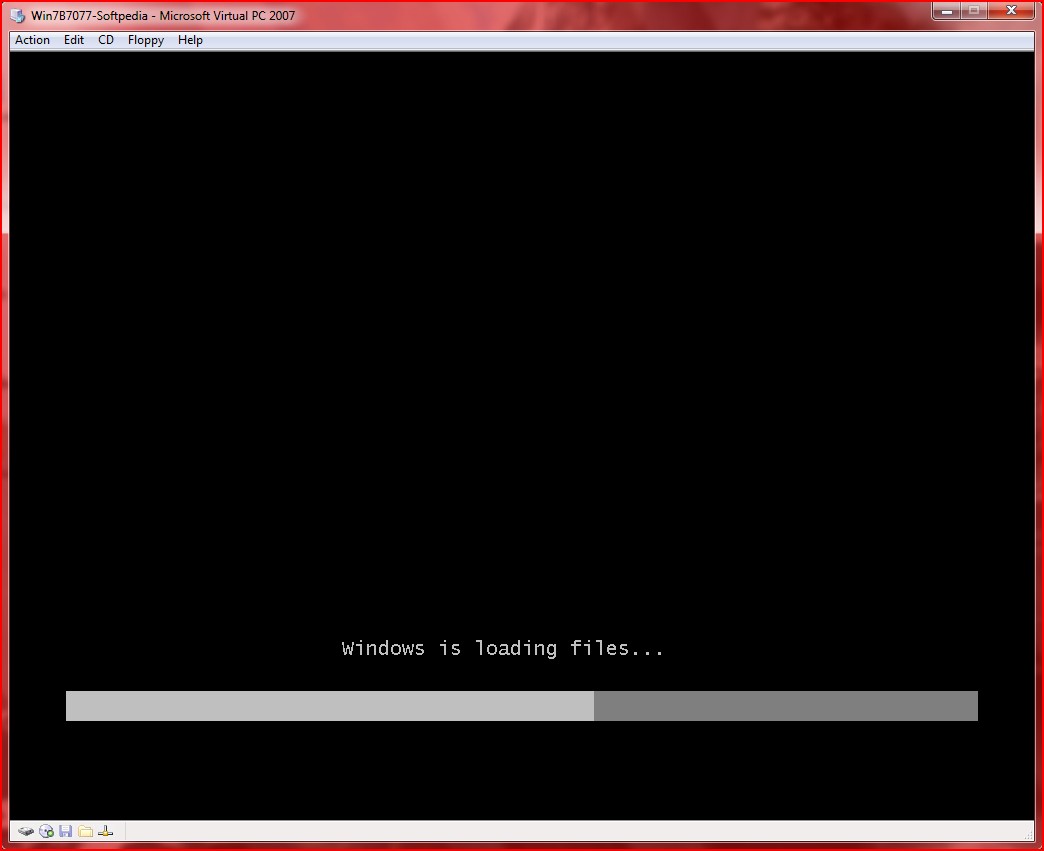
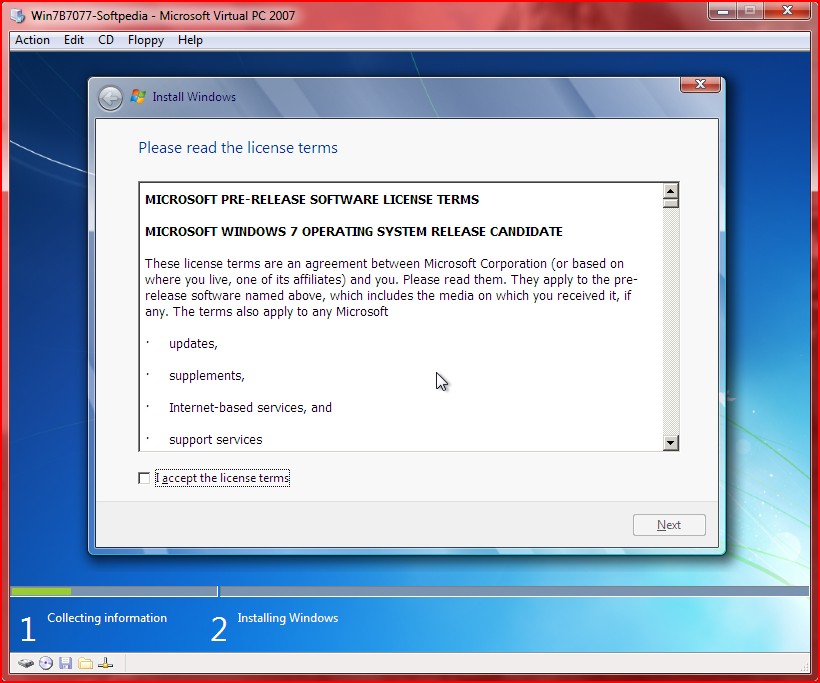
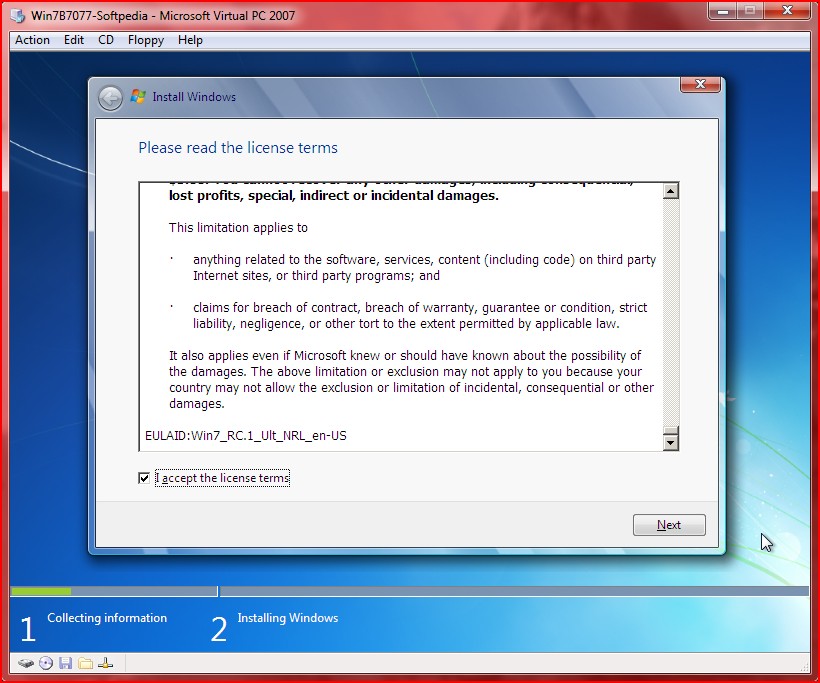
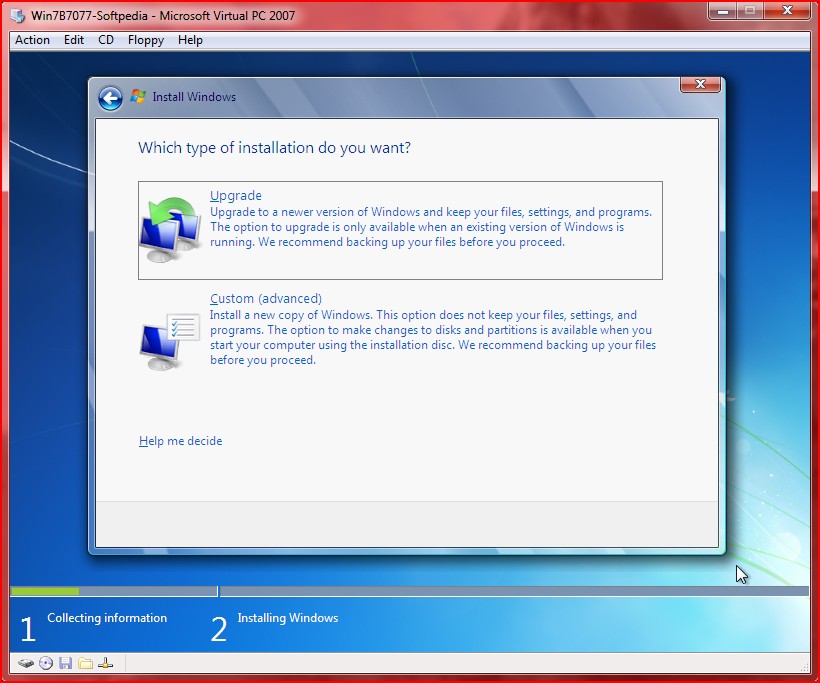
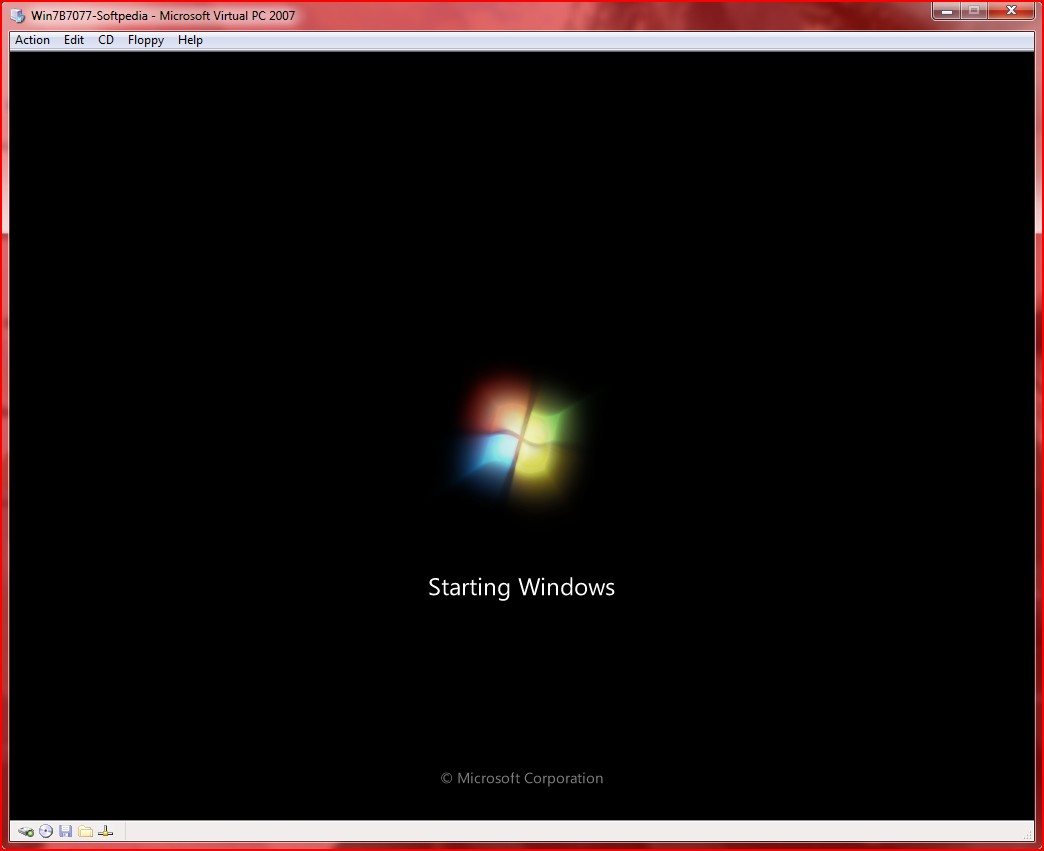
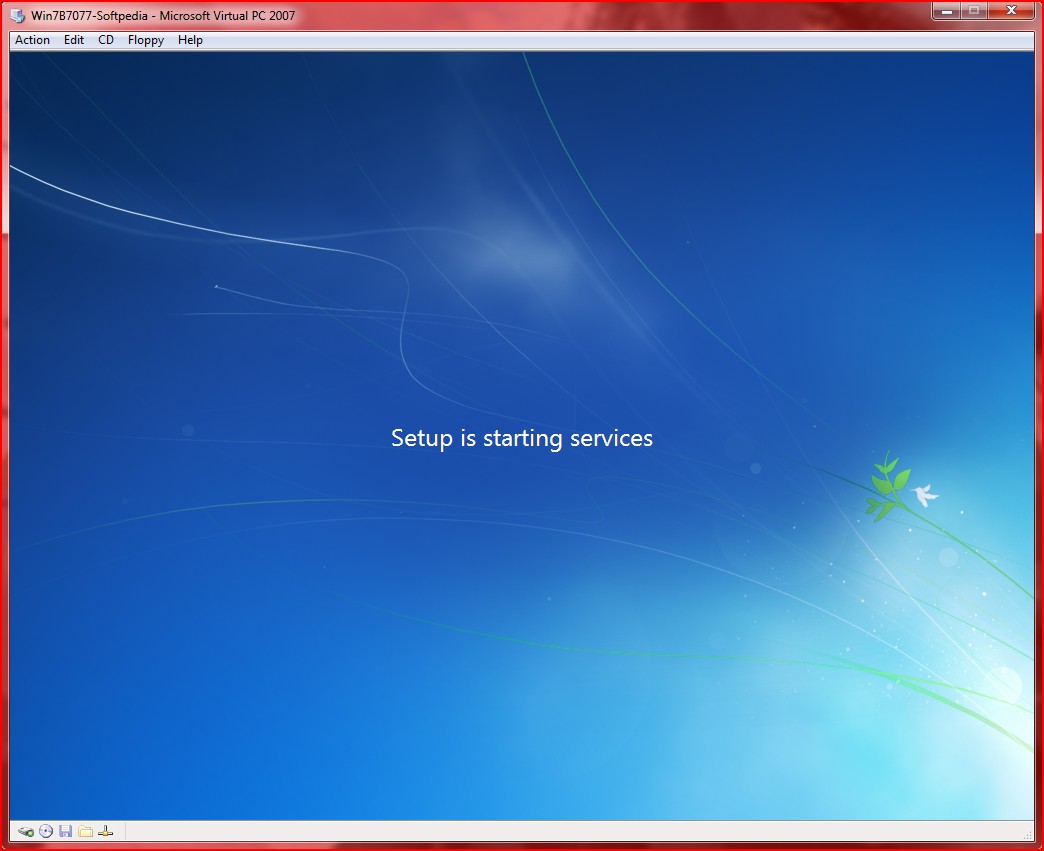
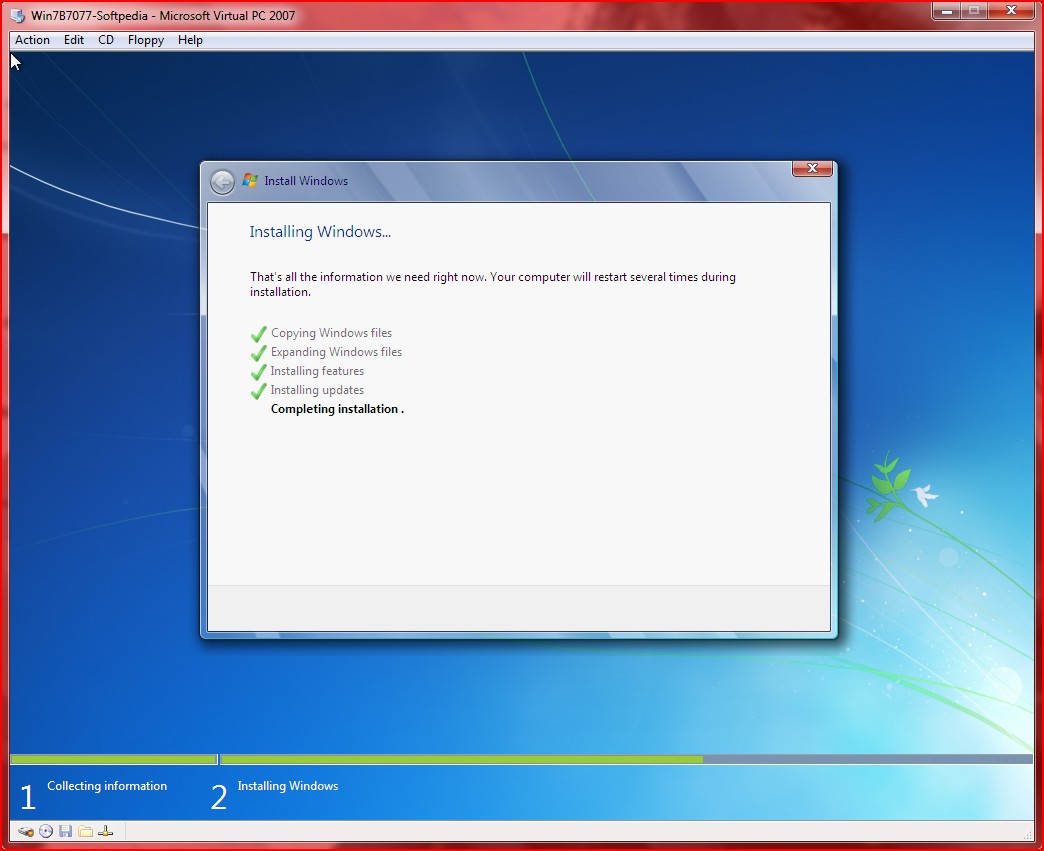
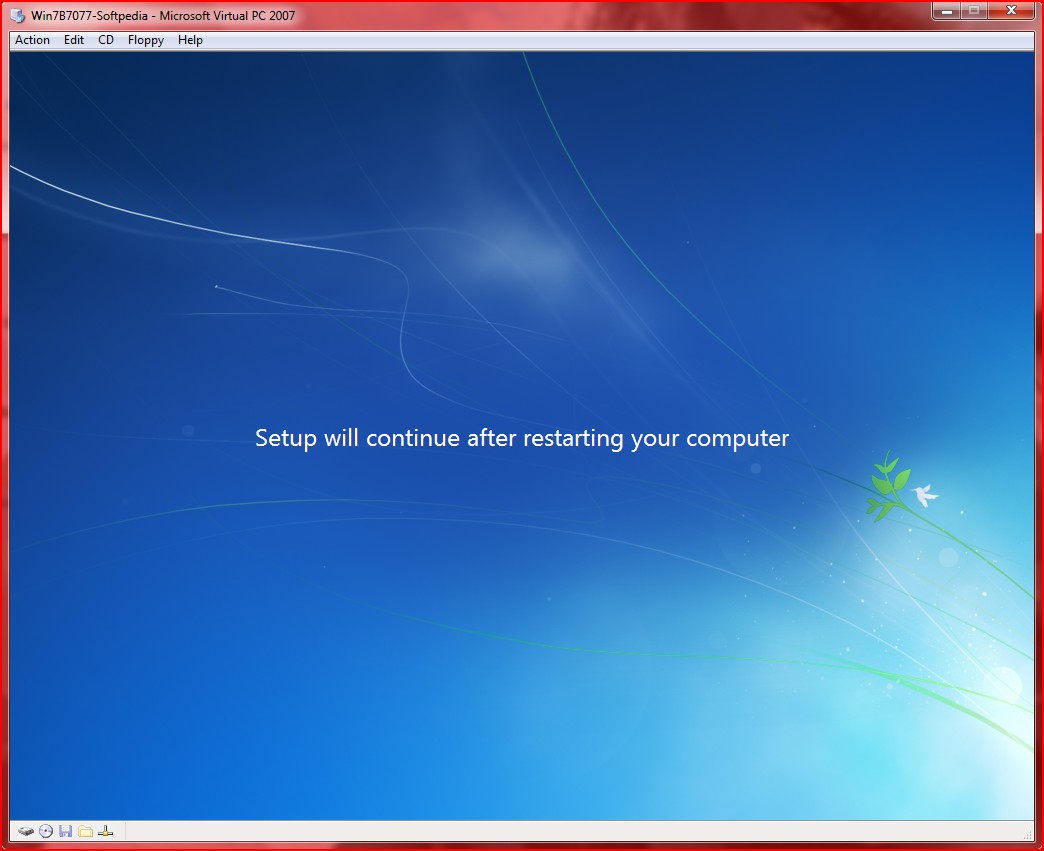
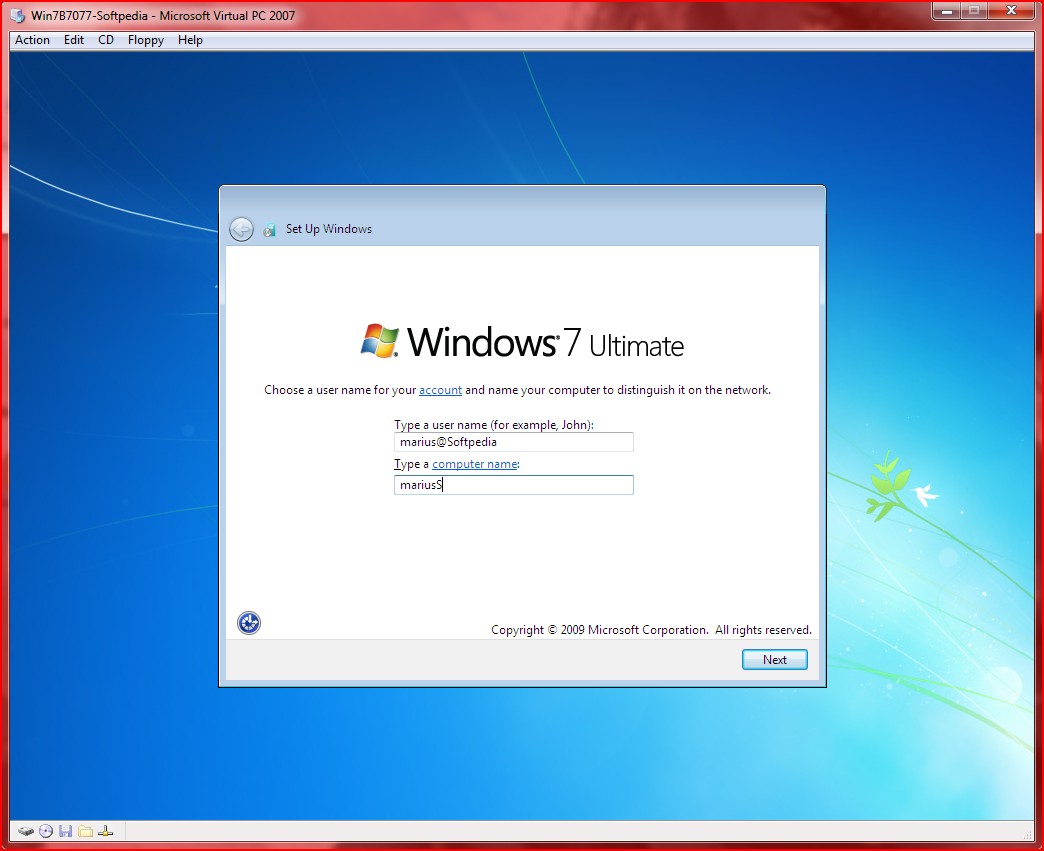
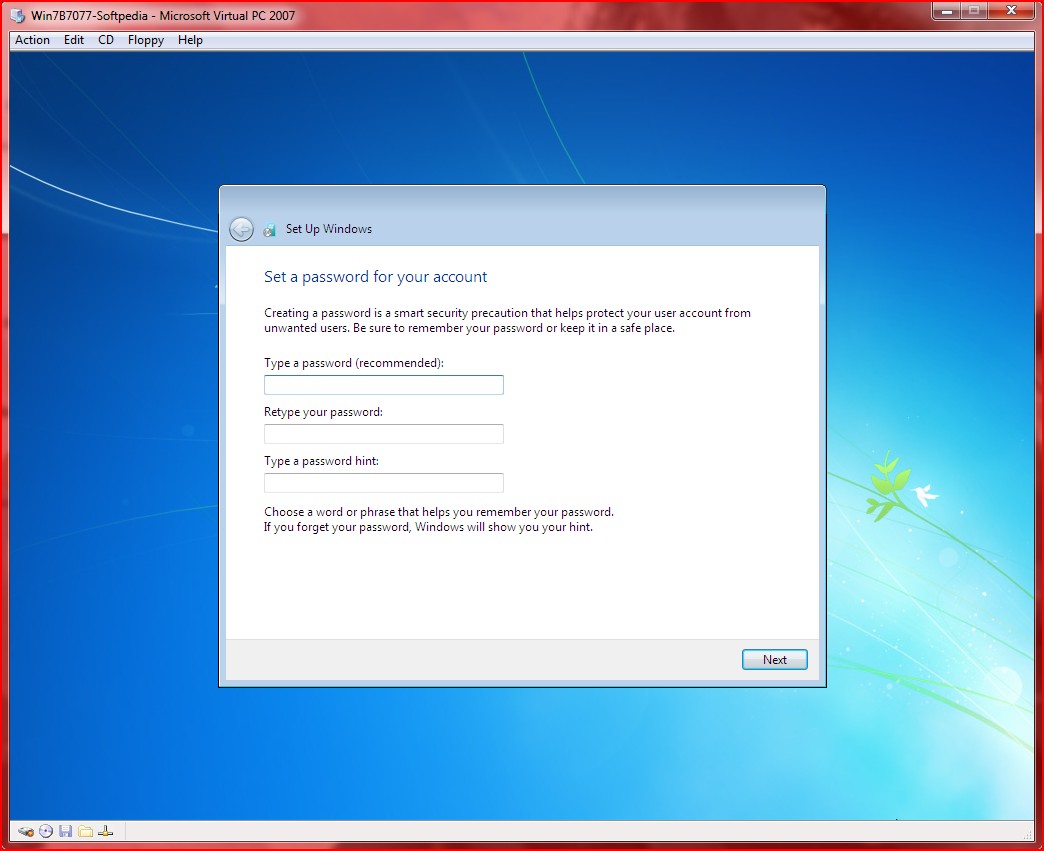
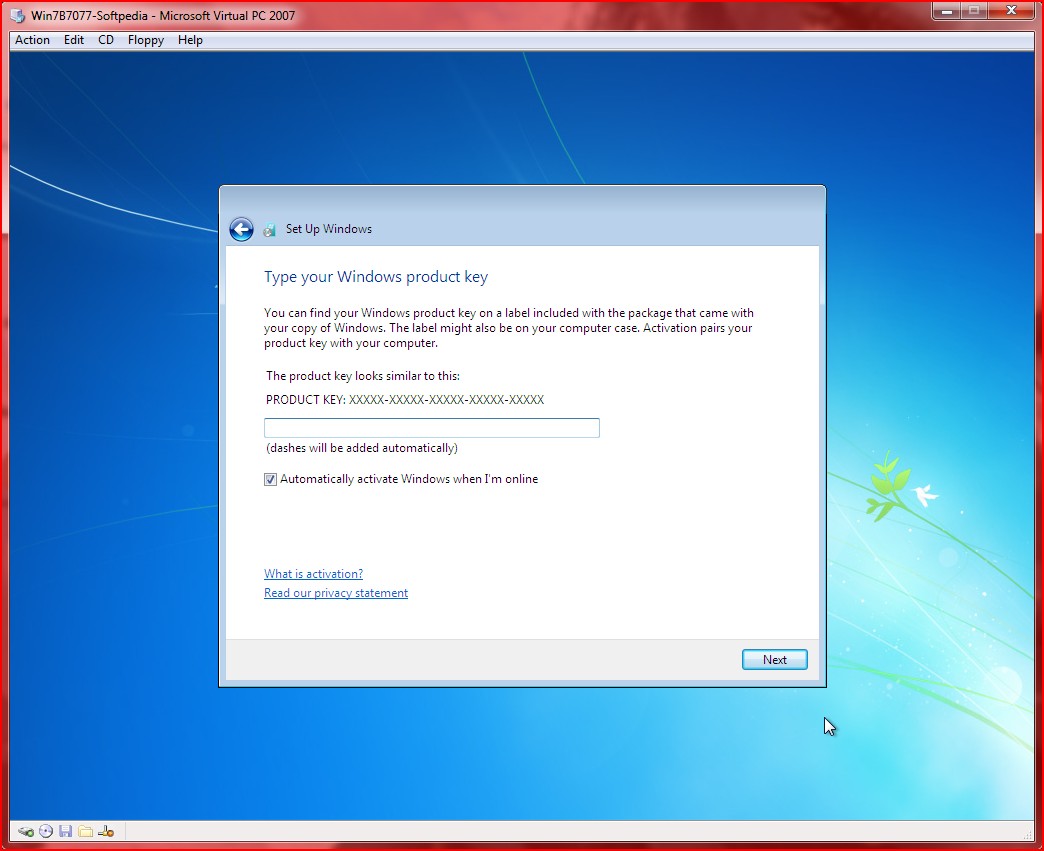
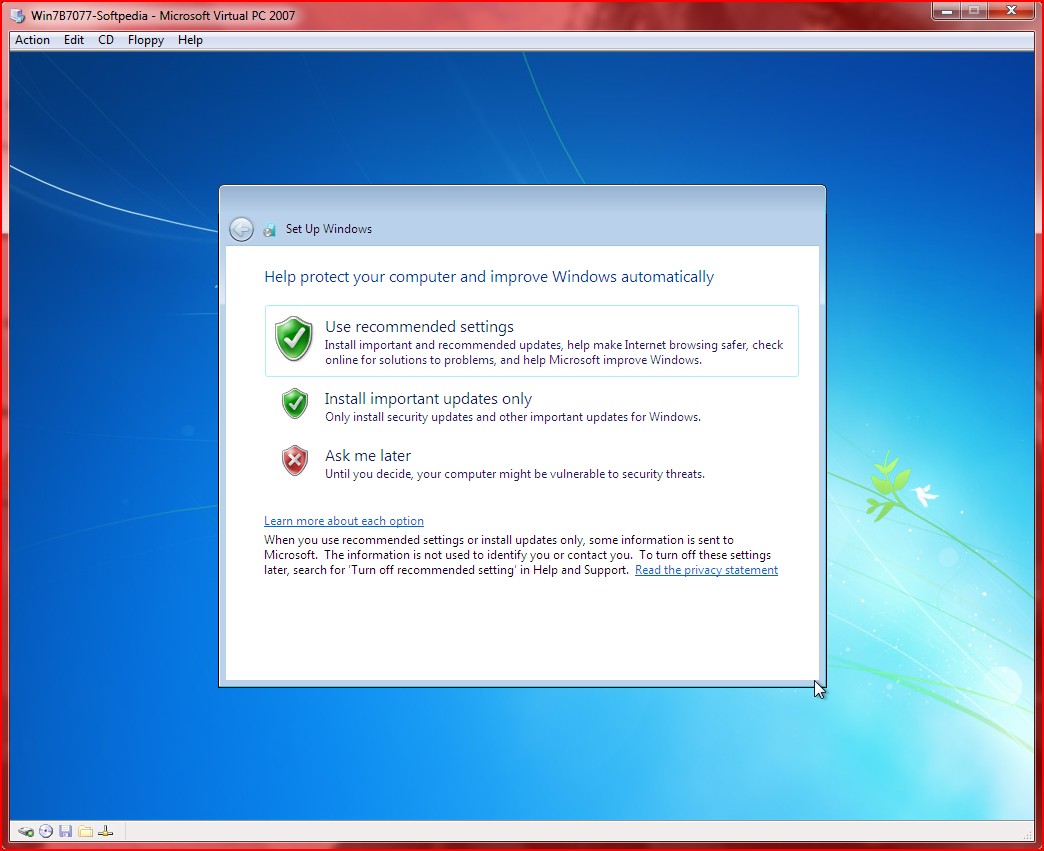
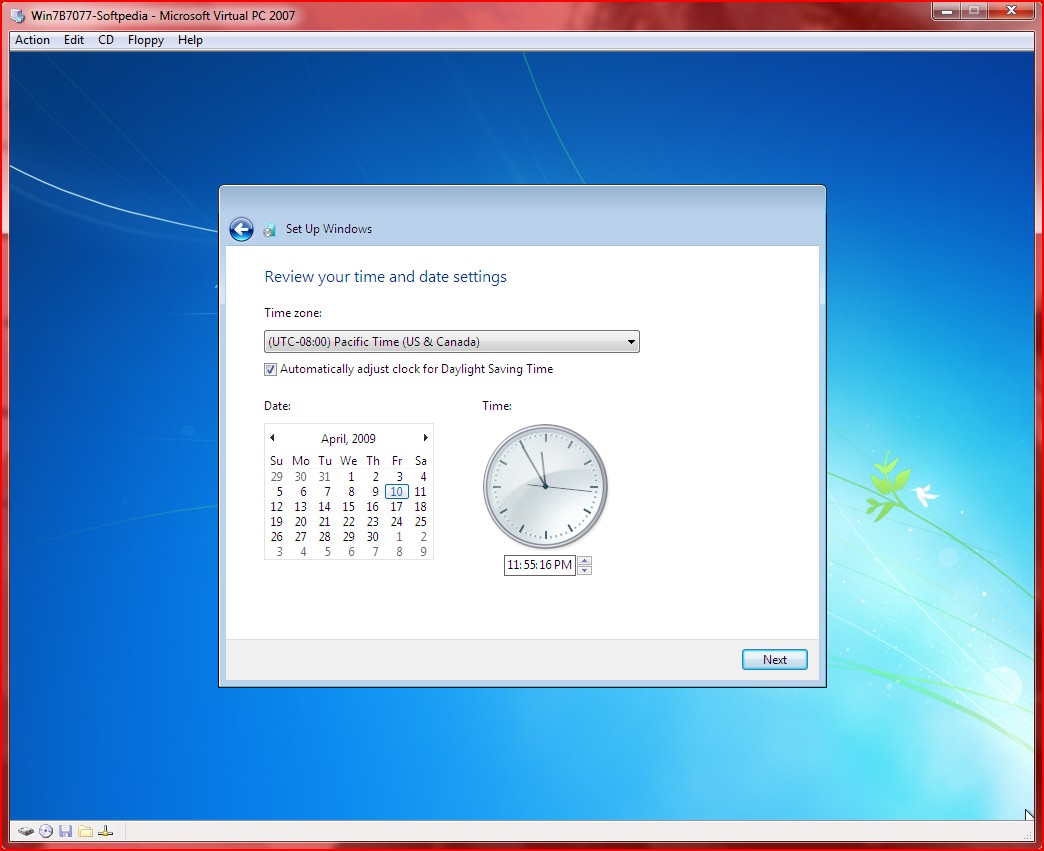
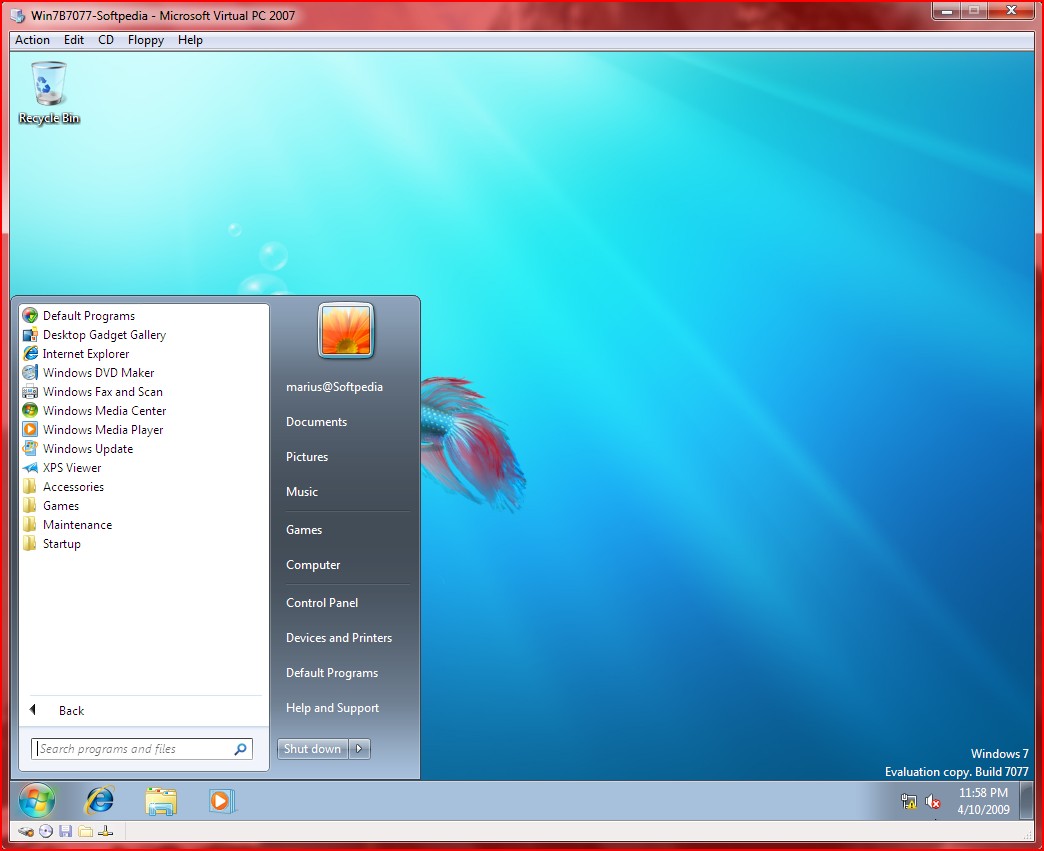
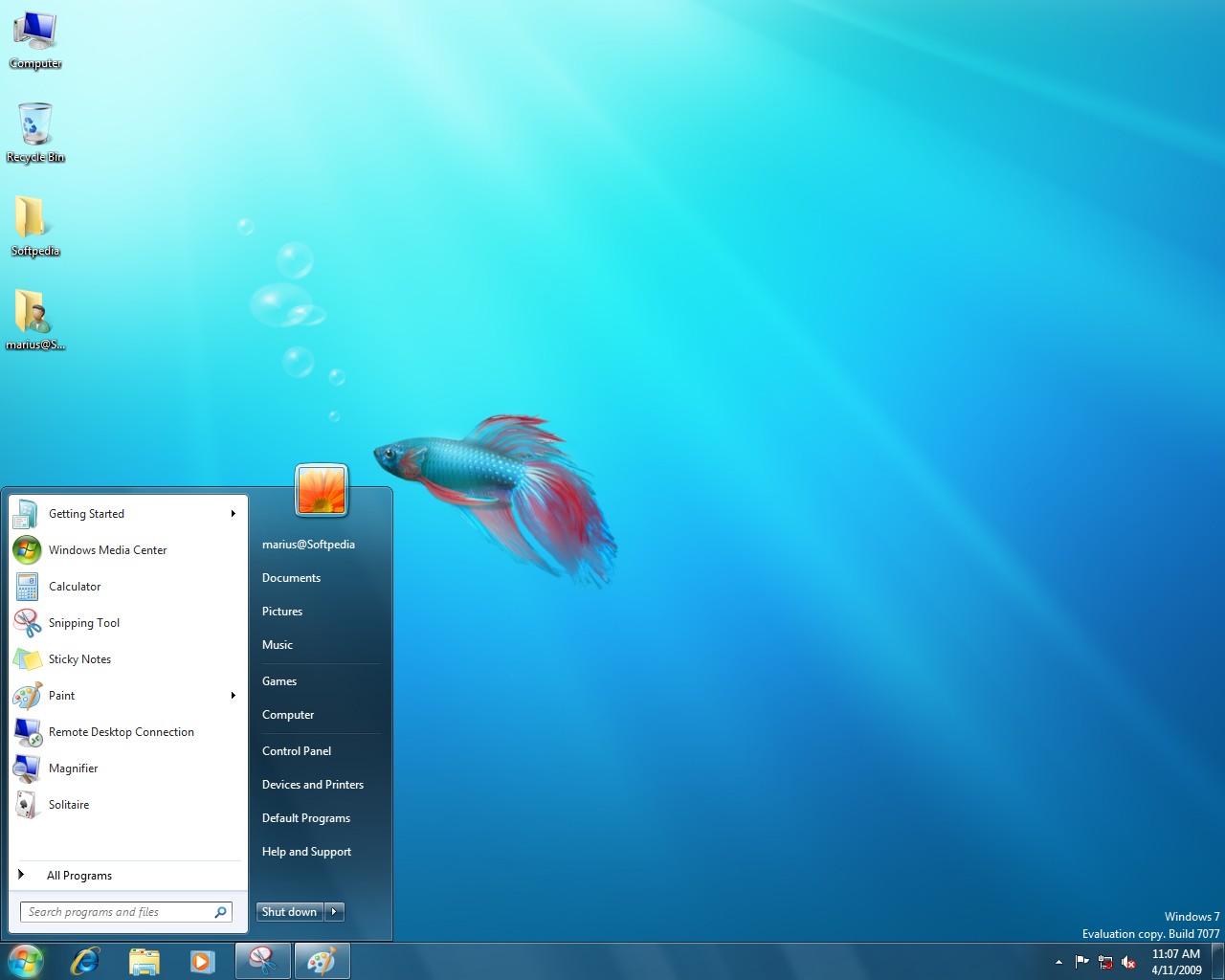
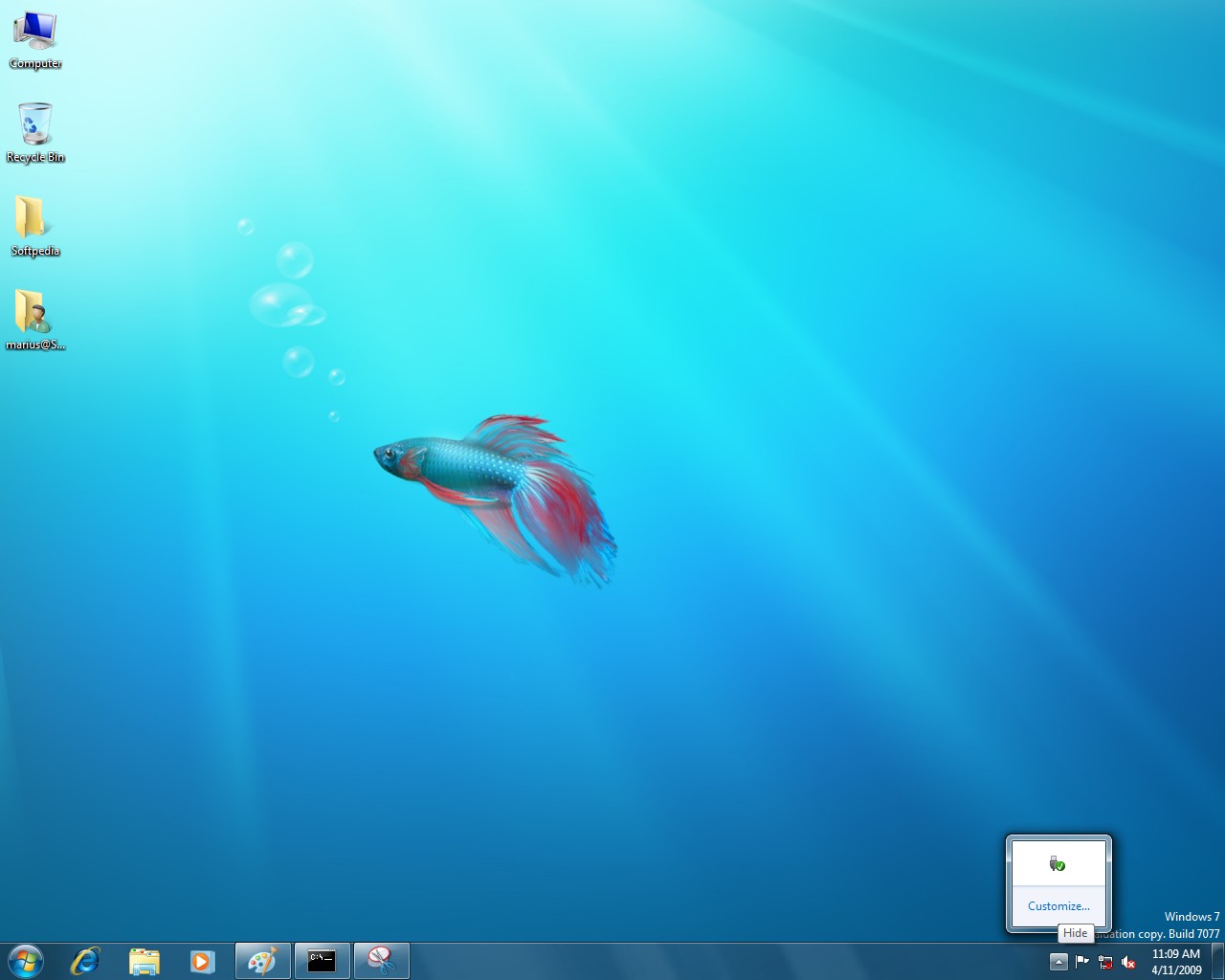
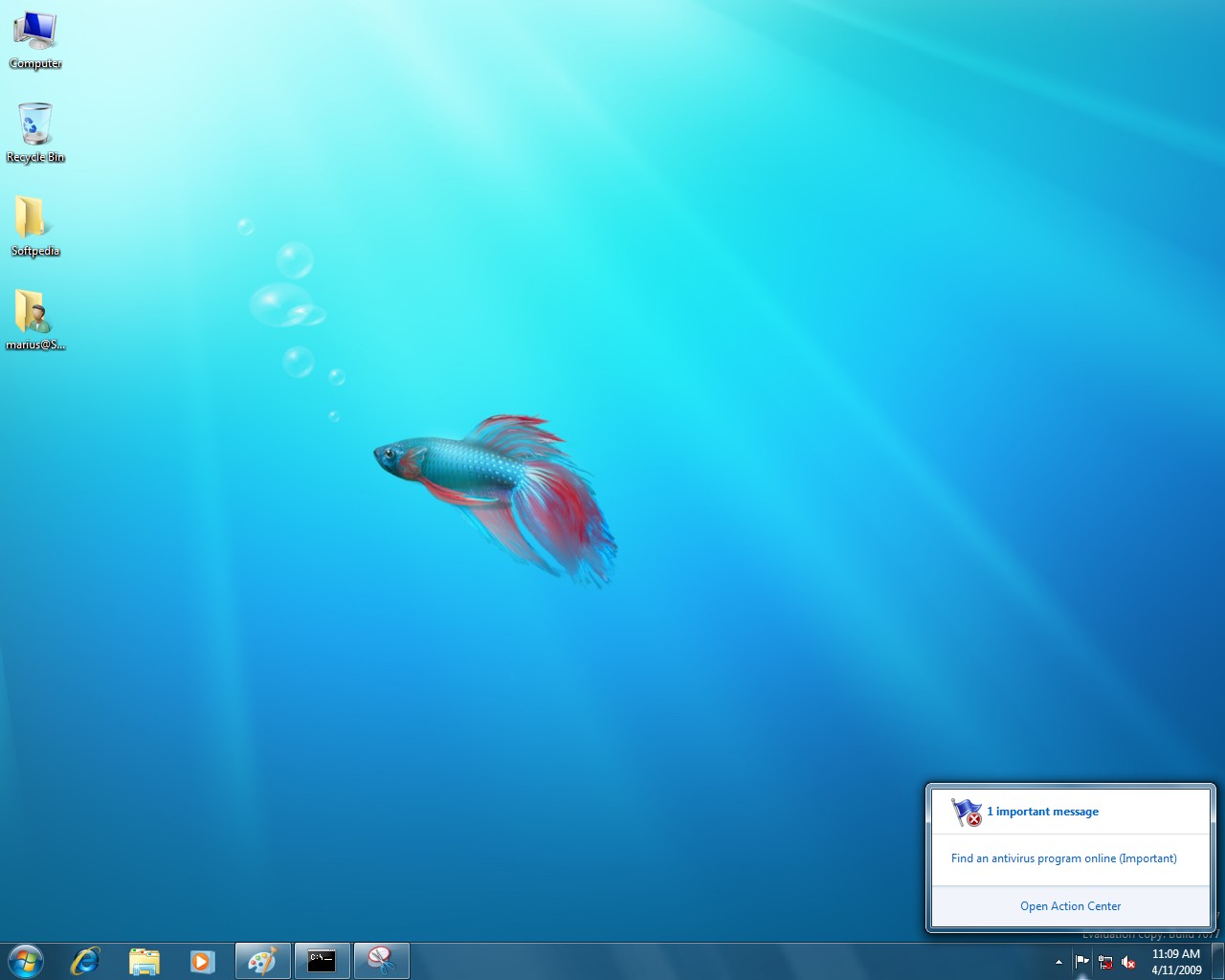
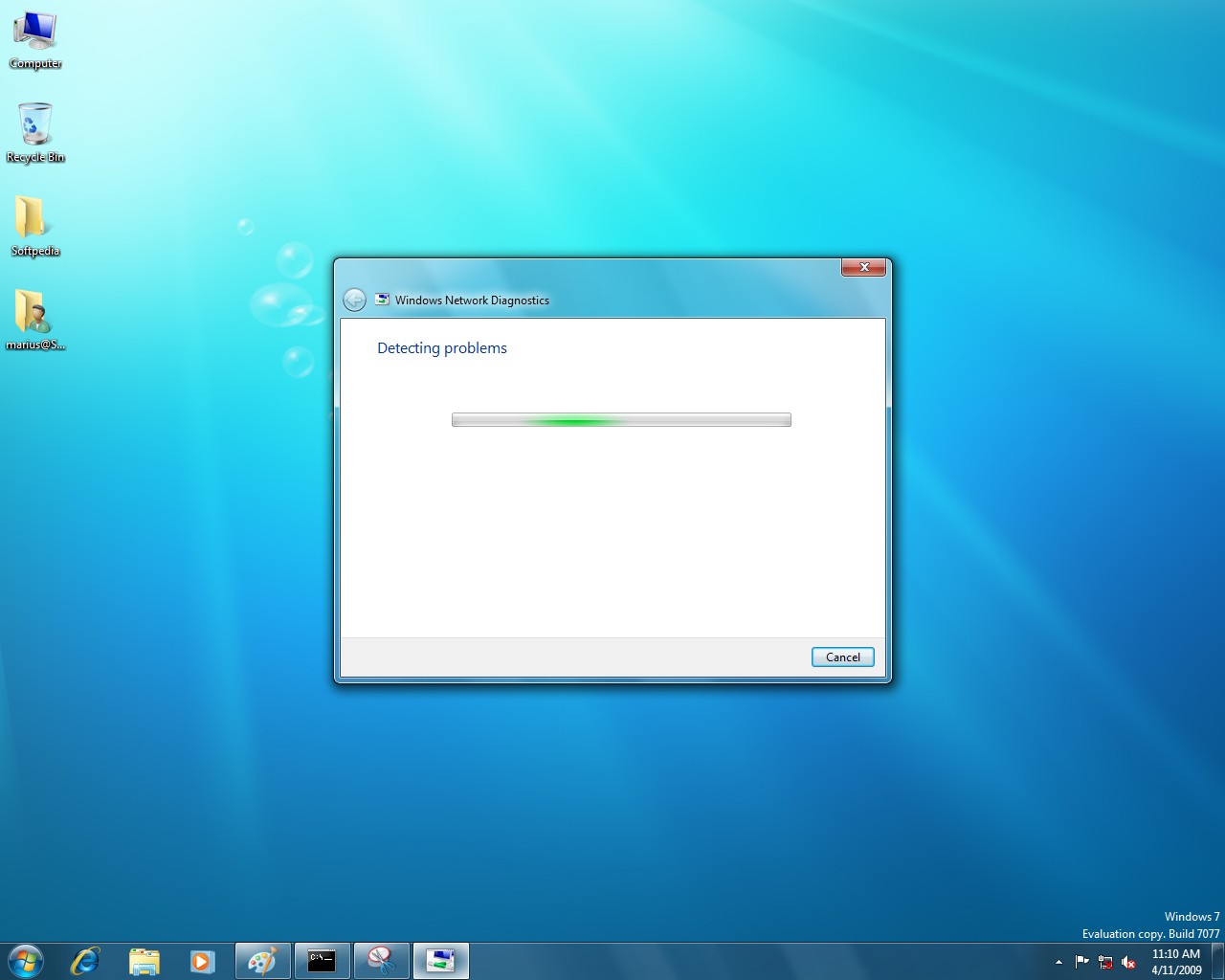
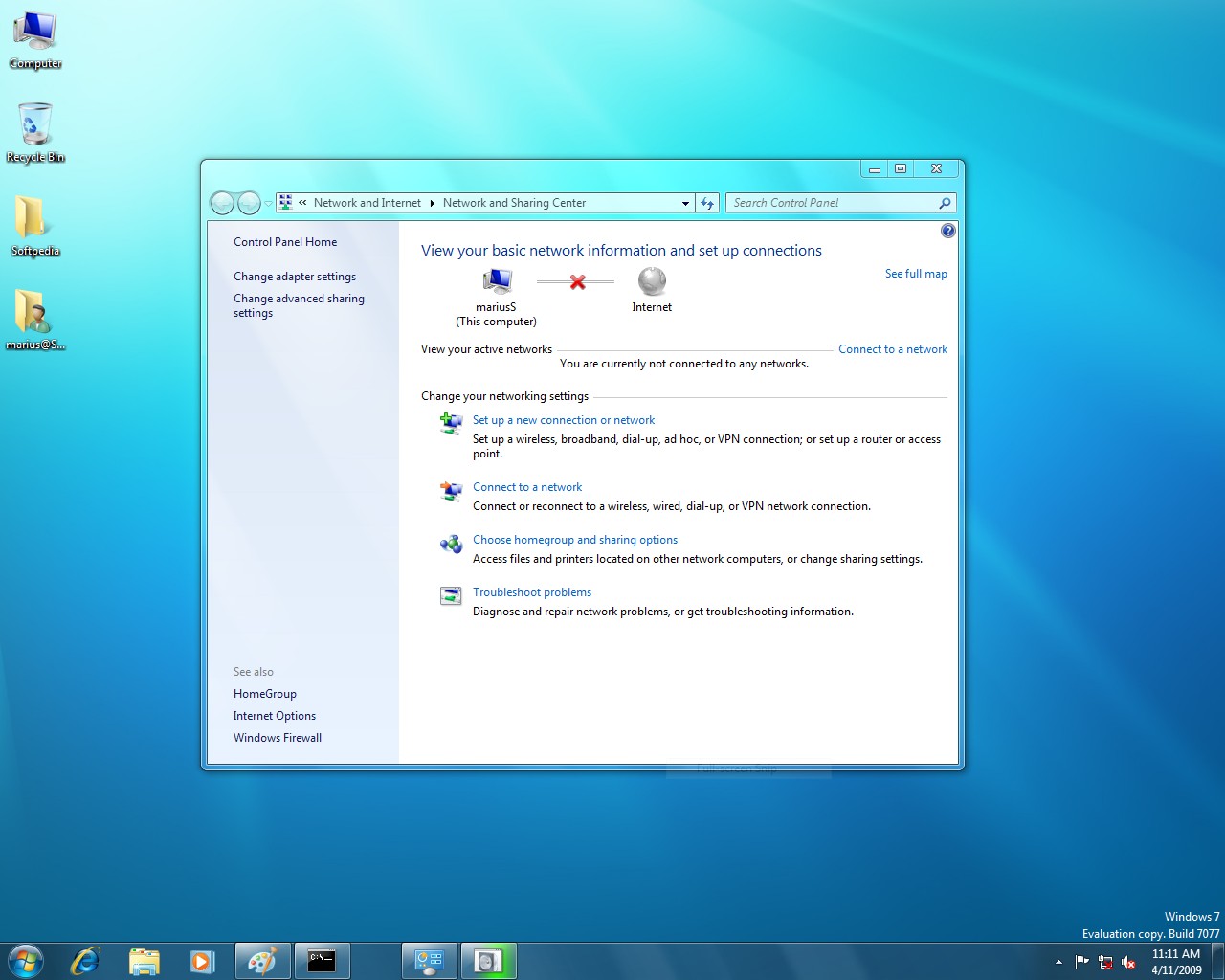
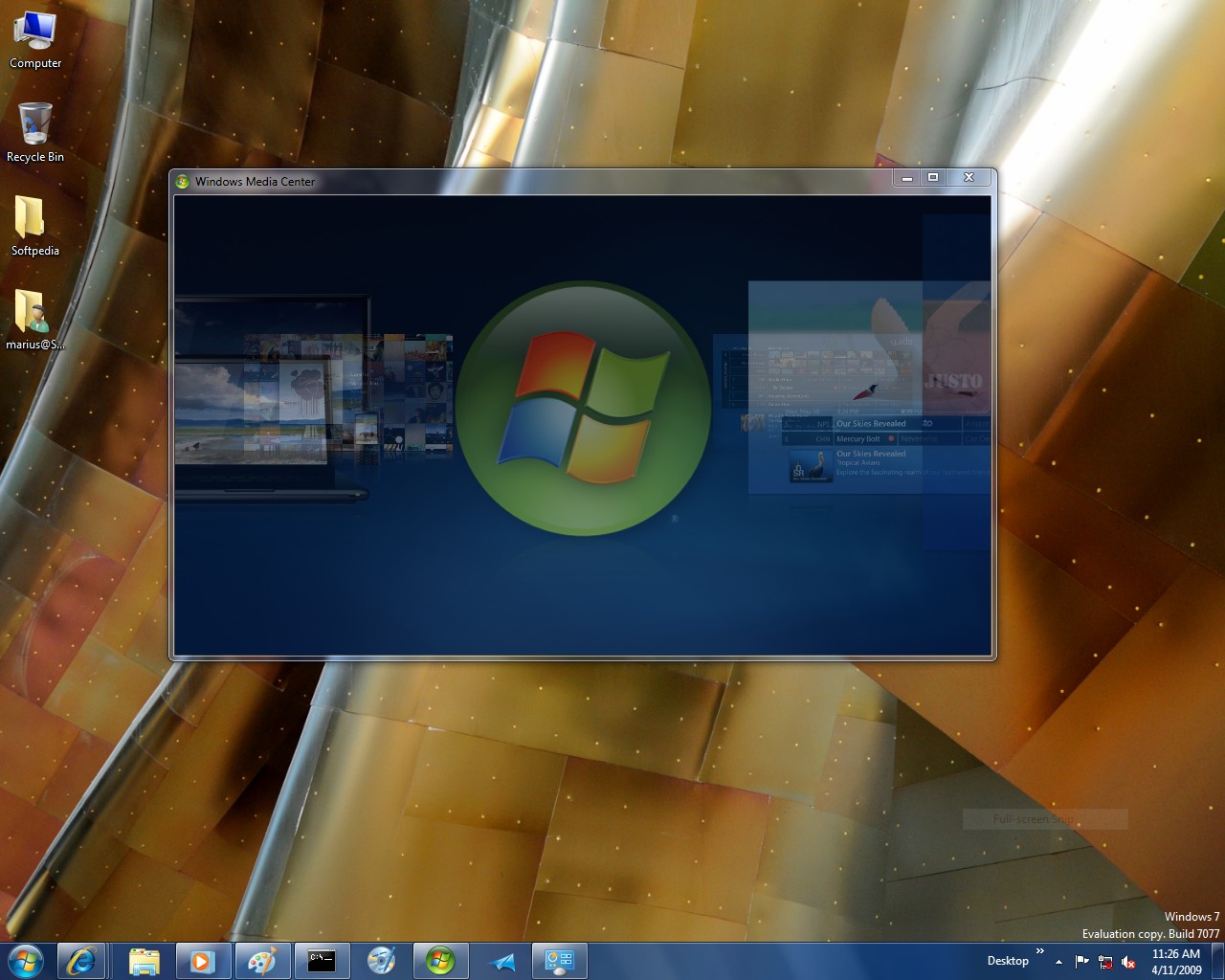
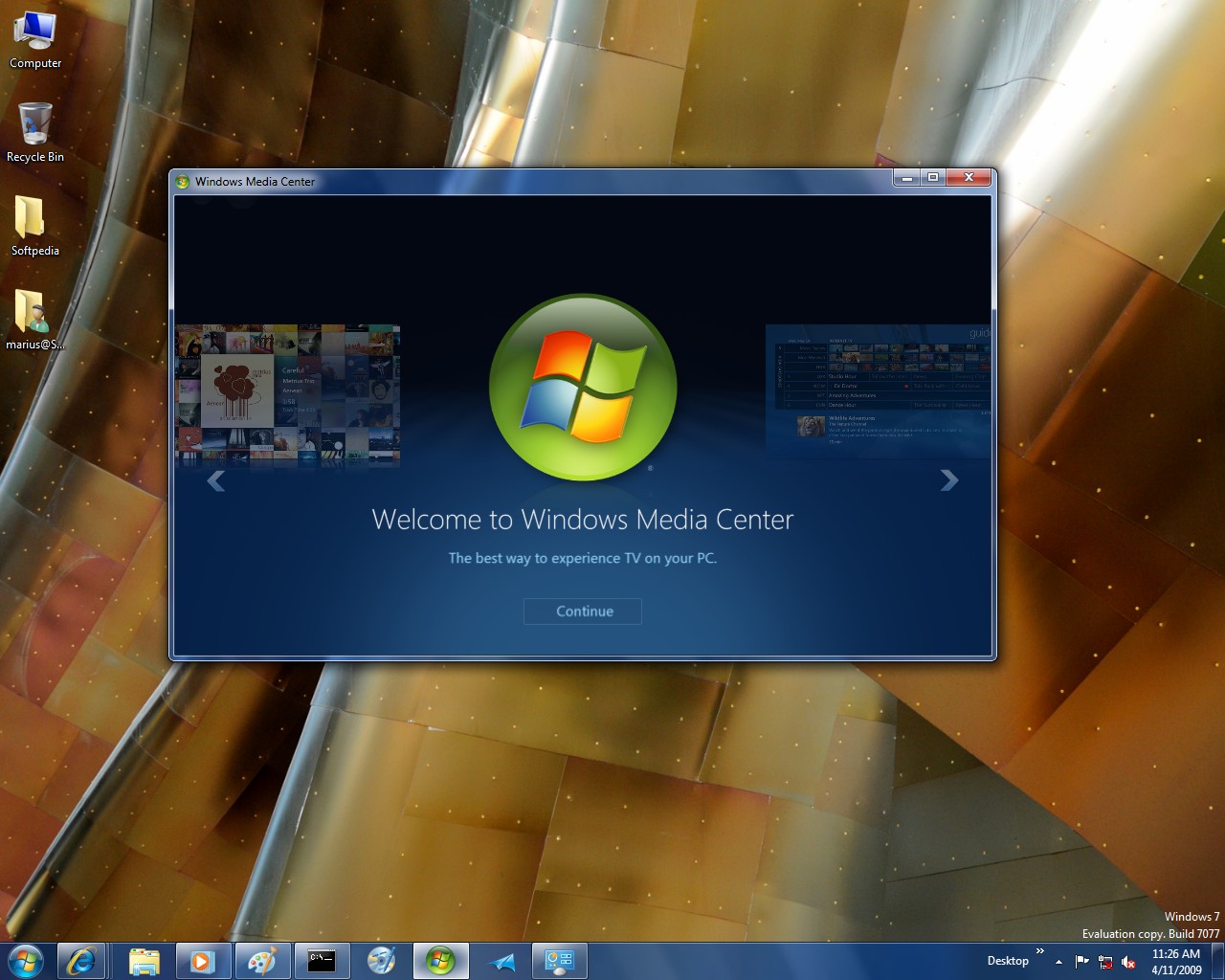
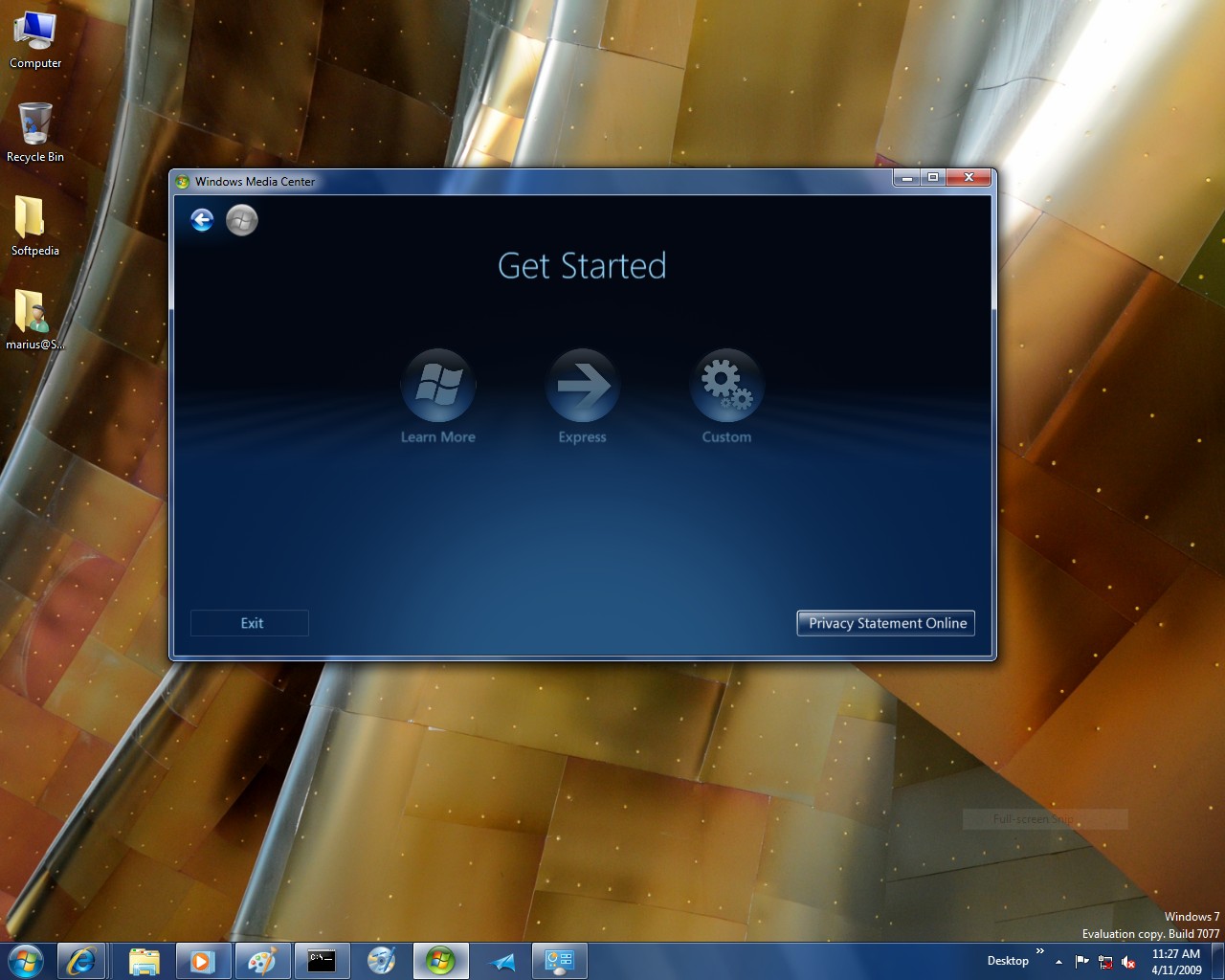
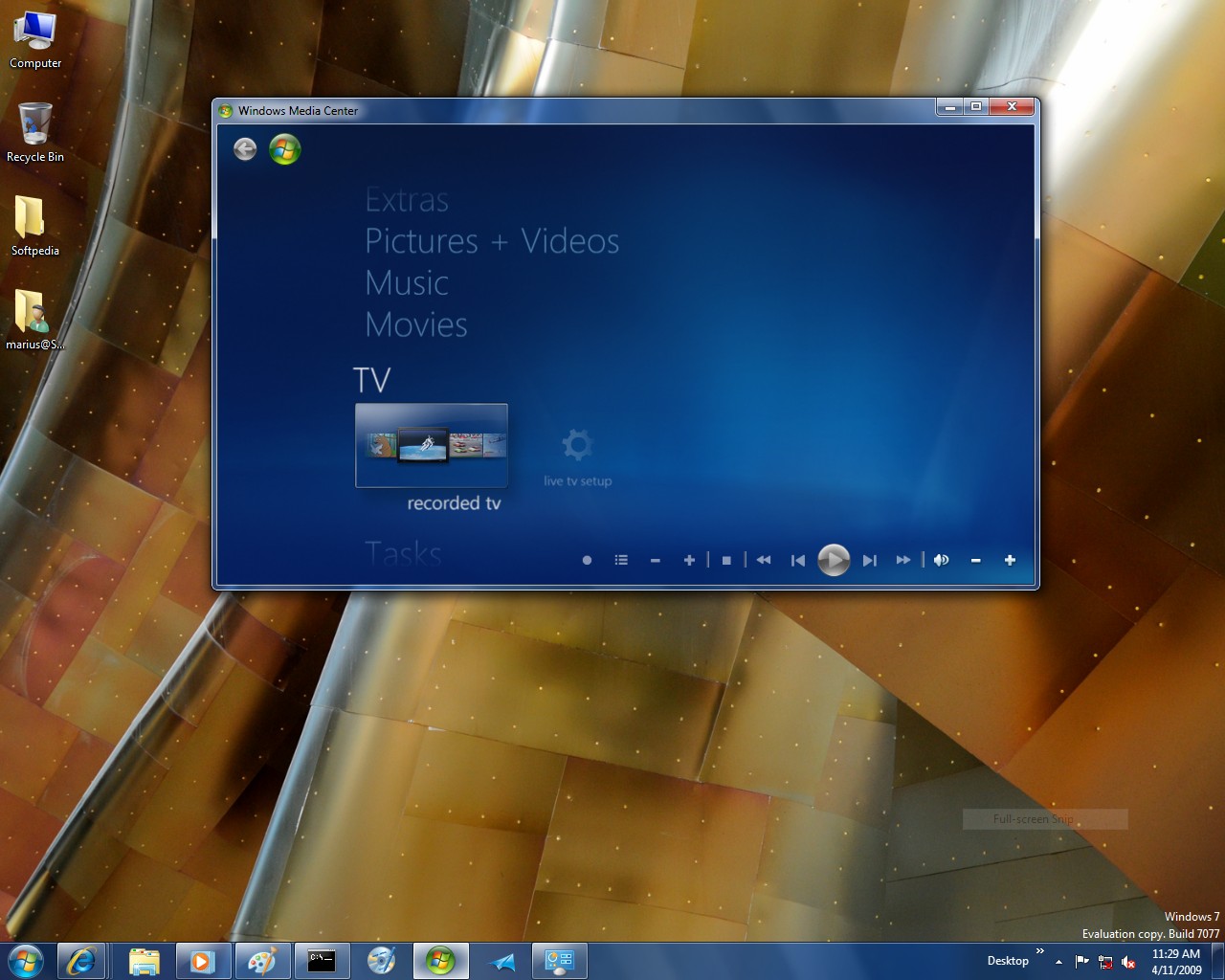
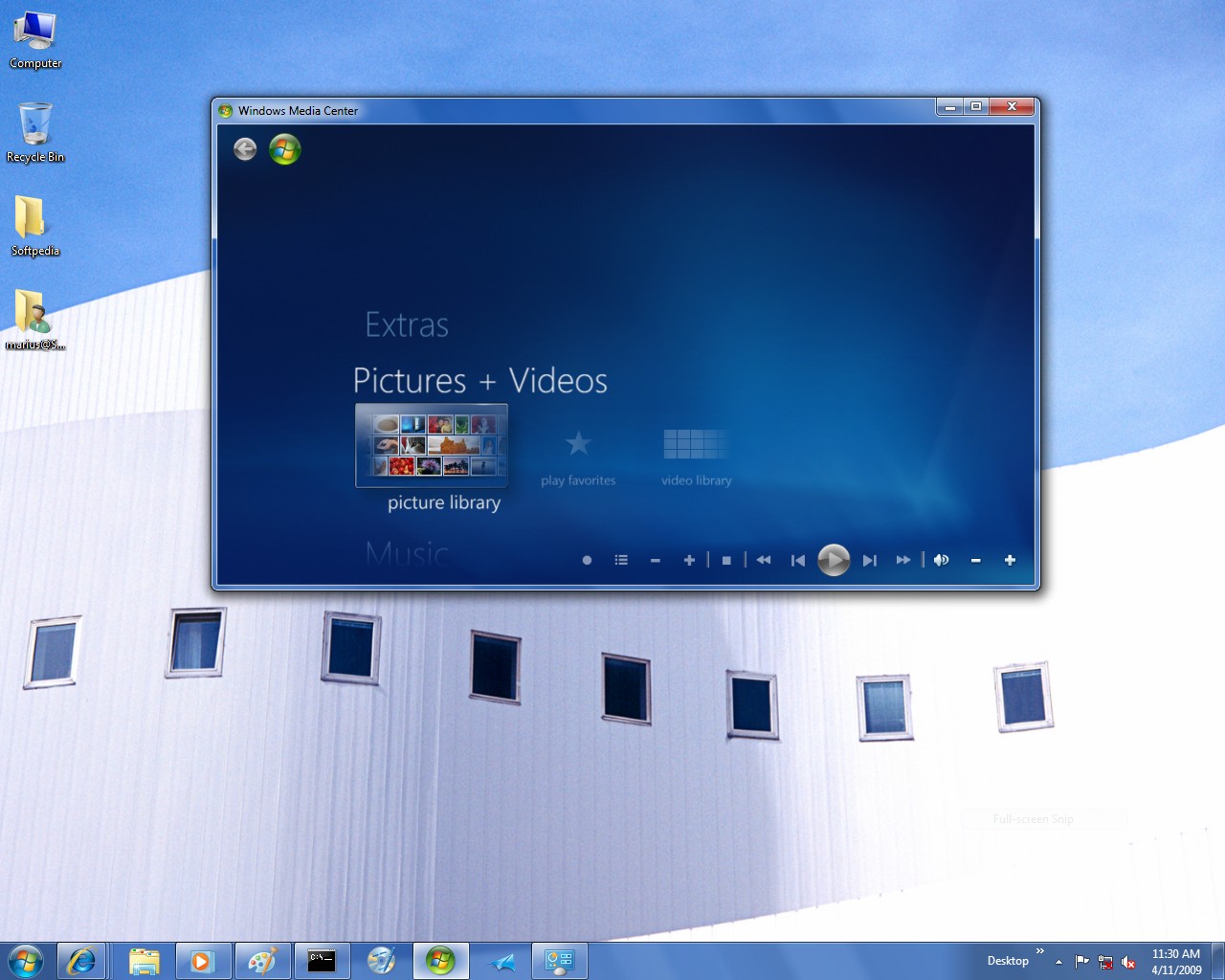
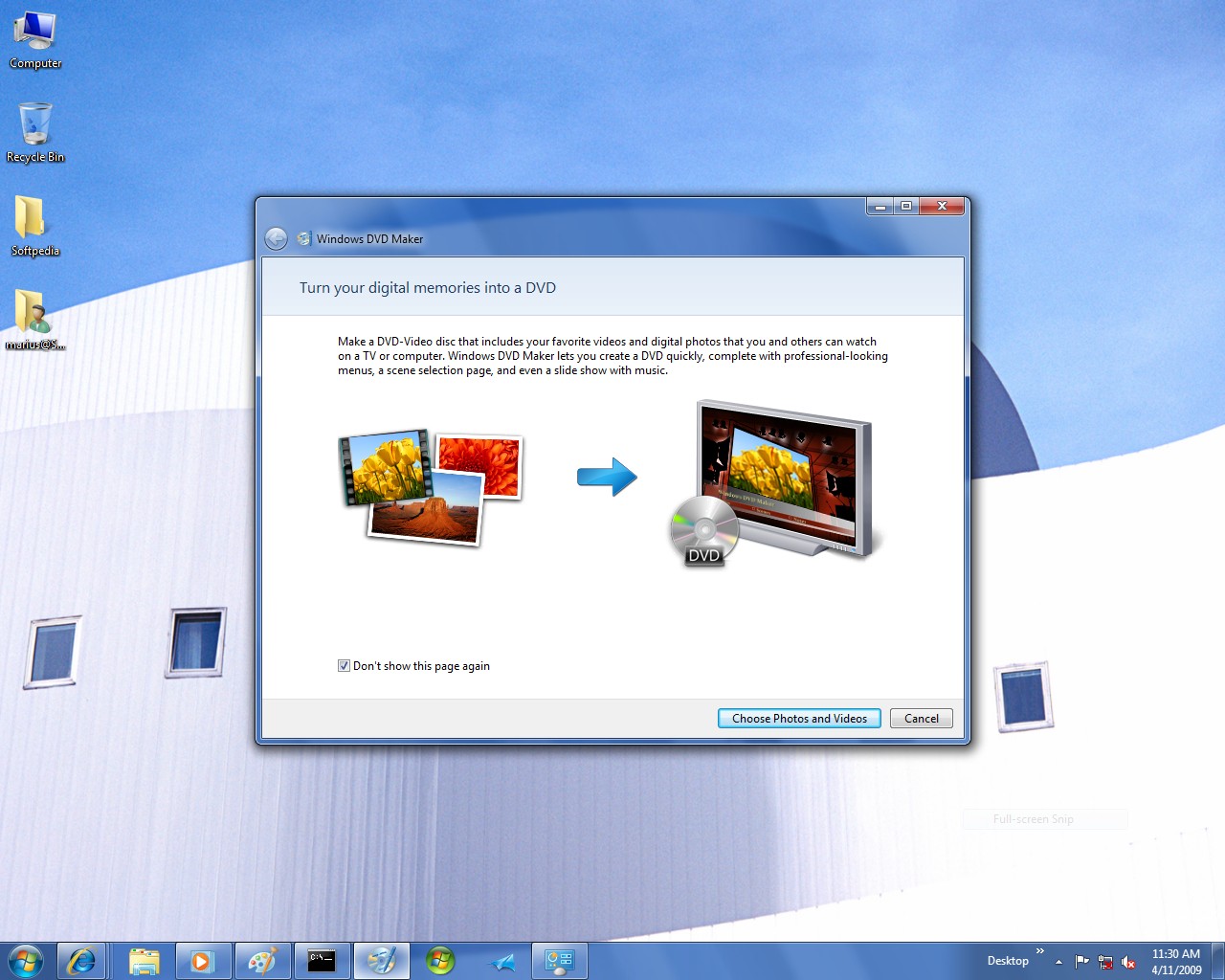
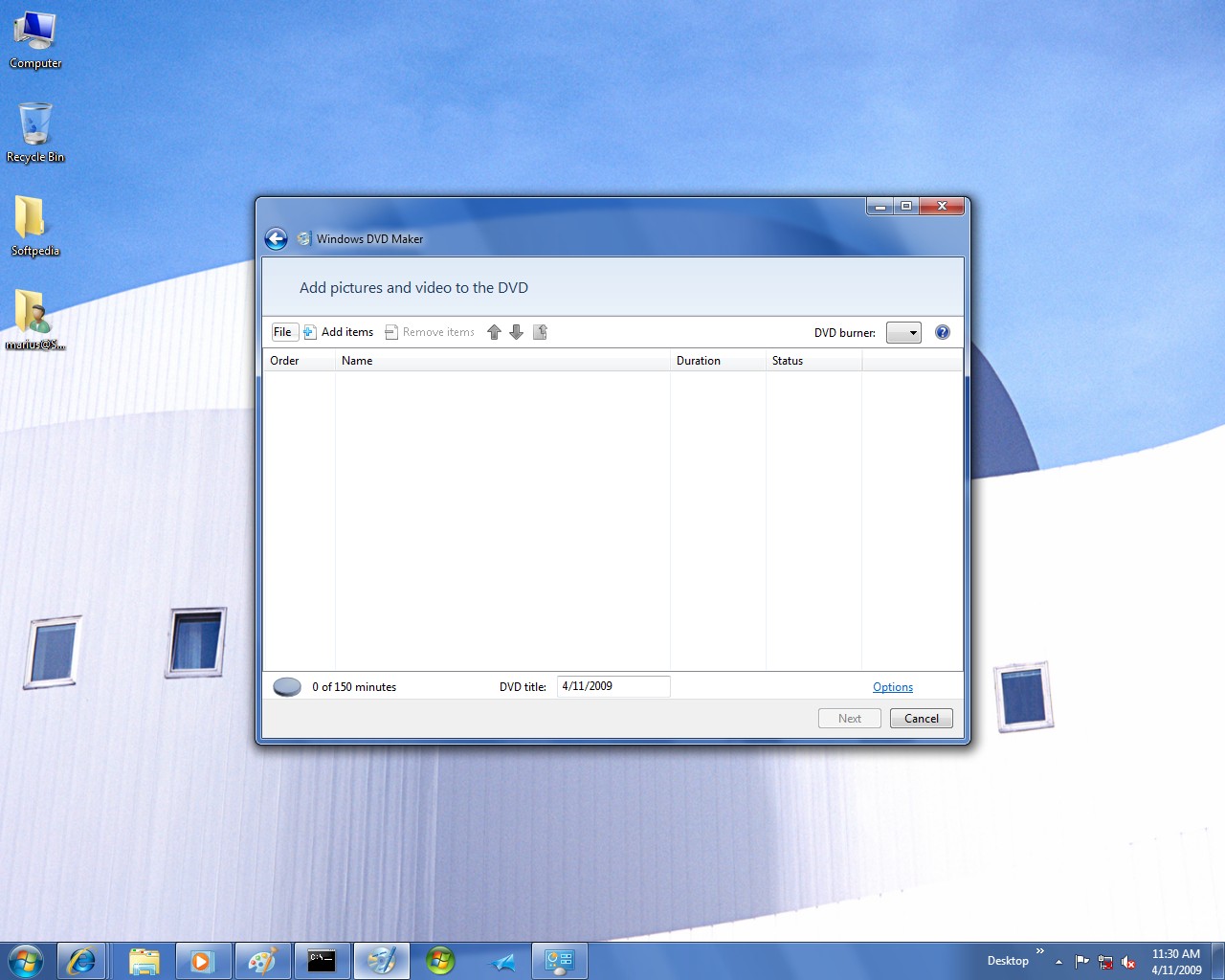
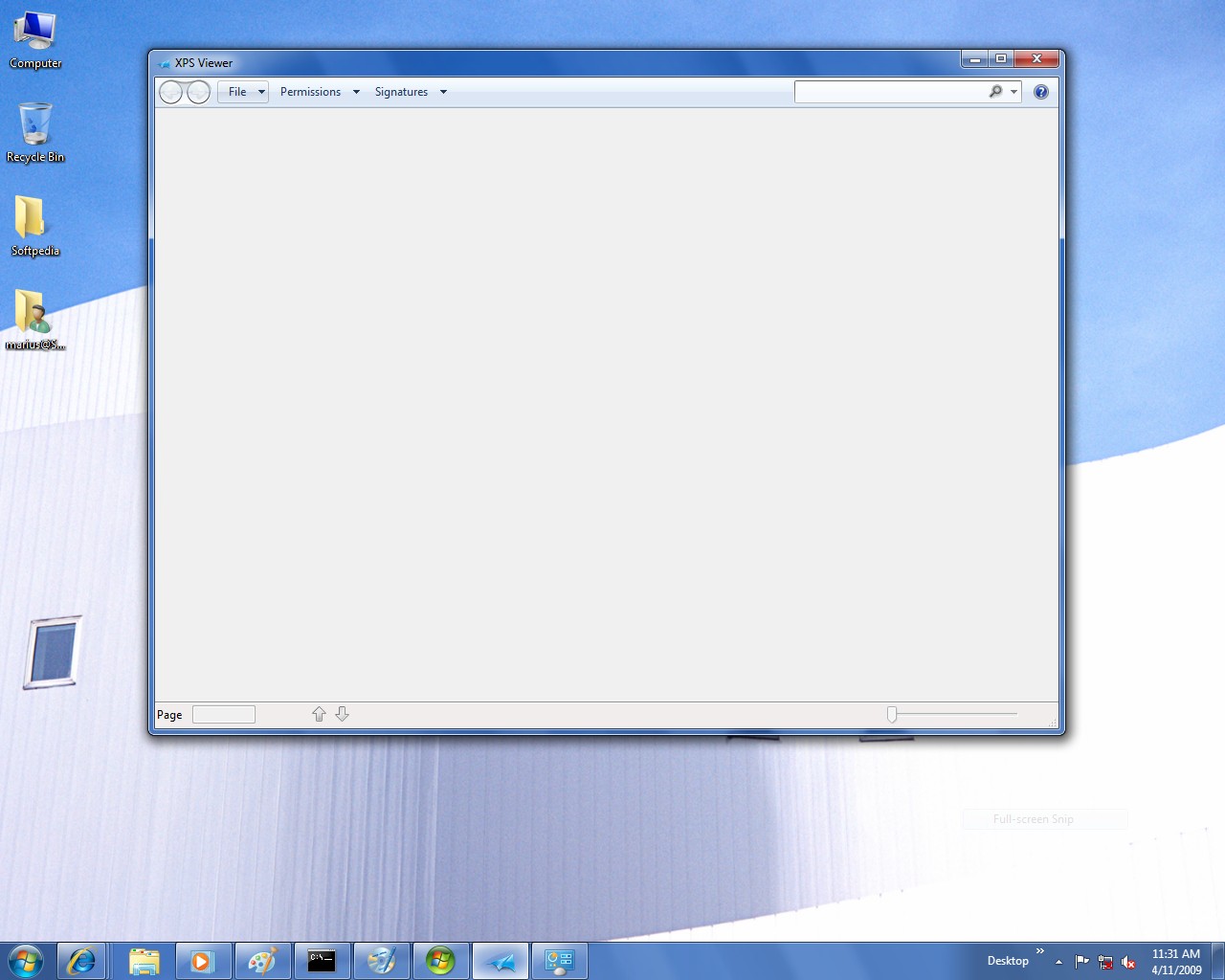
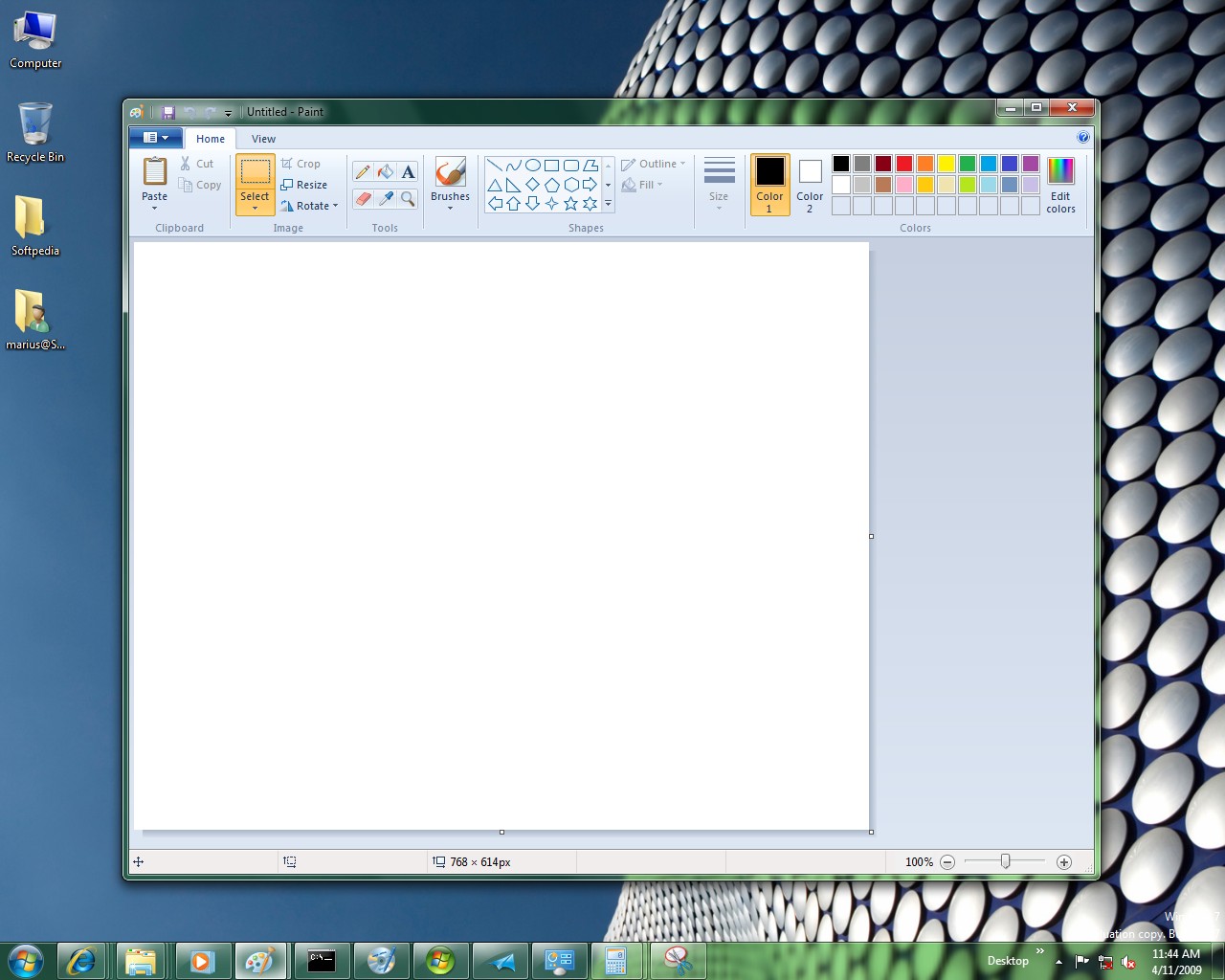
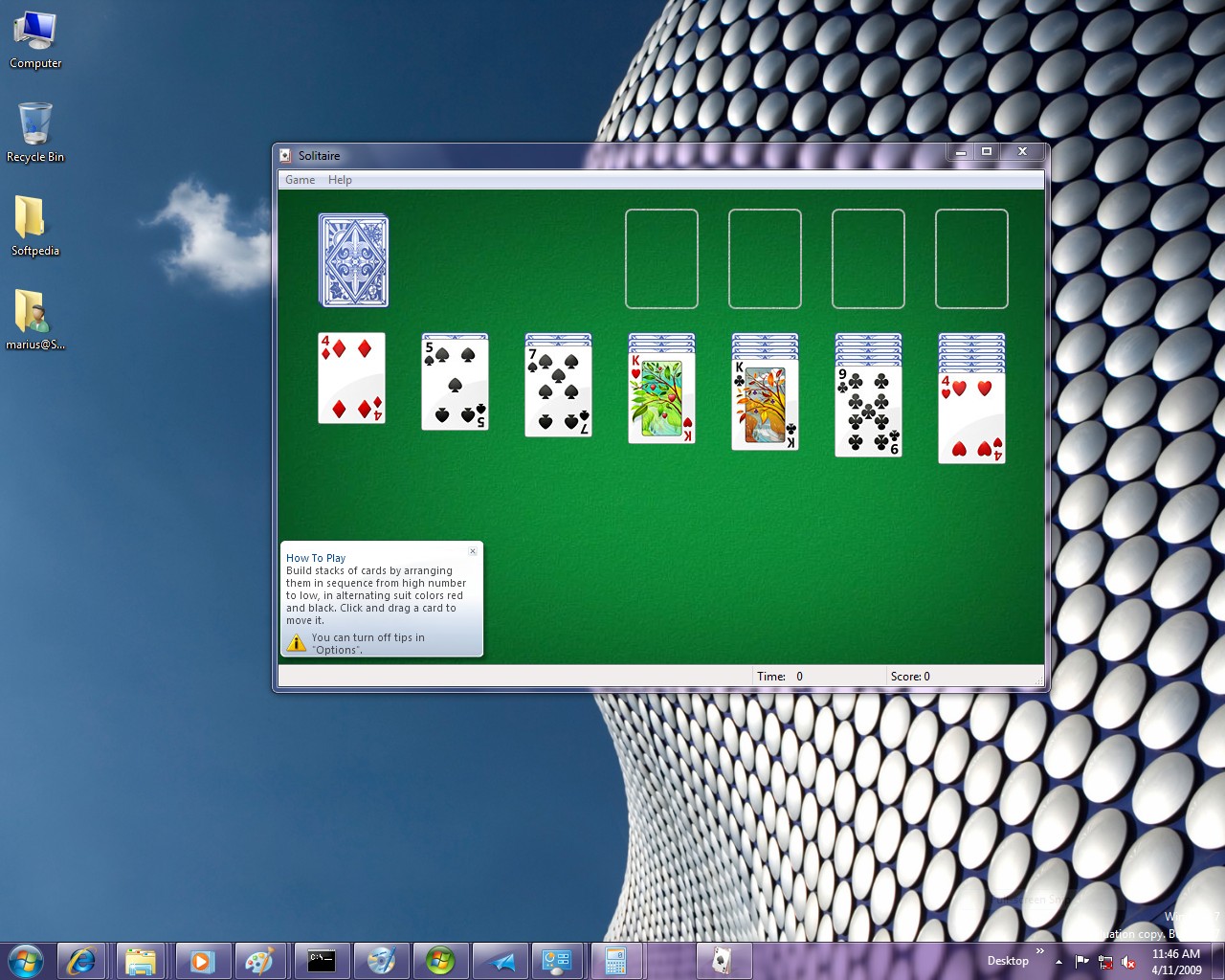
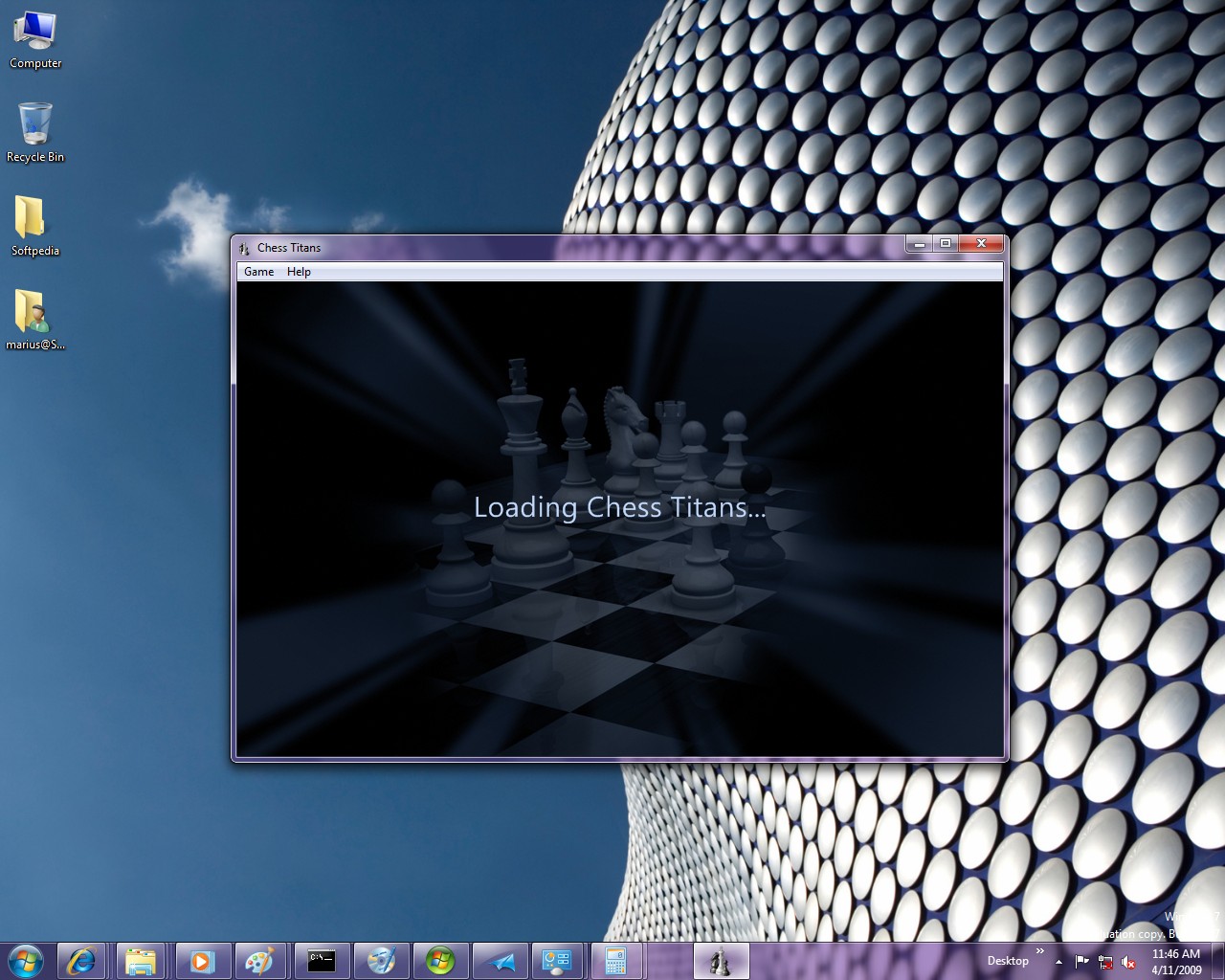
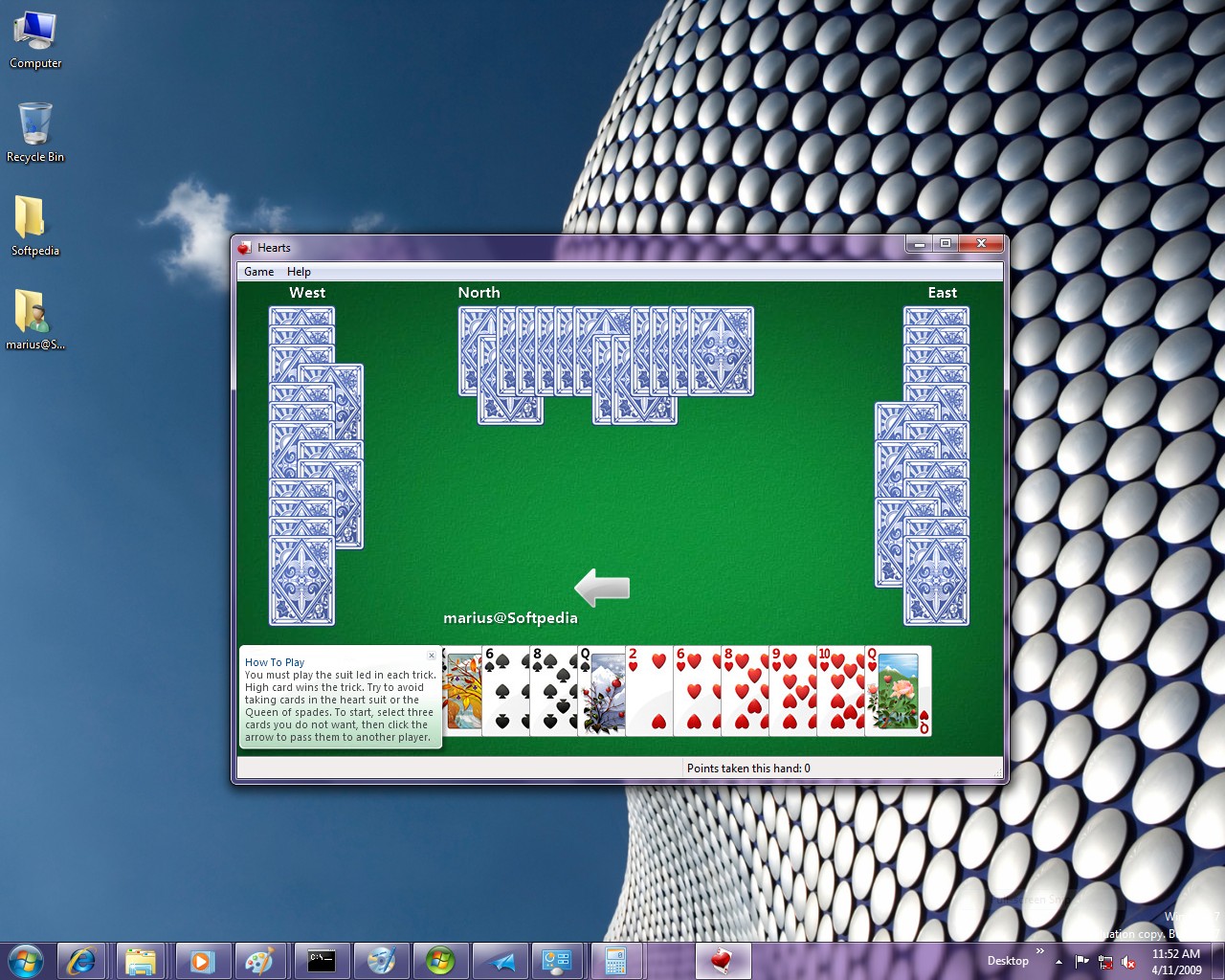
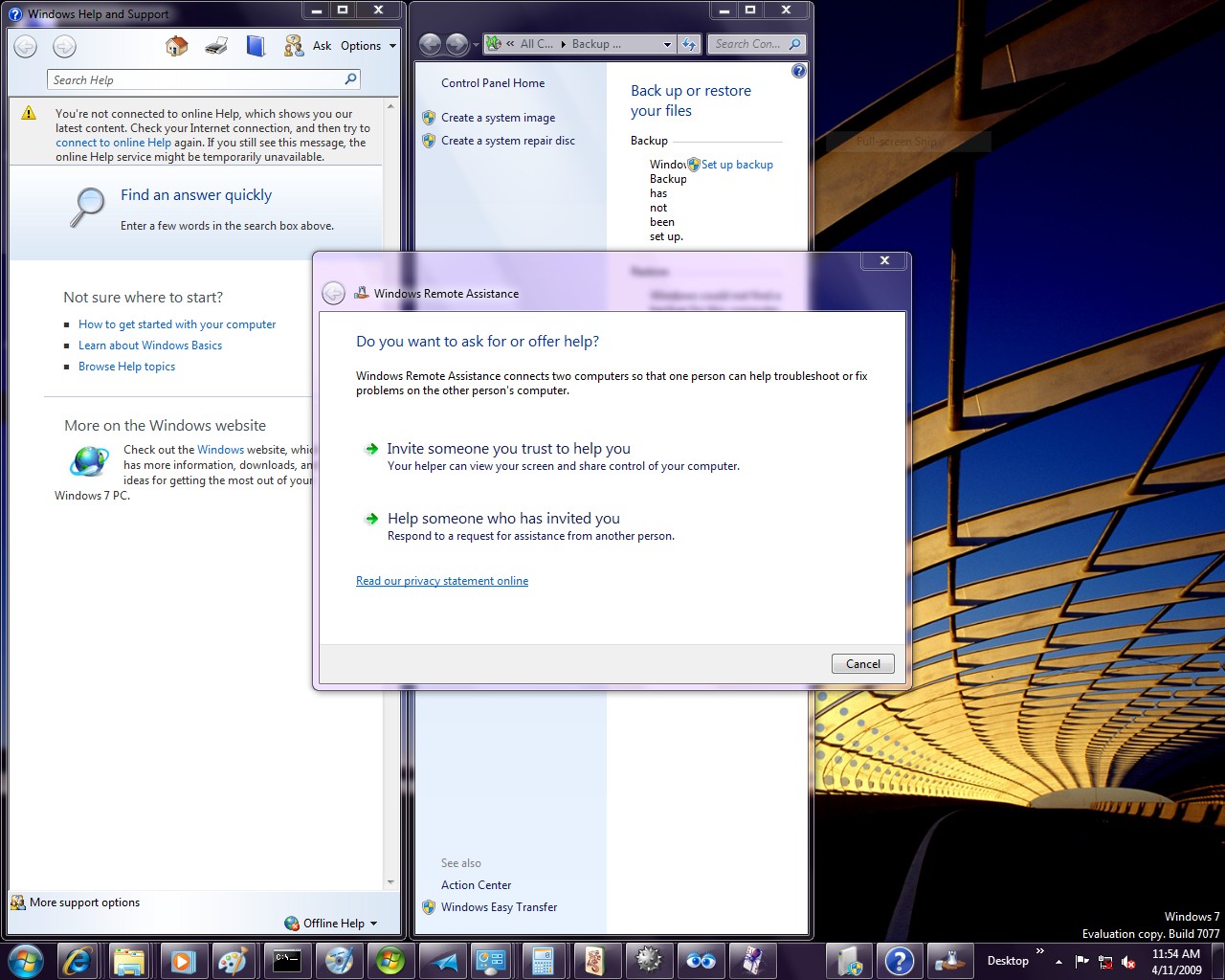
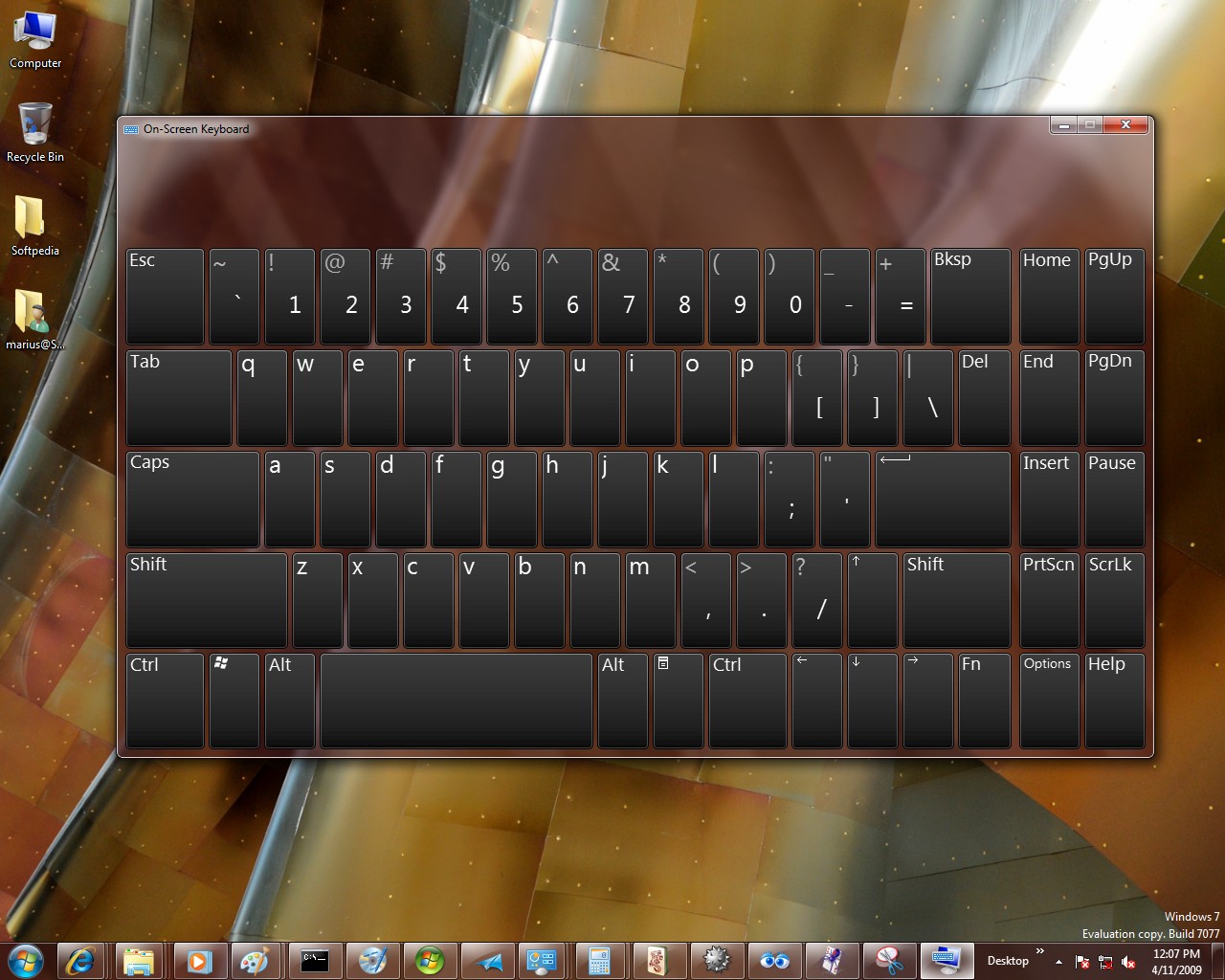
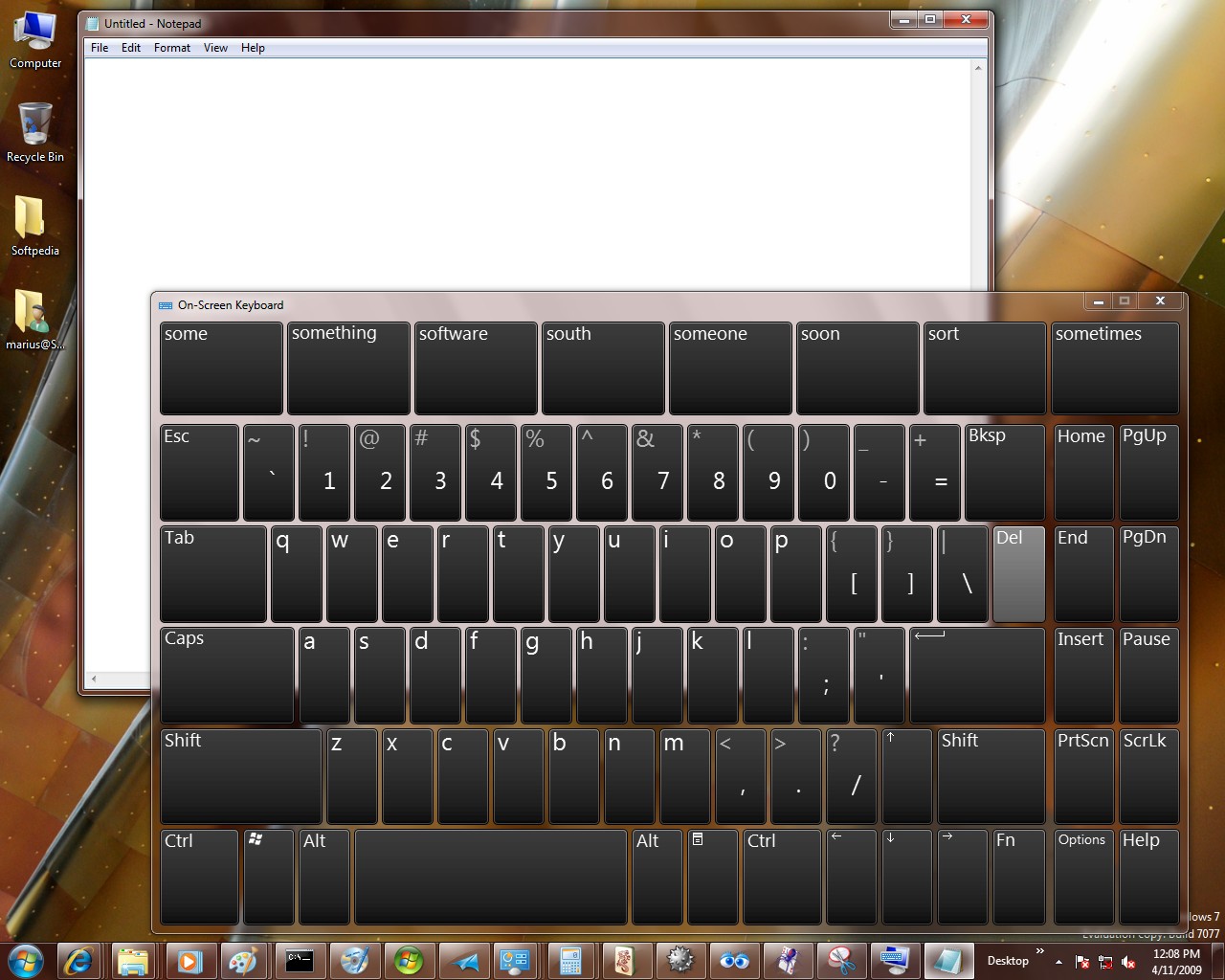
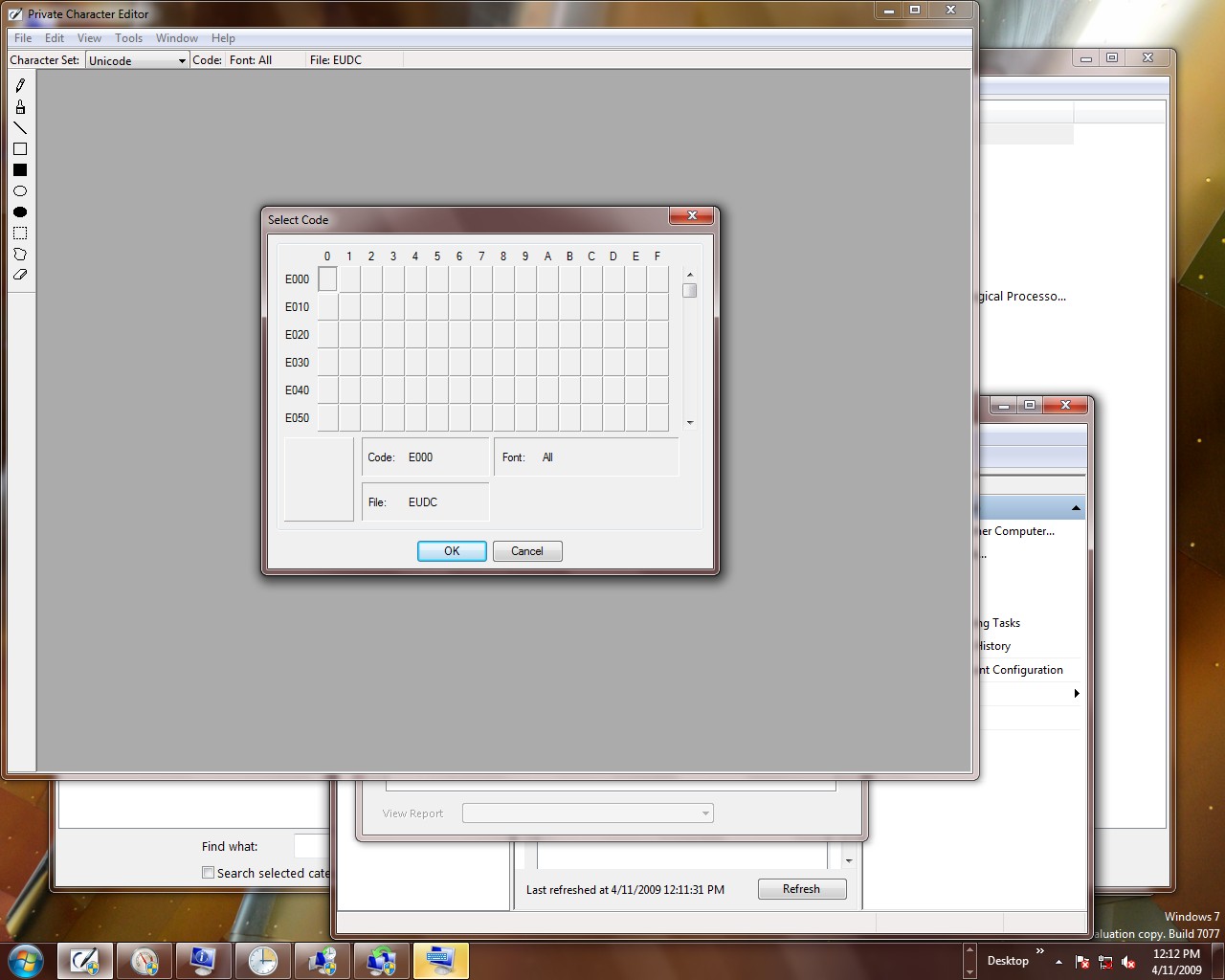
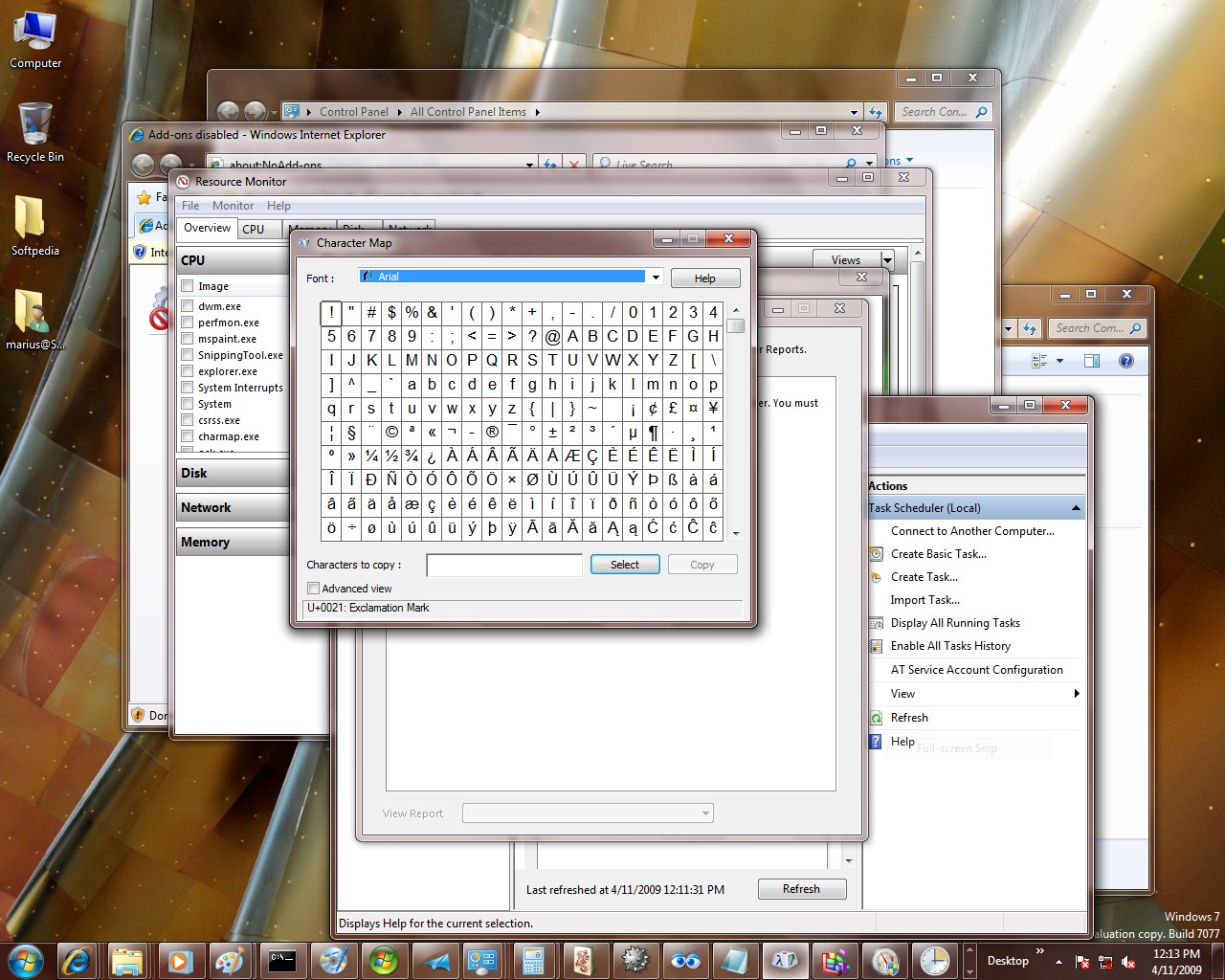
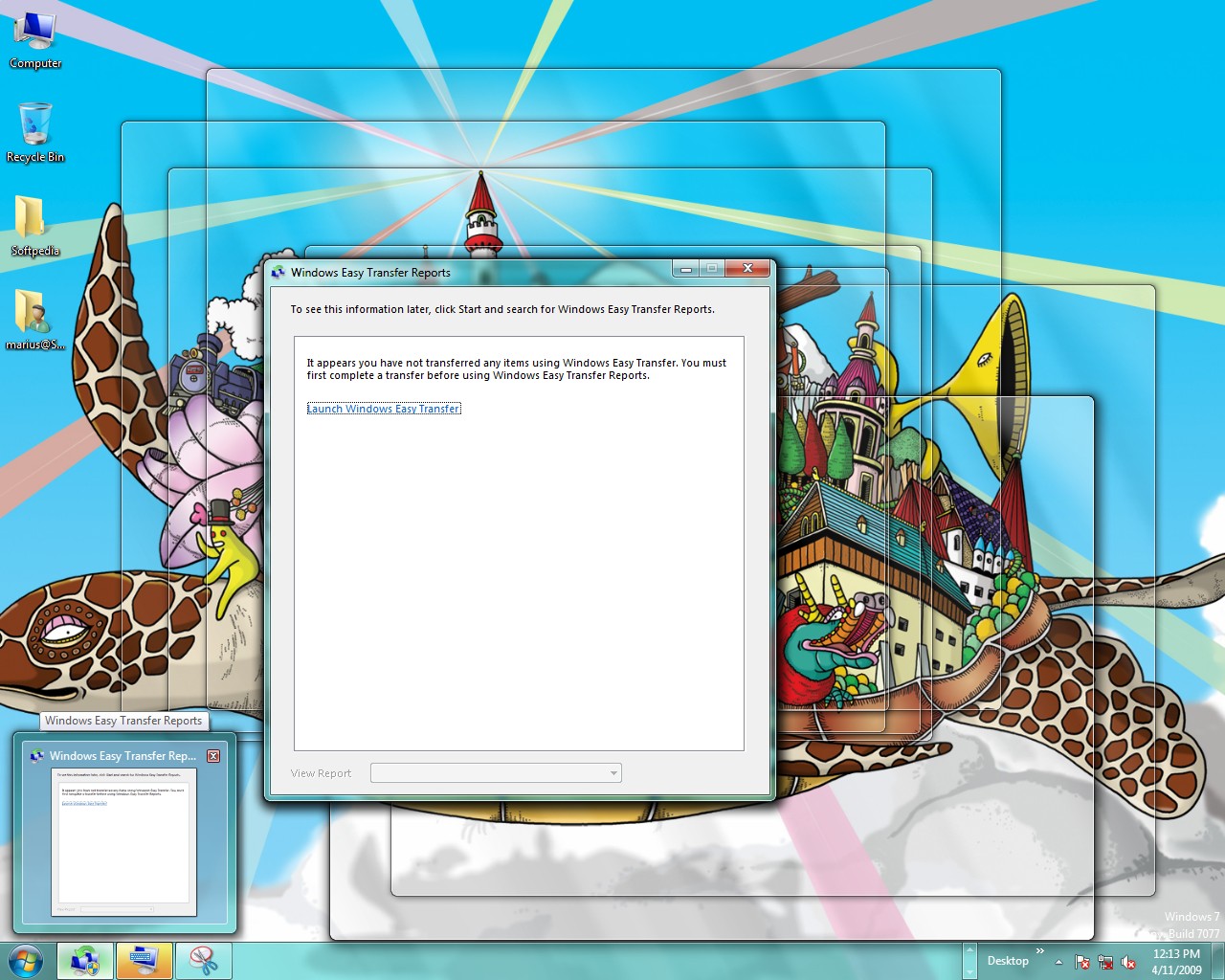
Among the screenshots included with this article, you will be able to get a taste of the installation experience for the Ultimate edition of Windows 7 Build 7077. Fact is that the process is similar to Build 7068, down to the humming bird wallpaper. 7077 is labeled Release Candidate in the End User License Agreement, while at the end of the EULA it is referred to as Win7_RC.1_Ult_NRL_en-US. Just as the majority of previous releases of Windows 7, Build 7077 offers just the Ultimate edition. Only 7068 was made available in an all-SKUs variant, which offered testers the possibility to install Win 7 editions such as Starter, Home Basic, Home Premium, Professional and Ultimate.
When it comes down to Windows 7 Release Candidate, Microsoft asked end-users to either perform a clean install of the operating system or upgrade from Windows Vista. The Redmond company underlined that it was little interested in build-to-build upgrades of Windows 7, as it did not reflect real world scenarios.
“Many of you installed the Windows 7 beta on a PC running Vista. We received that telemetry and acted on it accordingly. We believe we’ve continued to improve the upgrade experience throughout the release. Similarly, based on our telemetry most of you did clean installations onto new drive partitions. Through this telemetry we learned about the device ecosystem and what drivers were available or missing. We also learned about PC-specific functions that required installing a driver / application (from XP or Vista) to enable support for buttons, connectors, or other hardware components. Together we get great coverage of the setup experience,” the Windows team member added.
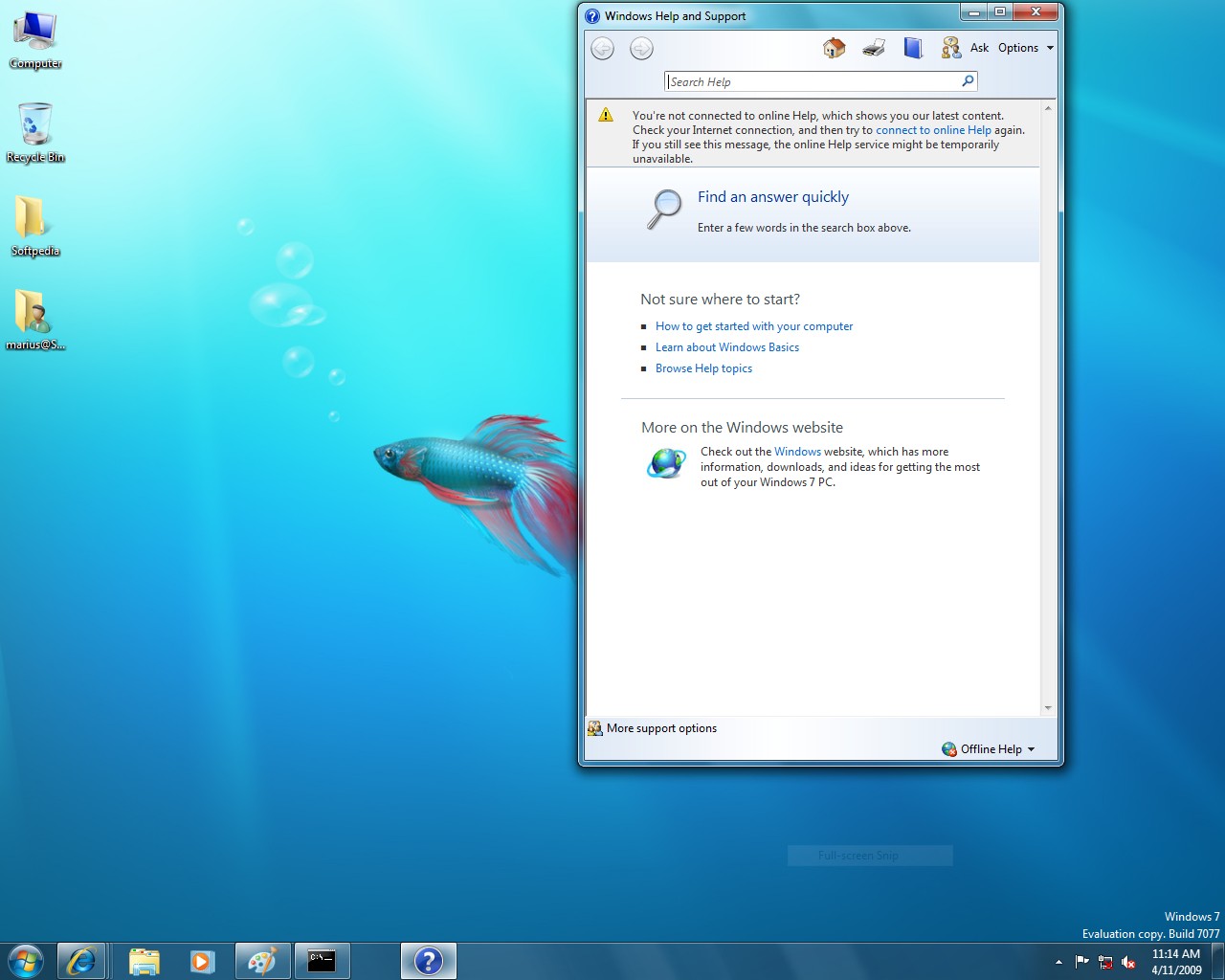
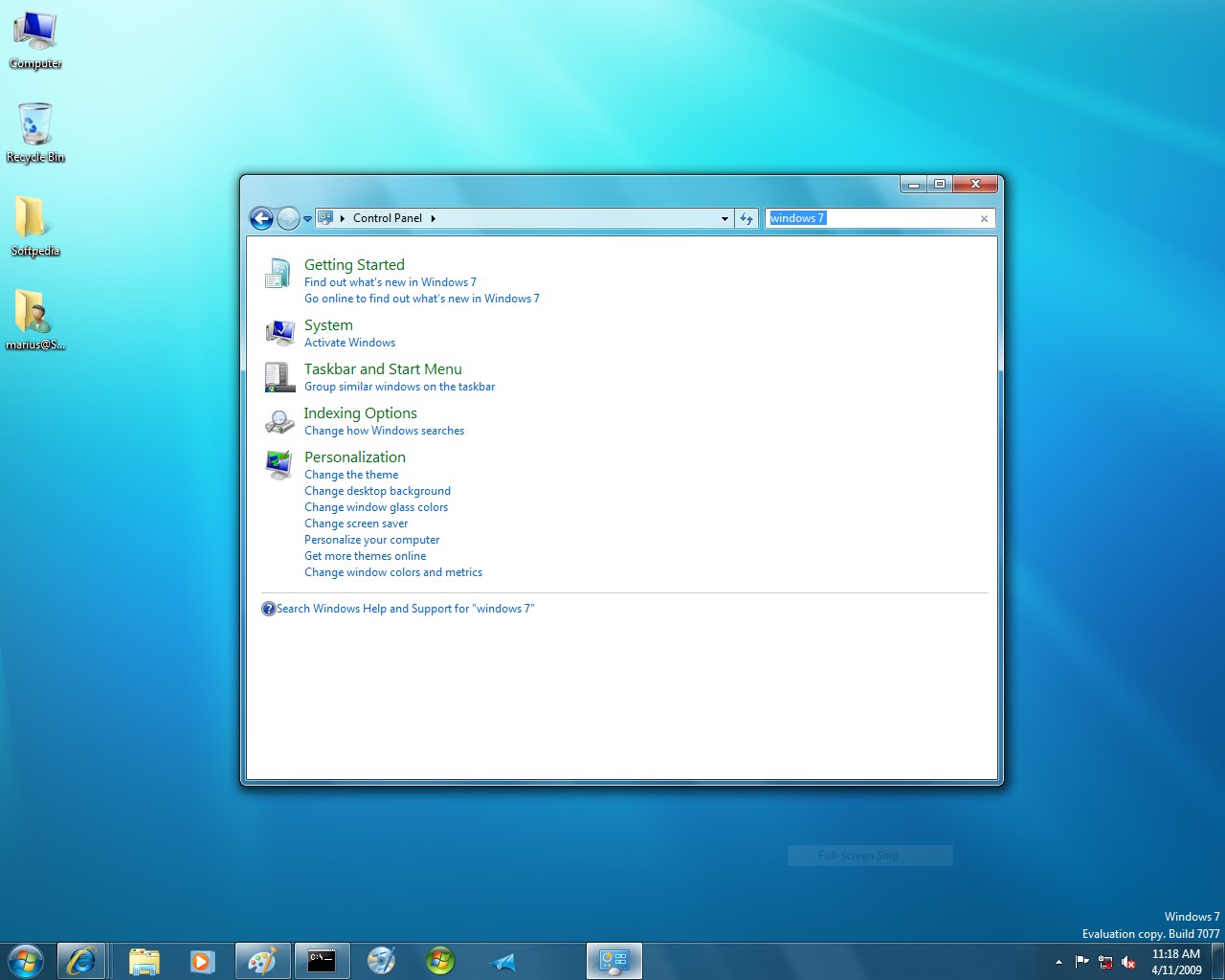
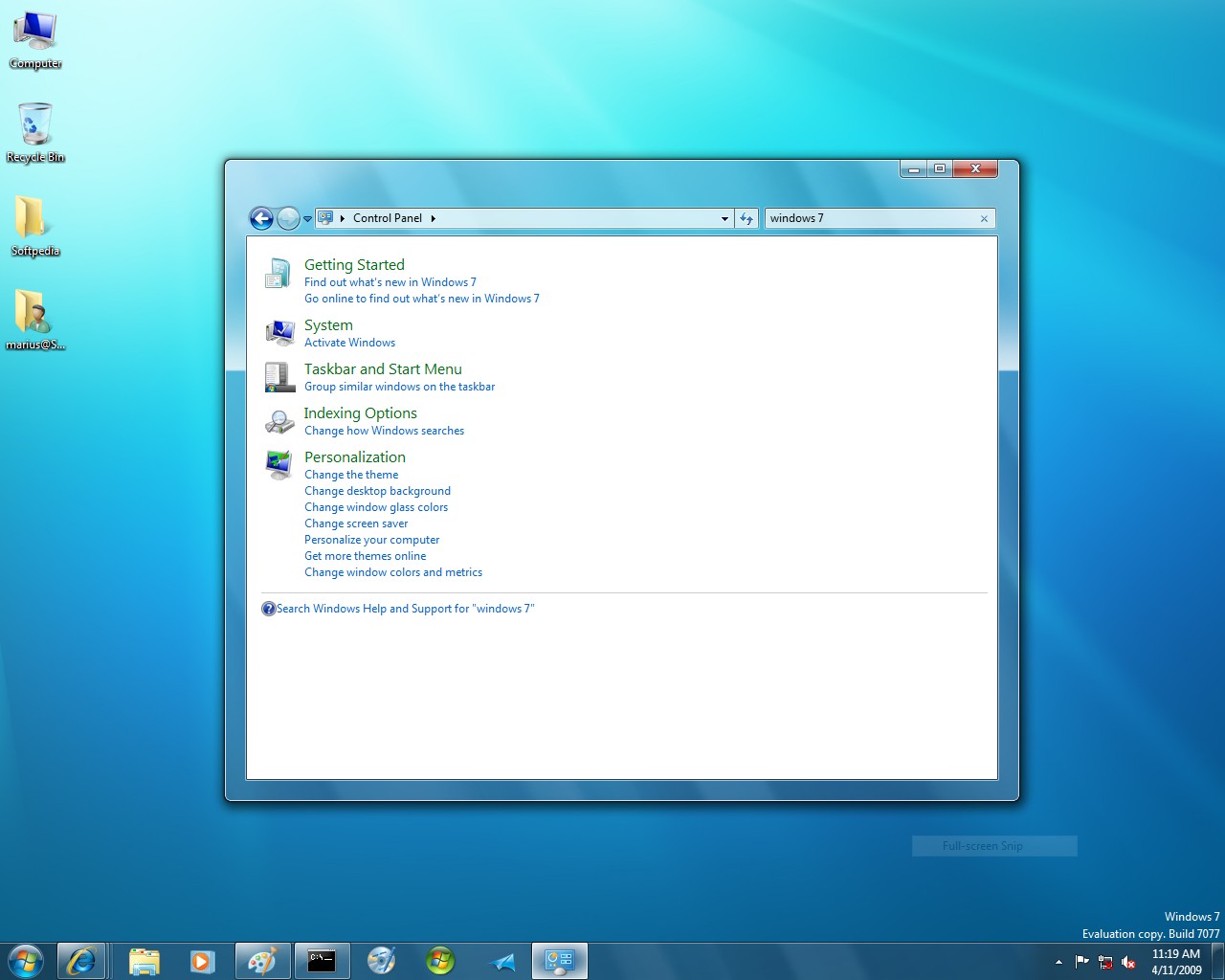
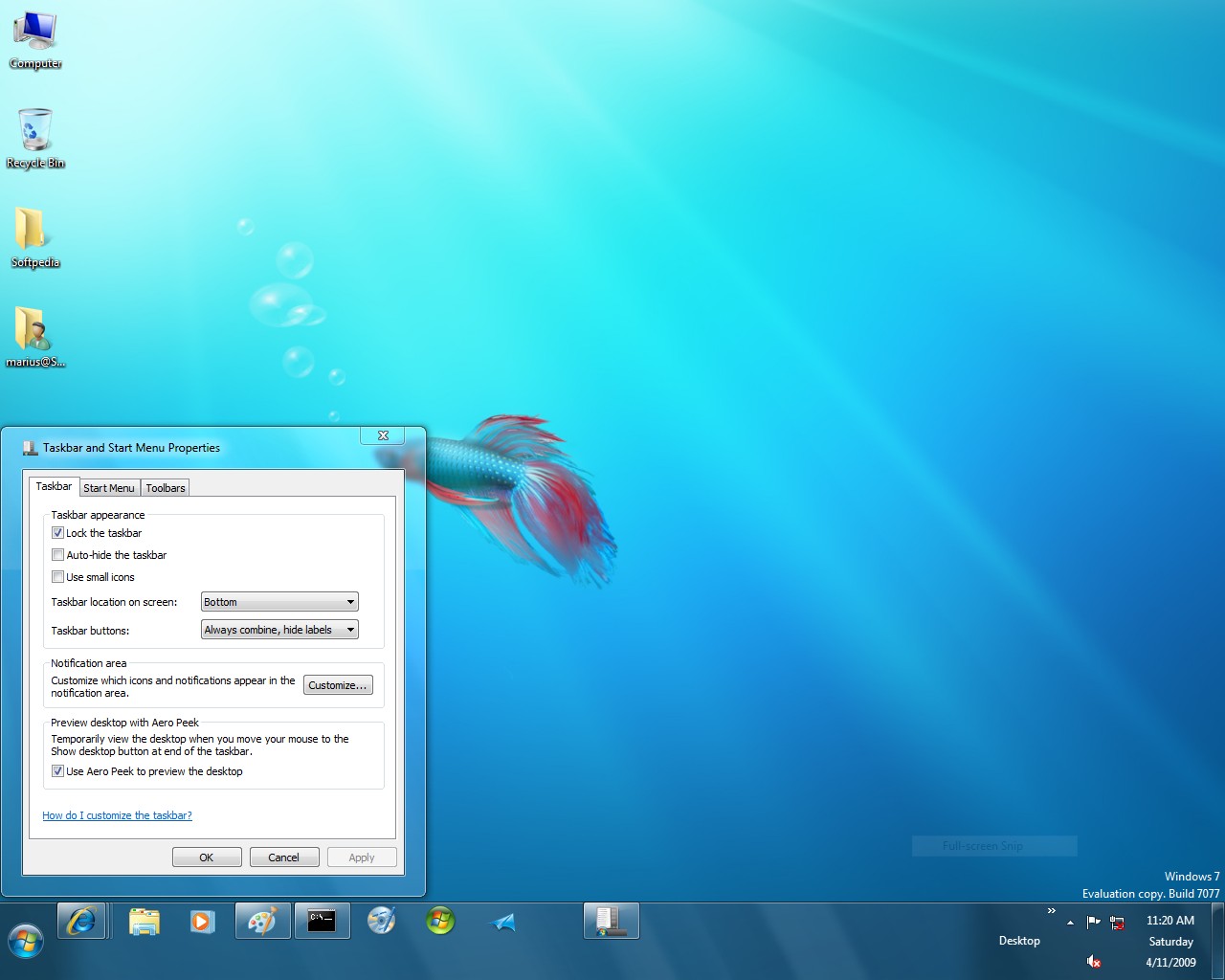
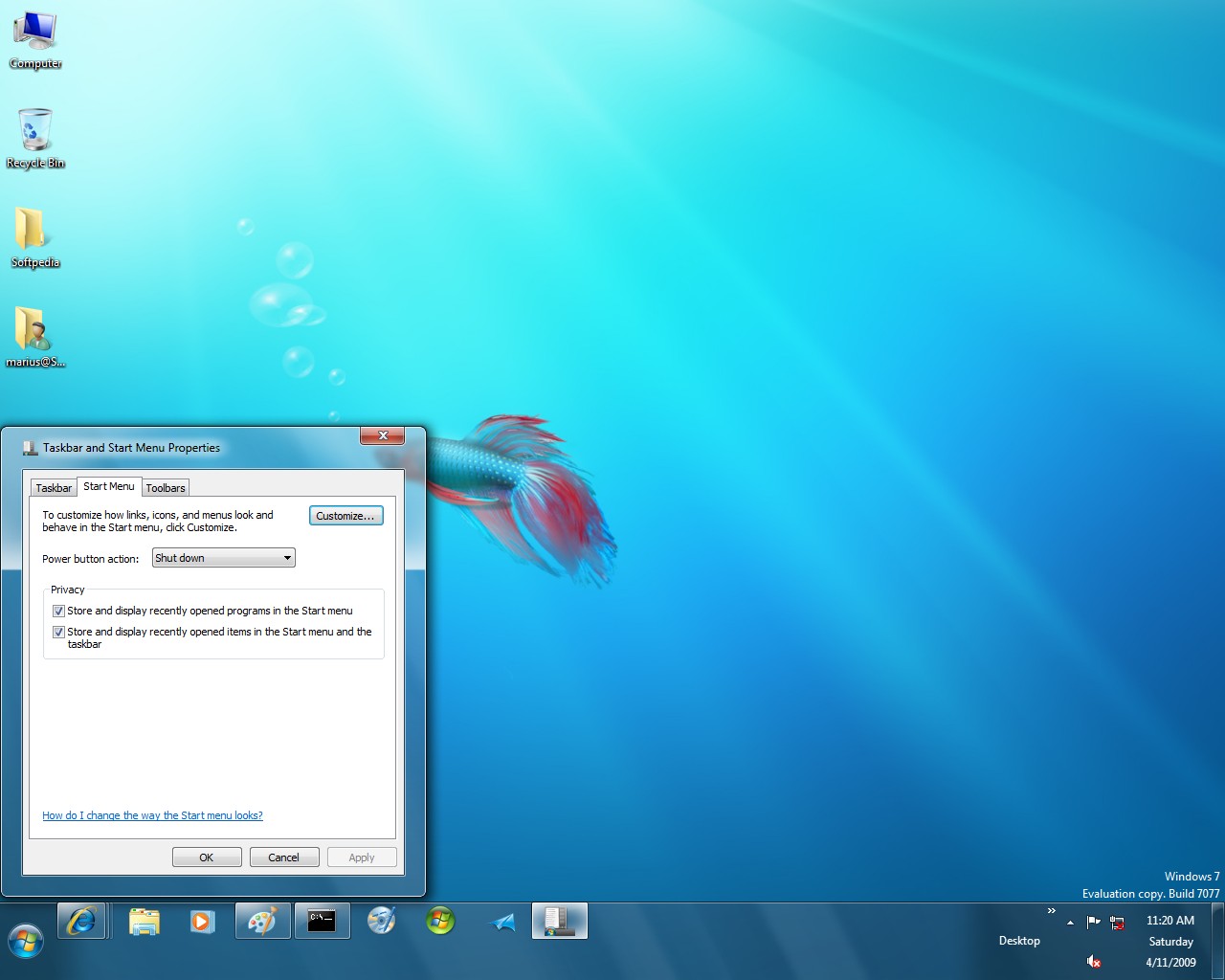
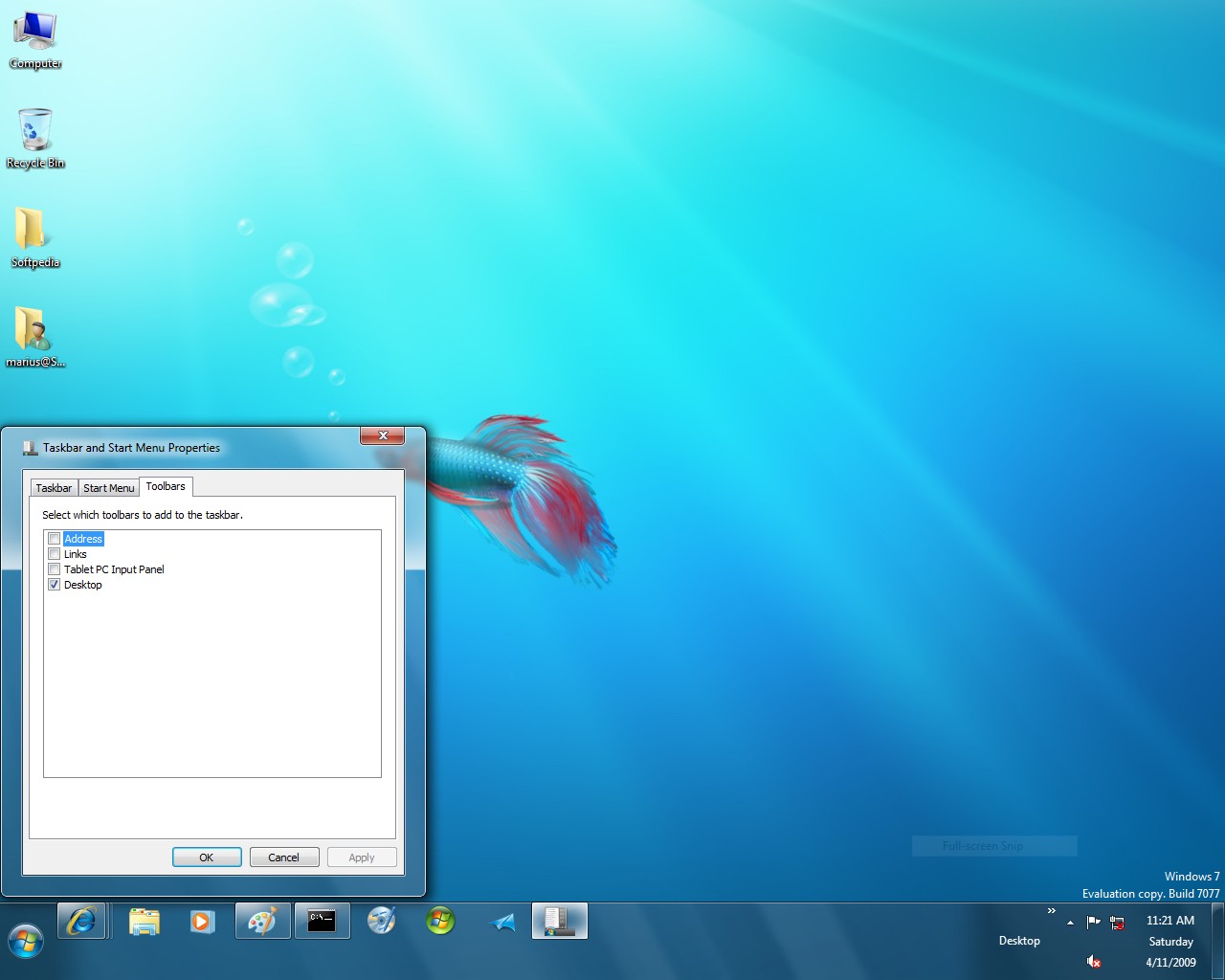
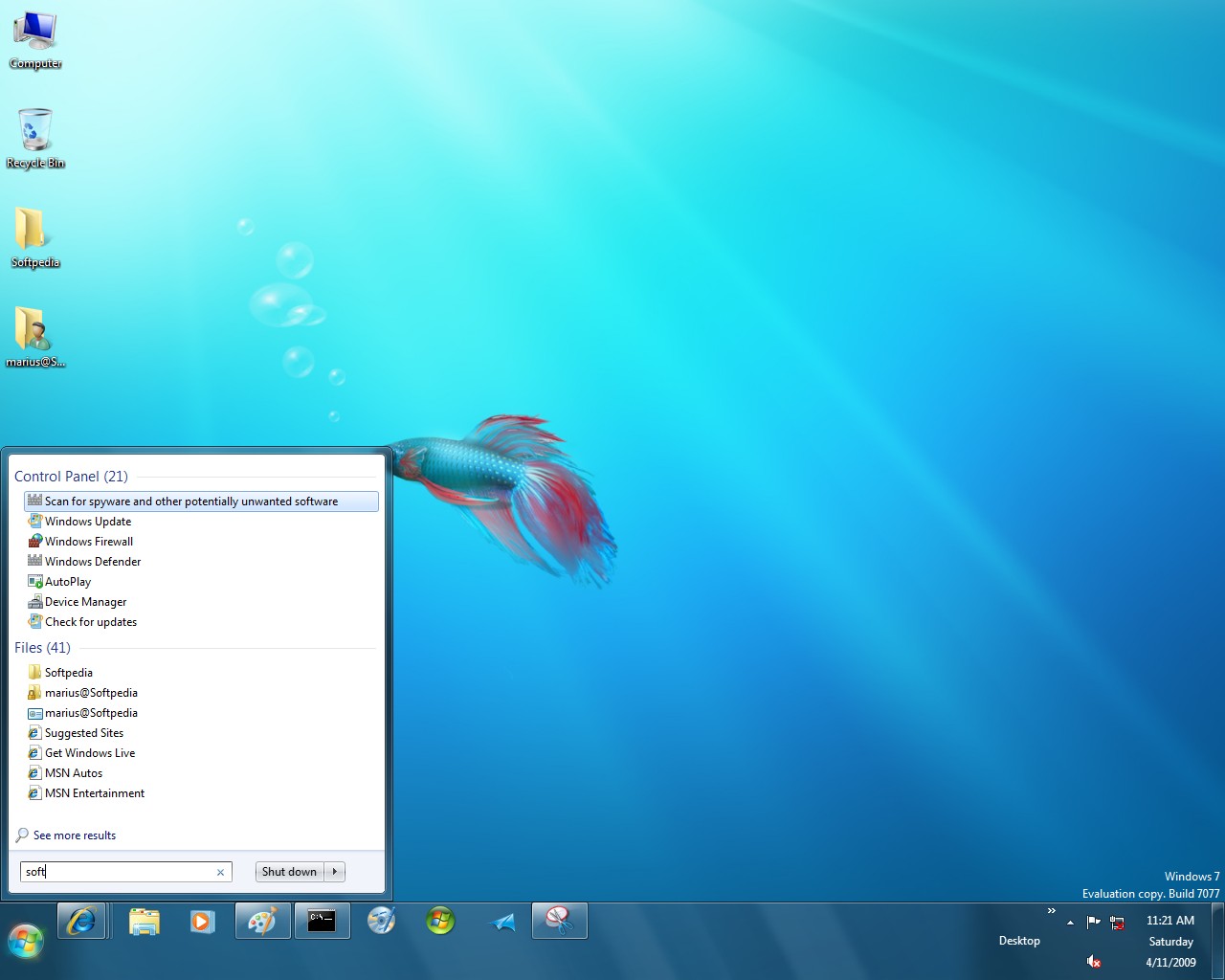
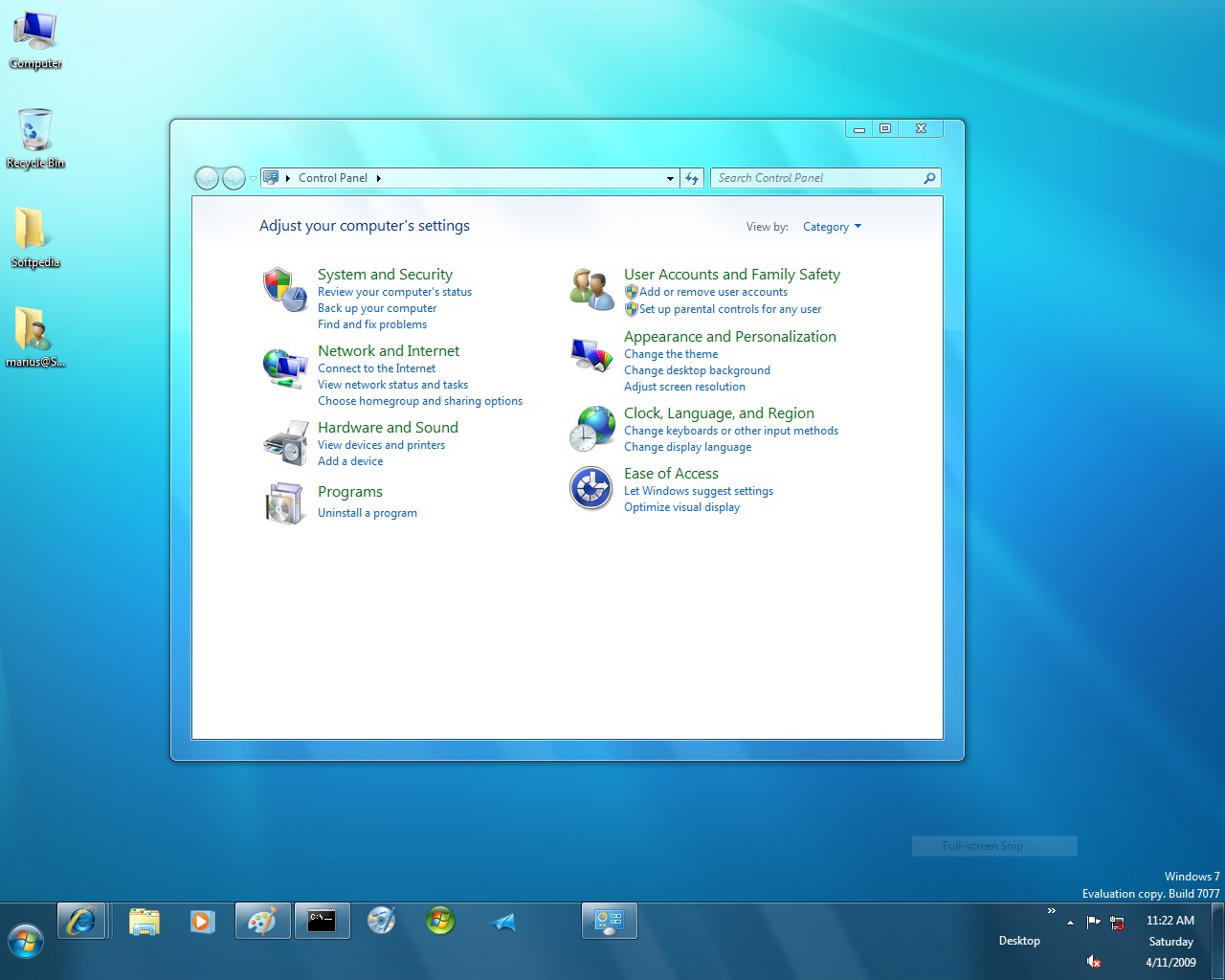
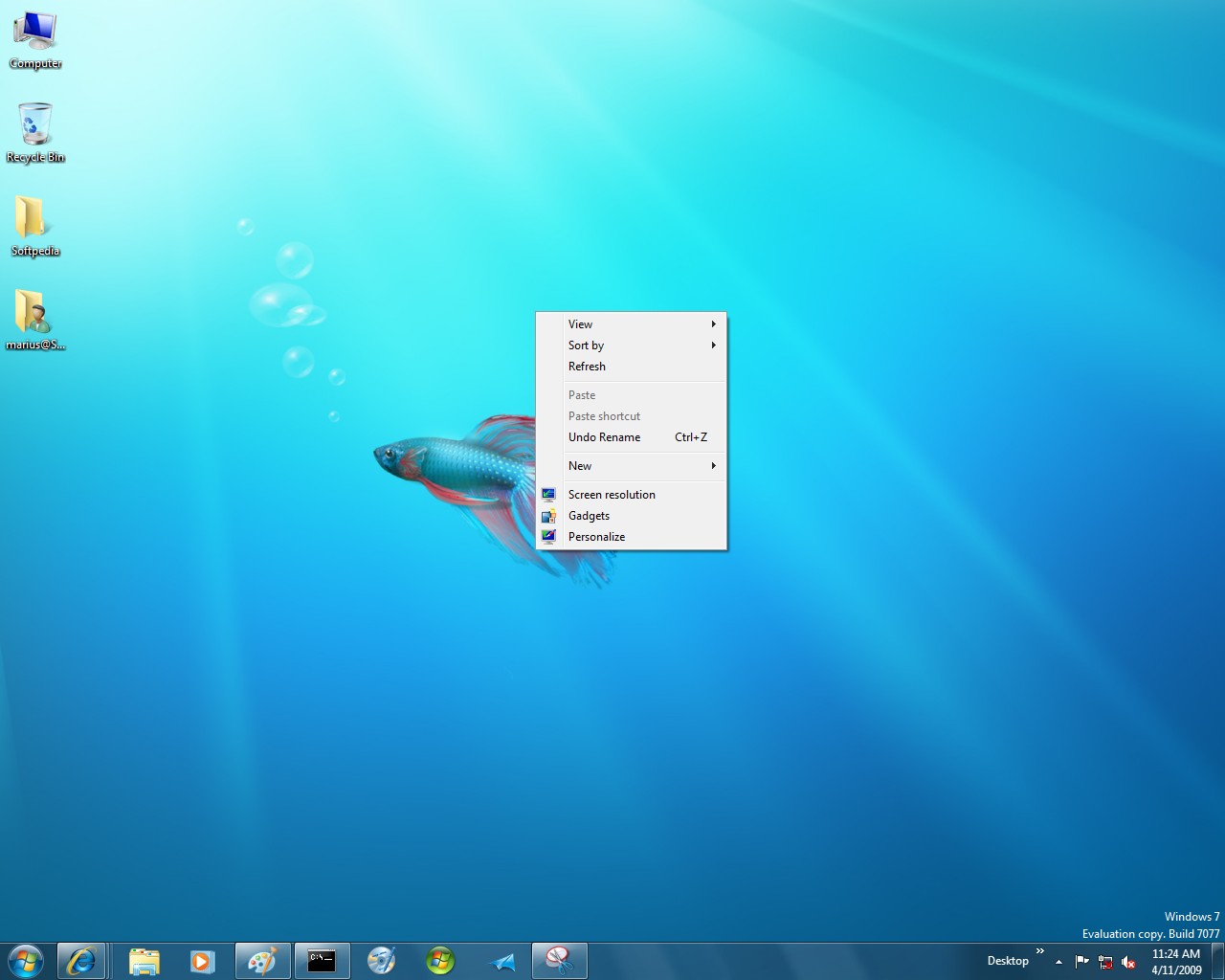
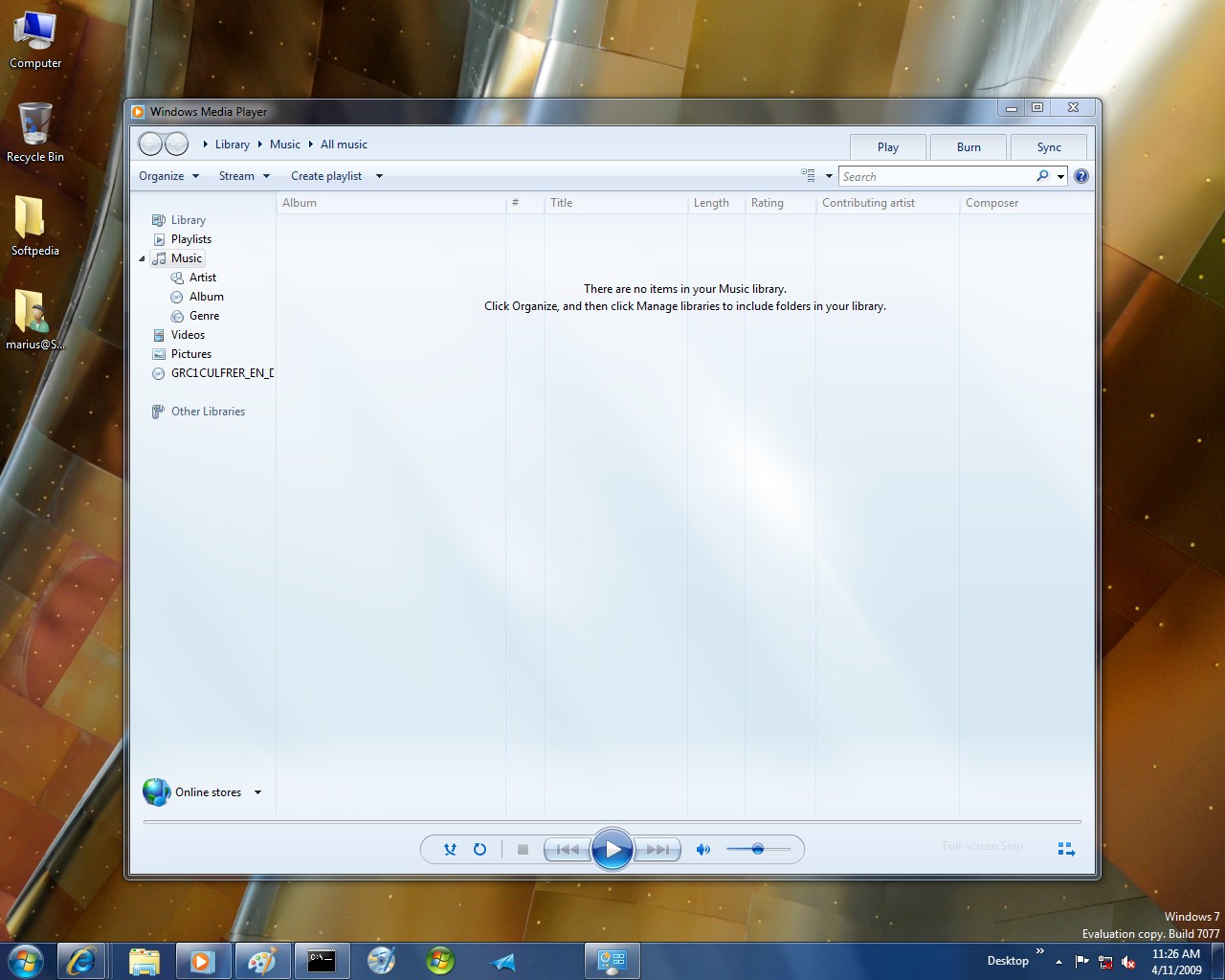
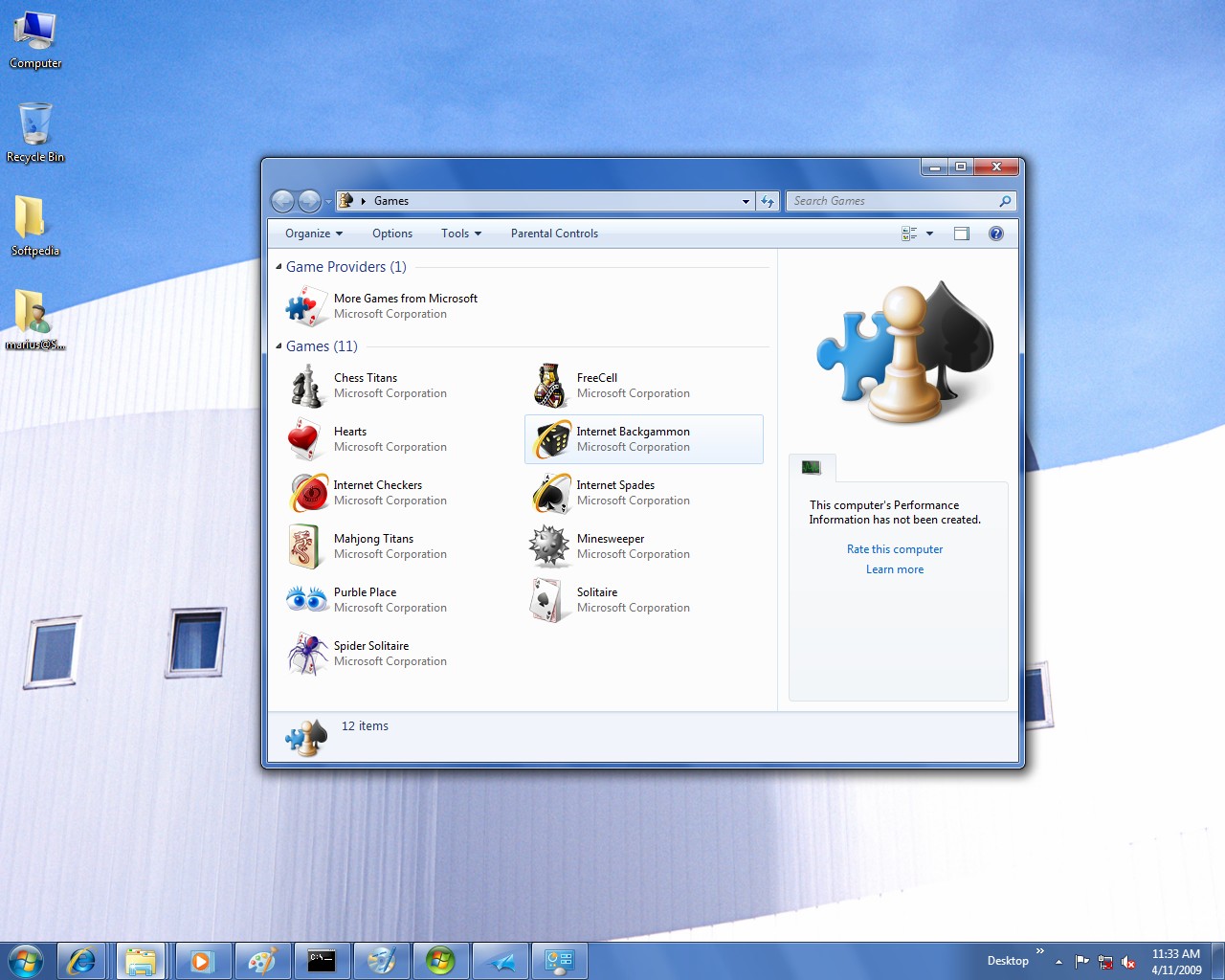
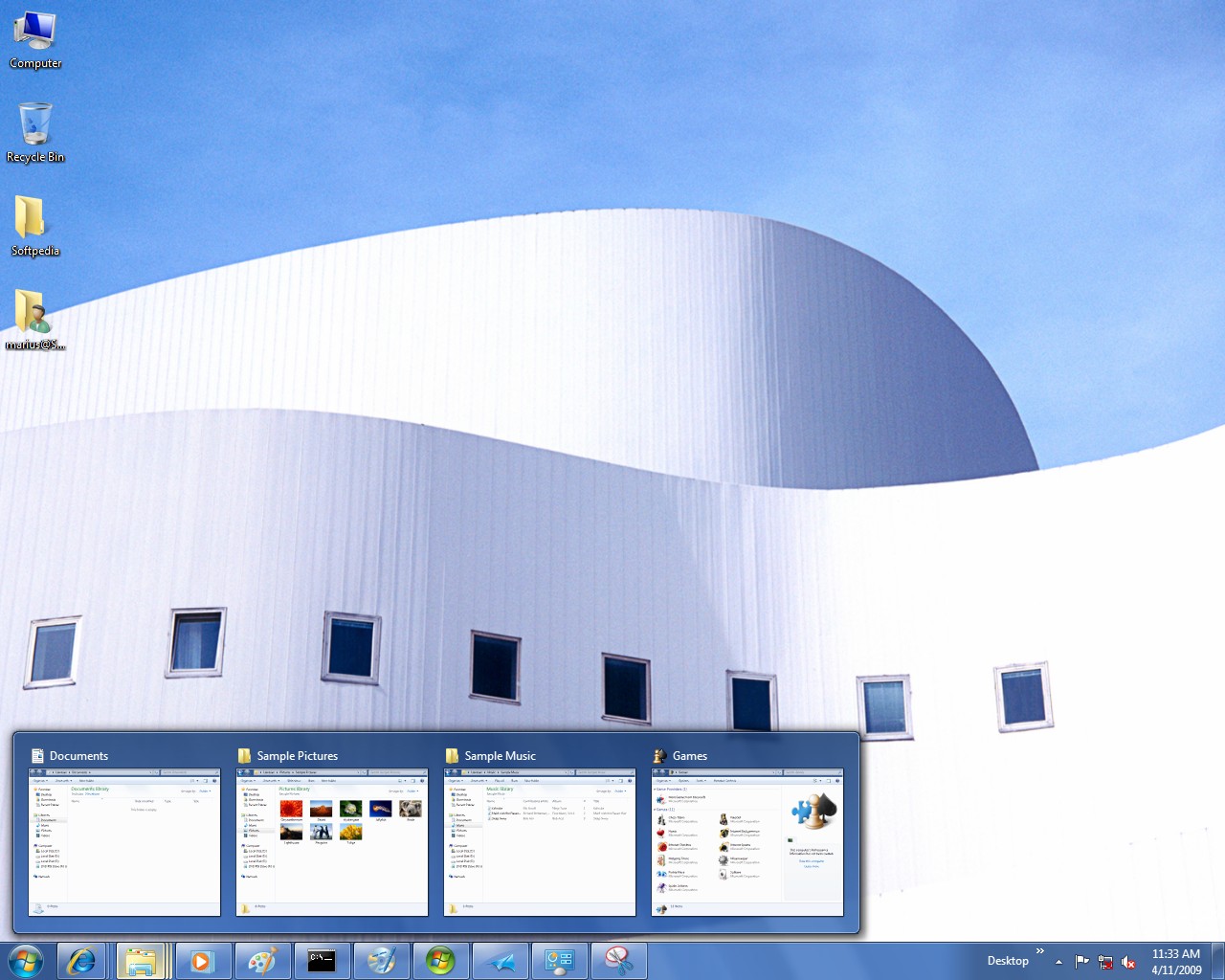
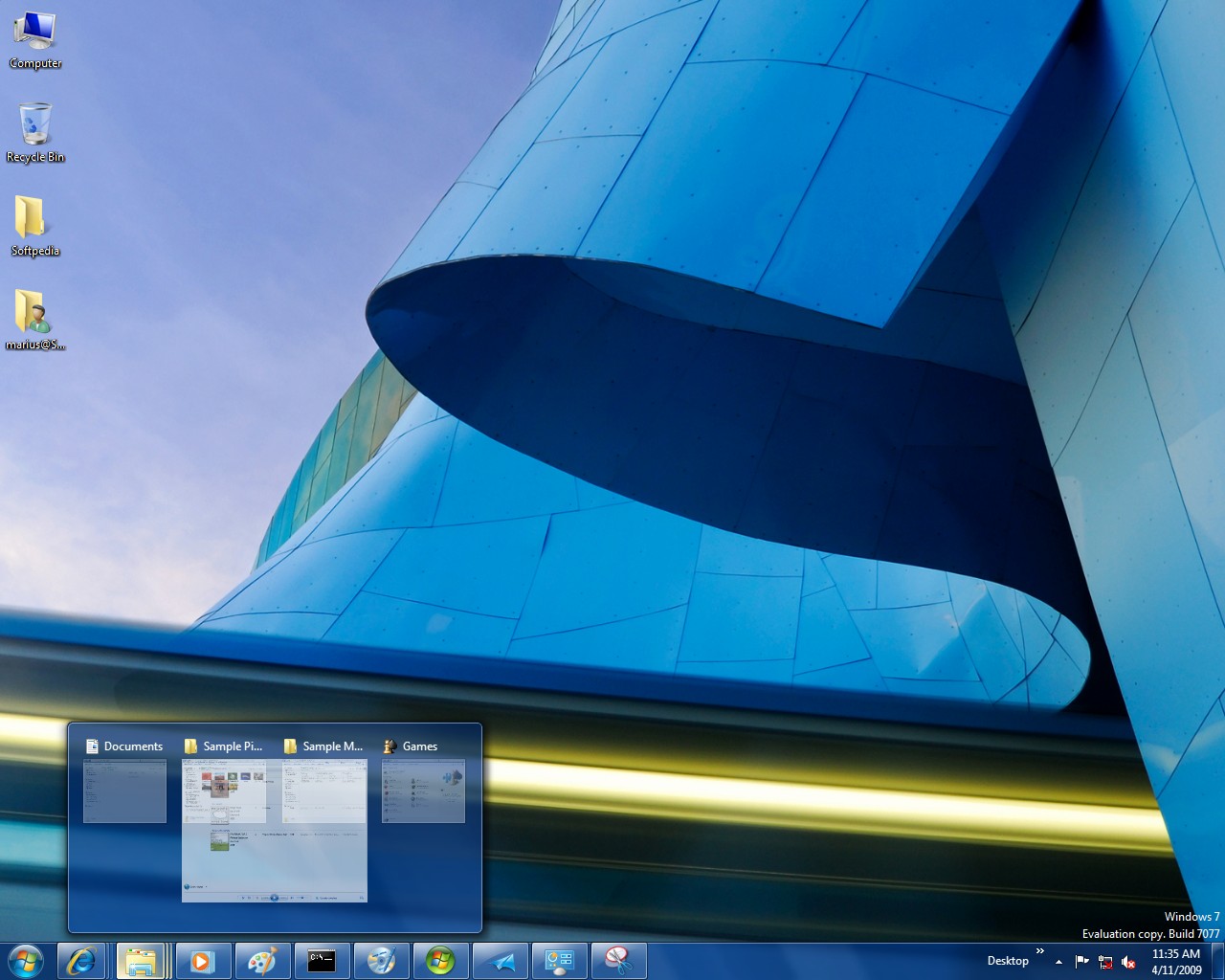
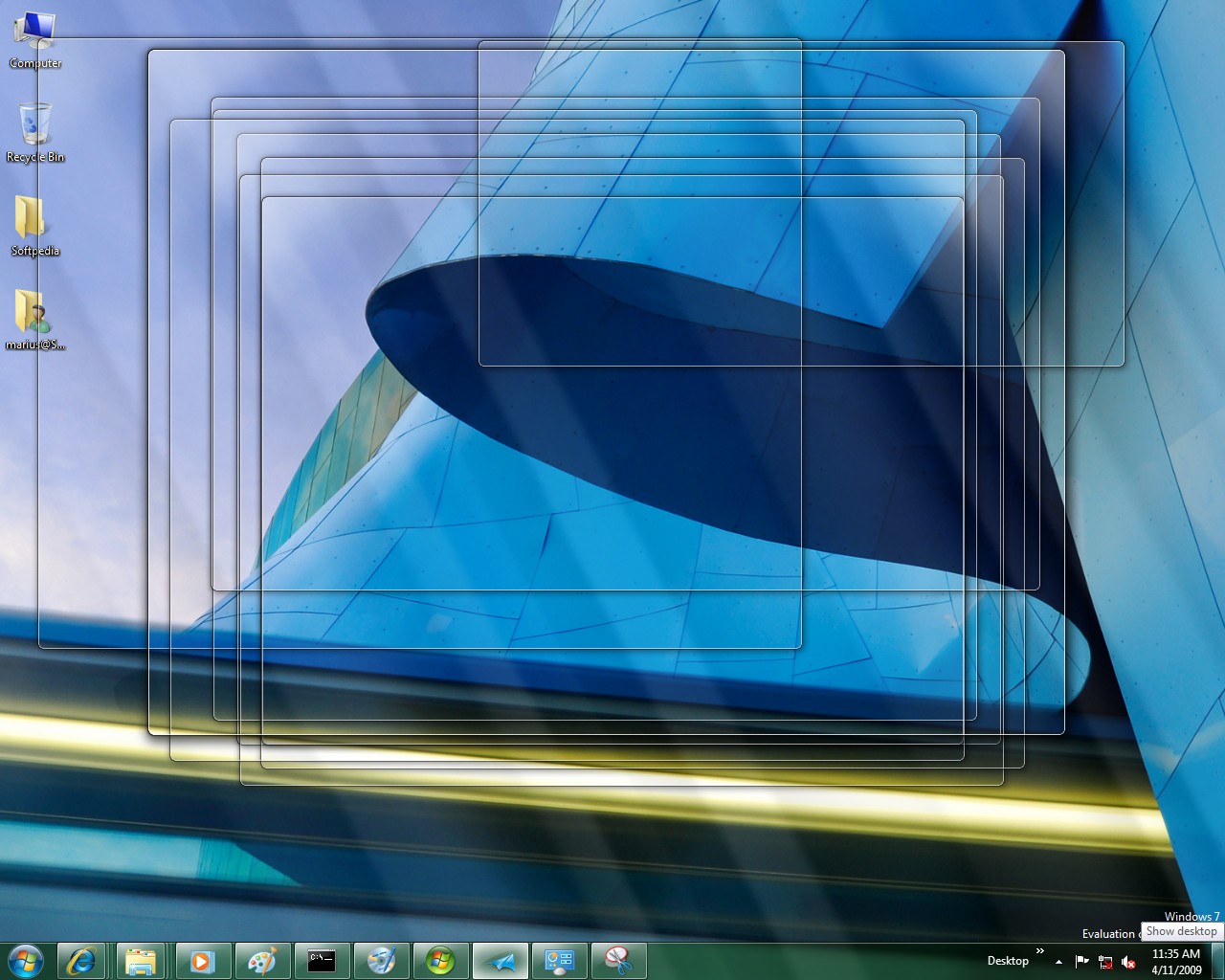
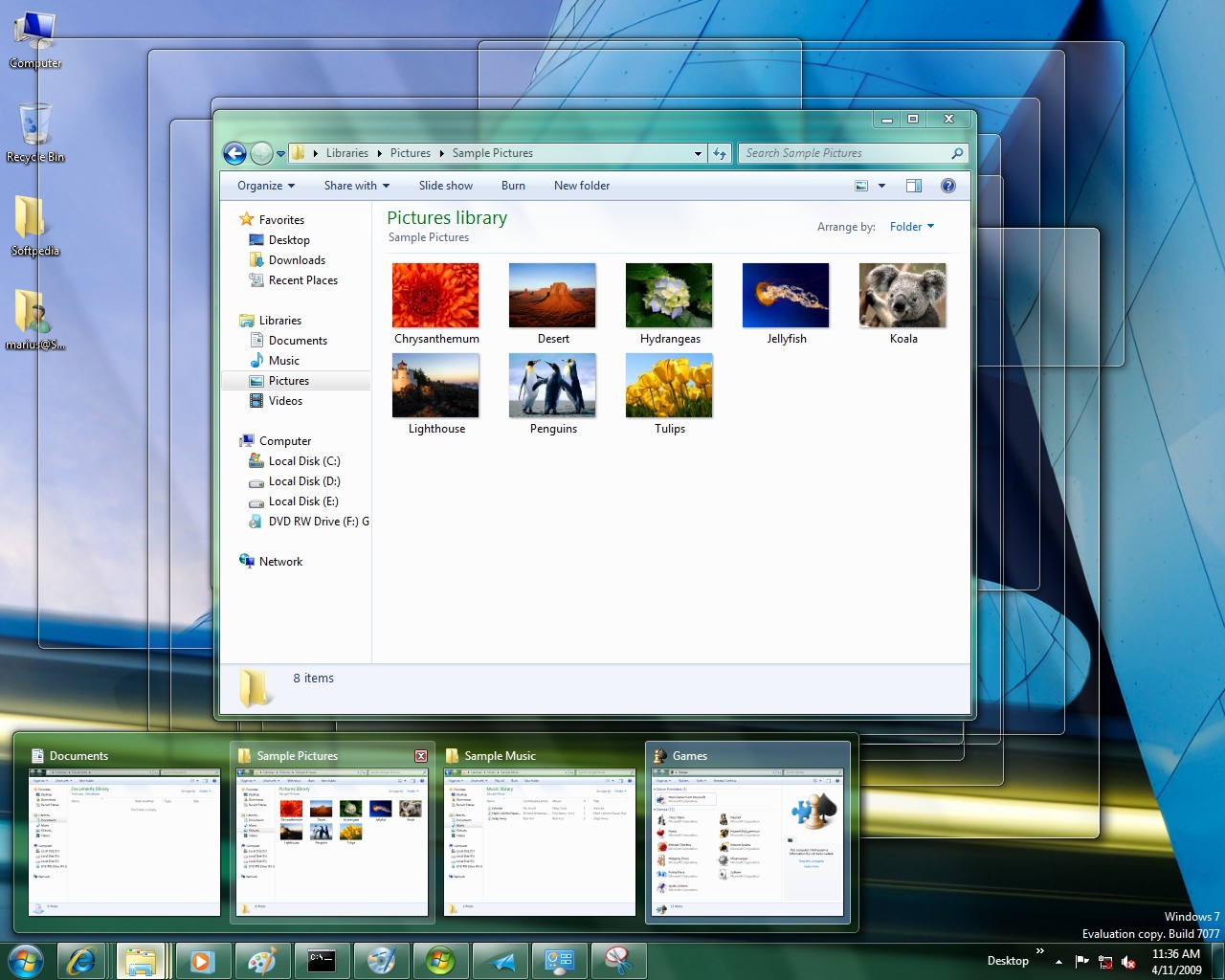
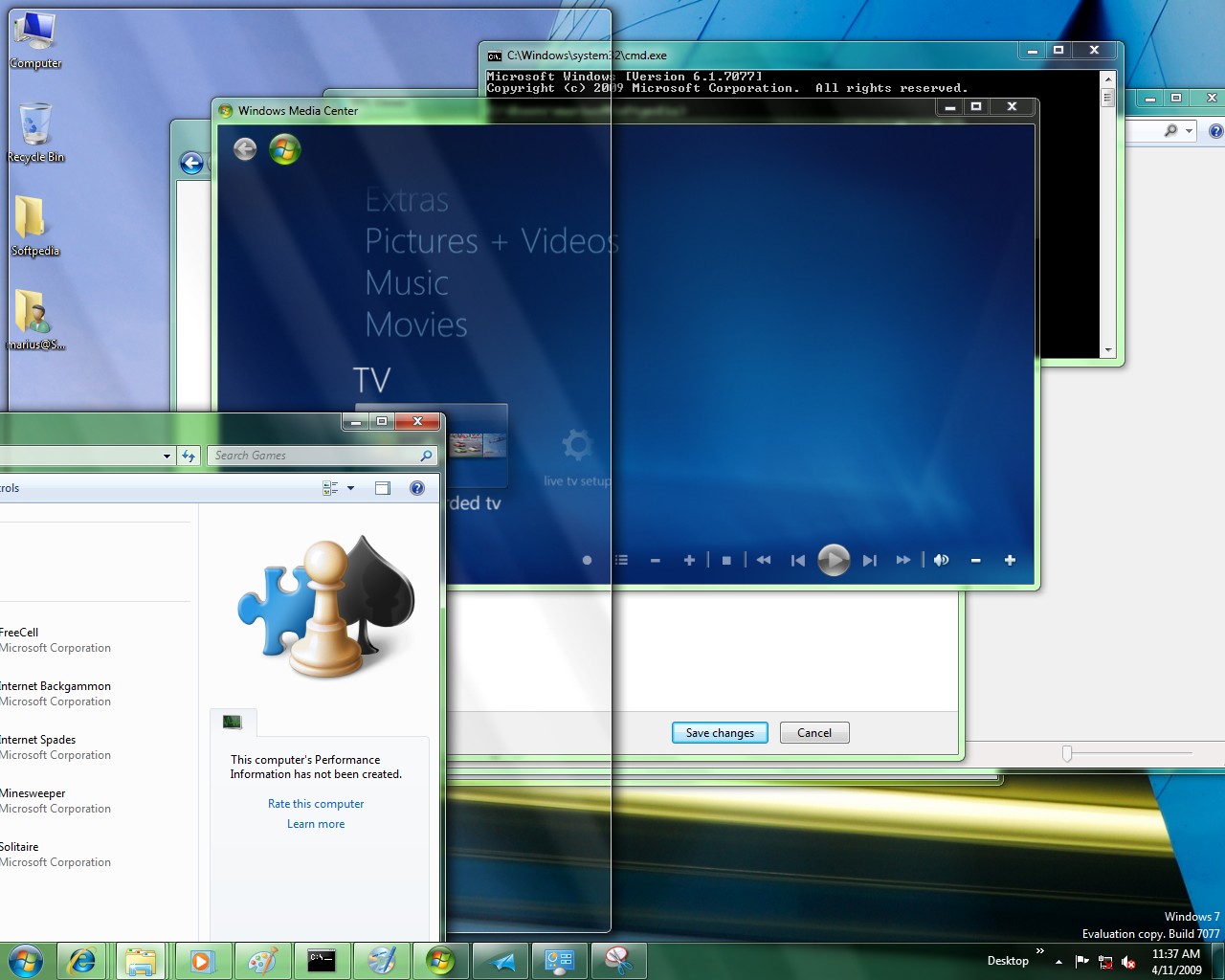
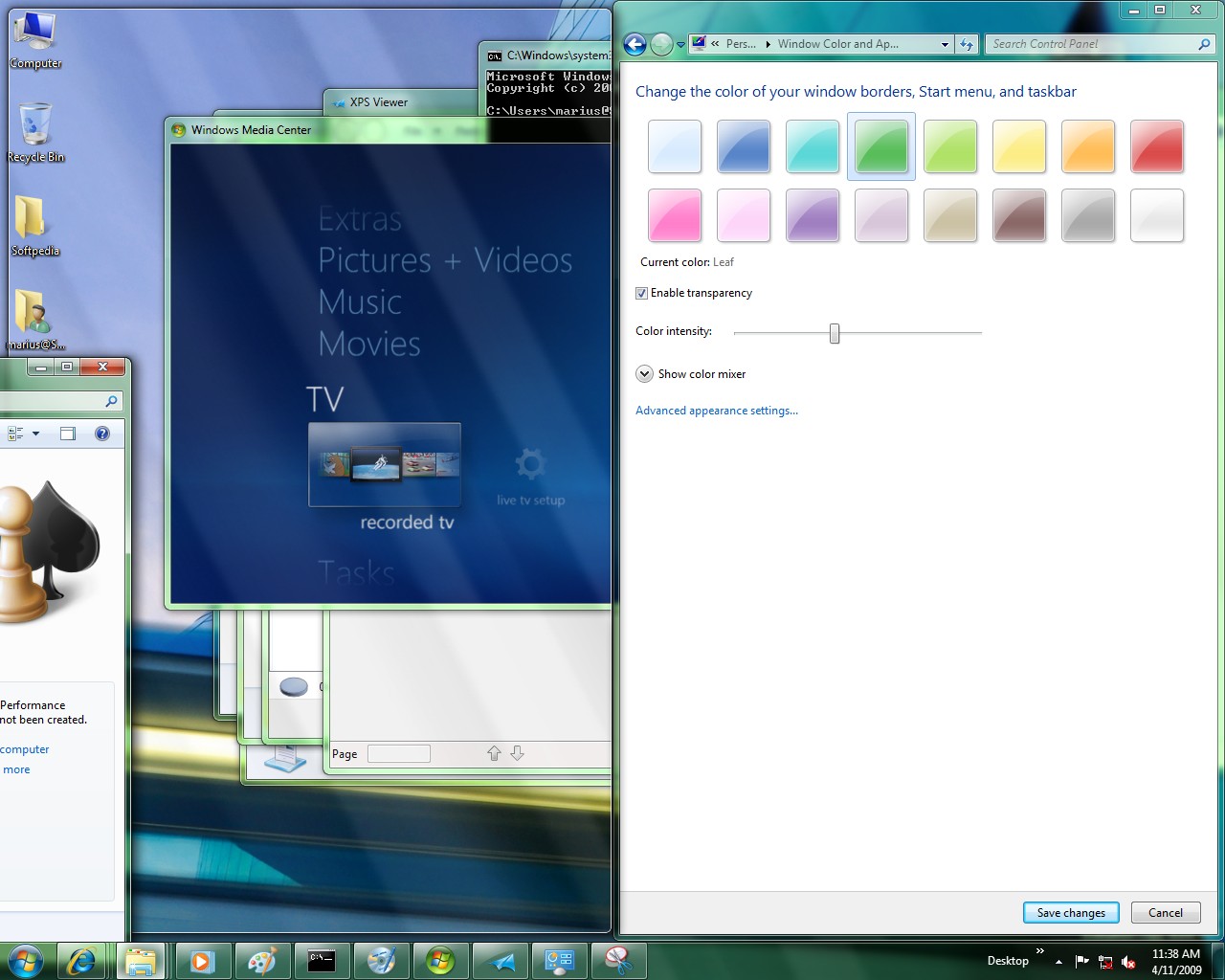
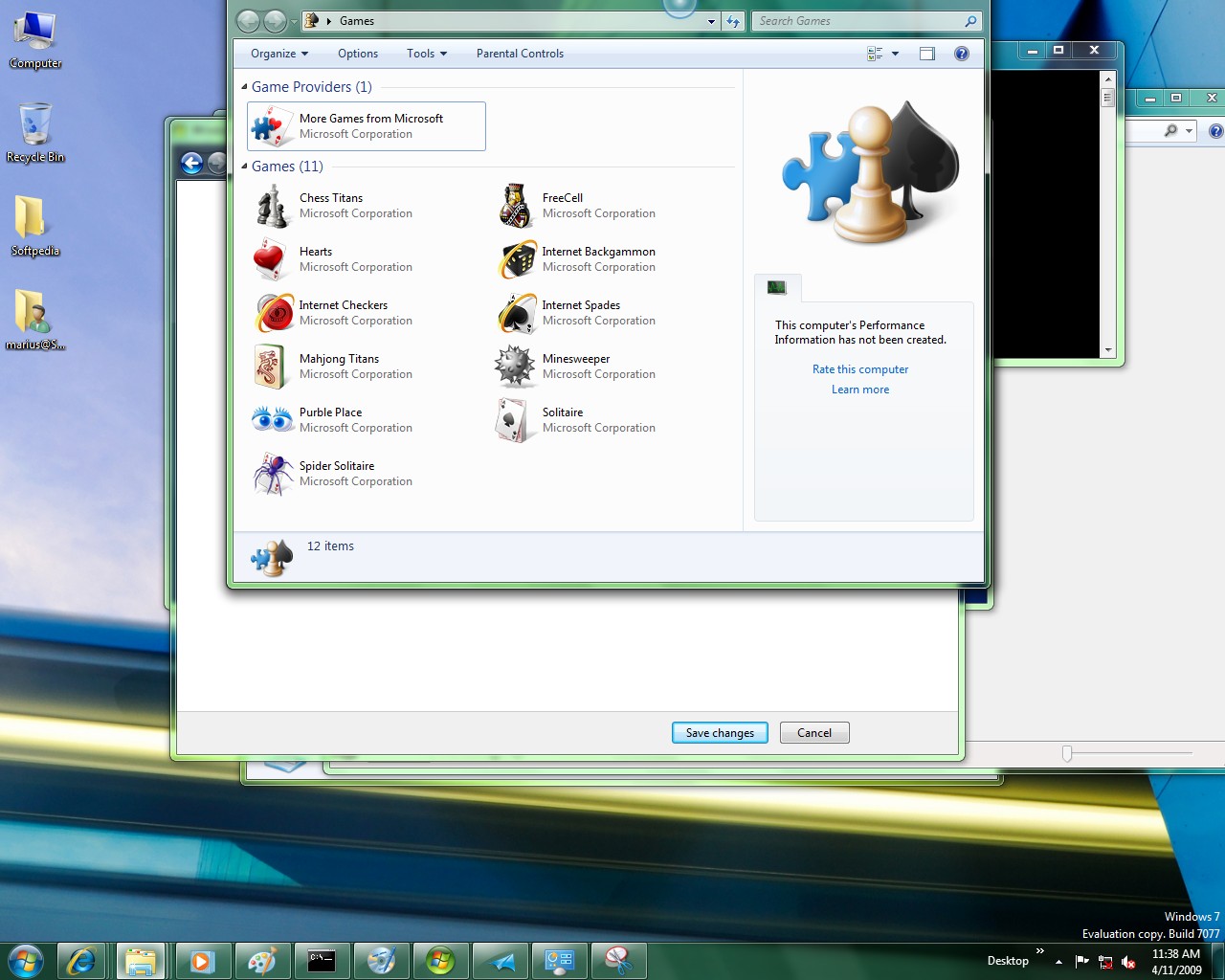
Changes in Windows 7 Build 7077
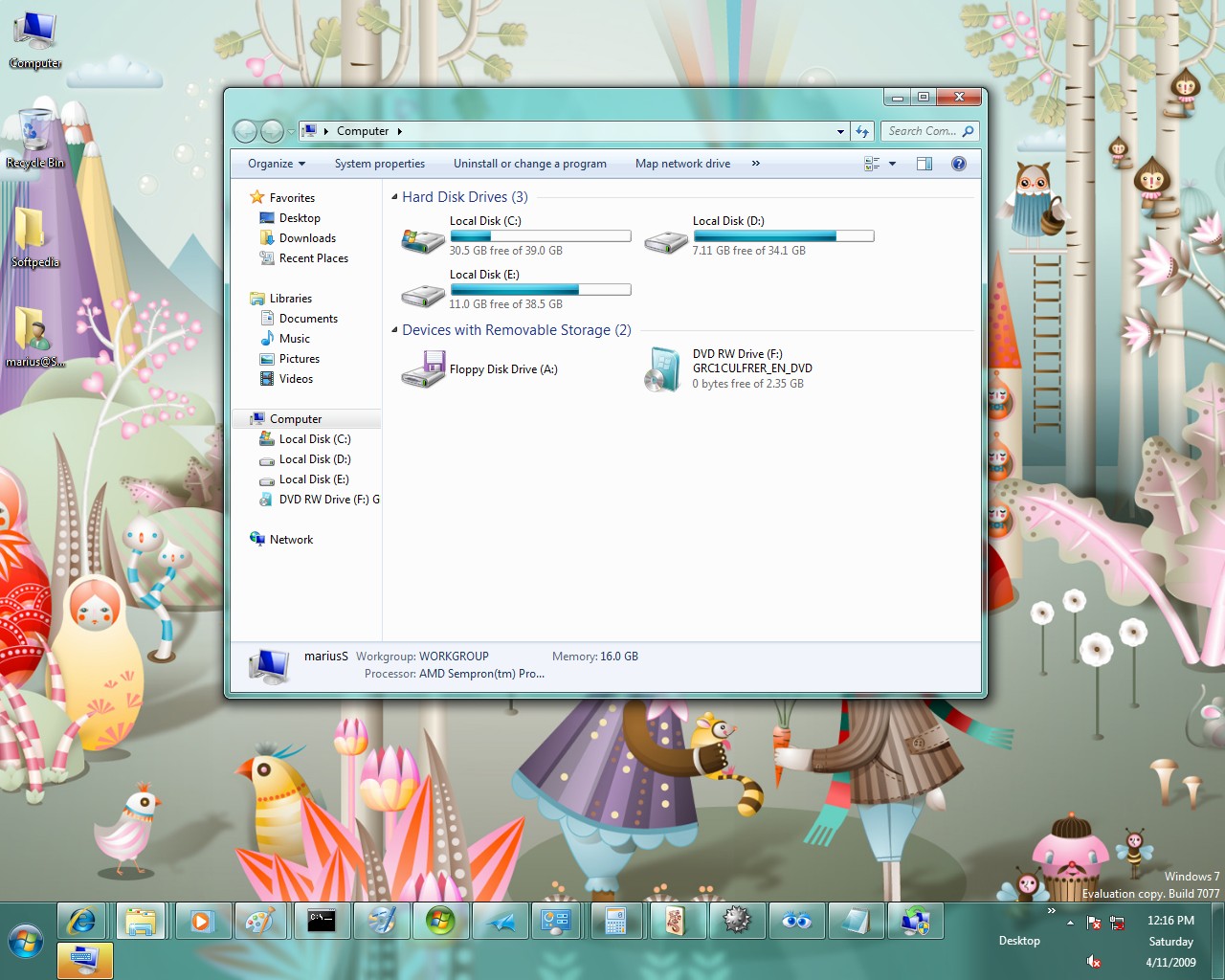
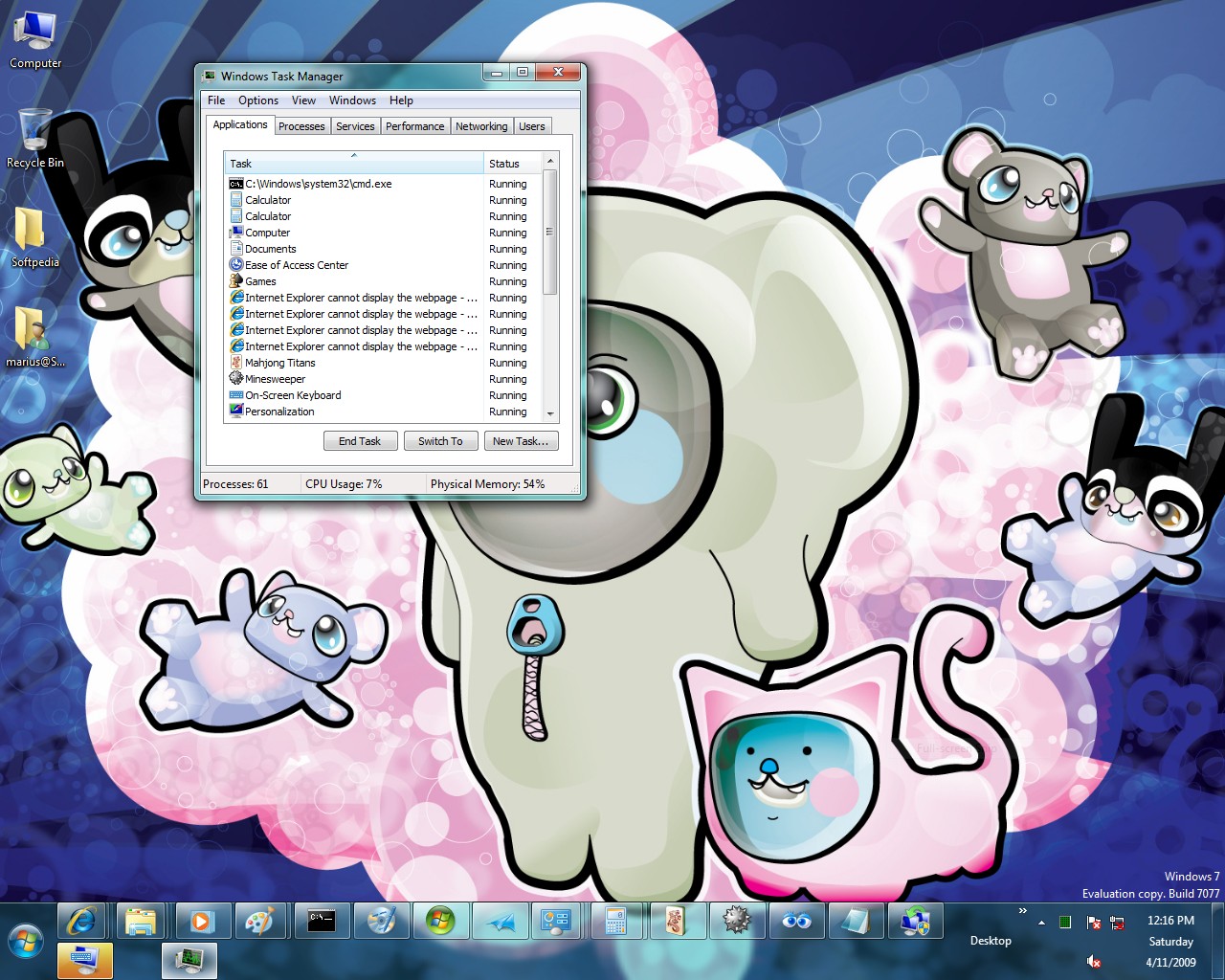
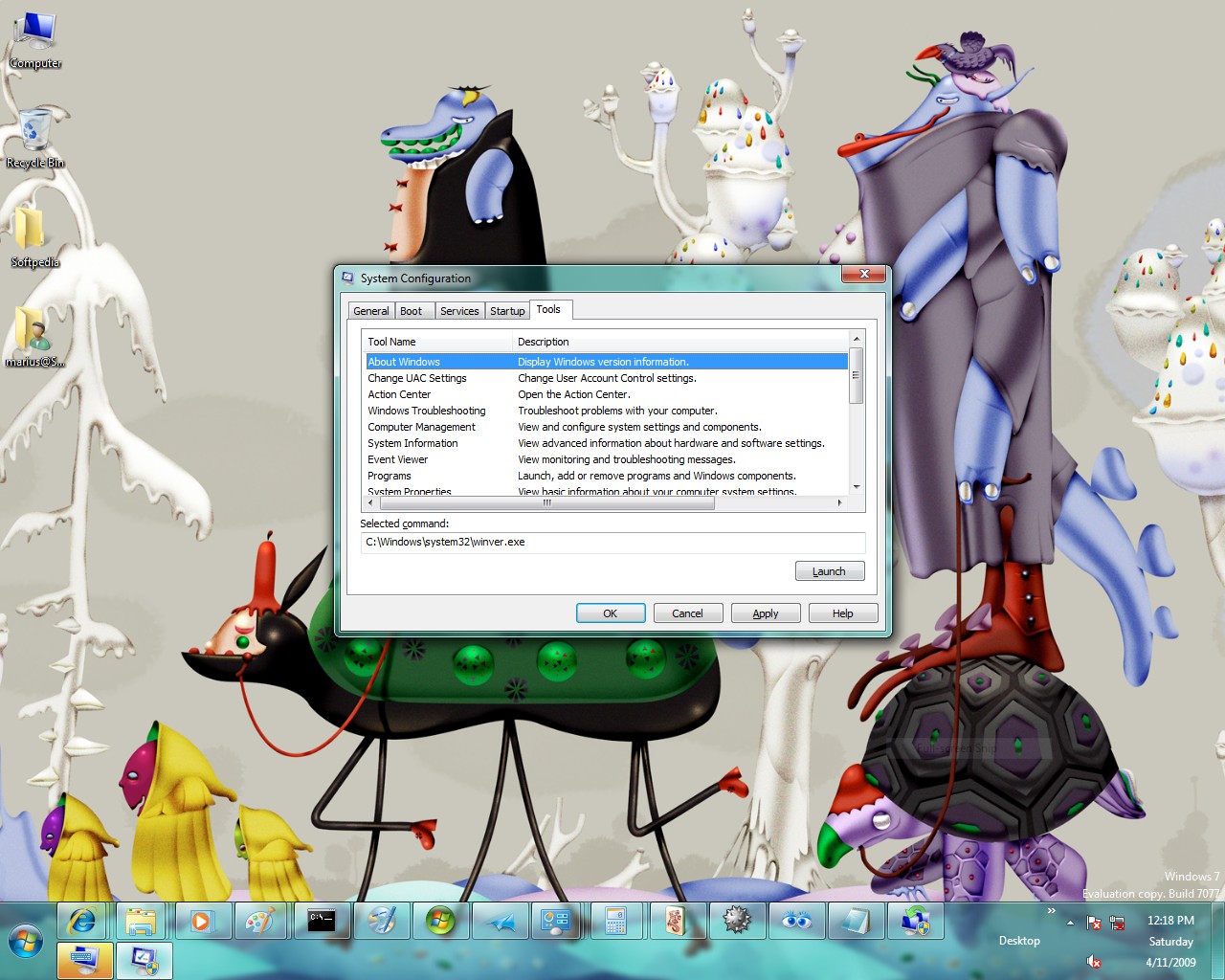
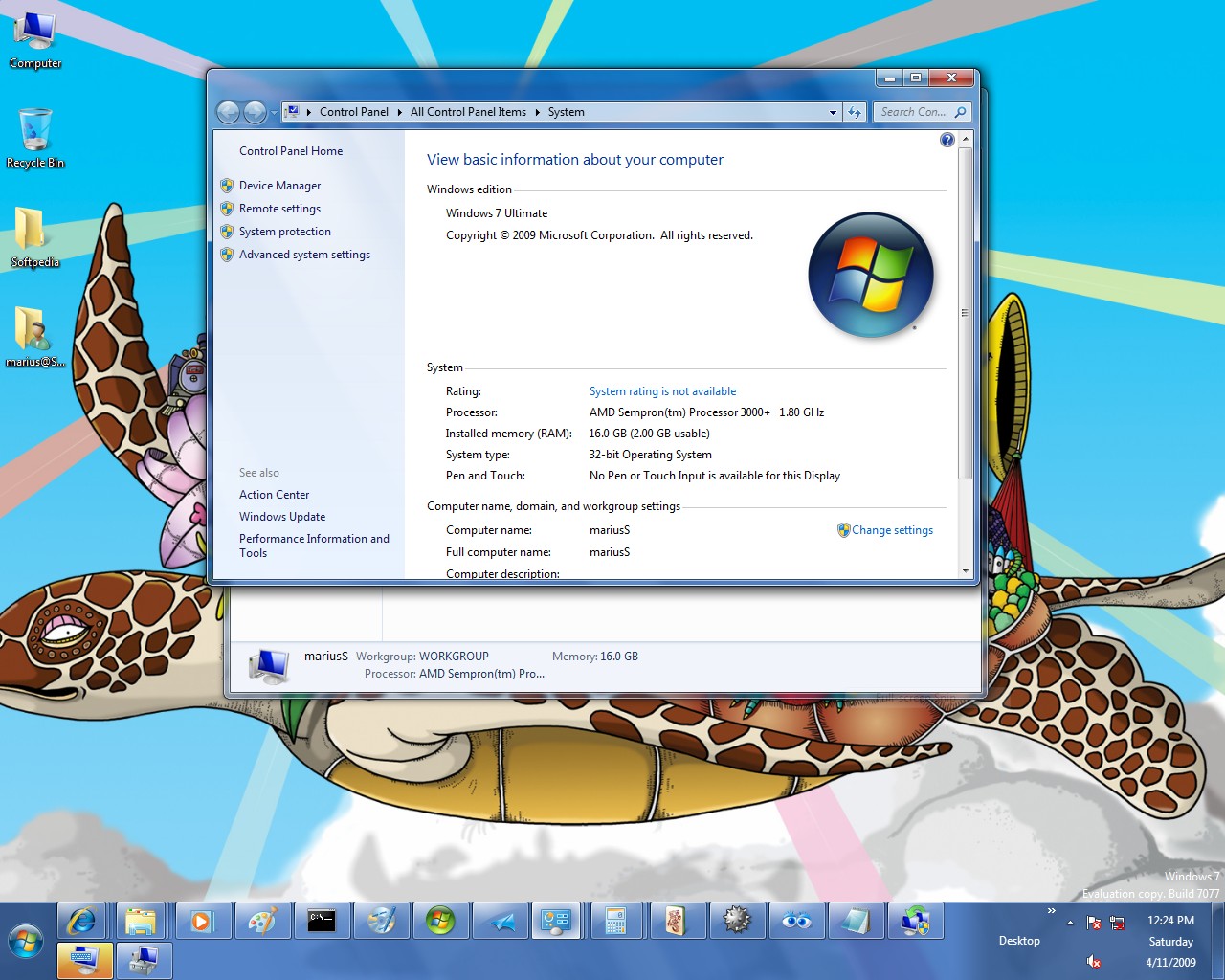
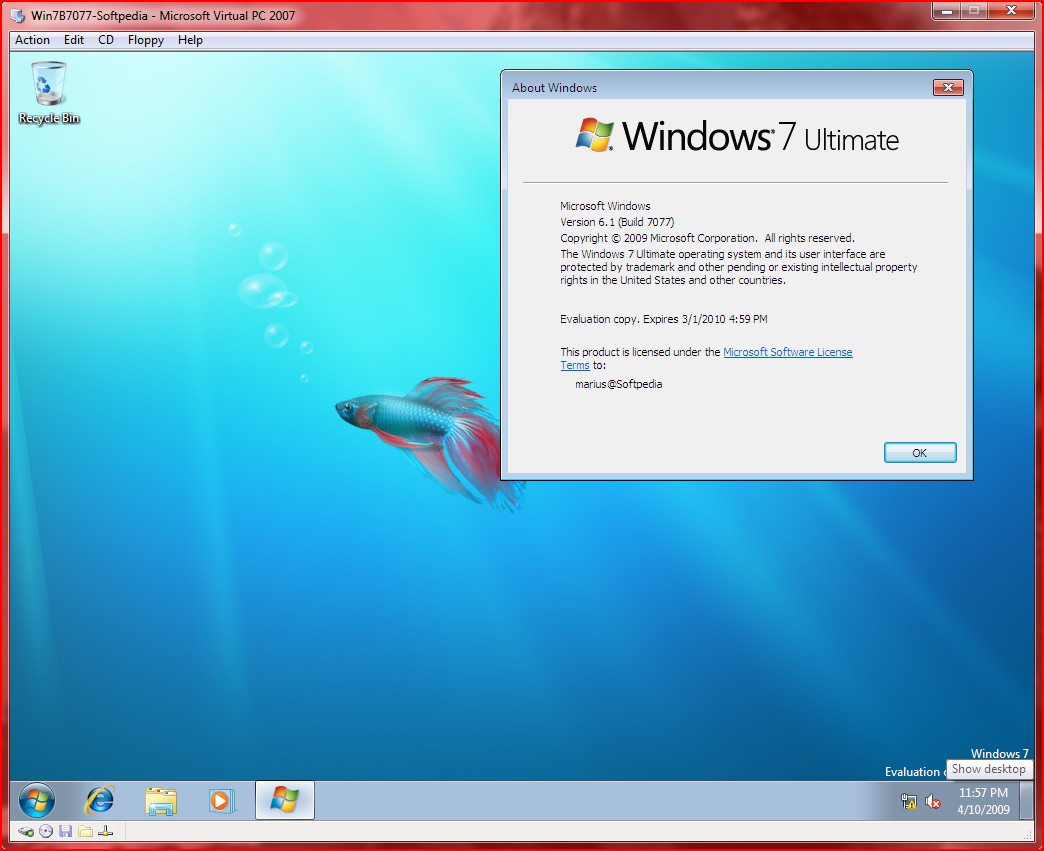
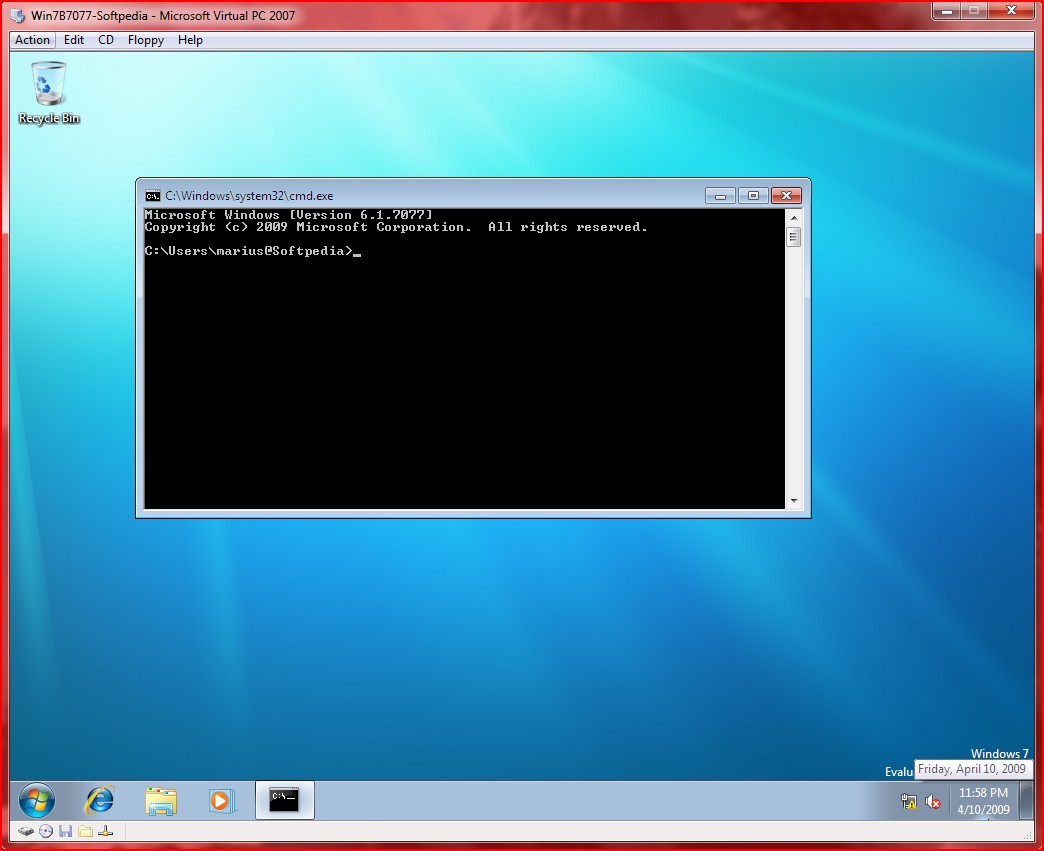
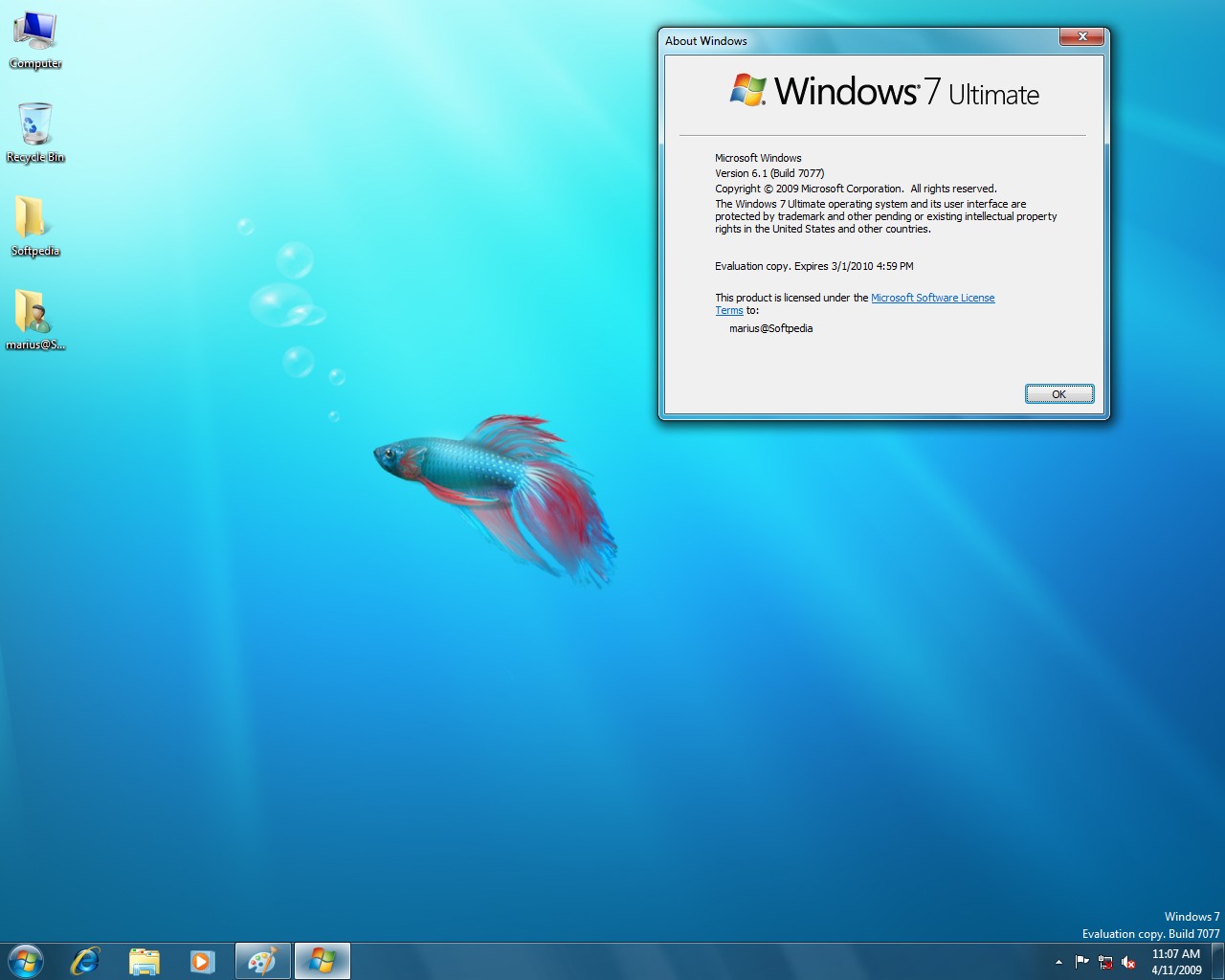
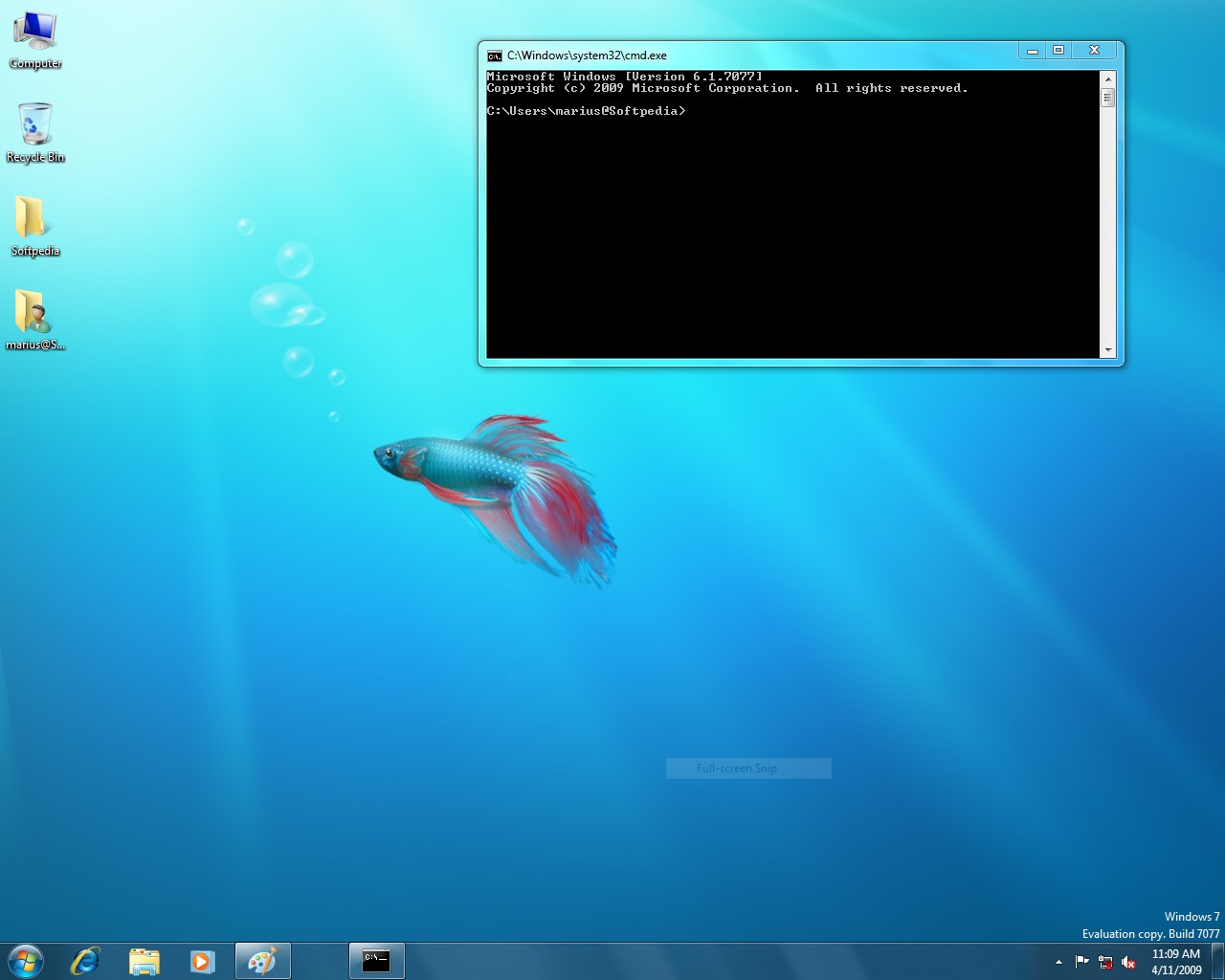
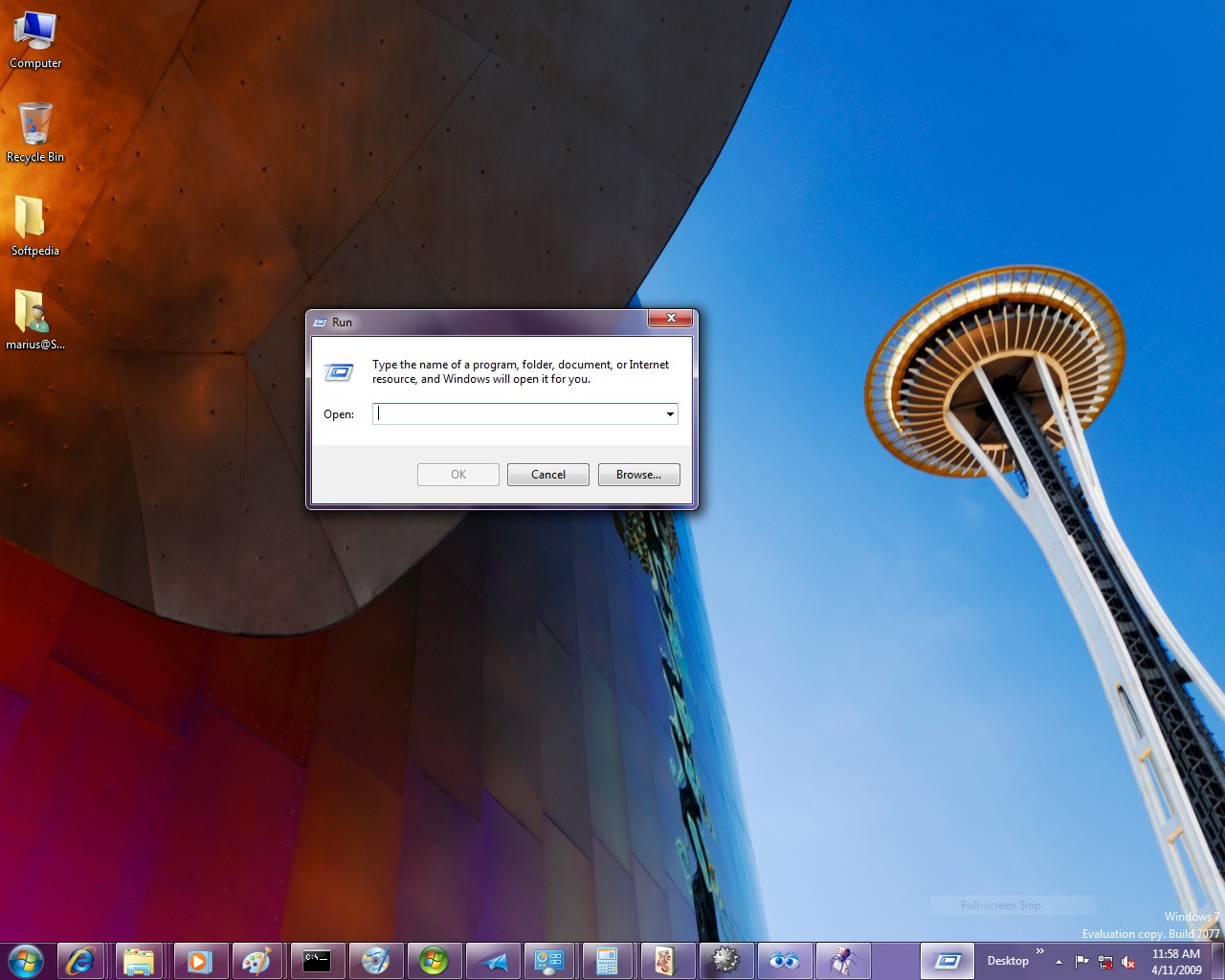
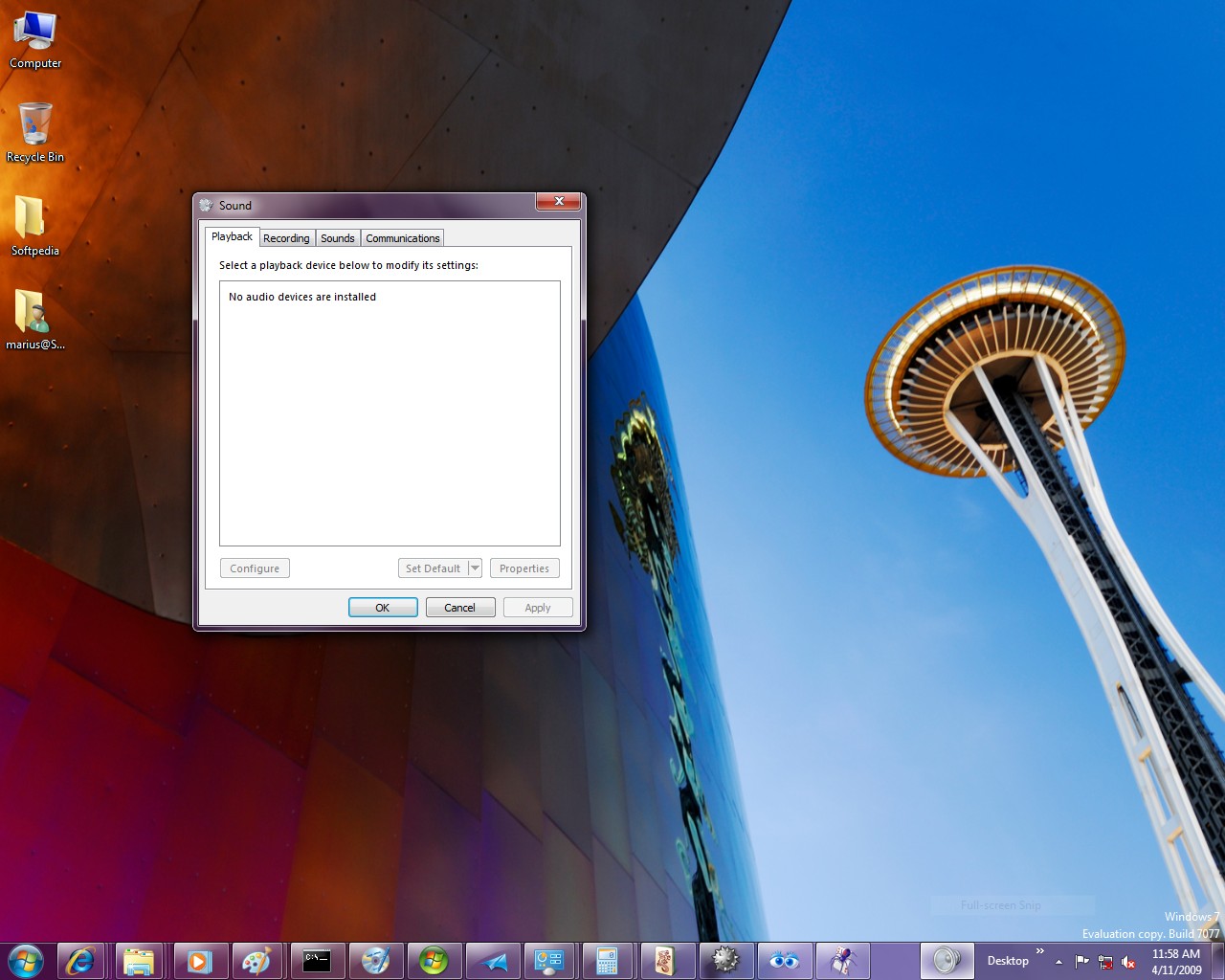
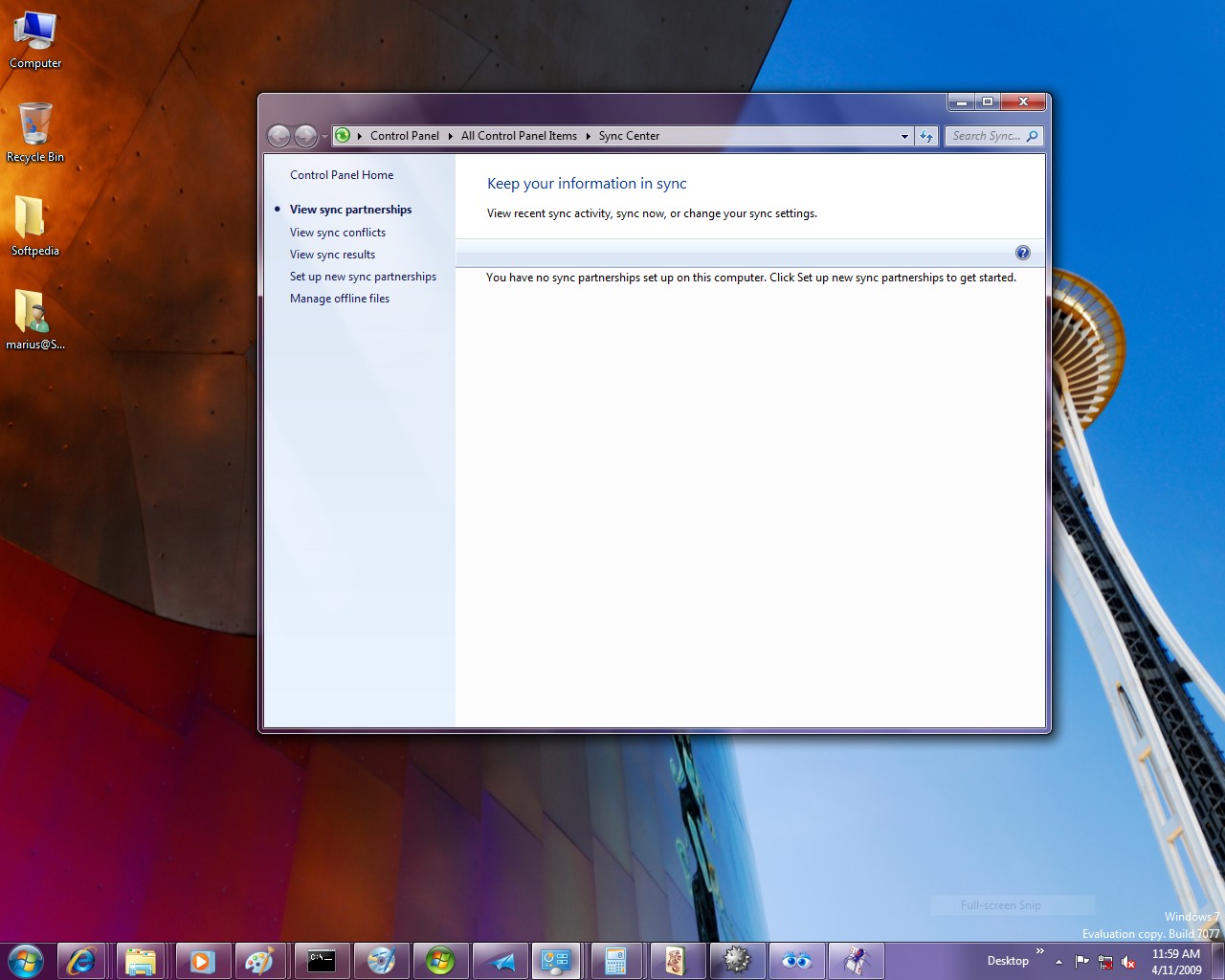
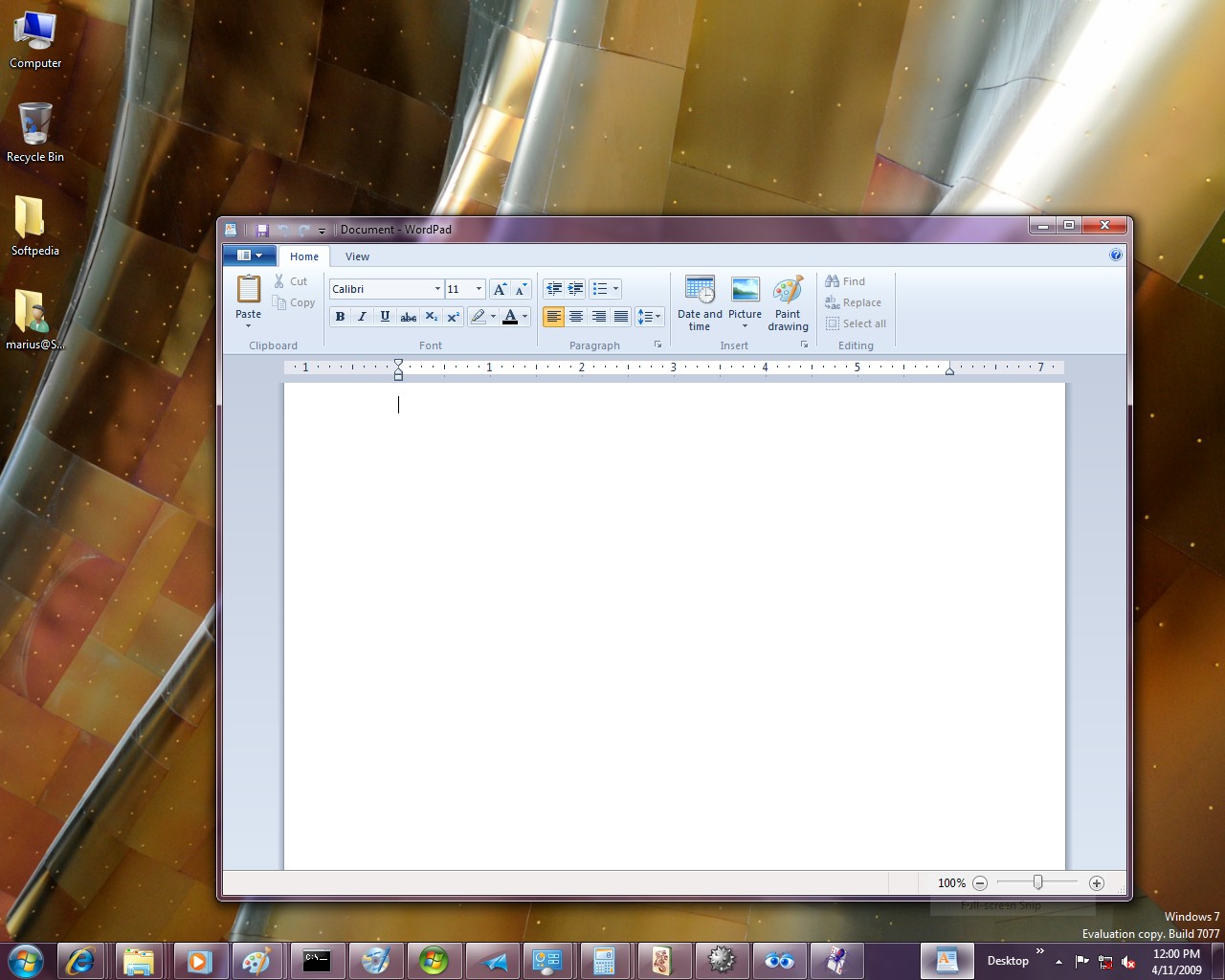
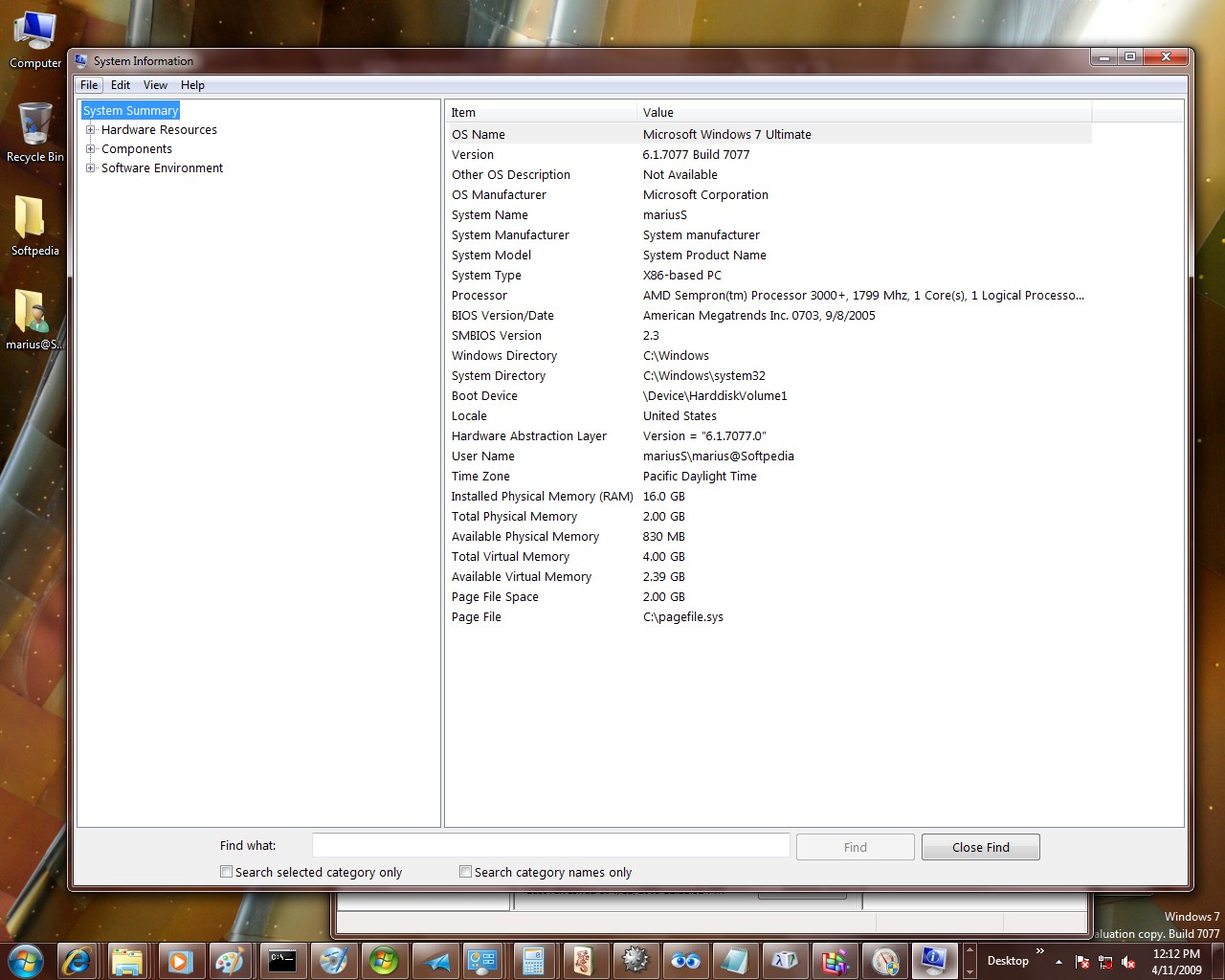
There are, indeed, differences between Builds 7068 and 7077, as minor as they might be. First off, testers will notice that this development milestone of Windows 7 does not offer the entire build string as previous releases. It focuses, instead, on just Build 7077 as the whole version number, both via winver/ About Windows, and through the persistent label on the desktop (the watermark).
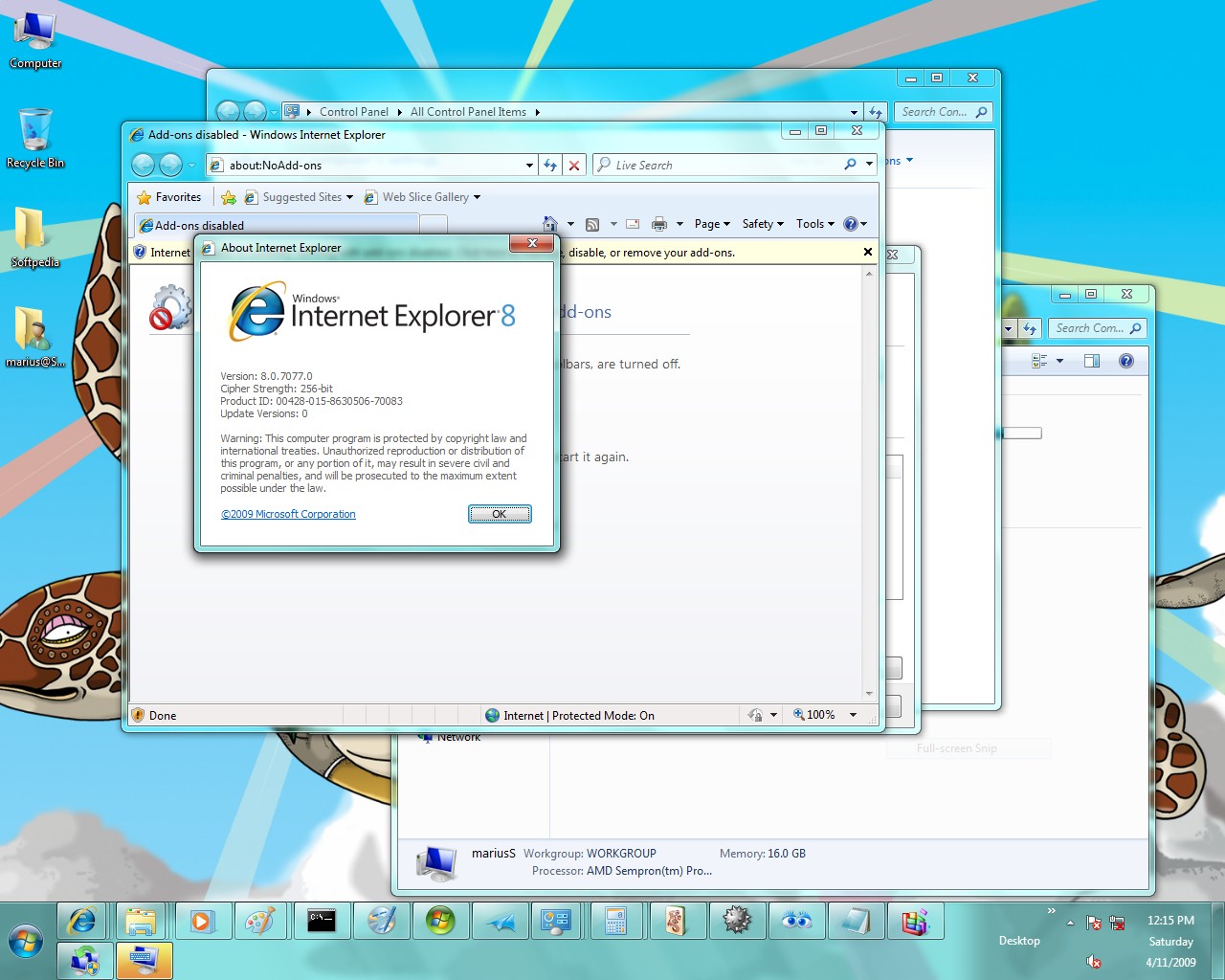
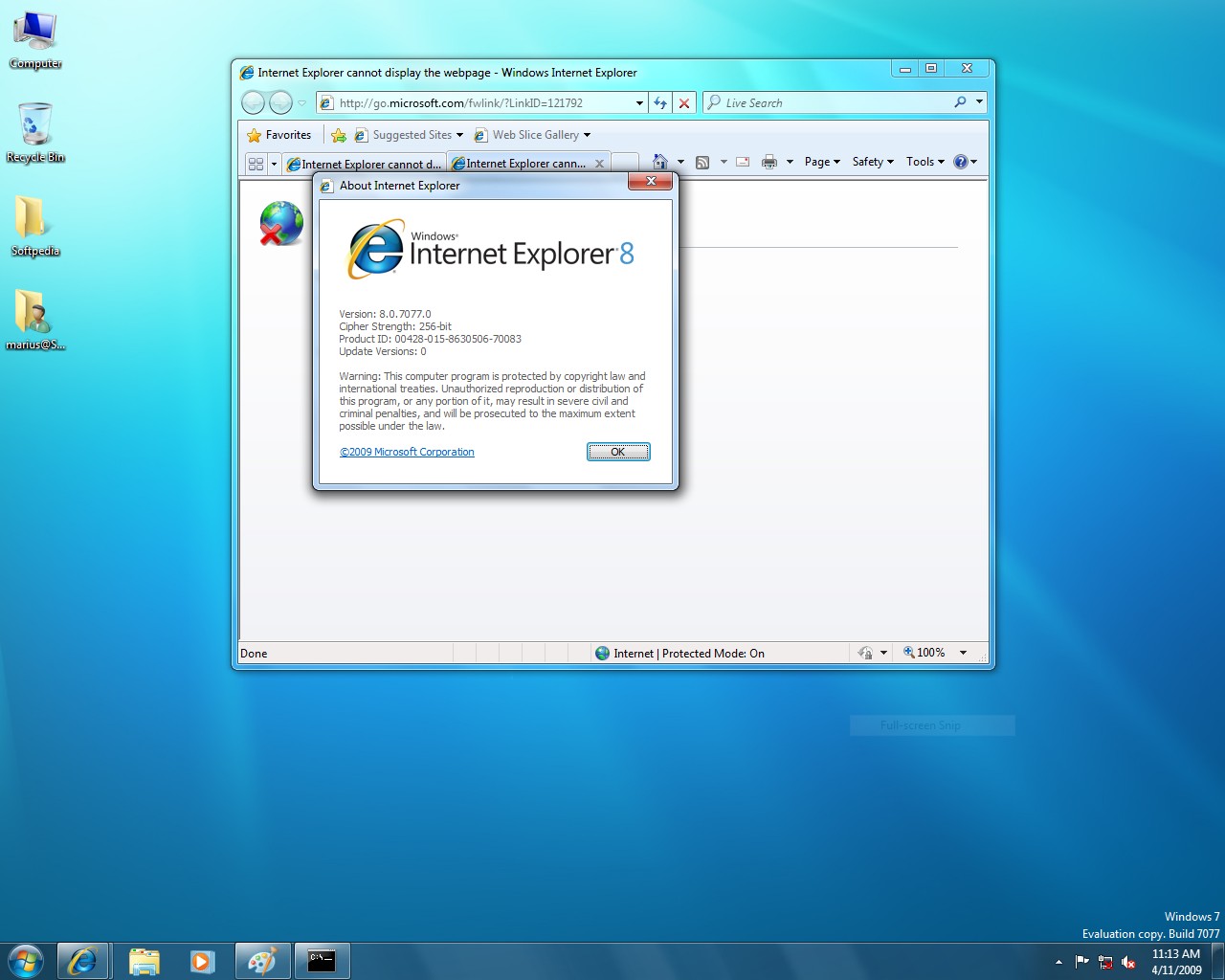
In addition, Windows 7 Build 7077 comes to the table with a new version of Internet Explorer 8. But there is no telling whether the IE8 in Windows 7 Build 7077 is the Release Candidate milestone of the browser, or a more advanced variant, close to RTM. Still, after the Windows 7 Beta Build 7000 was offered with a Beta flavor of IE8, Microsoft promised that the next development milestone of Windows 7 would come with the RC of Internet Explorer 8. In Win 7 Build 7077, Internet Explorer 8 is labeled Build 8.0.7077.0.
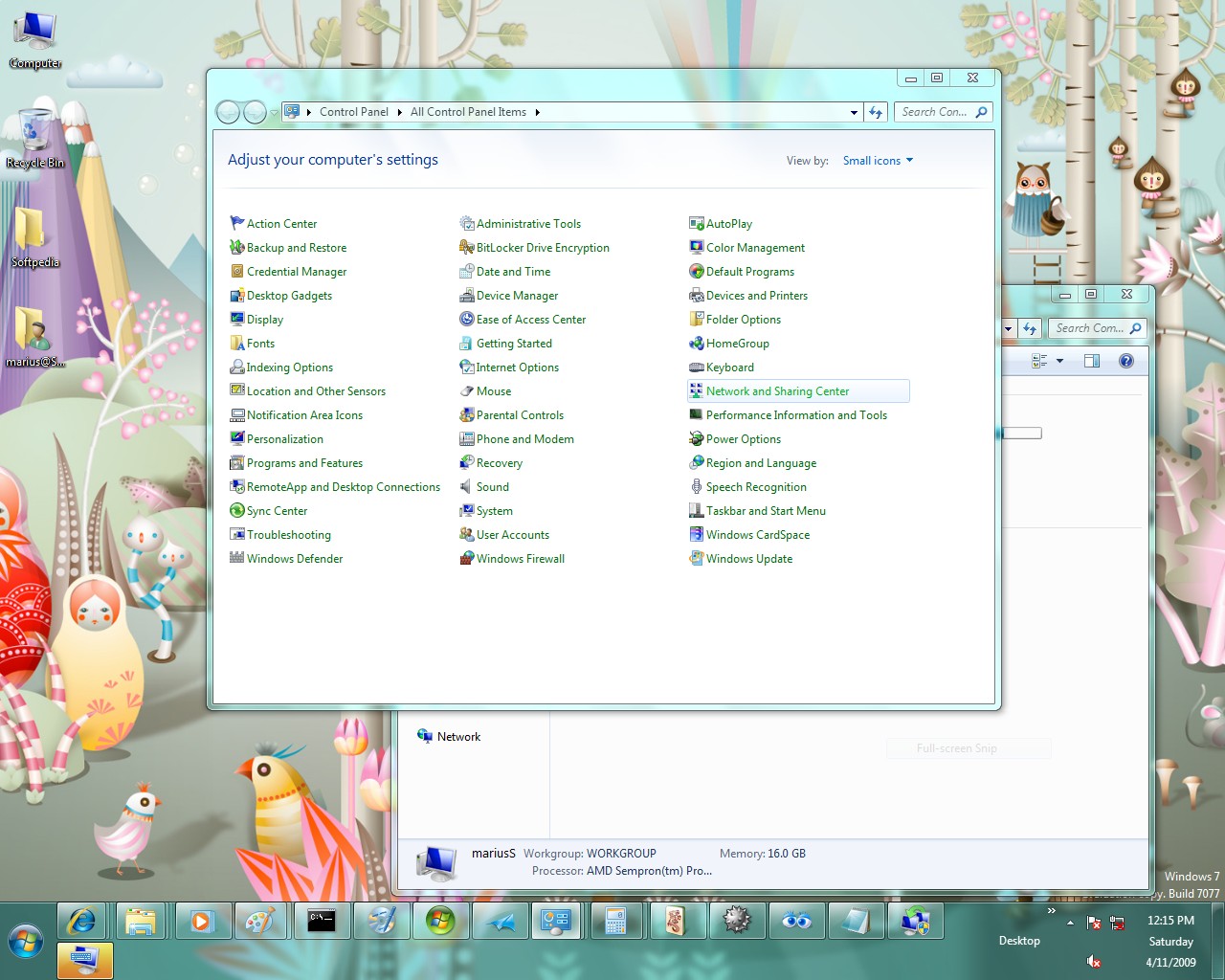
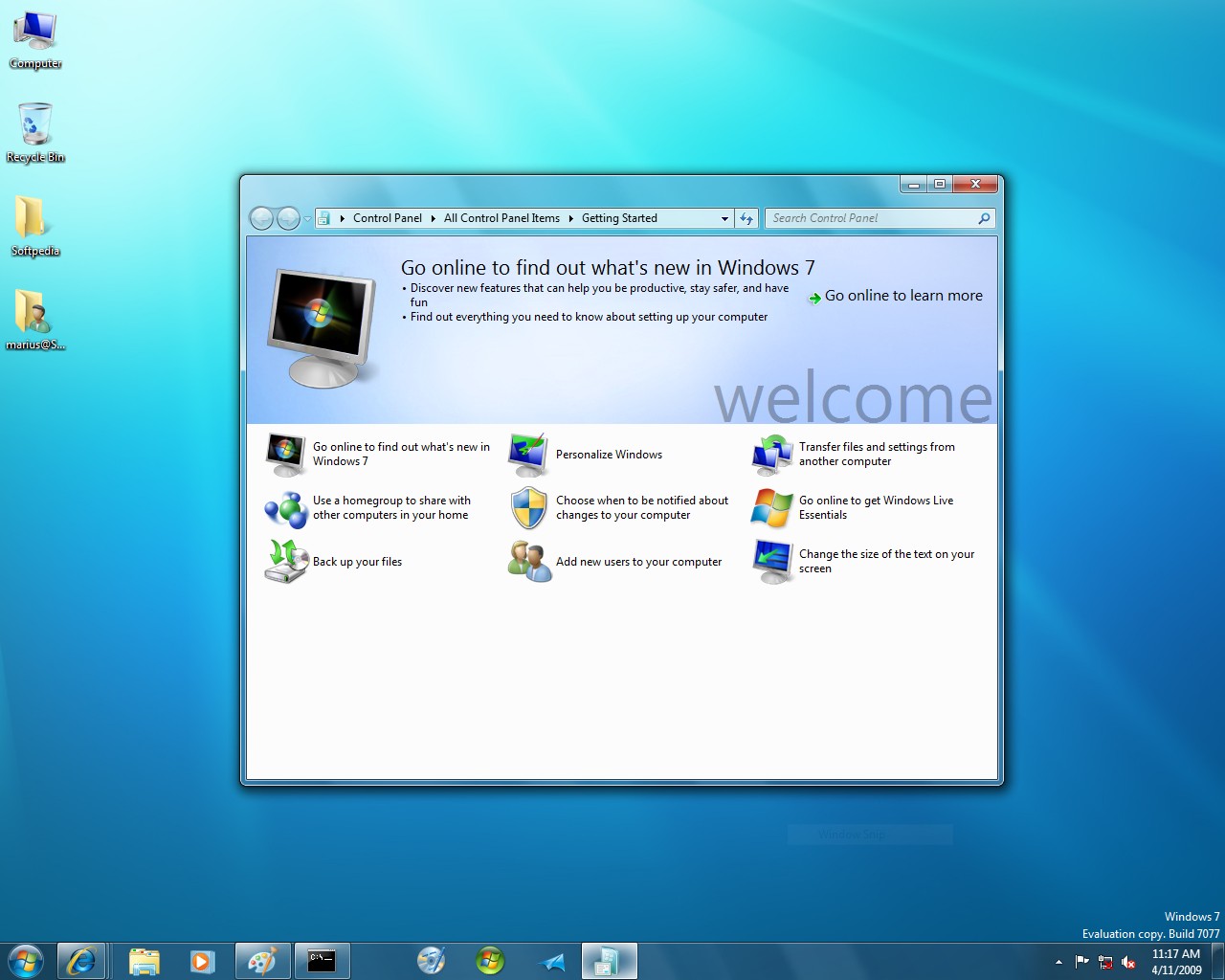
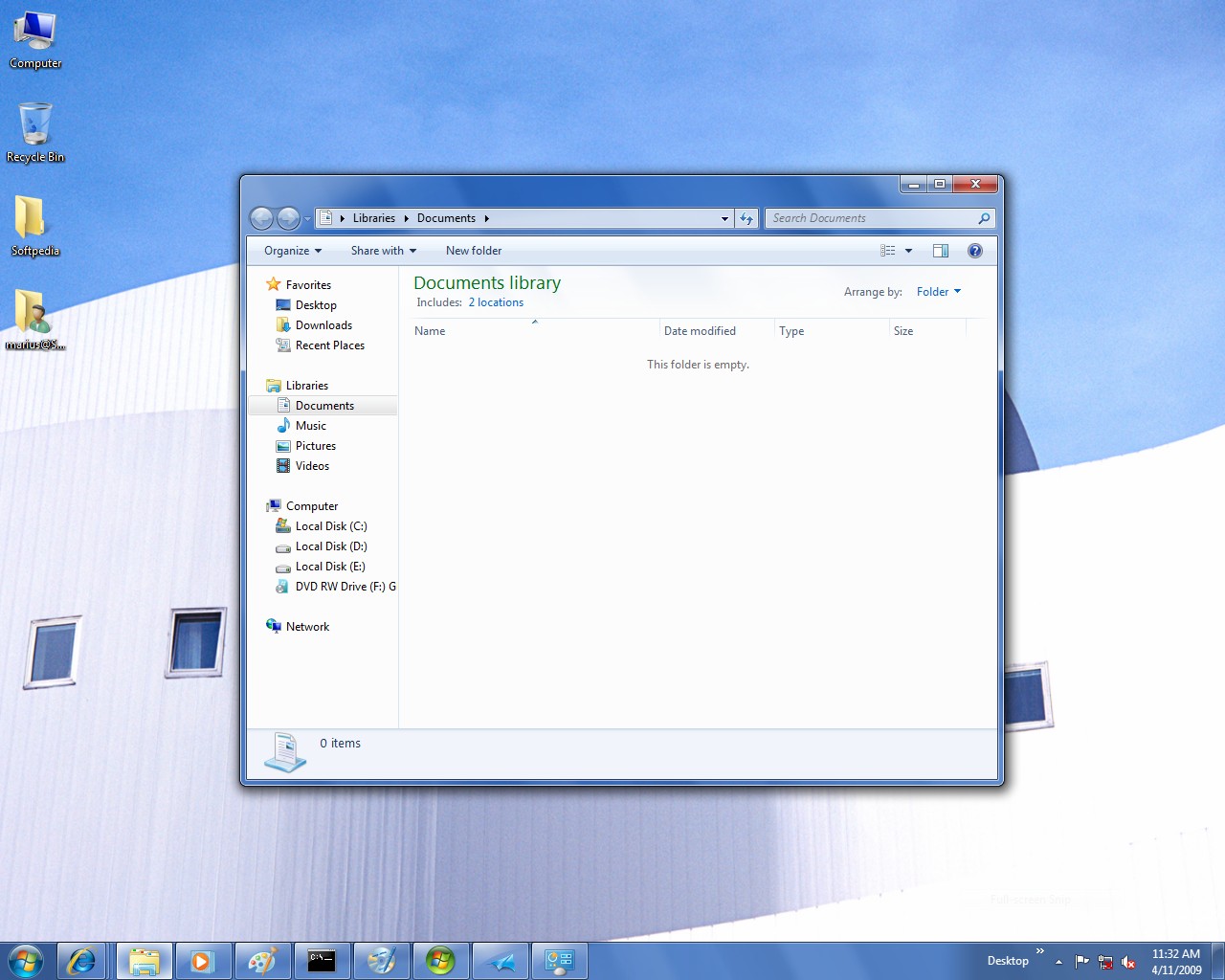
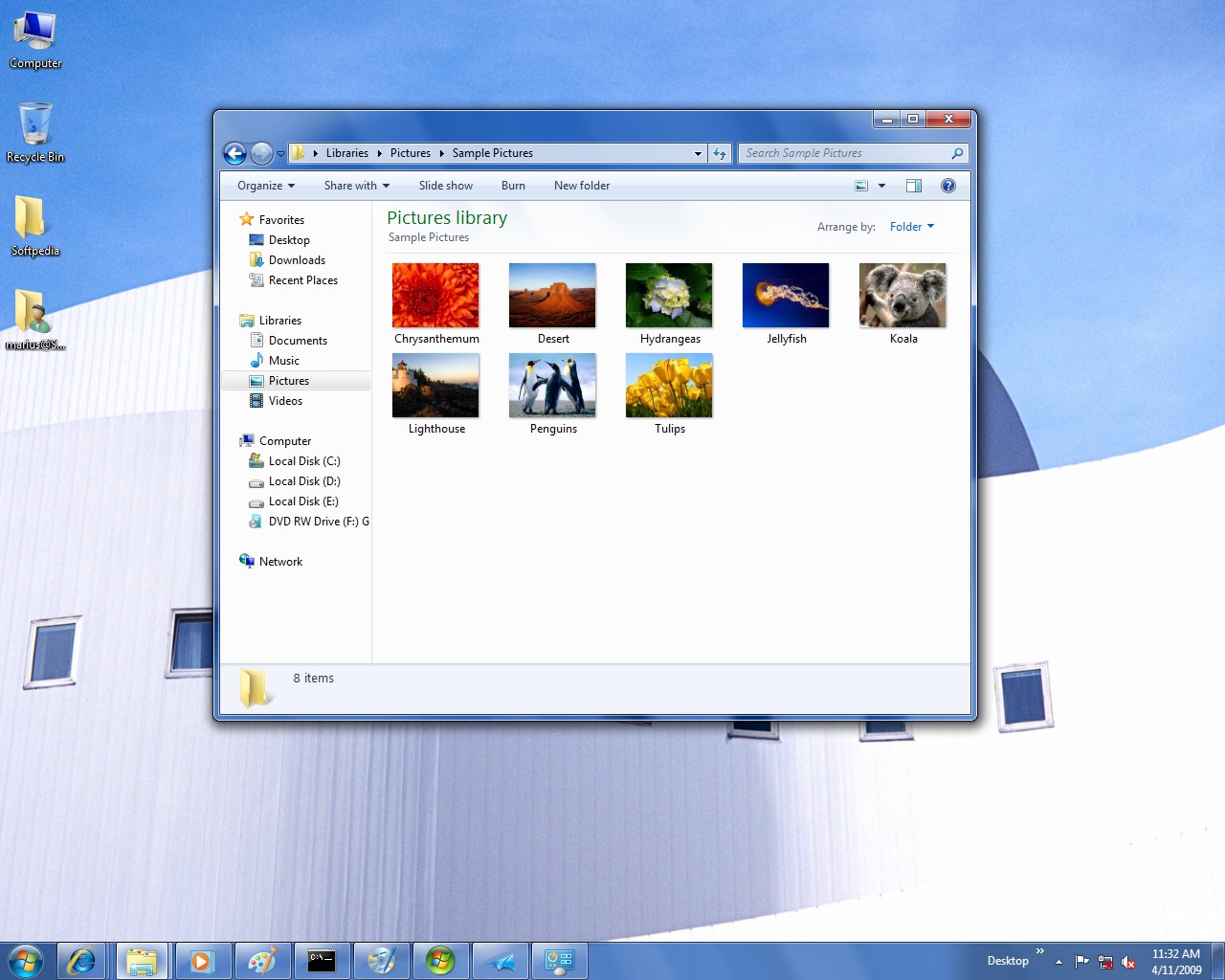
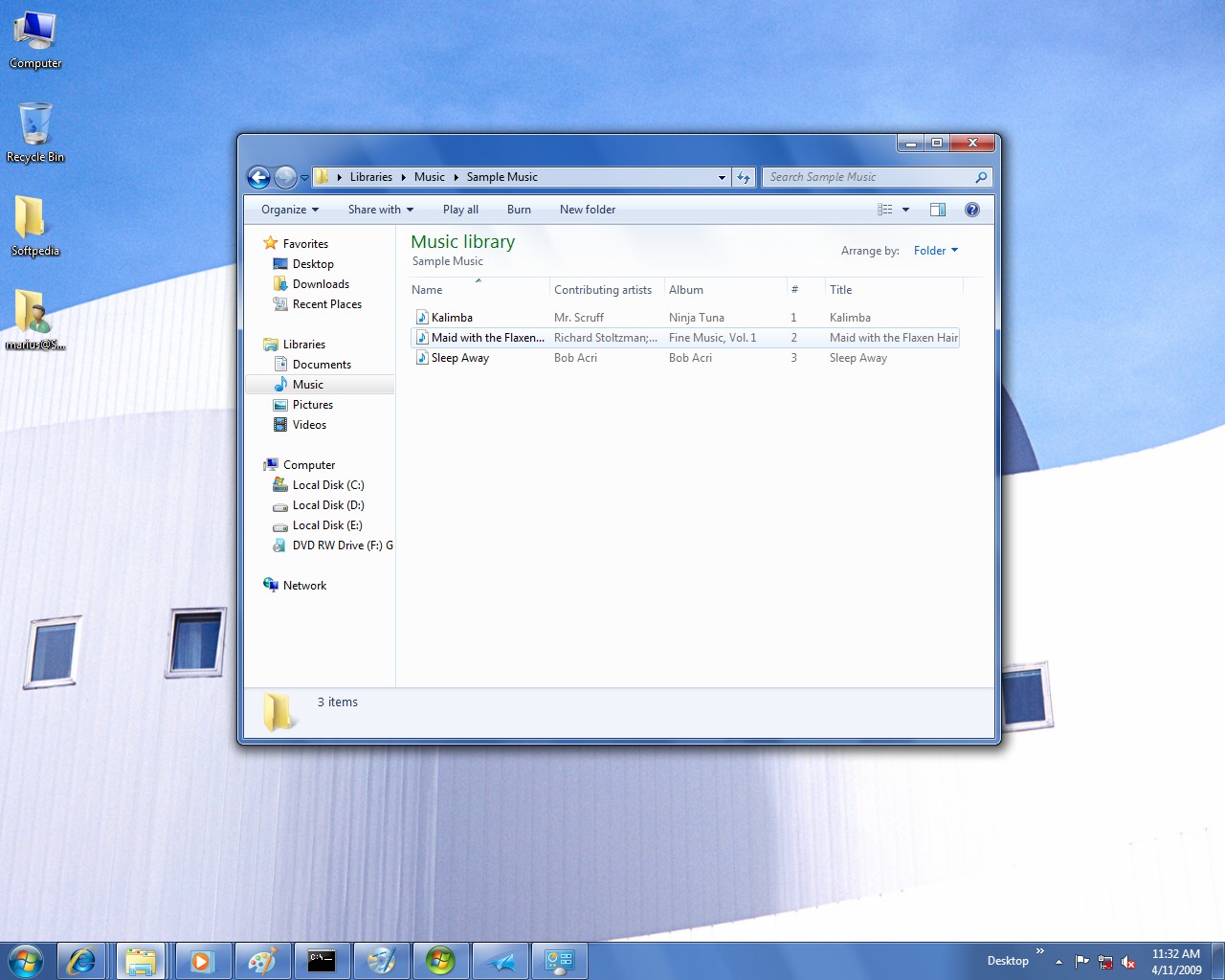
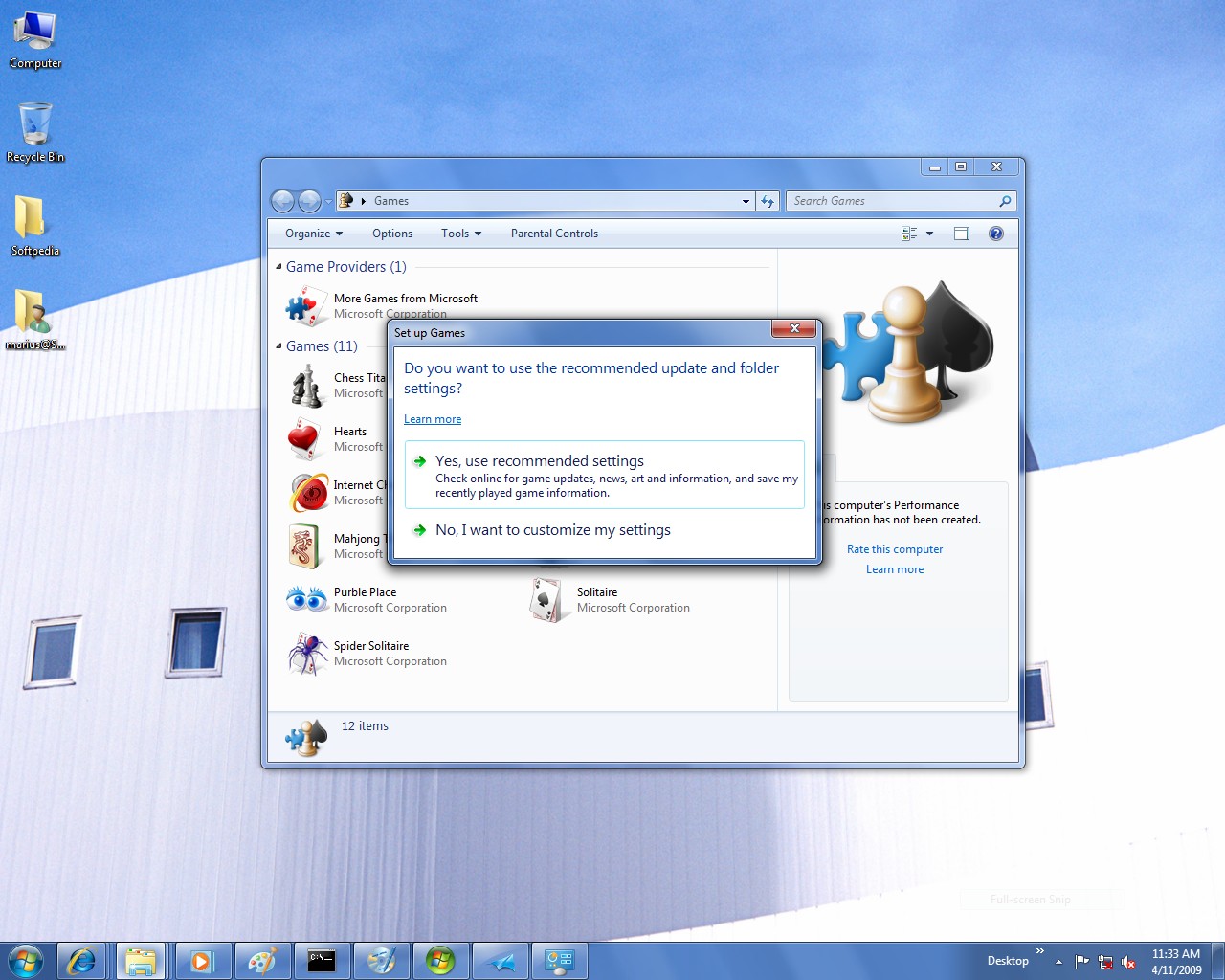
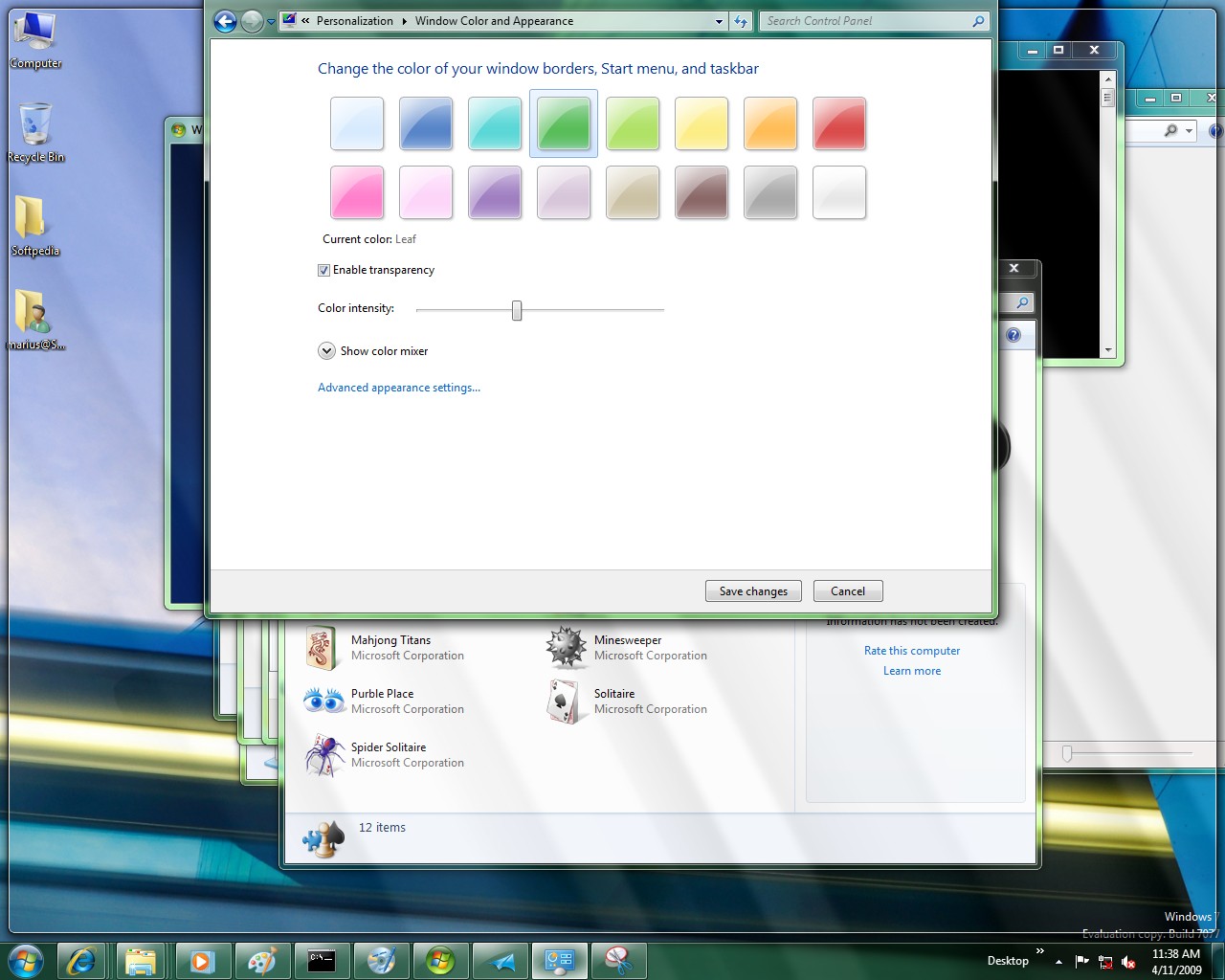
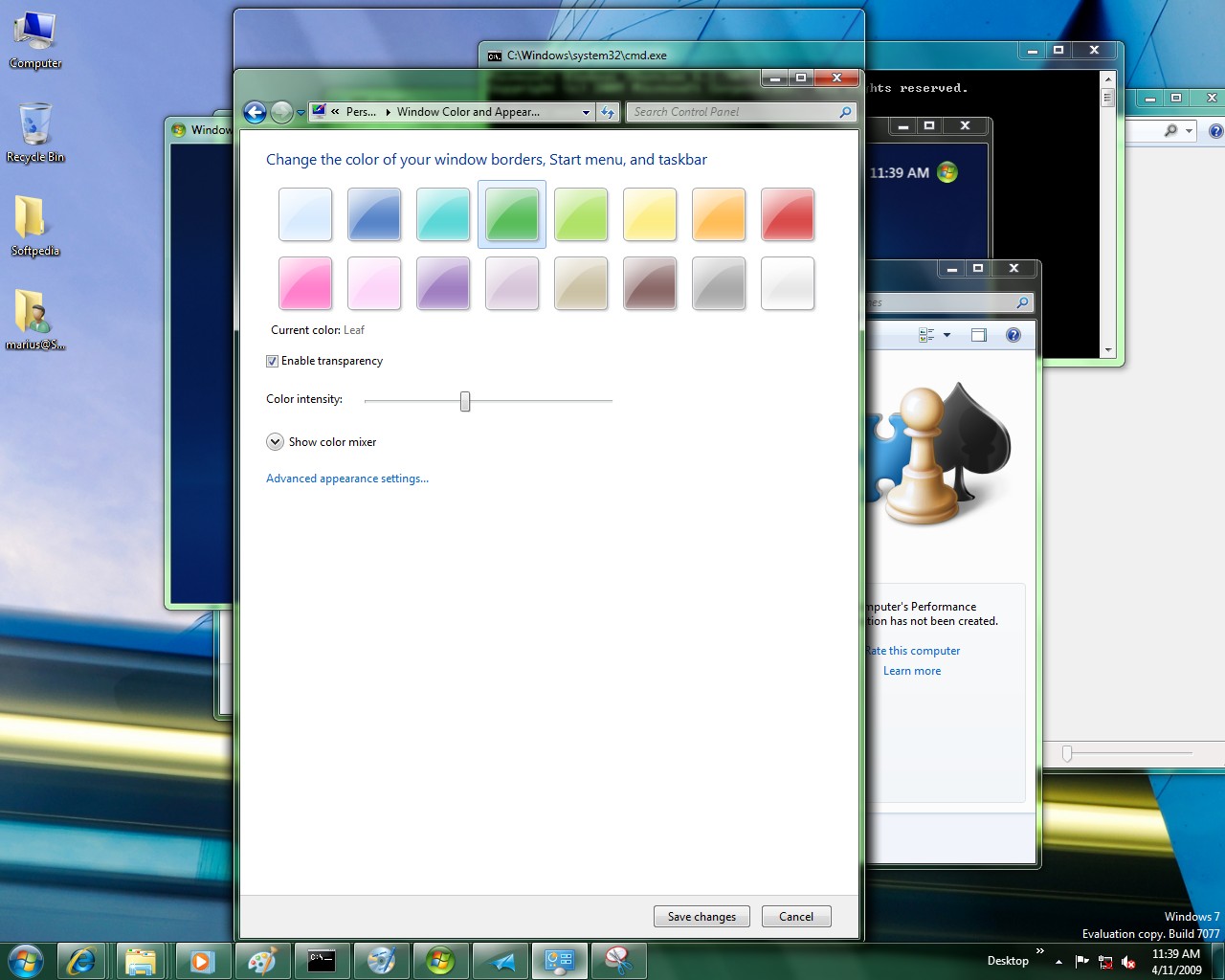
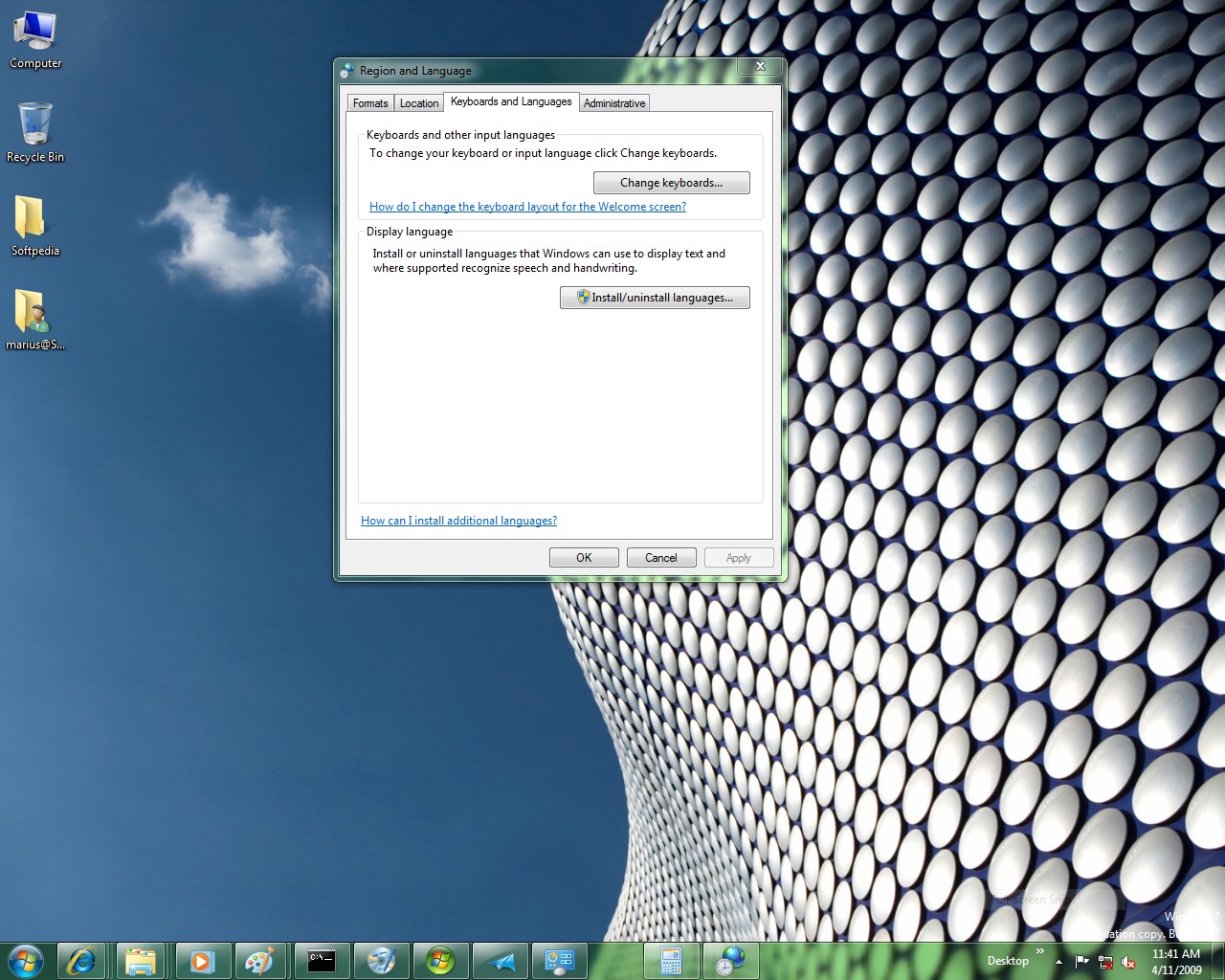
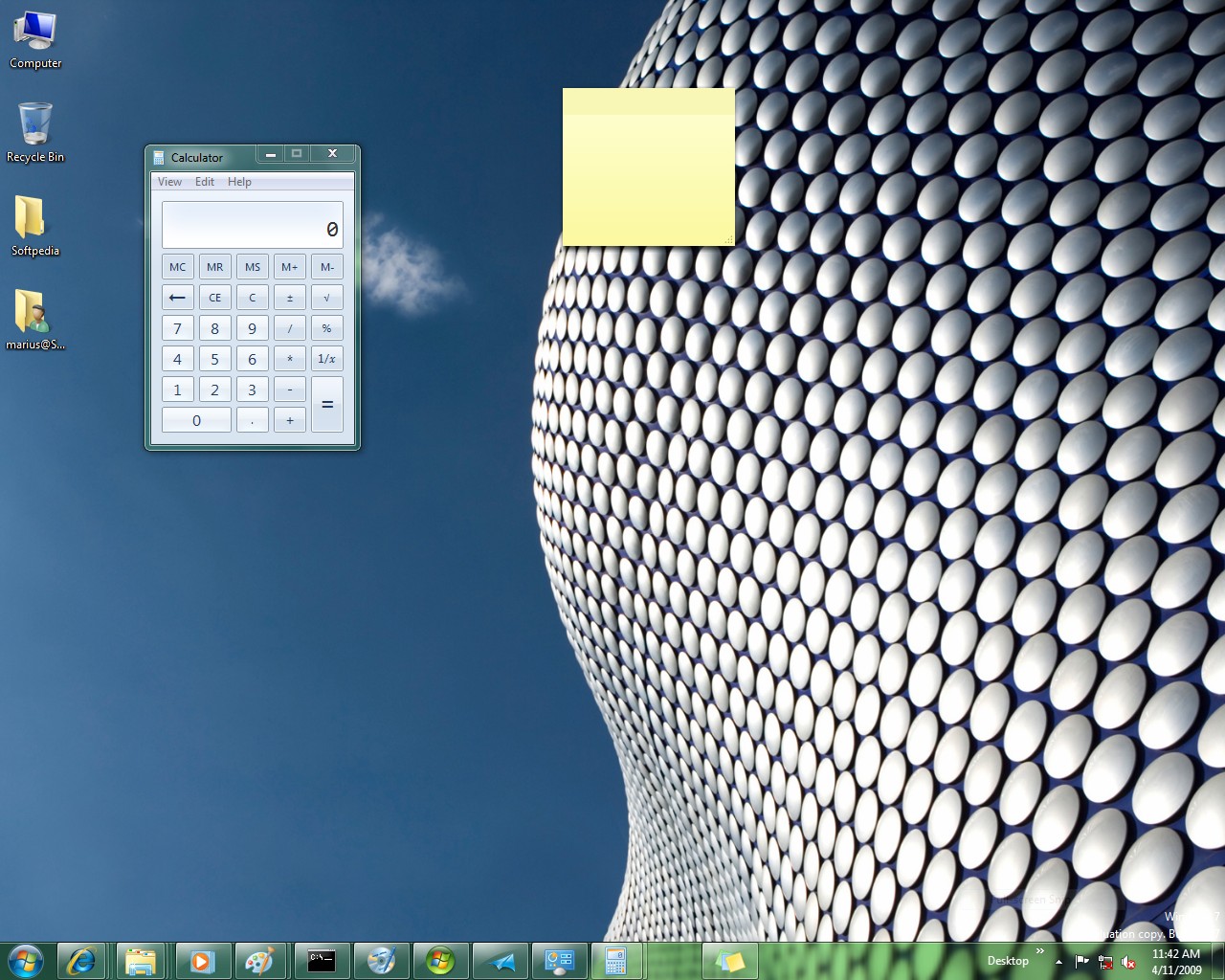
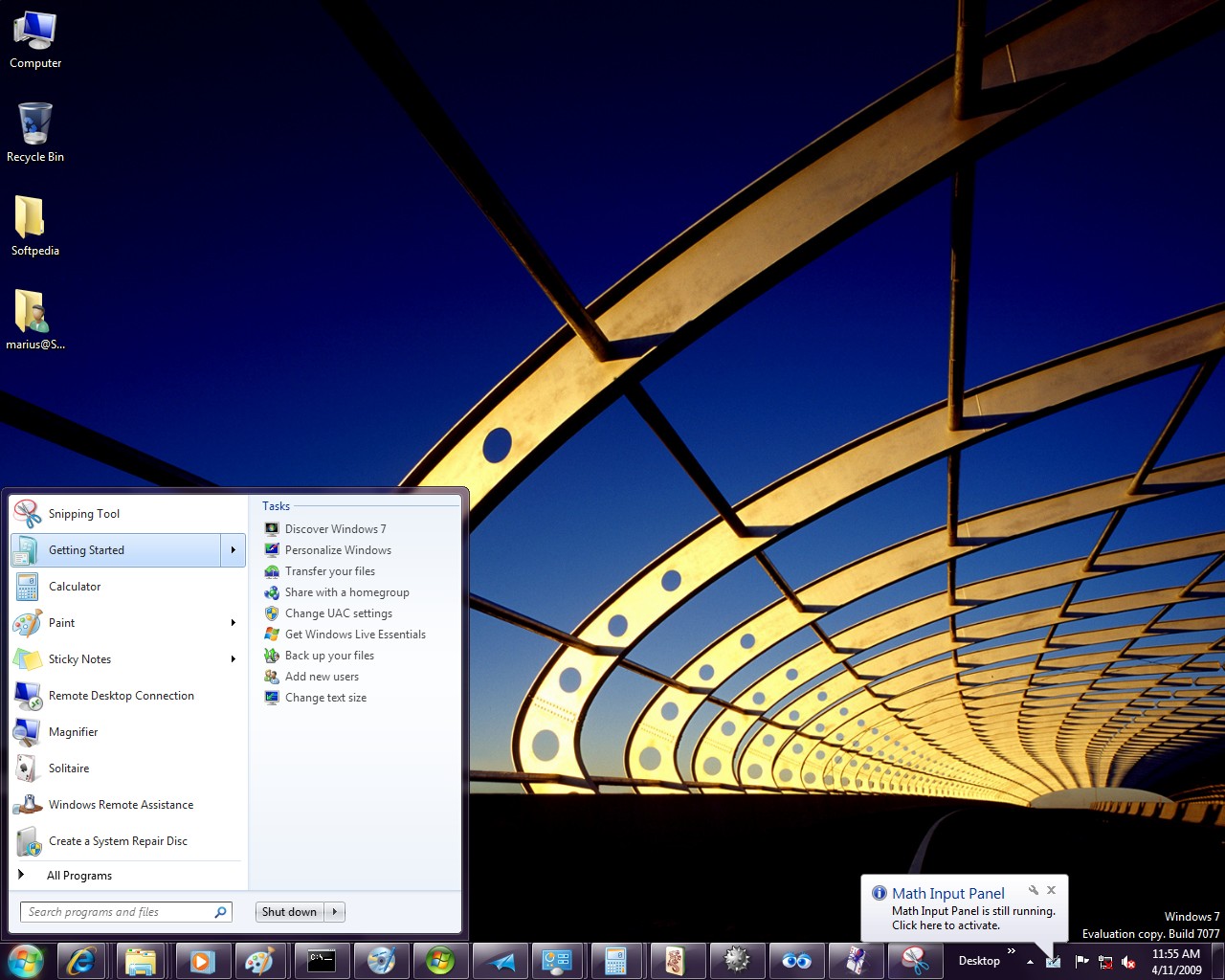
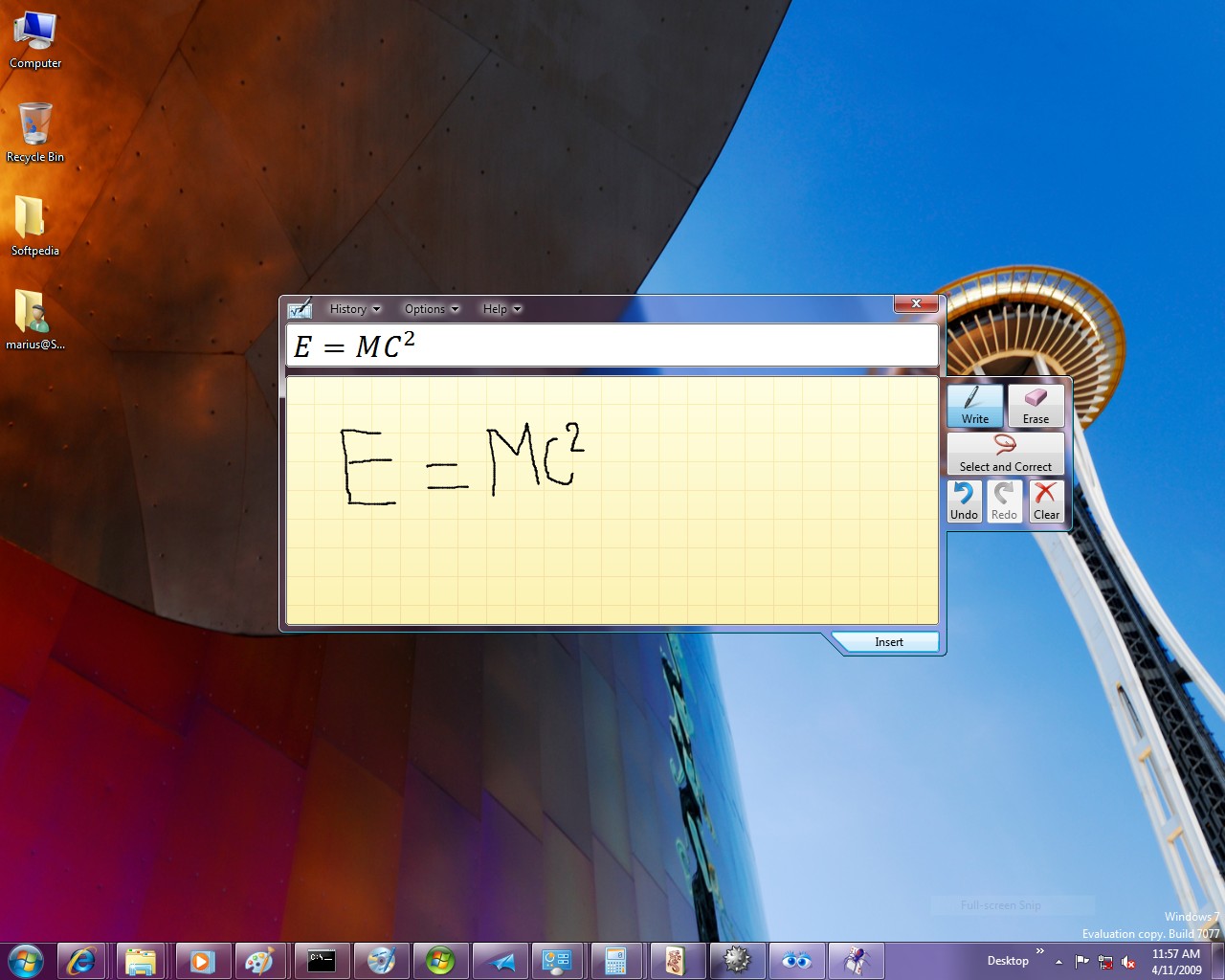
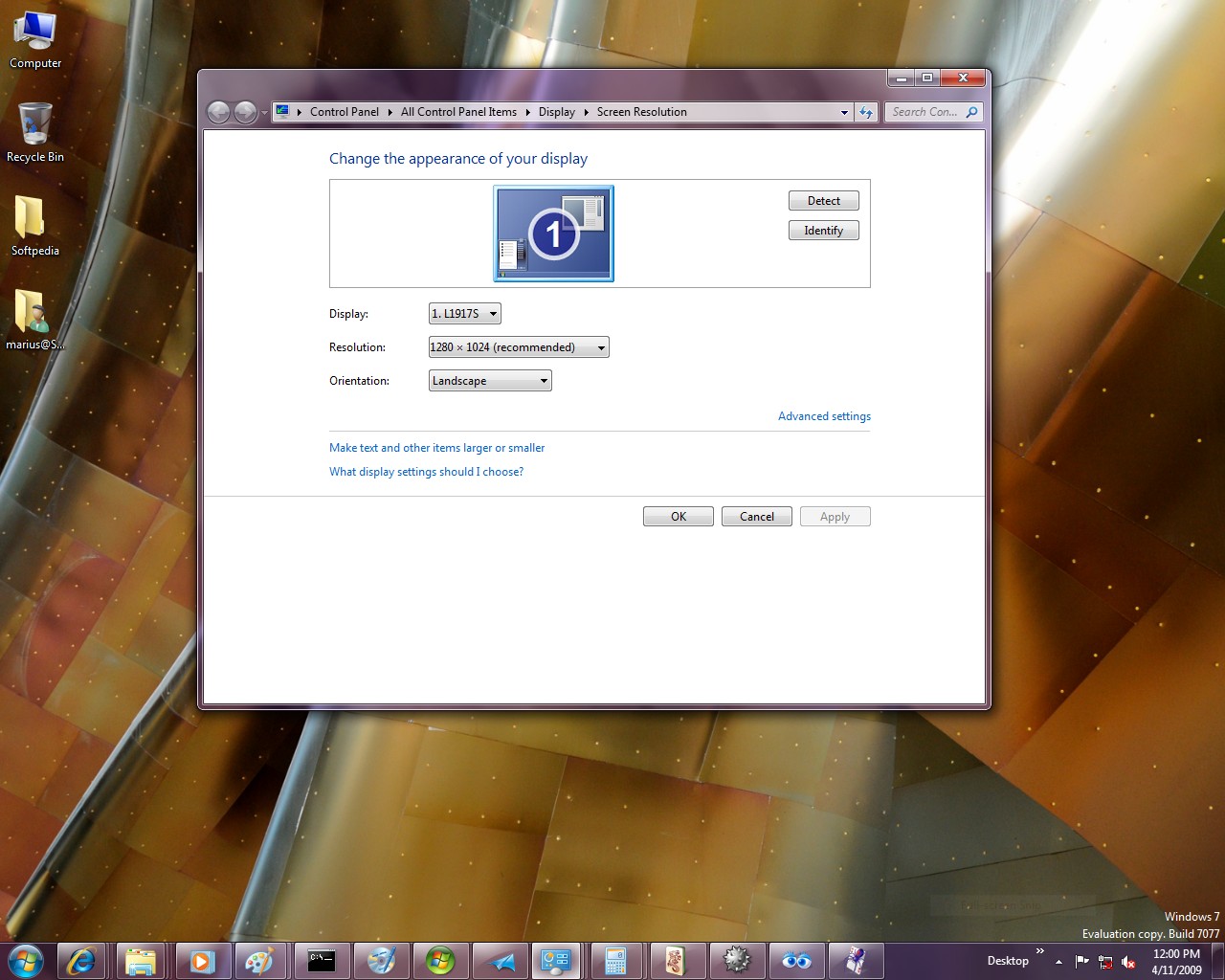
There are also minor modifications to the user interface. Microsoft has updated some aspects of the UI associated with HomeGroup. The most evident changes involve new icons for shared libraries. But, otherwise, nothing significant. If I have missed anything, by all means, feel free to let me know.
Beyond Windows 7 Build 7077
The Windows 7 Build 7077 was barely out of Redmond that information was made available on superseding Builds having already been compiled. In this regard, Microsoft was reported to have wrapped up the code for Windows 7 build 7078 and even 7079. At the same time, speculation indicated that version numbers as high as 7105 had already been achieved, with Microsoft continuing to remain mute on the matter.
The rumor mill had settled for Windows 7 Build 7100 as the full Release Candidate for Windows 7. But with builds over 7100 already confirmed, some reports claim that Microsoft is aiming for 7110 as the Windows 7 RC. Of course, at the same time, the Redmond company could have already moved onward with the development of Windows 7, beyond the RC branch, having started cooking development milestones from the RTM branch.
“Install only officially released builds from Microsoft,” the Windows team representative advised. “It will always be tempting to get the build with the ‘mod’ already done but you really never know what else has been done to the build. There’s a thrill in getting the latest, we know, but that also comes with risks that can’t even be quantified. For the RC we will work to release a hash or some other way to validate the build, but the best way is to always download directly from Microsoft.”