 14 DAY TRIAL //
 High-end motherboards are anything but cheap but they (at least theoretically) should provide the best possible environment for the processor, memory and all the other components to work in. Because some benefits are not so easily to quantify ( the board's overclocking ability for example) most producers rely on a growing list of features and capabilities that sometimes are useless and sometimes are just plain annoying.
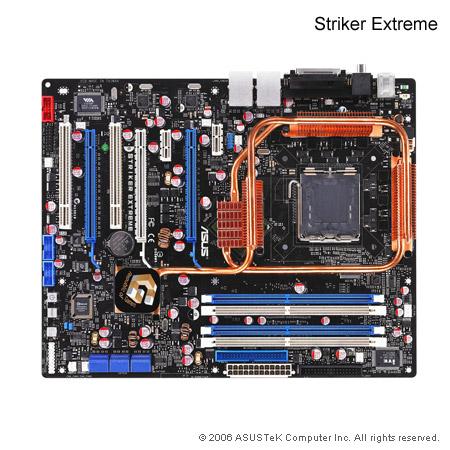
I say that some features are useless, not because I do not like to have, say 4 SATA 2 hard drive ports on my motherboard, but because I (and maybe 99% of the users) have nothing to do with 8 such ports, as they can be found on the Asus Striker Extreme or MSI P35 Platinum motherboards. Let's say that you are one of the very rare people that use a five-disk RAID5 array, plus one SATA optical drive and that you have plans for external eSATA drives or flash sticks. OK, in this case 8 SATA ports sound fine. It would be just what you need. But what if you will never, but never use them? Don't you think that would be a waste of customer's money?
USB ports are another issue, or more exact, the huge number of them. What am I to do with a dozen of them? Eight or ten, provided that they are smartly placed on the surface of the mainboard should be enough. I do not want to sound like Bill Gates in his famous "640kB of RAM", but I really can see no advantage in having so many USB ports. Firewire ports are always good to have, even if most producers omit them because of additional costs. They are very nice to have especially when you need to connect some professional multimedia devices and they make a fine network over short distances. As a bonus there are some Firewire sticks around the IT market and if you happen to stumble upon one of them, you will see that they are less CPU consuming than their USB based quivalents.
About PCI-E 16x slots there is not much to say. If you go for SLI or Crossfire, you need at least two of them. PCI-E 1x slot on the other hand, comes in variable numbers, two such ports, combined with another two classical PCI ports should do the job, without using up too much space.