 14 DAY TRIAL //
 Most of the websites use images or other multimedia files in order to enhance the understanding of their text content. The images and generally, multimedia files will represent at least 30-50% from your web page size and their size will determine the page loading speed.
There are many image formats available now, but only three file formats are used for the web: GIF, JPEG, and PNG. This type of images usually can have the optimal size for web use. GIF images are used for buttons, logos or animations. JPEG images are used in case of scanned images and photographs. The advantage of PNG images over GIF is that they provide a greater depth of color still having a small size. Generally all types of web images could be optimized by reducing the number of colors. For larger files you can use the image cropping or resizing in order to decrease the file size.
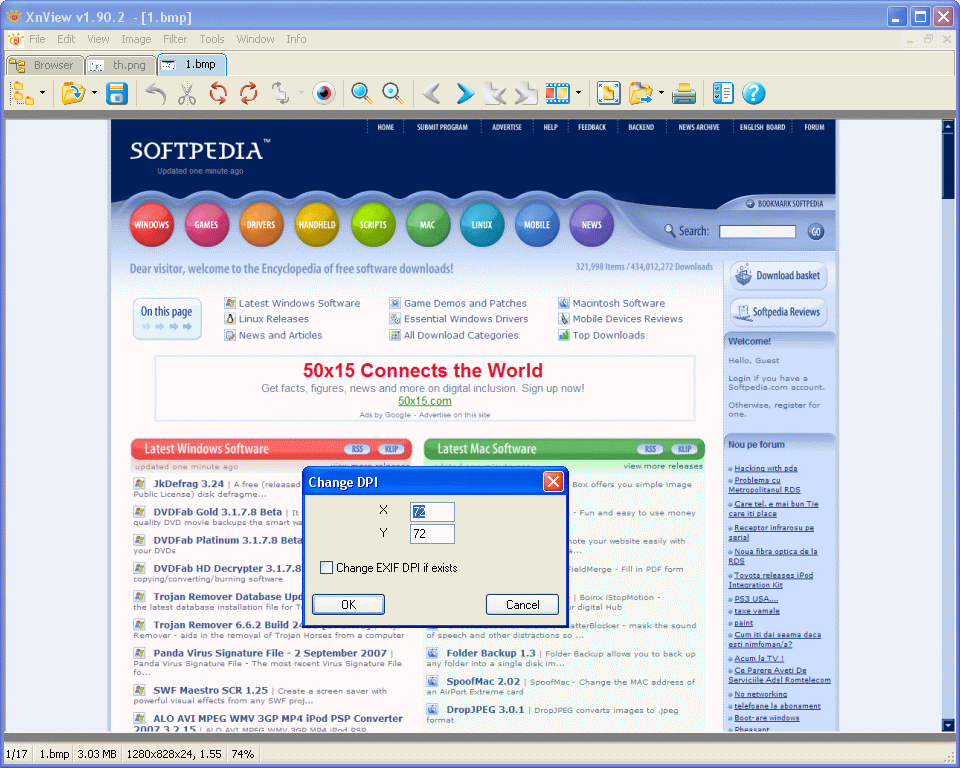
In the HTML code you must specify the image width and height for the fast loading of the web page. It is recommended the use of thumbnails for certain situations: for example you can reduce the size of a web page introducing a single thumbnail hyperlinked with the image having its actual size. You can also reduce the number of images on a single page because, even most browsers download multiple images in the same time, each of them adds to the global page loading time. The image resolution should not be higher than 72 dpi, this value being admitted as a web standard. The ALT attributes for images should not be used extensively.
When is possible you must take advantage of image caching on client side or server side in order to decrease the number of active connections and increase the page loading speed. There are many free tools that you can use for image editing and optimization, the most popular being XnView and IrfanView.The loading speed of your website is important for having and maintaining site visitors and the site images play a fundamental role in this sense: they must present an optimal balance between size and quality for the achievement of the minimal download time.