 14 DAY TRIAL //
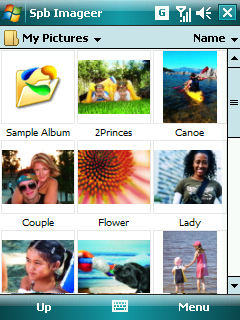
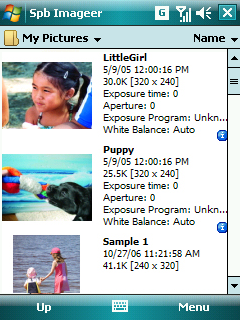
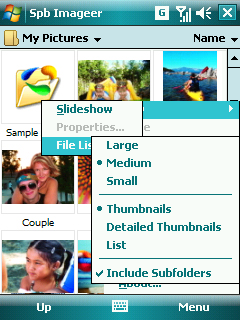
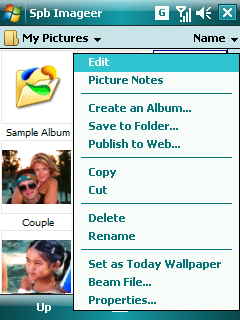
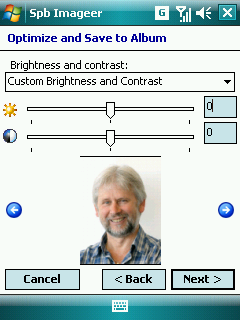
 Especially designed to easily process digital photos that Pocket PC users are storing on their devices, Spb Imageer, developed by Spb Software House, is equipped with an amazingly rich set of features that will make your work with pictures quick and comfortable. Besides the usual picture viewer that can display various slideshows, the application features multiple thumbnail options, picture editing (red-eye, brightness, contrast, and more), batch optimizing of photos, Web publishing (Flickr), Album creation and sharing, rich picture notes (text, drawing and sound), as well as powerful screenshot tool.
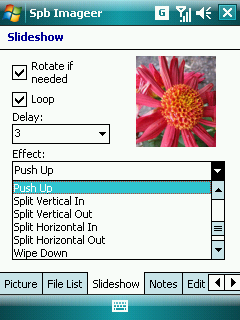
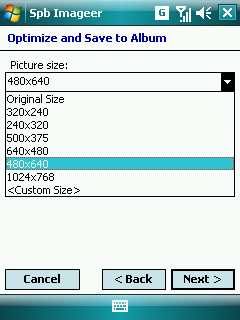
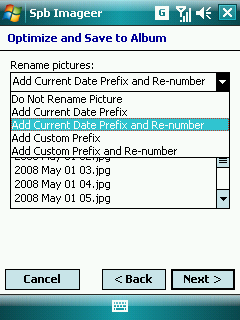
If you want to quickly access the slideshow feature of the application you only need to tap once in the Menu and the function will immediately start displaying your pictures. The settings for this feature include delay time between photos, rotate, loop, and around 22 different effects with smooth transition. Spb Imageer can optimize your pictures on the Pocket PC for best storage and usage. The whole process of optimization includes: Optimize and Create Album Wizard, Optimize and Save to Folder Wizard, Optimize and Publish to Web Wizard, Copying images from a desktop computer, Adding a picture to an existing album.
Furthermore, Spb Imageer can help you share your pictures with your friends by publishing them right on the website. For the moment the application can only share images on a few websites such as Flickr Photos, Fotki.com and Foto Quelle. Album creation is also possible, Spb Imageer storing all pictures in a single file, and the Album provides quick access to any of the pictures stored. The last feature included in the application is called Spb Screenshot and it is a tool for screen captures. The captured screenshots can be saved in BMP or PNG formats. The trial version of Spb Imageer includes all the features available in the registered version, but it expires within 15 days after the first installation. The price of the application is 14.95USD.Note: You can easily follow my daily guides by subscribing to the RSS feed.