 14 DAY TRIAL //
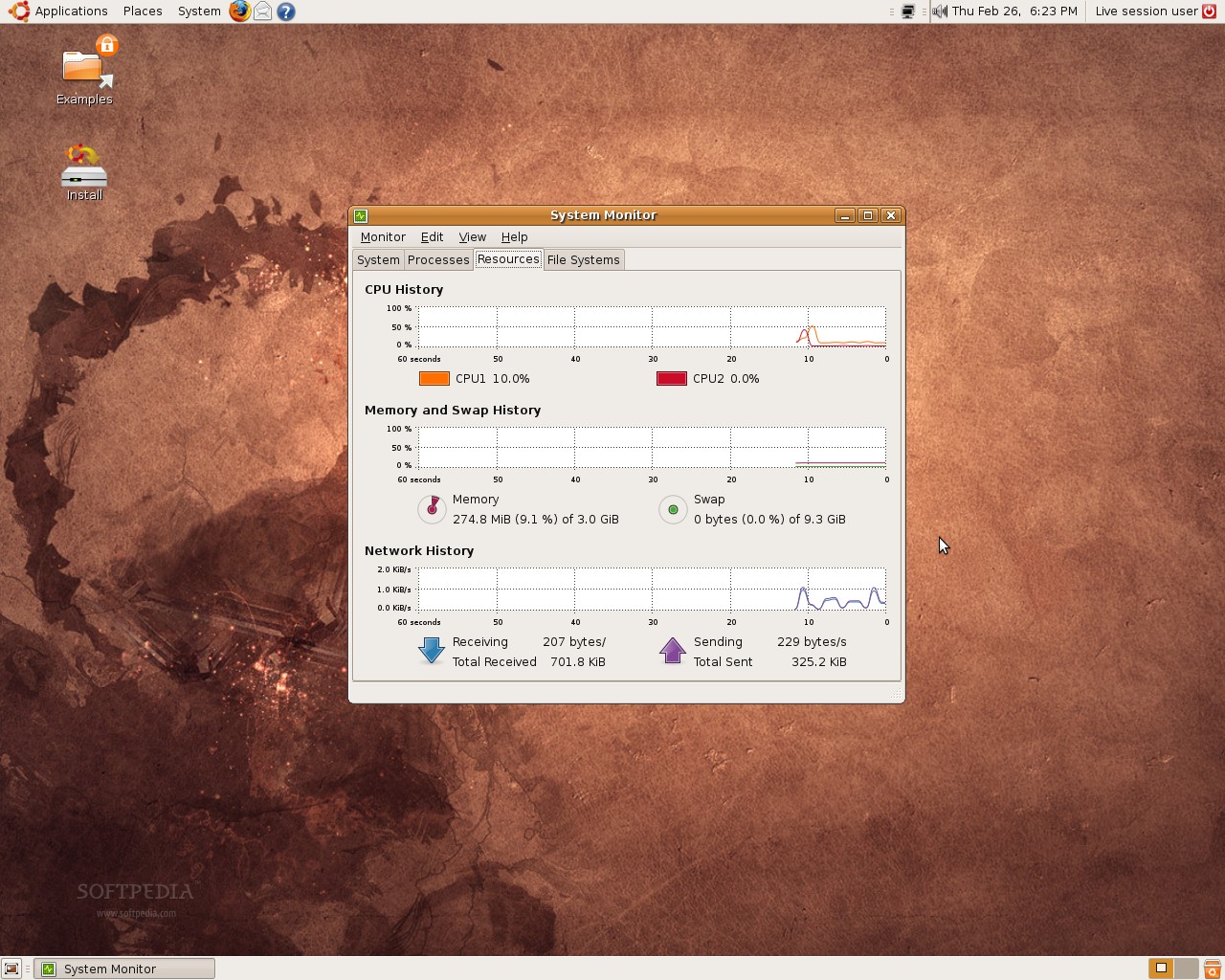
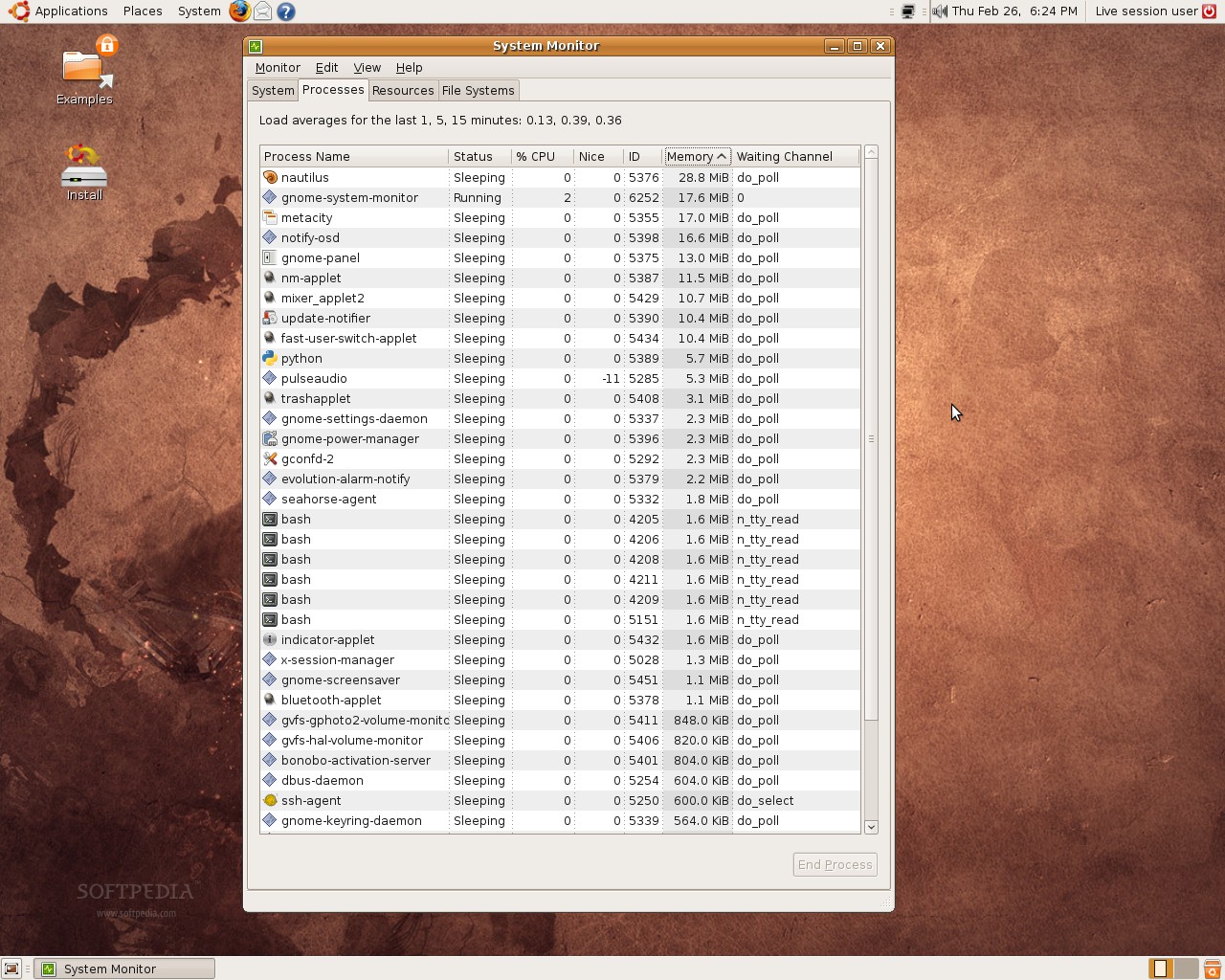
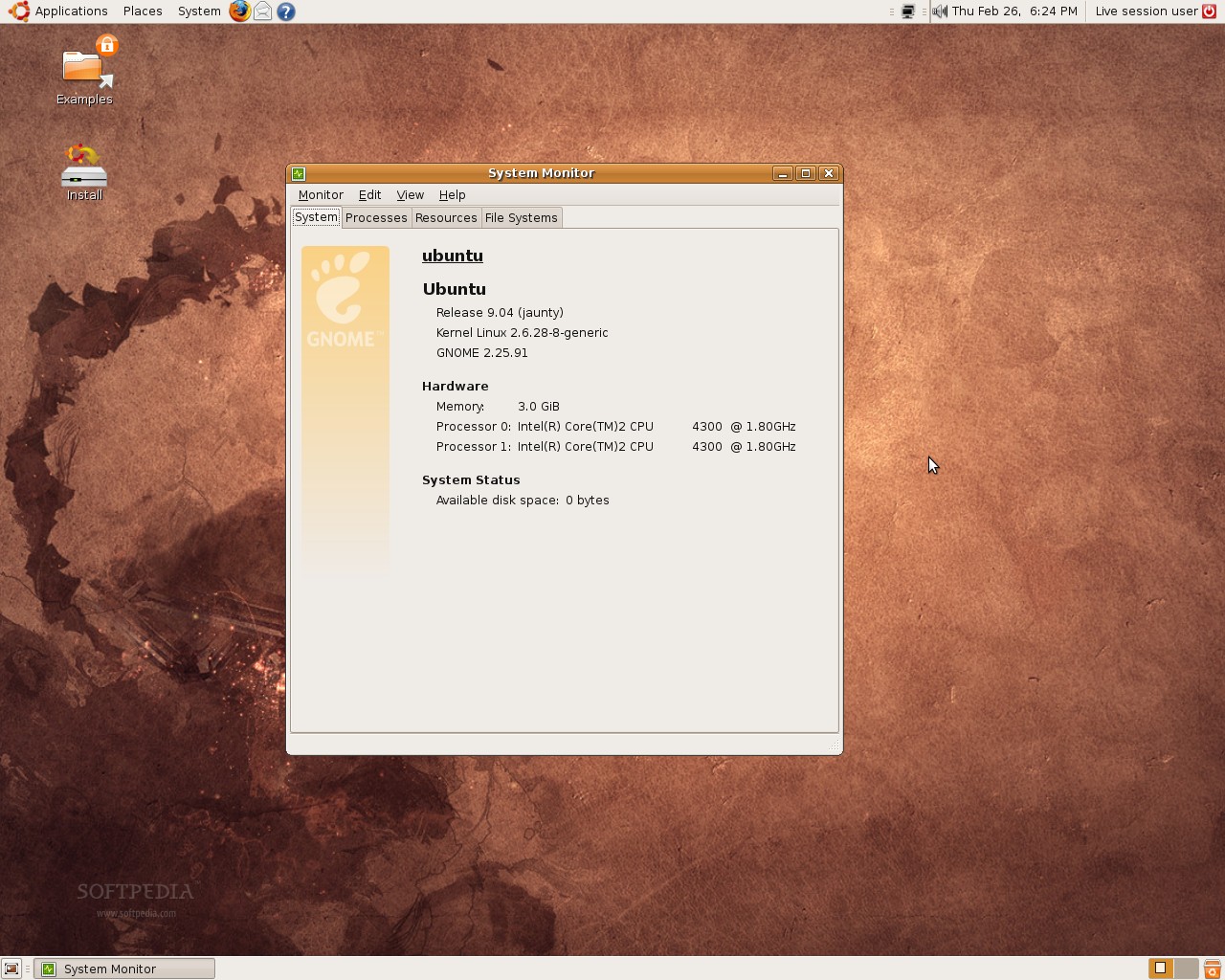
 The fifth alpha version of the upcoming Ubuntu 9.04 (codename Jaunty Jackalope) was uploaded a few minutes ago on the official mirrors. As usual, we've downloaded a copy of it in order to keep you up to date with the latest changes in the Ubuntu 9.04 development.
What's new in Ubuntu 9.04 Alpha 5? Well, there are a few interesting things... You had the pleasure to see some of them this week, thanks to our hard working people who are monitoring every change daily, here at the Softpedia Labs. Among the new features we can notice a couple of new desktop effects. For example, when you enter the GNOME session you will now notice a nice fade effect that makes the transition from the login manager to the desktop. Also, when you change your workspaces... the desktop will not slide anymore, only the opened windows (this is the result of a modification in Compiz's Desktop Wall plugin).
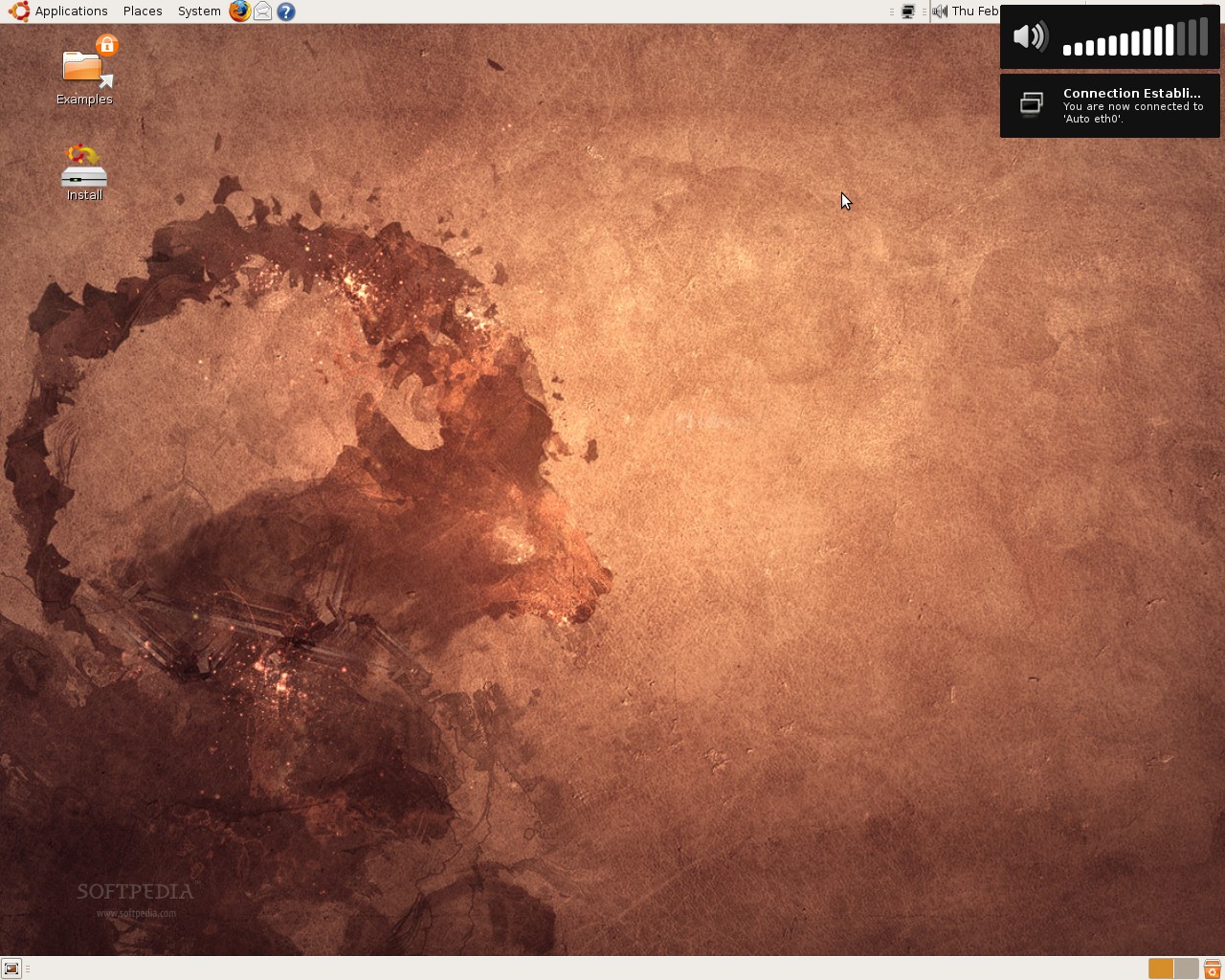
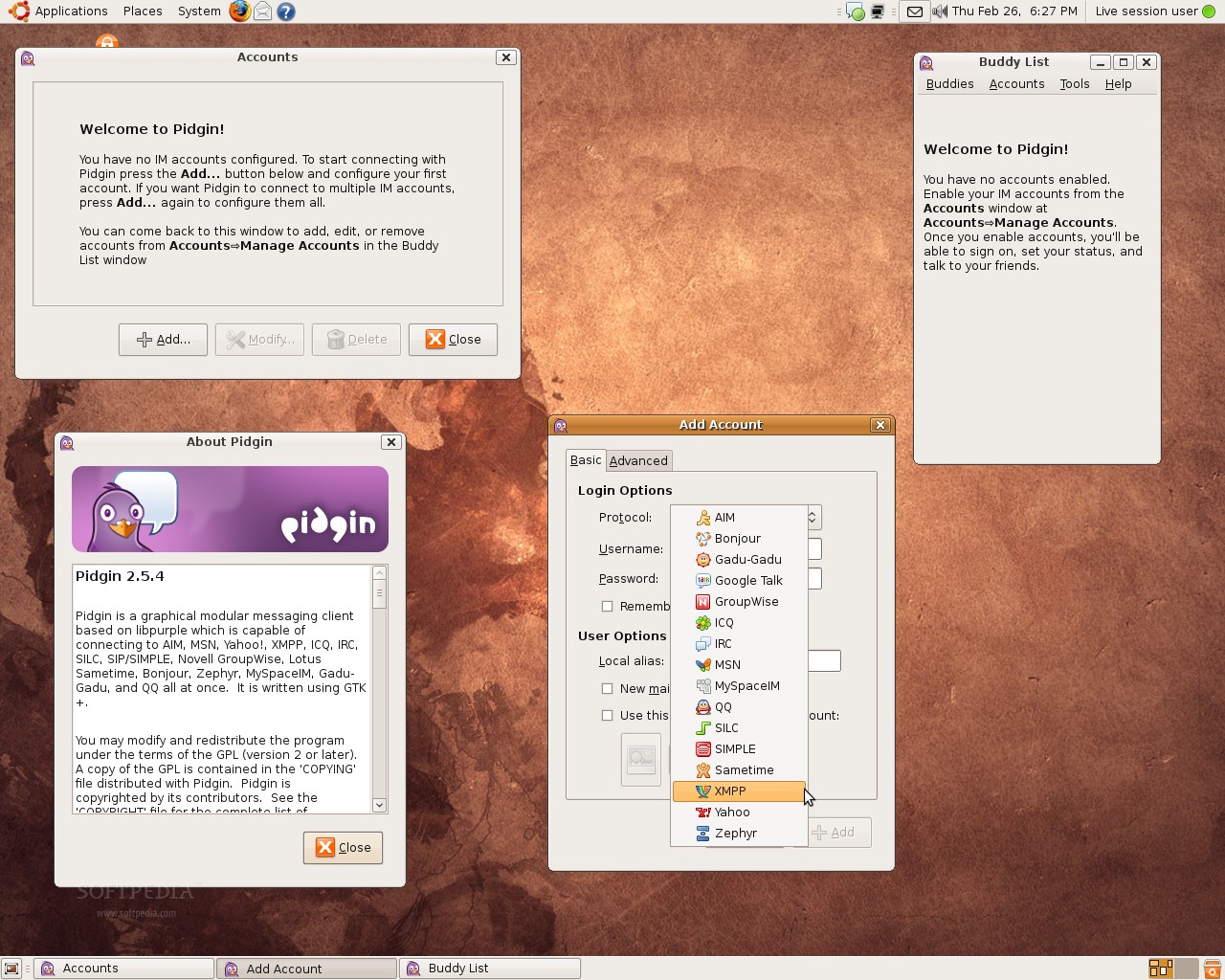
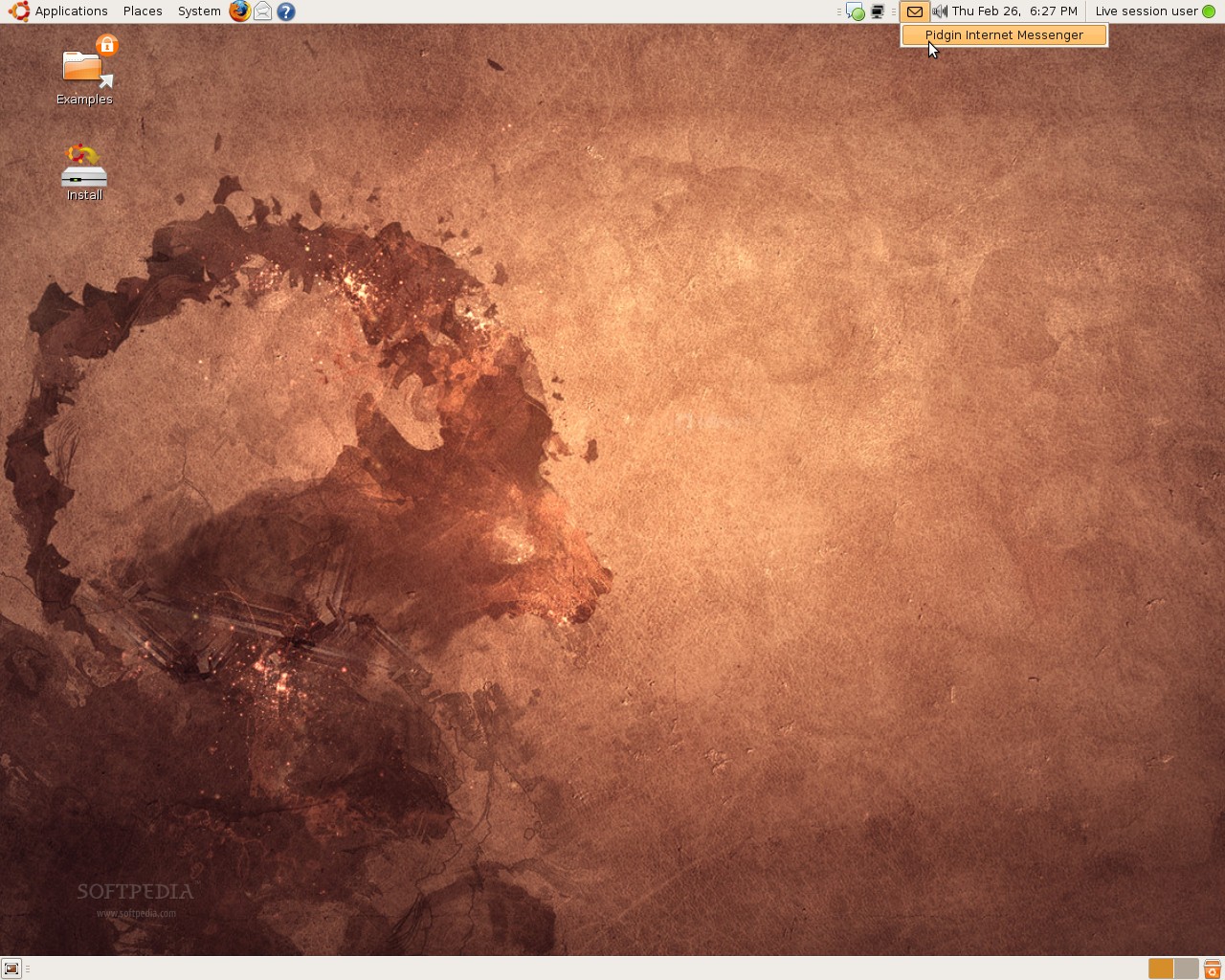
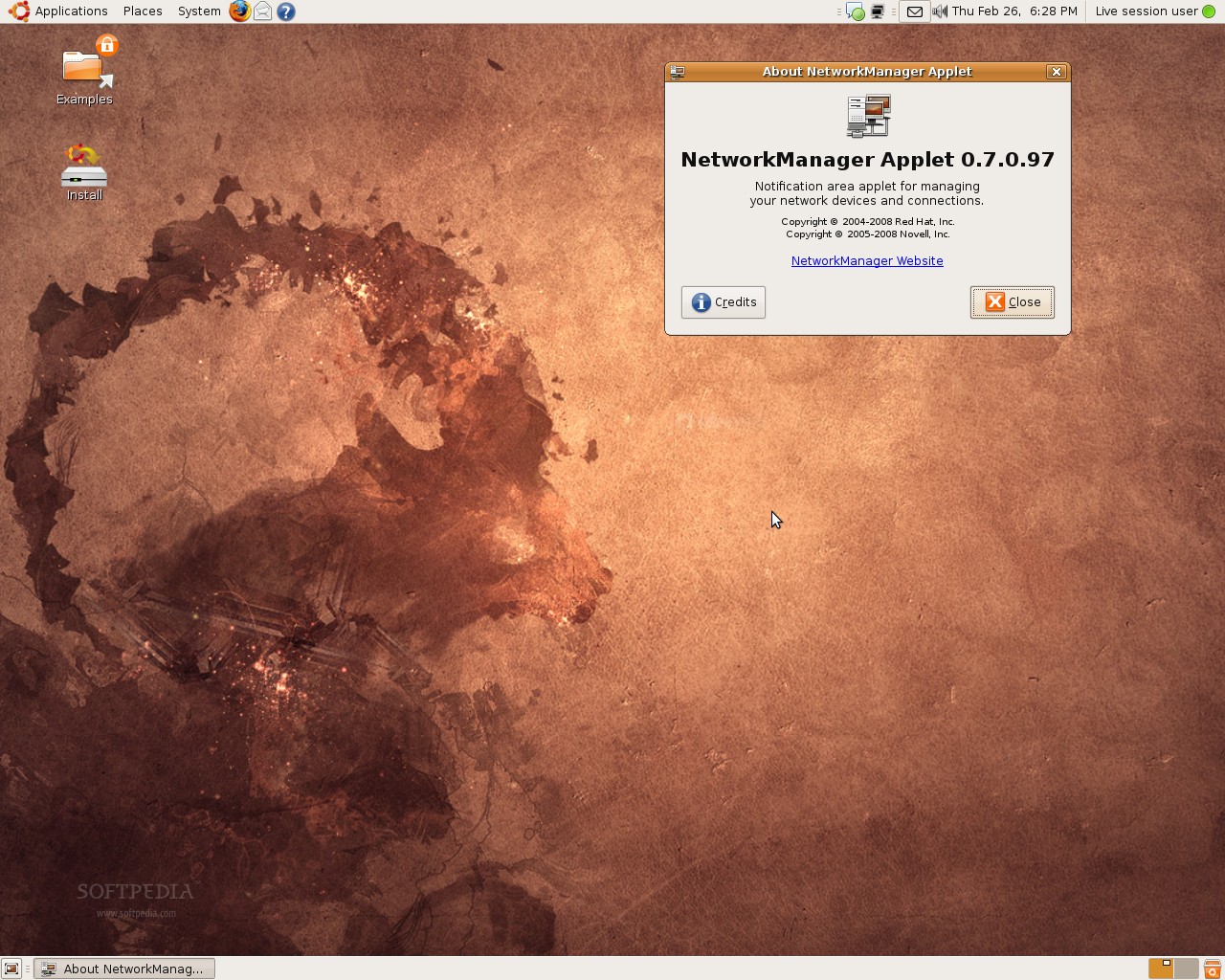
And now, for the "hot stuff".... As you (probably) already know, there is a new notification system implemented a week ago. It is called Notify OSD and it can handle both keyboard actions, such as volume and brightness, and application notifications. What does this mean? Well... for example, when you change the volume or the brightness of your monitor, when a network connection has been established, when an application crash occurs, when someone sends you a message on Pidgin, when a song is changed in Rhythmbox (other media players are also supported)... a very nice and stylish notification will be displayed for a few seconds in the top right corner of the screen. The notifications are black, but if you activate Compiz, they will be a little transparent... and they go completely transparent when you hover the mouse pointer over them. For more details, see the third screenshot on the first and fourth rows.
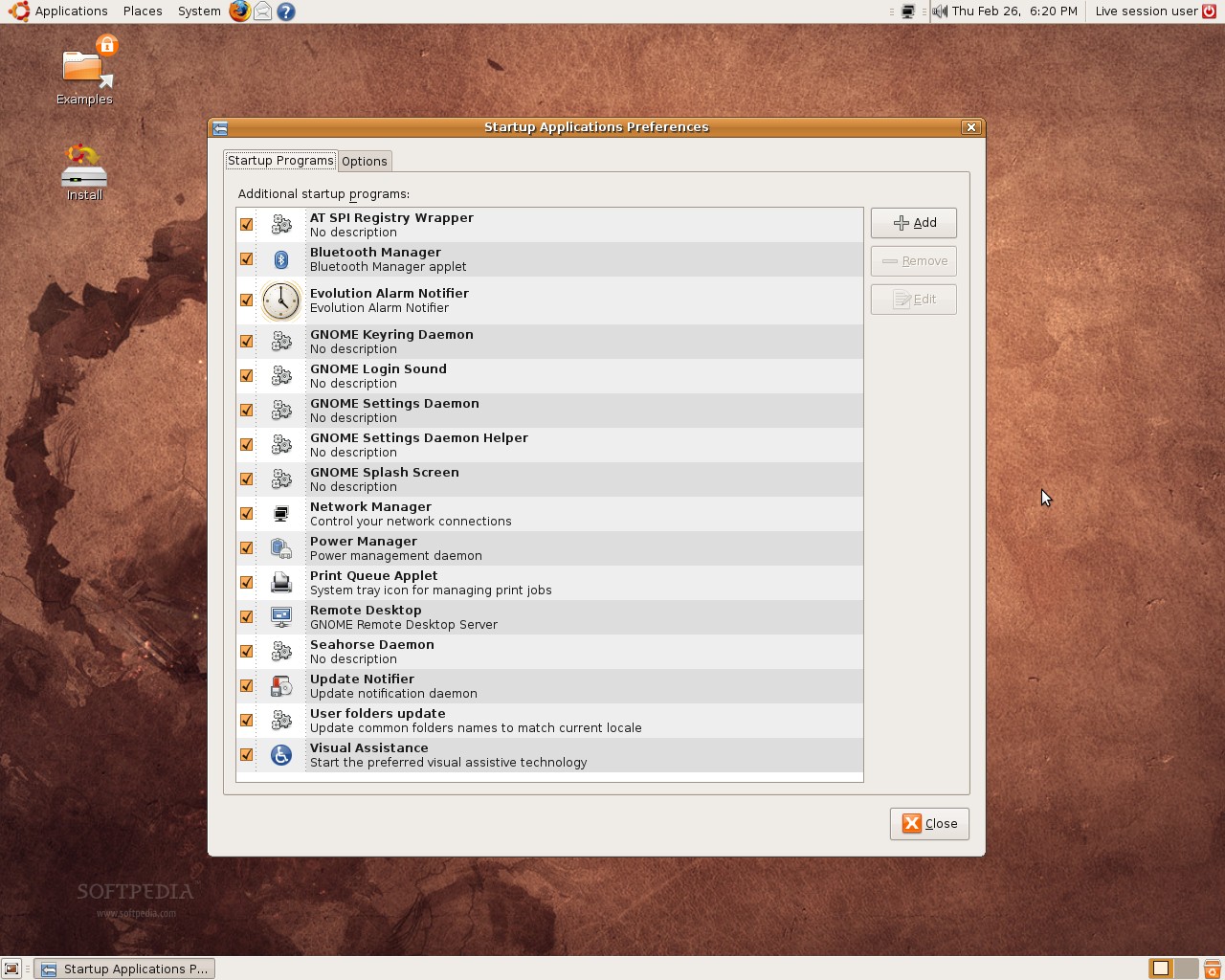
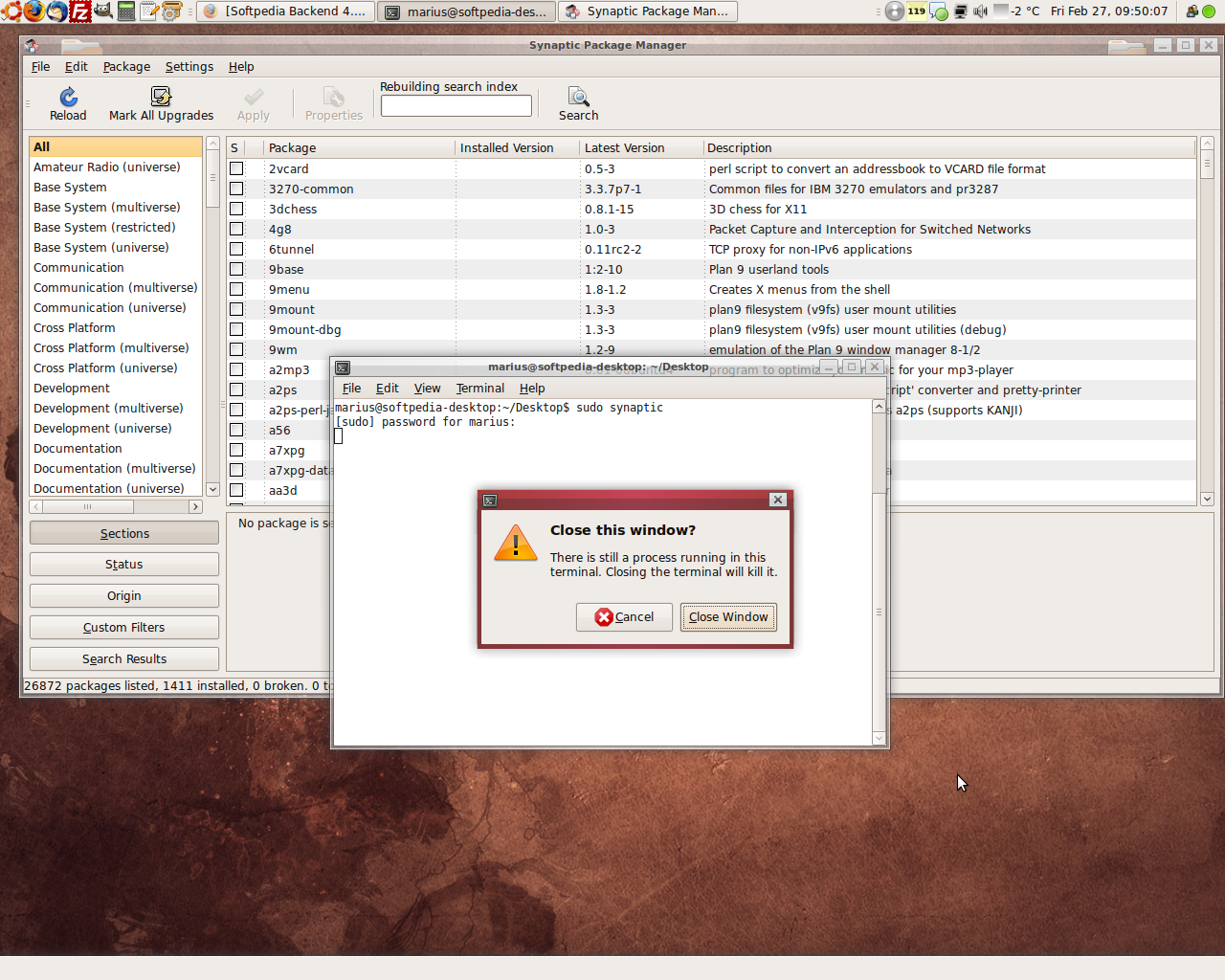
Thanks to the hard working people behind the GNOME project, a few of GNOME's components have been improved. For example, the terminal has a new feature (see the fourth screenshot on the third row)... here's how it works: if you open an application from the terminal and it is still running and you want to close the terminal window, a pop-up will appear and ask if you really want to close it. Moreover, the screenshot utility has been improved... it acts differently if you open it from the Main Menu or if you press the Print Screen button on your keyboard. How? Well... let's say you open the screenshot utility from the Main Menu to set a delay of 10 seconds, but if you press the Print Screen button, it will have no delay at all. And... the old Sessions window was renamed Startup Applications (see the fourth screenshot on the first row).
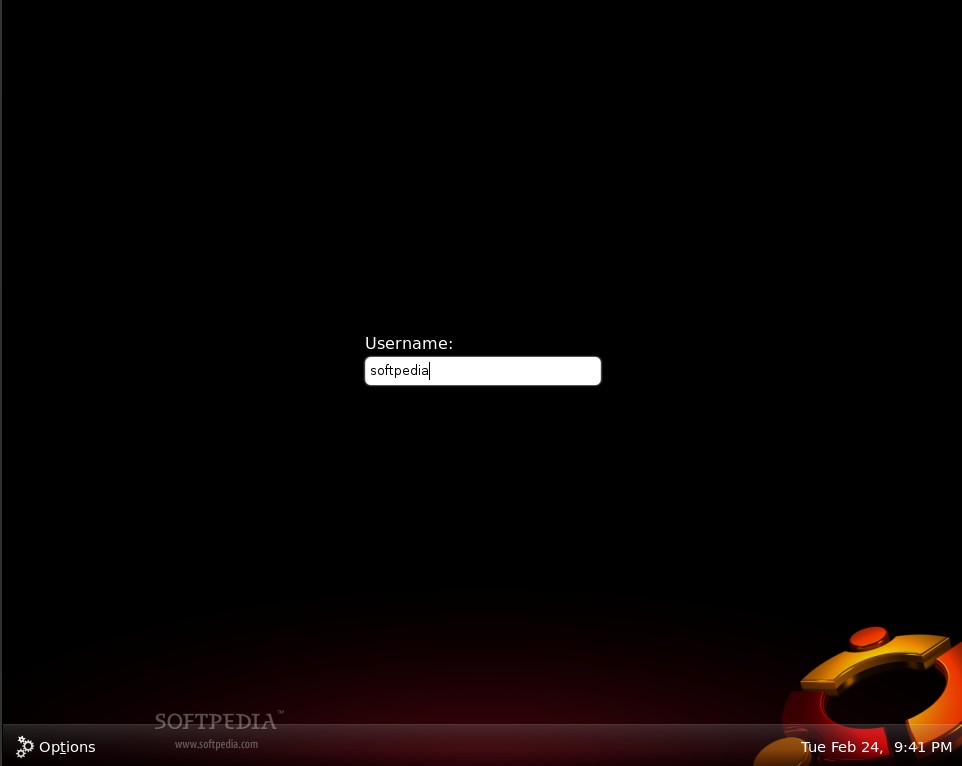
If you've read our "Ubuntu 9.04's New Login Screen" article published a few days ago, you probably know that there is a brand new theme for the login screen. It is black and has a nice and stylish Ubuntu logo on the bottom right corner (see the first screenshot on the first row).
A new background function was added in this fifth alpha, that will pop-up the Software Updates window when there are important updates and it will also pop-up the Reboot Now window if a restart is required, after installing kernel updates.
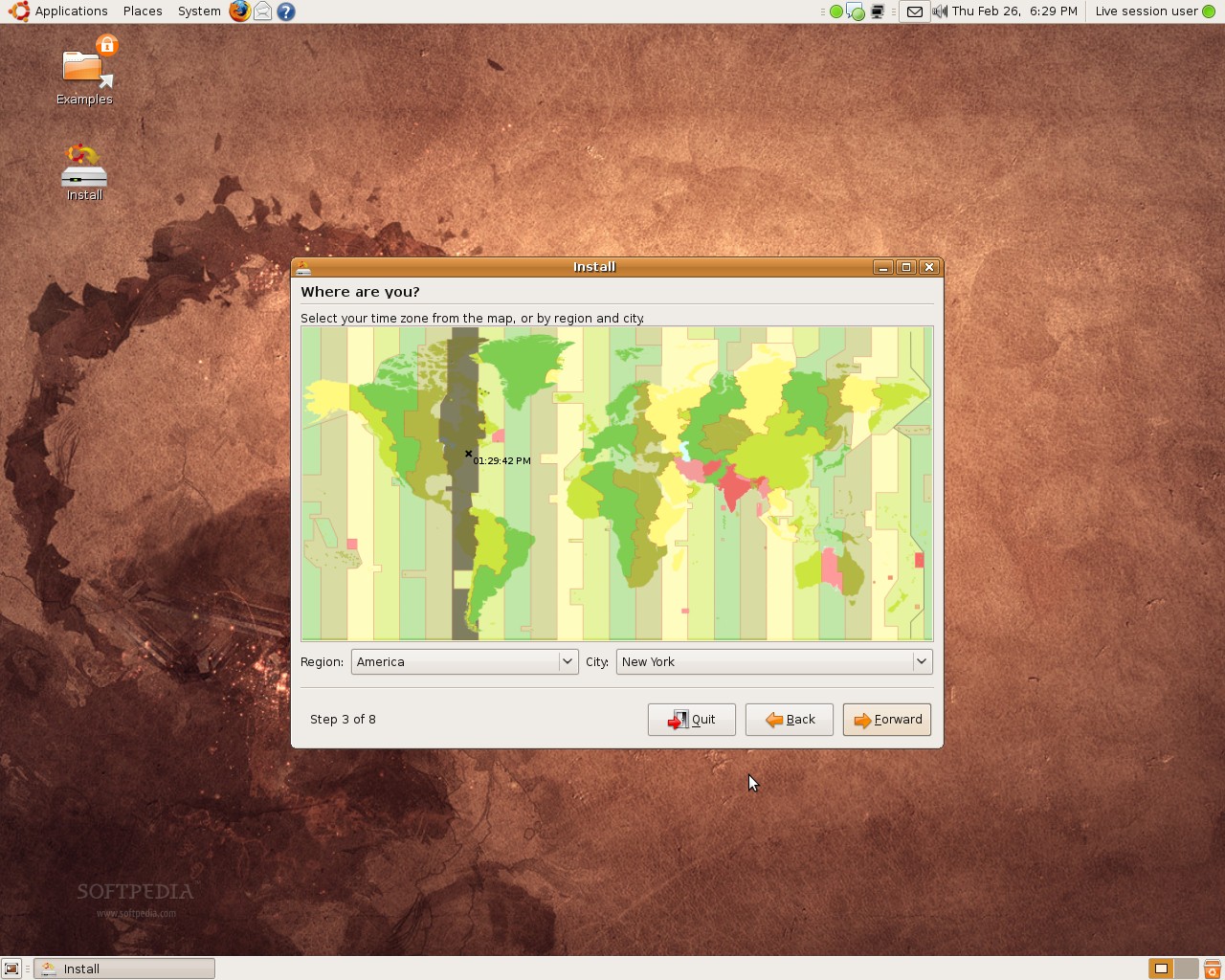
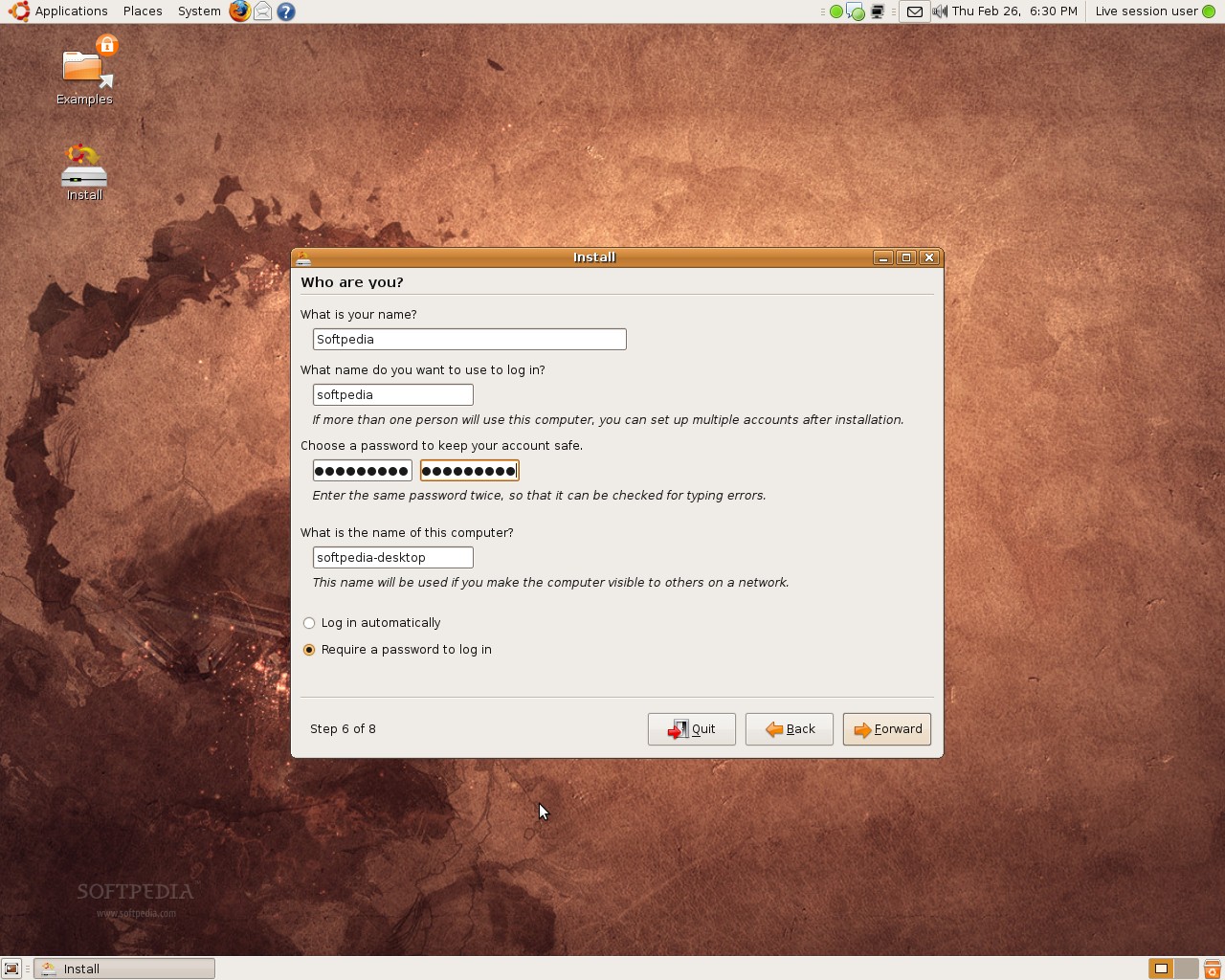
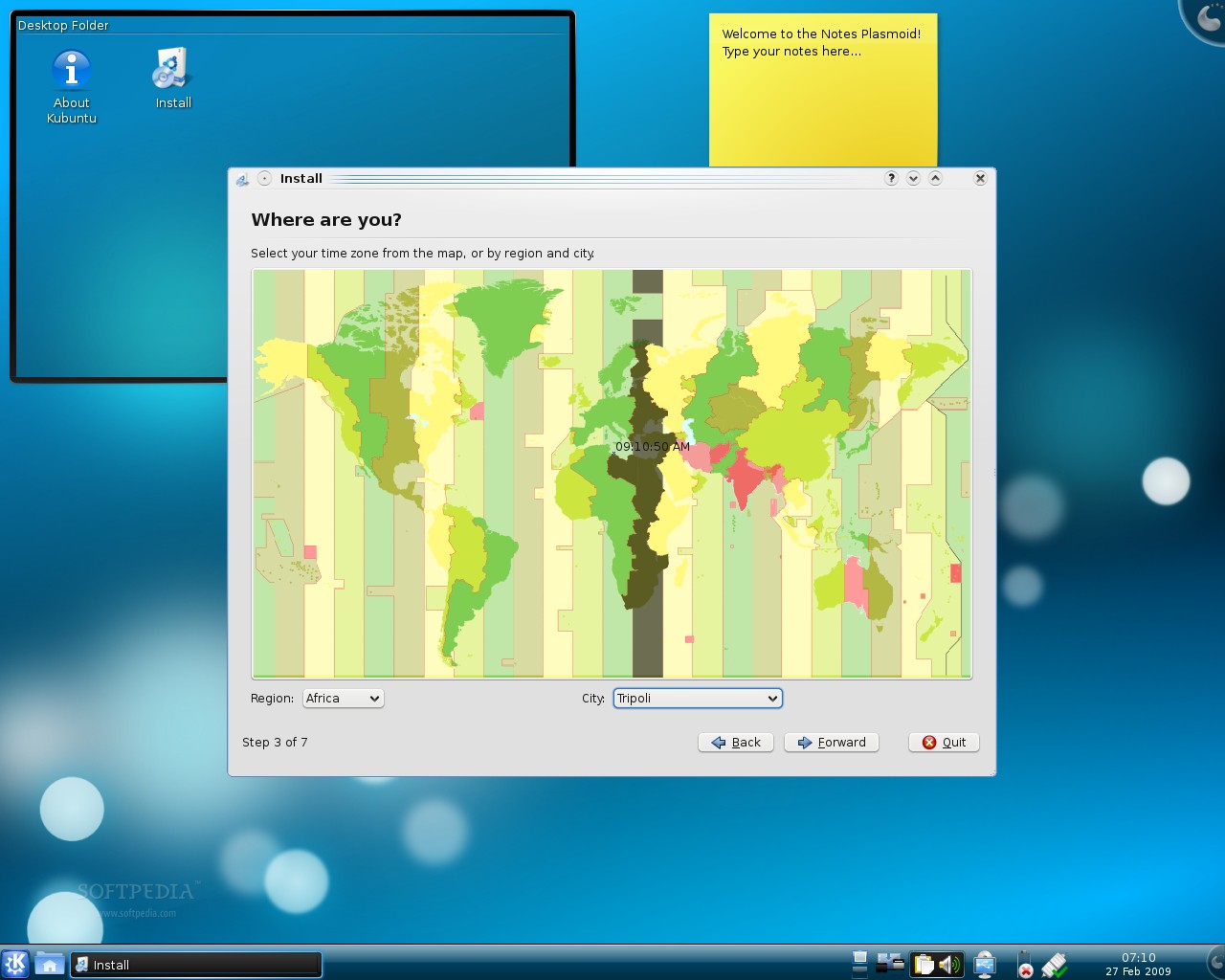
Last but not least, the Ubiquity installer has been improved. It now has a revamped World Map (see the fourth screenshot on the fifth row), which makes the process of selecting your region and city a piece of cake. Moreover, the buggy home encryption option was removed, indefinitely (see the last screenshot on the fifth row).
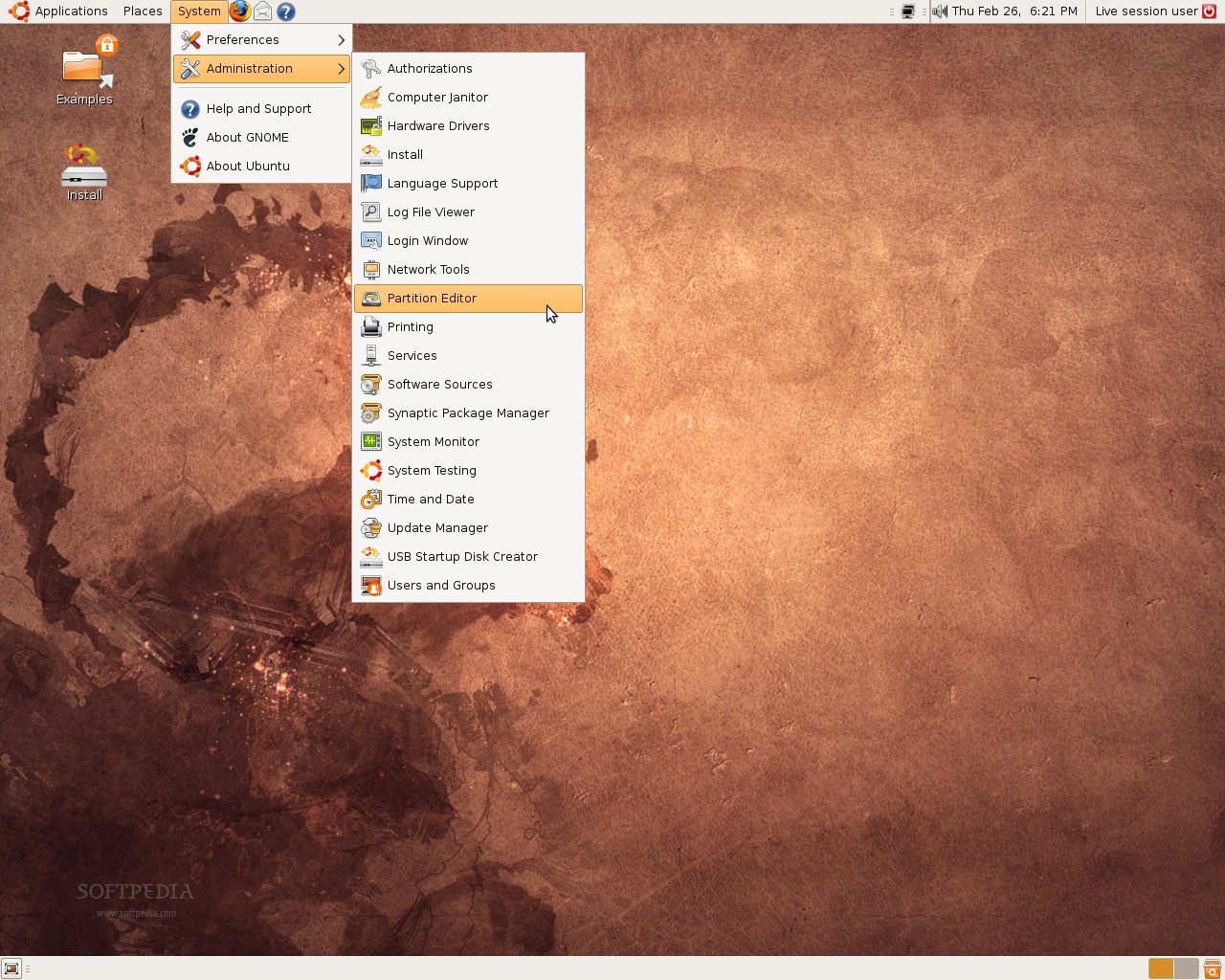
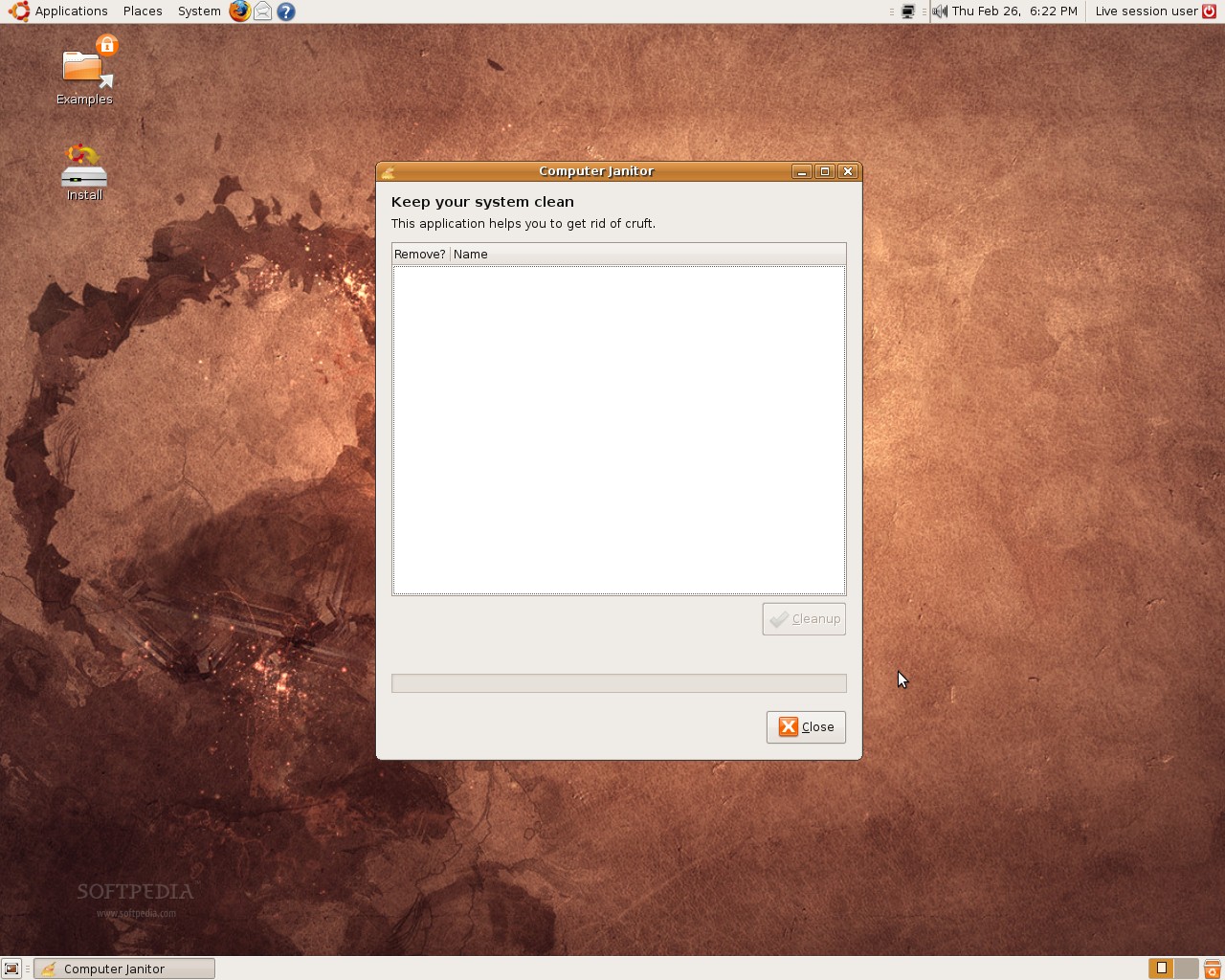
And... surprise, surprise... Do you remember the System Cleaner application that was supposed to be in Ubuntu 8.10 (Intrepid Ibex)? Well, it's back and it is now called Computer Janitor (see the first screenshot on the second row). This application allows you to find and remove packages that are old or not supported by Ubuntu from the system. Computer Janitor can also find different problems on the machine, such as wrong entries in /etc/fstab.
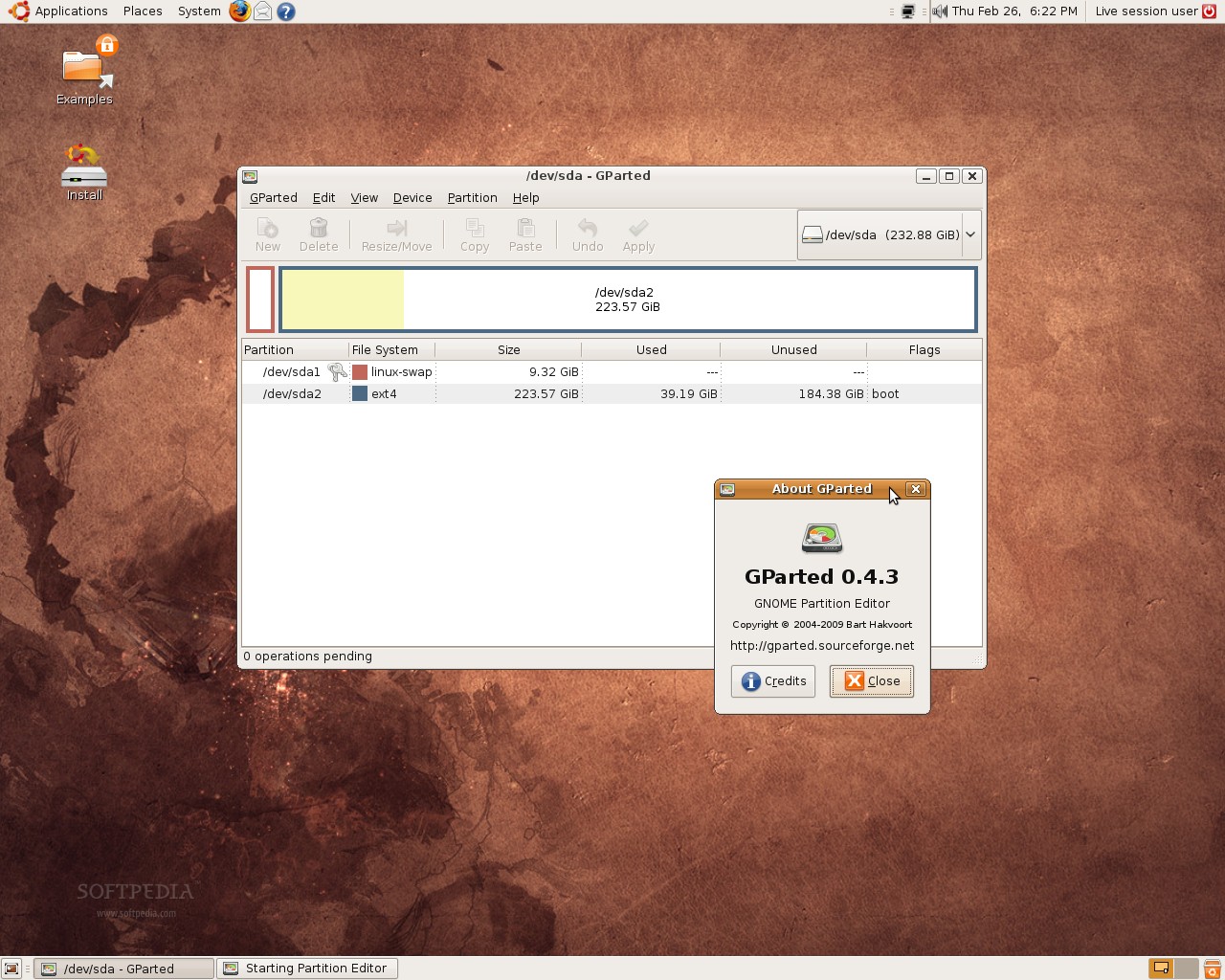
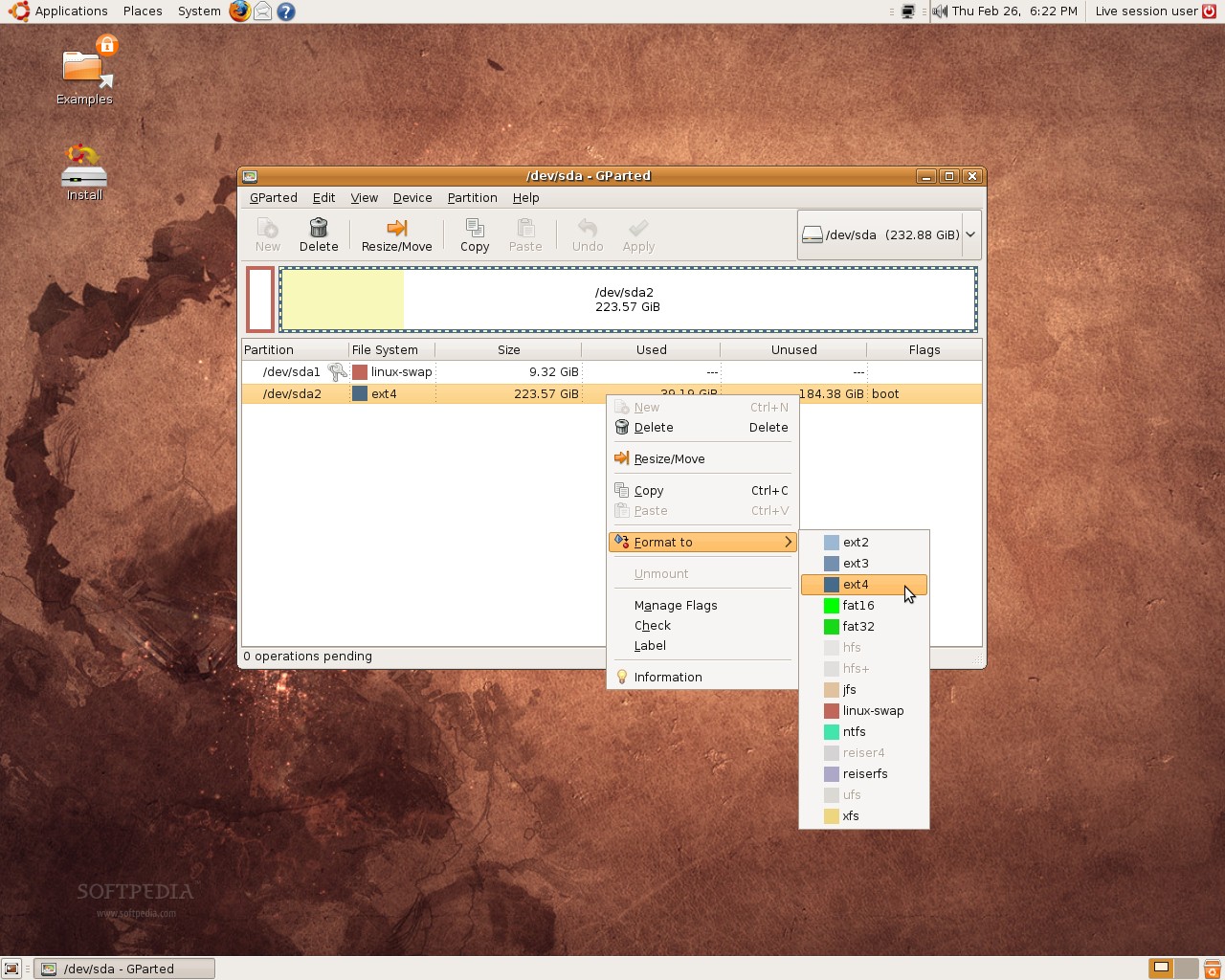
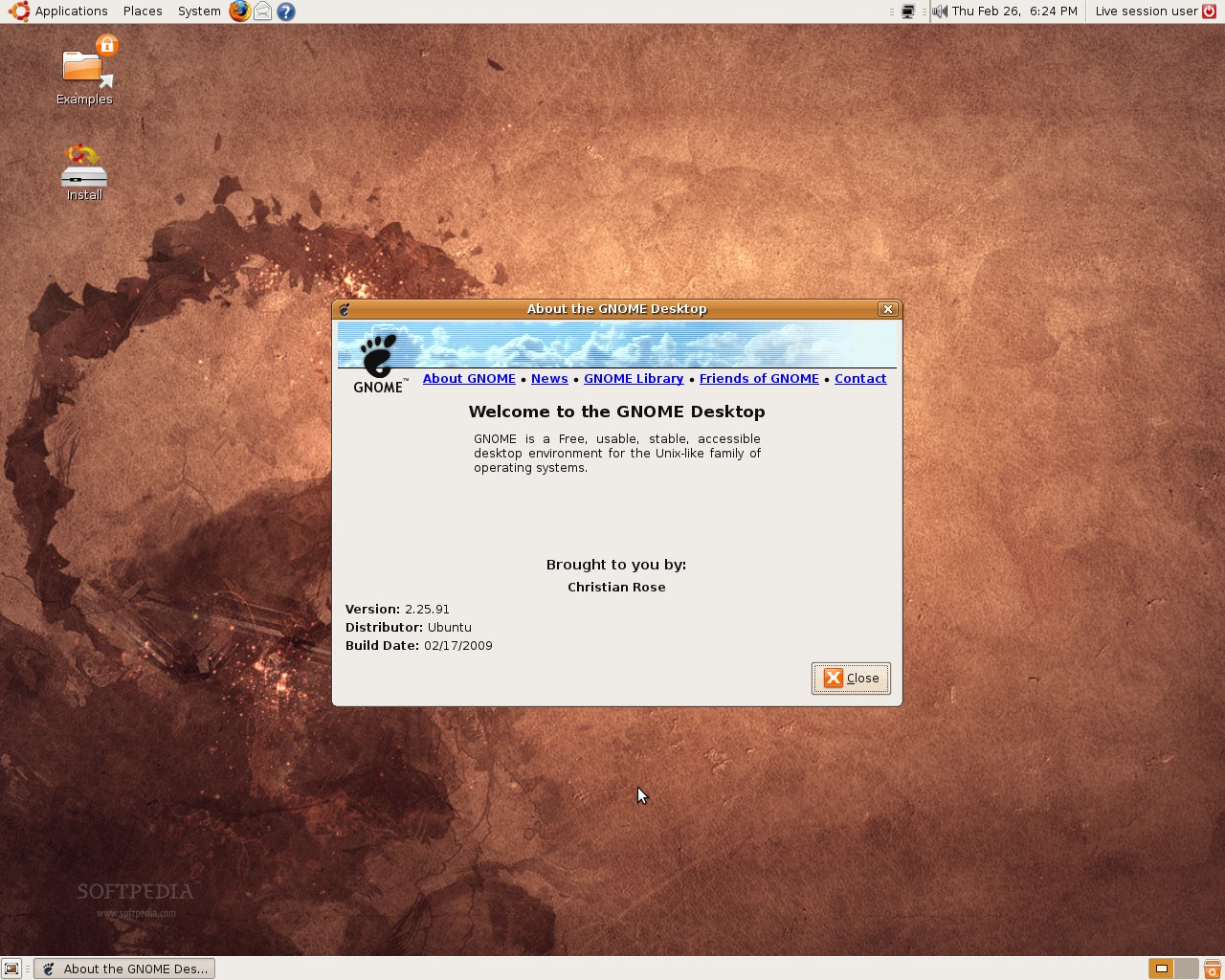
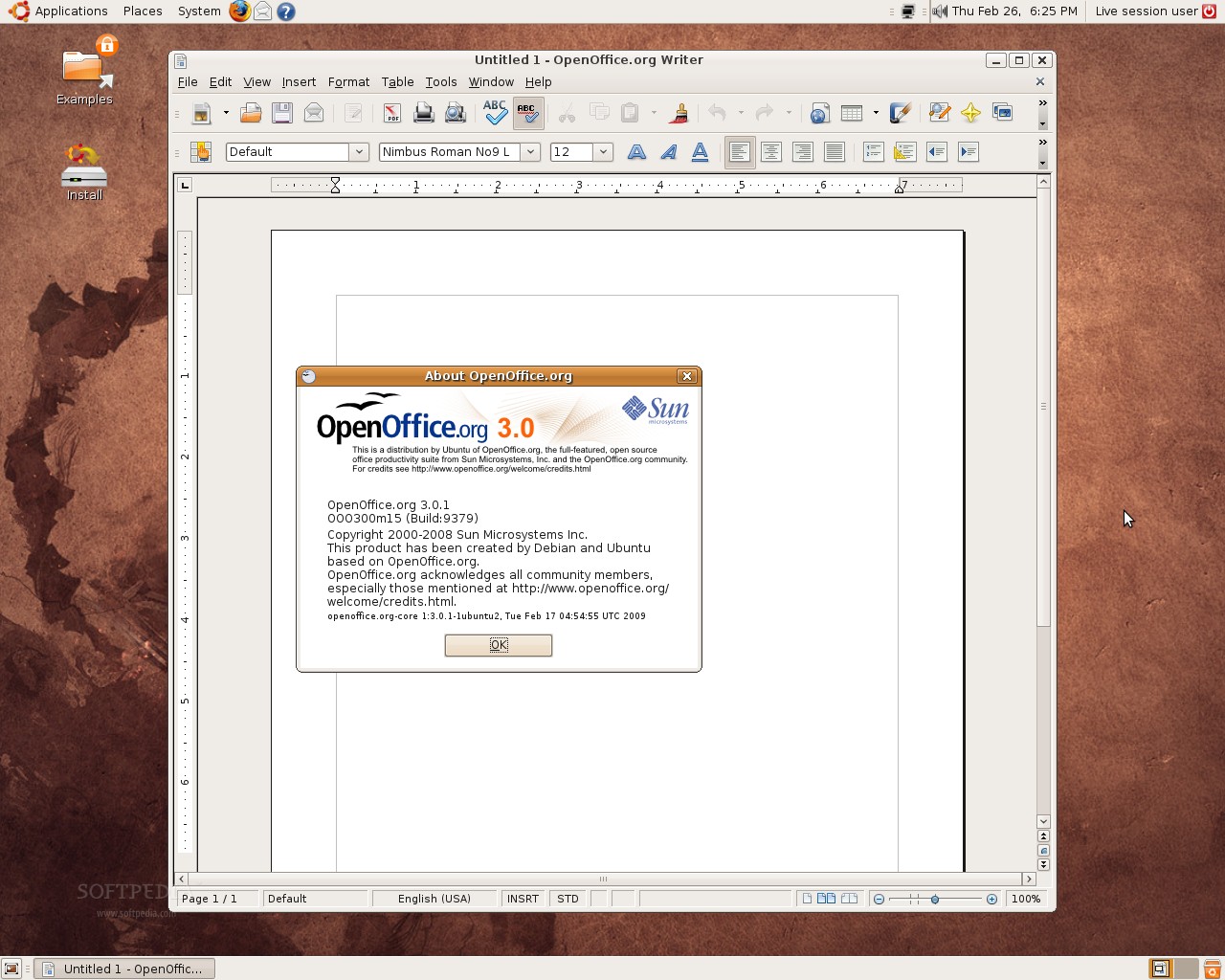
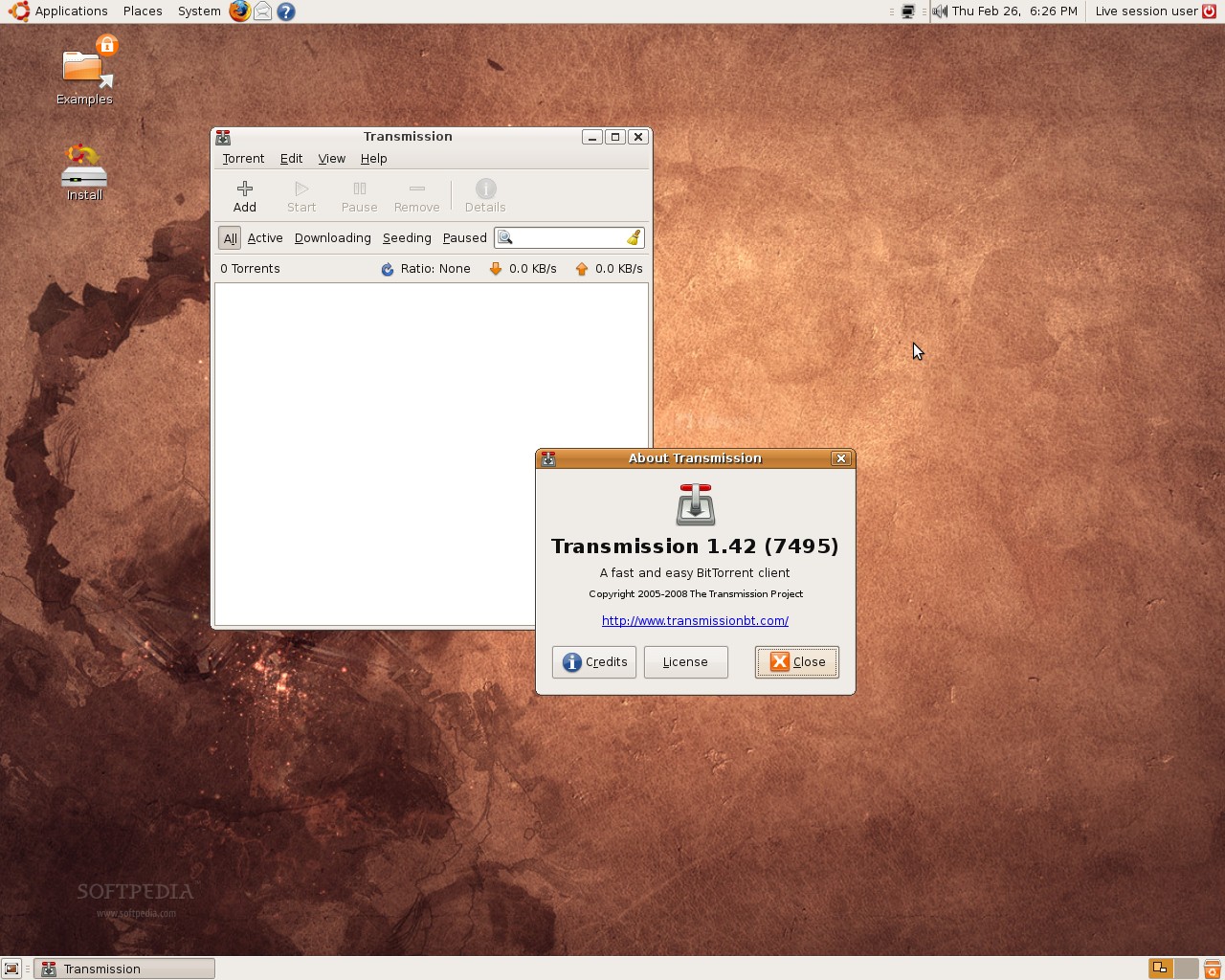
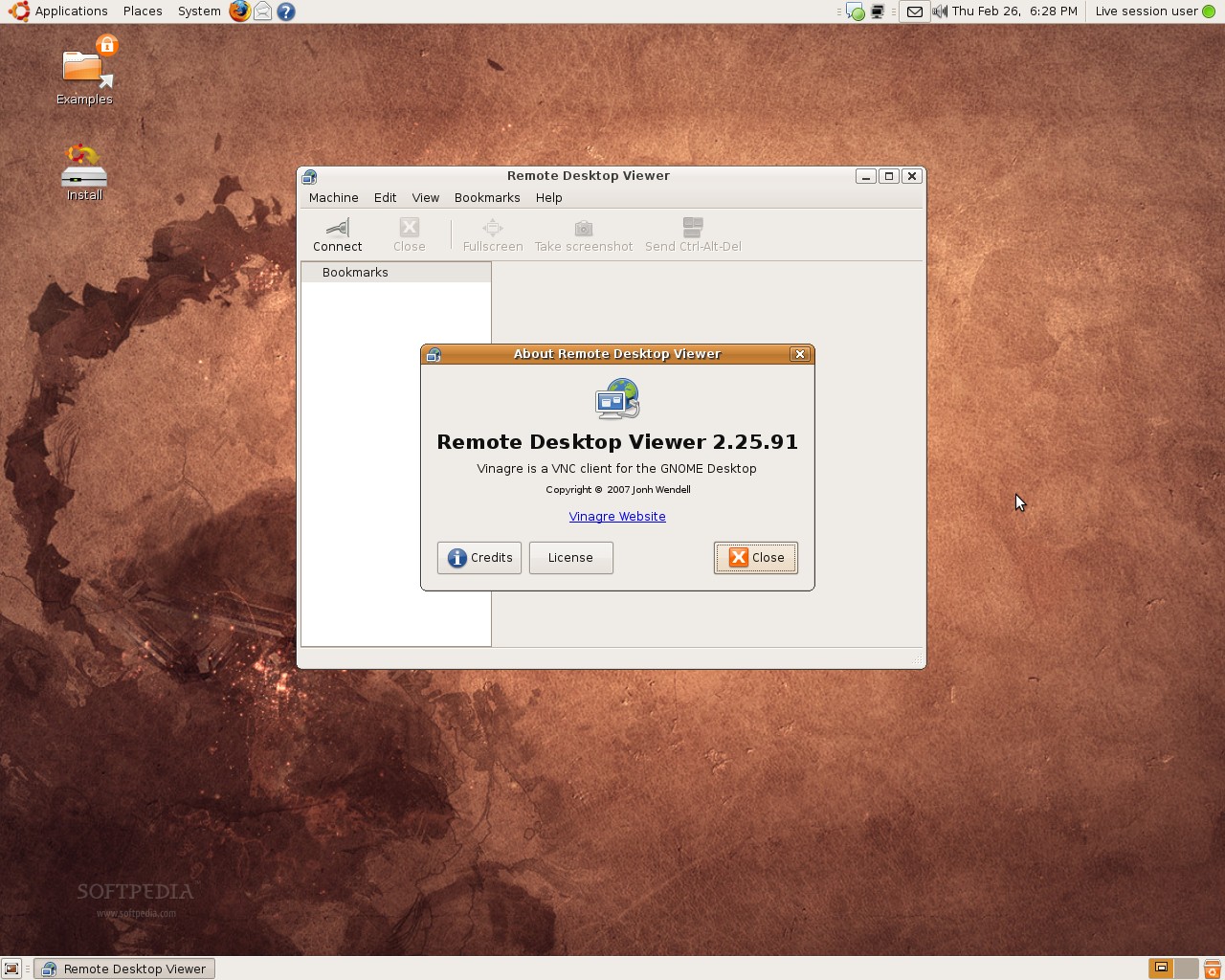
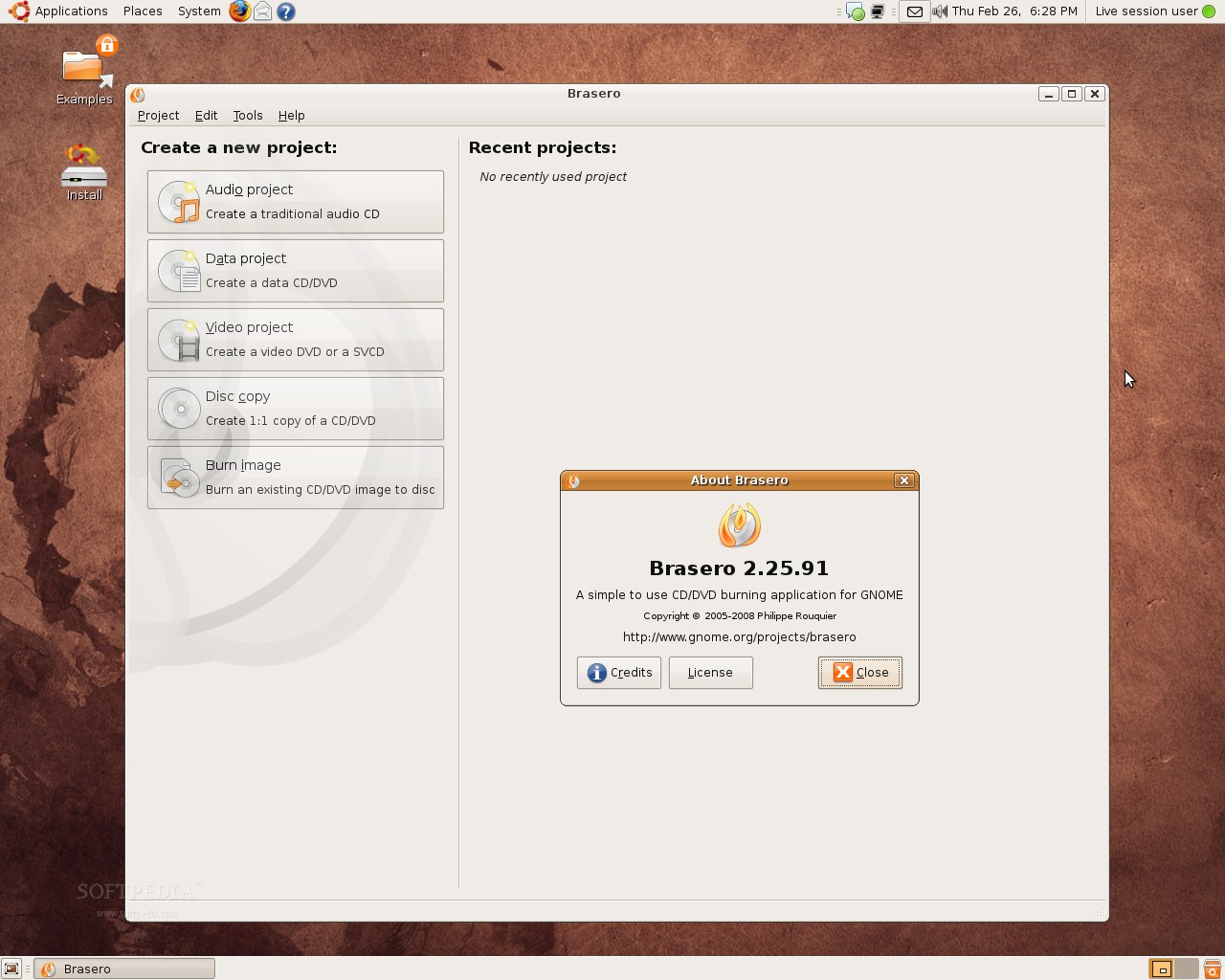
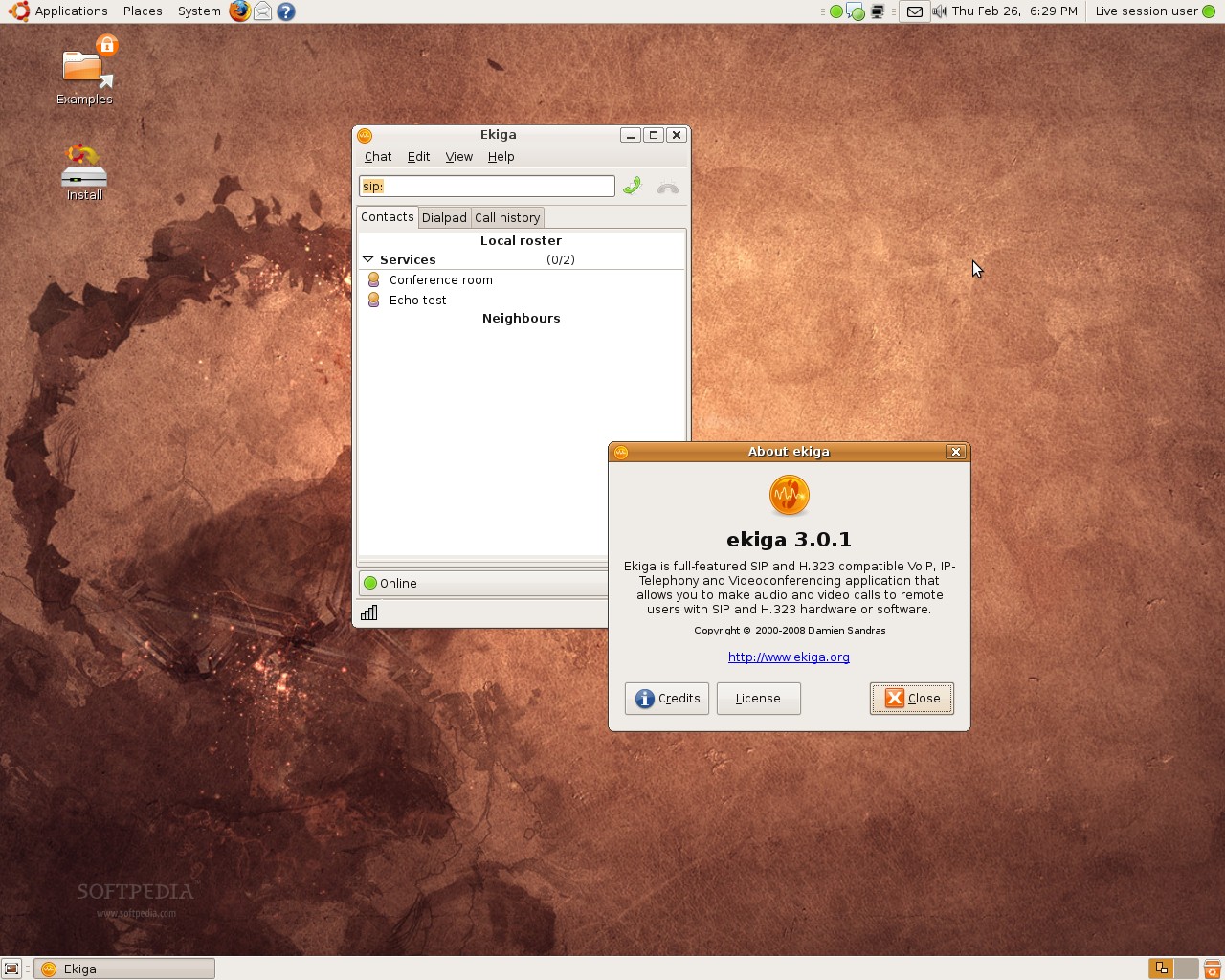
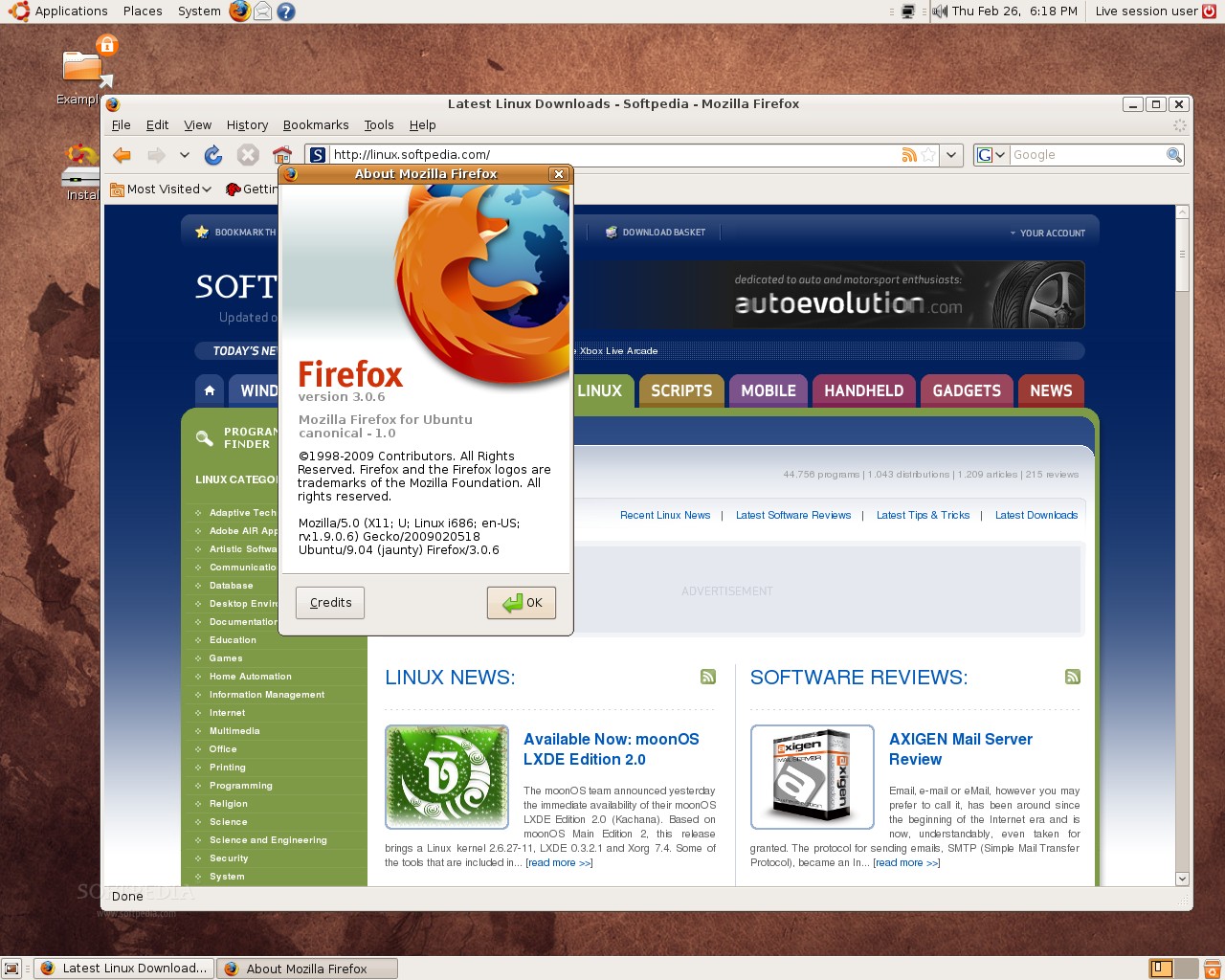
The GNOME desktop environment has been updated to version 2.26 Beta, as well as most of its components. Among the applications that are part of this fifth alpha of Ubuntu 9.04, we can notice OpenOffice.org 3.0.1, Brasero 2.25.91, Mozilla Firefox 3.0.6, Ekiga 3.0.1, Transmission 1.51. The kernel packages were updated to version 2.6.28-8.26, based on Linux kernel 2.6.28.7. And lastly, the popular GParted 0.4.3 (Gnome Partition Editor) was added in this fifth alpha and includes support for the EXT4 filesystem. With this version of Gparted you will be able to format your drives with the EXT4 filesystem (see the second and third screenshots on the second row)!
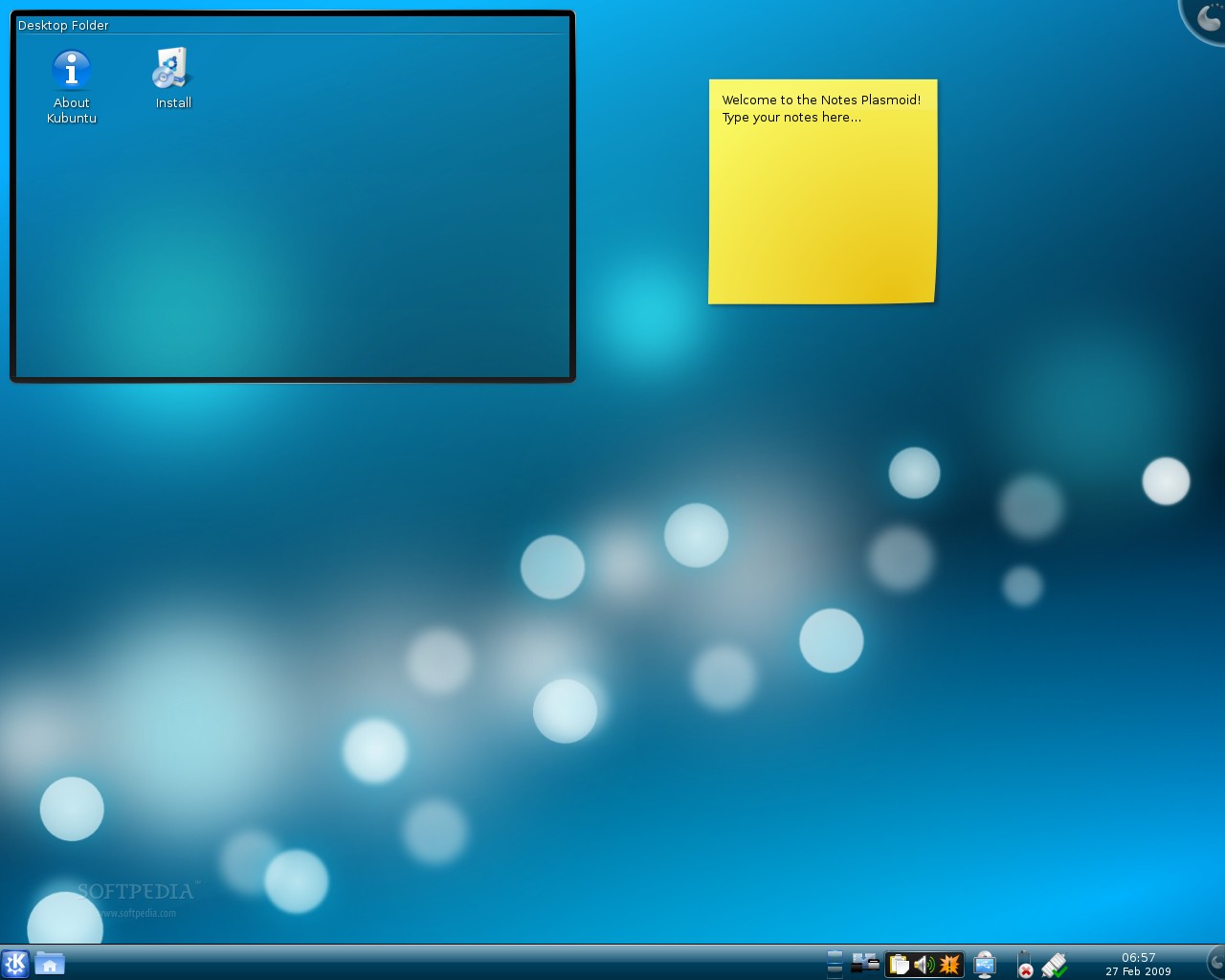
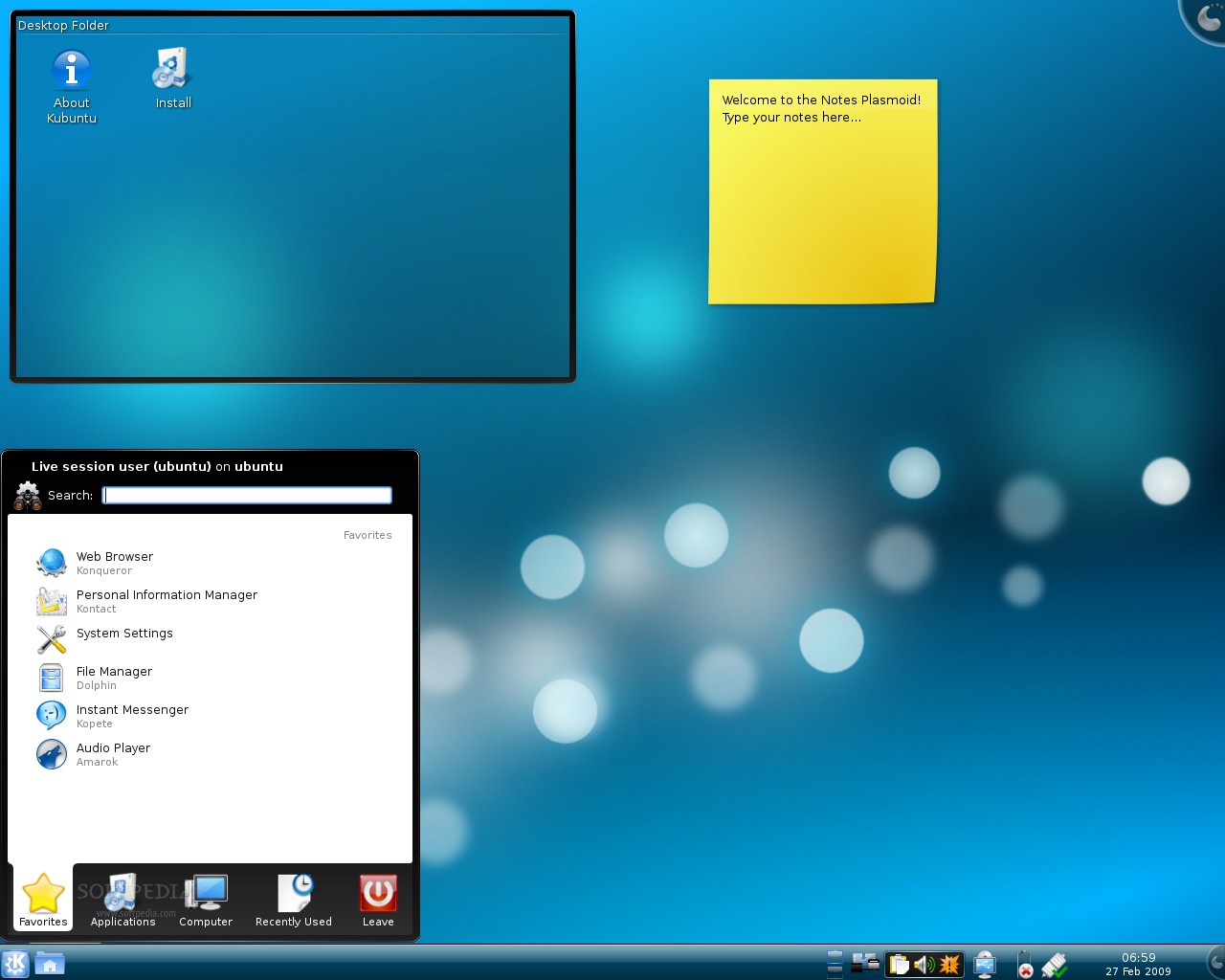
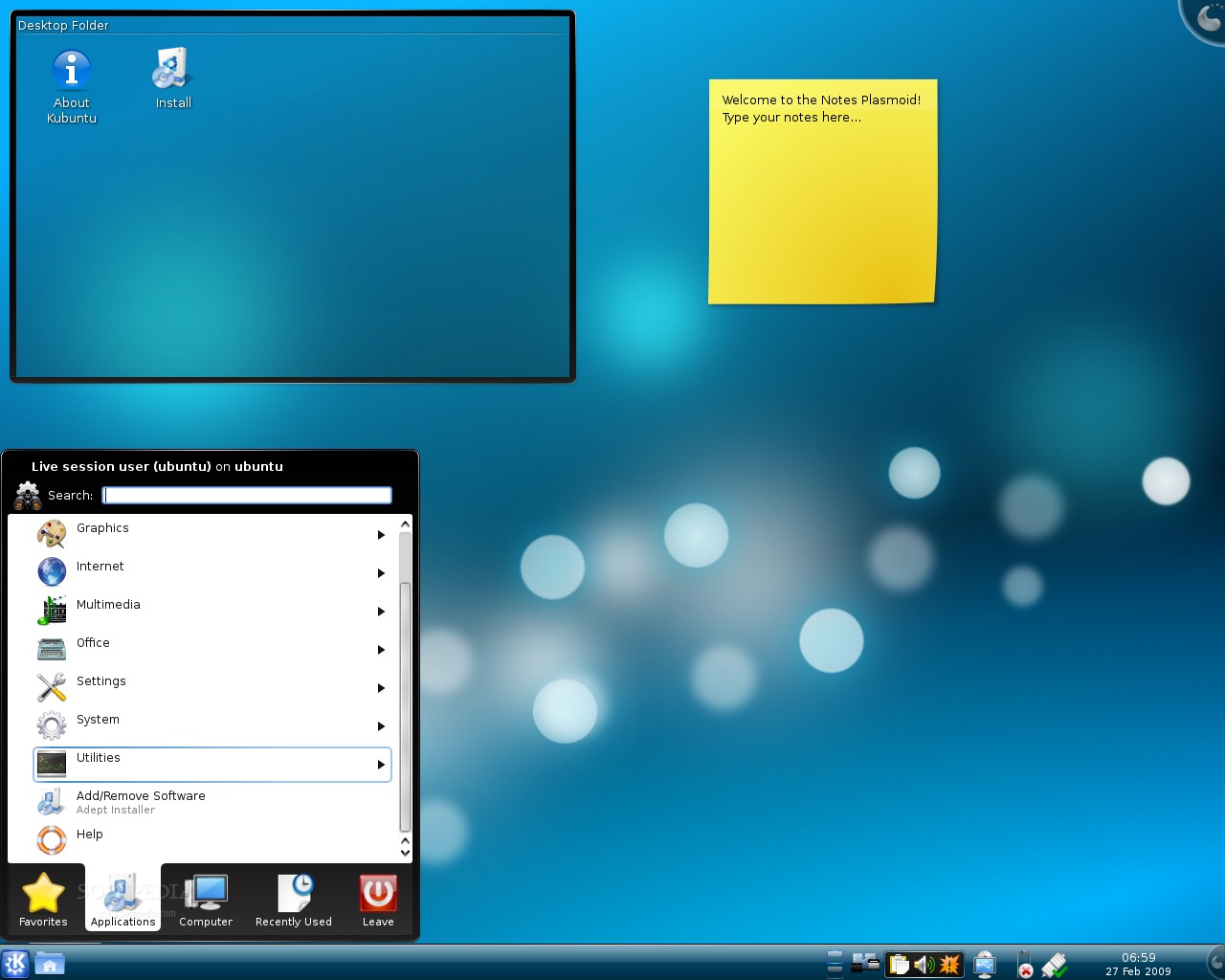
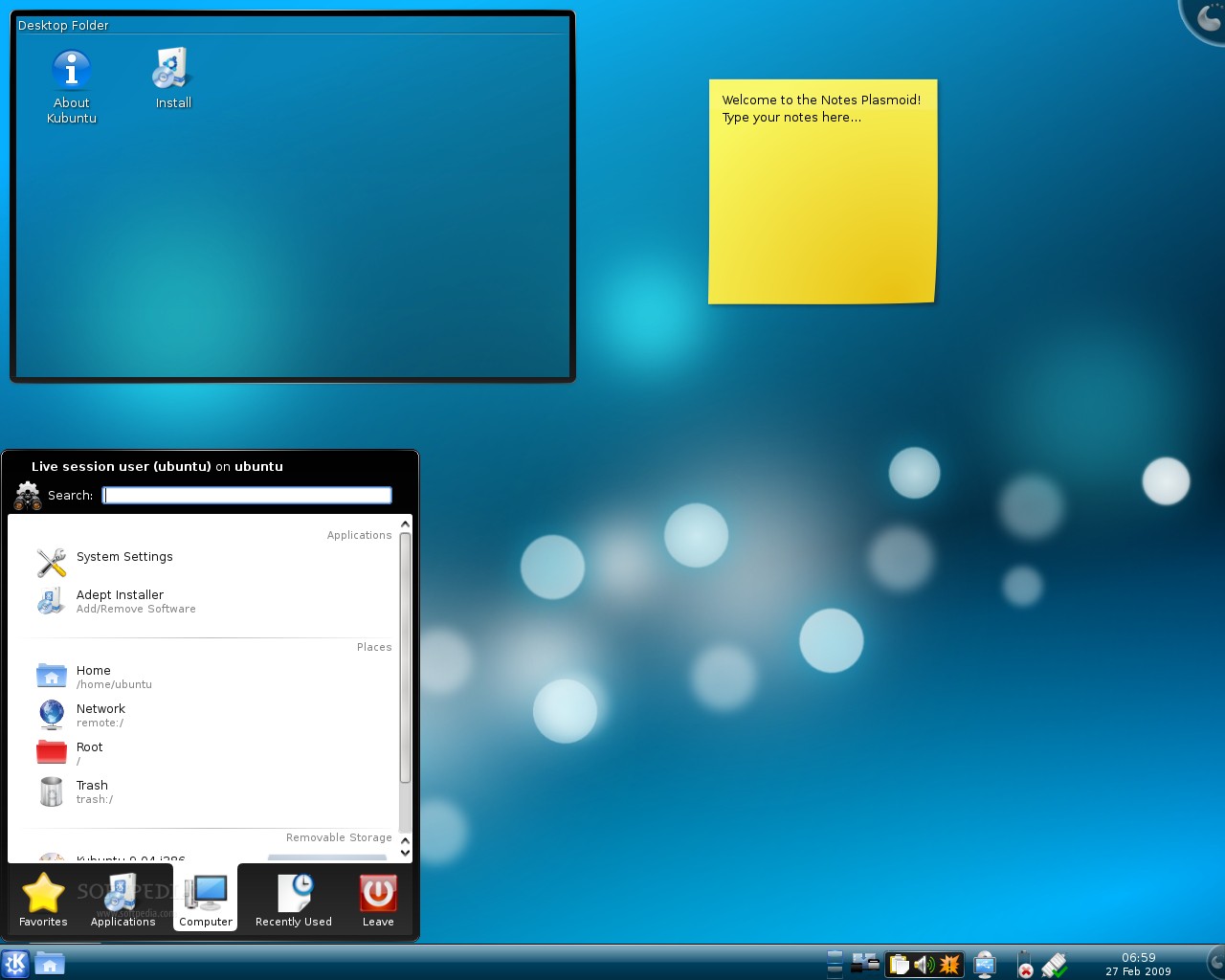
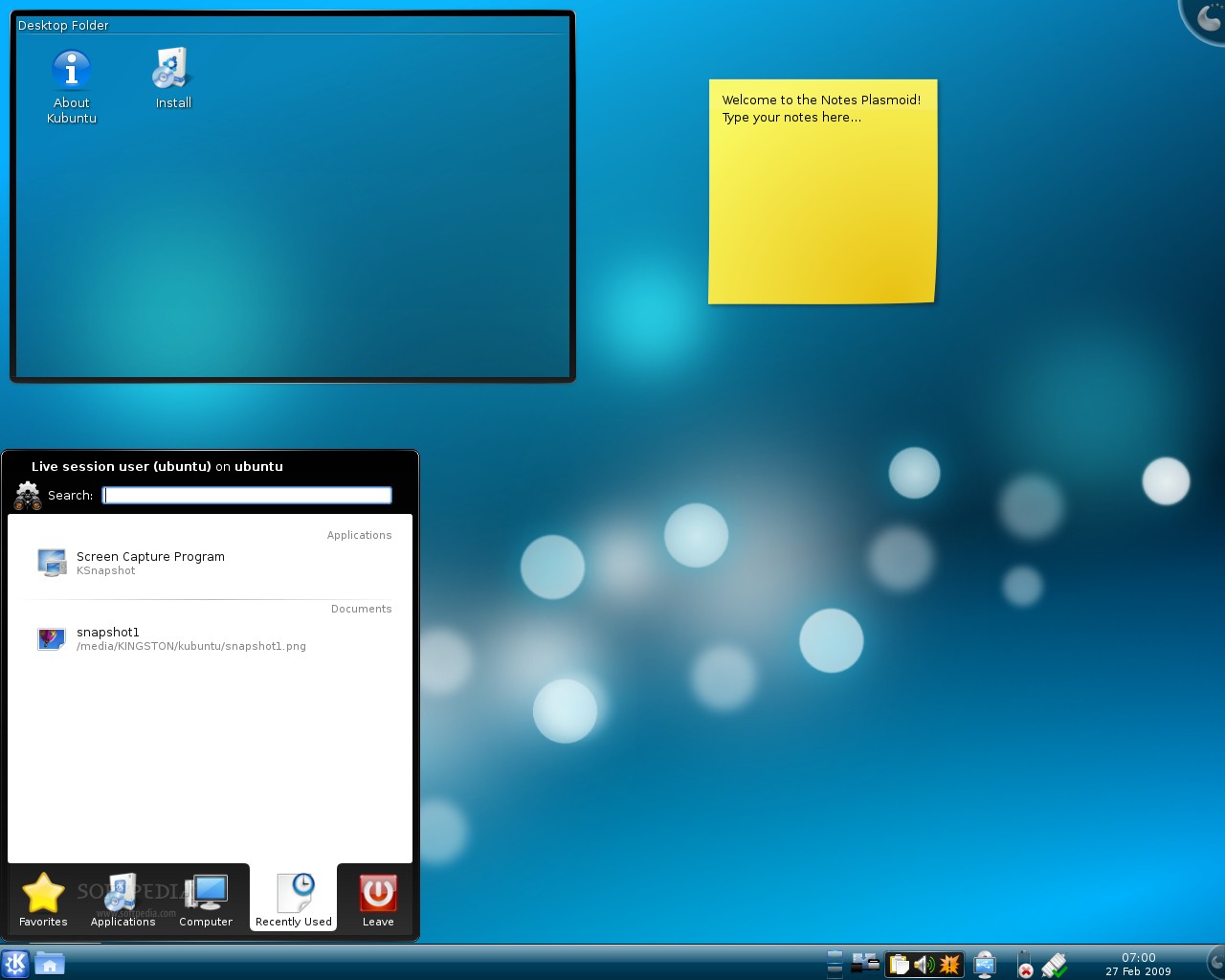
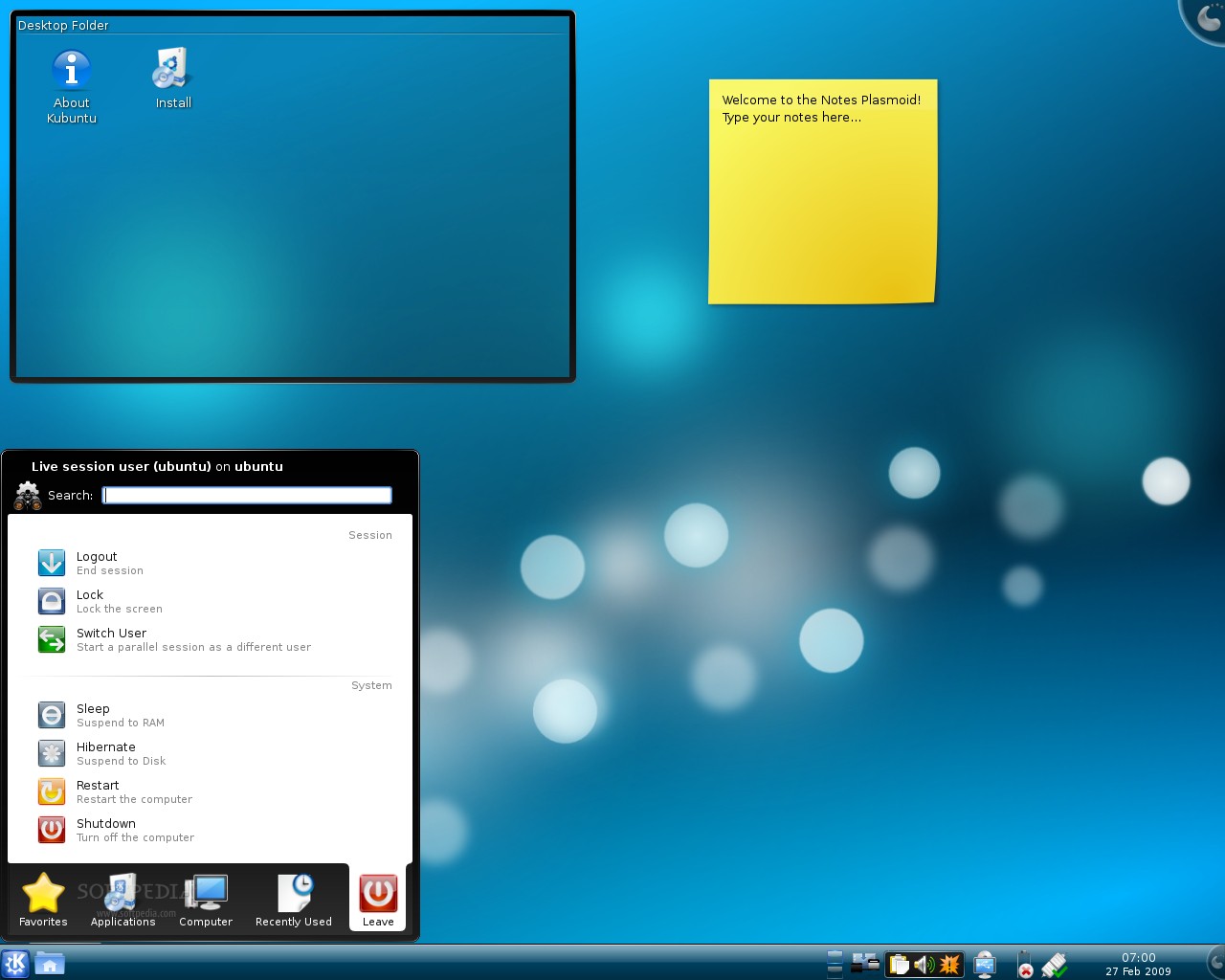
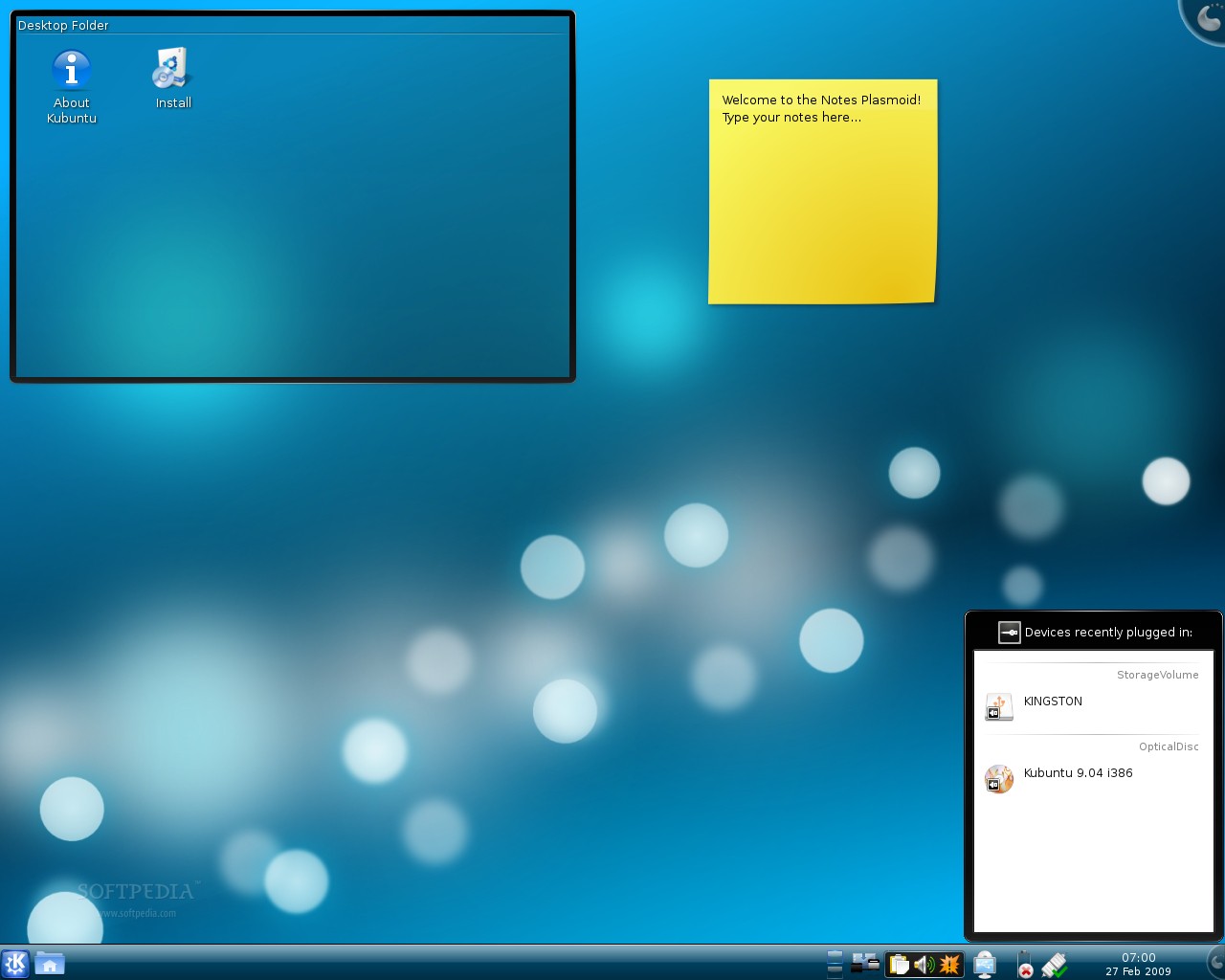
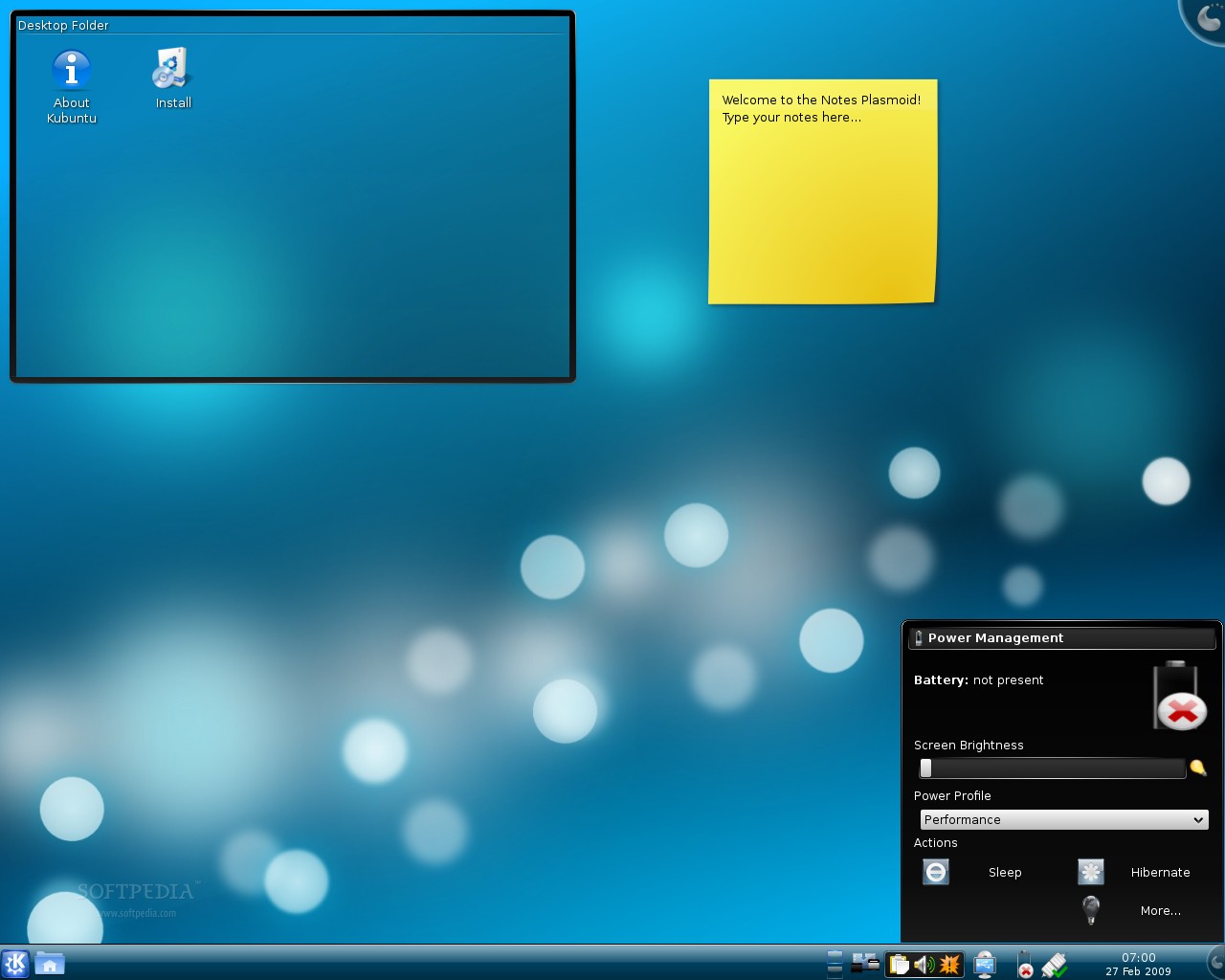
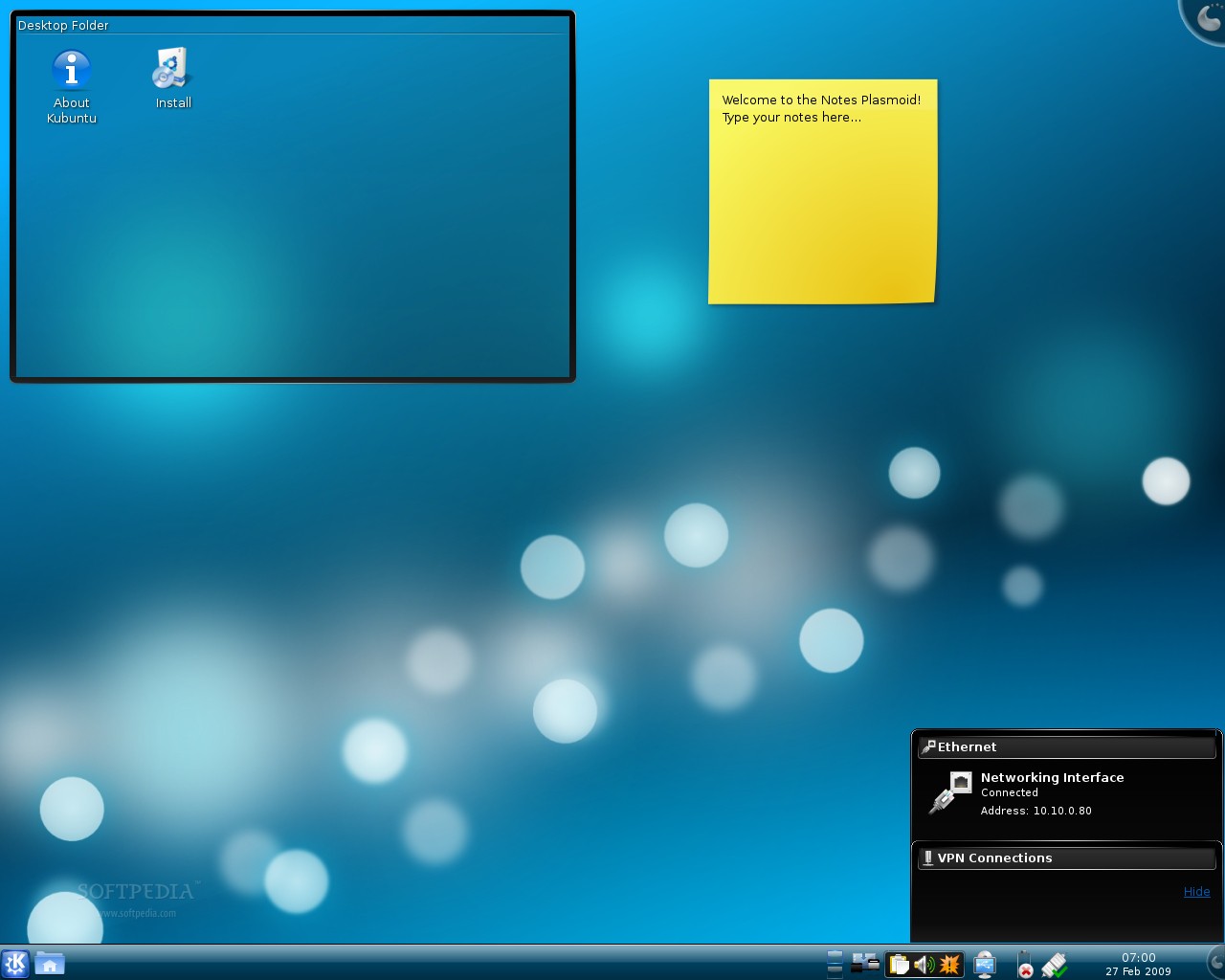
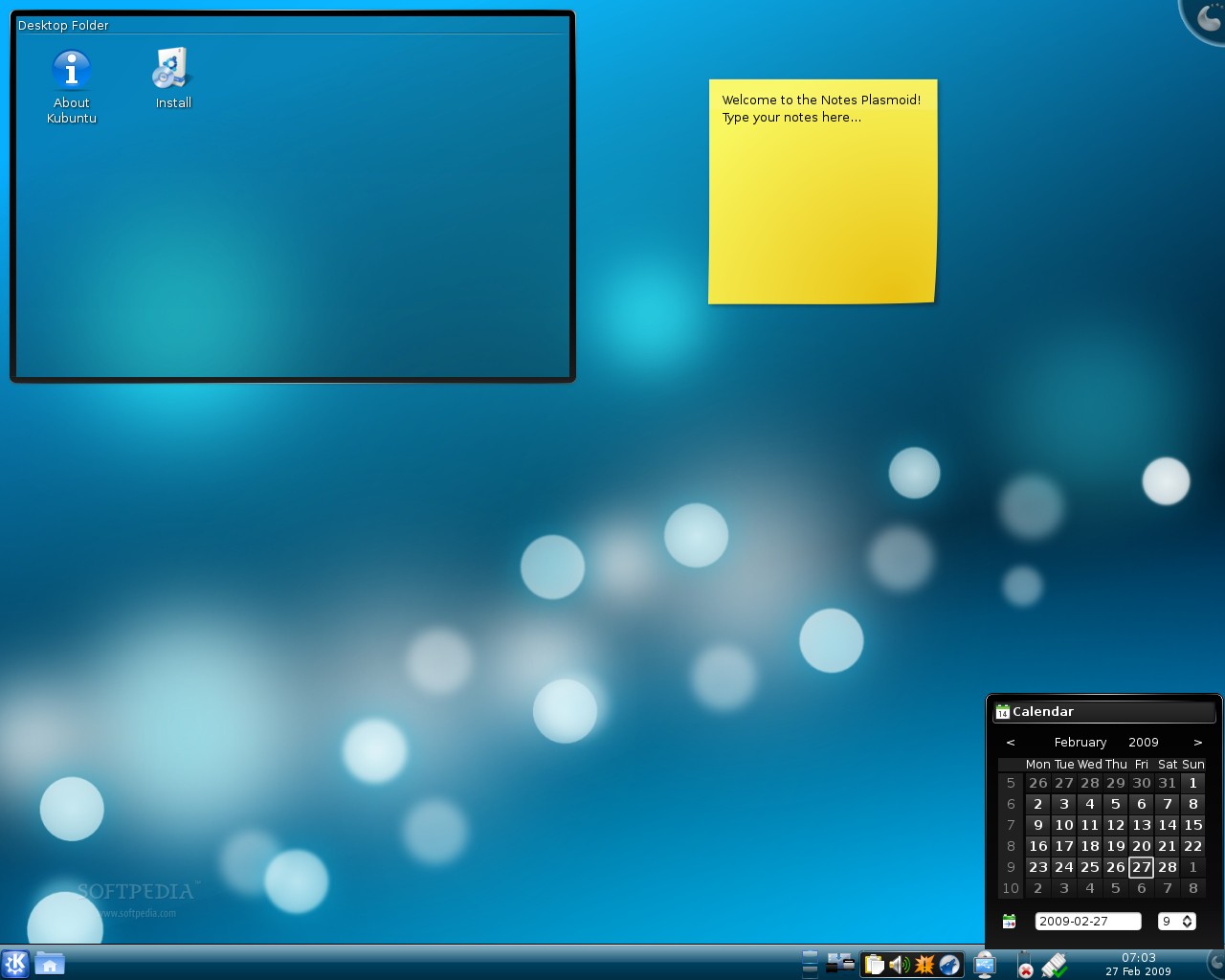
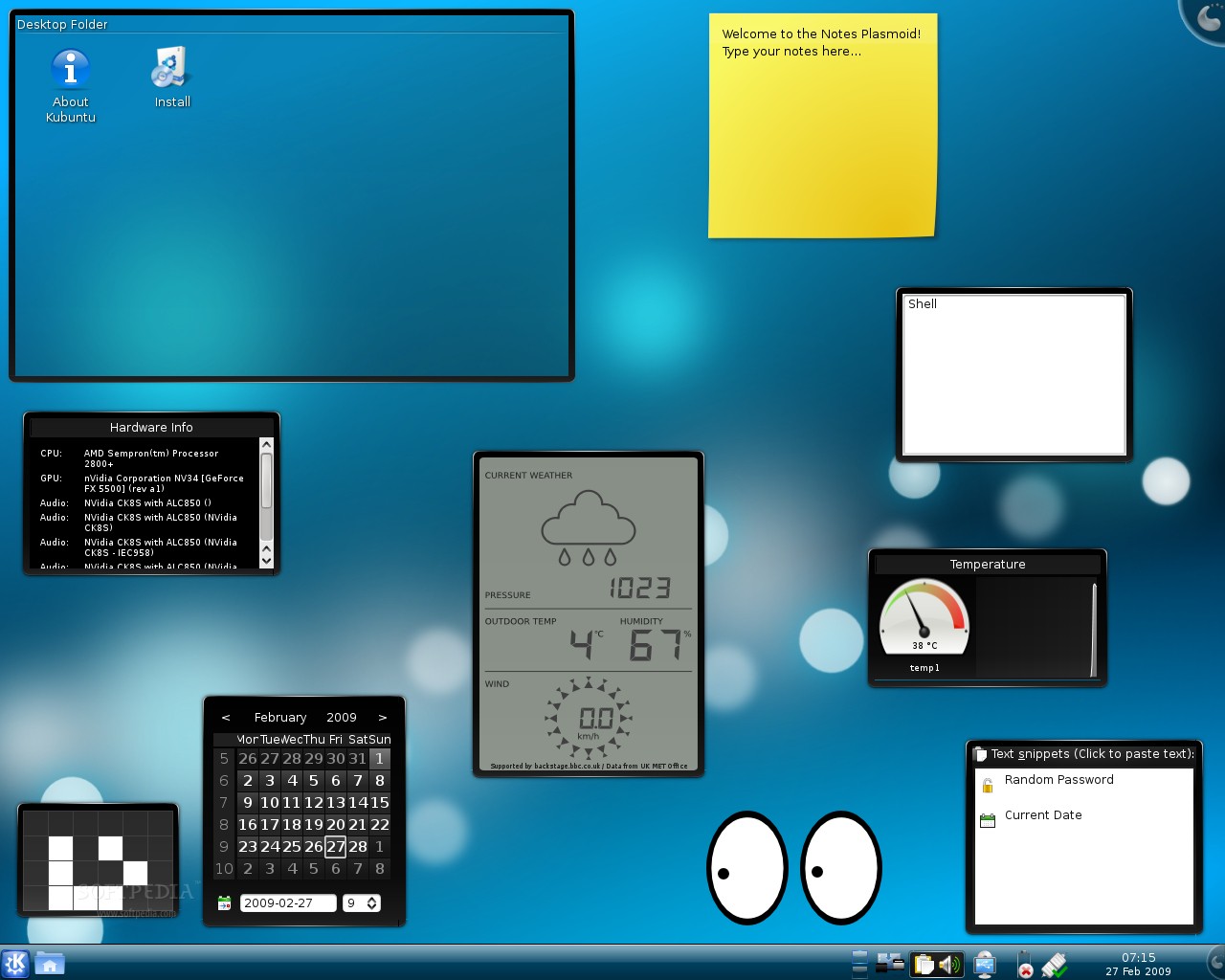
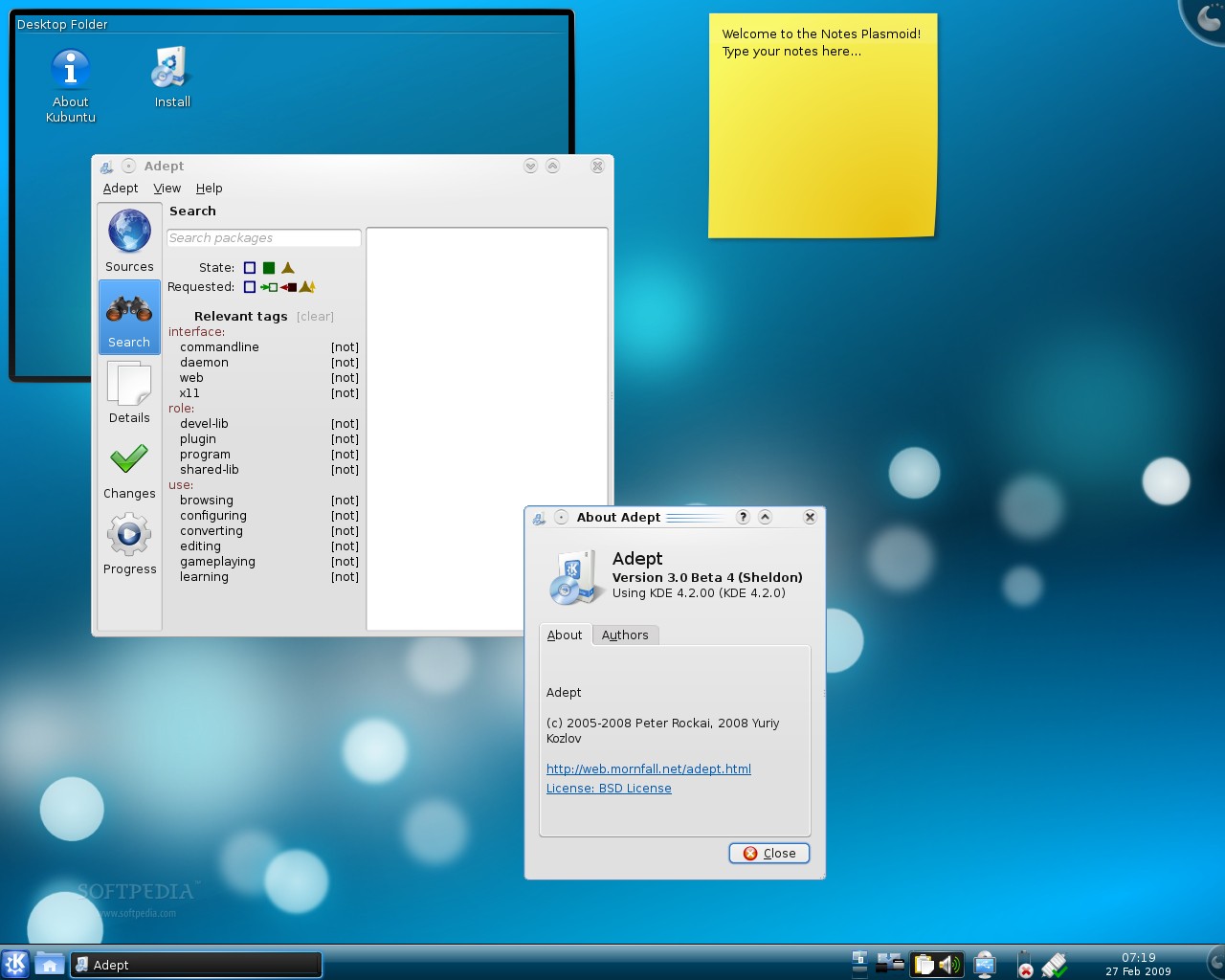
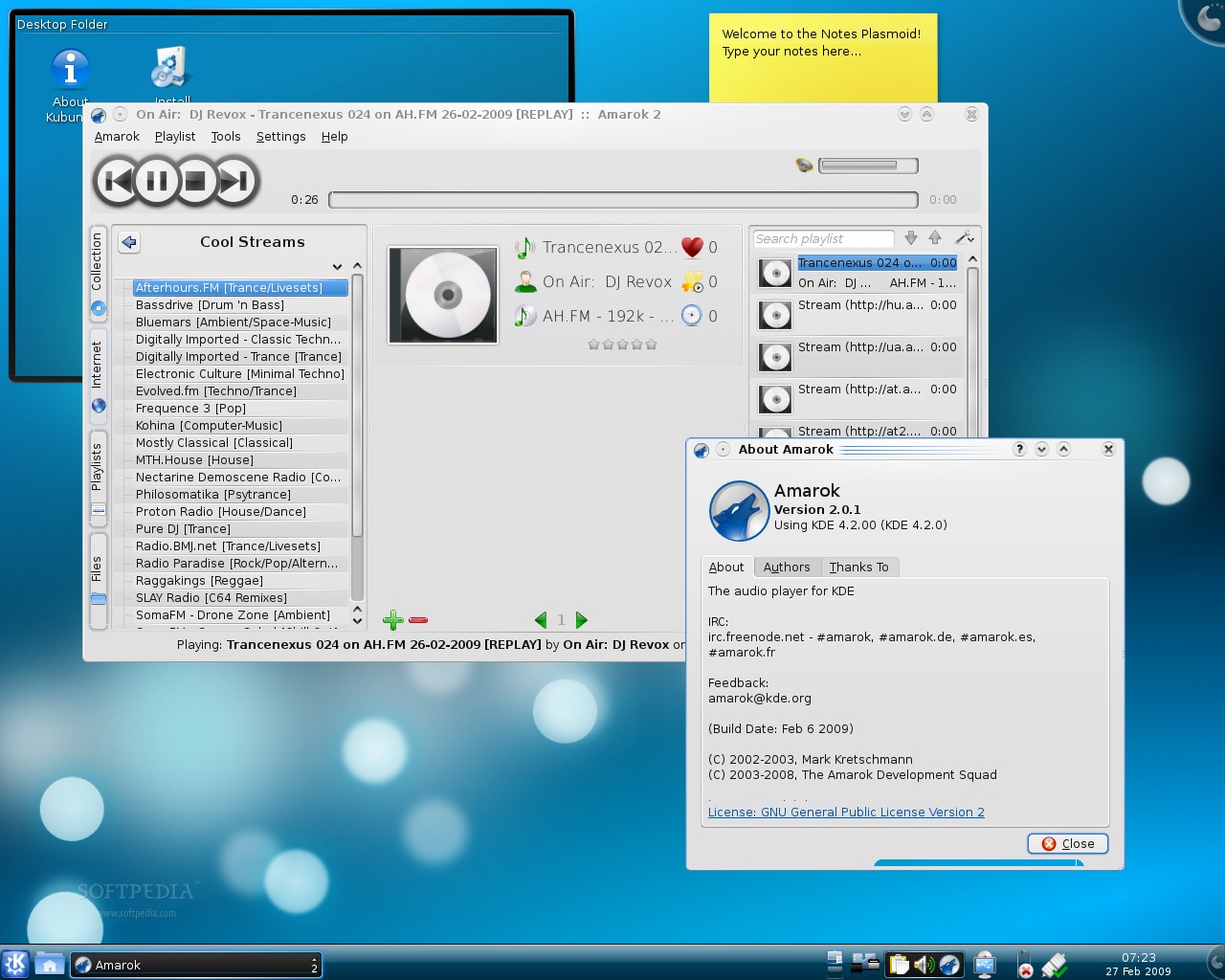
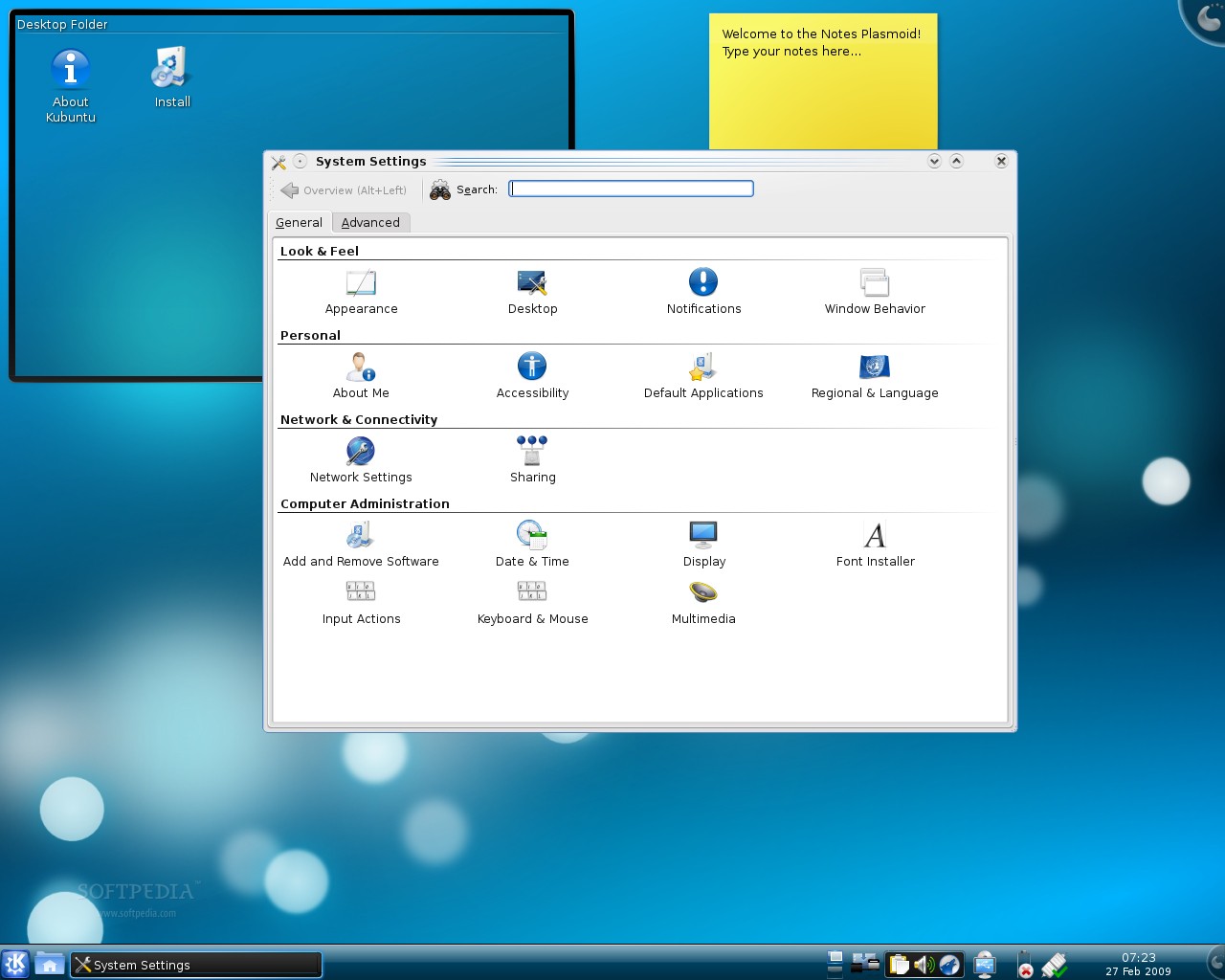
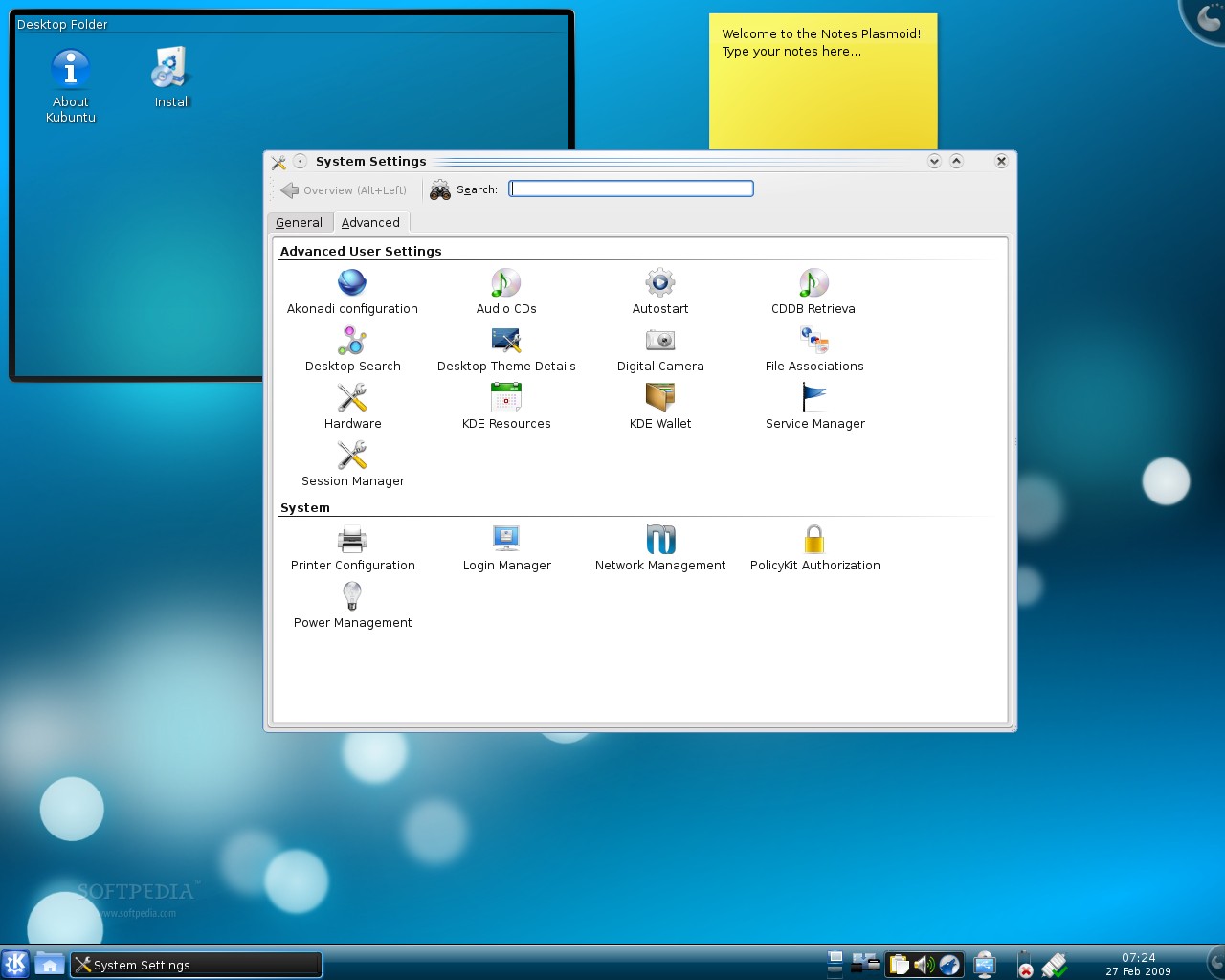
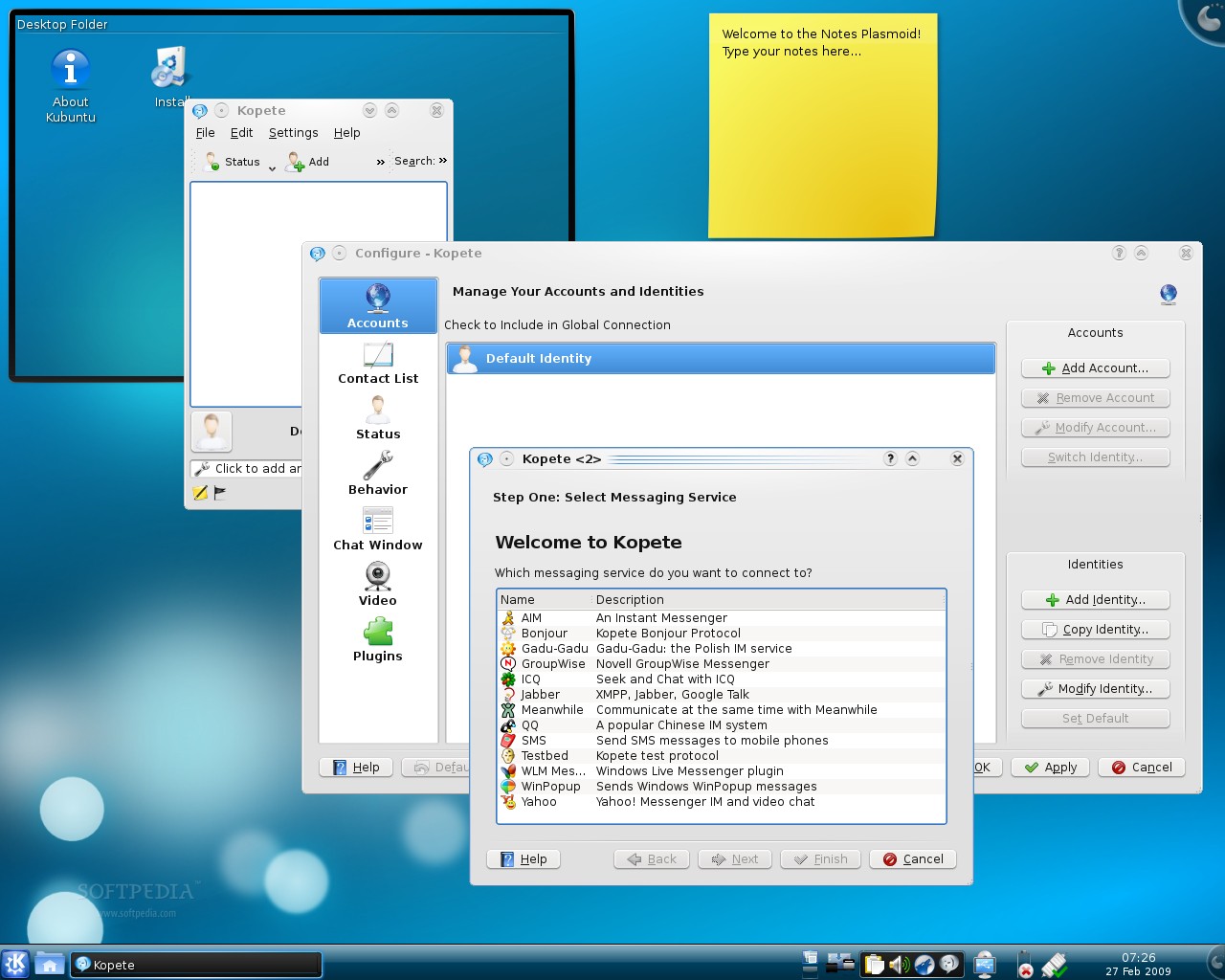
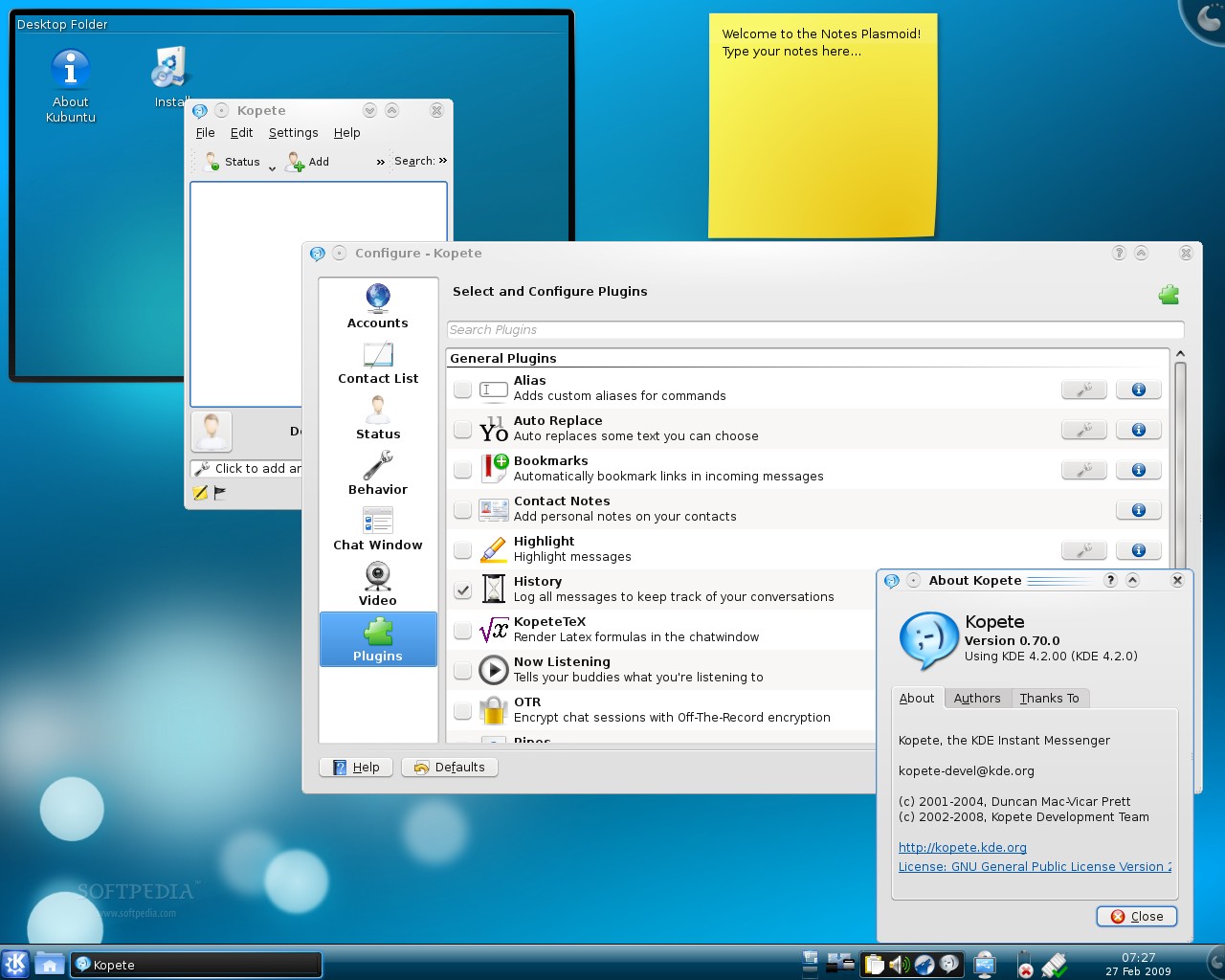
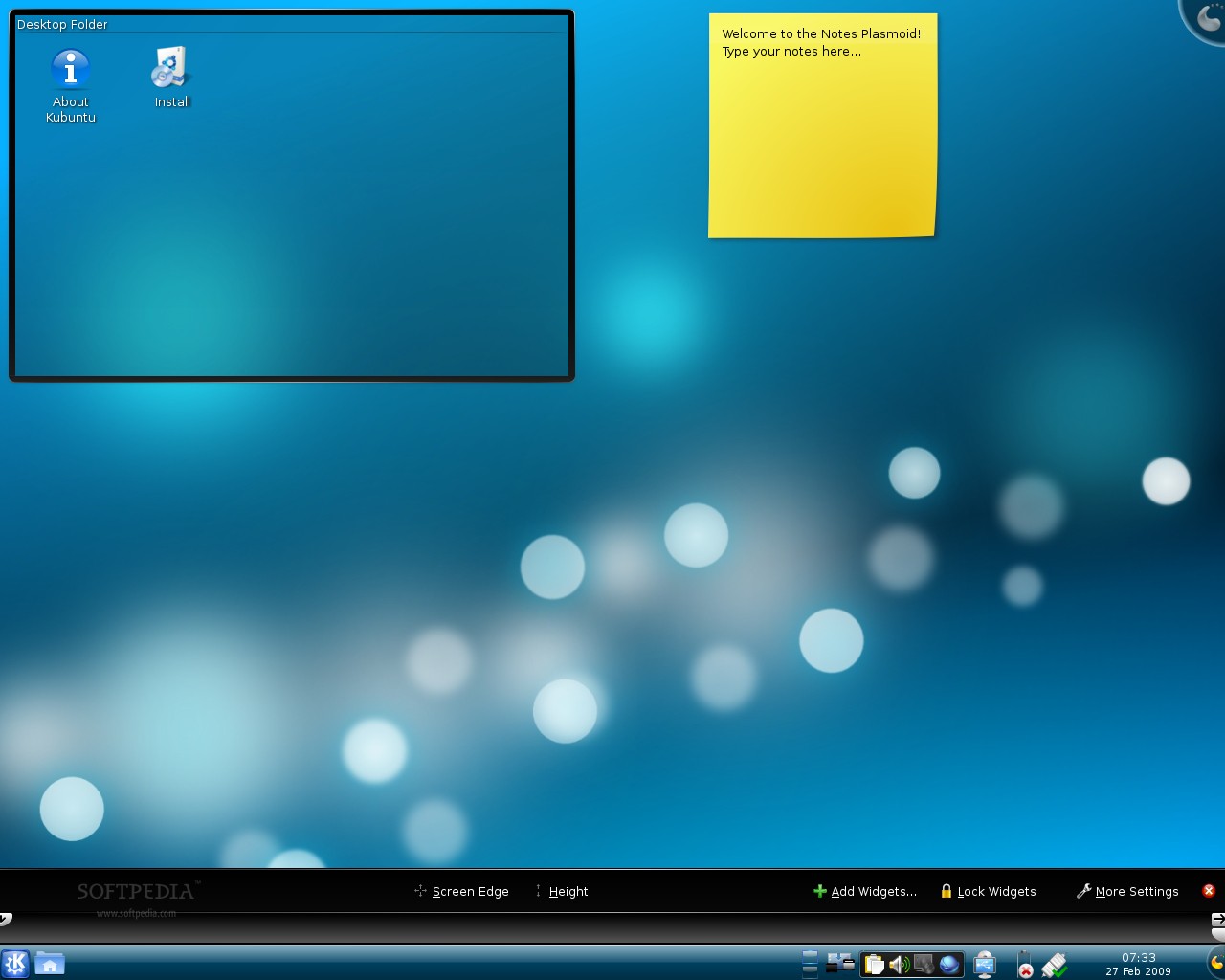
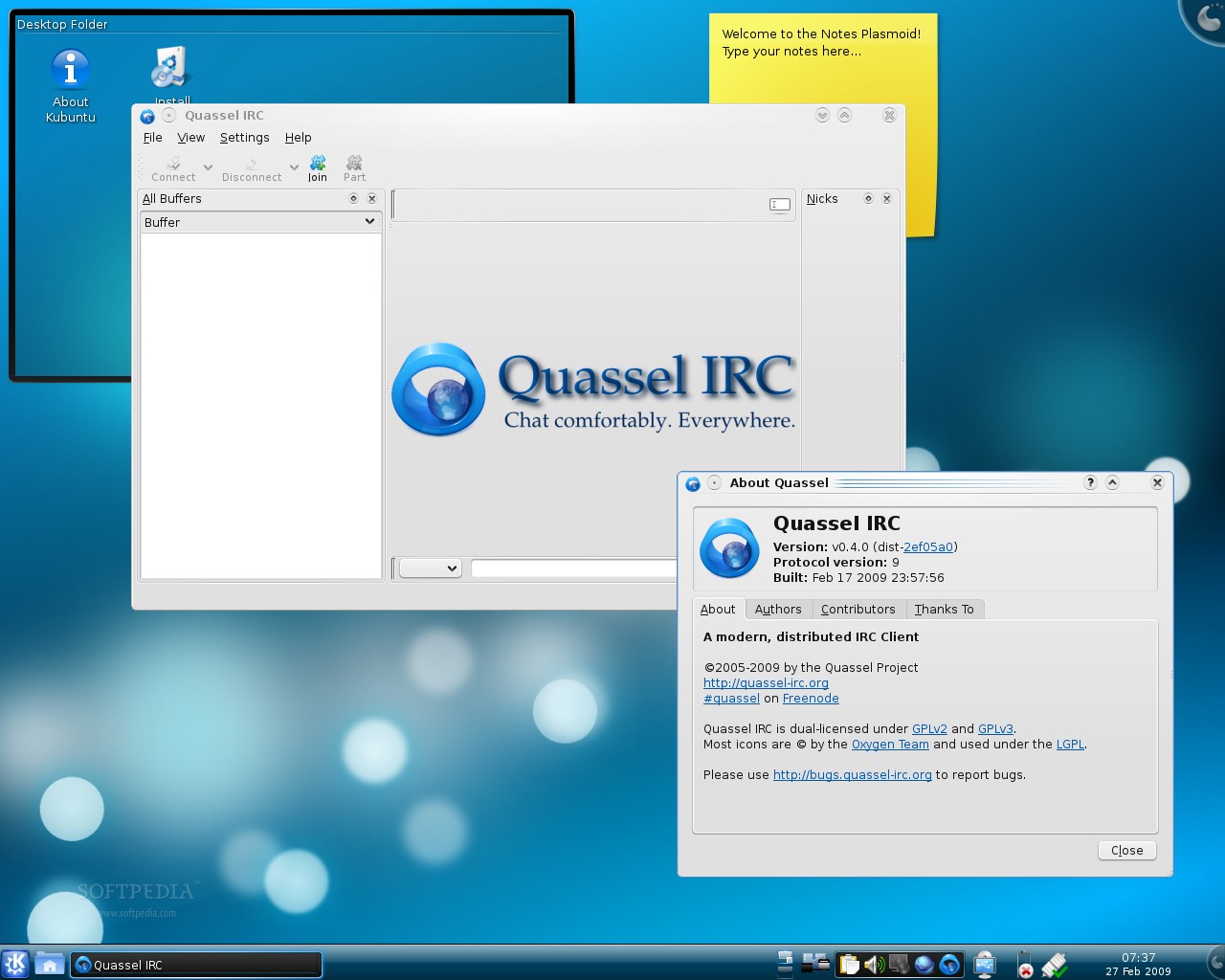
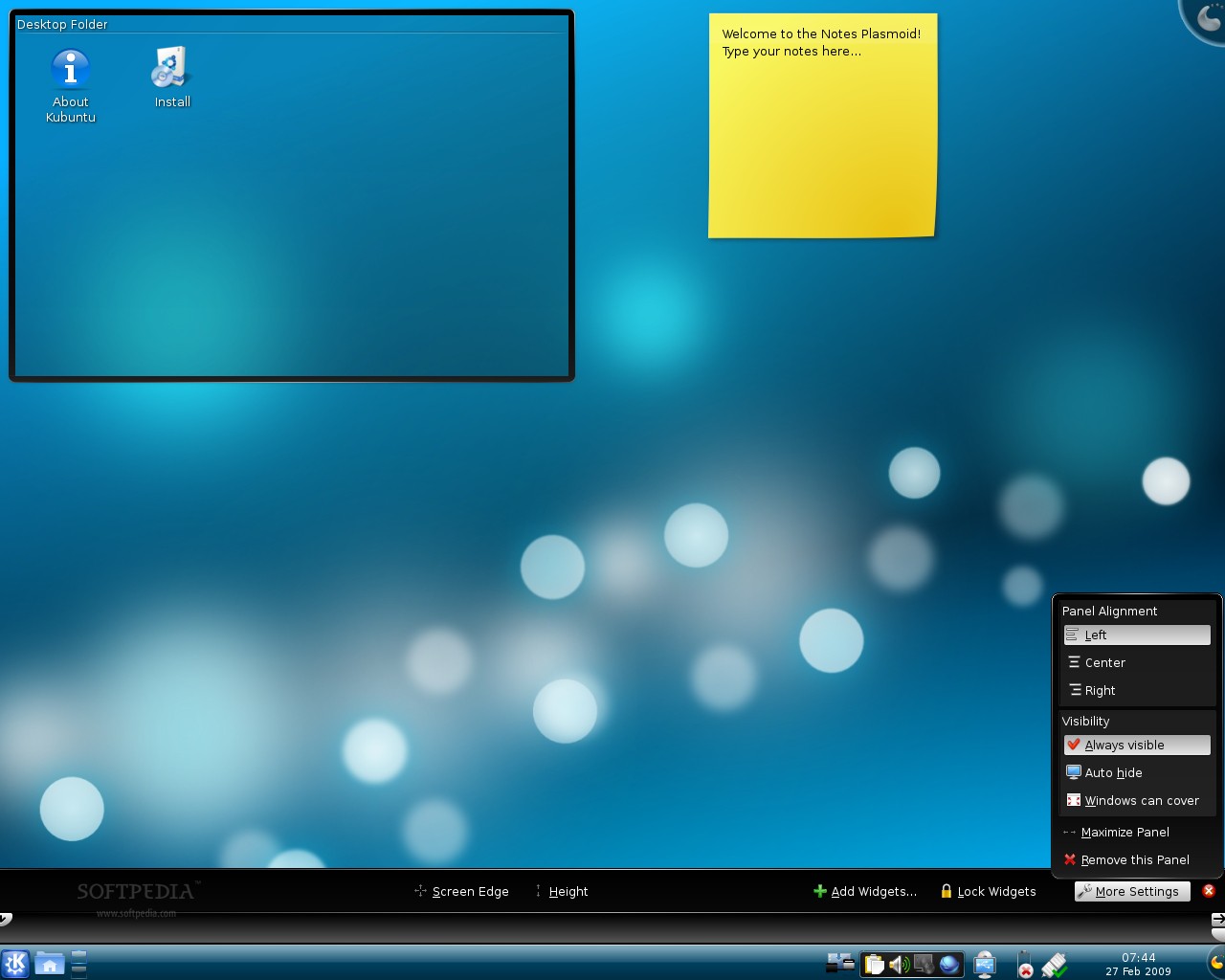
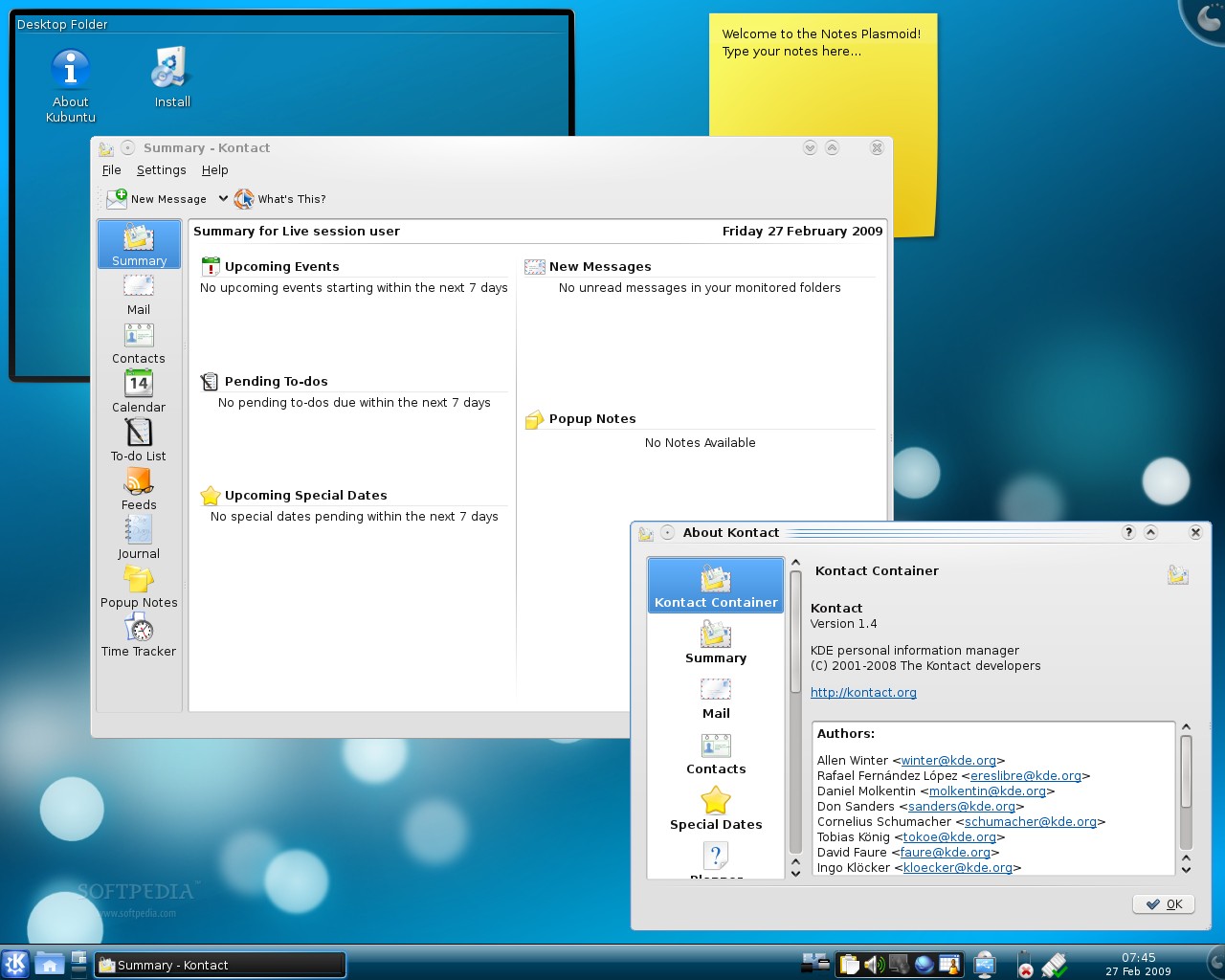
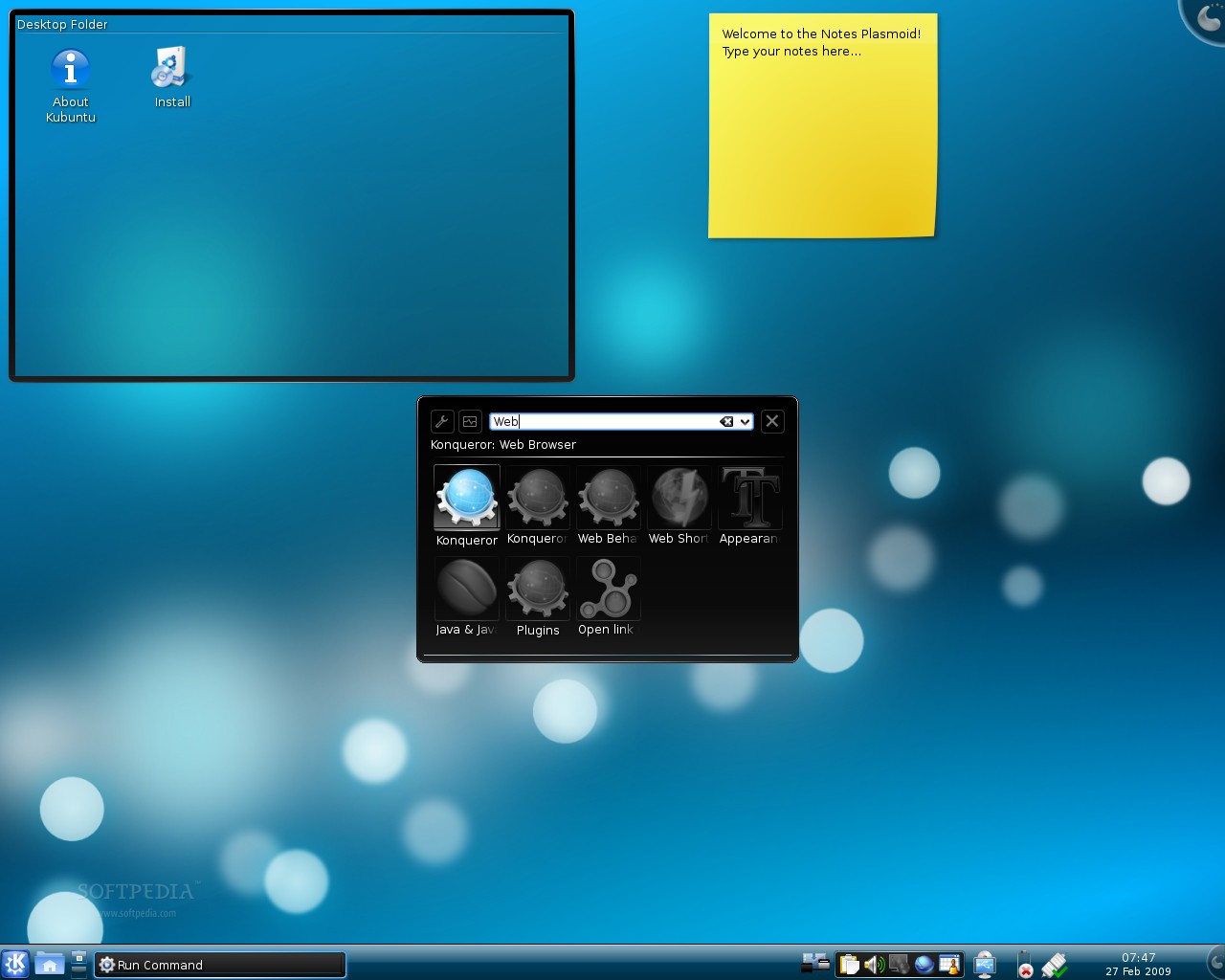
What's new in Kubuntu 9.04 Alpha 5? Well, the fifth alpha version of Kubuntu 9.04 is built on top of KDE (K Desktop Environment) 4.2 (see below for screenshots). It includes the popular Amarok 2.0.1 audio player, Qt 4.5 RC1, Quassel IRC client, KMail, Akonadi, Kdebluetooth and choqoK, a micro-blogging client. Last but not least, the Ubiquity installer was also updated to include the revamped world map.
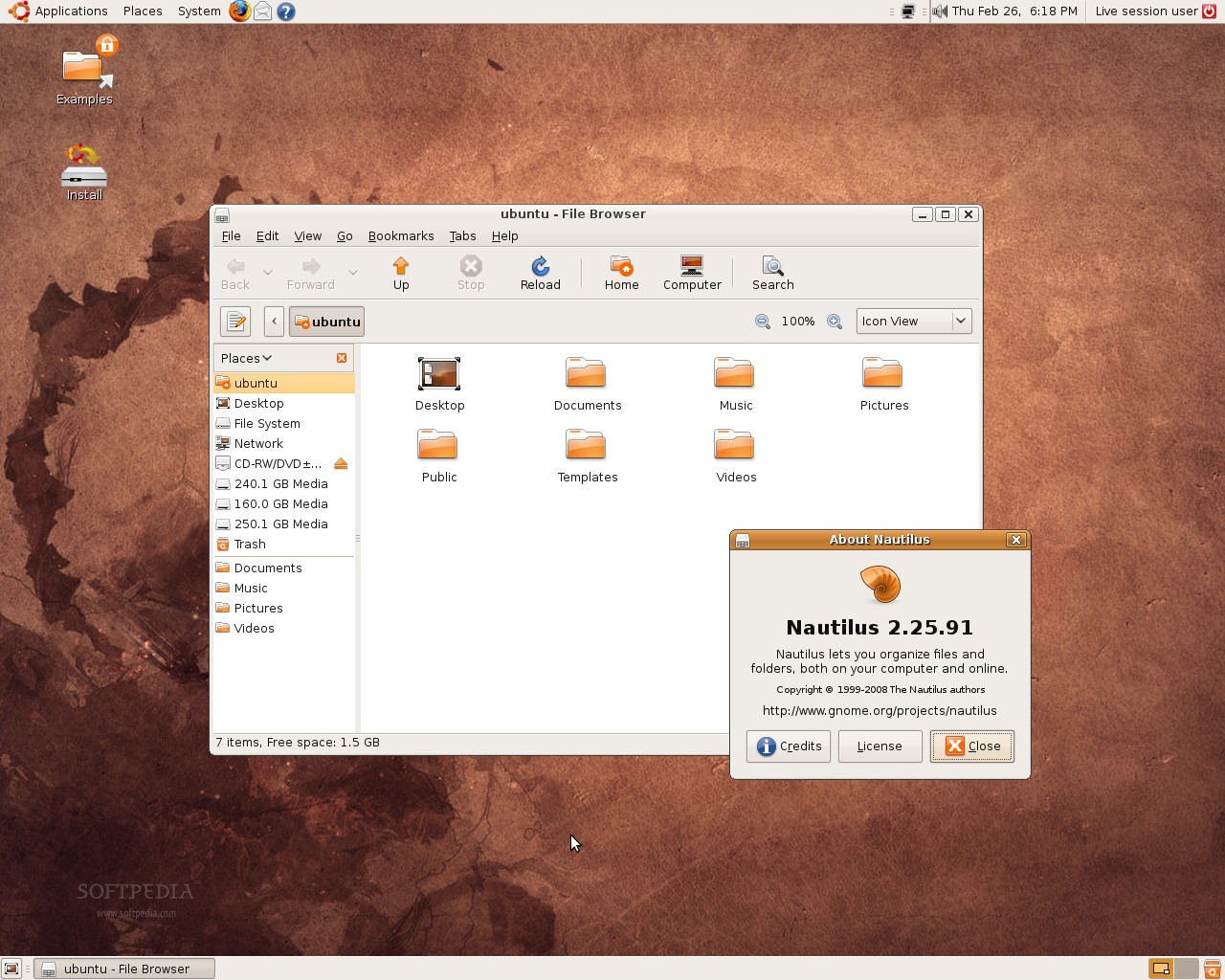
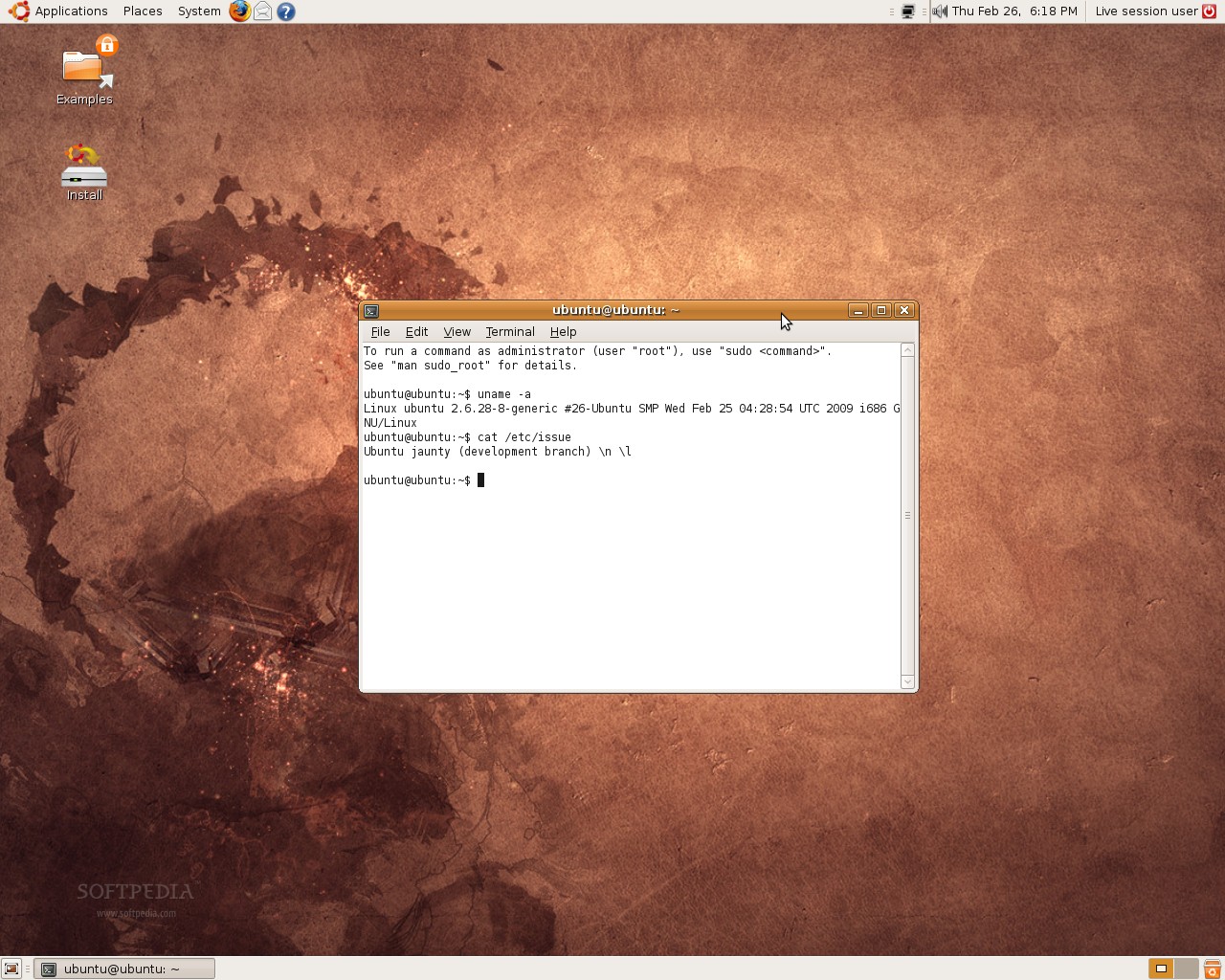
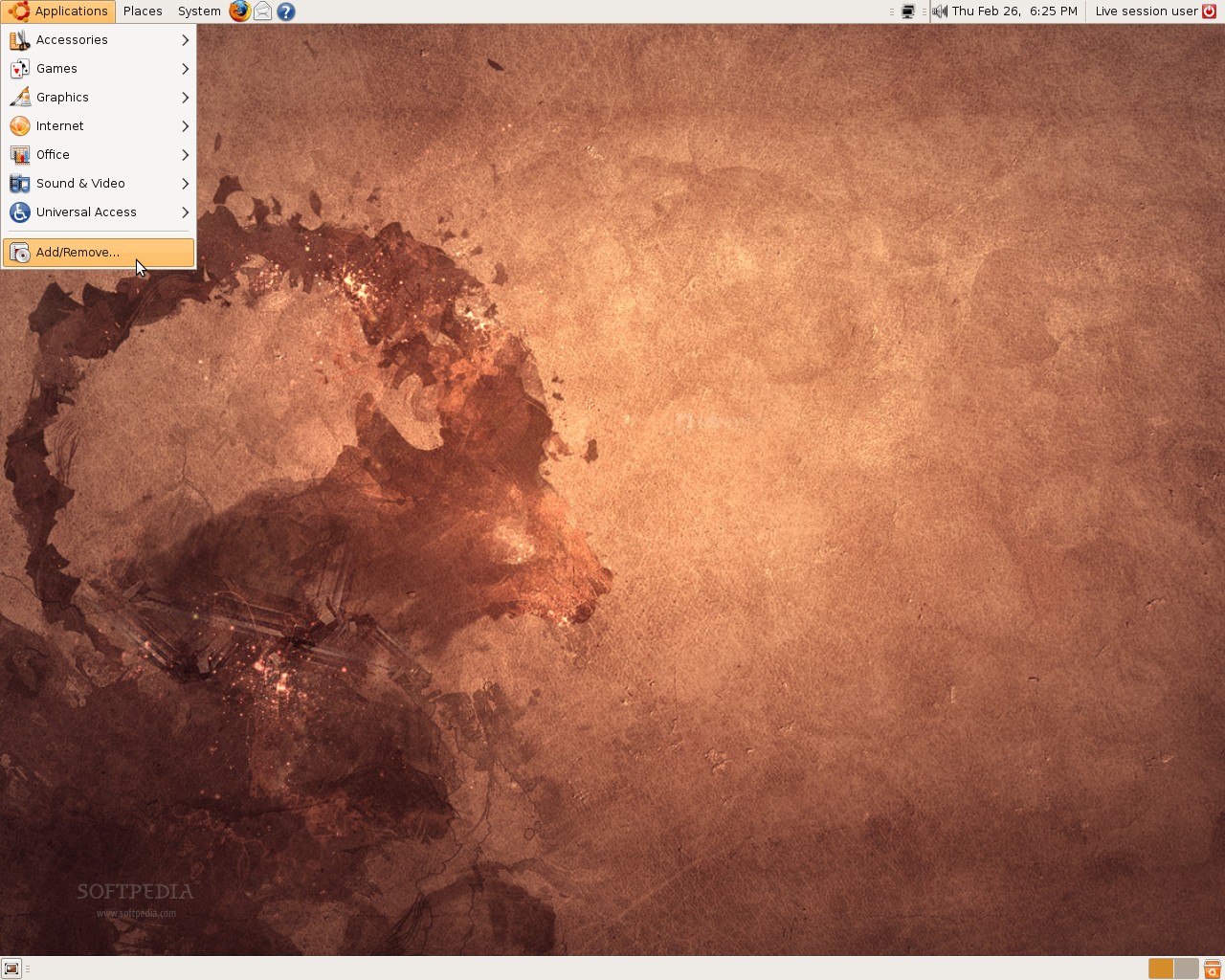
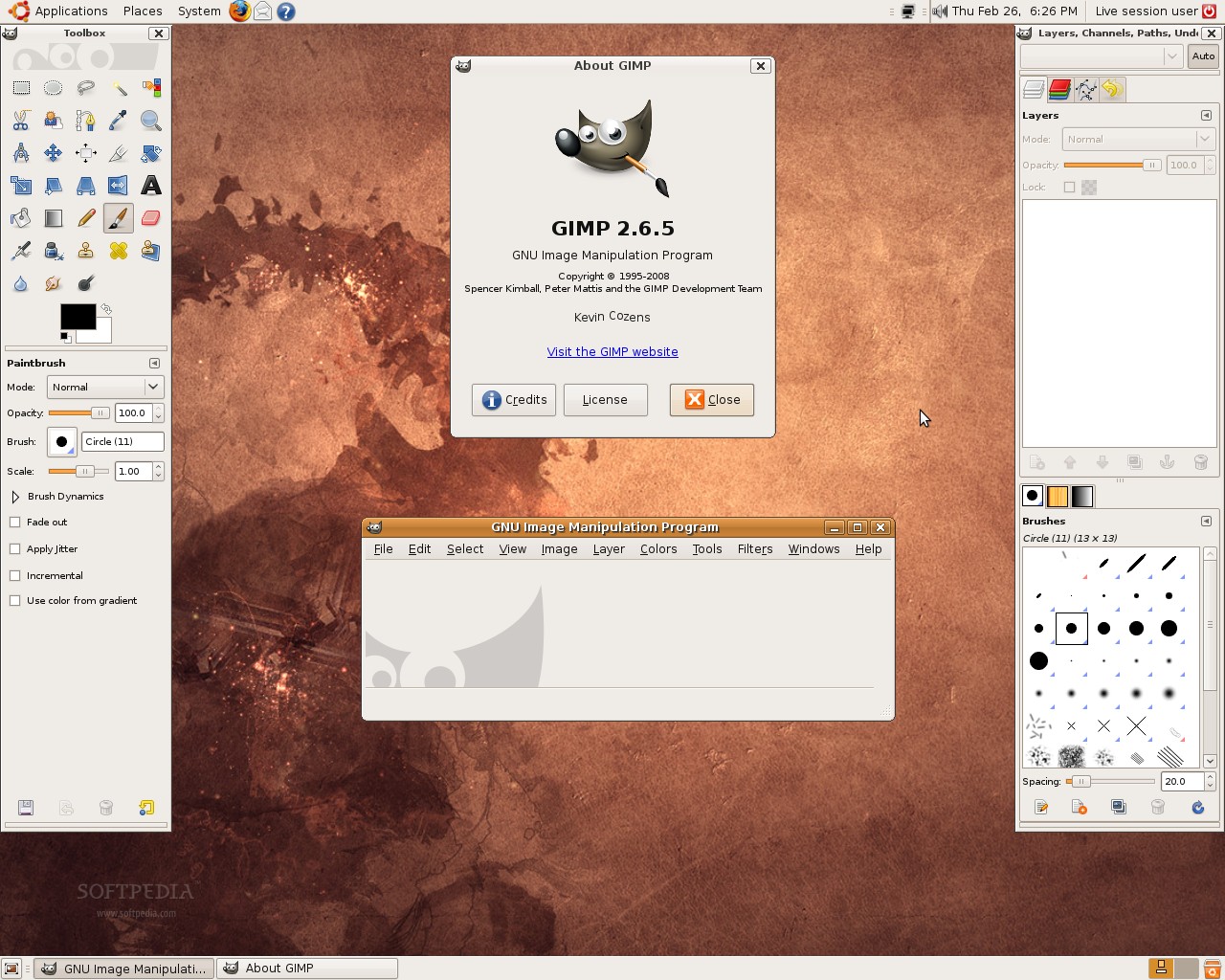
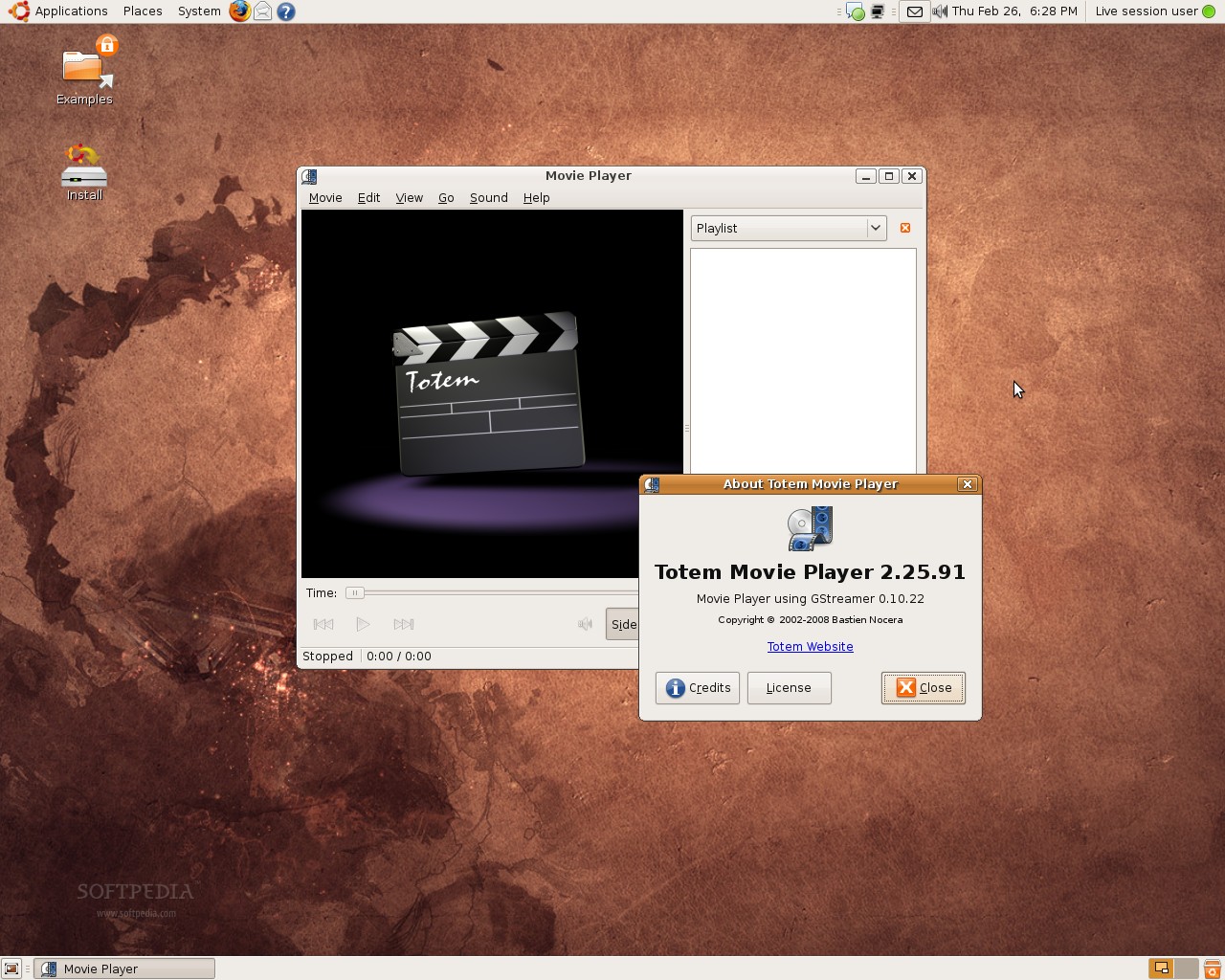
Once again, a Live CD is available for everyone who wants to see for themselves what's new in Ubuntu 9.04 Alpha 5 and Kubuntu 9.04 Alpha 5 (see below for download links), without installing anything on the hard drive. Moreover, an Alpha 5 version for Ubuntu Netbook Remix is now available for download. Here is the screenshot tour for the fifth Alpha version of Ubuntu and Kubuntu. Enjoy!
Ubuntu 9.04, or, should I say, "The Jackalope," will be the tenth release of the Ubuntu operating system. Here's the release schedule for Jaunty Jackalope:
November 22, 2008 - Alpha 1 release
December 19, 2008 - Alpha 2 release
January 16, 2009 - Alpha 3 release
February 5, 2009 - Alpha 4 release
February 26, 2009 - Alpha 5 release
March 12, 2009 - Alpha 6 release
March 26, 2009 - Beta release
April 16, 2009 - Release Candidate
April 23, 2009 - Final release of Ubuntu 9.04.
What is Ubuntu? Ubuntu is a Linux distribution for your desktop or server, with a fast and easy install, regular releases, a tight selection of excellent packages installed by default, every other package you can imagine available from the network, and professional technical support from Canonical Ltd. and hundreds of other companies around the world.
Download Ubuntu 9.04 Alpha 5 (Jaunty Jackalope) right now from Softpedia.
Download Ubuntu Server 9.04 Alpha 5 (Jaunty Jackalope) right now from Softpedia.
Download Kubuntu 9.04 Alpha 5 (Jaunty Jackalope) right now from Softpedia.
Download Xubuntu 9.04 Alpha 5 (Jaunty Jackalope) right now from Softpedia.
Download Edubuntu 9.04 Alpha 5 (Jaunty Jackalope) right now from Softpedia.
Download Ubuntu Studio 9.04 Alpha 5 (Jaunty Jackalope) right now from Softpedia.
Download Ubuntu Netbook Remix 9.04 Alpha 5 (Jaunty Jackalope) right now from Softpedia.
Download Mythbuntu 9.04 Alpha 5 (Jaunty Jackalope) right now from Softpedia.
Remember that this is an alpha release and it should NOT be installed on production machines. It is intended to be used for testing purposes only. Please report bugs to the Ubuntu Bug Tracker.