 14 DAY TRIAL //
 It all began on August 29, when Jono Bacon announced the Hardy Heron, also known as Ubuntu 8.04, the next major release of the Ubuntu operating system and the second Long Term Support (LTS) version, which means users get security updates for five years for the server edition and three years for the desktop edition. The first LTS release was Ubuntu 6.06 (codename Dapper Drake), released on 1st June, 2006.
As promised, Ubuntu 8.04 LTS is here, available on mirrors worldwide (see below for download links), and it's my deepest pleasure to introduce you guys to the highlights of this new release dubbed Hardy Heron.
Included applications:
Accessories:
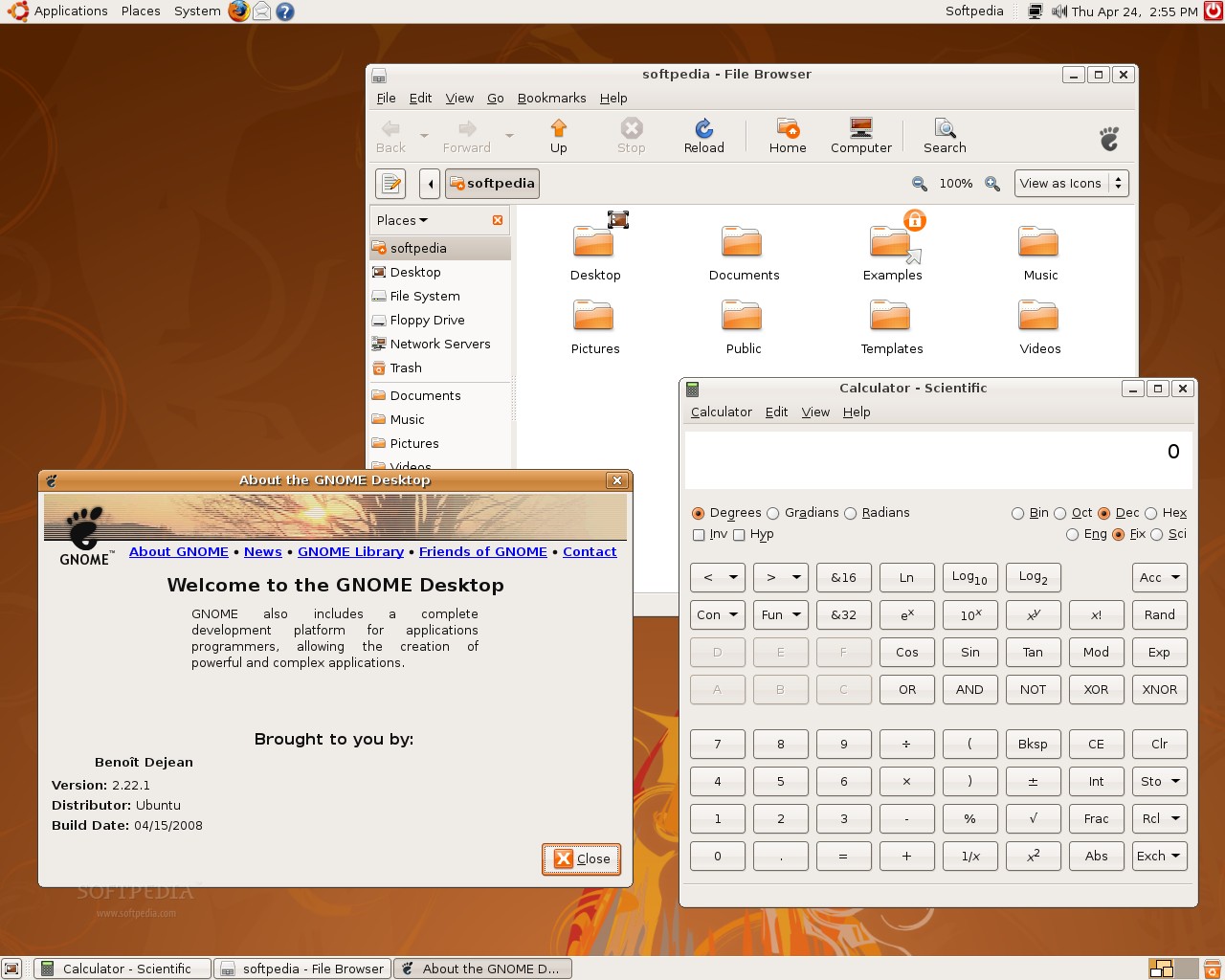
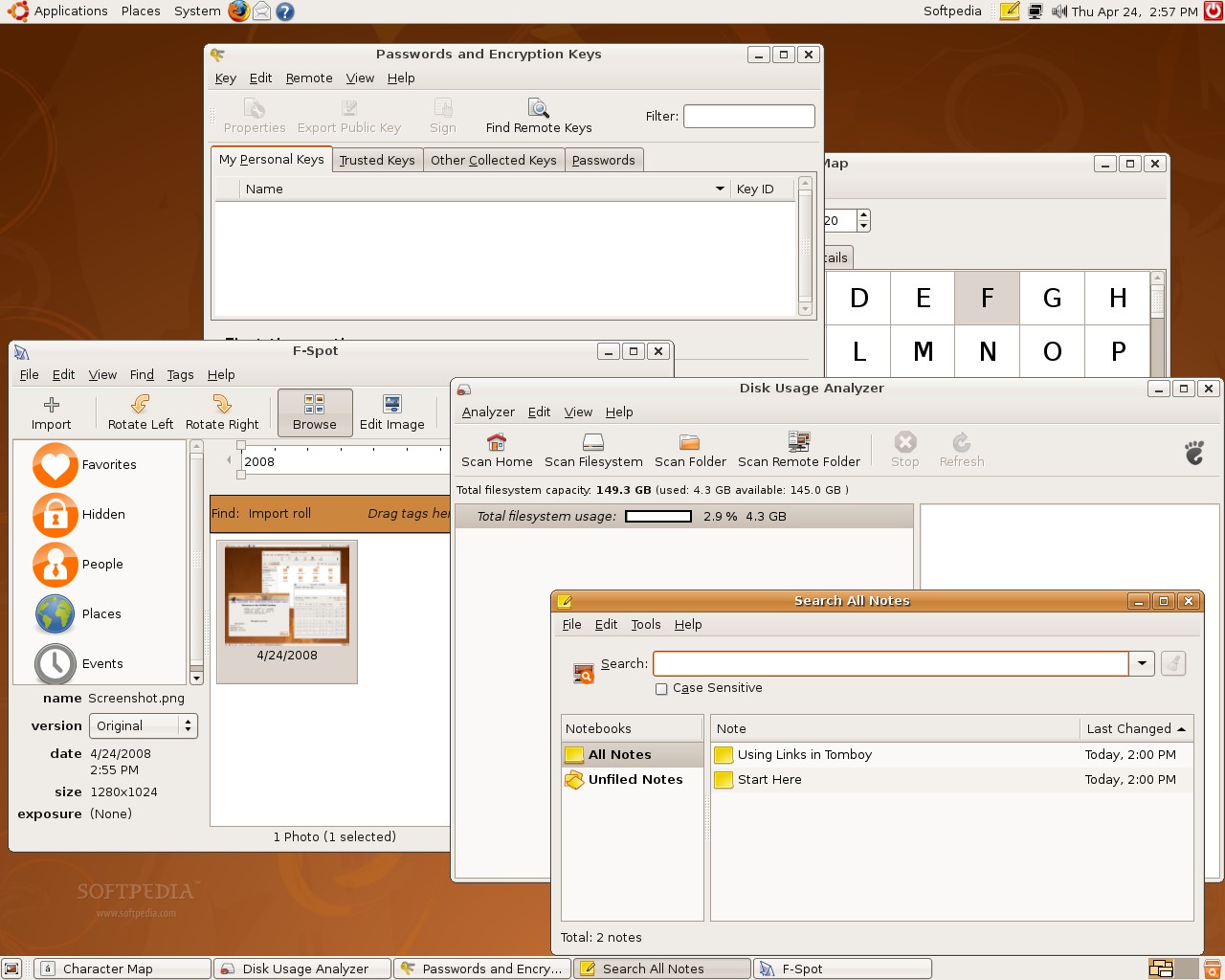
■ Calculator (an arithmetic, scientific or financial calculator) ■ Character Map (permits to insert special characters into documents) ■ Dictionary (a tool to search word definitions and spellings in an online dictionary) ■ Baobab (disk usage analyzer) ■ Seahorse (passwords and encryption keys manager) ■ Gnome Screenshot (saves images of your desktop or individual windows) ■ Gnome Terminal (allows you to use the command-line) ■ Gedit (a small and lightweight text editor with intuitive spell-checker) ■ Tomboy (desktop note-taking application)
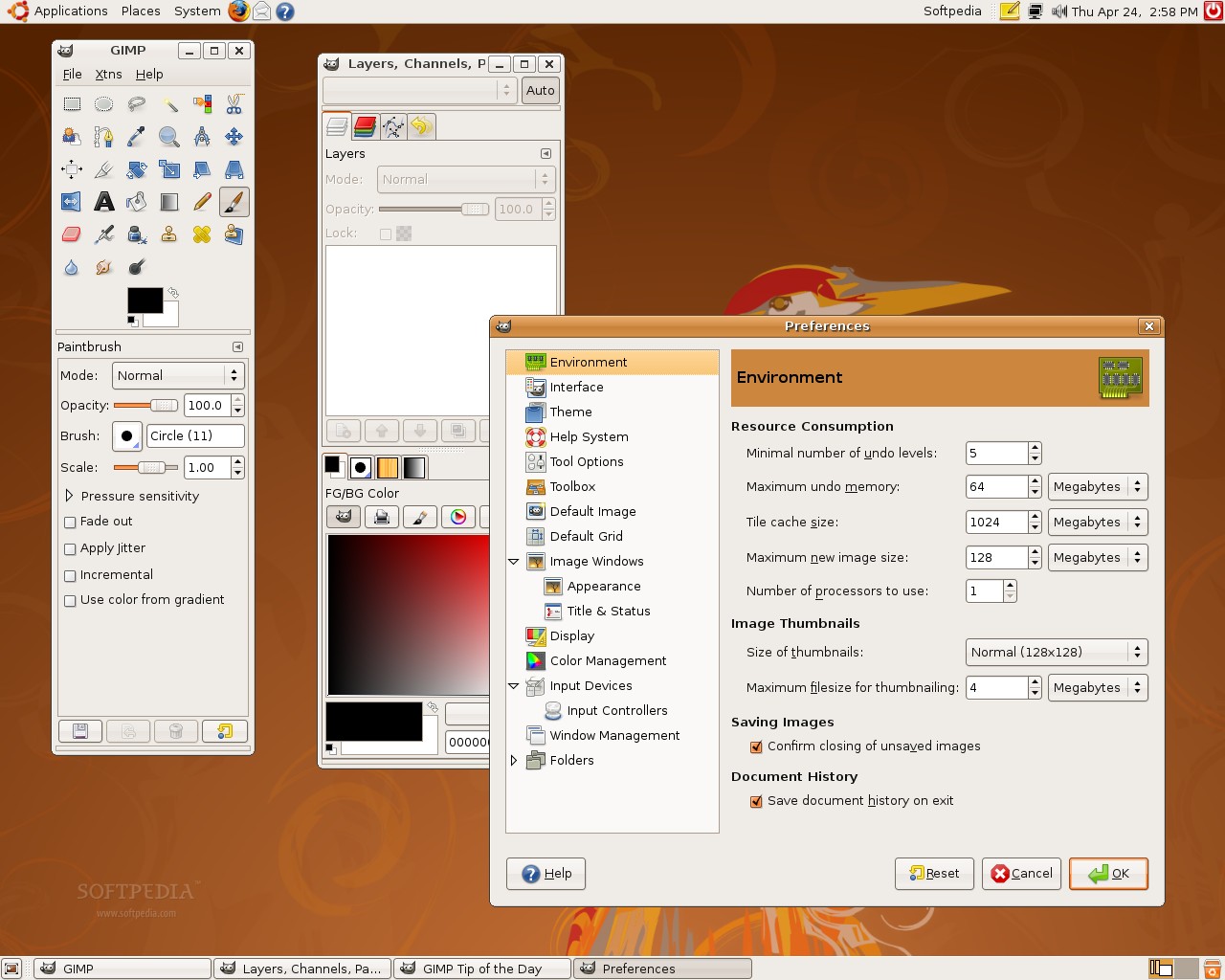
■ F-Spot (photo manager) ■ The GIMP (image editor) ■ XSane (scan, copy and fax images)
Internet tools:
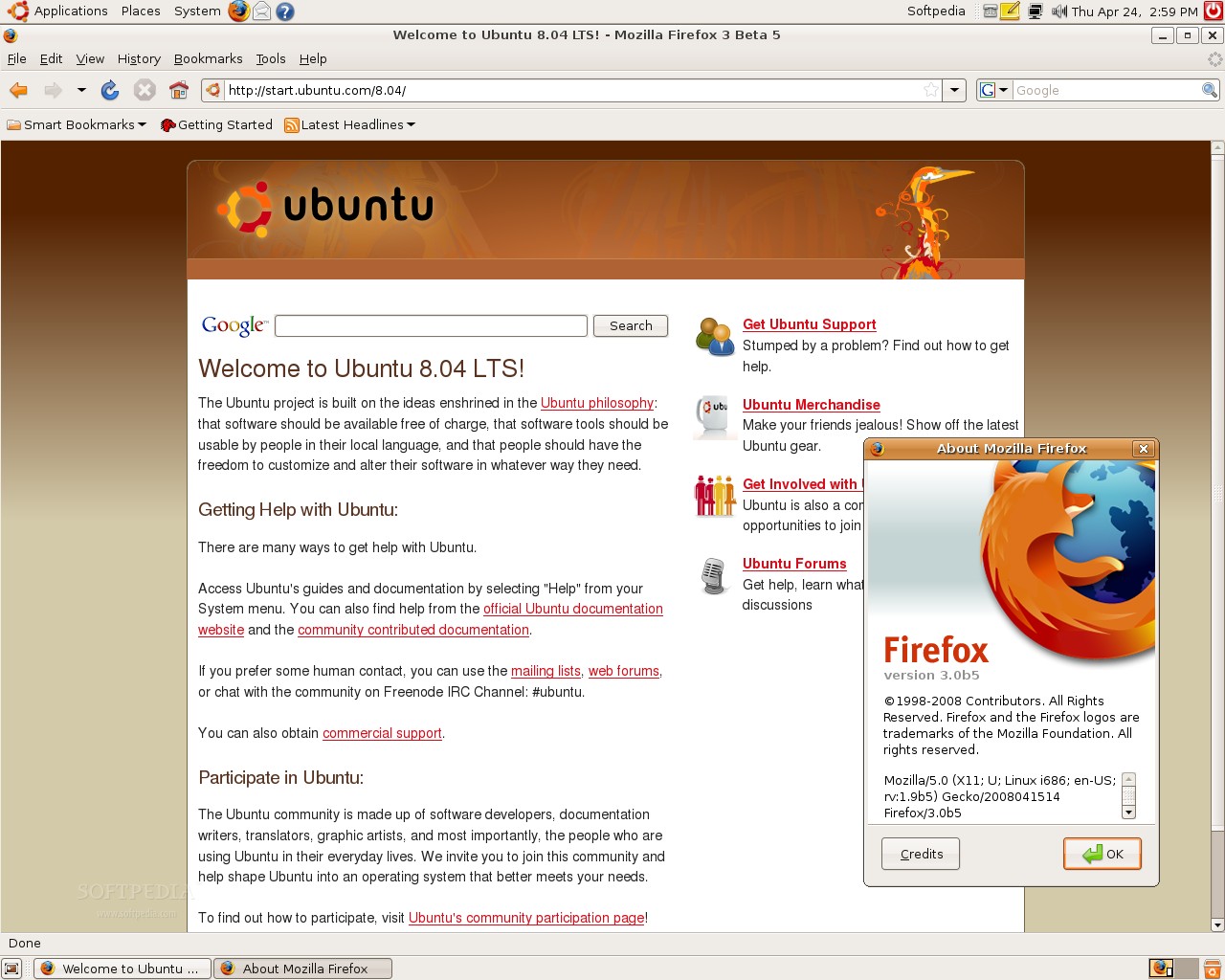
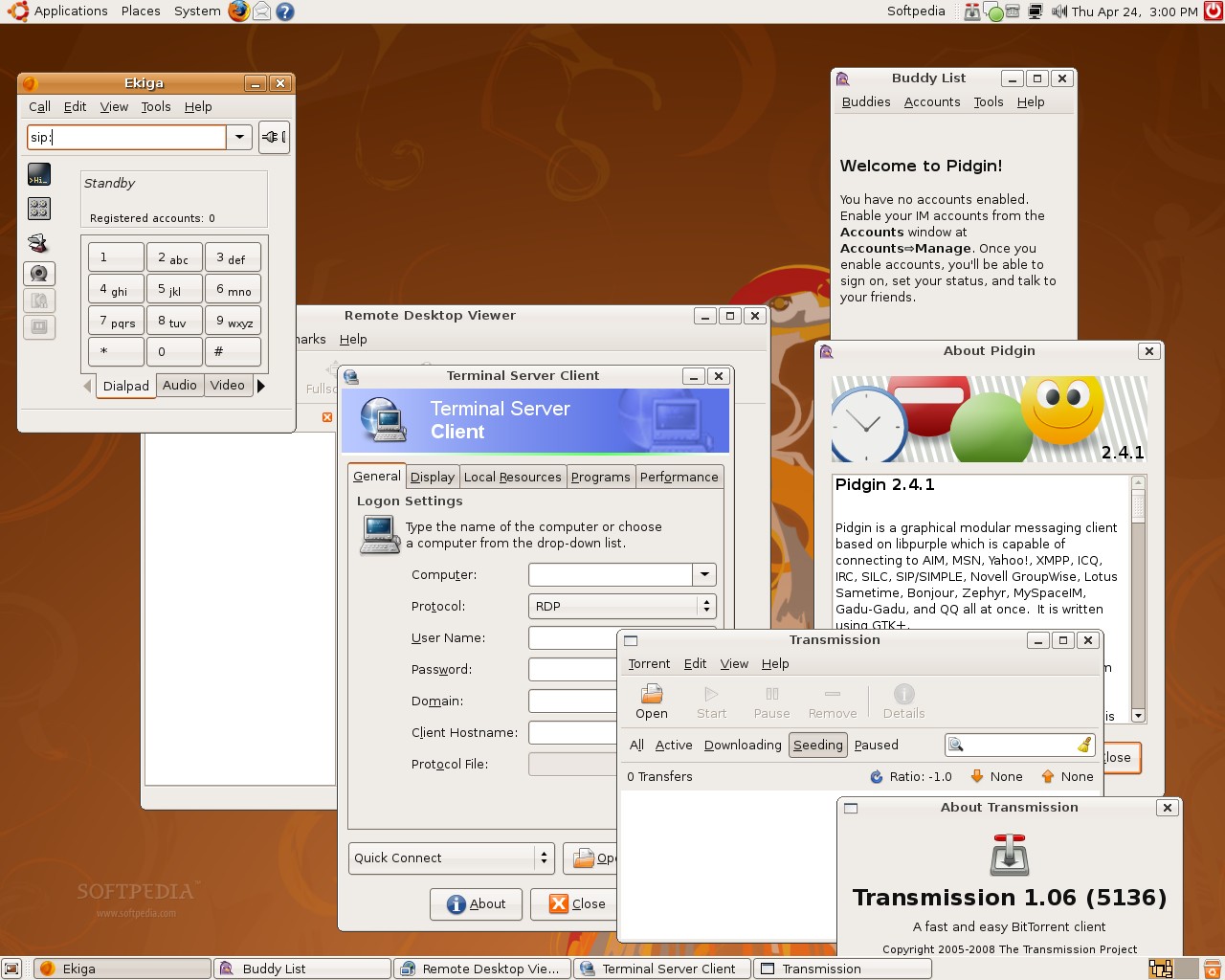
■ Ekiga (SIP and H.323 compatible VoIP telephony and videoconferencing tool) ■ Evolution (powerful e-mail client) ■ Firefox (the ever popular web browser) ■ Pidgin (multi-protocol instant messenger) ■ Vinagre (remote desktop viewer) ■ Terminal Server Client (rdesktop, vncviewer, wfica, xnest frontend) ■ Transmission (lightweight BitTorrent client)
■ OpenOffice.org Suite (spreadsheet, presentation, drawing and word processor)
Sound and Video:
■ Sound Juicer (audio CD extractor) ■ Brasero (CD/DVD burning application) ■ Totem (DVD-Video, DivX, XviD, WMV, MOV player) ■ Rhythmbox (Last.fm, radio and music player/organizer)
System Administration utilities:
■ Print Jobs Manager ■ Sound Recorder ■ Synaptic Package Manager
...and a lot of wonderful games for all ages!
■ ActiveDirectory integration ■ iSCSI support ■ Memory protection ■ Easy to use firewall ■ KVM integration
Under the hood:
■ GNOME 2.22.1 ■ Linux kernel 2.6.24.3 (with dynticks support and a new process scheduler) ■ Xorg 7.3 ■ PulseAudio 0.9.10 ■ PolicyKit 0.7
... plus many other updated packages and revamped artwork (including login manager, desktop wallpaper and GNOME style)!
If you haven't ordered CDs with Ubuntu 8.04 LTS (Hardy Heron) yet, you can do it right now from Ubuntu's ShipIt Service!
About Ubuntu:
Ubuntu is a Linux distribution for your desktop or server, with a fast and easy install, regular releases, a tight selection of excellent packages installed by default, every other package you can imagine available from the network and professional technical support from Canonical Ltd and hundreds of other companies around the world.
Download Kubuntu 8.04 Hardy Heron right now from Softpedia.
Download Edubuntu 8.04 LTS Hardy Heron right now from Softpedia.
Download Xubuntu 8.04 Hardy Heron right now from Softpedia.
Download Ubuntu Studio 8.04 Hardy Heron right now from Softpedia.
Download Ubuntu JeOS 8.04 Hardy Heron right now from Softpedia.
Download MythBuntu 8.04 Hardy Heron right now from Softpedia.