
 14 DAY TRIAL //
 The Beta version of the upcoming Ubuntu 7.10 (codename Gutsy Gibbon) was released a few minutes ago. This Beta comes with the brand new GNOME 2.20 desktop environment, new 3D desktop effects and many improvements: "The Ubuntu developers are hurrying to bring you the absolute latest and greatest software that the open source and free software communities have to offer. This is the Ubuntu 7.10 beta release, which brings a host of excellent new features."
What's new in Ubuntu 7.10 Beta?
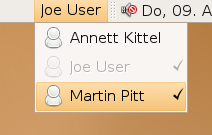
? GNOME 2.20 ? Compiz Fusion is now enabled by default. Ubuntu 7.10 will automatically detect if your hardware is capable of running Compiz Fusion. ? Fast user switching allows you to easily switch between multiple user sessions without the hustle of entering the username and password.
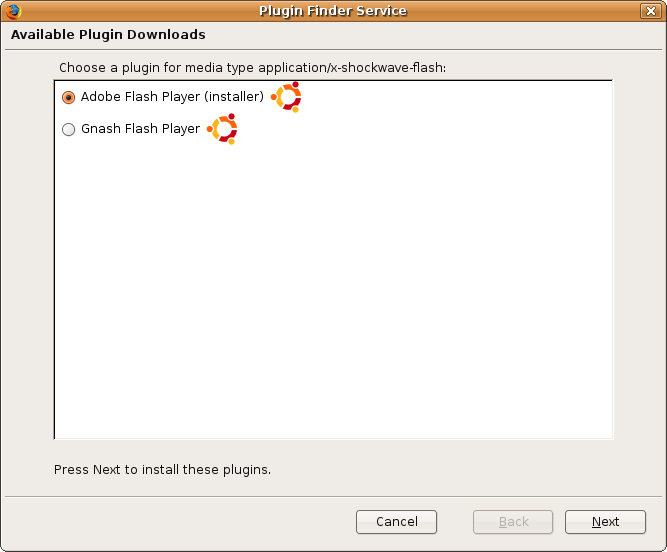
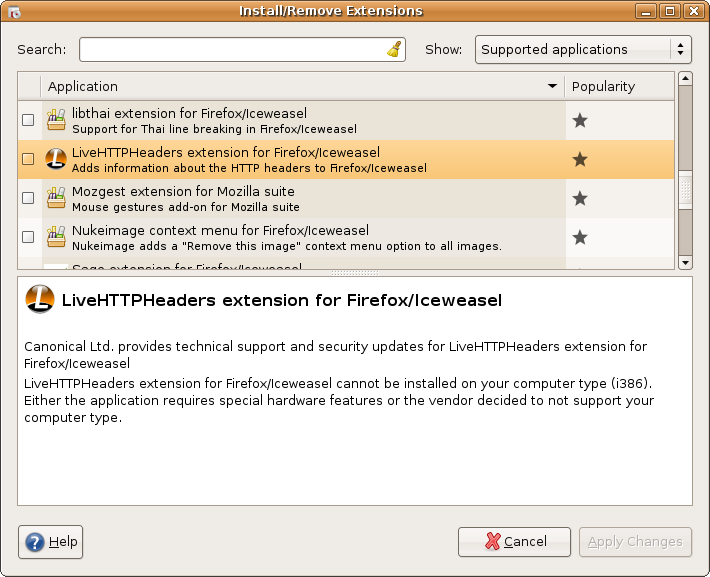
? New Features for Firefox
a). Apt-Enabled Plugin Finder Wizard
b). Extension Manager integration
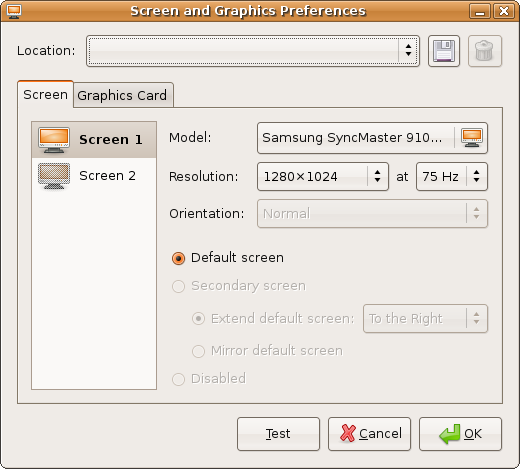
? Dynamic screen configuration including dynamic monitor detection, and resizing and rotating of the video output is included in this Beta release.
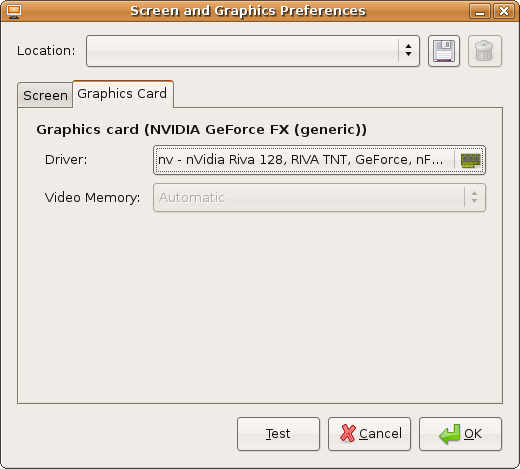
? Graphical configuration tool for X that allows you to set up dual monitors, change the default resolution for all users or change your monitor's refresh rate without having to turn to the terminal;
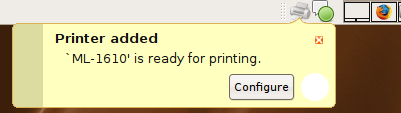
? Your printer will be automatically installed once it?s plugged in. It couldn't be easier than that!
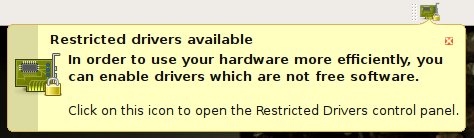
? Restricted Drivers Manager can now handle non-free device drivers. With no more than 3 mouse clicks you will be able to install firmware for wireless cards with Broadcom chipsets, and for a number of Winmodems commonly found in laptops;
? More battery life for your laptop provided to you by the latest Linux kernel, featuring dynticks.
? NTFS reading and writing will be enable by default in Gutsy Gibbon with the help of the NTFS-3G application.
? AppArmor security framework is an easy-to-deploy kernel technology that will limit resources an application is allowed to access and will add a layer of protection against undiscovered security vulnerabilities.
? Mail Server, File Server, Print Server, and Database Server installations are now available for the Ubuntu Server CD.
? Profile-based Authentication Configuration powered by the AuthClientConfig application.
? Improved thin-client support by using compressed images and LDM. Autologin, multiple servers, and unencrypted graphics transport are just some of the new features you will find in the thin-client login manager included in Edubuntu.
Ubuntu 7.10 release schedule:
? June 7th - Tribe CD 1 (first alpha release)
? June 28st - Tribe CD 2 (second alpha release)
? July 19th - Tribe CD 3 (third alpha release)
? August 9th - Tribe CD 4 (fourth alpha release)
? August 23rd - Tribe CD 5 (fifth alpha release)
? September 27th - Beta Release
? October 11th - Release Candidate
? October 18th - Final Release
You can download and test this Beta version of Ubuntu 7.10 right now from Softpedia.
You can download and test this Beta version of Kubuntu 7.10 right now from Softpedia.
You can download and test this Beta version of Xubuntu 7.10 right now from Softpedia.
You can download and test this Beta version of Edubuntu 7.10 right now from Softpedia.
And remember: this is still an alpha release and it is not recommended to be installed on production machines. The final stable version or Ubuntu 7.10 will be released on 18th October 2007. Please report bugs through the Ubuntu bug tracker.