Softpedia
 

NEWS CATEGORIES:


NEWS ARCHIVE >>
SOFTPEDIA REVIEWS >>
MEET THE EDITORS >>
Home > News > Linux > Linux Distributions

October 13th, 2011, 10:37 GMT · By

Ubuntu 11.10 Officially Released

SHARE:

Adjust text size:


Ubuntu 11.10
Enlarge picture
Ladies and gentlemen, dear Ubuntu geeks, it is our greatest pleasure to announce today, October 13th, that the final release of Ubuntu 11.10 is here, available on mirrors worldwide (see the download links at the end of the article).

Dubbed Oneiric Ocelot, the new Ubuntu 11.10 operating system is the 15th release of the Ubuntu OS and it will be supported for 18 months on both desktops and servers.

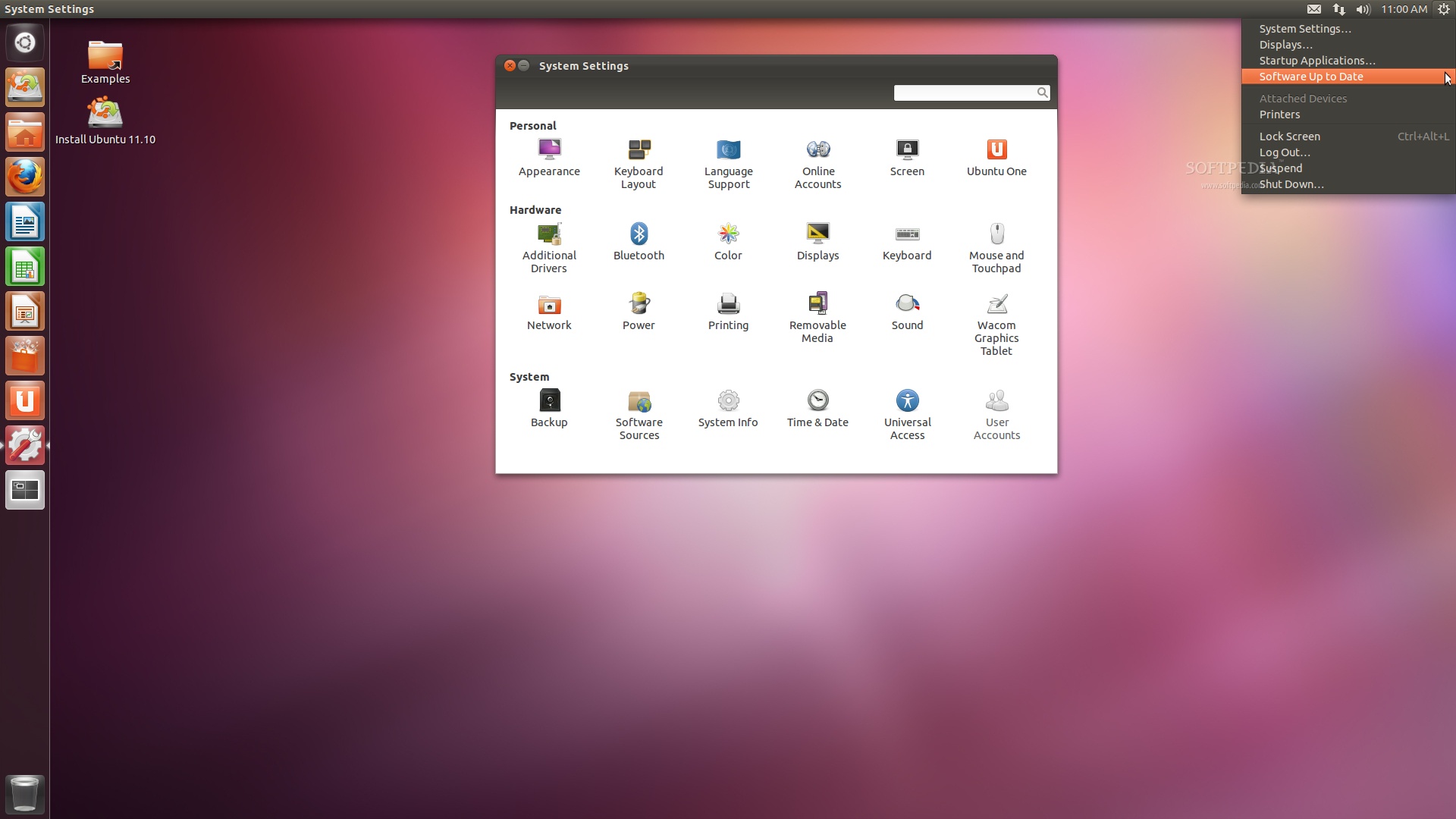
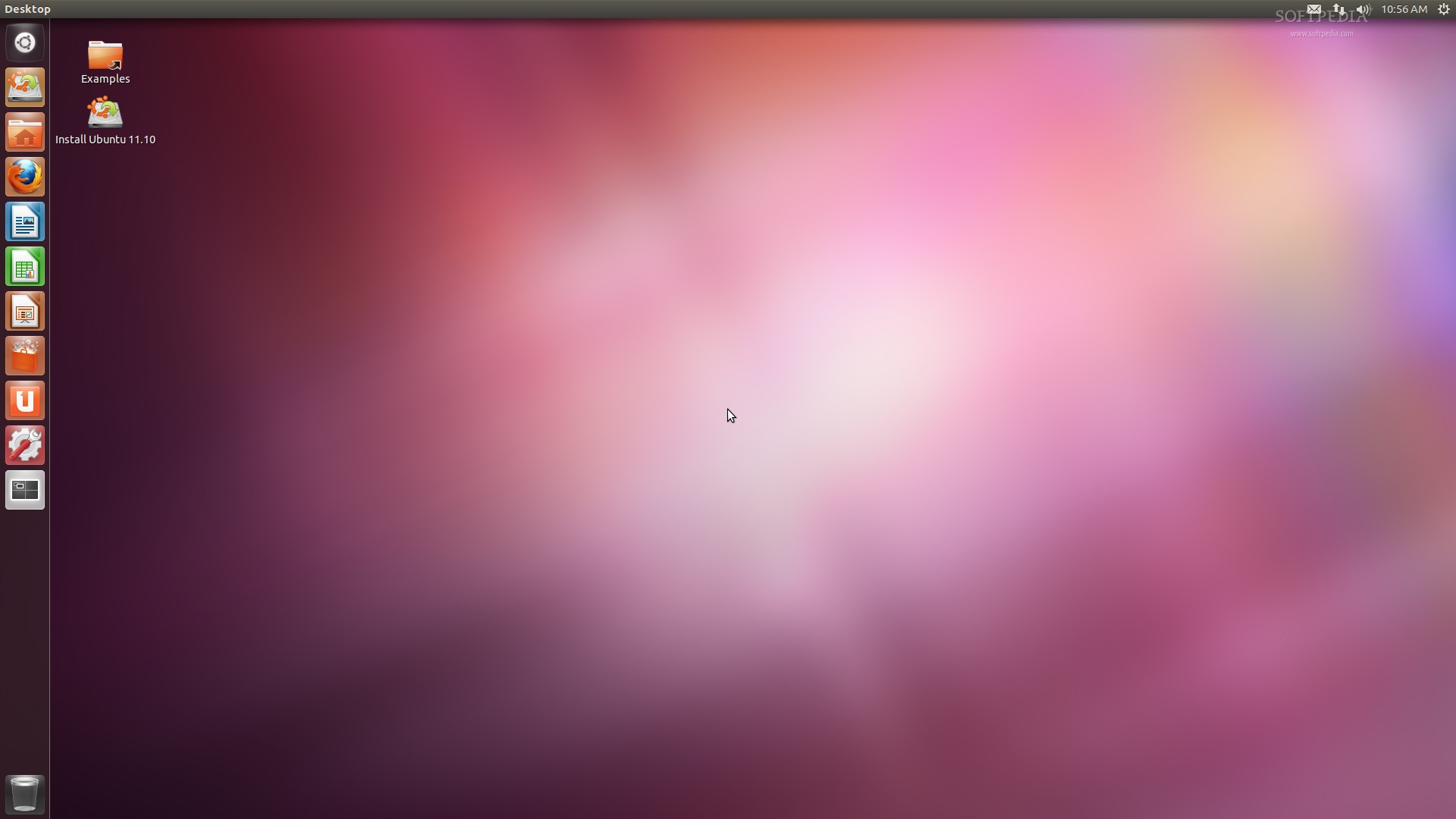
Ubuntu 11.10 (Oneiric Ocelot) brings lots of improvements to the Unity launcher and panel, all on top of the new GNOME 3.2 desktop environment.

Oneiric Ocelot comes in the following editions: Ubuntu Desktop, Ubuntu Server, Ubuntu Cloud, Kubuntu, Xubuntu, Lubuntu, Edubuntu, Mythbuntu, and Ubuntu Studio.

Under the hood of Ubuntu 11.10 (Oneiric Ocelot):

· Unity 3D interface 4.22;
· Unity 2D interface 4.12;
· GNOME 3.2.0;
· Linux kernel 3.0.4;
· X.Org 7.6;
· Xorg Server 1.10.4;
· Upstart 1.3;
· GCC 4.6 toolchain;
· Python 2.7.2;
· Compiz Fusion 0.9.6.

The Ubuntu 11.10 feature tour:

· Improved desktop experience - yes, still powered by the Unity launcher and panel, now ported to GTK3 and offering advance filtering options and multiple sources;
· Two login methods - 3D interface or 2D interface, both powered by Unity;
· Breathtaking new login screen - powered by LightDM;
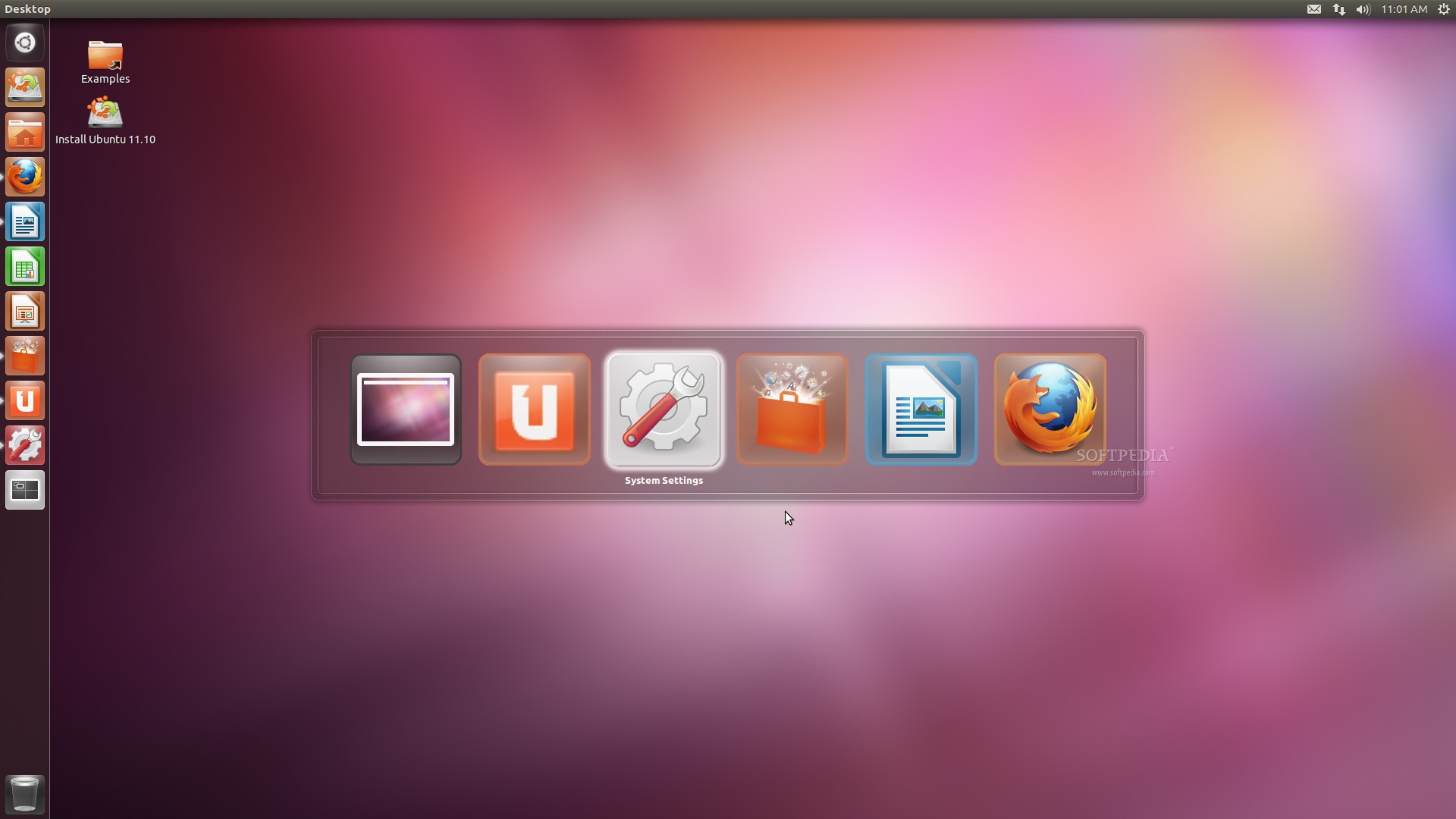
· A new Alt+Tab switcher - looks awesome and offers window preview;
· 14 new wallpapers - from various photographers around the world;
· Improved default theme - the default Ambiance theme has been once again improved;
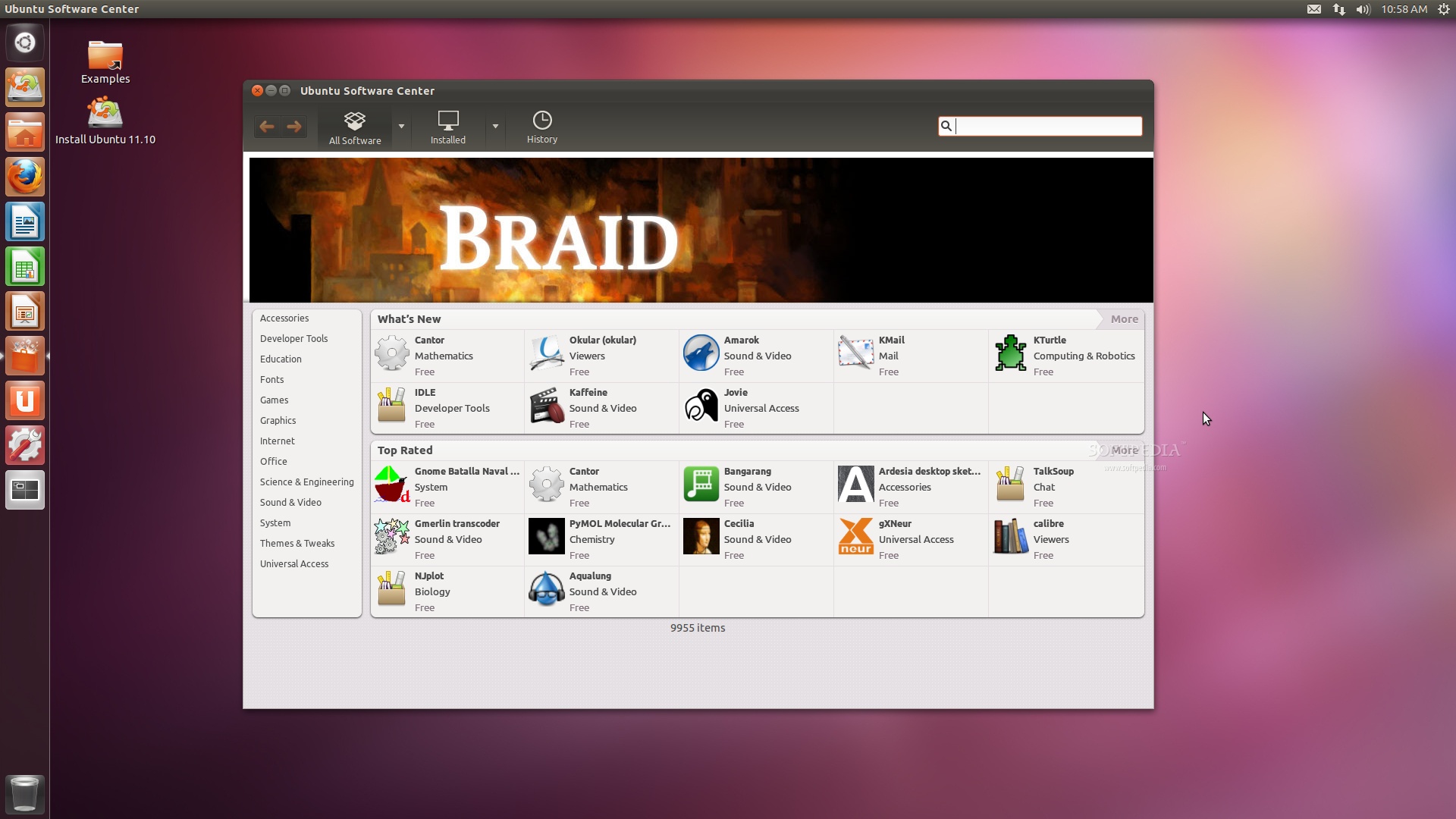
· Totally new Ubuntu Software Center - with a redesigned and professional interface, it now includes lots of enhancements;
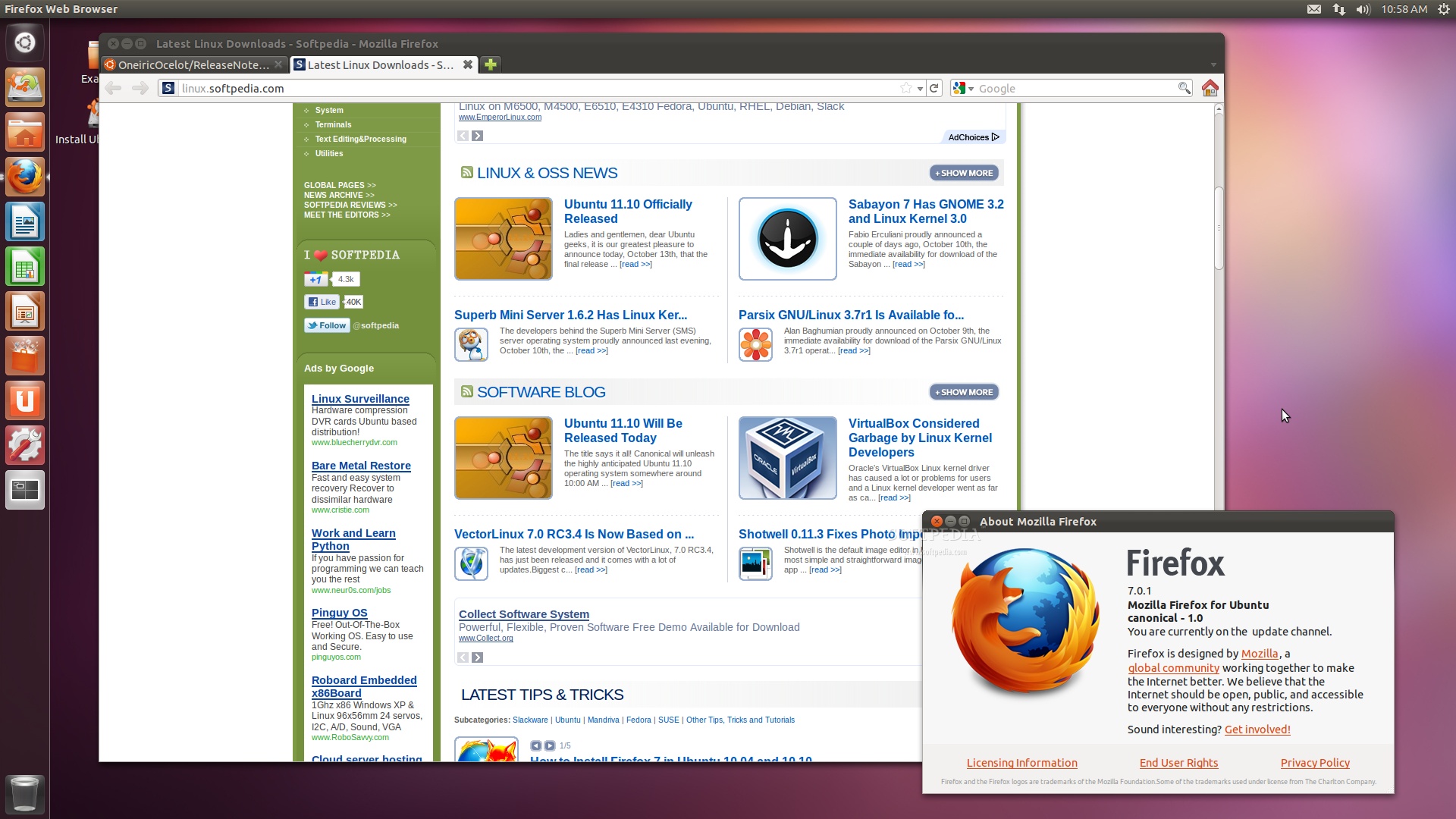
· Next-gen web browser - Mozilla Firefox 7.0 is once again the default web browser, doing a very good job;
· Next-gen email and calendar client - Mozilla Thunderbird 7.0 is now the default mail client;
· New default backup tool - powered by Deja Dup, storing secure copies of your important documents;
· Hybrid CD/USB ISO images - allows to write the ISO images directly on USB disks;
· Multiarch support - 32-bit compatibility on 64-bit systems;
· Support for the ARM architecture - available on the Server edition;
· Introducing Juju - the modern approach to cloud service orchestration and deployment;
· New music lens - linked to Banshee, to easily search local and online music;
· Support for scripting languages - including Japanese, Chinese and Korean;
· DVD image - with all the powerful apps you need;
· ...and many more other small features for you to discover!
Review image

Review image

Review image

Review image

Review image

Review image

Review image

Download Ubuntu 11.10 (Oneiric Ocelot) right now from Softpedia.

Download Ubuntu DVD 11.10 (Oneiric Ocelot) right now from Softpedia.

Download Ubuntu Server 11.10 (Oneiric Ocelot) right now from Softpedia.

Download Ubuntu ARM 11.10 (Oneiric Ocelot) right now from Softpedia.

Download Ubuntu Cloud 11.10 (Oneiric Ocelot) right now from Softpedia.

Download Ubuntu Netboot 11.10 (Oneiric Ocelot) right now from Softpedia.

Download Ubuntu Studio 11.10 (Oneiric Ocelot) right now from Softpedia.

Download Kubuntu 11.10 (Oneiric Ocelot) right now from Softpedia.

Download Xubuntu 11.10 (Oneiric Ocelot) right now from Softpedia.

Download Edubuntu 11.10 (Oneiric Ocelot) right now from Softpedia.

Download Mythbuntu 11.10 (Oneiric Ocelot) right now from Softpedia.

Download Lubuntu 11.10 (Oneiric Ocelot) right now from Softpedia.

TELL US WHAT YOU THINK:

17,063 hits · 14 comments · Link to this article · Print article · Send to friend · Subscribe to news

MUST-READ RELATED ARTICLES:


Sabayon 7 Has GNOME 3.2 and Linux Kernel 3.0

Superb Mini Server 1.6.2 Has Linux Kernel 2.6.39.3

Parsix GNU/Linux 3.7r1 Is Available for Download

Softpedia Linux Weekly, Issue 168

Ubuntu 12.04 LTS a.k.a. Precise Pangolin

READER COMMENTS:


Comment #1 by: Start Ubuntu on 13 Oct 2011, 11:10 UTC reply to this comment

Hi
Why the links for download are not on the ubuntu.com????


Comment #2 by: Haddad R on 13 Oct 2011, 11:44 UTC reply to this comment

at 11:45 am, on ubuntu's website still v11.04
softpedia is better ;)


Comment #3 by: Npas on 13 Oct 2011, 11:49 UTC reply to this comment

Nice! But why the official site does not refer to the new version yet? Only softpedia has announced the new release!


Comment #4 by: cos on 13 Oct 2011, 11:52 UTC reply to this comment

Great :)


Comment #5 by: Dixson Hoepp on 13 Oct 2011, 12:21 UTC reply to this comment

que bien.. te estaba esperando ubuntu 11.10


Comment #6 by: Me on 13 Oct 2011, 15:01 UTC reply to this comment

12.04 will take over the world!

Oh and what happened with the K-and Xubuntu review?

Comment #6.1 by: Makka on 15 Oct 2011, 17:14 GMT

Good joke. :D

Do you really believe such crap will ever take over the world? Mac OS X is the operating system which is taking over te world. Why do you think every release of Ubuntu looks more and more like Mac OS X? Simply because Mac OS X is very successful and Ubuntu thinks it can be successful too if it just copies Mac OS X.

Please, stop copying Mac OS X. Look at this release of Ubuntu. It's just a cheap copy of Mac OS X.

Go Apple, sue those suckers for copying your operating system.


Comment #7 by: Ivan on 13 Oct 2011, 16:48 UTC reply to this comment

Tried it, nothing works, going back to 10.10.


Comment #8 by: Mr.Khan on 14 Oct 2011, 04:54 UTC reply to this comment

Simply Awesome ...
but need betterment also..especially in hardware


Comment #9 by: stevv on 14 Oct 2011, 06:32 UTC reply to this comment

Ubuntu is simply the best.


Comment #10 by: iprashant on 15 Oct 2011, 15:35 UTC reply to this comment

Worst performance by ubuntu 11.10 on dual core 2ghz, 1gb ram system. all previous versions from 8.04 to 11.04 are worked perfectly fine on same system. But this 11.10 almost hanged when i try to open a application. Never recommend this version to anyone....


Comment #11 by: Kevin James on 18 Oct 2011, 10:30 UTC reply to this comment

This is a nice release, some real improvement. The issue I have is that there is no calendar application anymore, in Evolution it was available. Thunderbird has replaced the mail component but not the calendar or task list. With the distro targeting 'cloud services' I would have thought Canonical would have made it easy to link my Google account to my desktop. Alas no... A good try but please do not remove functionality just so my mail inbox can be indexed a few seconds faster. Please bring lightning support by default to Thunderbird! A little consistency with the global menu for Libre Office and overlay toolbars in all applications would be great too!


Comment #12 by: younis on 20 Oct 2011, 10:53 UTC reply to this comment

just thanx


Comment #13 by: enisshom on 05 Dec 2011, 14:00 UTC reply to this comment

Merci bien ! sa marche (:

Copyright © 2001-2012 Softpedia. Contact/Tip us at

WindowsGamesDriversMacLinuxScriptsMobileHandheldNews

SUBMIT PROGRAM   |   ADVERTISE   |   GET HELP   |   SEND US FEEDBACK   |   RSS FEEDS   |   UPDATE YOUR SOFTWARE   |   ROMANIAN FORUM