 14 DAY TRIAL //
 Google Chrome extensions are now fully supported by the browser maker and with the Extensions Gallery opening its doors earlier this week, one of the most requested features finally becomes a reality. With over 600 extensions already available, some are starting to stand out as the most popular either because of their being practical or just plain cool. We have already looked at the bottom half of the top 10 and now it's time to round up the best five.
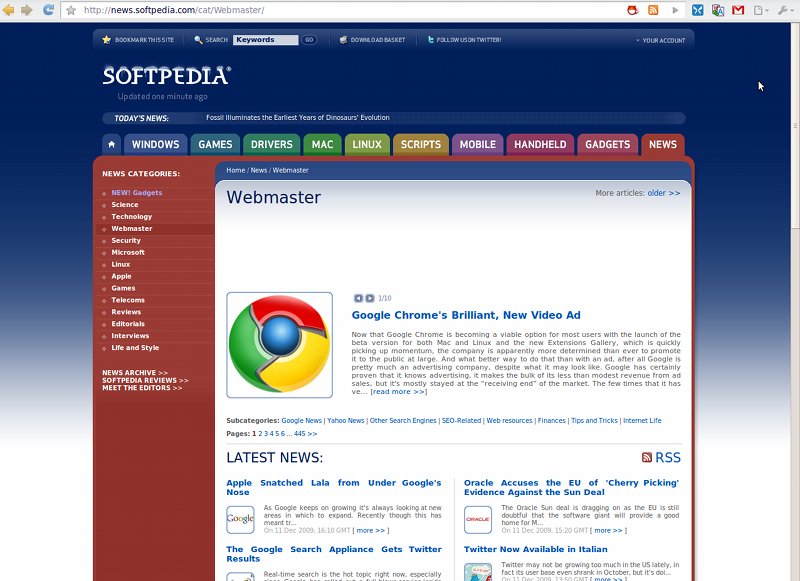
5. RSS Subscription Extension. (screenshot below) This little tool, made by Google, does exactly what it's intended and nothing else. It ads a small icon in the Chrome omnibox every time a feed is detected on a page, very similar to how Firefox handles the same job. Clicking on it will display the feed and allow you to subscribe to it in any popular feed reader. It's not exactly perfect; it sometimes fails to fetch the feed even though it detects it. Also, if you use it with Google Reader, it doesn't automatically subscribe you to the feed, it just opens it in Reader requiring an extra step. This may be a limitation with Reader though rather than the extension.
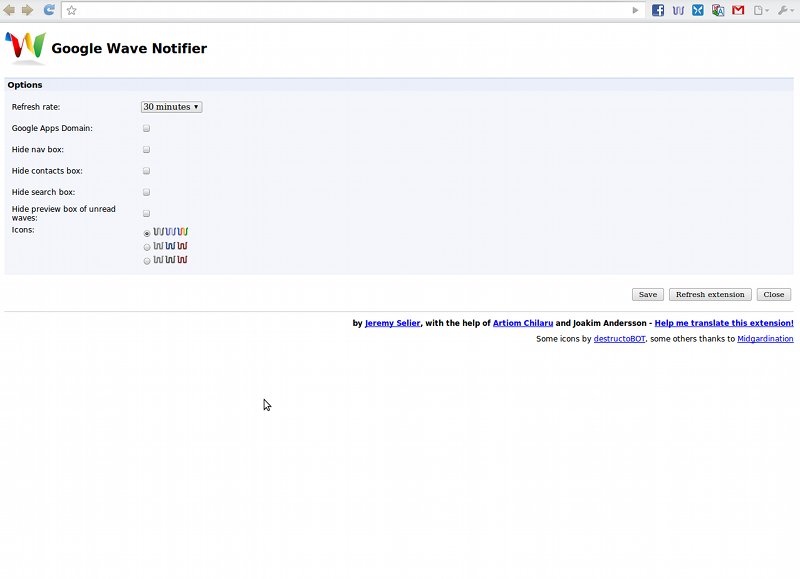
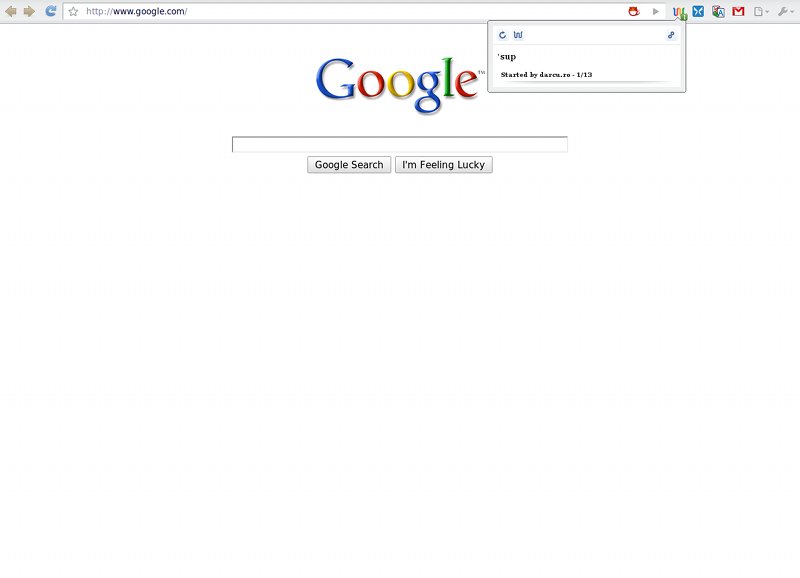
4. Google Wave Notifier. (screenshot below) A simple extension with a self-explanatory name. It adds a small icon to the Chrome toolbar, which shows the number of unread Waves, if any. There are a few customization options and clicking on the icon will pop up a small preview of the wave. Considering that Wave notifications were among the most requested features, it really doesn't have to do anything else to be very popular and useful.
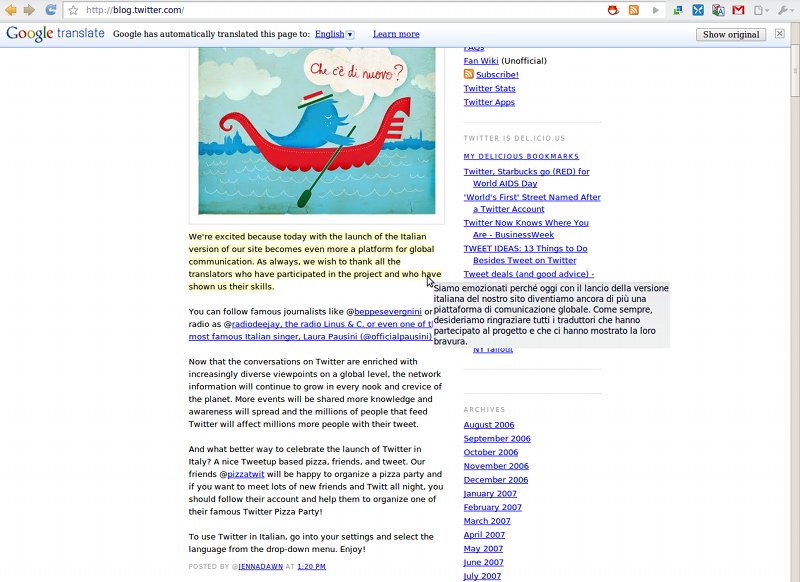
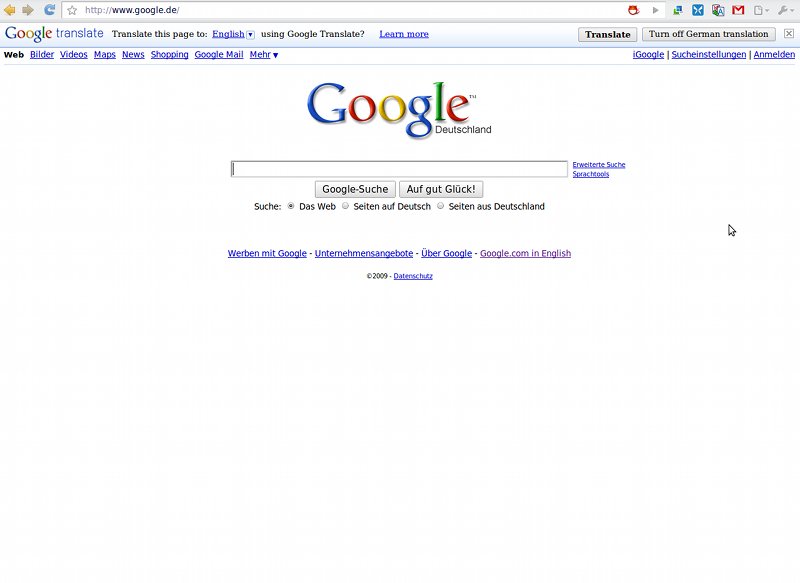
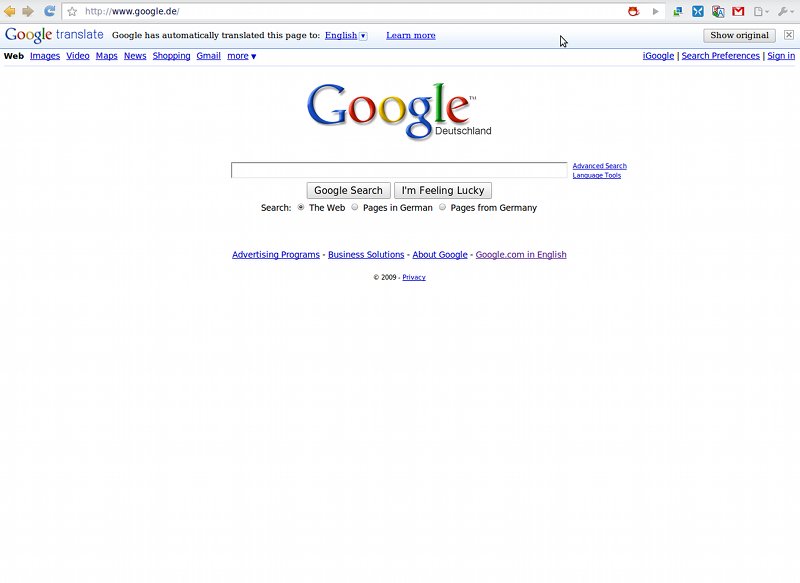
3. Google Translate. (screenshot below) This one is an absolute must-have. Built by the Translate team, it doesn't try to be flashy or flood the user with options. It just works; visit any site that isn't using the default language set in Chrome and the extension will detect the new language and offer to translate the page into your native language. Click the translate button and, in a few seconds, the speed at which the translated page loads is impressive, you're done. If it fails to automatically detect the language, you can click on the button in the toolbar and optionally select the language in which you want the translation.
2. AdThwart. (screenshot below) The second most popular Chrome extension at the moment is another ad blocker. For the most part, it works pretty much like AdBlock and most ads will be gone if you enable it. You can add your own custom filters and, a nice touch, it has a notification icon that shows up in the omnibox every time a page has items blocked. Unfortunately, ad blockers, for now, aren't on par with the ones for Firefox though this seems to be a limitation in the way Chrome handles extensions. The biggest drawback is that all the ads are loaded and even displayed for a brief period before the page finishes loading and only then the ad blockers, both in the top 10, come in and remove them.
1. Google Mail Checker. Finally, the most popular extension at the moment, with a solid lead and very close to 200,000 users. Google Mail Checker, not to be confused with Gmail Checker, is built by Google and has been around for a while, before the extensions gallery opened its doors. It's simplicity at its finest; all it does is to add a button to the Chrome toolbar with a small number beside it showing the number of unread emails. Clicking on it opens up Gmail in a new tab and that's it. Maybe a preview or the name of the sender would have been a nice touch and maybe we'll get that in a future version but, for now, things are kept to a minimum, not that there's anything wrong with that.
Google Wave Notifier for Chrome is available for download here. Google Translate for Chrome is available for download here. Google Mail Checker is available for download here.
All the latest versions of Google Chrome are available for download here.