
Softpedia
 

NEWS CATEGORIES:


NEWS ARCHIVE >>
SOFTPEDIA REVIEWS >>
MEET THE EDITORS >>
Home > News > Editor Blogs > Software

November 5th, 2011, 10:29 GMT · By

BLOG

The Easy Way to Use GIMP

SHARE:

Adjust text size:

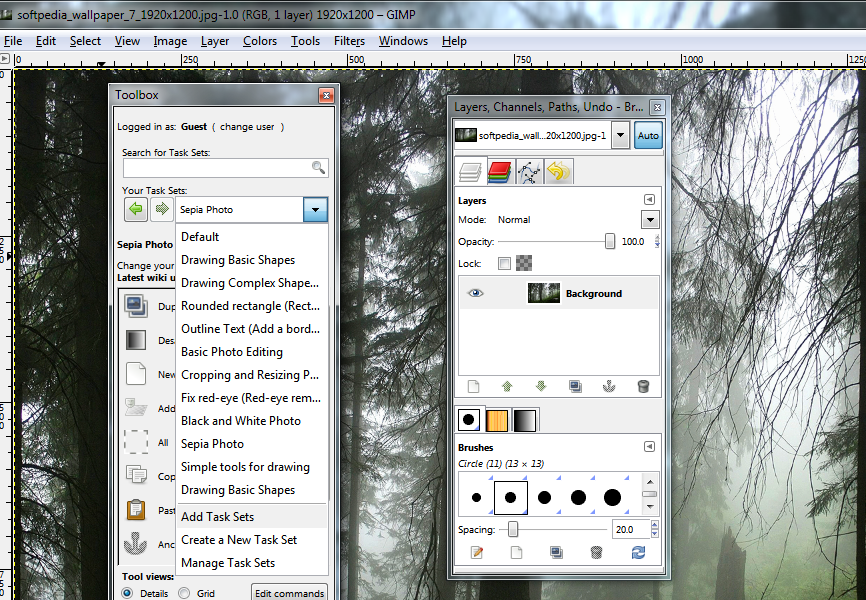
Dynamic interface customization according to your task Enlarge picture - Dynamic interface customization according to your task
Nobody denies that you can achieve amazing photo manipulation results by using a free tool such as GIMP, but most agree that this is not a tool everyone can handle easily.

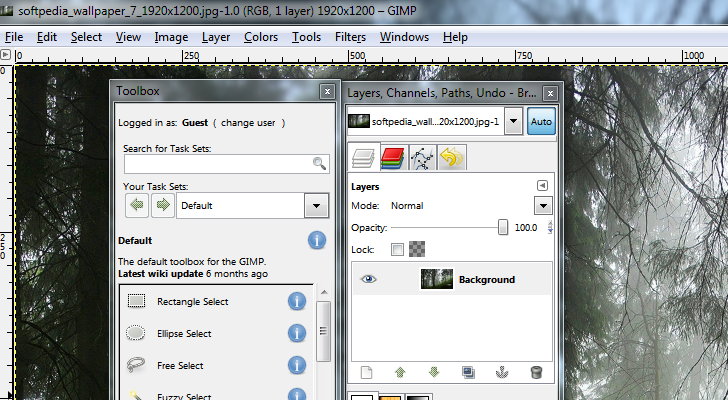
Adaptable GIMP is a milder version of the powerful GIMP and turns its difficulty level all the way down, so that beginner users can easily find their way around the tools of the app. More than this, by creating an account for the application you’re able to access tutorials and tools that are not available in the toolbox by default.

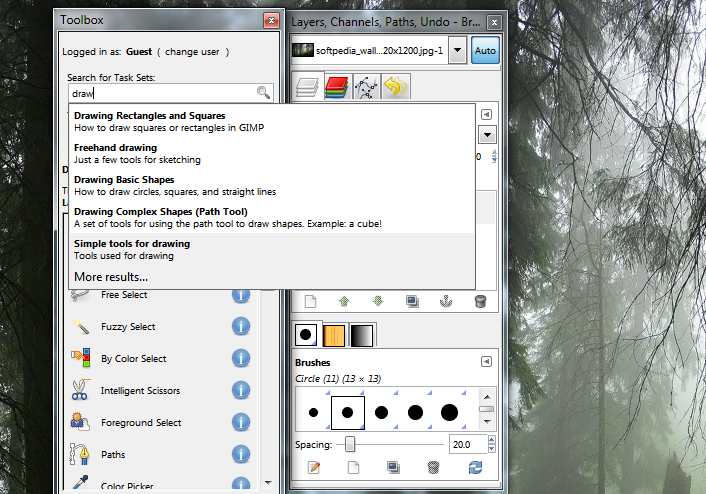
The toolbox comes with a search bar that helps you find all the information you need to create or modify an image.

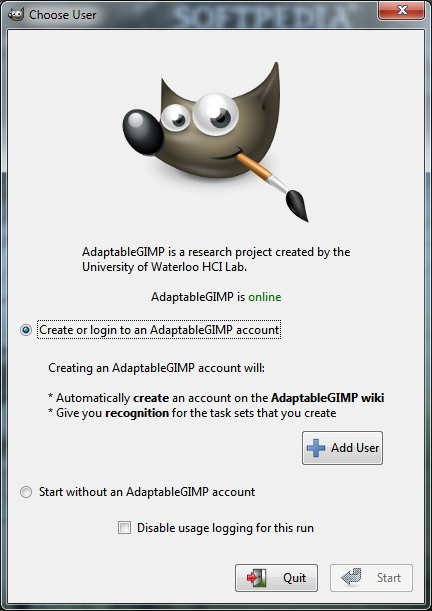
On the downside, you won’t be able to use the application unless you consent to collecting data about your usage of the program. This is required for research purpose only, since Adaptable GIMP is part of a research program at the University of Waterloo.
ADAPTABLEGIMP - PHOTO GALLERY:

TELL US WHAT YOU THINK:

1,658 hits · Link to this article · Print article · Send to friend · Subscribe to news

MUST-READ RELATED ARTICLES:


Chrome Dev 17 Lands

Download Google Chrome 16 with Multiple-Profile Support

SpeedFan 4.45 with Full Support for ATI Radeon Cards

Maxthon 3.2.1.1200 Beta

Google Chrome with Extended History

READER COMMENTS:


No user comments yet.
Be the first to express your opinion!
Copyright © 2001-2012 Softpedia. Contact/Tip us at

WindowsGamesDriversMacLinuxScriptsMobileHandheldNews

SUBMIT PROGRAM   |   ADVERTISE   |   GET HELP   |   SEND US FEEDBACK   |   RSS FEEDS   |   UPDATE YOUR SOFTWARE   |   ROMANIAN FORUM