
 14 DAY TRIAL //
 Sticky Password, a powerful password manager and form filler developed by Lamantine Software, has received today a companion application on the iOS front. It’s free and it takes quite a lot of weight off one’s shoulders.
Sticky Password is aimed at users looking to have their passwords synchronized between their mobile device and PC wherever they are.
The iPhone client offers the ability to securely store passwords and personal data in an encrypted database, and boasts an automated login function for your favorite sites.
Other functions include the ability to crete secure memos (which allows you to store information beyond passwords and logins), and a defense mechanism against phishing attacks.
Softpedia is exclusively featuring Sticky Password for iPhone today and we're eager to let you know that the newly-released app is the perfect complement for your PC-based Sticky Password database.
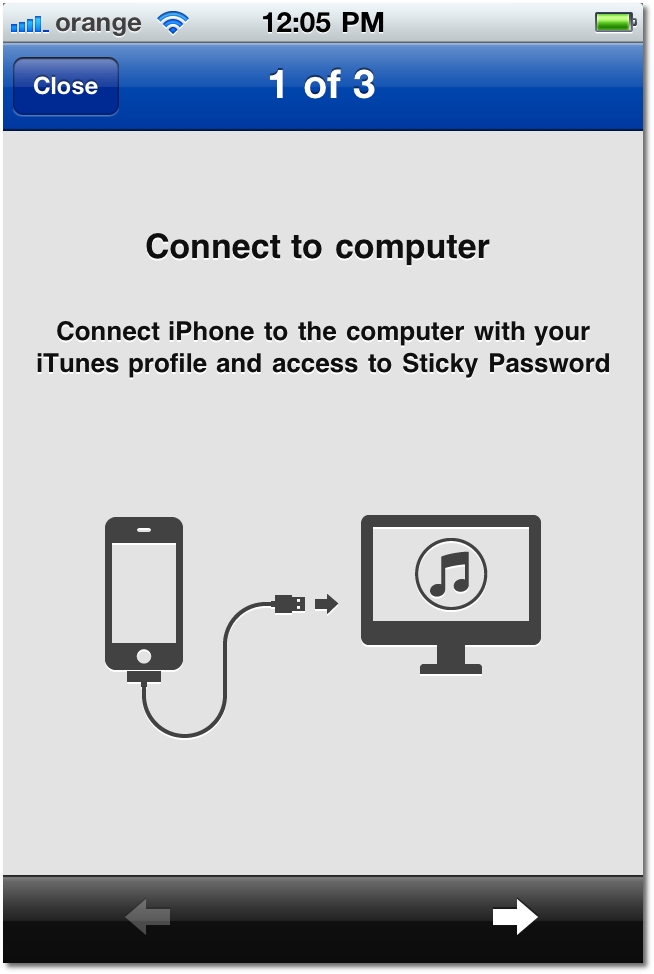
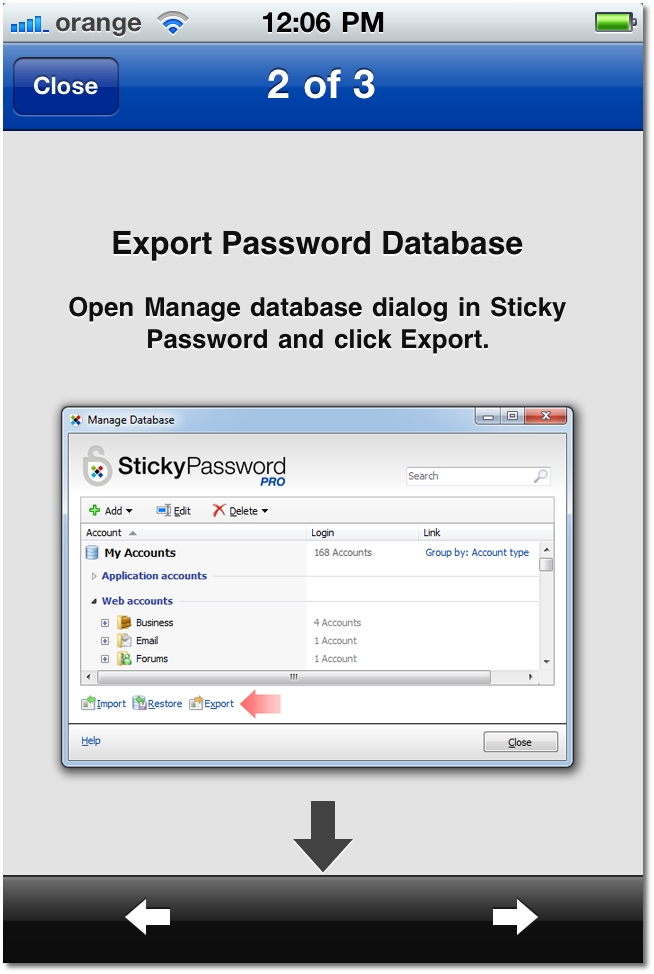

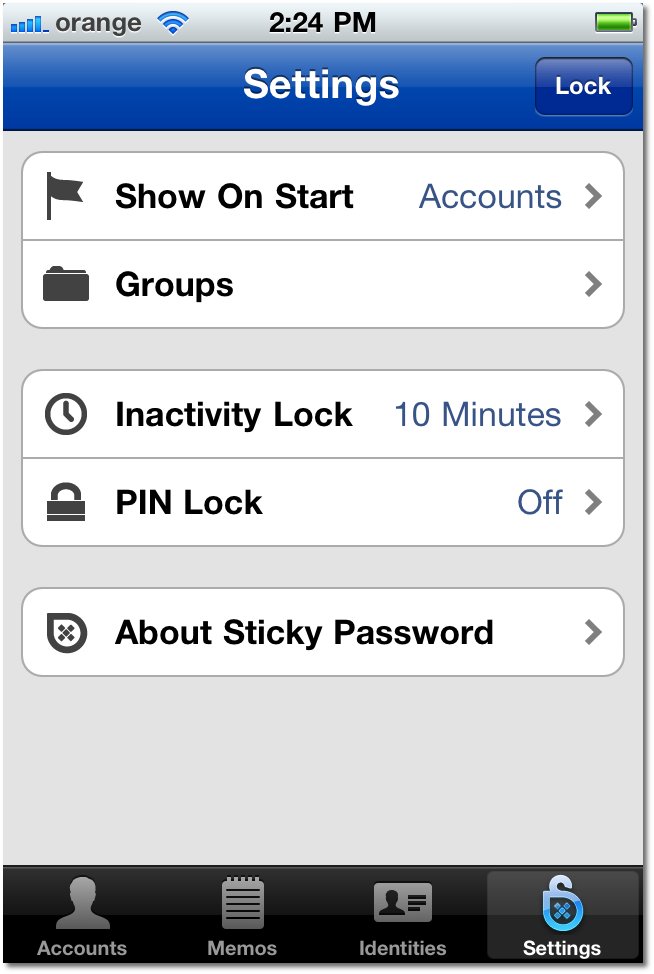
Just one click to log you into your favorite websites; one-touch access to your favorite accounts; everything is protected by a master password or PIN and you can view your data stored in categories, so it’s easy to get to a certain password or note.


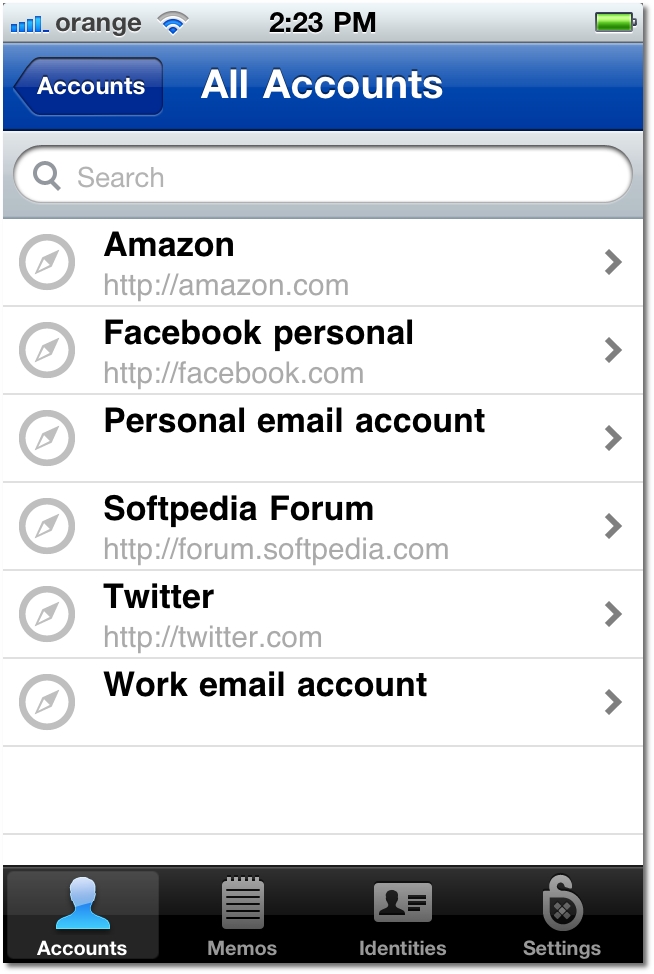
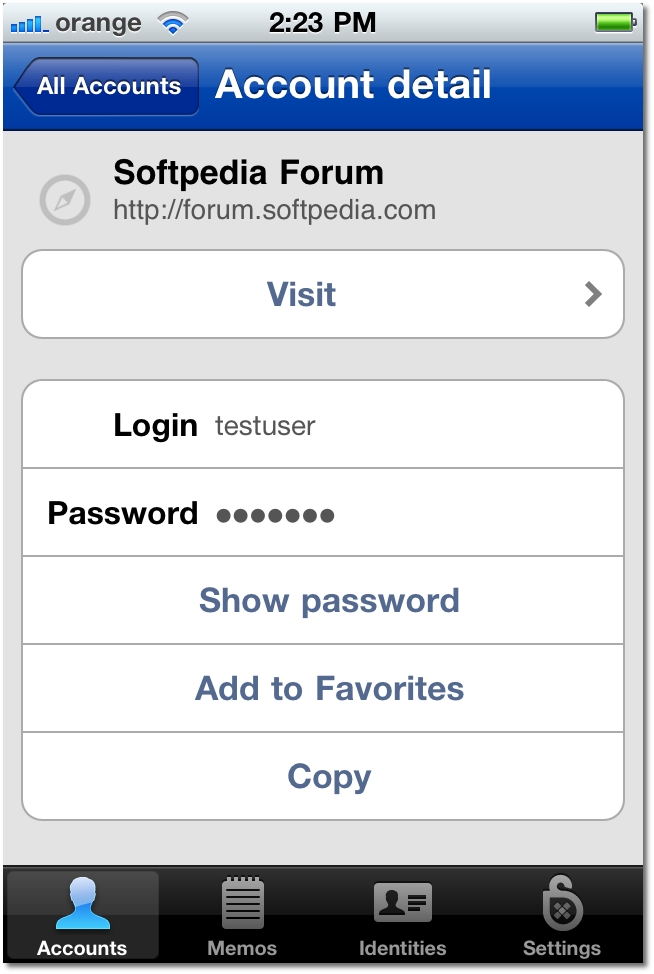
Even though you need the desktop version of Sticky Password PRO to make sense of the iPhone version, you can grab it now for free and decide what you want to do with it later on.
Download Sticky Password for iPhone
Sticky Password iOS is compatible with iPhone, iPod touch and iPad and requires iOS 4.0 or later. The first-generation iPhone and iPod touch players are not supported.
A trial version of the desktop app is available, but you can get lucky and win a free copy of the Pro version by participating in our giveaway.
Even though you can try out the desktop app for free, if you want to export stuff to your iPhone client, a Pro license will be required.
Download Sticky Password for Windows PC
Also note that build 5.0.4.x or newer is necessary to create and make all changes to the app database.
Use the comments to let us know how you like Sticky Password on your portable device.