 14 DAY TRIAL //
 Microsoft is not only cooking the next iteration of Windows client and server operating systems, but also the next version of development solutions tailored to the Windows platforms. The Redmond company already announced that the successor of Visual Studio 2008 would be Visual Studio 2010, and the VSLive! Conference in San Francisco acted as the stage for the software giant to give a sneak preview at the new graphical user interface it has implemented for Visual Studio 2010, a new UI that Microsoft claims is more than just a face lift and the resulting pretty face.
“The new UI for Visual Studio 2010 aims to help developers work smarter with streamlined features and increased control of the Integrated Development Environment (IDE), but without creating a new learning curve for existing Visual Studio users. As developers, we spend a lot of time in our IDE. So it’s all about how to make your experience with the IDE most successful. Visual Studio 2010 now features a reorganized layout with file menus and commands on a “shelf” at the top of the IDE,” stated Jason Zander, general manager of Visual Studio, Developer Division, Microsoft.
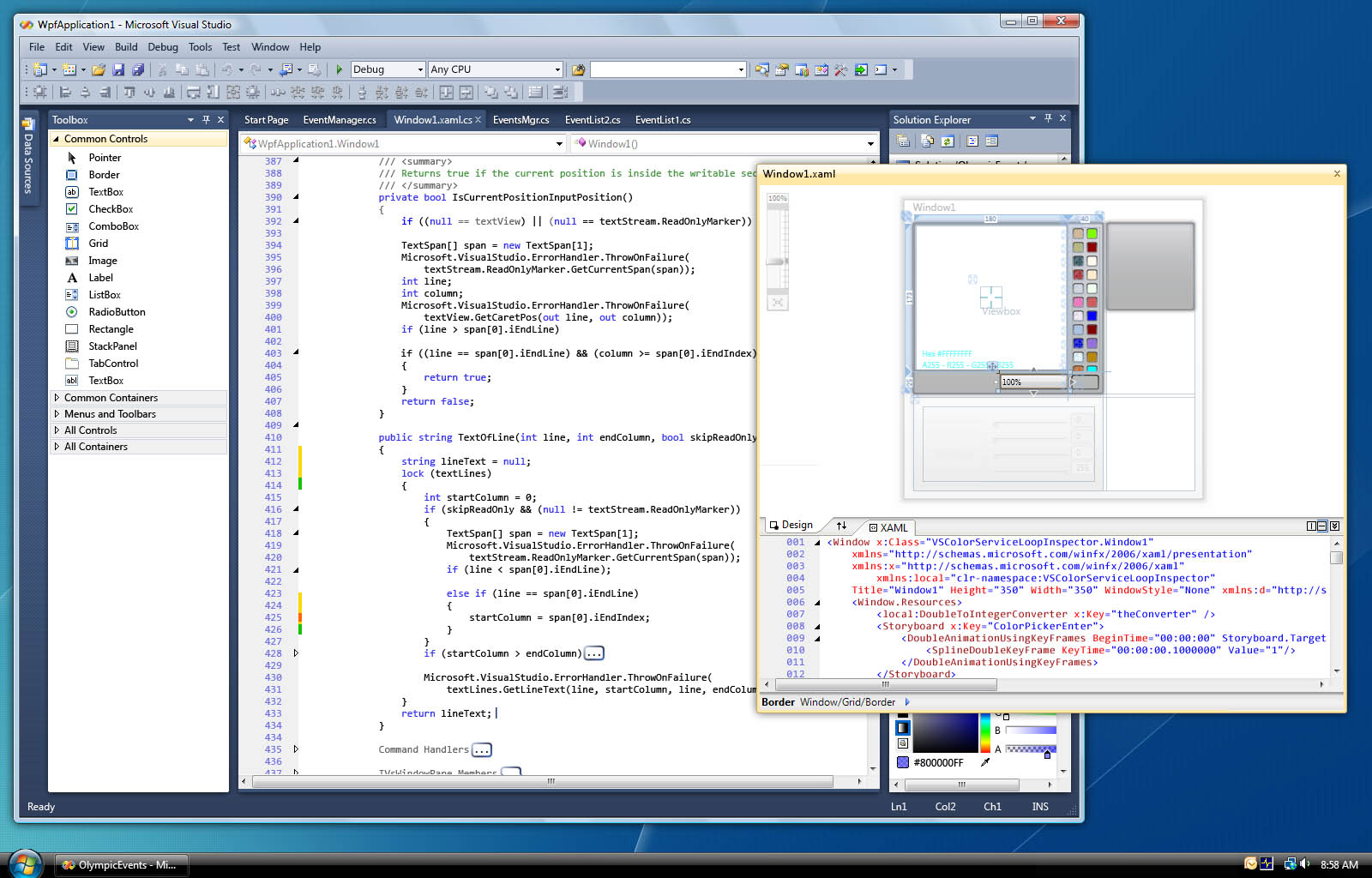
Increasing efficiency and introducing simplification in terms of developer workflow are Microsoft's targets with the VS2010 new UI. The Redmond company has even turned to Windows Presentation Foundation (WPF) for the evolution of toolbars and menu bars, as you can see in the screenshot provided on the left. A new addition that is bound to stand out is a text editor that supports rich integration of advanced graphics and on-screen hints, with collapse code capabilities.
“One of the things you will be able to do with the new editor is use it to better visualize other types of data in the system, like profiling data or cyclomatic complexity. In addition, you will be able to add action areas into your text file to create new kinds of functionality,” Zander added. “Say you want to be able to look up historical information, such as who wrote a particular piece of code. The previous editor would have required a lot of graphics code. You can now do it in a much more efficient way, which ultimately leads to more informed, data-driven development.”
With Visual Studio 2010's new UI developers will be able to enjoy additional real estate space because of multi-monitor support. Zander indicated that the next version of VS would permit devs to simply drag source code windows to a secondary monitor, with the new UI allowing them to make use of multiple screens.