 14 DAY TRIAL //
 Existing free and open source PHP content management systems or blog platforms allow you to setup a blog, but the application installation requirements and the configuration rules could not satisfy you. Simple PHP Blog provides you a rapid solution to setup a blog on a low hard disk space web hosting account and without the need of a database, because all content is stored in flat files.
Simple PHP Blog is compatible with PHP5 and is very lightweight (the size on the disk is up to 2 MB). You just have to unzip the distribution archive, copy its content in the desired folder on your web server. For example, on a local computer you should type http://localhost/simplephpblog if the name of the installation folder is simplephpblog and is situated in the root directory of your web server (in case of a real web hosting account localhost must be changed with your domain name).
The automatic installer will create three folders: config, content, and images that the information will be stored in. In the next step, the installer requires you to make a file named password.php in the config folder containing the encrypted user name and password as PHP variables. At this moment, the installation is finalized (the installation files should be deleted) and you can begin building your blog content.
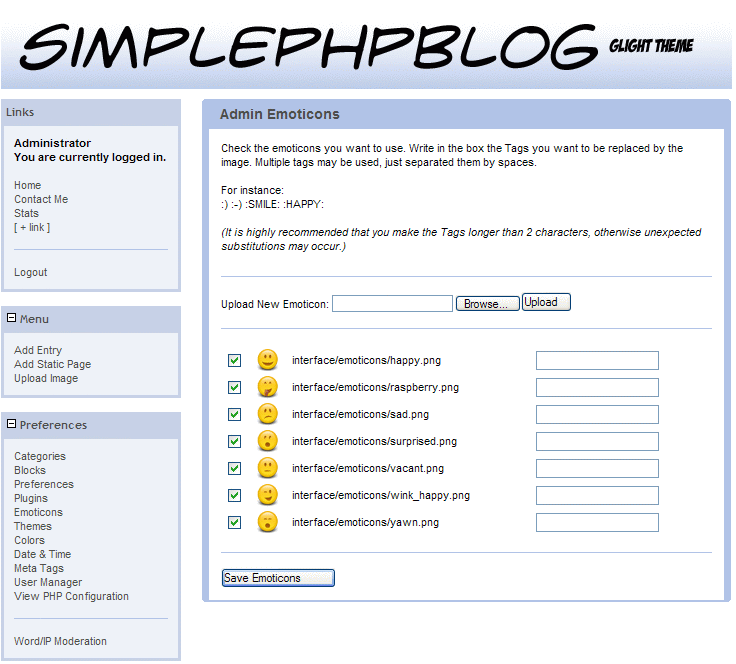
This application is very easy to use and customize. For example, you can extend its functionality by adding your own custom code in blocks (complete instructions are available in the product documentation). The blog appearance can be changed by selecting one of the default templates or defining new ones. It comes with many plugins installed as default. Since this blog does not use a database, the page rendering speed is fast. You are also allowed to translate it in your own language. The application could be used as blog or as a simple content management system by defining only static pages. It has the great advantage that it provides maximum flexibility in layout and code customization.