 14 DAY TRIAL //
 The Black Friday is almost upon us, and the holiday shopping frenzy is about to begin, which means that you will need a way to stay on top of various deals with ease.
Starting with the most popular shopping day of the year, people around the US will start hunting for deals that will allow them to spend their money as efficiently as possible, and Bing is determined to provide a helpful hand.
Provided that there are people who would like to join the shopping hoards but would rather do so from the comfort of their homes, Bing can easily prove a great option.
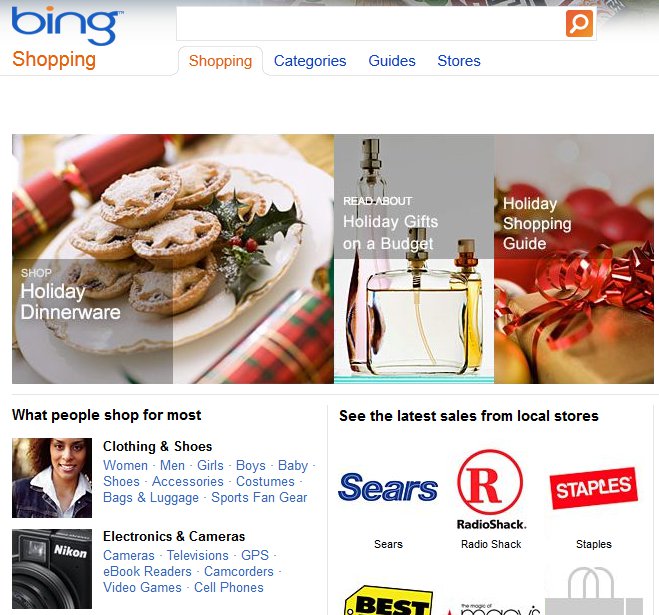
Bing Shopping now comes with a new set of features that are meant to enable users find products of interest much easier than before.
The latest of these are meant to enhance the experience users receive from the service when shopping for the Black Friday.
“Interested in exploring Black Friday (and Cyber Monday) deals today? Head over to www.bingblackfriday.com to check out which products will be discounted,” Microsoft notes in a recent post on the Bing Blog.
“If you miss out this weekend, check out our weekly e-circulars sections that highlight circulars from leading retailers (updated on a weekly basis.)”
Bing Shopping brings together products from thousands of different retailers, and the list includes names such as Walmart, Amazon and Macy’s, which means that there might always be something available for users to take advantage of.
Moreover, there is a Price History feature that enables users keep an eye on prices to learn whether they are going up or down.
“As the number of available products increase, we want to make sure you’re able to find the information that is most relevant to you as quickly as possible,” the said post continues.
“Today, we are taking another step in that direction by introducing related products at the top of the search results page. Now when you shop for a given product, we display related products just below the search box.”
People can easily narrow down their search through filters available on the left side of the screen, including brand, price, store, feature, and more.
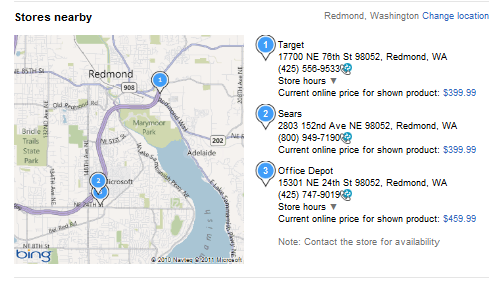
Additionally, there is a map available for those who would like to actually hold the product in their hands to make a purchase decision. It will guide them to the nearest store that has the product.