 14 DAY TRIAL //
 Securing Apache is the most important thing to do if you don`t want to have problems with hackers. The first thing you must do is make sure you will always have the latest versions of Apache distribution and to make sure you will install the patches. If you don`t do so it could leave you vulnerable to high-profile exploits that storm the Internet.
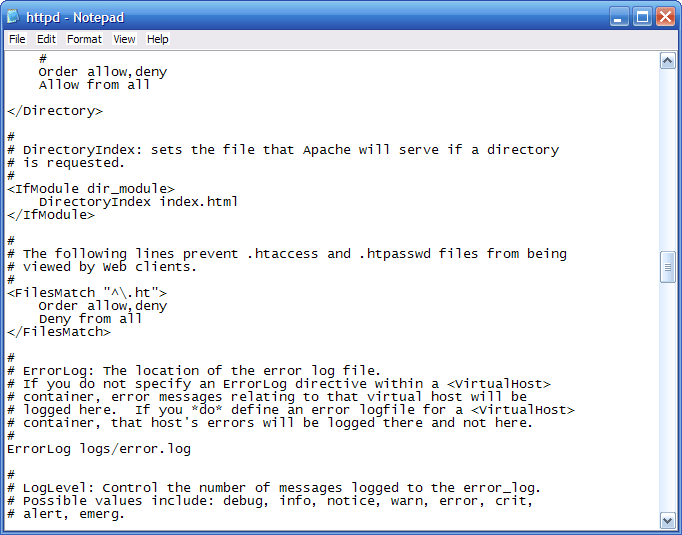
Another advice is to hide the Apache version. By default, Apache shows what version you have installed and attackers can use this information to compromize your webserver. To hide this information, add to your httpd.conf: ServerSignature Off ServerTokens Prod
When you set ServerTokens Prod the visitor will see only: Server: Apache.
Also, turning off directory browsing will block unauthorized persons to see your directory listing. To prevent that, add Options -Indexes to your httpd.conf file. With this directive you will also turn off server side includes: Options -Includes. Using Options -ExecCGI you can stop CGI. If you use CGI files, don`t use the directive. To disable all options, just use Options -None. To disable multiple options, use: Options -ExecCGI -Indexes
Another way to secure your webserver is to use only the modules you need and to turn off those you won`t need. To disable a module put # in front of LoadModule directive. For example, to unload isapi module use: #LoadModule isapi_module modules/mod_isapi.so.
If you want to make sure that only users from a network or from an IP class will access your website, restrict access from httpd.conf file. For a network class add: Order Deny,Allow Deny from all Allow from 192.18.0.0/16
and for an ip add: Order Deny,Allow Deny from all Allow from 127.0.0.1 192.168
To limit the effects of a denial of service attack, decrease the Timeout value: Timeout 30. Turning on HTTP Keep Alive can improve client performance by as much as 50%, so you should let this setting turned on. Decrease the chances of a denial of service attack, lower the values. Change the values for MaxKeepAliveRequests(which defaults to 100) and the KeepAliveTimeout (which defaults to 15).