
NEWS CATEGORIES:


NEWS ARCHIVE >>
SOFTPEDIA REVIEWS >>
MEET THE EDITORS >>
Home / News / Reviews / Mobile devices reviews

Mobile devices reviews


Samsung M8800 Pixon Preview

Touch(y) high-end camera phone

By Cosmin Vasile, Communications News Editor

24th of October 2008, 15:31 GMT

Adjust text size:


Samsung Pixon
Enlarge picture
After throwing on the market one of the first 8 Megapixel camera phones, Samsung iNNOV8, the Korean company didn't relent in its race to conquer the market, and announced its successor or, better said, its rival – Samsung M8800 aka Pixon. We had the chance to try one of the samples that are making the rounds before the release of the final product, and managed to make a preview of the latest 8 Megapixel camera phone. Before reading it, however, bear in mind that the version of the device we have received is just a sample product distributed only for testing purposes, so obviously, the final product will be much better.

Samsung Pixon was announced in September 2008, and will most likely become available at the end of October or at the beginning of November the latest. I'd say just in time for Christmas, for those that are in the habit of making “technological” gifts. Unfortunately, we couldn't learn the actual price of Pixon, but we estimate that one should pay between 400-500 Euros for it.
Review imageReview imageReview imageReview imageReview image


Design

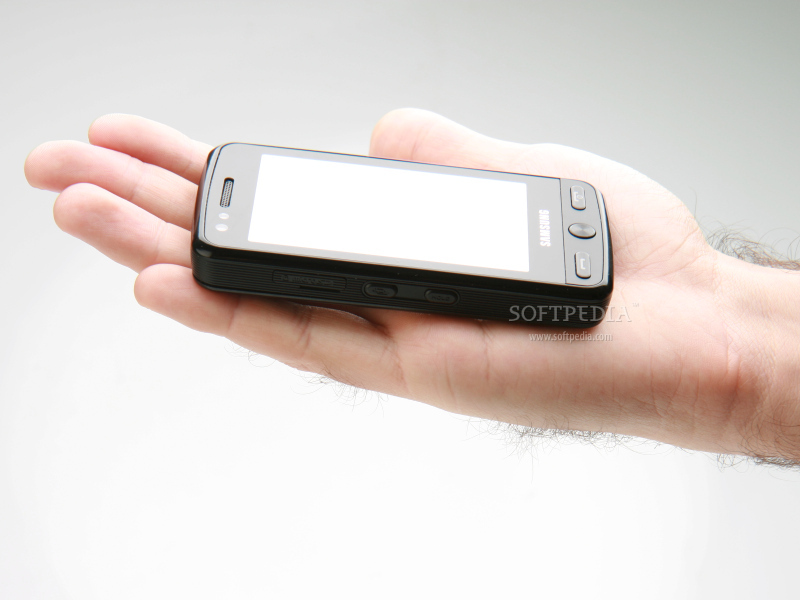
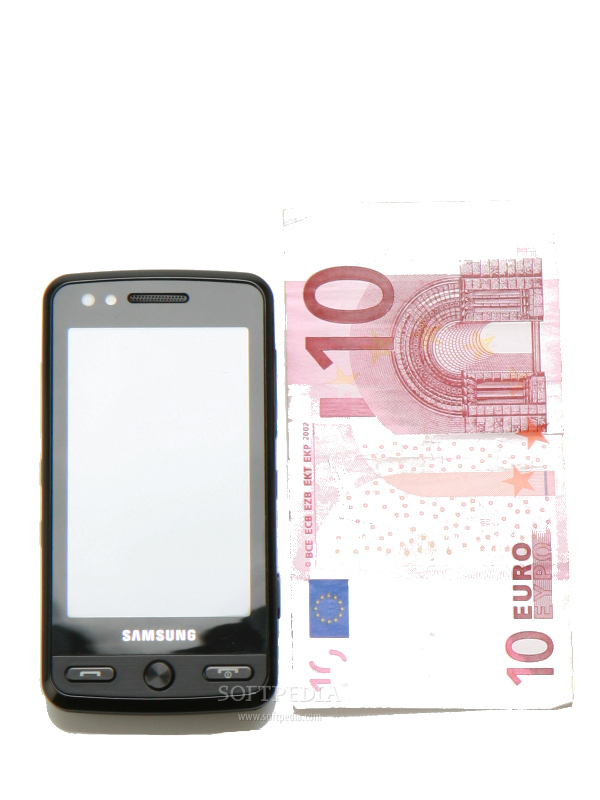
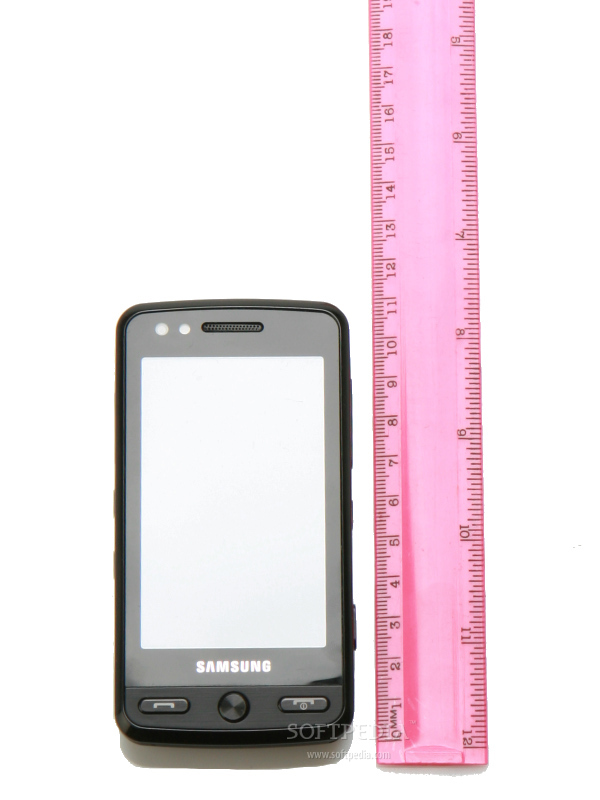
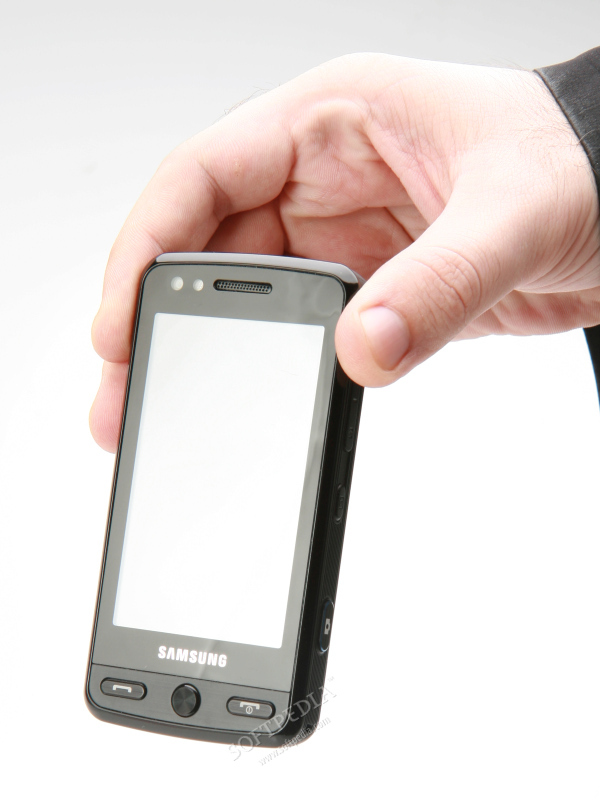
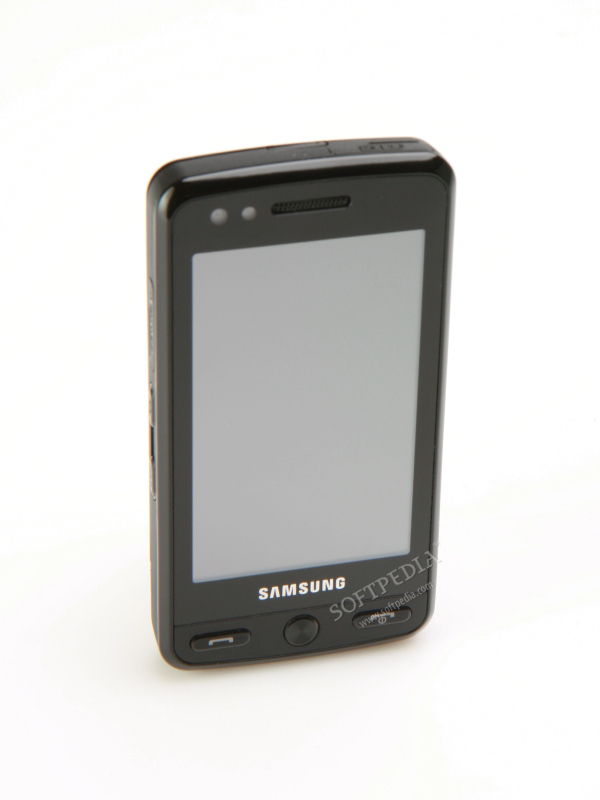
At first glance, Samsung Pixon strongly resembles LG's Viewty and Prada, but one look closer and you'll immediately notice some major differences. Pixon is much slimmer than Viewty, and has a more generous display. In fact, Samsung Pixon is the slimmest mobile phone to feature an 8 Megapixel camera, at only 13.8mm. You would expect it to be rather big and heavy with such a large display and camera, but its measures (107.9 x 54.6mm) and weight (121g, including battery) make Pixon the “90x60x90” standard for 8 Megapixel camera phones.
Review imageReview imageReview imageReview imageReview image

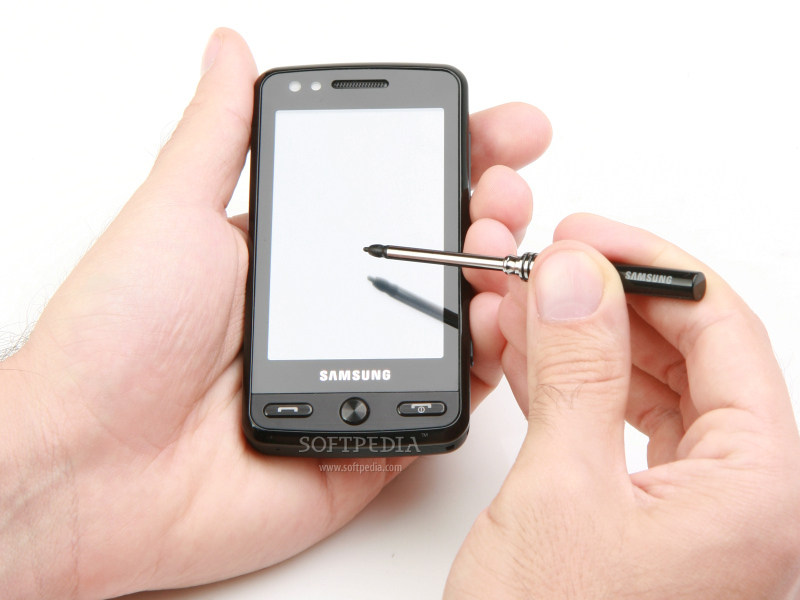
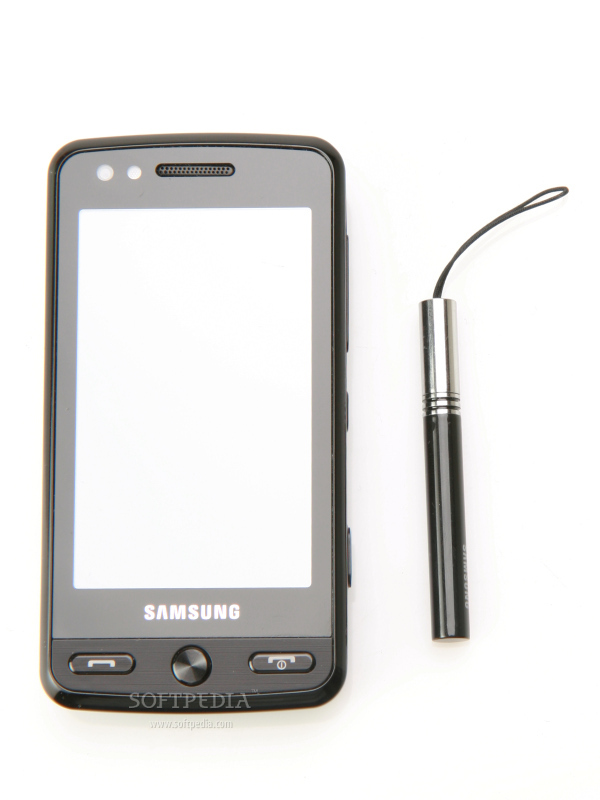
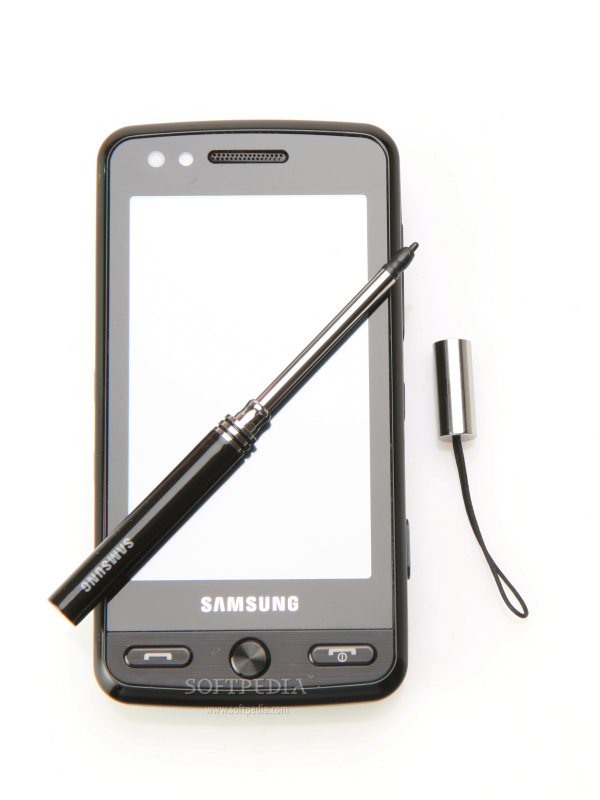
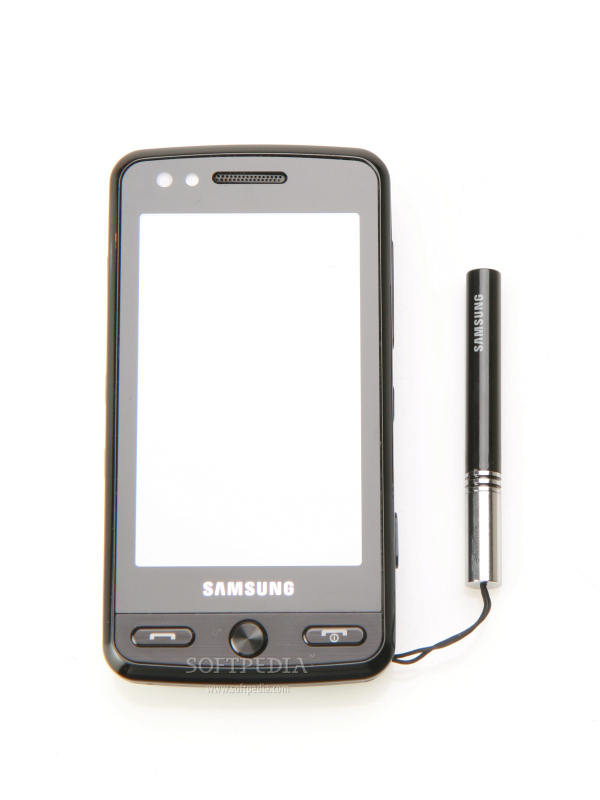
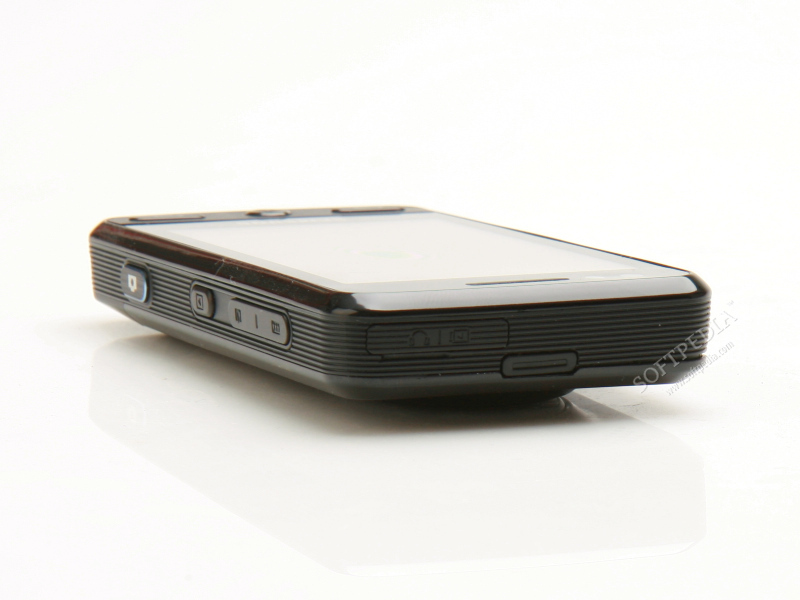
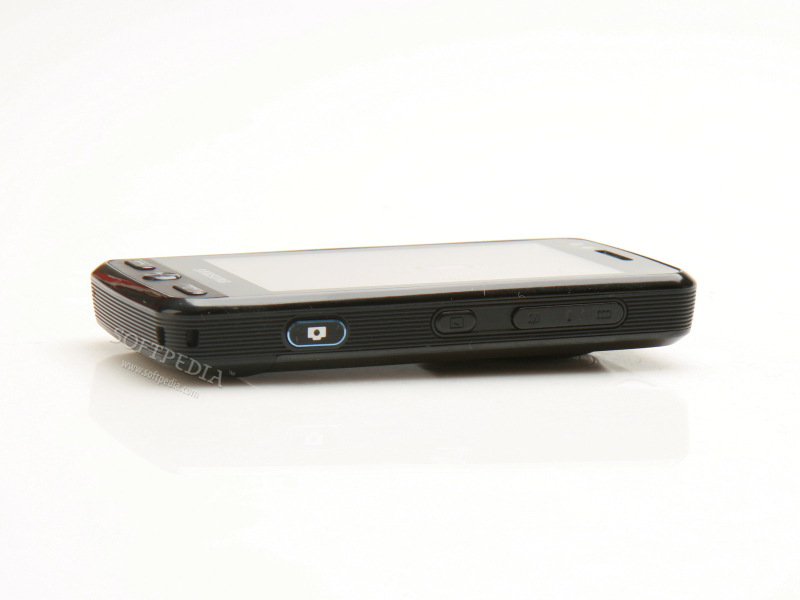
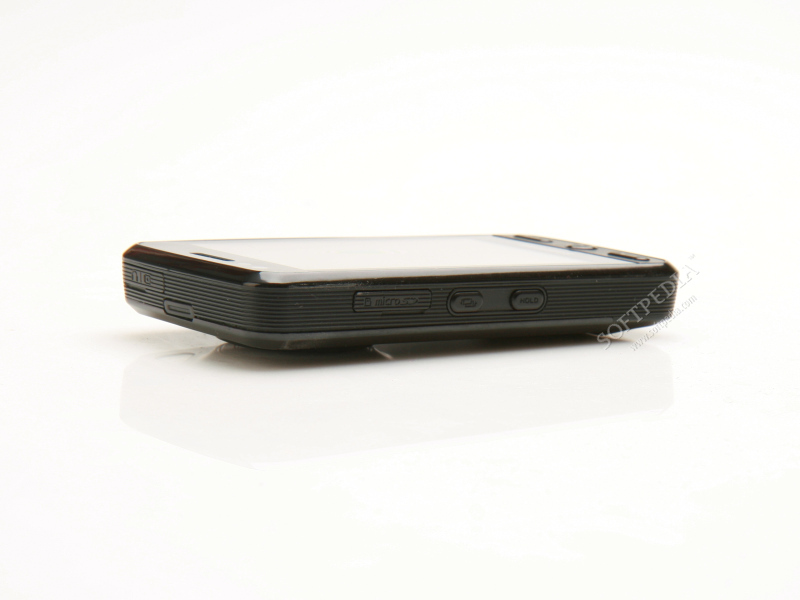
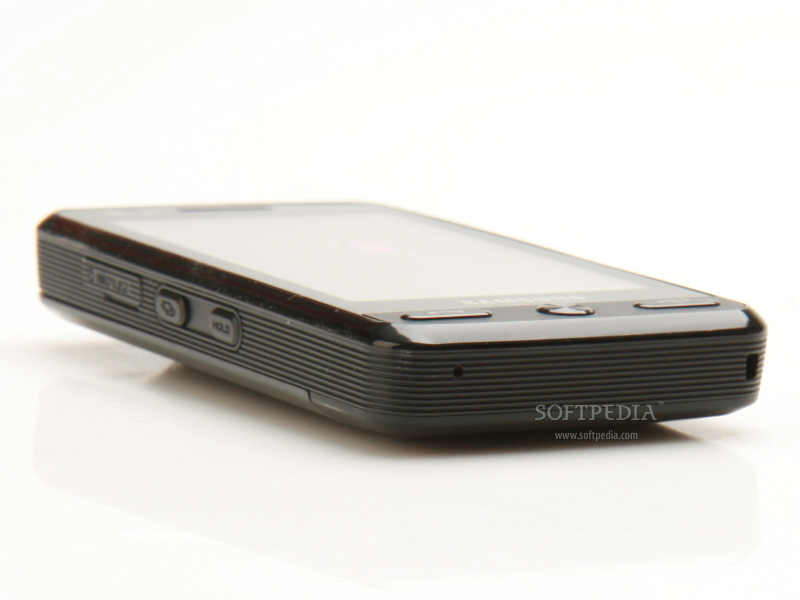
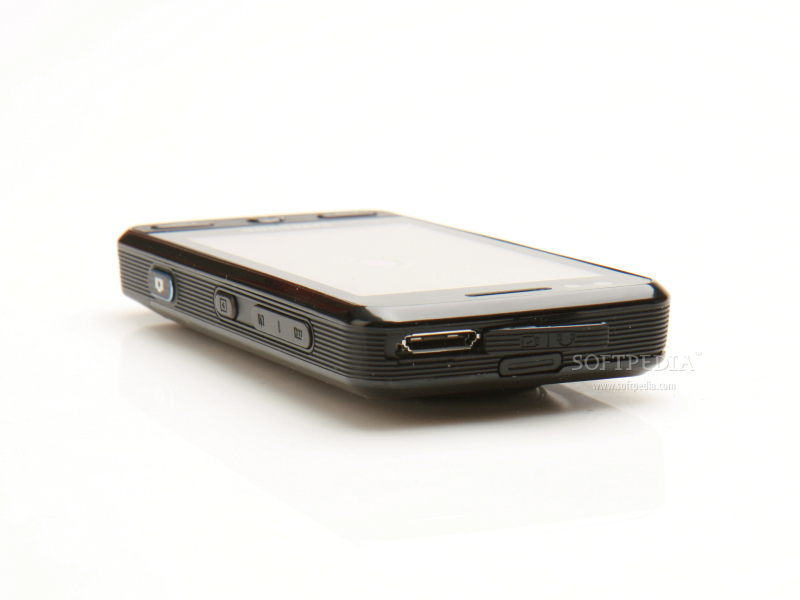
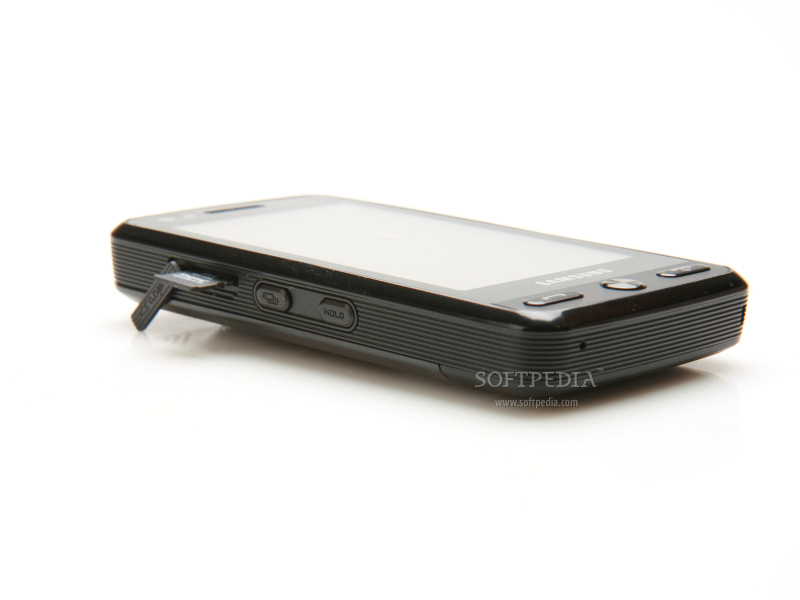
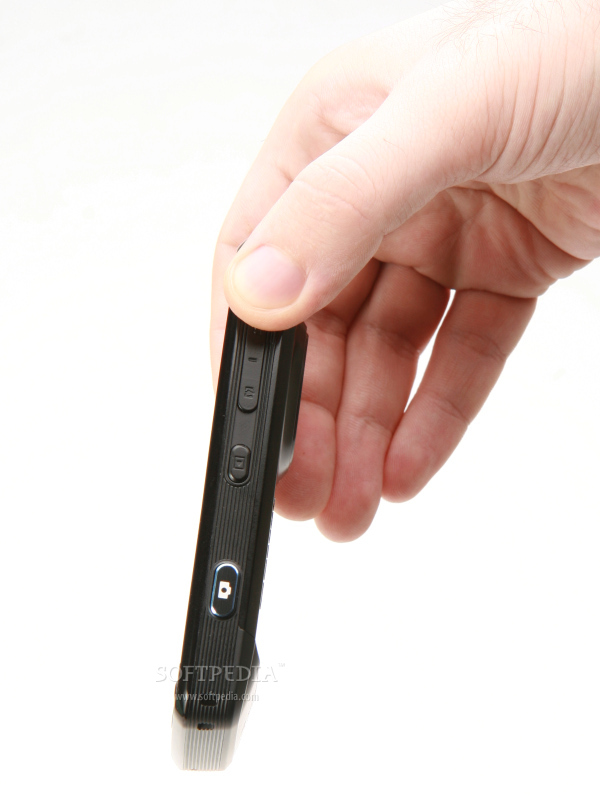
The phone has a few external buttons and only 2 ports. Besides the camera key, there are also 2 keys controlling the volume and the zooming level when accessing the camera interface, and a dedicated Gallery key, all placed on the right side of the phone. The left side includes the microSD port, Shortcuts key (opens a small menu with most accessed functions) and the Hold key (locks/unlocks the touchscreen). On the bottom right of the phone, there's an eyelet that should help users keep the stylus that comes with the device. On top of the handset, you'll notice the well-known Samsung universal proprietary port.

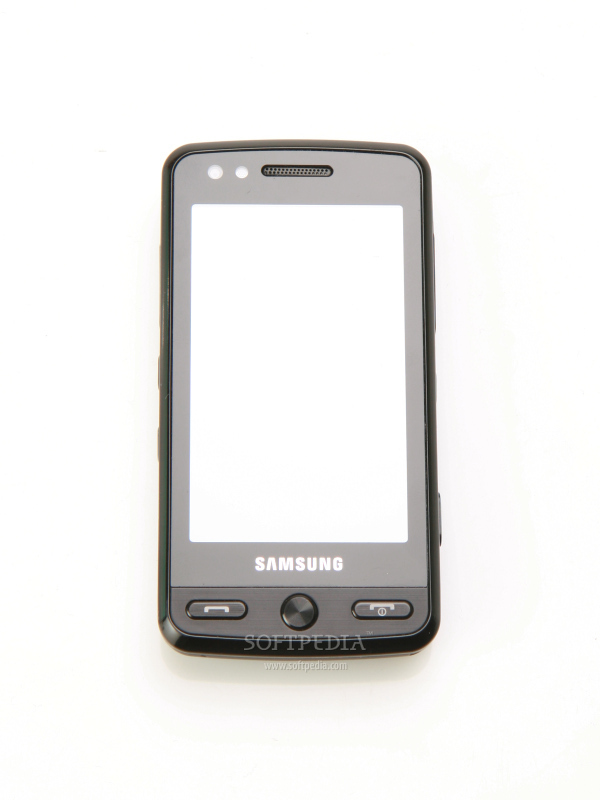
There are only three keys below the large screen: the Accept/Reject call keys and a rounded button that functions as a Back (not Home) key. Above the display, there's a small secondary camera for video-calls, an ambient light sensor and the earpiece.
Review imageReview imageReview imageReview imageReview image

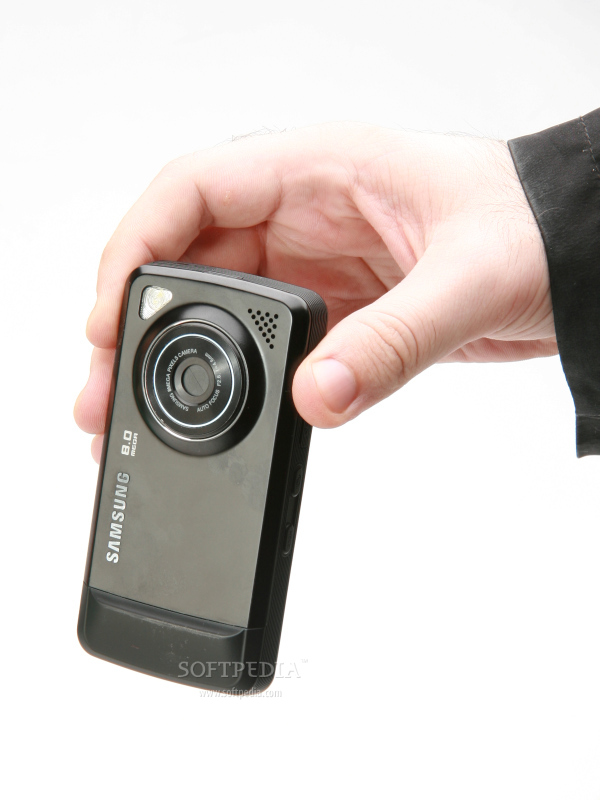
I was thrilled when I discovered that the phone featured a metallic finish but, at the same time, I was disappointed by the fact that it's a fingerprint magnet. Moreover, the large screen is very easy to soil, while the back cover, which is very well polished and shines, will be dirty most of the time. Anyway, every cloud has a silver lining, and the large screen, which occupies most of the front part of the device, doesn't catch fingerprints so easily. However, you must wipe it after every call if it touches your ear.

Review imageReview imageReview imageReview imageReview image

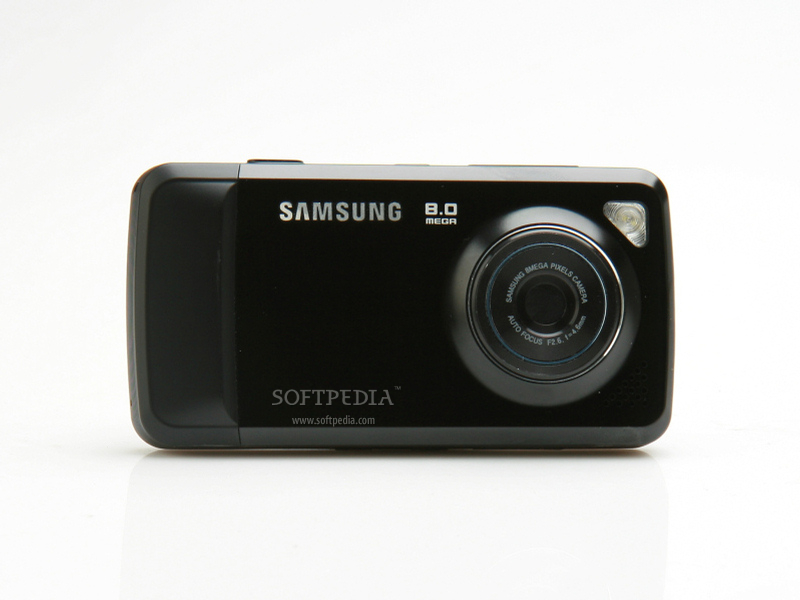
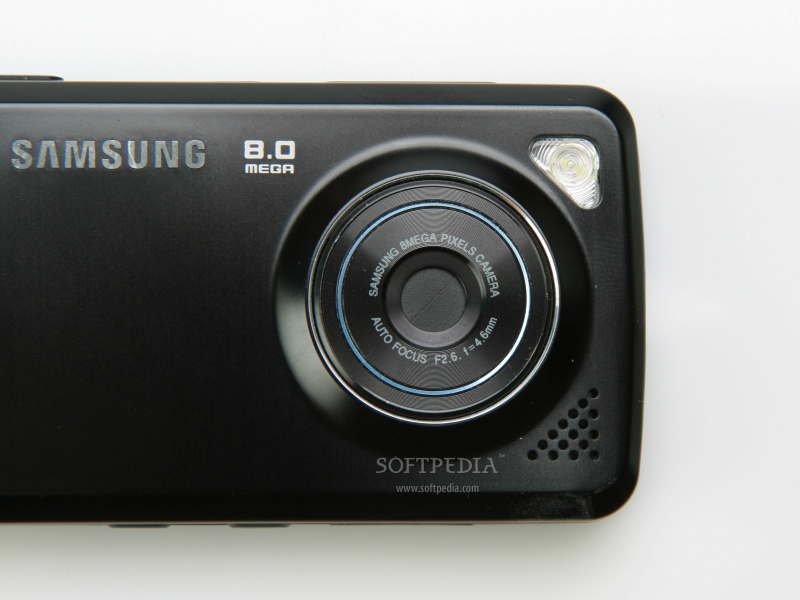
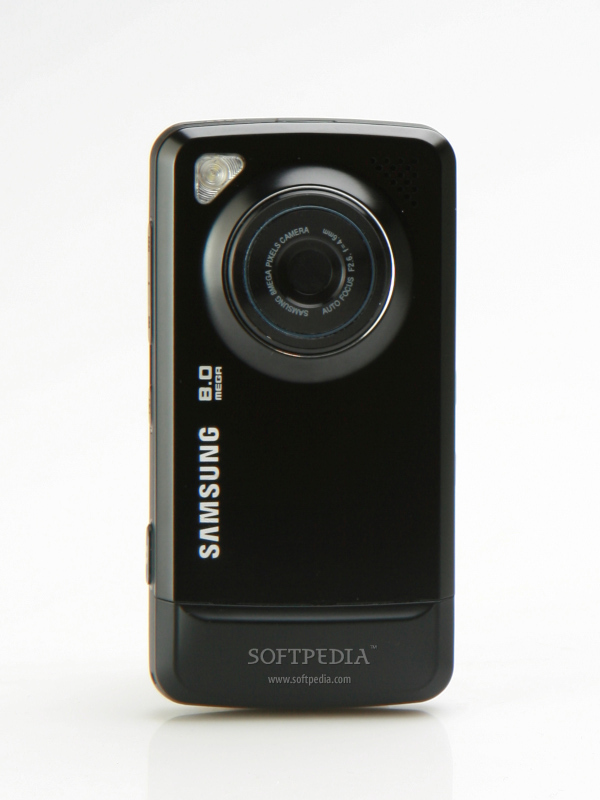
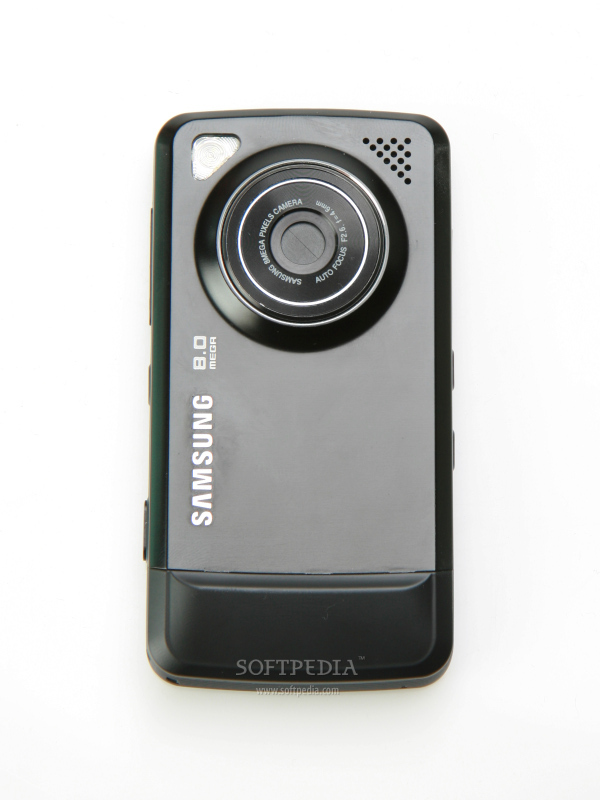
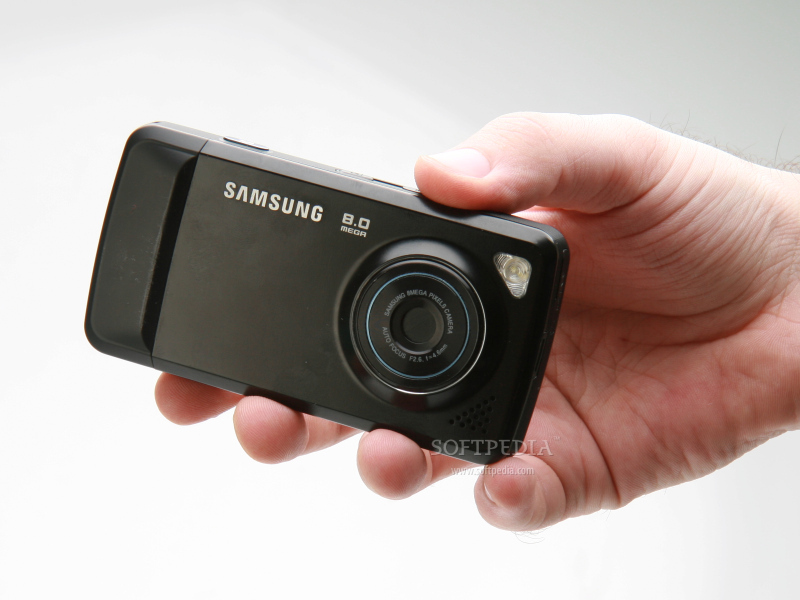
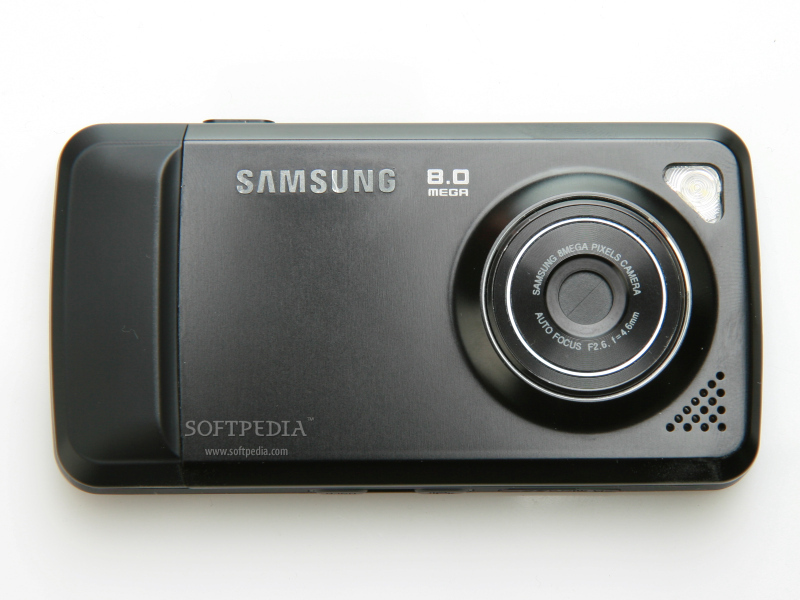
The back of the phone features the 8 Megapixel camera with flash and a small loudspeaker. I noticed that the metallic back cover was pulling out somewhat too easily, and you risk losing it if you're an active person. All in all, I've been positively impressed by Pixon's compact construction. I enjoyed the fact that it offered such a high-end camera and a large screen in such a pocket-sized form.


Display and Camera

Samsung Pixon embeds a 3.2-inch TFT touchscreen, supporting 262k colors and featuring accelerometer sensor. The colors displayed on the screen are well-balanced, contrast is very good and brightness can be set to any desired level. Moreover, it's perfectly visible in the sunlight, which is a wonder for a Samsung device, but we're talking about a high-end phone after all, so it should have been pretty obvious. I was very happy to find that the phone featured the Haptic technology, so the feedback when using the touchscreen is cool to experience.

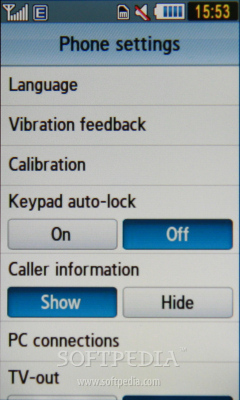
Furthermore, the haptic feedback is very responsive and realistic, so touching a key displayed on the screen is like actually pressing it. The haptic feedback can be turned off/on from the Settings menu. The only drawback I noticed was a little lag when the accelerometer sensor is activated and the screen is turned in landscape mode, but I'm sure this will be corrected in the final version.
Review imageReview imageReview image

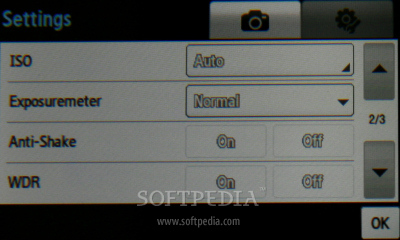
The 8 Megapixel camera features flash, autofocus, anti-shake digital image stabilization and geotagging support. It has some protective lens cover that opens when the camera button is pressed. I was disappointed by the LED flash, as I expected Samsung to include a Xenon flash. Consequently, don't bother to make night pictures, unless you are really close to the subject.

Review imageReview imageReview imageReview image

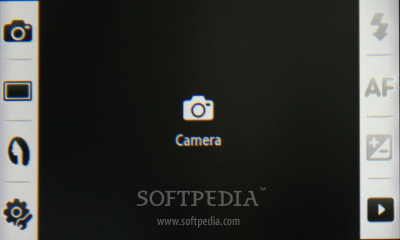
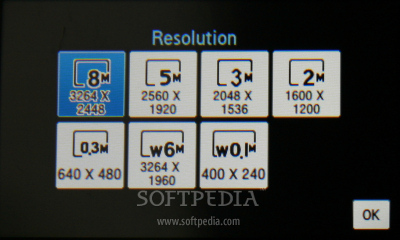
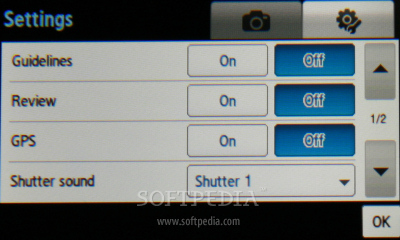
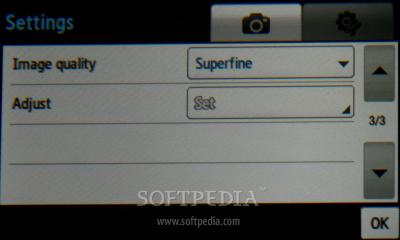
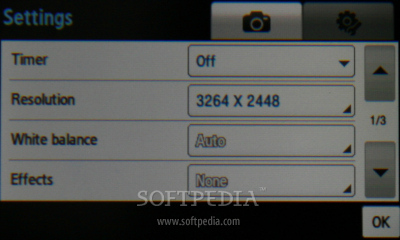
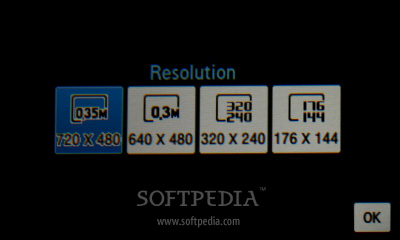
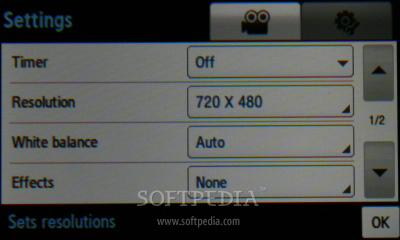
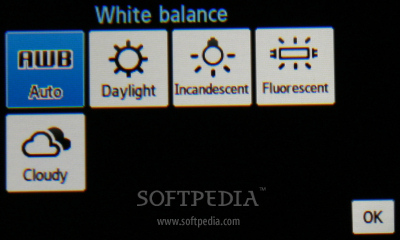
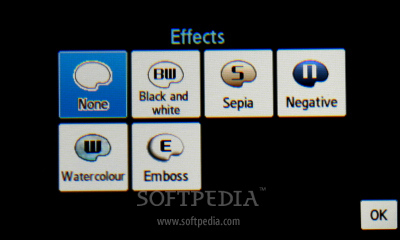
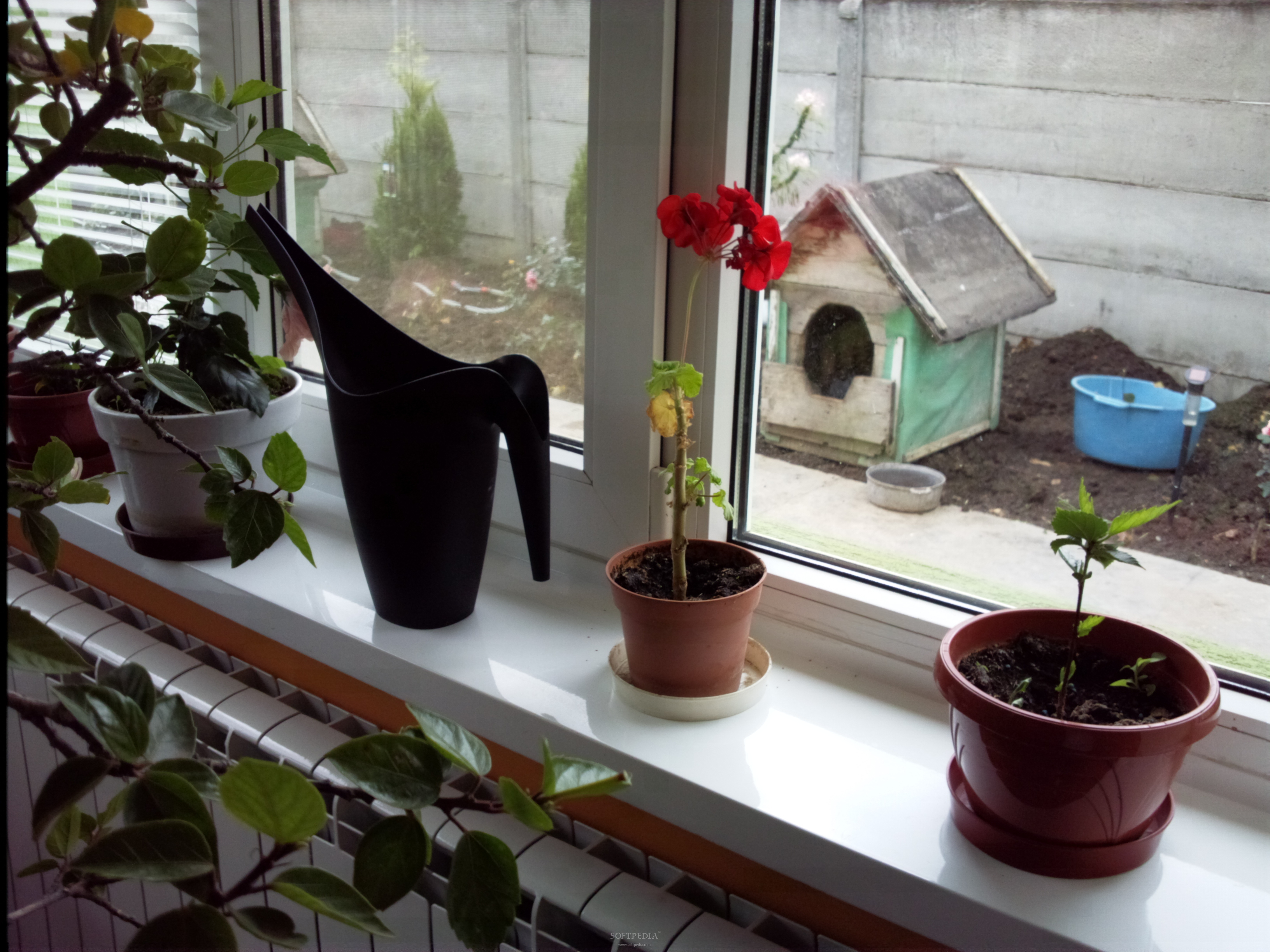
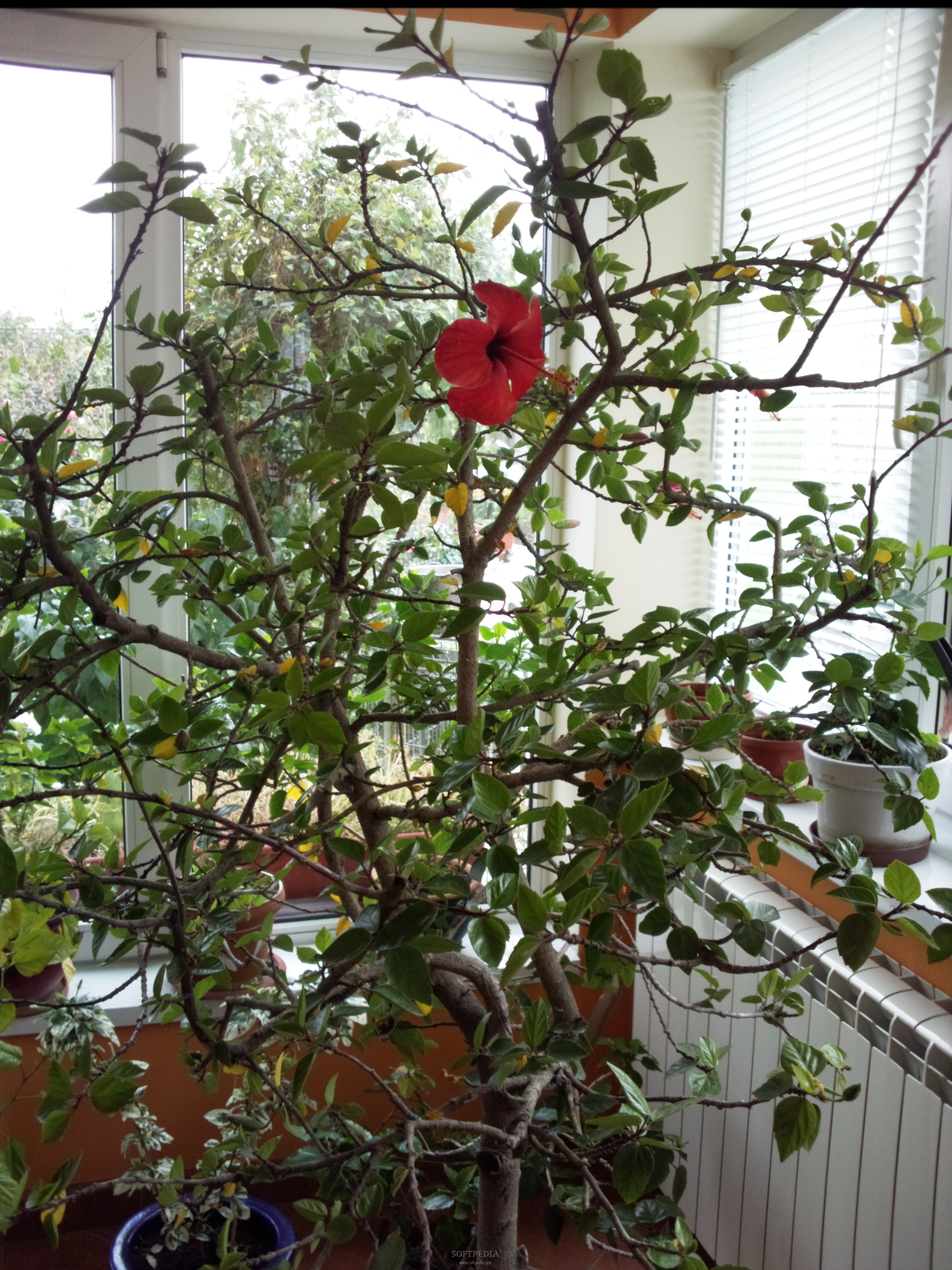
The maximum resolution of the pictures is 3264 x 2448 pixels, while movies can be recorded using a maximum resolution of 720x480 pixels. Camera interface is like nothing you are used to, and more user-friendly than with any other Samsung device. You are always 1 or 2 clicks on the touchscreen away from any setting or function of it. Even if it's just a sample version of the product, quality of the pictures is exceptionally good. The shots included below reveal astonishing pictures that cannot be compared with those taken with any other phone on the market that has less than an 8 Megapixel camera. The module camera doesn't lag, while the phone saves pictures extremely fast, even when the maximum resolution is used. You can easily take pictures in portrait or in landscape mode.

Review imageReview imageReview imageReview image

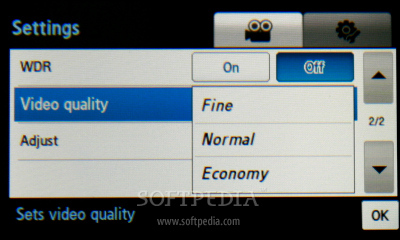
The phone can record QVGA movies at 30fps with no problem, and is one of the best clip recorders on the market. Another cool option is the Slow motion function, which enables the device to capture QVGA slow motion movies at 120fps. Unfortunately, this function doesn't work well with this sample device, but it's a very nice addition to the camera.

Review imageReview imageReview imageReview image

Check out the sample below, which has been captured using the maximum resolution possible (720x480 pixels).

Sample movie

Overall, I believe Samsung's Pixon 8 Megapixel camera is one of the best on the market (can't really say for certain until I have tested all 8 MP camera phones available so far), setting a new standard for any company that targets the camera phone market with its products.
Review imageReview imageReview imageReview image

Review imageReview imageReview imageReview image


Menu and Software


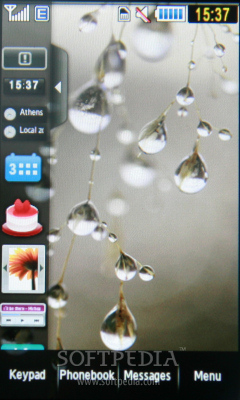
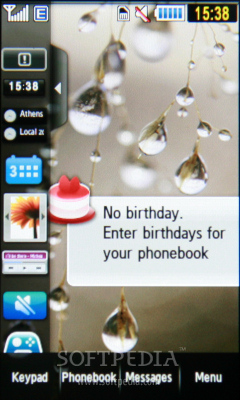
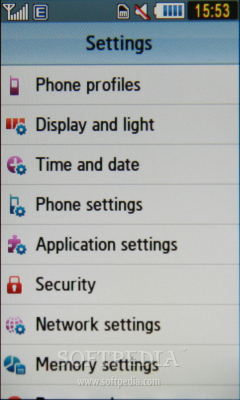
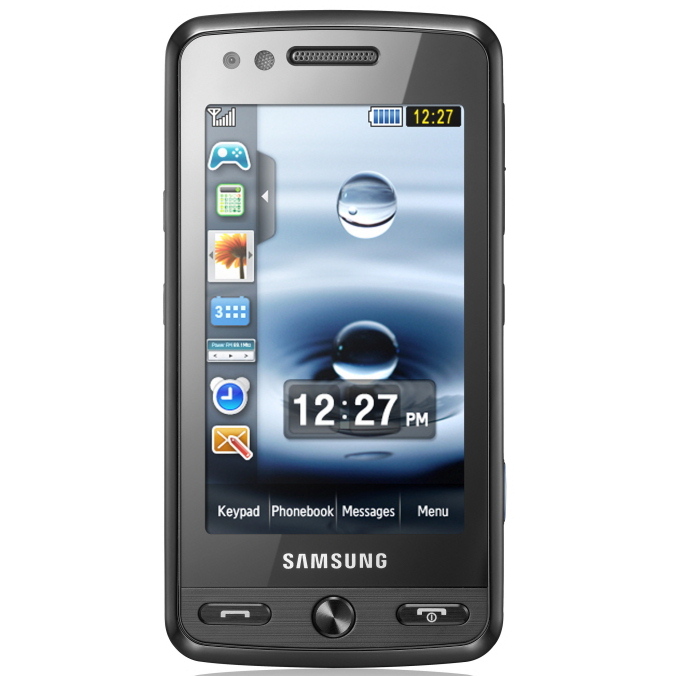
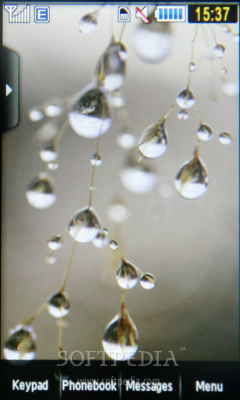
Samsung Pixon features an especially created firmware that works very well with the device. Shaking control and the accelerometer sensor are very functional, and make the device more appealing and user-friendly. The Home screen has a menu bar on the left side that works just like a Windows Taskbar.
 
Review imageReview imageReview imageReview imageReview image

Samsung's taskbar is hidden, and can be displayed after touching it. You can add or delete any programs or functions you want, by simply dragging them in or out of the bar. The phone has full customization features and can be set to look exactly as you want it. Control is easy and can be done in two ways: touch and swipe.

Review imageReview imageReview imageReview imageReview image

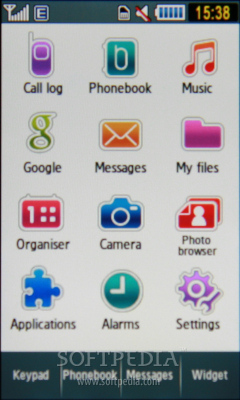
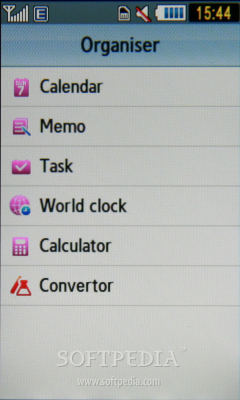
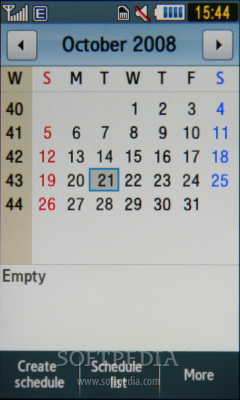
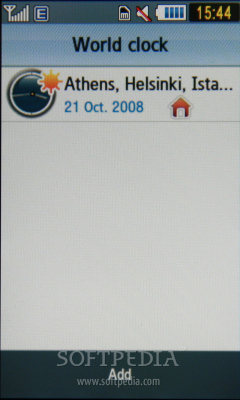
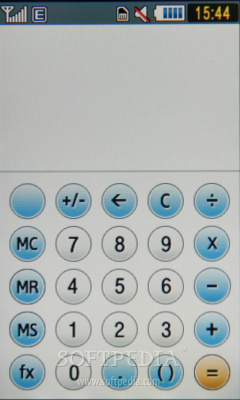
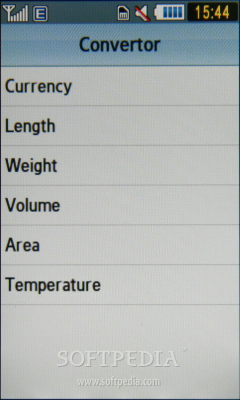
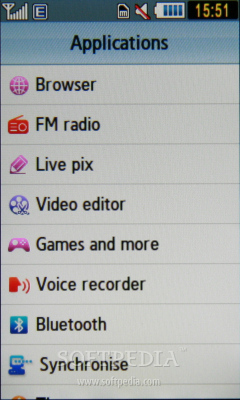
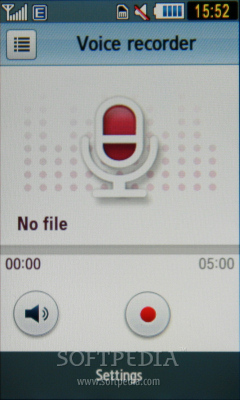
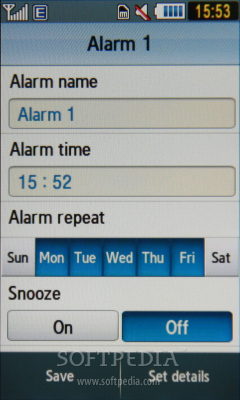
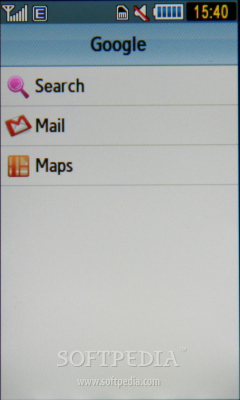
The latter will certainly remind you of Apple's iPhone, which is controlled mostly through swipes on the touchscreen. In terms of productivity tools, Pixon features programs such as: File Manager, Calendar, Alarm (10), Memo, Task, World clock, Calculator, Convertor, Music player, Photo browser, Google Search, Google Mail, Google Maps, Access browser, Live pix, Video editor, Voice recorder, Timer, Stopwatch, RSS reader, Games, and many more.

Review imageReview imageReview imageReview imageReview image

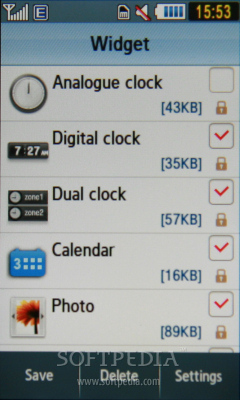
Of course, The Widget is also present and fully customizable. The phone also features a Java emulator, which supports almost any Java application and game. Phonebook accepts up to 2,000 entries and around 500 SMS messages.

Review imageReview imageReview imageReview imageReview image

The phonebook can be displayed according to the user's choice, contacts found on the phone's memory only, or from both the phone and SIM memory.

Review imageReview imageReview imageReview imageReview image


Communications


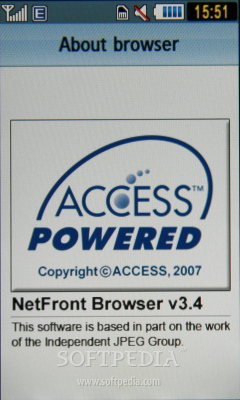
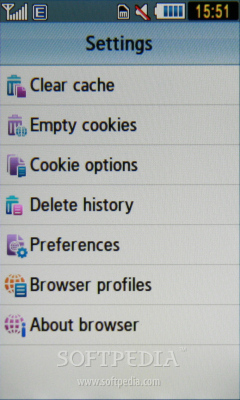
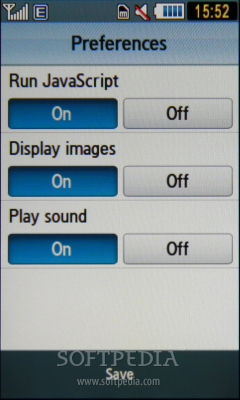
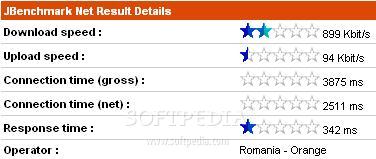
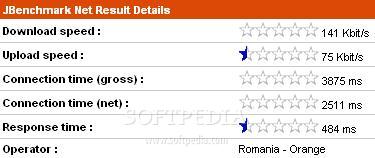
Samsung Pixon features HSDPA (7.2 Mbps) technology, besides the usual EDGE (Class 10, 236.8 kbps). Although the NetFront 3.4 Internet browser works like a charm, EDGE speed is lower than expected. Pages are loaded pretty fast with this updated browser, and users can take advantage of the large screen, landscape mode or the mini-map function, which can be controlled with the zooming buttons on the right side of the phone.
Review imageReview image

Other connectivity solutions include USB 2.0 and Bluetooth 2.0 with A2DP support. The phone can also be used as a modem with a PC in case you need one.

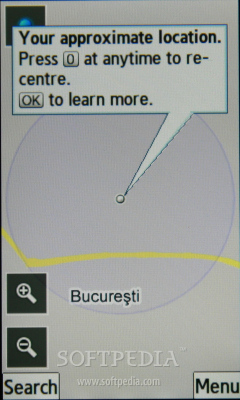
I could only use the built-in GPS receiver with the geotagging function of the camera. It’s a pity, but the Google maps localization doesn't offer too much.
Review imageReview imageReview imageReview imageReview image

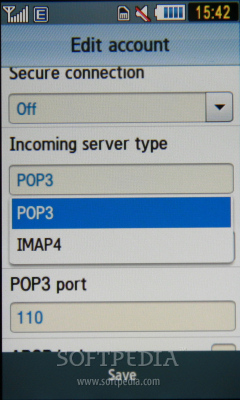
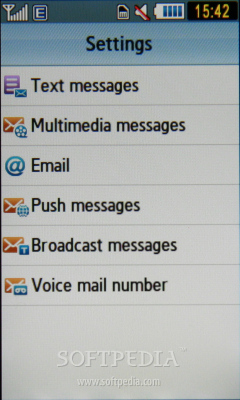
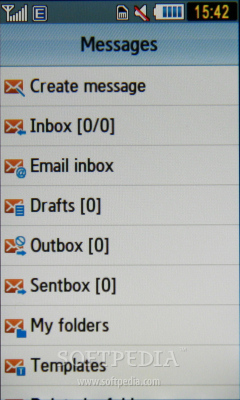
Besides the basic message support (SMS, EMS and MMS), the email client is compatible with POP or IMAP accounts. Furthermore, you'll be able to set the email client to check for new messages whenever you feel like it. There's also a dedicated Gmail application that can be found in Google menu.

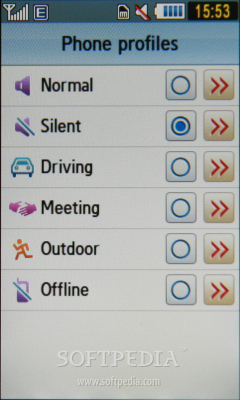
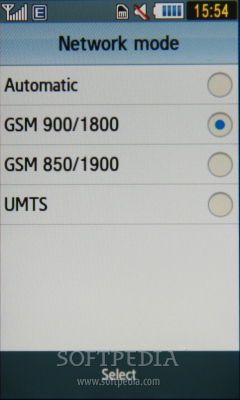
The quadband (GSM 850 / GSM 900 / GSM 1800 / GSM 1900) network compatible device has very good GSM signal reception, but mediocre when using the UMTS network. The sound is excellent, very clear and very loud when set to maximum volume. I haven't experienced any drops in signal reception, or missed a call while talking on the phone. Vibration is pretty intense, so you'll have a low percentage of missed calls even when the Silent profile is activated.


Processor and Memory

My guess is that Samsung Pixon features a powerful ARM11 family processor that runs at speeds up to 369 MHz.

The CPU is the strongest embedded into a Samsung mobile phone, so you can run multiple applications in the background with no problems whatsoever. The embedded Java emulator can handle any compatible large-size files, so 3rd party applications can be installed with ease.

Review image

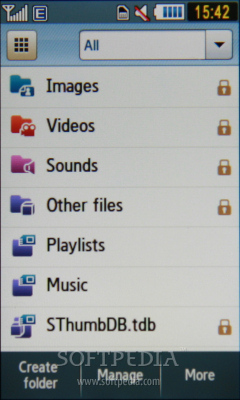
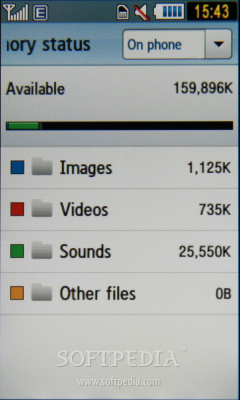
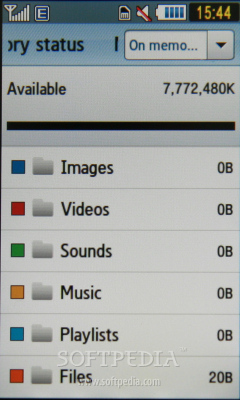
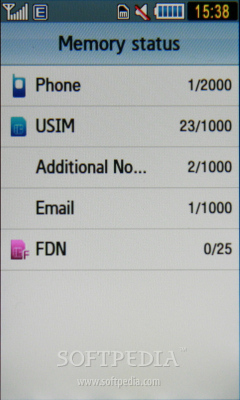
The phone comes with 200 MB internal memory, but features a microSD memory slot card to expand the storage space up to 8GB.

Review imageReview imageReview image

The slot is placed on the left side of the phone, and a microSD card can be inserted without the need of powering off the phone (hot-swappable).

Review image


Multimedia

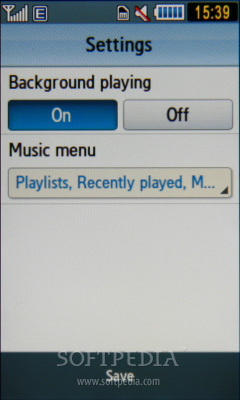
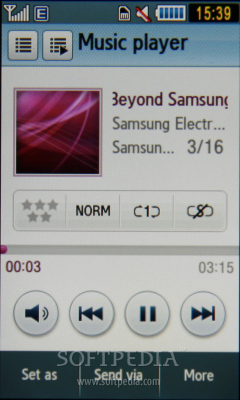
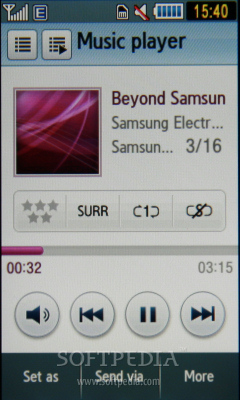
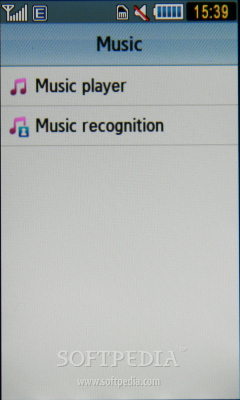
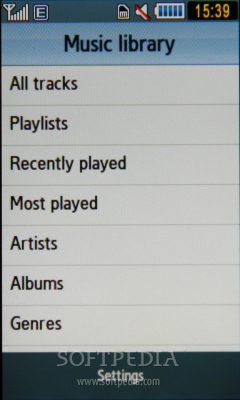
Samsung Pixon features a touch compatible music player that supports MP3, eAAC+, WMA, AMR files, but also an FM radio with RDS function. Both can be run in the background, or you can set their shortcuts on the taskbar in the home screen.
Review imageReview imageReview imageReview imageReview image

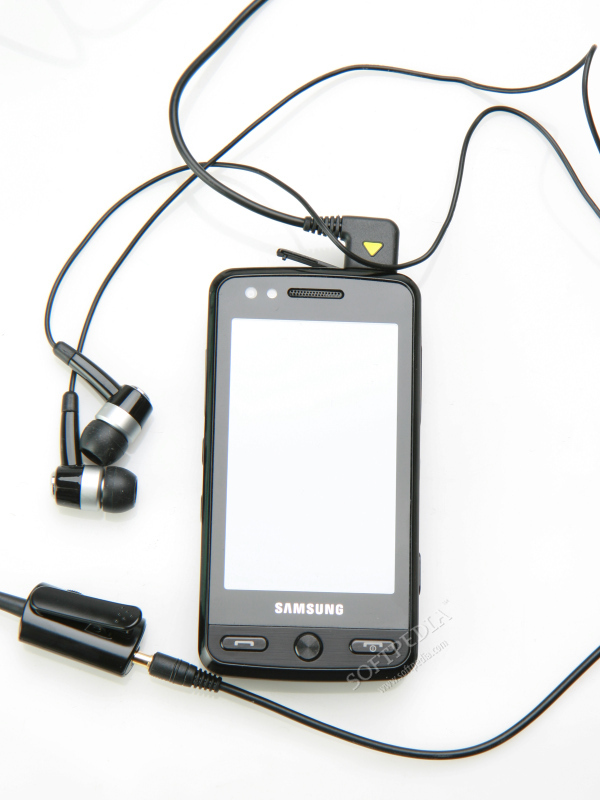
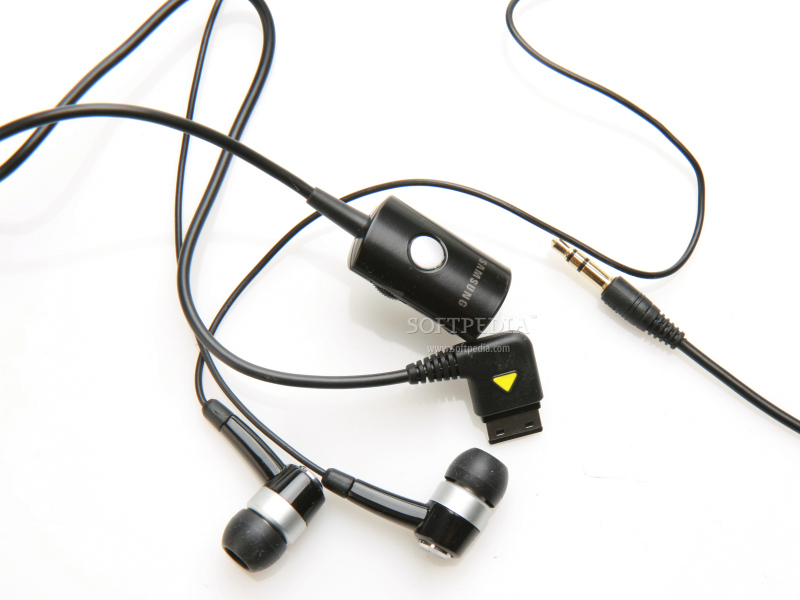
The phone comes with excellent earphones (made in China), but also with an adapter that enables users to attach any 3.5mm headphones.

Review imageReview image

The sound quality of the music player is way above average. In fact, you could expect such high quality only from those Walkman series devices made by Sony Ericsson. The music player features an equalizer: Rock, Pop, Jazz, Classic, Dynamic and Surround. The last one proves to be an innovation as the phone can be attached to a 5.1 channel sound system through a 3.5mm jack.


Battery

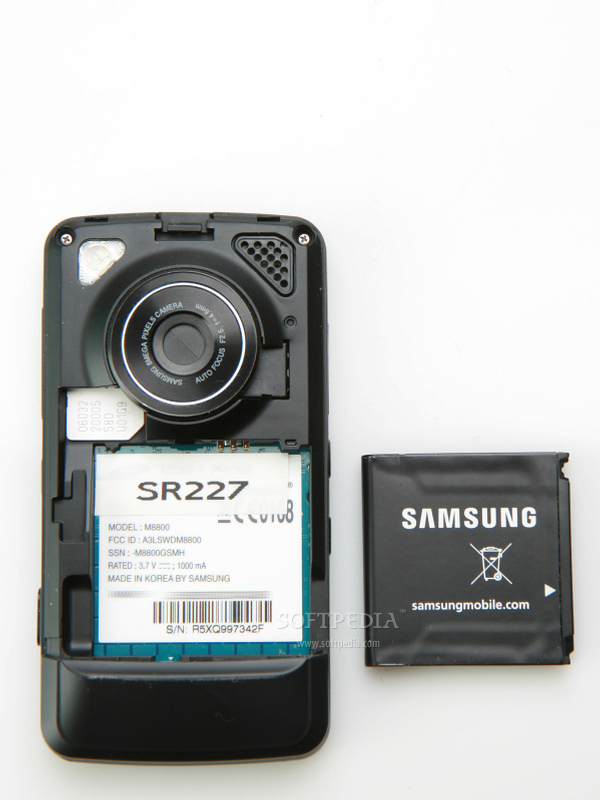
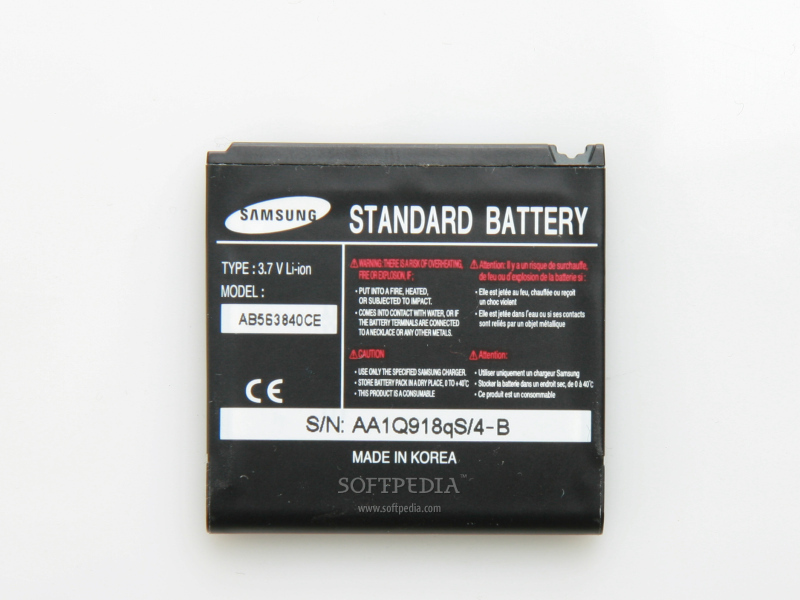
Pixon comes with a 1000 mAh Li-Polymer battery, which has an official lifetime of approximately 290 hours in standby mode, and 3 hours and 40 minutes in talk-time mode. For a heavy user that spends 2-3 hours a day talking on the phone, it needs to be recharged daily, but a soft user should do just fine with one recharge at 3-4 days. Overall, this is a high capacity battery of small dimensions that barely adds to the weight of the phone. Alas, this is also available for its autonomy.
Review imageReview image

TAGS:

Samsung M8800 | Samsung Pixon | Samsung iNNOV8
Read by 27,549 user(s) | Add comment | Link to this article TWEET THIS


Article rating:
Very Good (4.3/5) 22 vote(s)    

Subscribe to news | Print article | Send to friend

© Copyright 2001-2009 Softpedia
Contact:


SEARCH THE NEWS ARCHIVE :


Today's News
| Yesterday's News | News Archive


MORE RELATED ARTICLES:


Samsung M610 Review

Samsung SGH-J700 Review

Samsung SGH-E210 Review

Samsung SGH-F210 Review

Samsung SGH-G600 Review

User opinions:


Comment #1 by: AAMER ALI on 25 Oct 2008, 06:33 GMT reply to this comment

It's verry verry Beautyful
But Nothing more
I con't write more about that is beautyful


Comment #2 by: jiji on 06 Nov 2008, 14:58 GMT reply to this comment

nimik despre cum face photo noapatea sau in spatii cu lumina redusa?..nasol


Comment #3 by: Cosmin Vasile on 07 Nov 2008, 07:25 GMT reply to this comment

Nu ai fost atent, in review este scris: "I was disappointed by the LED flash, as I expected Samsung to include a Xenon flash. Consequently, don't bother to make night pictures, unless you are really close to the subject."


Comment #4 by: Masum from BD on 09 Nov 2008, 05:31 GMT reply to this comment

Excellant features.i appreciate it.becially attractive feature is 8 mega pixel camera.obiously fantastic.


Comment #5 by: Jake on 09 Nov 2008, 18:46 GMT reply to this comment

Cheers! great review!

cant wait to buy

the only two disappointments for me is the LED flash. And the menu screen doesnt look too lively.

:]


Comment #6 by: www.myspace.com/tfsdeth on 22 Jan 2009, 14:34 GMT reply to this comment

Ive only had mine for a week and its already boring me. Its VERY slow to, everything seems to have a pause or stalls. no idea why but its pissing me off to the max.

Comment #6.1 by: LucyJayne on 16 Mar 2009, 19:46 GMT

I know what you mean, its not that good of a phone waht really pissed me off was had it two days and had to send it off for nearly 2weeks as there is a disgn fault with the phone book etc, and the only way to sort it by sending it way.I wasnt happy.

Can anyone tell me how to get the multimedia set up I tried sending a picture message and said wasnt set up and I can find anywhere that tells you what to do....

Comment #6.2 by: Nicky on 04 Jun 2009, 20:27 GMT

lucyjayne if you want to set up pic messaging go to samsung official uk site an click on support. then on the left of the page should be an option saying configure phone you choose mms settings. choose model samsung pixon, your operator e.g orange, 02 etc, then ur mobile number. then enter word in the image on left then click comfirm. you should recieve a txt at bottom of txt click install an should work. hope this helps


Comment #7 by: pete on 05 Feb 2009, 15:29 GMT reply to this comment

seams ok a little heavy. most anoying thing is in coming calls dont show who is calling even if they are in contact list. and who the hell remembers phone numbers any more.


Comment #8 by: Ross Moore on 30 Mar 2009, 13:20 GMT reply to this comment

Nice phone however the battery is shocking, i have to charge every 12 hrs. Thinking of getting something else. Email me if you wanna buy it, offers around £150. p.s it's it good condition, only 4 weeks old.

Share your opinion:

Your Name:
Your Email Address:
(will not be used for commercial purposes)
Solve this to prove you're not a bot: =
Your review/opinion:


Windows tabGames tabDrivers tabMac tabLinux tabScripts tabMobile tabHandheld tabGadgets tabNews tab

SUBMIT PROGRAM   |   ADVERTISE   |   GET HELP   |   SEND US FEEDBACK   |   RSS FEEDS   |   ENTER NEWS SITE   |   ENGLISH BOARD   |   ROMANIAN FORUM