14 DAY TRIAL //
 The Corby trend started by Samsung last year has seen an impressive worldwide spread over the next few months since its launch. The standard Corby handset has received a large number of variations with the purpose of satisfying as many users’ needs as possible. Samsung B3310 is a cheap slider with a non-conventional look, which targets youngsters. The device further includes a wide range of socializing services such as: MySpace, Facebook and Flickr. Besides its weird look, the device has little to offer as it was intended for youngsters that are mostly looking to stay in touch with their friends through various social networking sites. PureMobile has sent us one of these slider phones for testing, so here is a summary of what this unconventional handset has to offer.
Announced in August 2009, Samsung B3310 was made available on the market in September 2009. The slider is available in four different colors (Black, Pink, Blue, and Green) and can be acquired for about $145 USD.
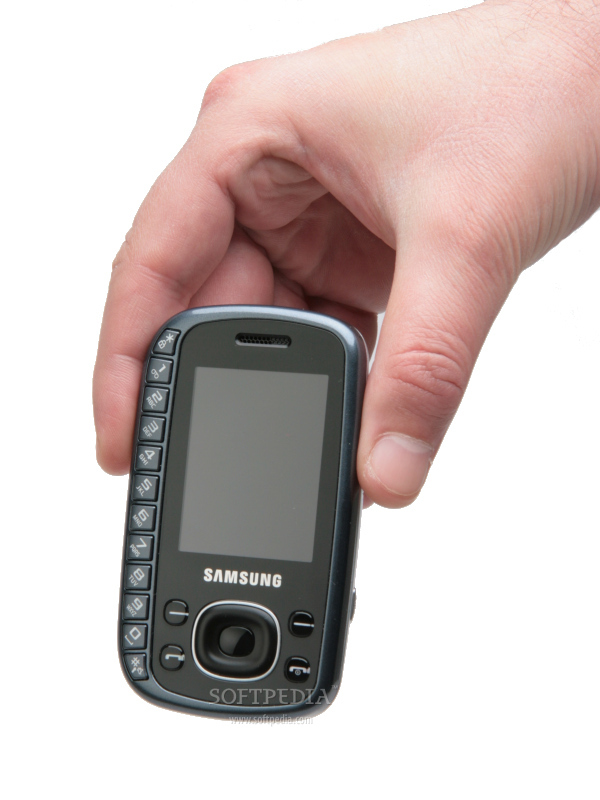
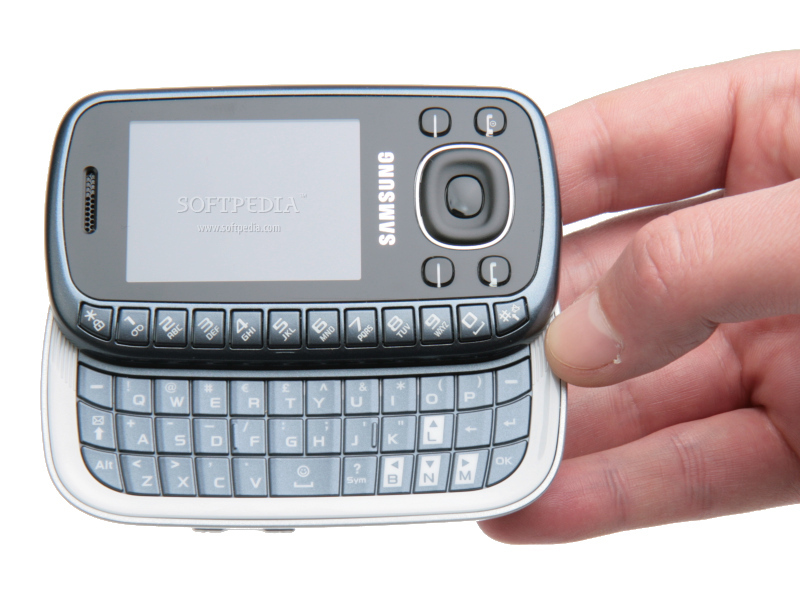
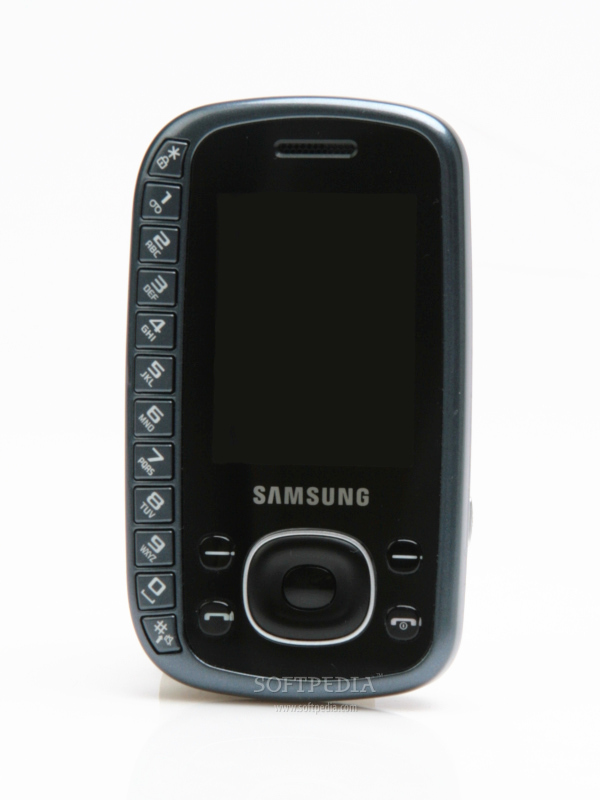
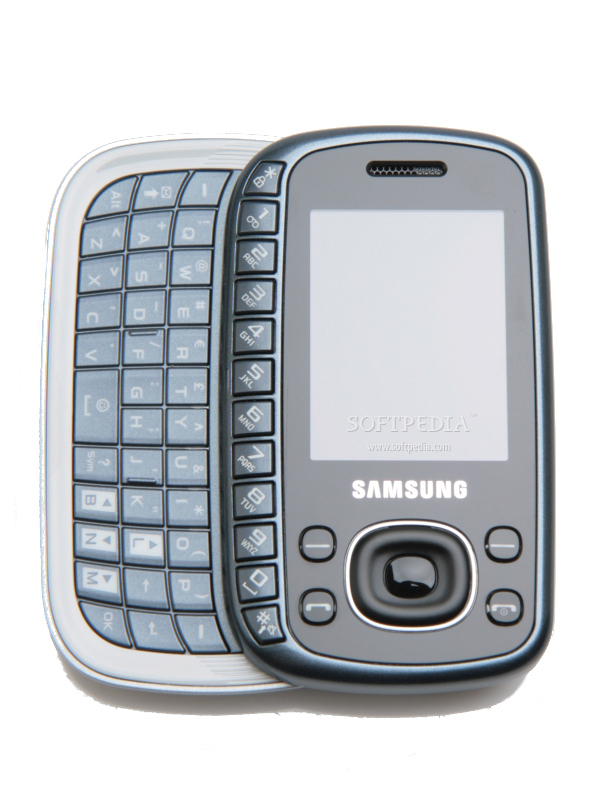
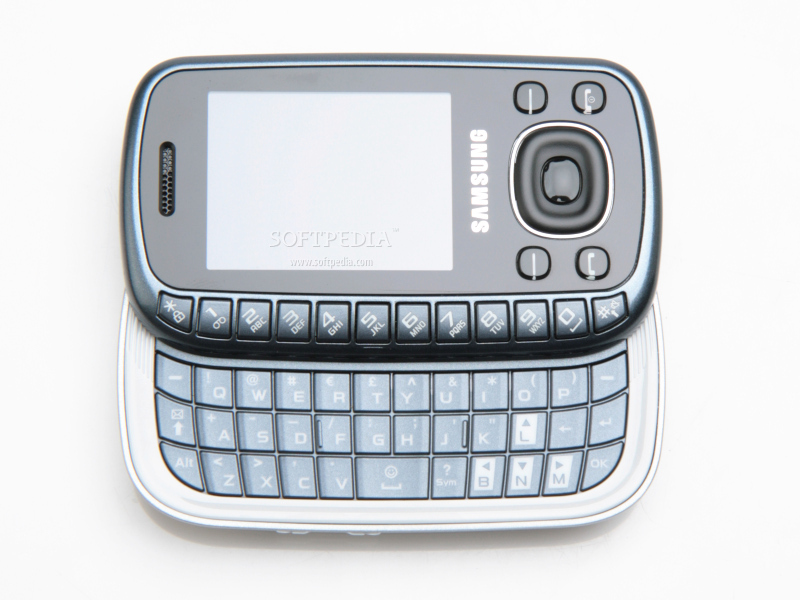
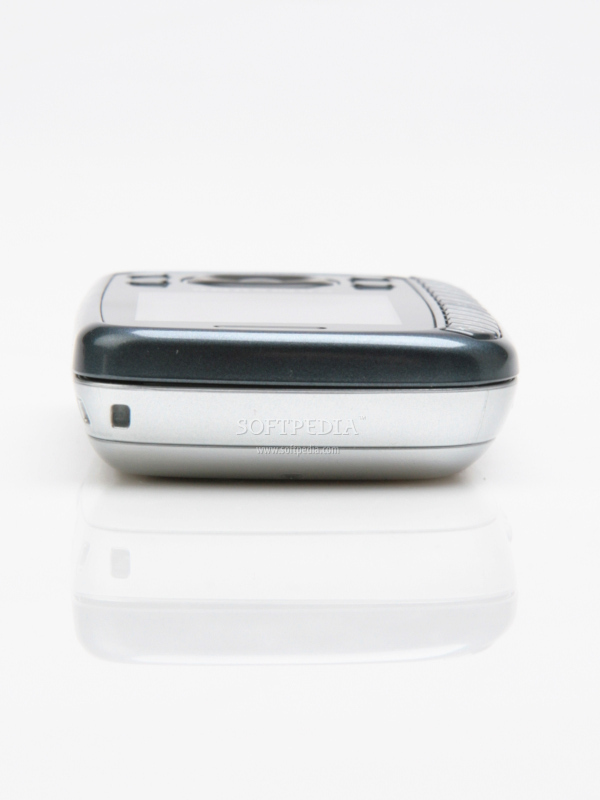
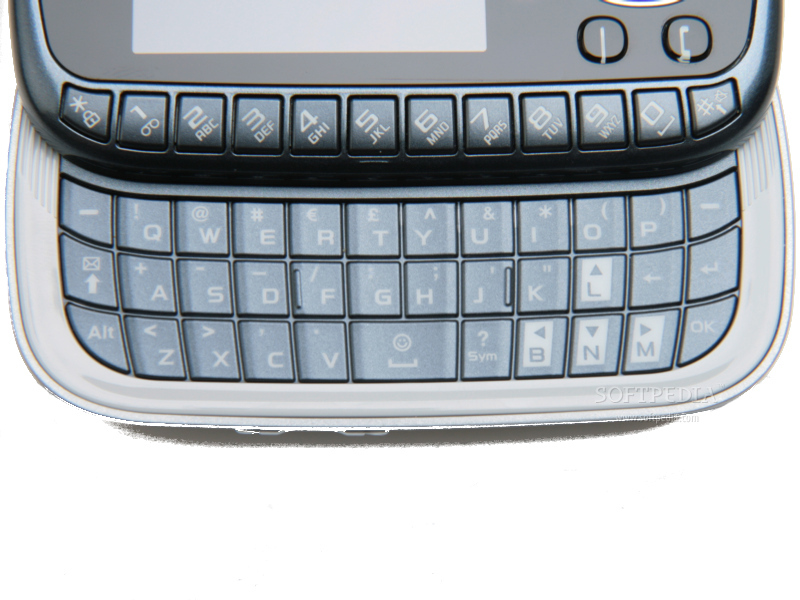
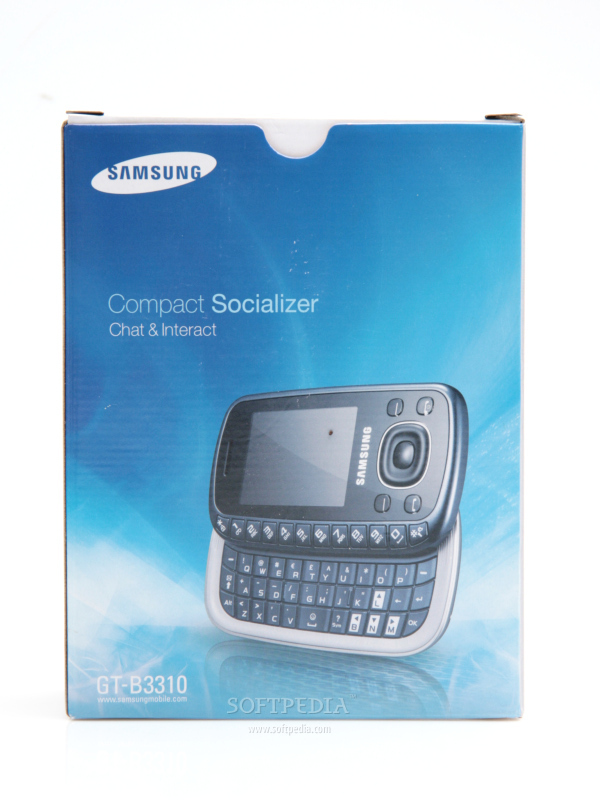
DesignThe Samsung B3310 must not be considered a conventional slider mobile phone, because even though it features a full QWERTY keyboard, as you can see it the pictures, the layout of the phone's keypad is at least weird. At first glance, you will probably try to slide the device up to check out the keypad, but you won't be able to do that. The device slides to the right revealing a QWERTY keypad that misses the row that usually includes the numbers. Basically, instead of a standard keypad you will have all the numbers 0-9 on the left side of the display.
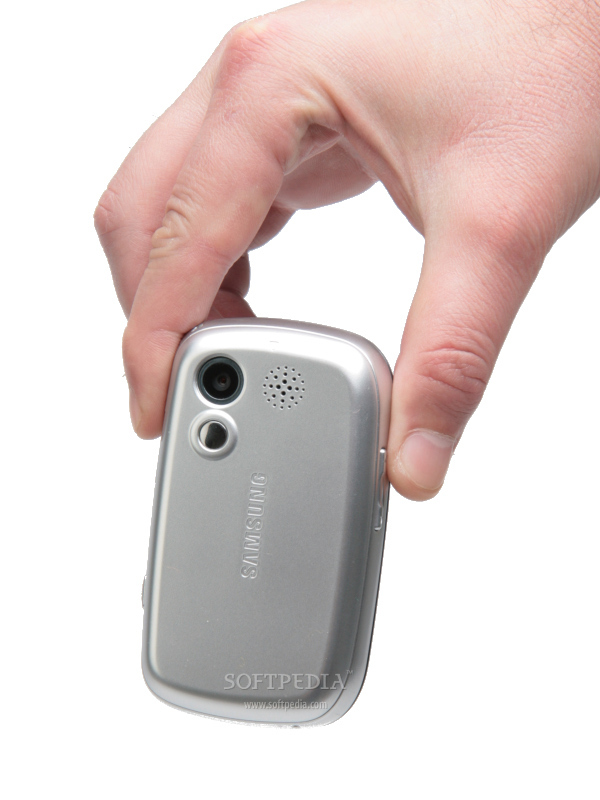
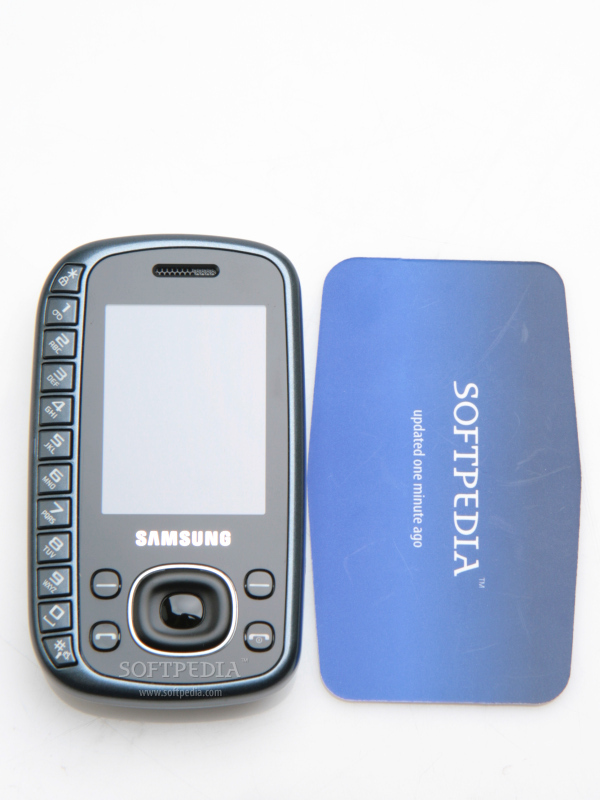
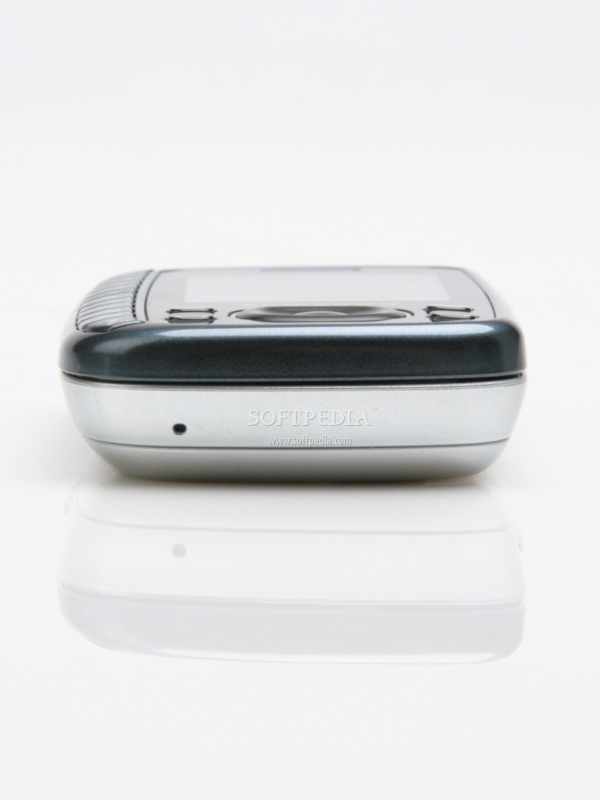
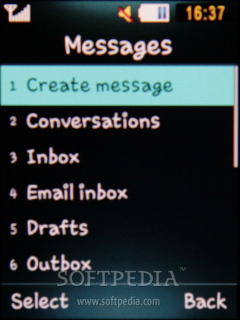
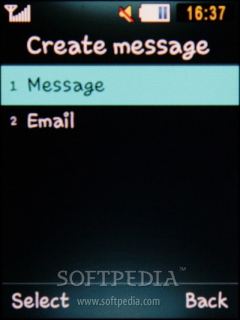
Personally, I found it at least awkward if not annoying. Placing the keypad in such a spot is not good for left-handers, but neither for right-handers. The phone is small (91 x 54 x 17 mm) and weighs 101g (including battery). The slider borrows a little bit from the pebble form-factor, but the plastic used looks cheap, just like its price. The small 2.0-inch display shows that the phone has only limited Internet capabilities and that it has not been intended for those looking for a multimedia device. Below the screen, the usual controlling keys have been placed: Accept/Reject calls keys and two contextual soft keys. The big D-pad in the middle seems easy to work with, as well as the button in the middle, which can be used as an Enter key. The right side of the phone features a dedicated camera key and a small microUSB port, which is covered by a plastic stripe. The left side only includes a single large volume key. Samsung B3310 also boasts a rather standard 2-megapixels camera with self-mirror on the back of the phone, as well as a small loudspeaker, just below the camera. When the phone is slided, it will automatically open the Create message window, which should give you an idea of the main target of the phone. Surprisingly, the revealed QWERTY keyboard is very comfy and benefits from a uniform backlighting. The only thing I found annoying is the first upper row that contains all the numbers, which is now placed on the front part of the slider. It will take some time for someone to actually get used to this layout, but the idea seems cool. There are also four letters (L, B, N and M), which have been highlighted on the keypad to look like the cursors on a PC keyboard. There's no doubt that many people will find the handset a bit strange, but on the other hand it could be very attractive for youngsters. Display and CameraDon't expect too much from Samsung's B3310 display, as you'll be disappointed. Samsung included only a mediocre screen onto this mid-budget slider. Even though, the 2.0-inch TFT screen supports 262k colors and a standard 240x320 pixels resolution the image displayed is not that good as the data sheet states. Fortunately, I have discovered that the phone can be used with some success in strong sunlight, but avoid typing SMSs unless you find some shadowy places when outdoors. The pictures look rather bad, even the menu is a pain to use with such a low visual quality.
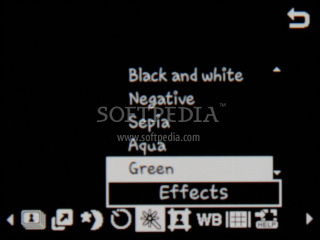
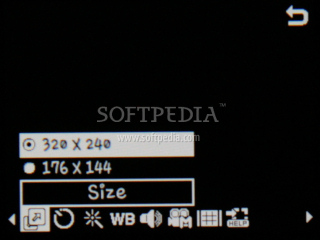
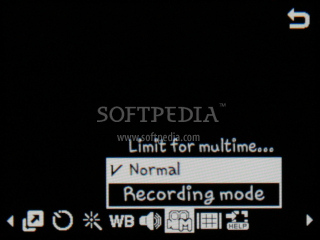
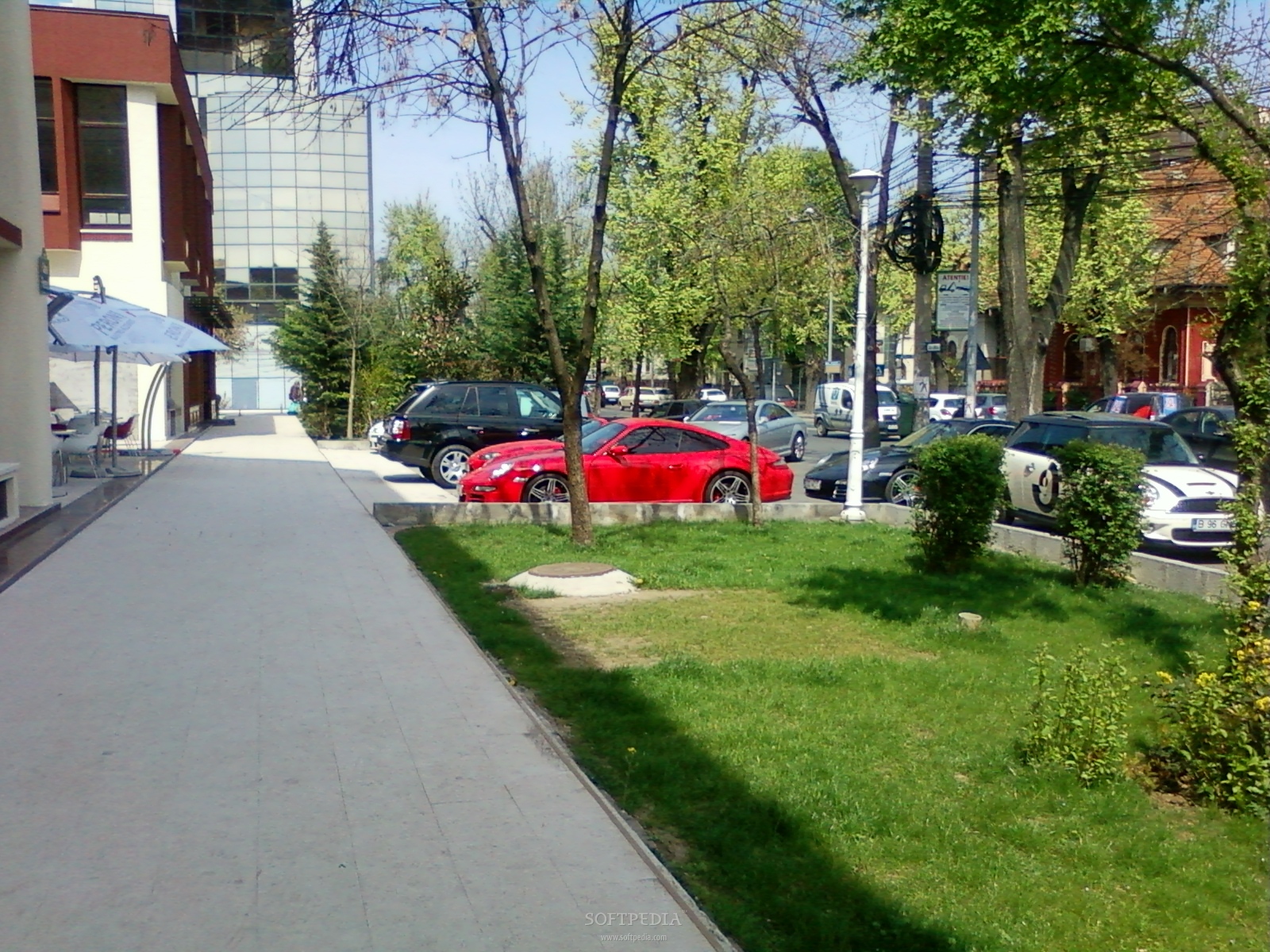
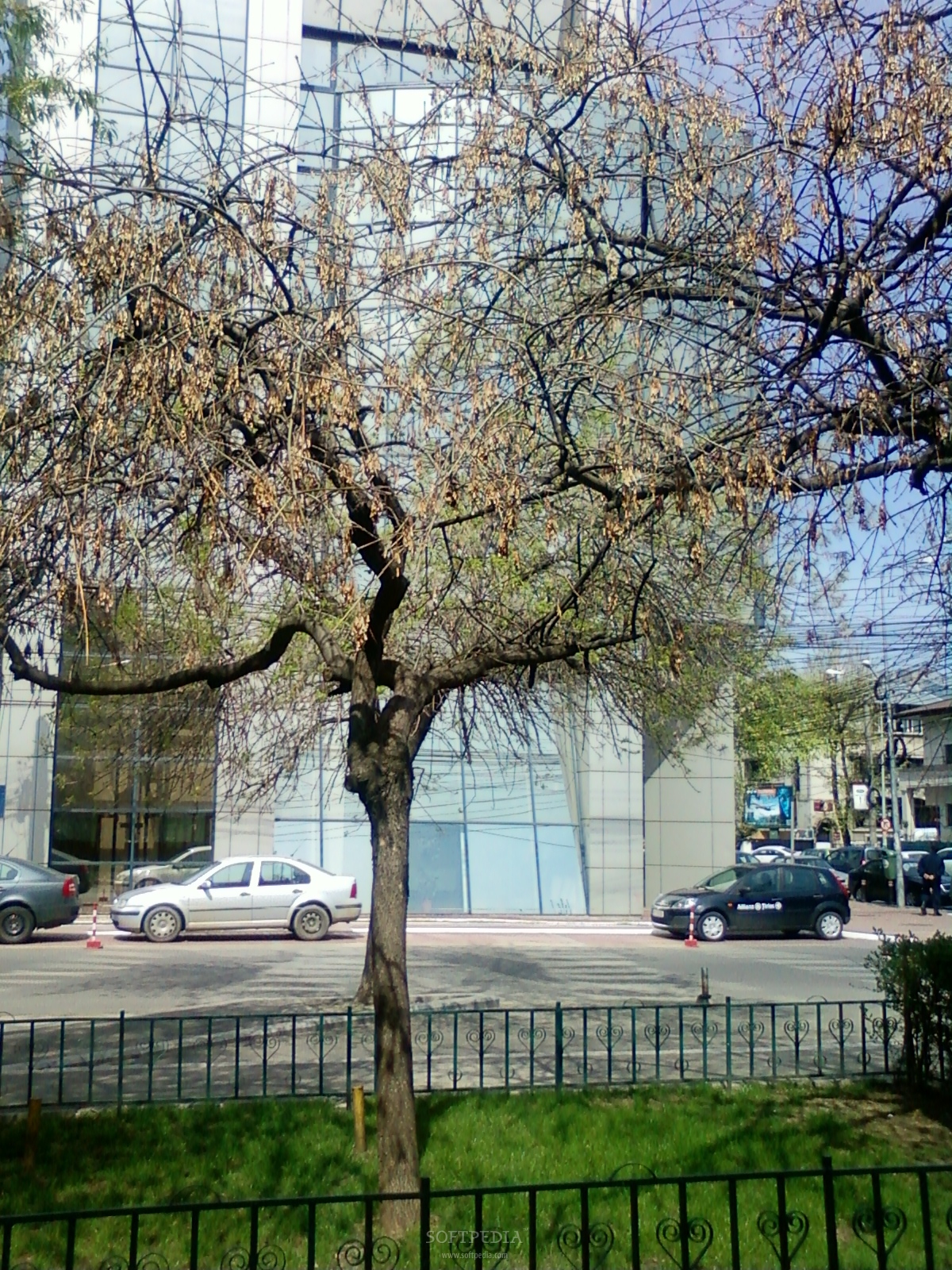
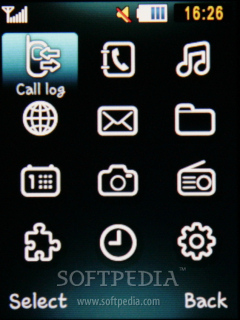
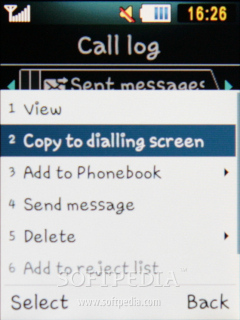
The 2-megapixels camera on the back of the device takes very good pictures for a mid-budget phone. You can use the dedicated camera button or the big D-pad as shutter, depending on the positioning of the device (landscape/portrait). The camera is capable of taking snapshots with a maximum resolution of 1600 x 1200 pixels, and short clips can be registered with a maximum resolution of 320x240 pixels. There are some settings available when using the camera, like Shooting mode, Scene program, White balance and Effects (Black and white, Negative, Sepia, Aqua, Green), but those will not improve the quality, which is pretty good anyway. Menu and SoftwareSamsung B3310 slider embeds the old proprietary Samsung interface and some of the applications and software, but on a very low scale. There is little customization possible with the handset, but even if you had more choices, having such a small display takes its toll. Of course, there are some pre-defined themes that can make your phone look different on the “inside,” which should be mostly appealing for youngsters. Users will be able to change their own ringtones, but they will need to transfer the compatible file into the phone's memory, as the device doesn't accepts files found on the storage card as ringtones. Samsung tried to include some basic applications that we can also find in more evolved mobiles, but to an improved level.
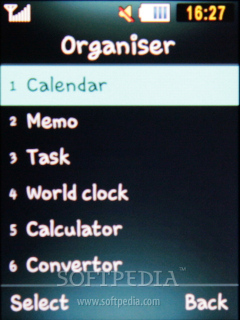
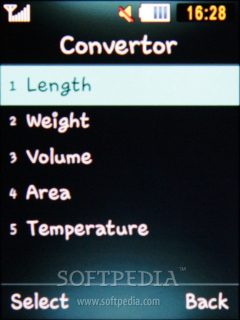
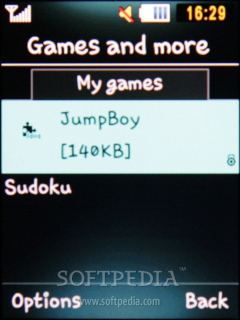
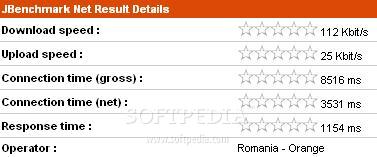
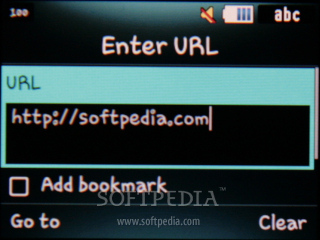
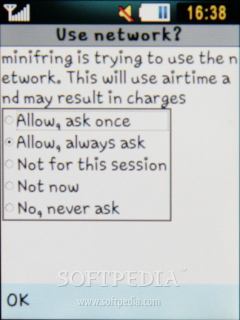
Some of these include: Calculator, Alarm, Calendar, World clock, Memo, Timer, Stopwatcher and an advanced Converter. The phone also supports voice Notes and Java applications and games, but to a lower degree, as files larger than 300KB will not run. Moreover, there's a slight possibility that some of the smaller size applications will not work either because of the low quality display or other reasons. Taking into consideration the target of the device, I found the integration of various social networking services such as Facebook, MySpace and Flickr more than welcome. The handset is definitely not made for those that usually surf the Internet. Either the small display or the poor browser will make you give this feature up. The integrated browser (NetFront 3.4) cannot display pages that are larger than 300KB, thus lowering the Internet capabilities. Anyway, for a mid-budget handset, B3310 features a whole range of useful applications. CommunicationSamsung B3310 only has GPRS and EDGE (Class 10, 236.8 kbps) technologies. Pretty obvious for its price, I think these features are enough for those that decide to buy the phone. Still, that doesn't make it better as the browser capabilities are far too low to satisfy any needs. You should be aware that the Internet browser cannot open all webpages, in fact you are very limited regarding rich graphic Internet pages. EDGE data transfer speed has reached 112 Kbit/s for download and 25 Kbit/s for upload.
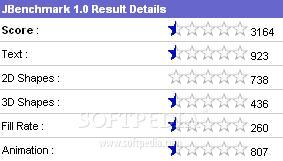
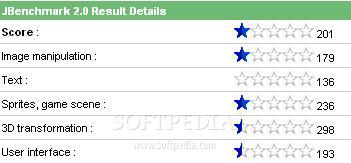
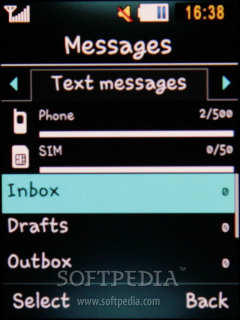
Other connectivity solutions include USB 2.0 and Bluetooth 2.1 with A2DP support. Users can take advantage of standard email support and will be able to store around 500 SMSs in the phone's memory. The quadband (GSM 850 / GSM 1800 / GSM 1900) network compatible handset has a good GSM signal reception. Unfortunately, the sound is pretty defective, but loud enough. Processor and MemorySamsung B3310 features an ARM9 family processor running at speeds up to 201 MHz. The mid-level CPU makes a good addition to the technical specifications of the handset, as the menu browsing is very smooth. I cannot say the phone is slow, but as a mid-level one, you won't be able to run too many applications in the background, so the CPU will not be overloaded.
The slider features around 40 MB internal memory available for the end user, but also a microSD slot card that will enable them to expand storage space. This greatly improves the clamshell's functionality, as you can store more MP3 files and/or pictures. Depending on your location, you might also find a 1GB microSD slot card. MultimediaOne of the many Corby-like devices, Samsung B3310 has nothing special when it comes to multimedia features. The biggest disappointment is the lack of a 2.5mm or 3.5mm jack port, as well as the poorness of the sales package.
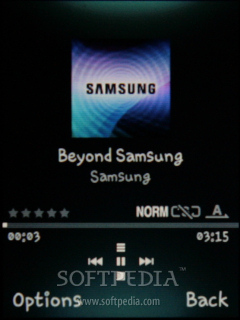
Moreover, even though the phone has been advertised as a "compact socializer" meant for the youngsters, it should've included some mid-level music phone features. The slider also includes FM Radio function, but the quality of the sound is mostly average. Furthermore, using the few Equalizers won't improve the sound too much. The external loudspeaker sounds average. Those who are used to high quality sound features will definitely reject it from the start. I think that the multimedia features embedded are simply too low and too few to even tempt today's music phone users. There is also a Voice recorder limited to the amount of free memory. BatteryA medium power 800 mAh Li-Ion battery powers up the Samsung's B3310 slider. The phone's official numbers state 5 hours of talk time and 380 hours of standby time. I have tested the phone for about a week and found out that the autonomy was pretty good: about 4 hours of talk time and about 4-5 days in standby mode. This seems to be one of the major improvements made by Samsung.
ImpressionsSamsung B3310 doesn't impresses through features, but it wasn't even intended. I'm pretty sure that youngsters will love the phone, because it looks weird and unique. I consider it a good phone for its target and a good choice for a 16-year old teen. Perhaps more ergonomics would've made it easier to control, but through time and exercise a user will learn to control it smoothly.
The Good
The Bad
Sales Package
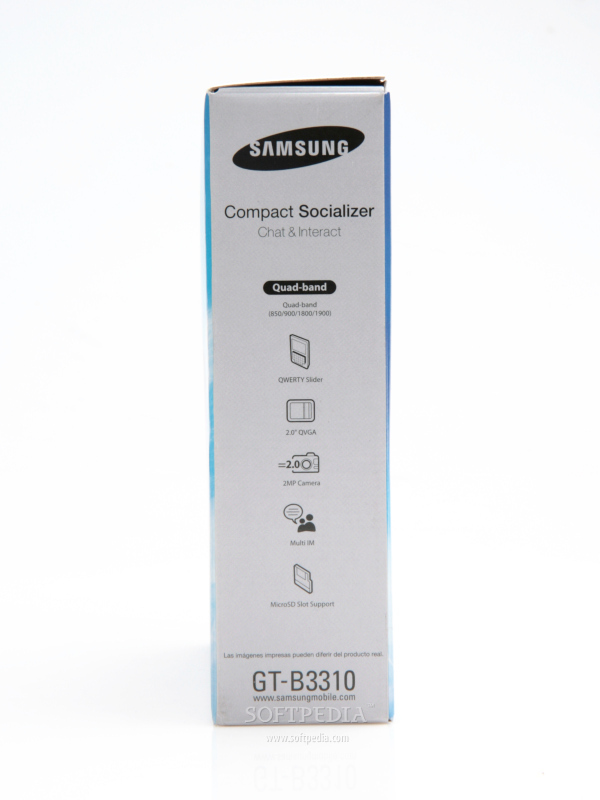
Samsung B3310 handset Standard battery Li-Ion 800 mAh Travel Charger Headset 1GB microSD card User Manual.