 14 DAY TRIAL //
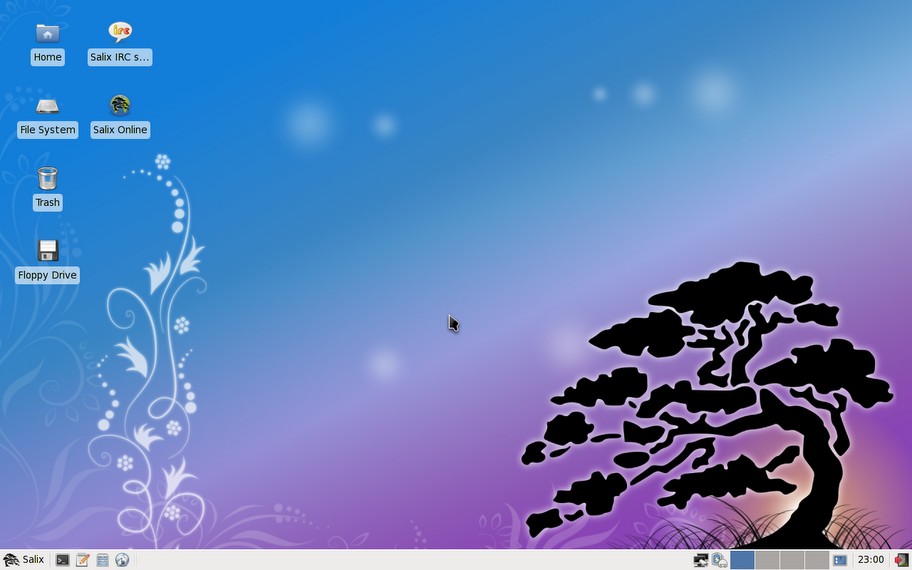
 Salix OS 13.1.1 has been released, the first update to the latest version of the Slackware-based Linux distro. Billed as a minor release, it actually brings quite a few changes and updates.
There’s a new graphical tool to setup the Lilo bootloader and better administration tools. Also, the 64-bit version of the Adobe Flash Player is gone.
“Hi everyone! It's time for a new Salix release! Here is Salix 13.1.1, using the XFCE desktop, available both in 32-bit and 64-bit flavours,” Salix OS’ George Vlahavas, announced on the official forums.
Highlights of Salix OS 13.1.1:
· Lilosetup - a graphical tool to setup and configure the Lilo bootloader that Salix OS uses; · New graphical tools for system administration: · ALSA sound cards configuration; · system hostnames configuration; · tool to rebuild the icon cache in XFCE; · all tools are available in the “basic” install as well; · The installation CDs can now be used as a local repository with slapt-get/gslapt, complete with dependency support; · The start page in Mozilla Firefox is now set to: http://www.salixos.org/start; · Intel graphics driver 2.9.1, an older version, has been included for those experiencing problems with their graphics cards; · The “full” installation now adds the pyxdg, notify-python, libnl and net-snmp packages as well; · Various security and stability fixes for packages updated after the initial release; · Adobe Flash Player has been removed from the 64-bit version of Salix OS.
Salix OS 13.1 is completely backwards compatible with Slackware OS 13.1, on which it is based. It uses the XFCE desktop environment and a custom selection of packages, each with their very clear purpose.
Salix OS 13.1.1 is available for download here on Softpedia.