 14 DAY TRIAL //
 While Apple's older iMacs (Late-2006) boast an impressive pair of stereo speakers (considering the all-in-one design and their small size), the same thing cannot be said about the company's 20-inch and 24-inch aluminum iMac (Mid-2007).
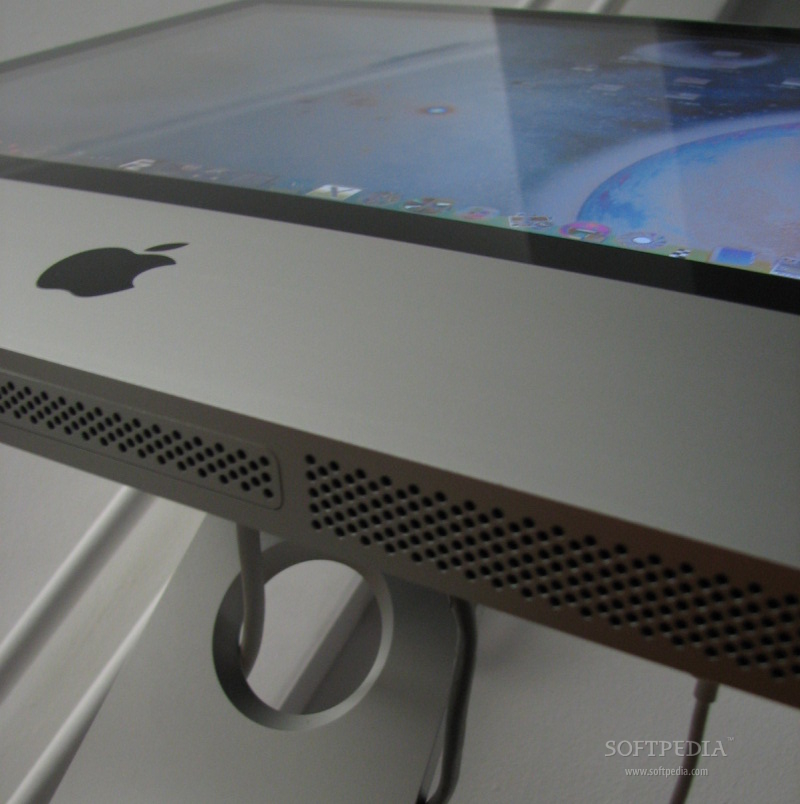
However, both Apple's Late-2006 and Mid-2007 computers have their speakers placed at the bottom of the system, facing down. This leads to a considerable loss in sound quality, as the sound hits your desk and bounces off in all directions. Given this, some high pitched sounds (but not only) barely make it to your ears. There is a way to capture all the sound coming from your Mac's speakers, and direct it all towards your ears.
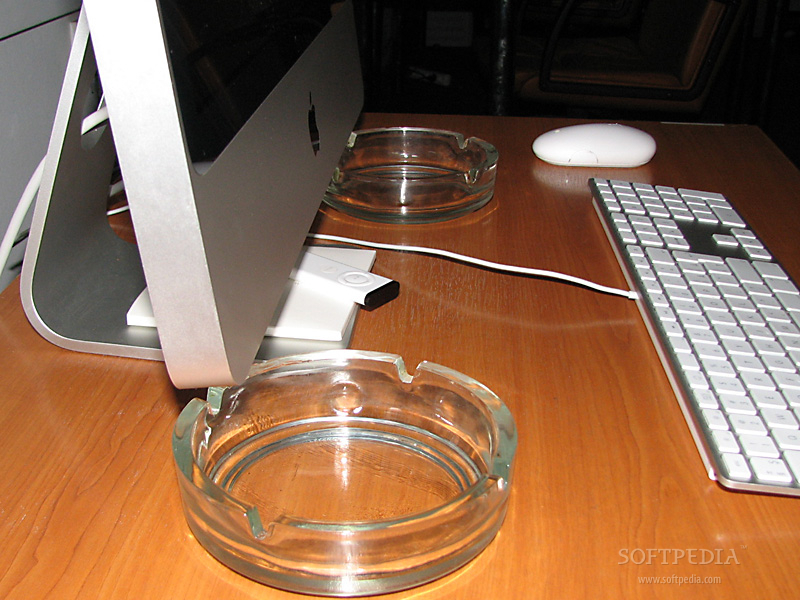
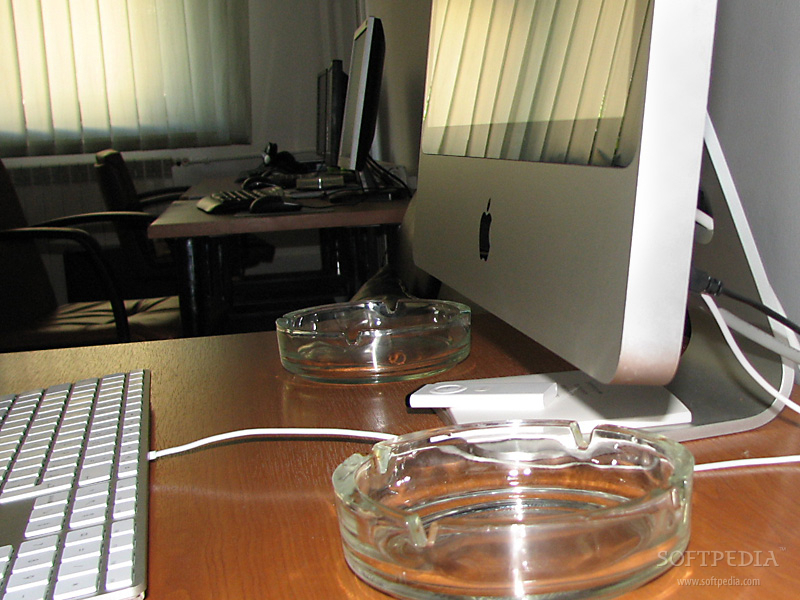
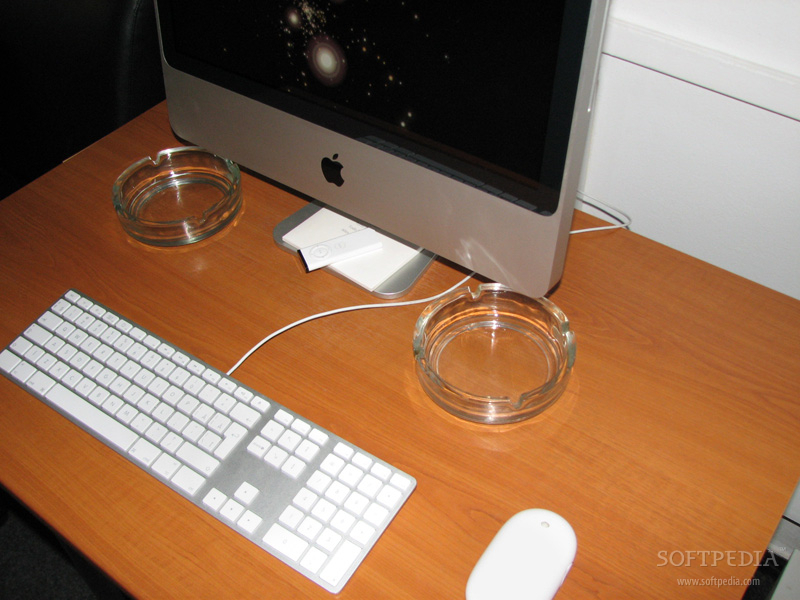
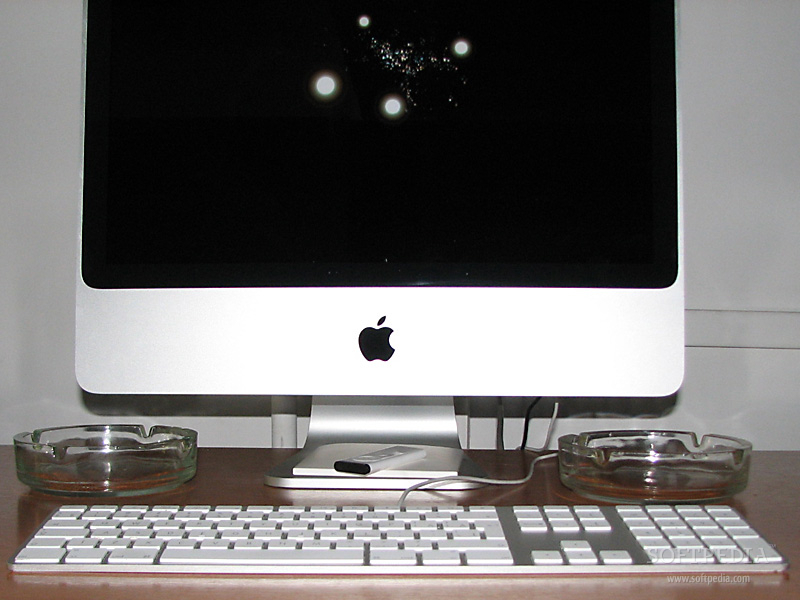
Buy a pair of headphones! Just kidding. No headphones. You do, however, need two extra items on your desk to make this happen. A couple of ashtrays, for instance. Just place them underneath each of your iMac's speakers. What happens is this:
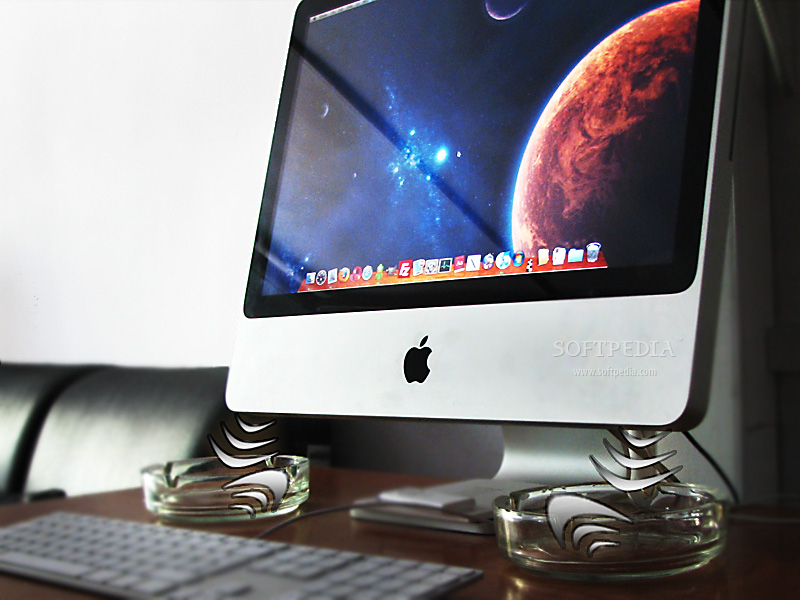
The sound waves hit the two hollow-shaped objects, becoming trapped inside the round walls for a short period of time. In a fraction of a second, the now-channeled sound bounces back out, upwards, since there's no other place to go. Simple, isn't it?
Go ahead, give it a tray… er, try! You don't necessarily have to use ashtrays. For once, they're not that aesthetic; second, we don't encourage smoking, and third, you can use some nicely designed pottery or something like that. You'll have to see what suits your room best, so the objects don't attract too much attention. After all, you don't want folks thinking that your all-in one computer actually needs additional hardware to work well, now, do you?
Notes
· You will see (hear) a significant difference in sound quality only when the volume level is above medium. The effect still applies even on a low volume level, only it's not so observable; · For this to work, the sound first has to hit one of the inner-sides of the object, not the bottom directly. Check out more pictures below, to see exactly how you want to place your objects of choice.
Good luck and let us know how this trick worked for you.