 14 DAY TRIAL //
 Windows Vista is without a doubt the most user experience oriented operating system ever to come out of Redmond. Windows Aero, although not as revolutionary and innovative as Microsoft is applauding it to be, is a new design in terms of graphical user interface and a divergent visual perspective in comparison to Vista's successor, Windows XP, for that matter. And in addition to the graphical UI, Microsoft has also revamped the logon process. Microsoft failed to deliver the same volume of eye candy to the logon visuals as it did to Windows Aero, but in terms of small details, it really hits the spot.
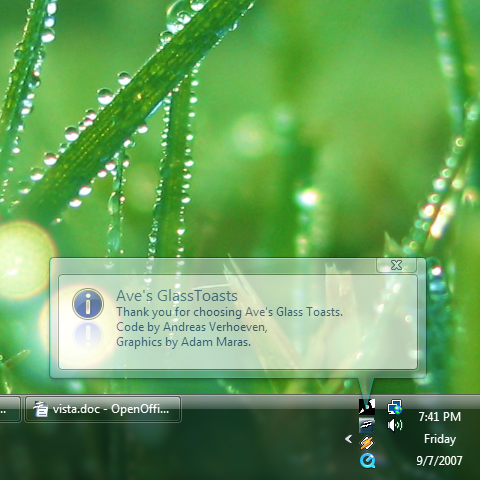
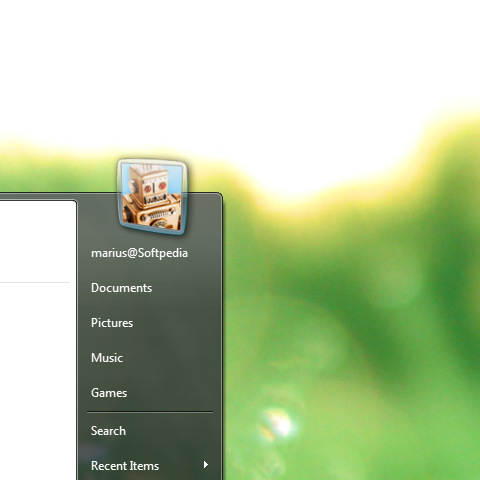
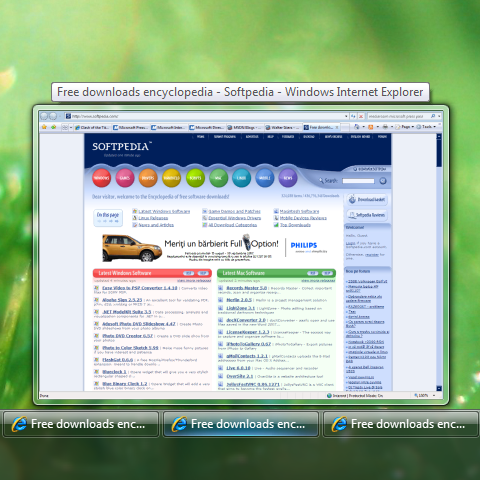
And speaking of small details, there are a couple of visual tweaks delivered by Andreas Verhoeven, that will really serve to pimp up your desktop. In the screenshots included at the bottom you will be able to observe the details added through the deployment of Glass Toasts, Thumbnail Sizer and 3D User Picture. Trust me, it's the little things that count, and Verhoeven simply took a few basic elements of Vista and tweaked them.
"GlassToasts replaces the "ugly" WindowsXP/Vista style balloon notifications with the Beta 1 style glassy toasts: With this application the balloons in Vista will also have an aero glass look. 3D User Picture replaces the user picture in Vista's startmenu with a pretty 3D animated one. Thumbnail Sizer allows the user to change the size of Vista's Window thumbnails that show when one hovers over the taskbar button for the window," Verhoeven revealed in the description of the tweaks.
In addition, the Stardock LogonStudio will permit you to play around with the logon screen in Windows Vista. "Stardock LogonStudio was designed to allow users to edit, change, and apply new logon screens to Windows Vista. LogonStudio comes built with a visual editor to make it easy to create your own logons which can then be uploaded to websites to be used by others users," reads the product's description. The LogonStudio is available for download here.