 14 DAY TRIAL //
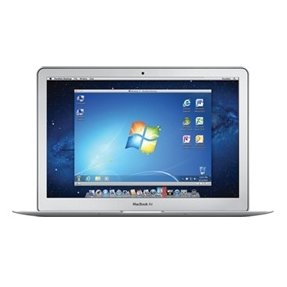
 The first incremental software update for Parallels Desktop 7 users has arrived with code corrections that address overall stability and performance issues, according to Parallels Inc.
Parallels 7, released earlier this month, is a paid upgrade. Existing customers can upgrade for $49.99 whereas VMWare Fusion users can switch over to the rival team for just $29.99. A new license costs $79.99.
Among the key features delivered in Parallels 7 is the ability to run multiple copies of Mac OS X and Mac OS X Server in virtual machines on a Mac.
Other enhancements include support for Lion’s Full-Screen Apps, Launchpad (complete with animations when opening Windows programs), Resume, and the ability to create Lion virtual machines using the recovery partition on Macs running OS X 10.7.
It’s a full 64-bit application that boosts its performance both in speed and in graphical output.
Parallels Desktop 7 also comes with a feature called “Windows on Demand”. As its name implies, it allows you to grab Microsoft’s OS off the Internet and have it installed in a virtual machine, much like Apple customers download and install OS X Lion from the Mac App Store.
Parallels Desktop for Mac version 7.0.14922.693916 “addresses overall stability and performance issues and includes the following fixes and improvements,” according to the developers.
· New interface languages, including Czech, Portuguese, Chinese Simplified, and Chinese Traditional. · Option to choose Mac OS X Snow Leopard-style full screen mode instead of native OS X Lion full screen mode. · Better compatibility with FileVault. · Improved compatibility with FaceTime HD camera and other USB devices for virtual machines with more than 2 GB of memory. · Resolves a problem with Mac slow boot time.
Using the link below, Softpedia readers can download a trial version of Parallels Desktop 7, or they can proceed to the developer’s site to buy the software and enable all its features.