 14 DAY TRIAL //
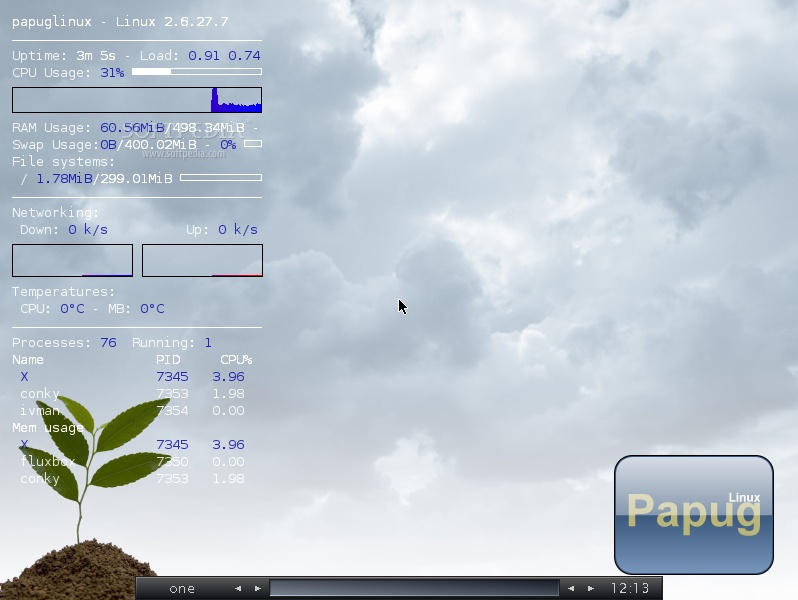
 PapugLinux is a lightweight, Gentoo-based distro using the Fluxbox window manager and a number of other applications with an equally small footprint. PapugLinux 10.1 is the first major release in a little over a year and likely the only one for 2010 based on previous release schedules. PapugLinux 10.1 is mostly aimed at bringing the various software components up-to-date, though version numbers aren't, for the most part, the newest ones.
"Version 10.1 is a major release of PapugLinux in term[s] of package update and hardware support. The latest version of X server will allow you to enjoy PapugLinux at the best capacity of your hardware," Sylvain Balbous said in the official announcement.
PapugLinux 10.1 comes with a very short list of default applications installed with just the bare-bone functionality covered. The latest version updates the X-Window server to X.Org-7.4 (the latest stable release is 7.5). Mozilla Firefox 3.5.6 is included as the default web browser, email is handled by Sylpheed 2.6.0. and instant messaging by Pidgin 2.6.3.
For simple office tasks, the AbiWord 2.6.4 word processor and the Gnumeric 1.8.4 spreadsheet editor are also included. On the server side, PapugLinux 10.1 comes with the Apache 2.2.14 web server, the latest version, the Cups 1.3.11 print server and the ProFTP 1.3.2b FTP server.
PapugLinux 10.1 uses the Rox 2.9 file manager/desktop environment with a few customizations for better integration. The distro is designed as a Live CD that should run on even the oldest x86 hardware, but it can also be used as a stand-alone hard drive install.
Note: "User 'papuglinux' is the default operating user, no password is required. System user 'root' can be used by advanced users, the password has been set to 'papuglinux.' If you have 512 MB of RAM, try 'linux copy2ram' as boot option."
Download PapugLinux 10.1 right now from Softpedia.