 14 DAY TRIAL //
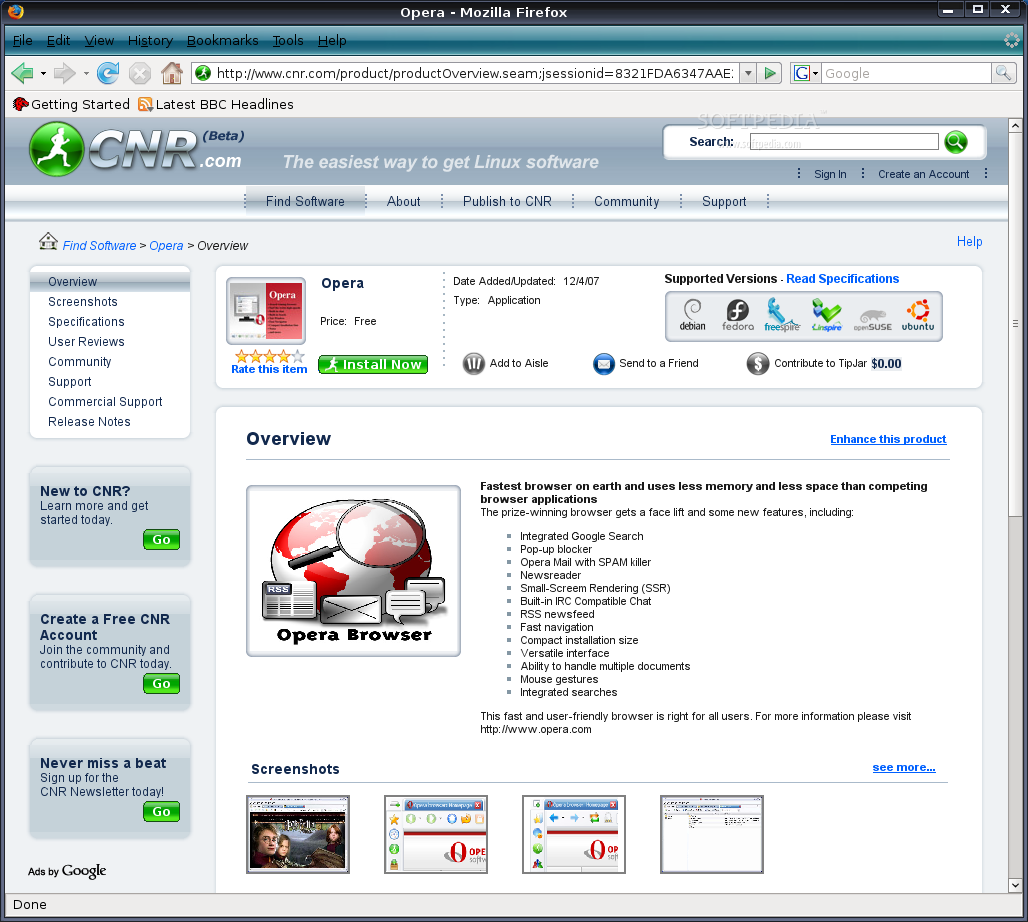
 Linspire announced the immediate availability of their CNR (Click 'N Run) client, also known as the one-click installation software, for Ubuntu 8.04 LTS operating system. The client comes with applications such as Google Earth, Google Maps, Google Notebook, SoftMaker Office, DOSBox, ON Networks, Snipshot, Virus Total. CNR grants access to a lot of wonderful games, multimedia codecs, video and audio players, image editors/viewers and much, much more!
On the 23rd of January, 2007, Linspire announced for the first time that they were working to extend their CNR (Click 'N Run) website for other popular Linux distributions, such as Ubuntu, Fedora, OpenSuSE and Debian. The CNR service had already been available for all Linspire and Freespire users. Kevin Carmony, the President and CEO of Linspire Inc., stated that he had enough with complaints from MS Windows and Mac users about Linux, and that there were too many distributions and each one had a different way of installing software: "When we started Linspire, we knew that we'd need to overcome this complexity. This led to Linspire's CNR ("Click 'N Run") technology."
Getting started with CNR
If you've just installed Ubuntu 8.04:
■ download the CNR client right now from here, ■ save the file on your desktop, ■ double click the file to install the CNR client, ■ logout and log back in, ■ start the CNR client from System Tools -> CNR and let it synchronize with the CNR.com website, ■ and finally, you can grab your favorite applications with a single mouse click!
About CNR
CNR is a FREE and easy way to access over 43,719 desktop Linux products, packages and libraries, all with a single mouse click. Finding, installing and managing software on your desktop Linux computer has never been easier! CNR makes the finding of the right piece of software easy to accomplish, with user reviews, screenshots, descriptions, charts, and so on. When you find the software you want, with only one click, it will be installed on your computer and icons will be added to your desktop and to the Start Menu. Also, CNR notifies you when updates are available for the installed applications via the CNR.com website, which you can easily install with one click. CNR also offers dozens of commercial Linux software titles for sale, such as popular games, Sun's StarOffice, Win4Lin, CodeWeaver's Crossover Office, Parallels Workstation, TransGaming's Cedega, and many other commercial Linux products.