 14 DAY TRIAL //
 Nokia N900 is the final product which opens up a new path for the Finnish smartphone producer. After Google, which launched its new open source operating system for mobile phones, Nokia raised the stakes a few months later with its own vision, which is called Maemo. Android OS, as well as Maemo are both based on the well-known Linux platform, but they are pretty much different because they are the results of two different working teams. Before getting into more in-depth information, do not overlook the fact that we will be reviewing an Internet tablet, with some limited phone capabilities.
So, be aware that some of the features that you'll probably be expecting from such a device might be missing. Also, bear in mind that Nokia might, or might not, add some new basic features or new complex ones in the future firmware updates, but do not rely on that. In the end, to quote one of the Nokia's officials: "N900 has become the high-end line-up of smartphones for Nokia and all other Maemo devices that will be launched will have specific high-end features". So, expect high prices for the next Maemo devices, but on the other hand, the Nseries prices might drop.
Nokia N900 has been announced in August 2009 and made available on the market in November same year. The device is only available in Black and can be acquired for about $700 USD.
style="color: rgb(170,51,51)">Design
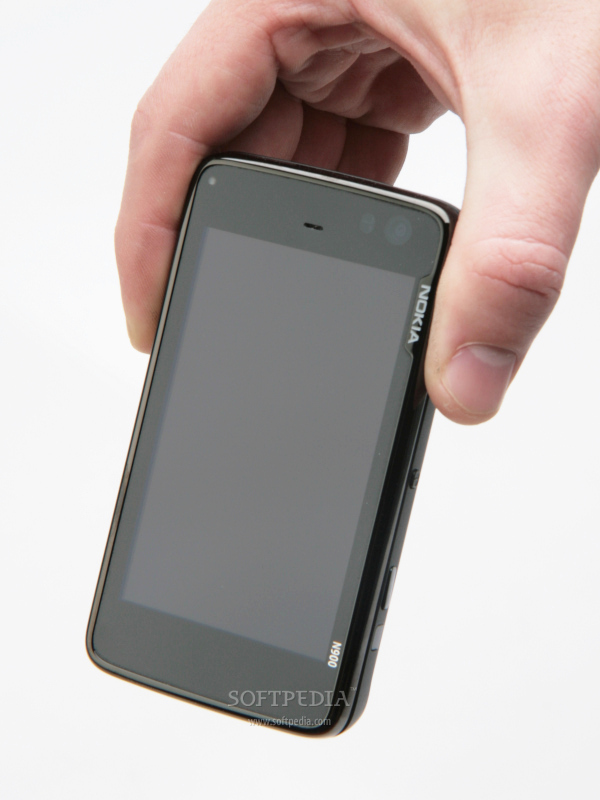
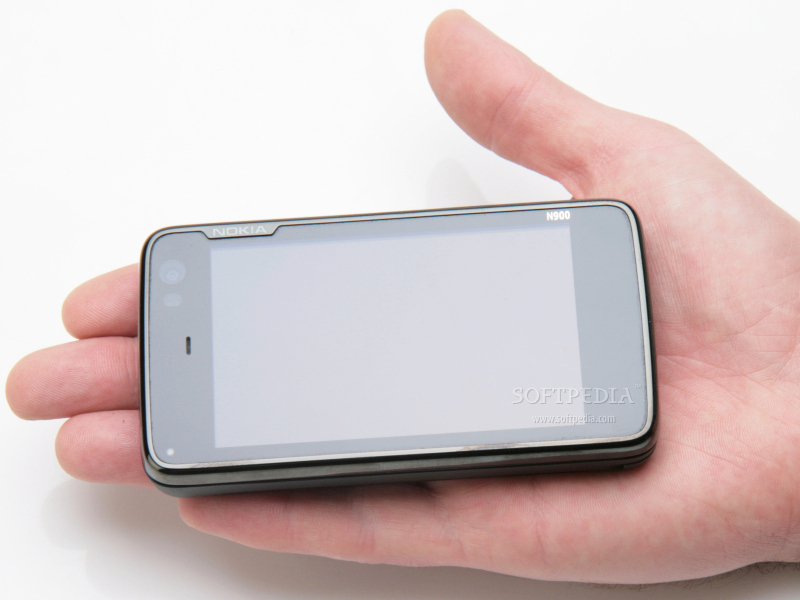
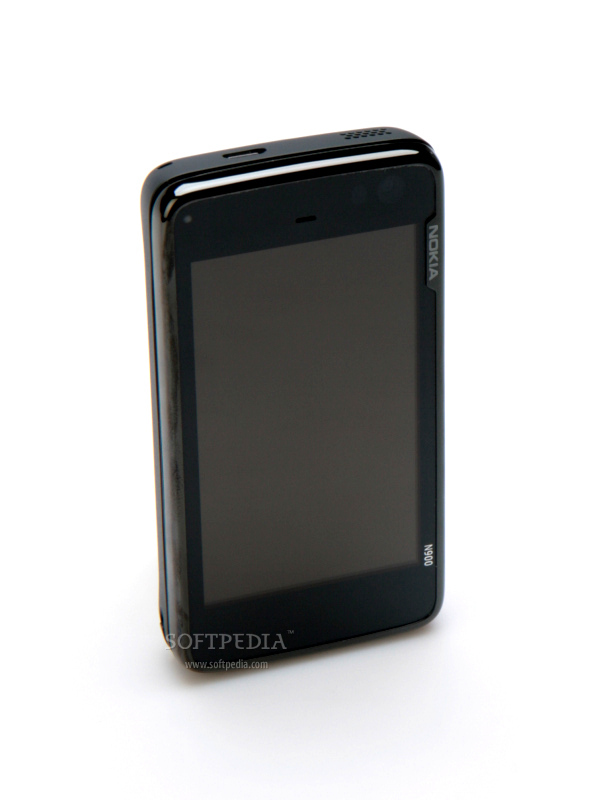
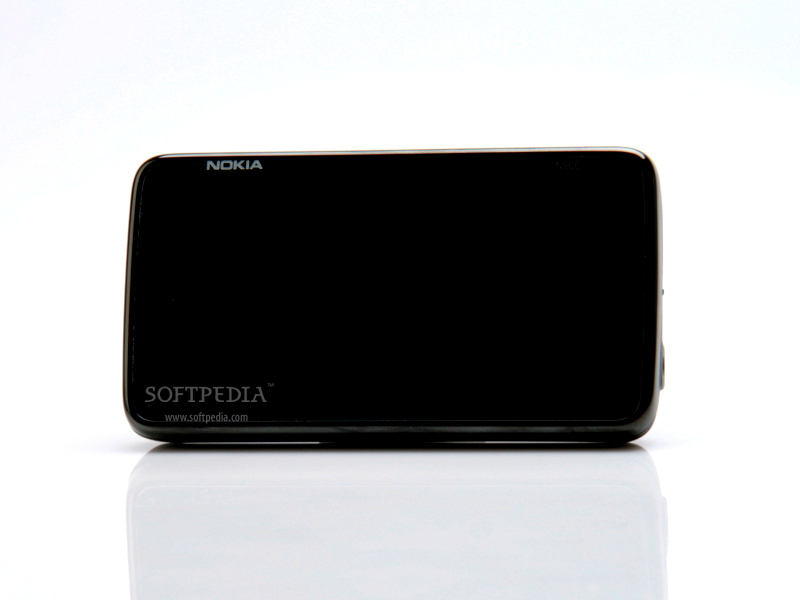
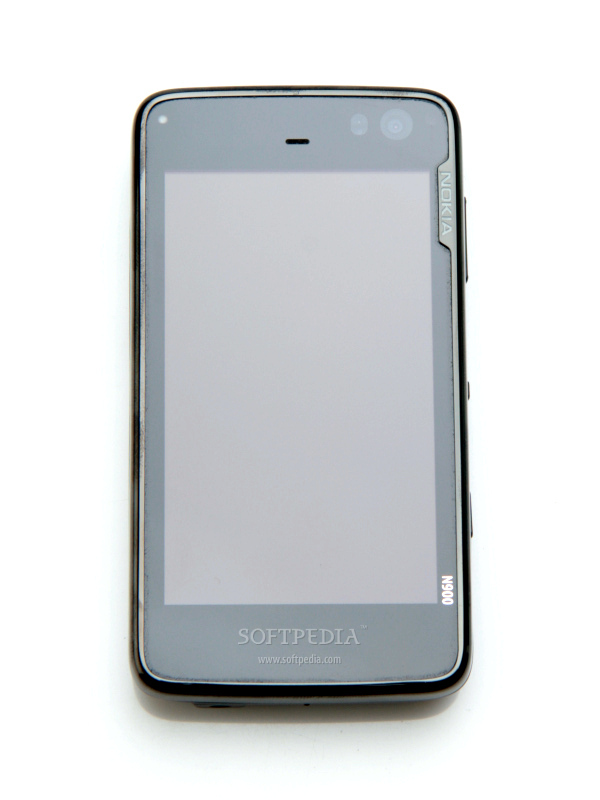
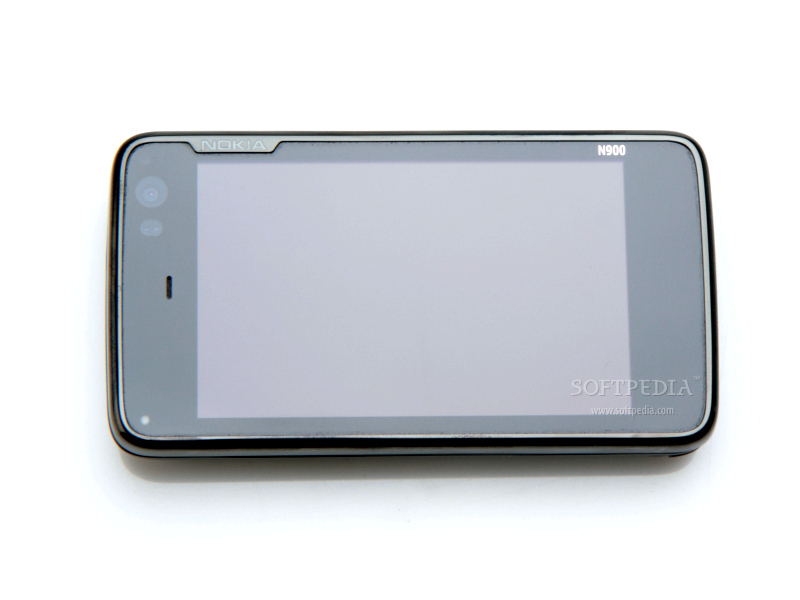
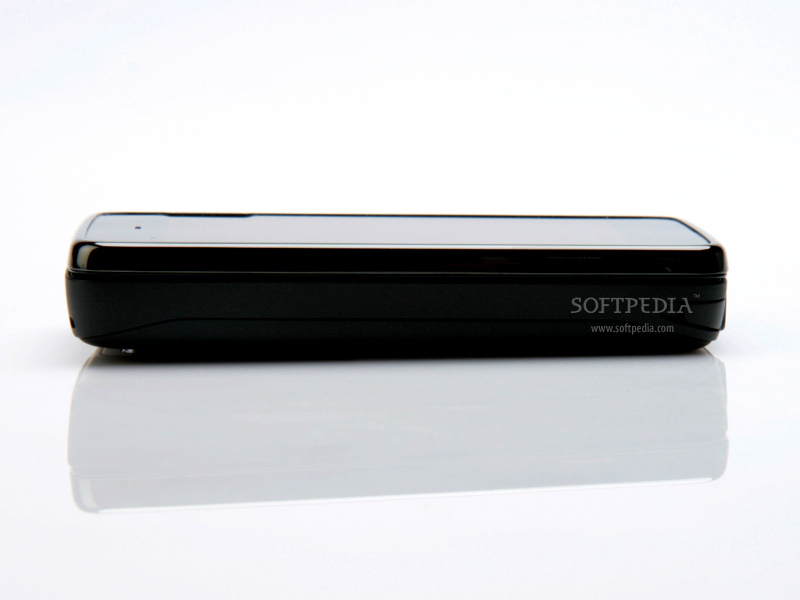
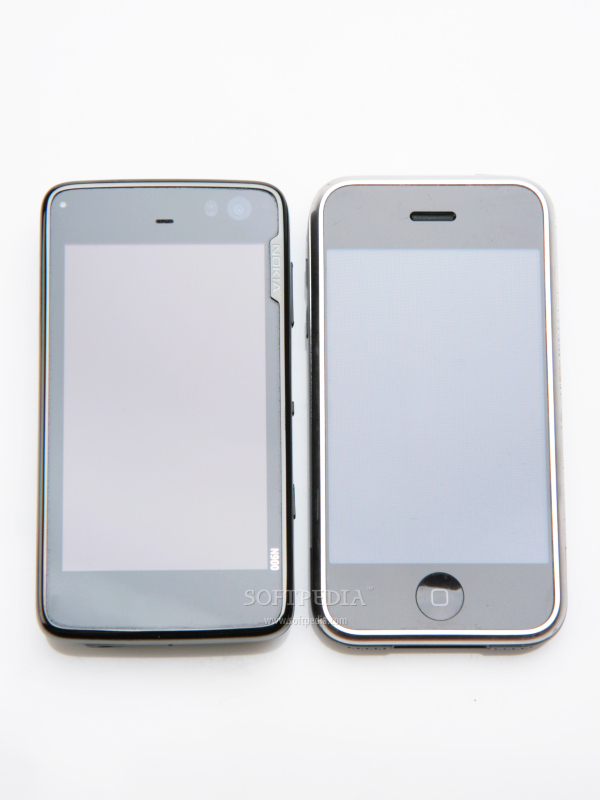
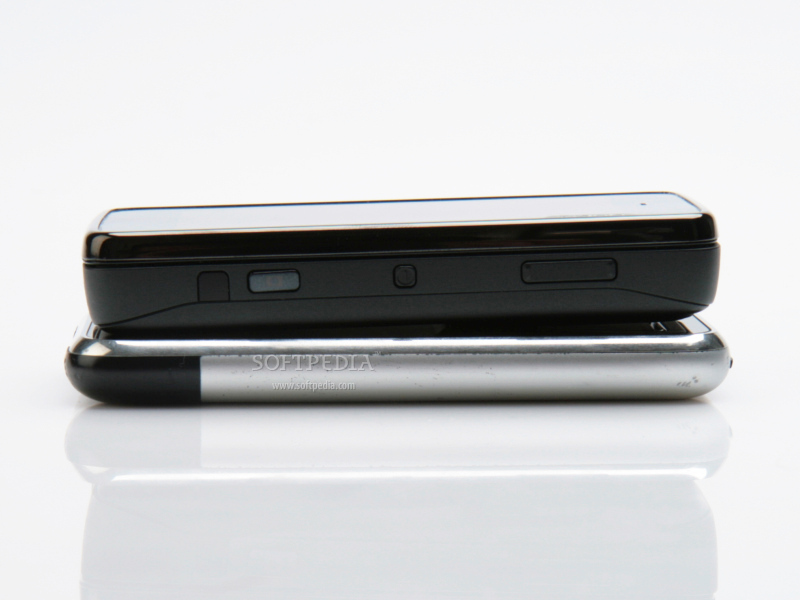
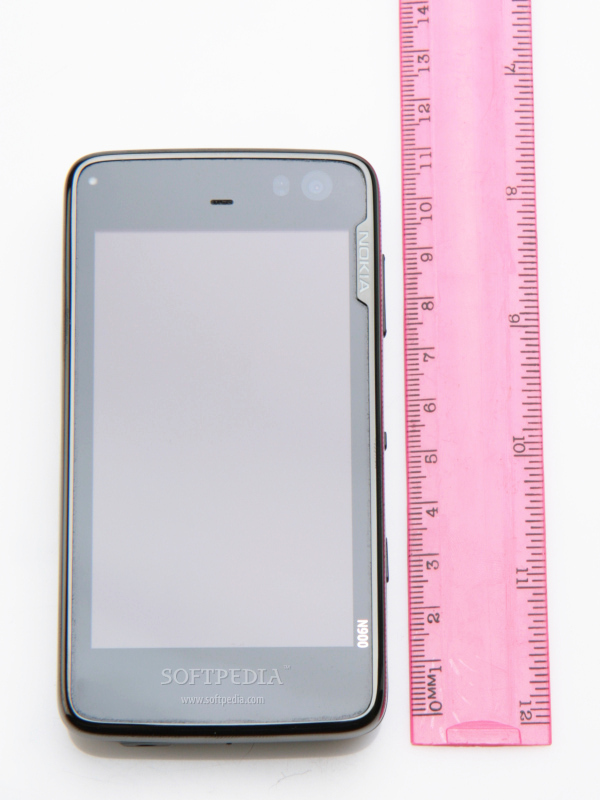
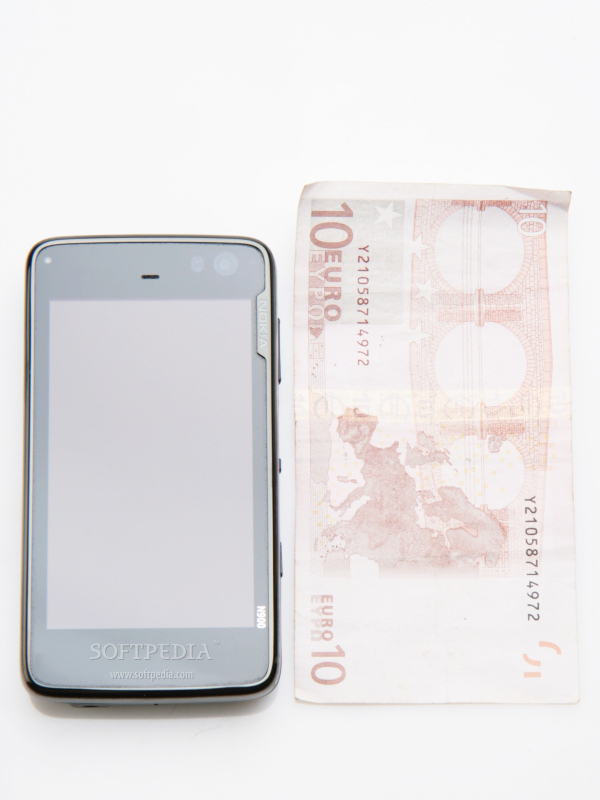
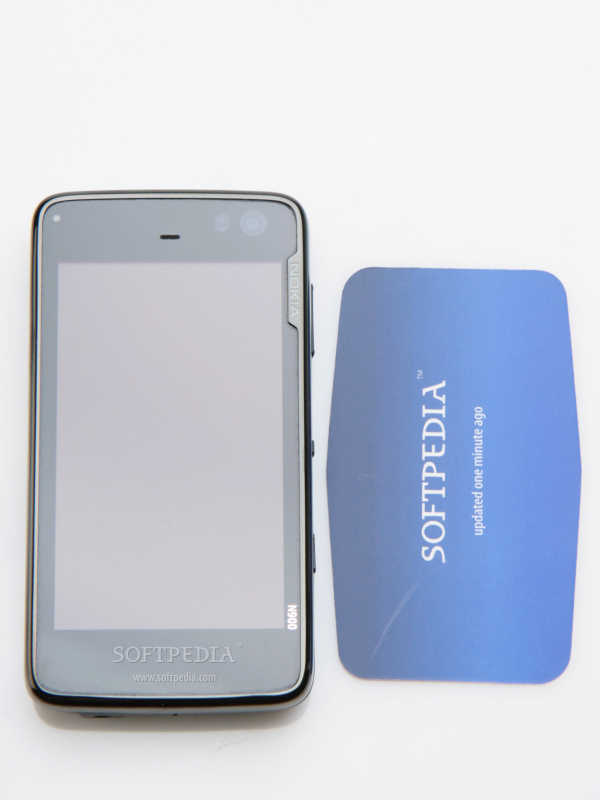
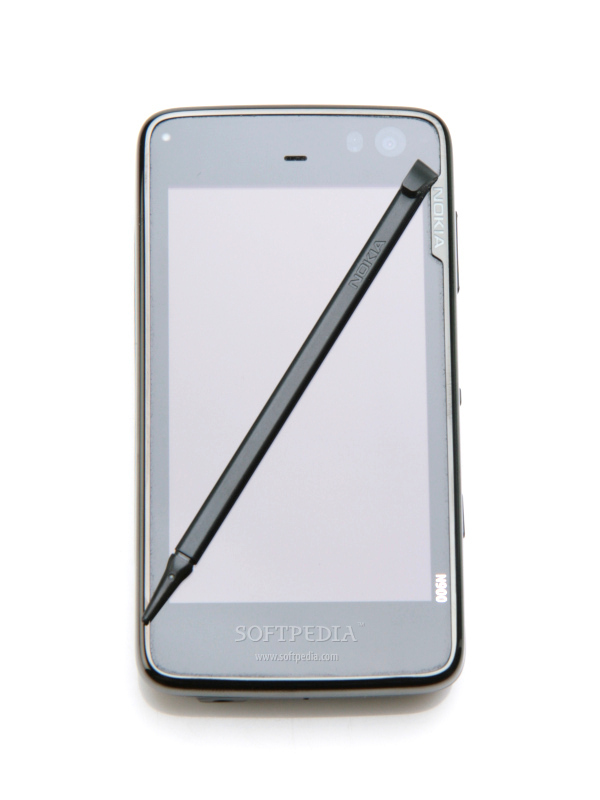
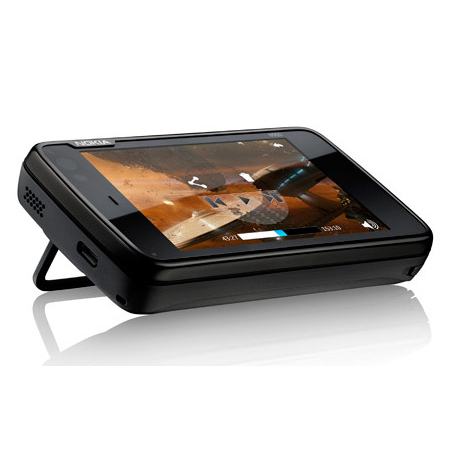
The first time I saw Nokia N900, I was afraid its too bulky and ugly for my tastes. Automatically, I have compared it in my mind with the new Android smartphones and saw the N900 losing on all aspects. Fortunately, things are not as it seems at first glance, and Nokia N900 is really a very nice and stylish device. Yes, the device is pocketsizable and yes, it's big and heavy (110.9x59.8x18mm and 181g including battery), but it looks much better than HTC Touch Pro or any other bulky Pocket PC. It feels nice to the touch thanks to the matte plastic on the back, which also helps users have a good grip over the device.
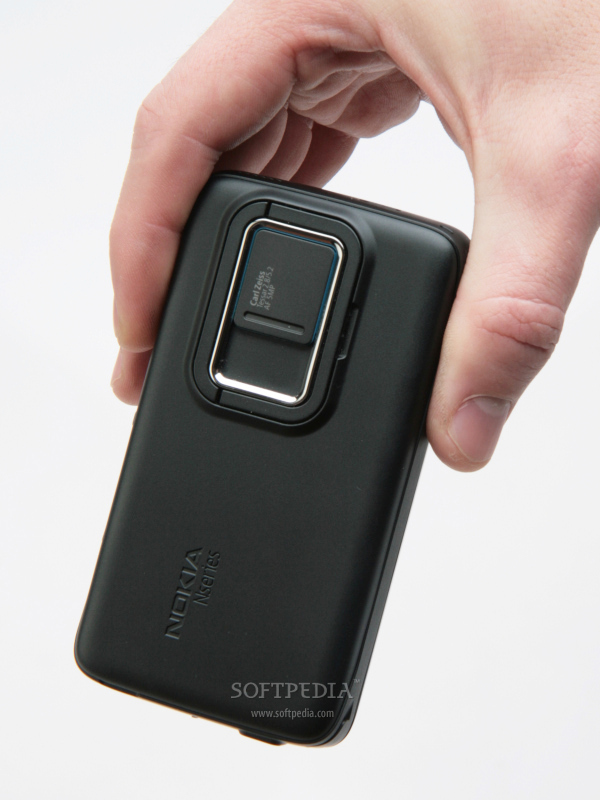
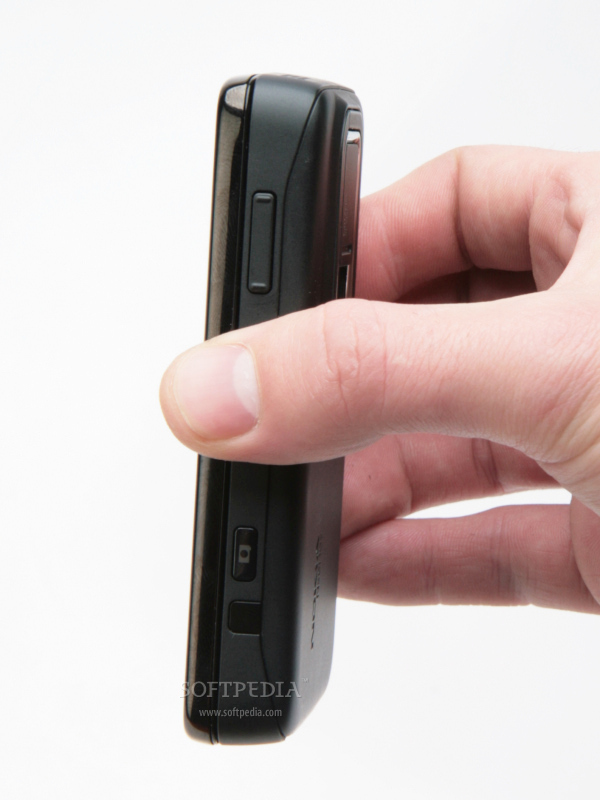
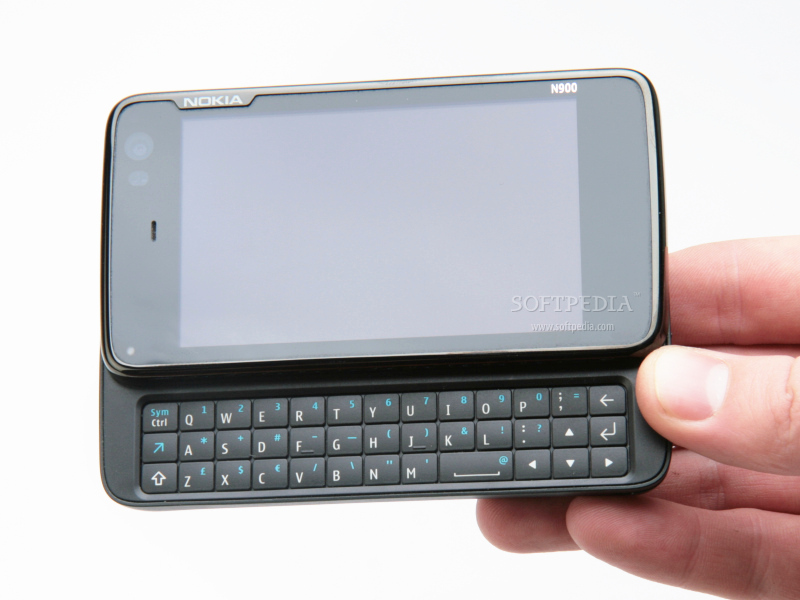
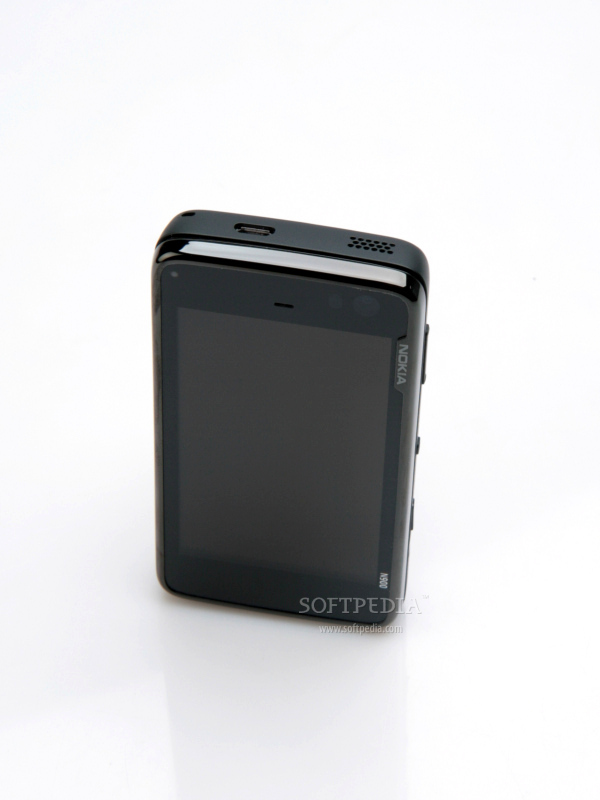
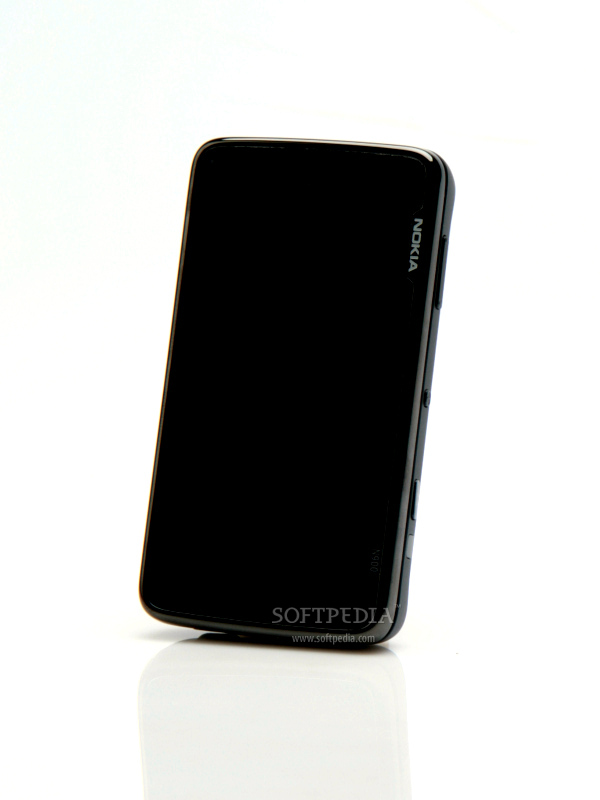
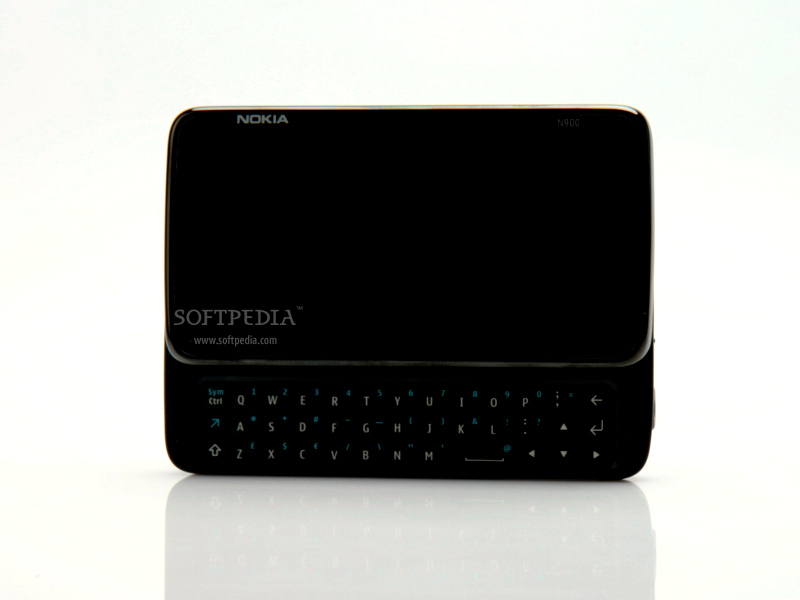
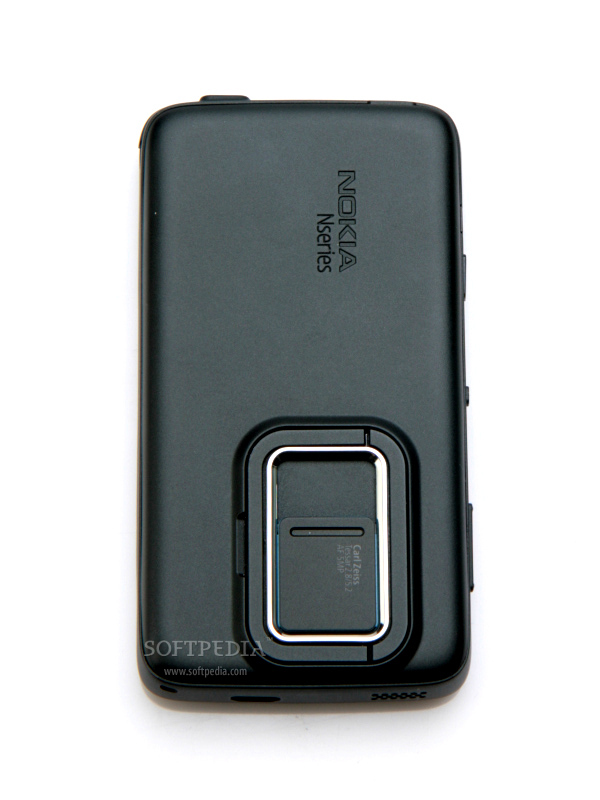
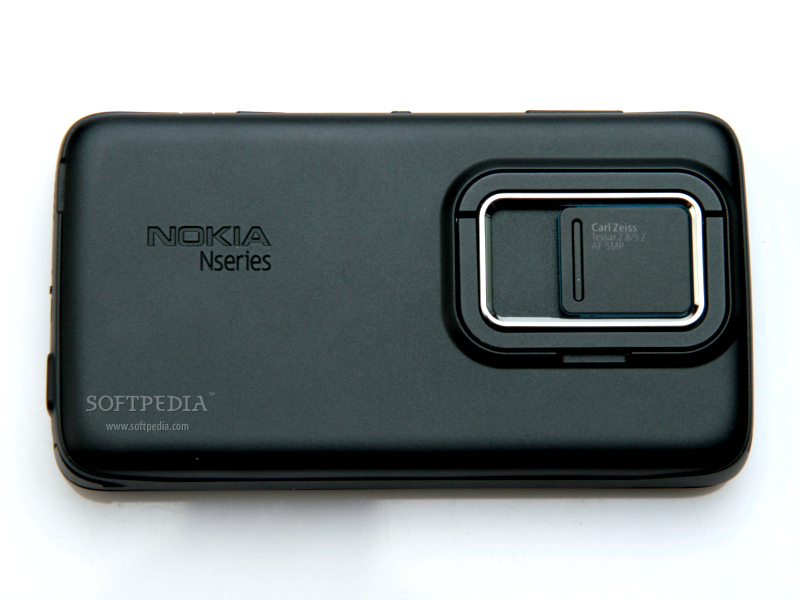
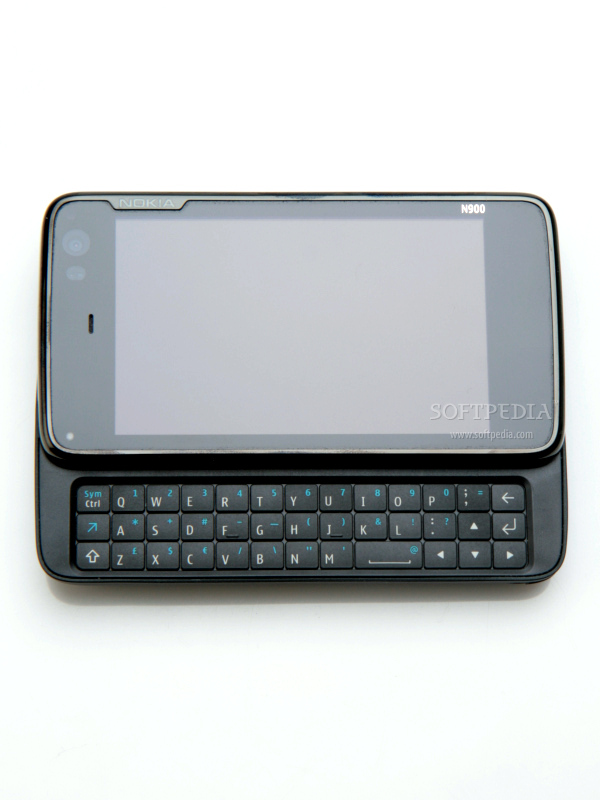
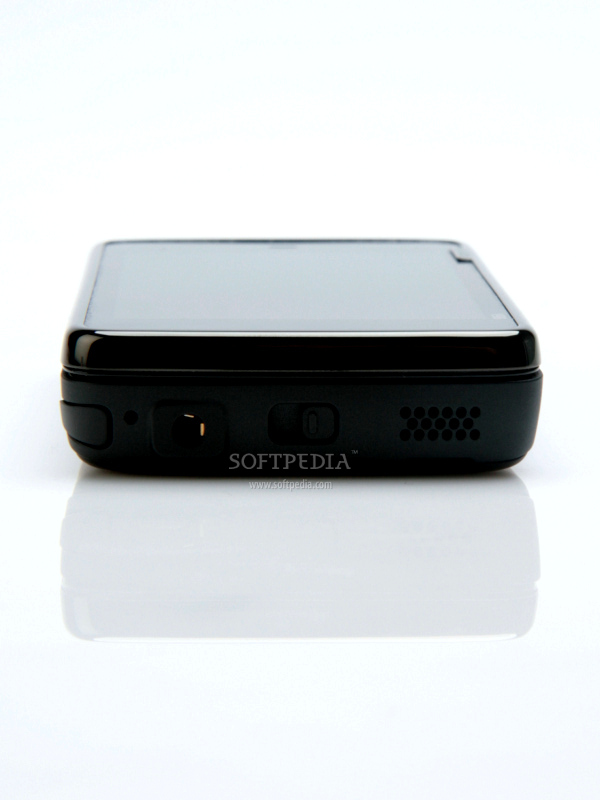
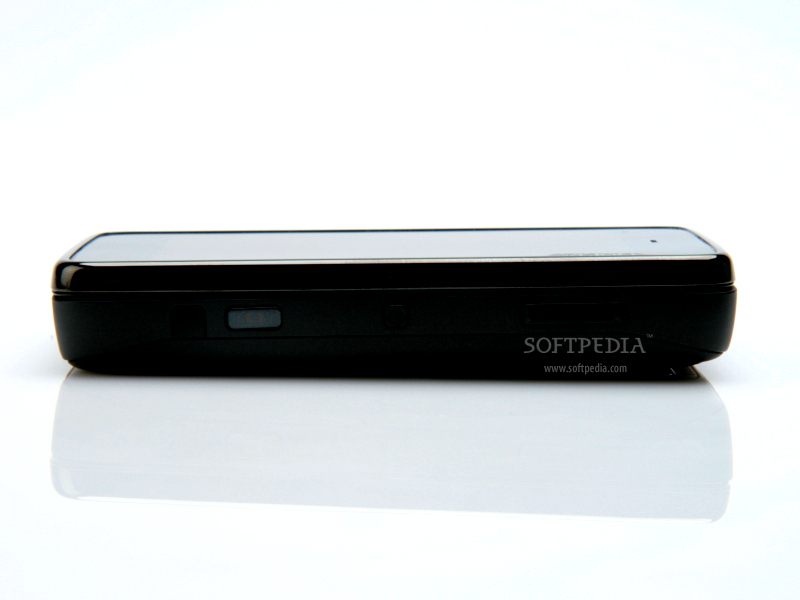
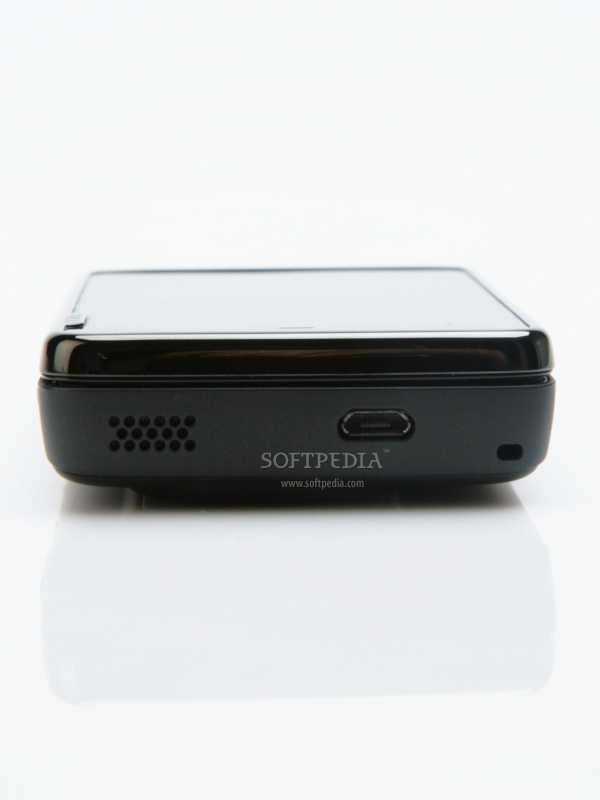
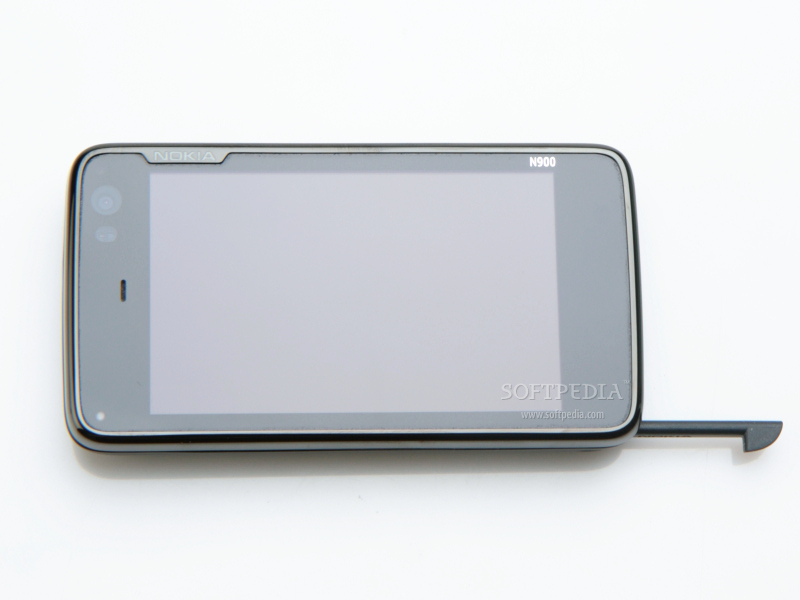
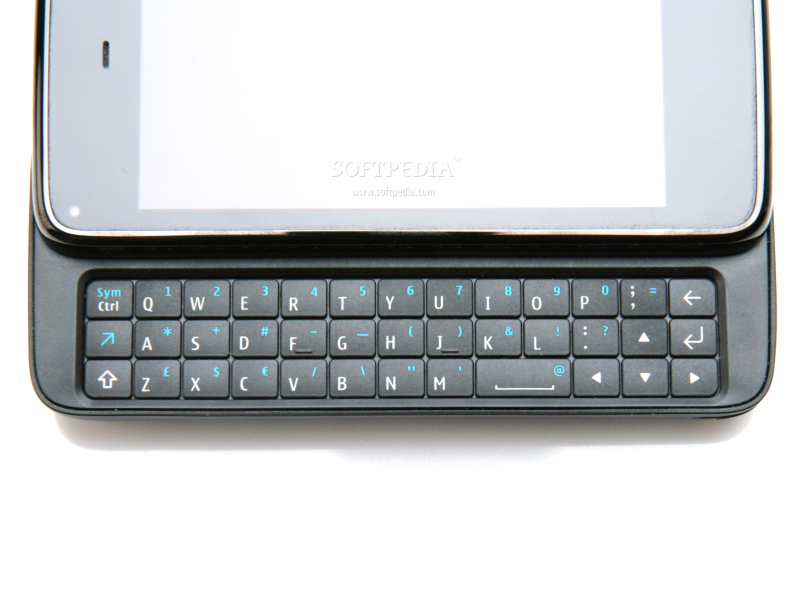
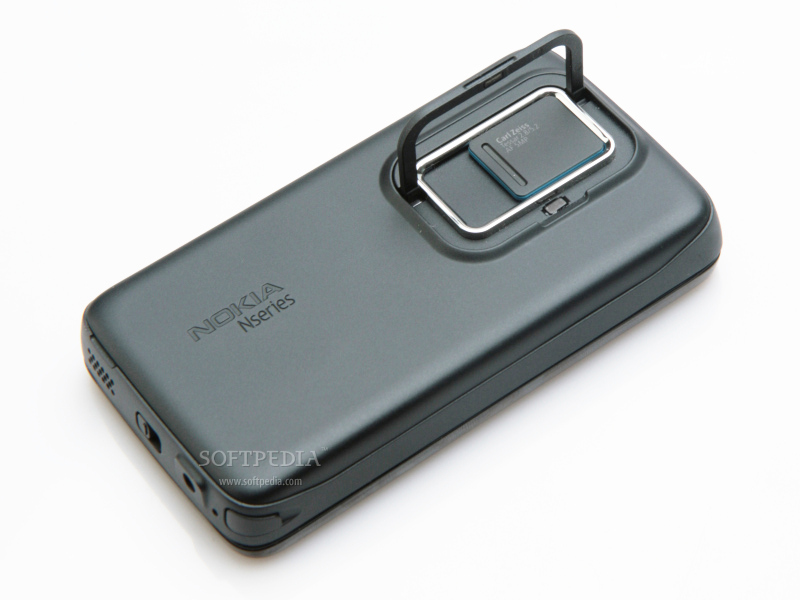
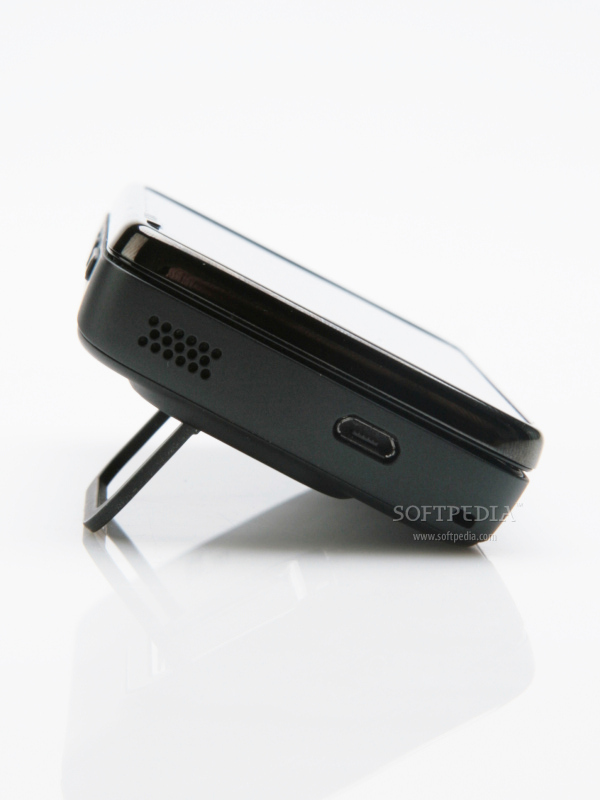
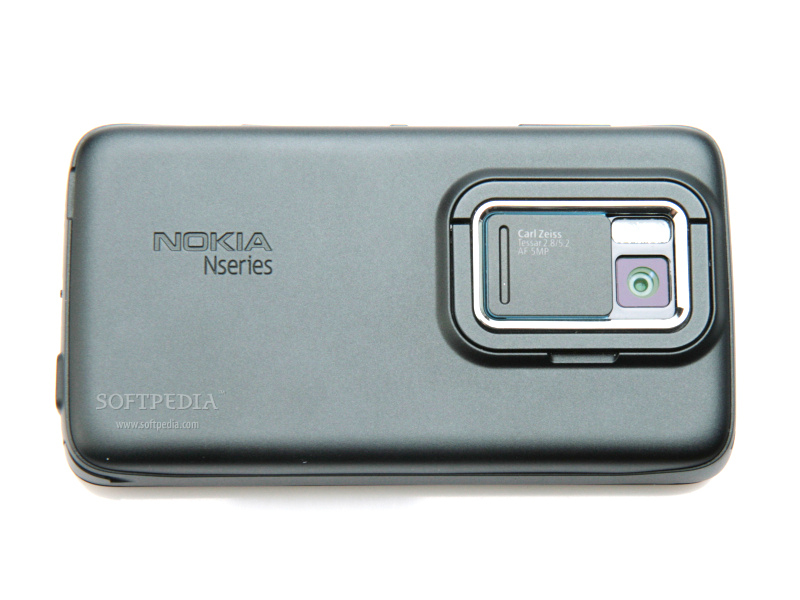
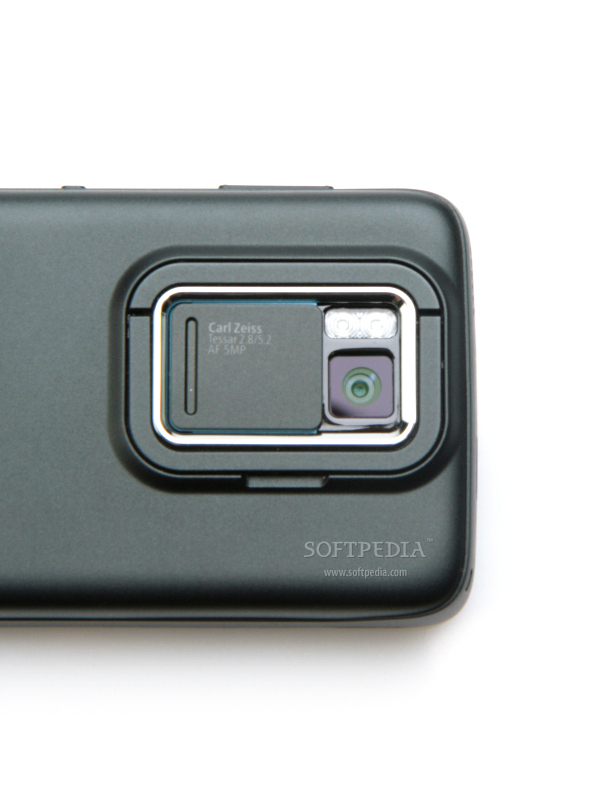
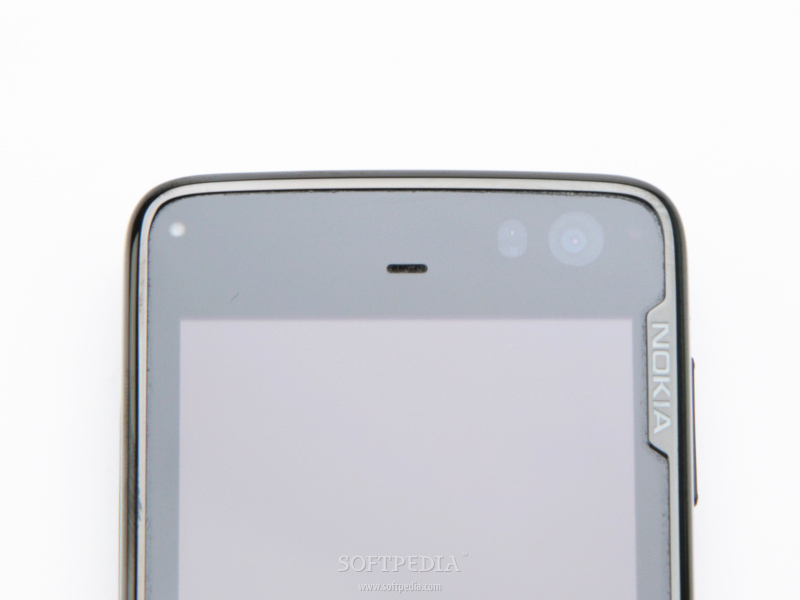
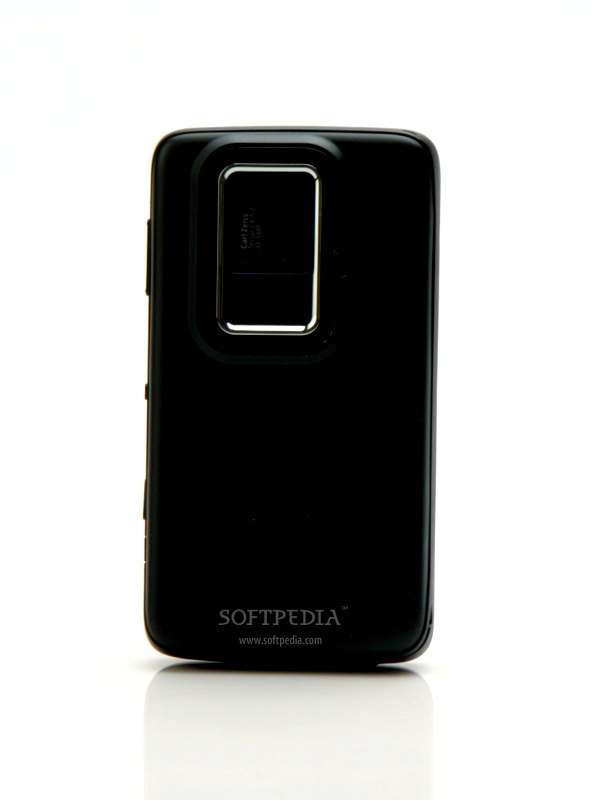
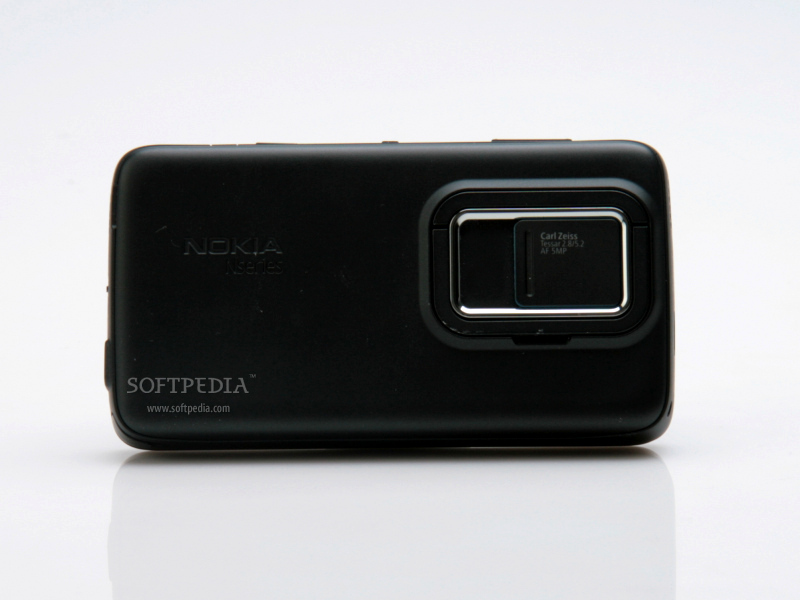
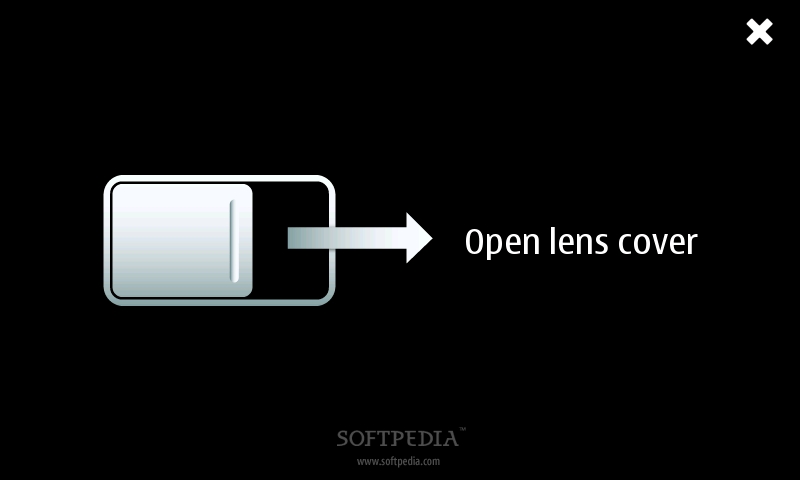
The only drawback that I found is the shiny material that covers the front part of the device, which is a fingerprint magnet. Still, the rest of the device is looking very good and, for me at least, it seemed ergonomic enough to be able to handle it with ease. Once you get used to its look and to its buttons layout, everything should work smoothly. In fact, besides the QWERTY keyboard the device doesn't really have too many external buttons. If you keep the N900 in portrait mode, you'll be able to notice on the right side a volume key near the top, a small power on/off button at the middle and a dedicated camera key near the bottom. On top of the smartphone, there's a microUSB port, as well as one of the two stereo speakers. The other stereo speaker can be found on the bottom of the phone, together with a 3.5mm port jack and a small sliding key which locks/unlocks the touchscreen. There's also a plastic stylus placed on the bottom left corner of the device, but I haven't used it too much. Above the generous touchscreen, there's a secondary videocall camera, as well as a small ambient light sensor and the in-call speaker. The backside of the smartphone features a nice 5 megapixels camera, which is protected by a sliding cover. When opened, it will also reveal a dual LED flash and Carl Zeiss optics. The camera is surrounded by a thin plastic strip, which can help users watch movies in a more relaxed position without the need of keeping the phone in hand. When the device is slided, it will reveal a full QWERTY keyboard that features 38 small keys. While the layout is good, I still had the feeling that the buttons are too small and a little bit too crowded. Still, that doesn't makes a bad impression and texters will be happy to find that the keyboard is actually very nice to the touch and responsive enough to be able to text without mistakes. The backlighting of the keyboard is good and very nice, with a bluish light that shows all the keys. Overall, Nokia N900's finishes are exquisite and puts it in front of many other (ex)high-end Nokia devices, in terms of design and ergonomics. The rounded shapes of the device also recommend it as an easy-to-carry smartphone and really good-looking business tool.style="color: rgb(255,102,0)">Display and Camera
Nokia N900 features a large 3.5-inch TFT resistive touchscreen, which supports 16 million colors and 800x480 pixels resolution. It also includes features like proximity sensor for auto turn-off and accelerometer sensor for auto-rotate. Perfectly visible in the sunlight, the display is also surprisingly responsive for a resistive touchscreen. In fact, first time I used the device, I tought that Nokia finally made its first capacitive touchscreen, but is seems that I was mistaken. The display is still resistive, but very well crafted, so you will barely feel the difference when it comes to responsiveness. Of course, you won't be able to take advantage of features like multi-touch, but I'd say this is a pretty good display. It is also well-protected against scratches, which is a big advantage as the device doesn't feature a leather case or something close to that.
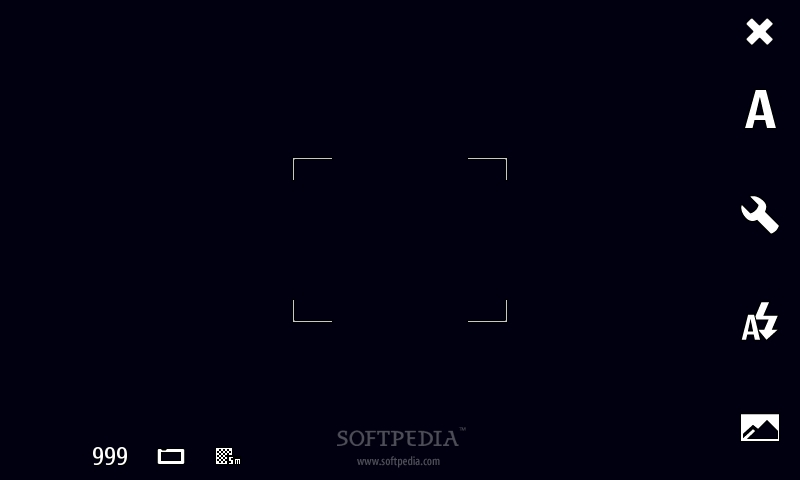
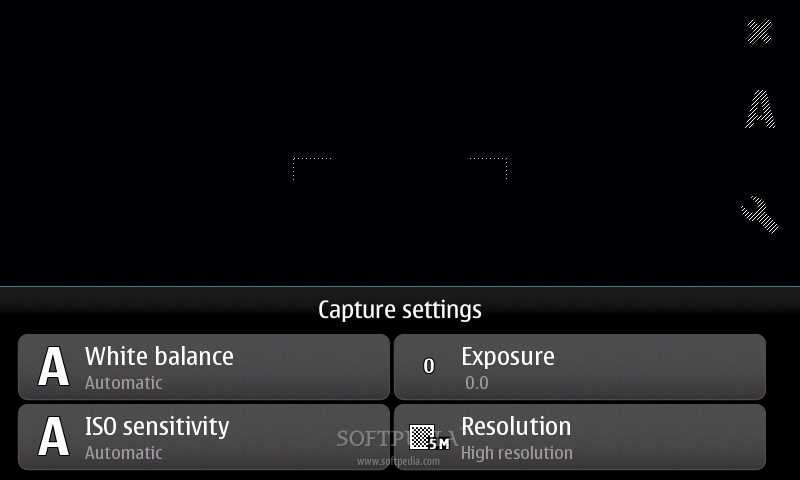
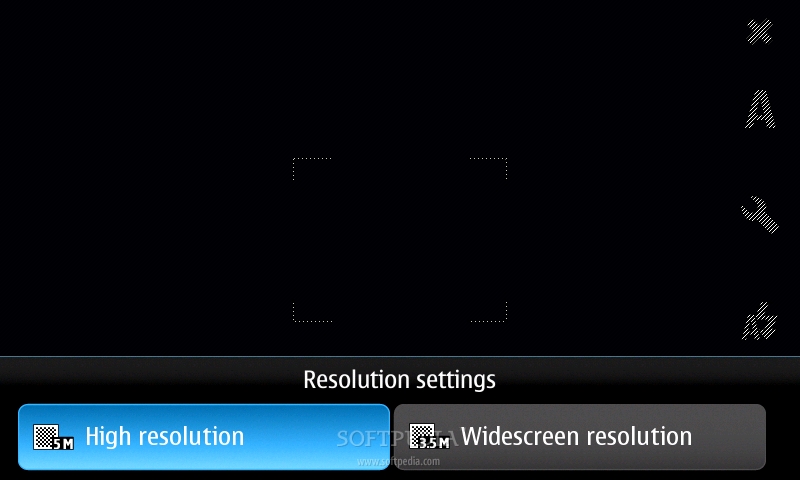
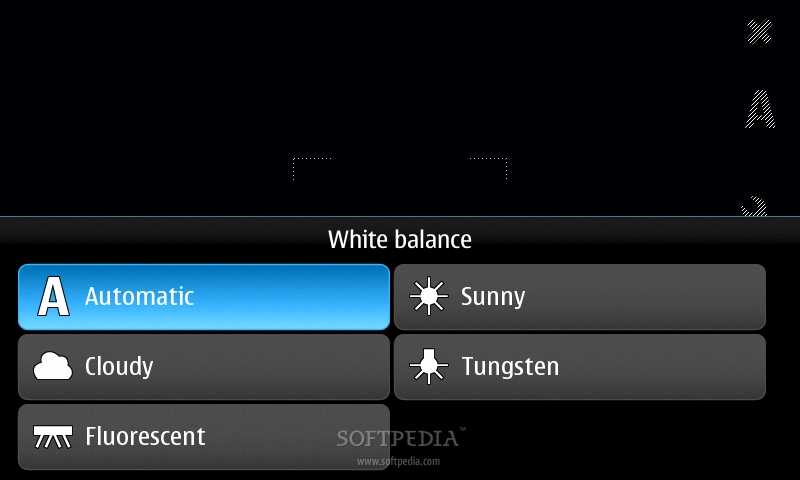
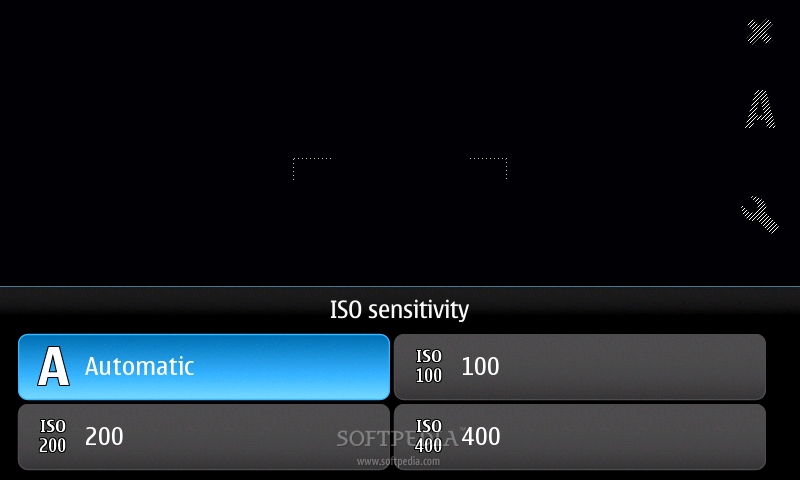
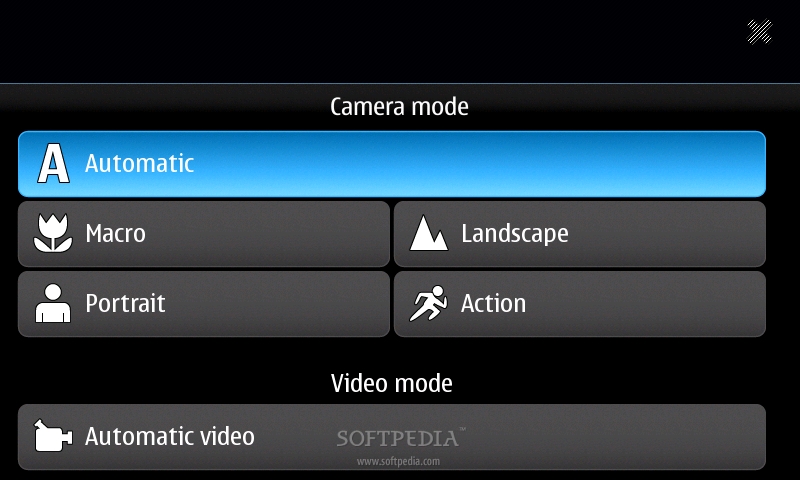
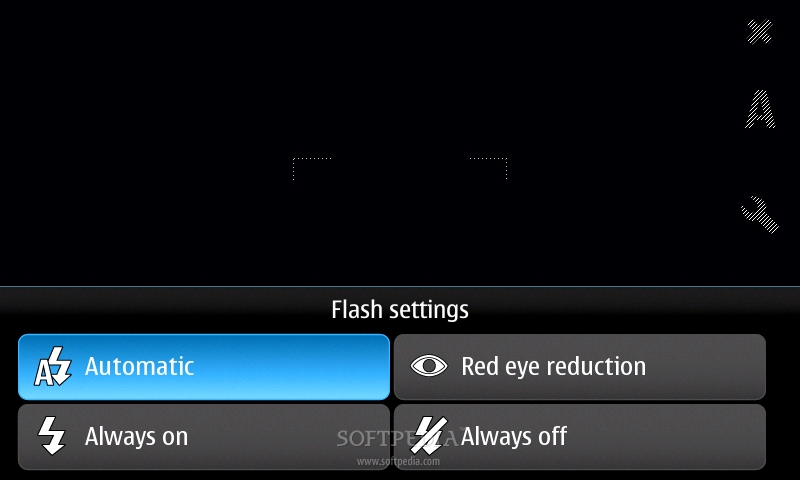
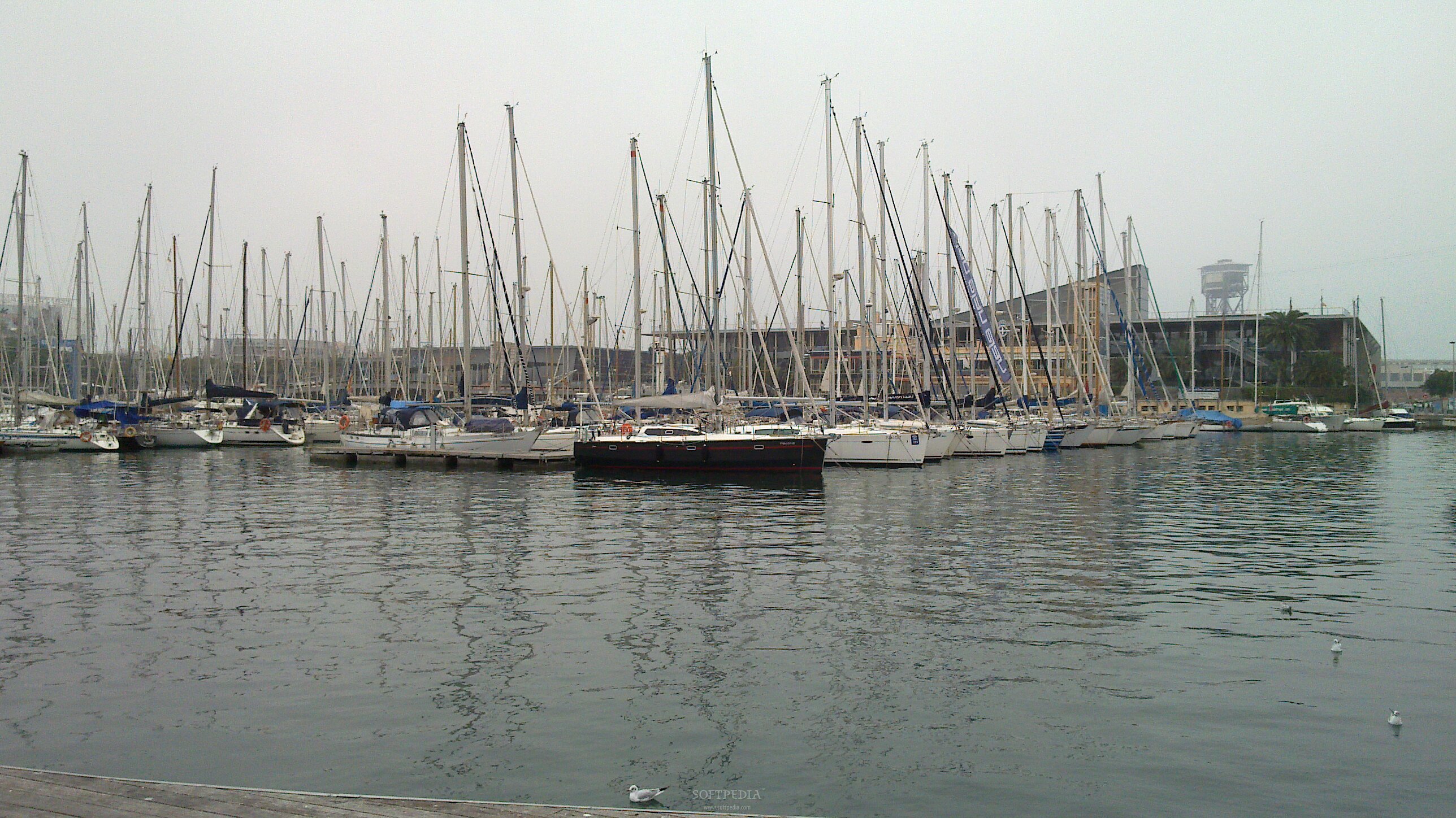
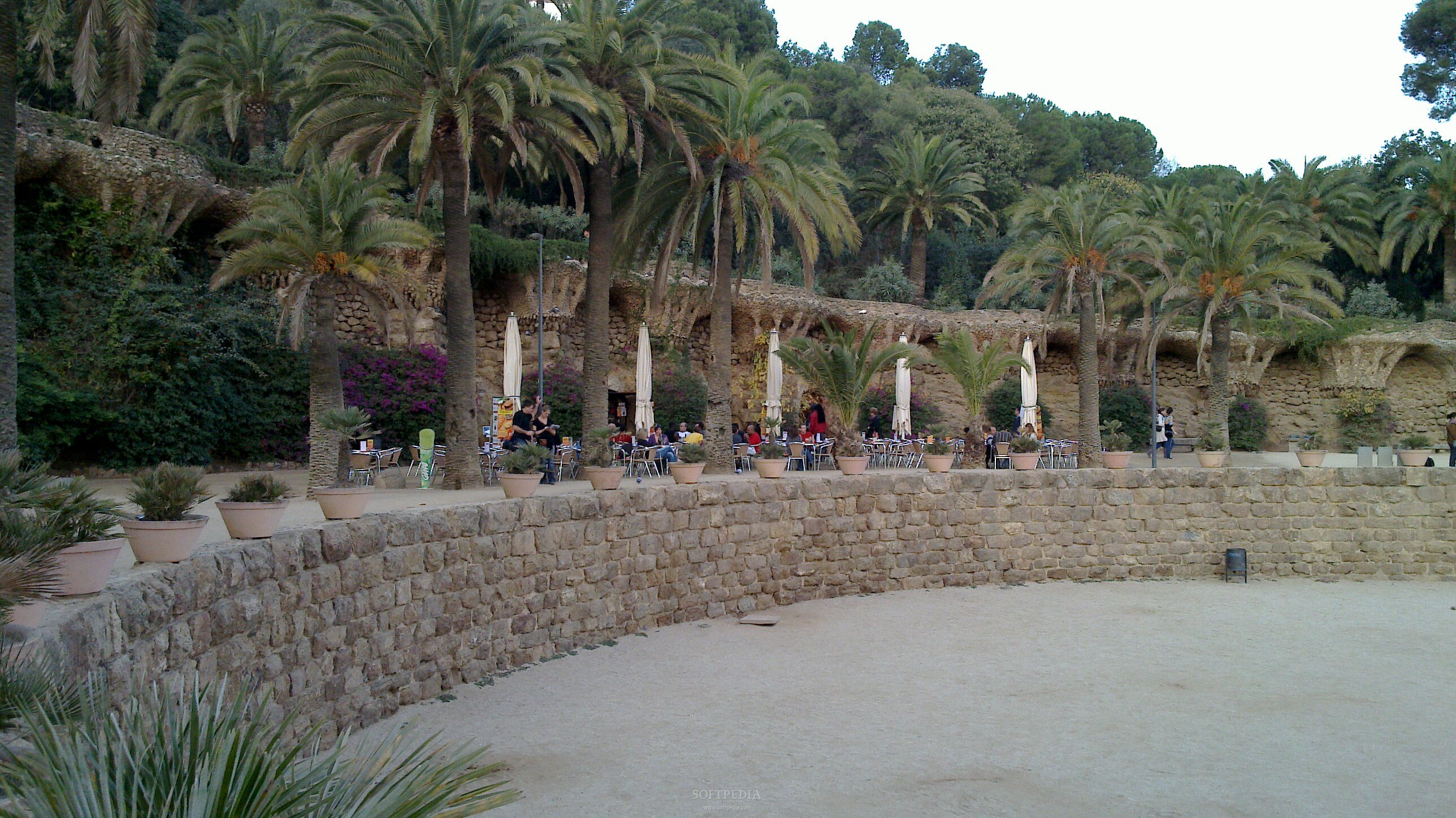
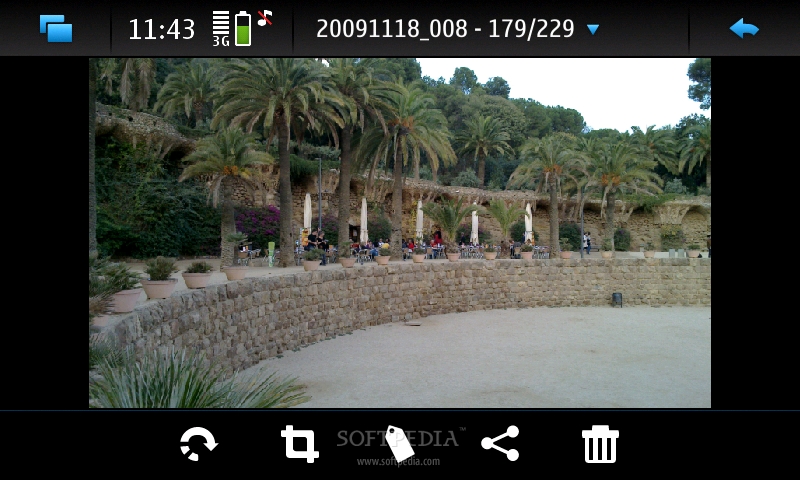
Of course, you could buy one, but the fact remains that you won't have any troubles with scratches unless you are fool enough to keep it in the same pocket with your keys, which I doubt it, as the device is pretty big to not fit in the pocket with anything else. Moreover, Nokia N900 includes a dedicated PowerVR SGX graphics CPU with OpenGL ES 2.0 support that enhances multimedia experience, which implies running games or movies on the screen. I only noticed a small drawback and that is the fact that you won't be able to use the phone in portrait mode unless you set the device to turn to dial mode as soon as you unlock the screen. Otherwise, you will be stuck to the landscape view. Further, the transgression to portrait mode doesn't function well enough, and you might end up clicking on the Phone icon on one of the additional homescreens. N900 also includes a 5-megapixels camera, but this is not just a usual camera. Nokia has put in some effort into this and managed to embed a nice camera with autofocus, dual LED flash and Carl Zeiss optics. You can take snapshots either in 5-megapixel high resolution or use the more unsual, but very cool 3.5-megapixel wide resolution. I had some doubts before actually using the camera to take pictures, knowing the level of technology that Nokia usually puts into its smartphones. Enough said, these doubts fade away once I started to take some snapshots. I was amazed by the accuracy of the camera, especially when using the 3.5-megapixel wide resolution. The pictures are simply excellent, even when you don't benefit from the best light. The night pictures are also pretty decent, but you will need to be somewhat close to the subject that you intend to capture as the dual LED flash has its limit. The interface of the camera is pretty standard for such a camera and easy to use. Users will be able to change resolution, White balance, ISO sensitivity and Exposure. Camera mode can be set on Automatic (default) or you can choose one of these options: Macro, Landscape, Portrait, Action. Camera also includes the geo-tagging feature video light. For those of you that are interested in video capturing, I'll have to say that Nokia N900 excels to that too. It can record clips in WVGA(848 x 480)@25fps, which is pretty nice. Check out the samples below to get an idea of what this high-end device can do with its camera.style="color: rgb(153,204,0)">Menu and Software
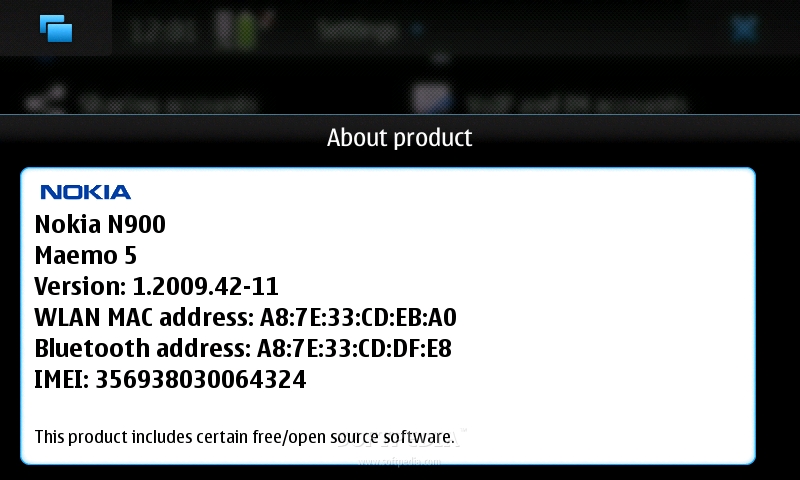
Maemo 5 is the first open source operating system coming from Nokia, and a new one coming from the Finnish giant for a long time. As its base stays in the Linux OS, you will probably notice lots of similitudes with Google's Android, which has about the same roots. First of all, Nokia N900 runs Maemo 5, version 1.2009.42-11, which will probably receive upgrades in the future. Anyway, the main thing that I noticed is the "lack" of freezes or errors. I haven't gotten any of the usual lock-ups that Symbian smartphones have from time to time and that made me really happy.
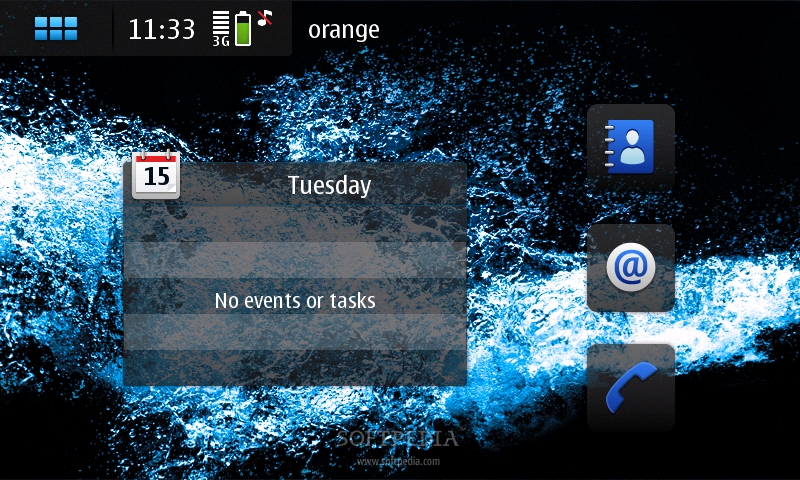
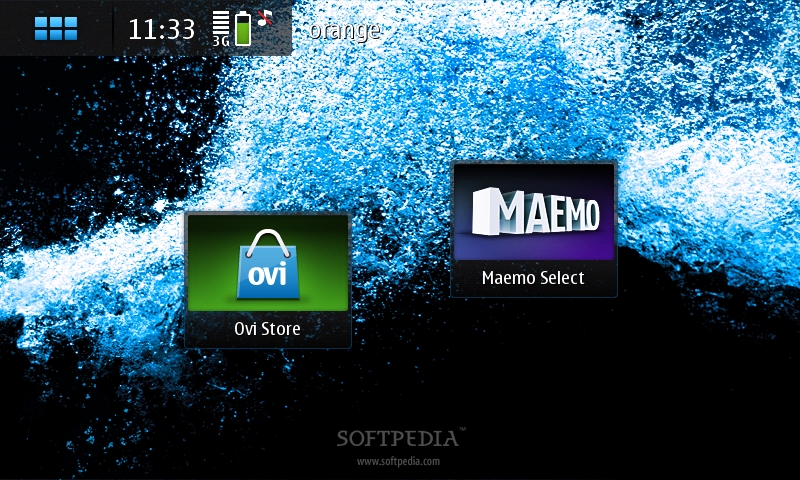
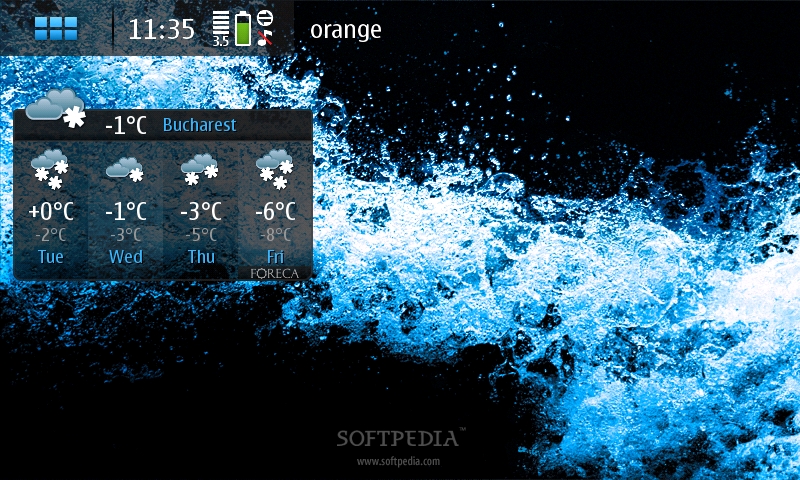
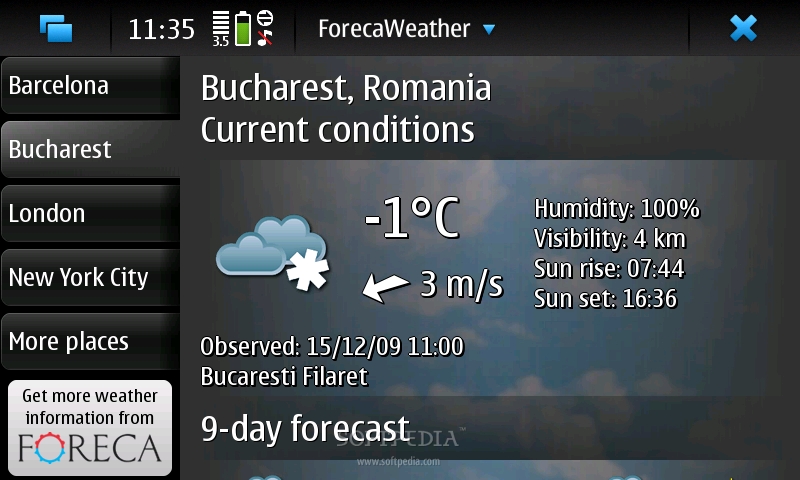
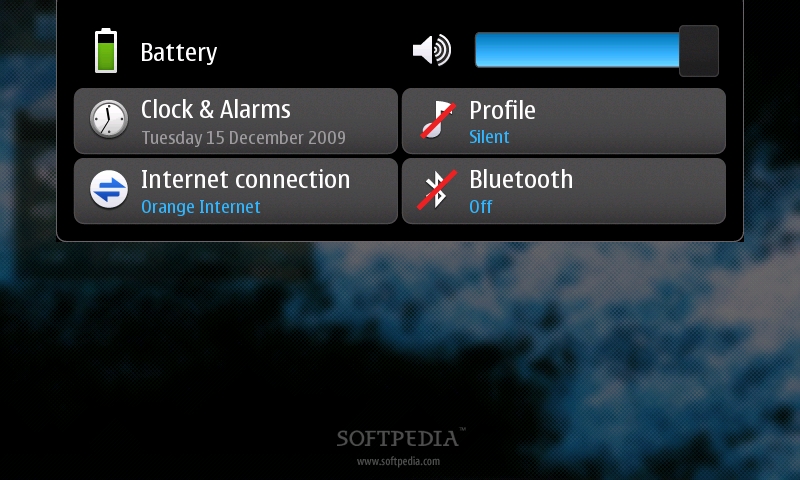
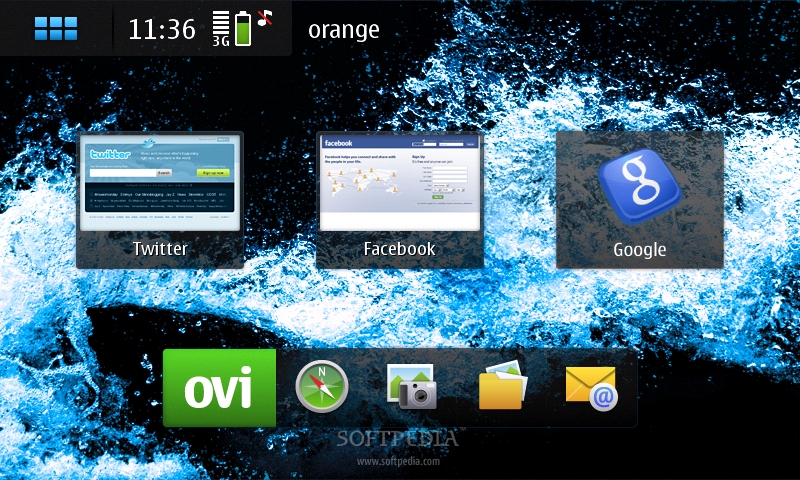
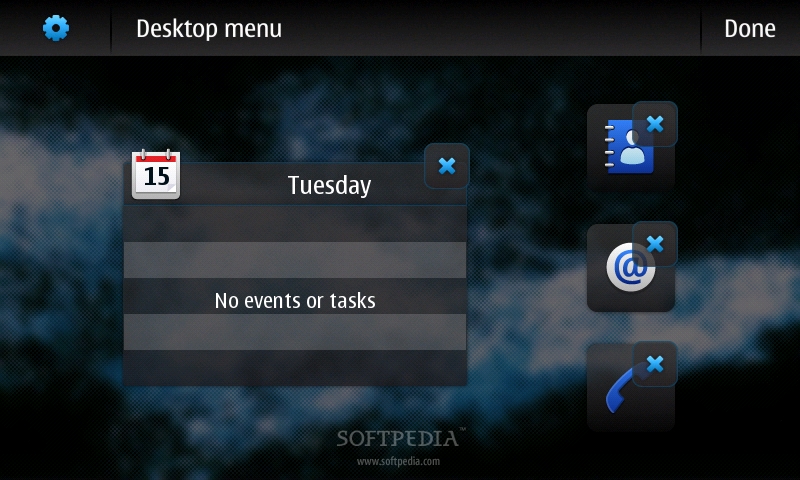
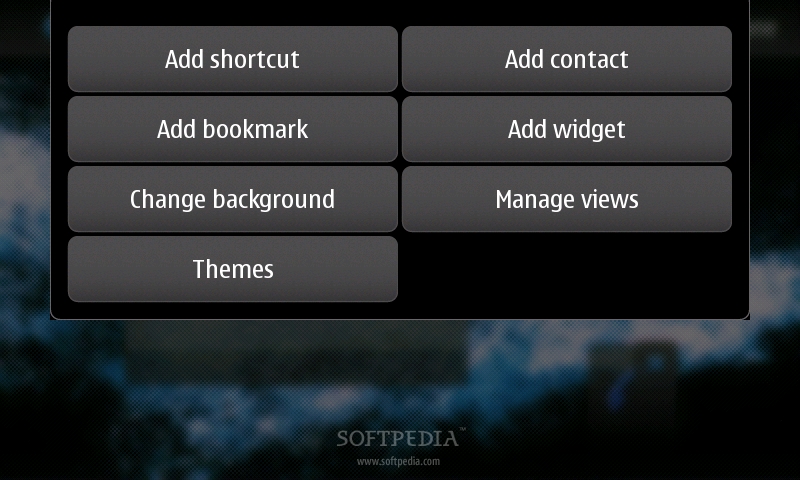
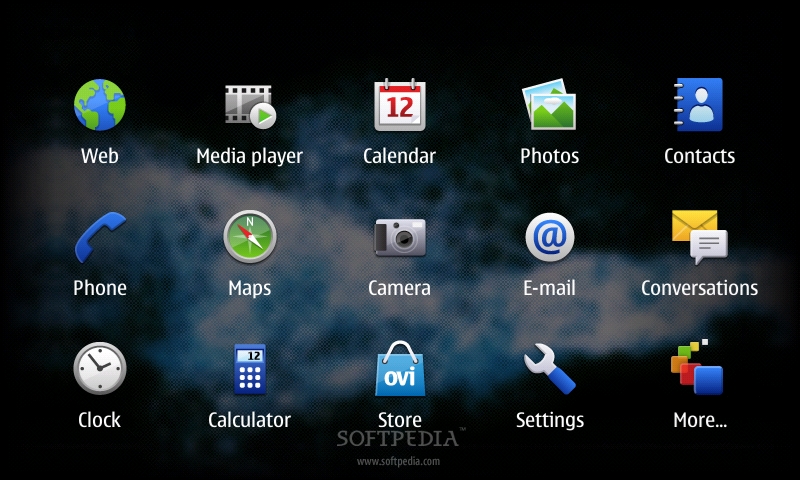
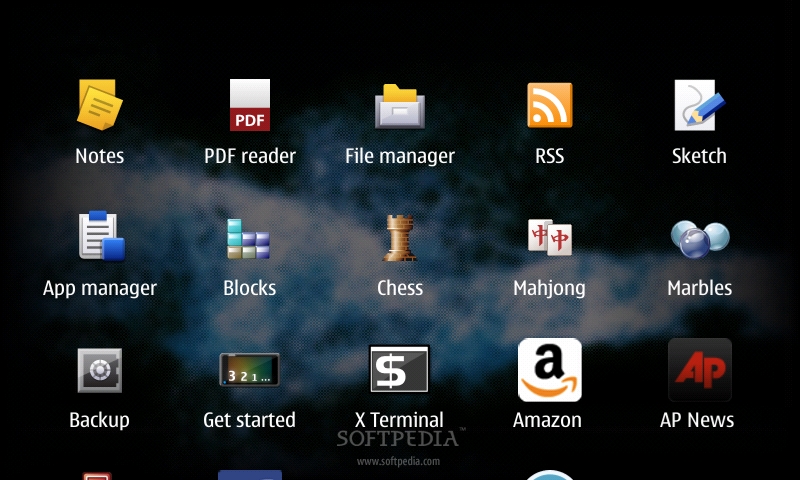
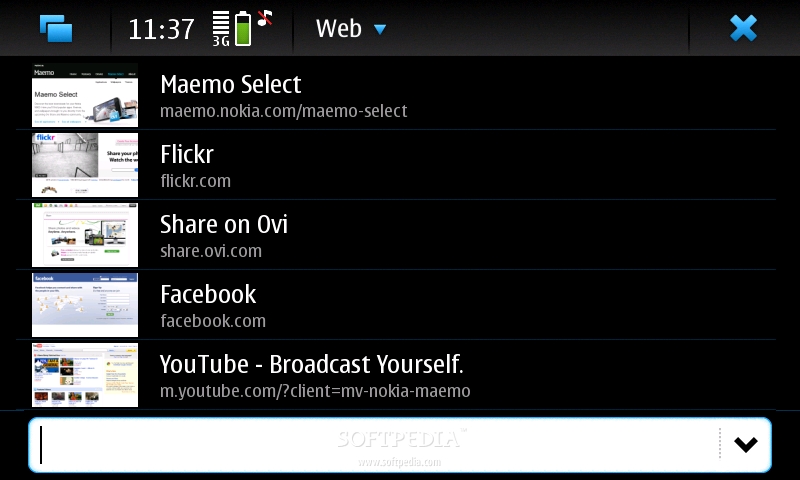
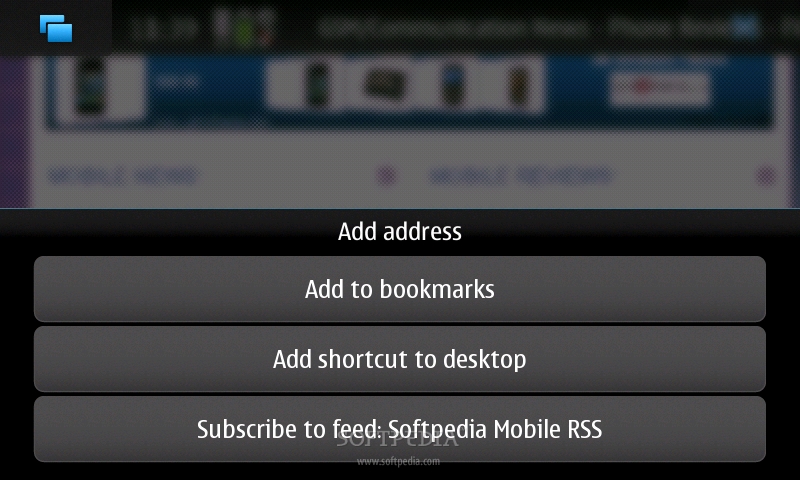
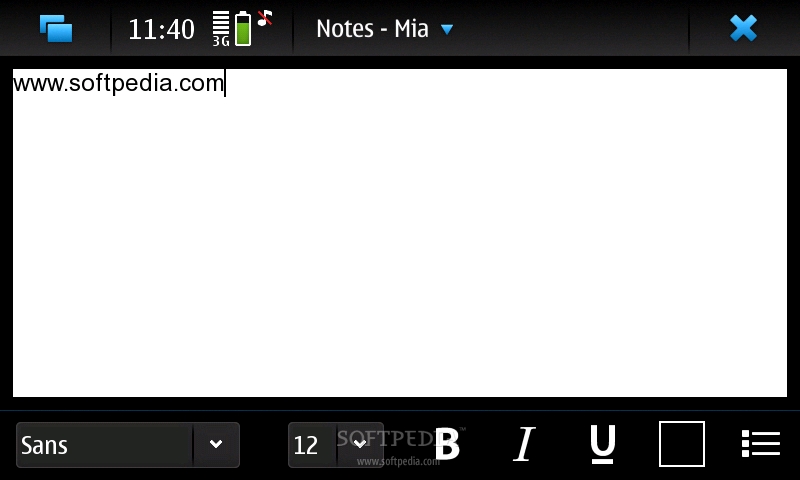
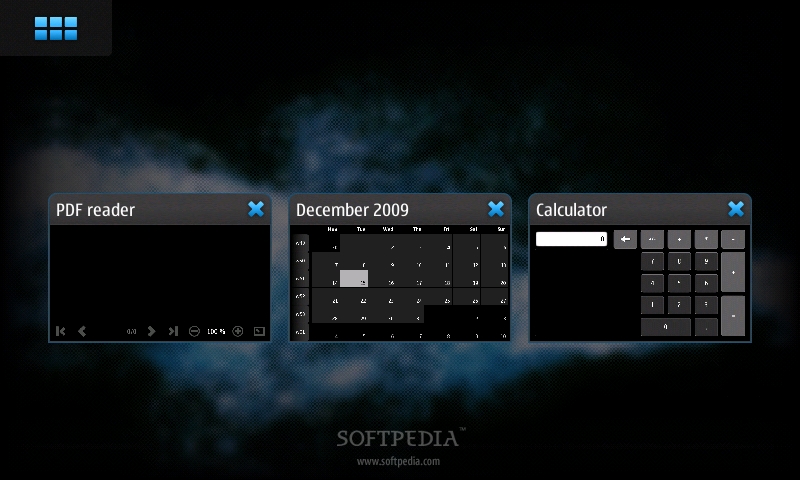
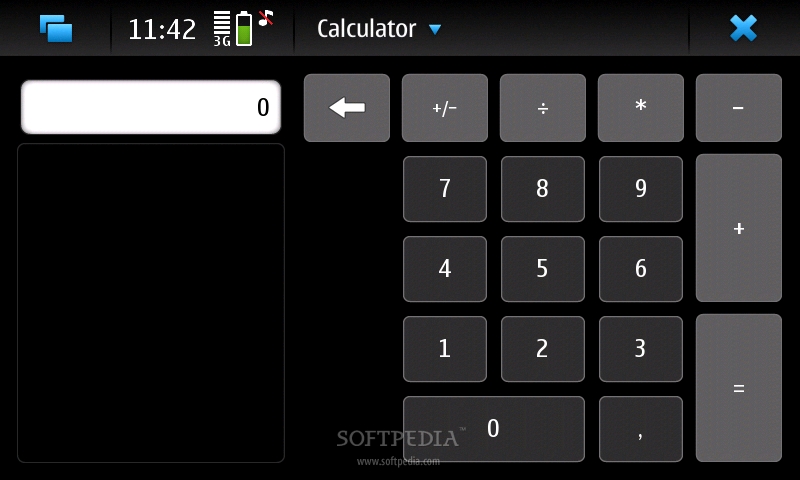
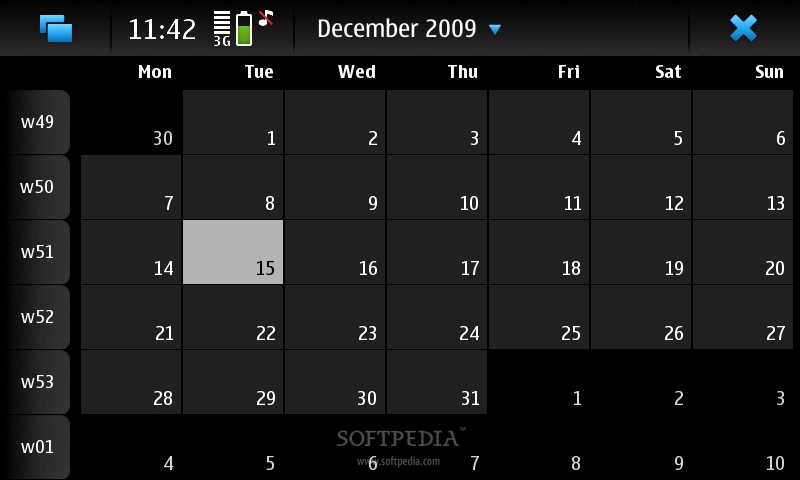
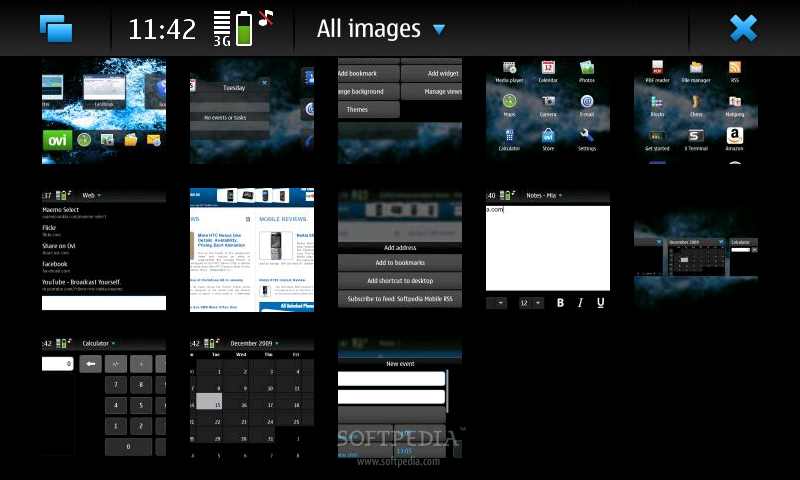
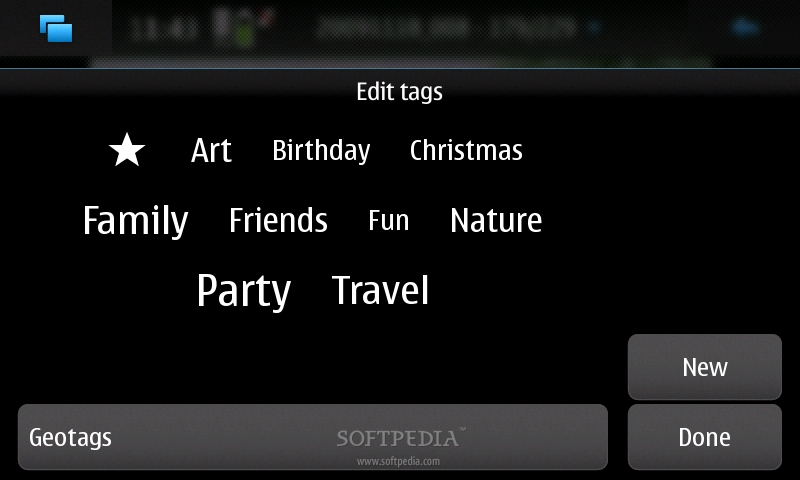
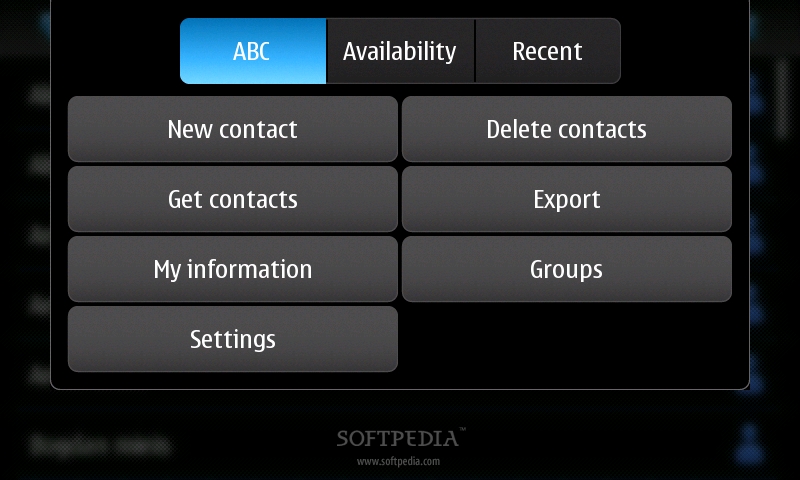
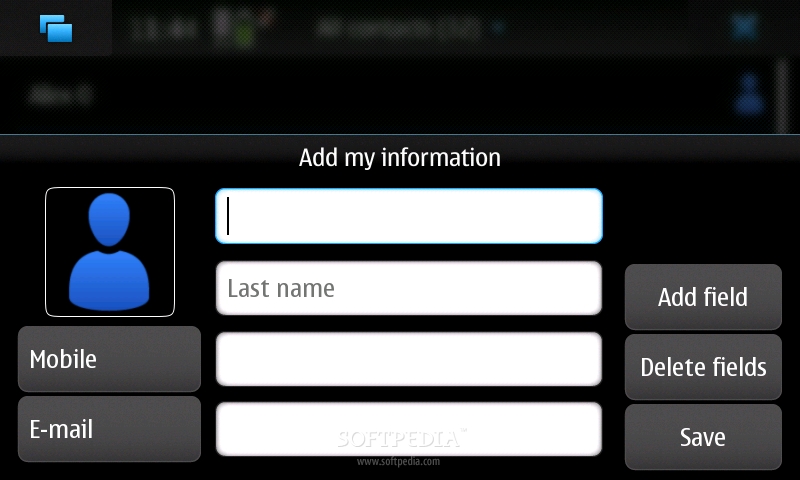
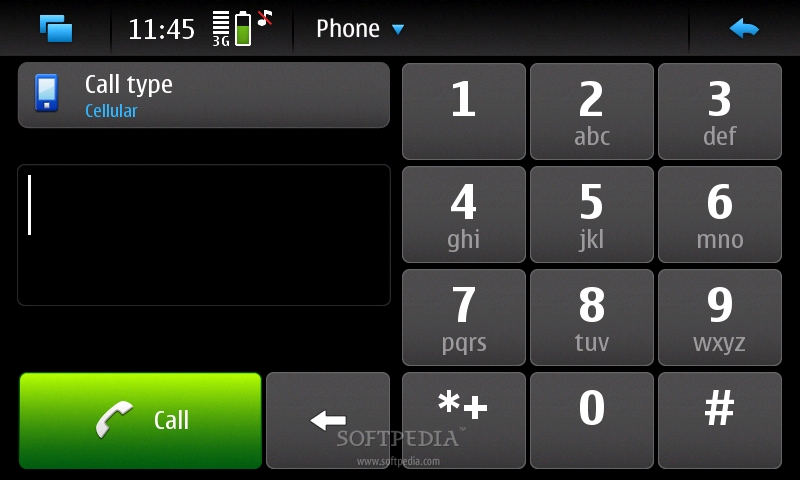
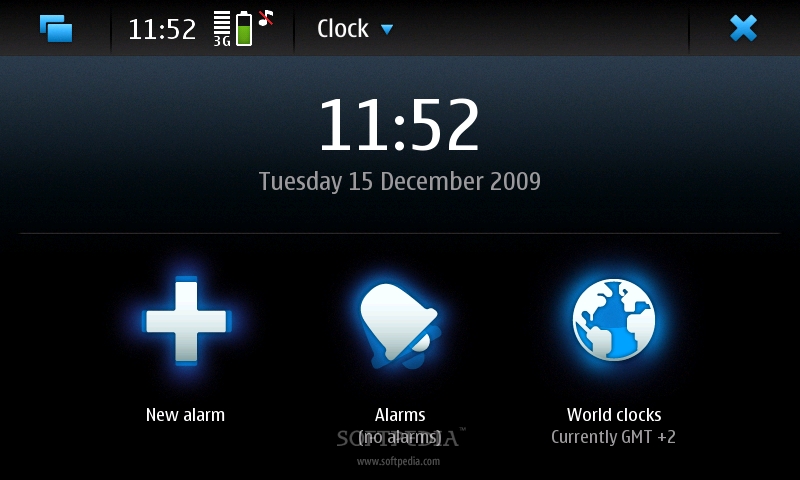
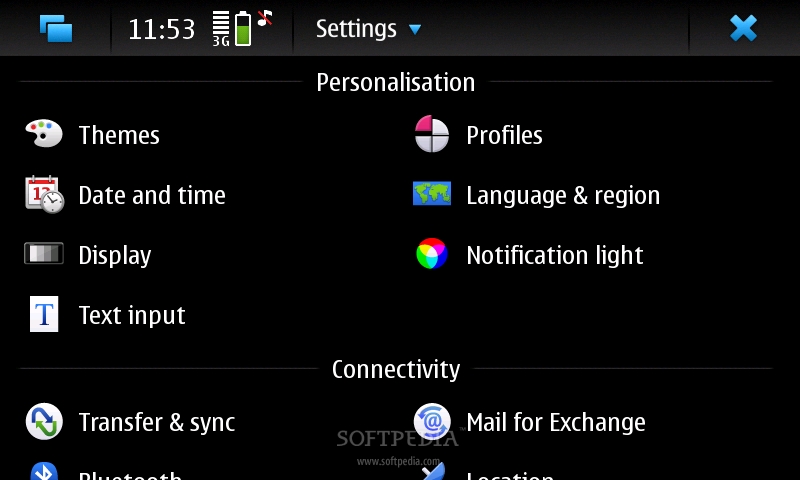
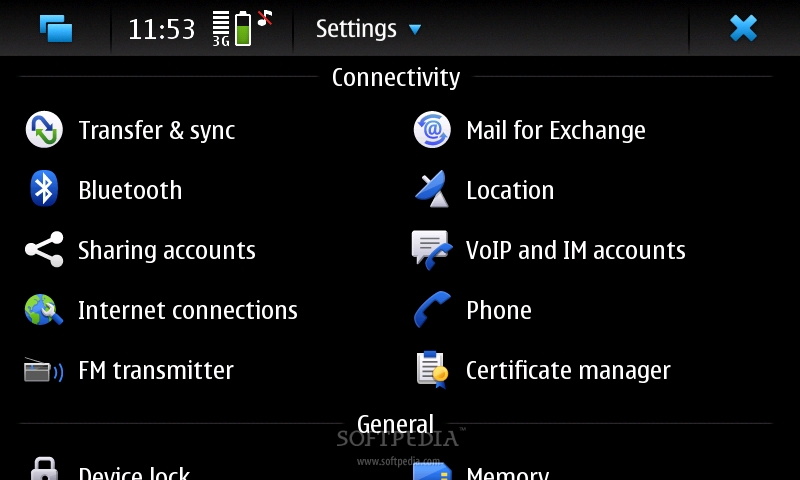
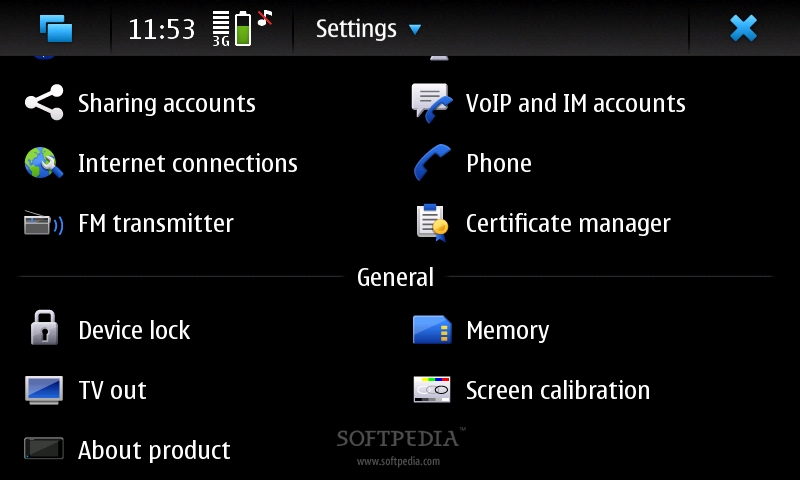
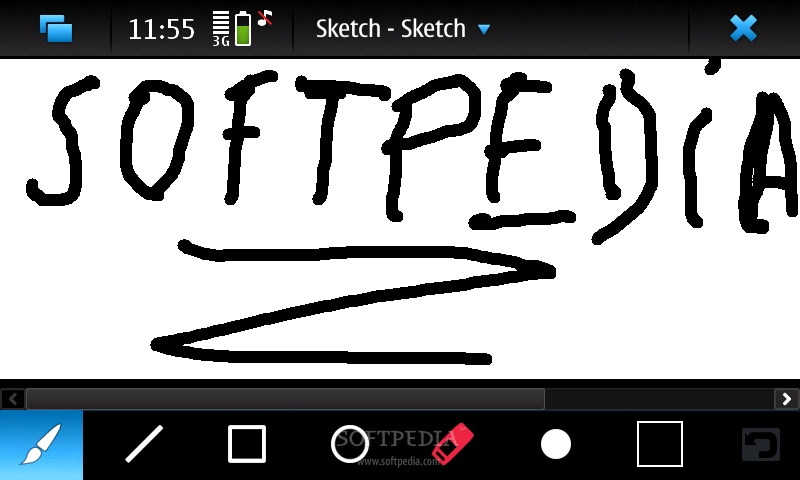
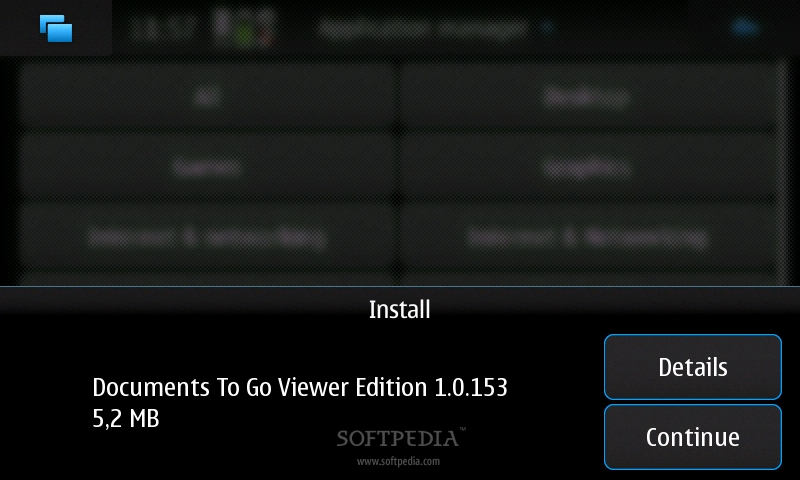
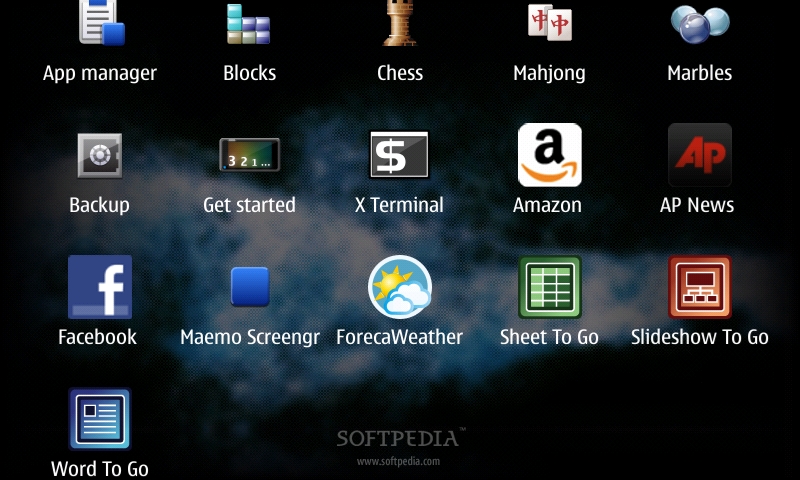
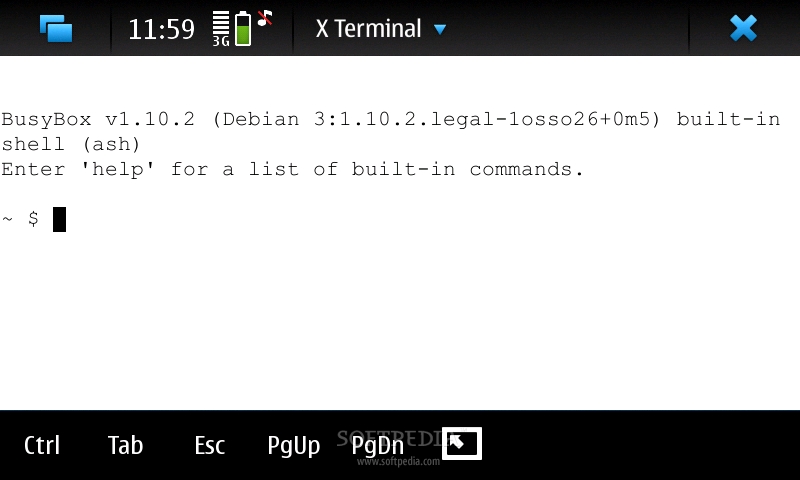
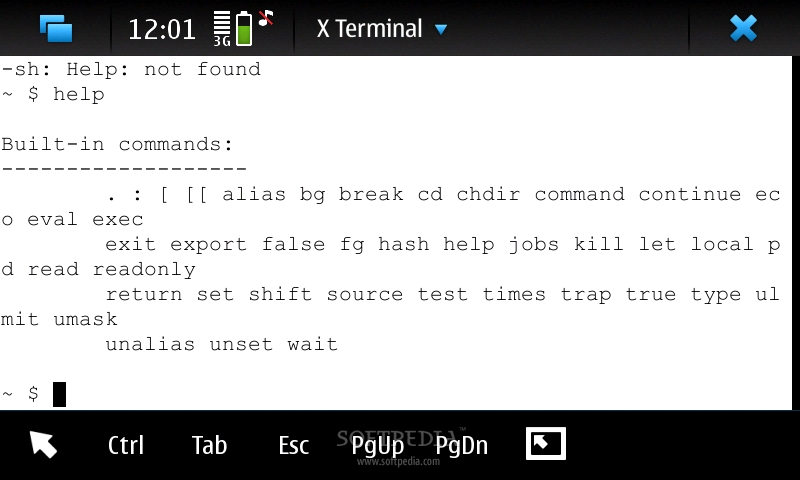
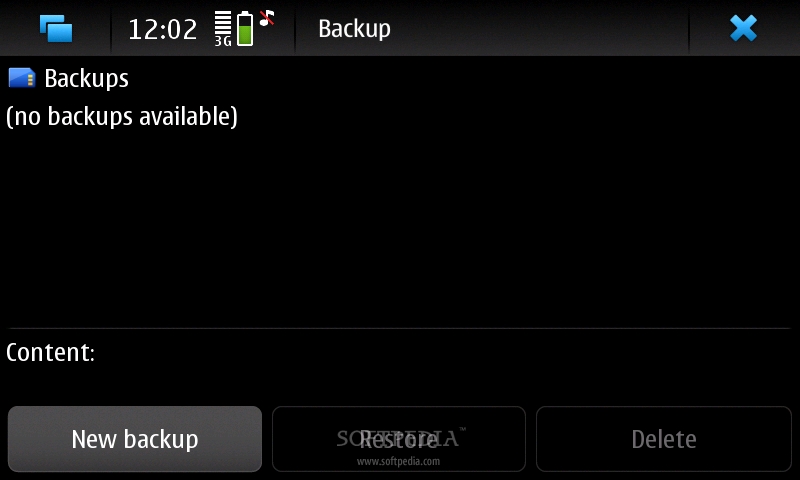
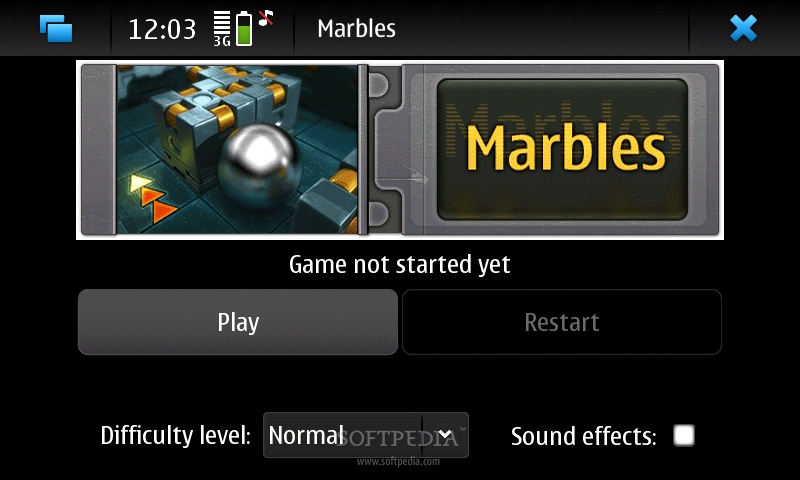
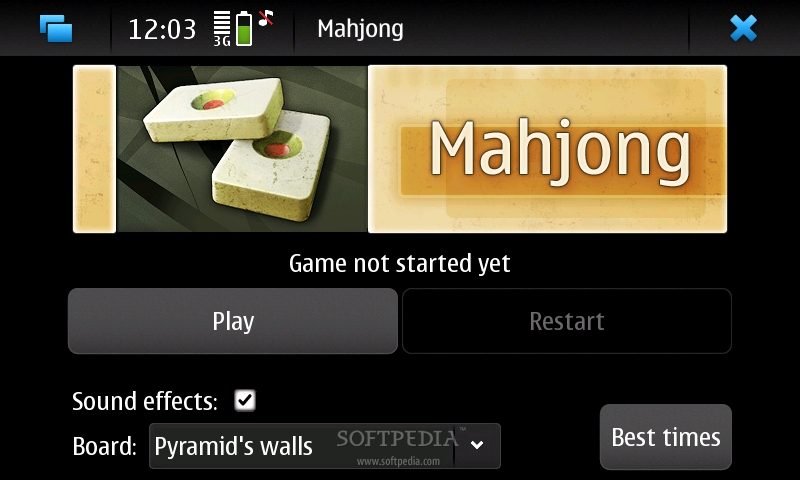
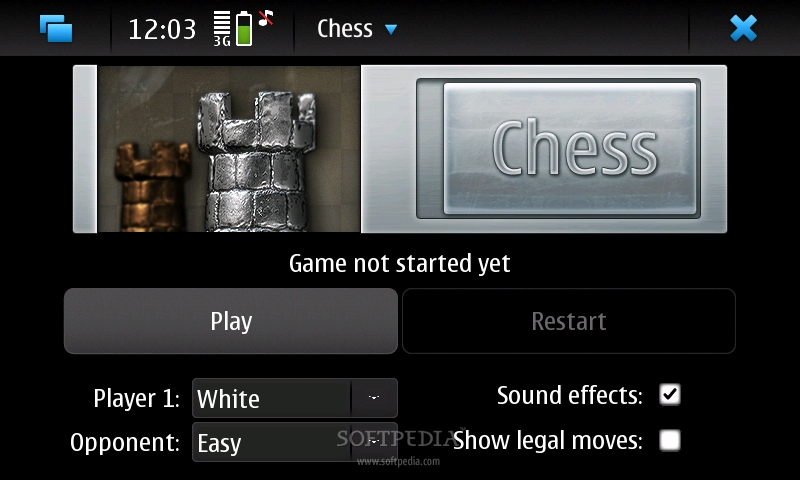
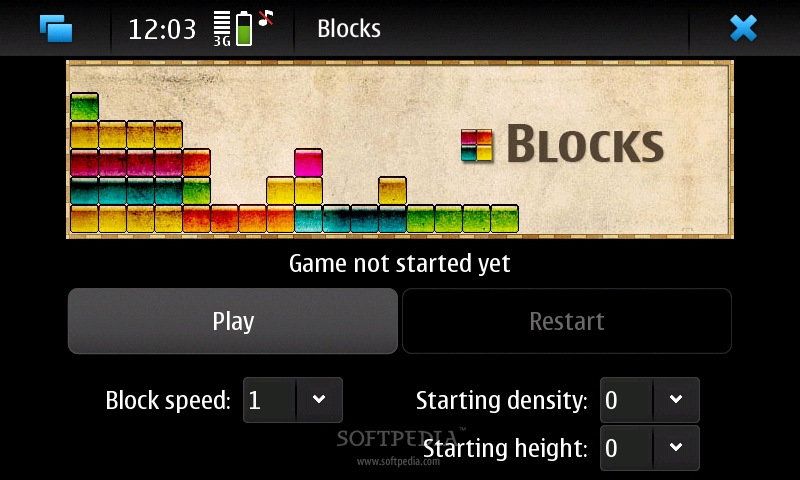
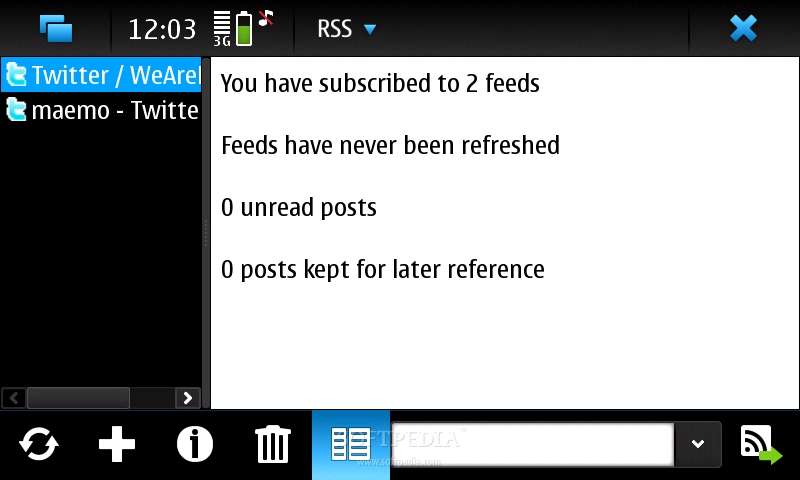
Secondly, I noticed that the device runs pretty smooth without slacking at all, even when more applications are running in the background. Yes, you can run multiple apps and can go back to whichever app you were running previously, as long as it has been alt-tabbed in the background. The operating system keeps them resident in memory and you can go back to it from the homescreen. Basically, it works like a task manager with all the minimized apps showing on the homescreen like small windows, which can be easily clicked. Just like the first Android version, Maemo 5 features 4 different homescreens, which can be browsed by swiping your finger to the left or to the right of the screen. These can be customized with new shortcuts, widgets, bookmarks and many more. By default the homescreens contain: Calendar, contacts, phone, email; Ovi Store and Maemo store; Weather widget; Twitter, Facebook and Google widgets, as well as shortcuts to Ovi account, Ovi maps, Gallery, Ovi gallery and Email. To each and everyone of these homescreens can be added more shortcuts, contacts, widgets or they can be emptied. The interface is even simpler than Symbian's, but it can also become more complex if you are into the homescreen customization. Clicking the upper left corner icon will get you into the main menu of the device, which presents you with 15 icons, simetrically arranged: Web, Media player, Calendar, Photos, Contacts, Phone, Maps, Camera, E-mail, Conversations, Clock, Calculator, Store, Settings and More ... Clicking the latter will open up the second window of the main menu, which contains even more functions and apps: Notes, PDF Reader, File manager, RSS, Sketch, App manager, Backup, Get started (demo movie), X Terminal, Amazon, AP News, Facebook, ForecaWeather, Documents To Go, and some games (Blocks, Chess, Mahjong and Marbles). As the device doesn't really feature a Back key, you can click either on top or at the bottom of every menu to go back one step (click on empty space and not on any of the icons). Another interesting feature that I found is the fact that you can quickly access Profiles, Clock & Alarms, Bluetooth and Internet connection by clicking clock or the battery icon that appears on top left of any of the homescreens. Nokia N900 is not a phone, but an Internet tablet and that really shows when it comes to phone features. It's even funny as you won't have access to a dialer pad unless you make a shortcut on one of the homescreens that will get you into the phone functions of the device. There's also another option that enables users to get right into dialer pad or call history, as soon as they unlock the touchscreen and keep the device in portrait mode, but that doesn't always responds, so you will need to click on the shortcut from time to time. Anyway, the place where Nokia N900 really excels is the web browsing experience. There is simply no other device that can reach to this level of accuracy in redering web pages, as well as speed of loading. Moreover, the Mozilla-based browser features Adobe Flash 9.4 and not the "weakly" Flash Lite, which is common to most high-end devices as of lately. If you usually visit webpages rich in Flash content, this is the right device for you. Zooming in and out can be easily done by double tapping on the spot you want to zoom or by simply making a spiral gesture on the screen. I personally recommend the first option as it works flawless and is very fast. The panning and adjustings of the pages are excellent, which makes N900 the best Internet tablet there is on the market at the moment. Unfortunately, Nokia N900 is not compatible with any Symbian or Java applications, but I think the Maemo store has some good third-party apps if you want more customization for your device.style="color: rgb(153,51,102)">Communication
Nokia N900 features all the possible connectivity techs that are available: HSDPA (10 Mbps) and HSUPA (2 Mbps), GPRS and EDGE class 32 High-Speed Circuit-Switched Data (57.6 kbps) and Wi-Fi 802.11 b/g, DLNA, Bluetooth 2.1 with A2DP support, microUSB 2.0 and Infrared.
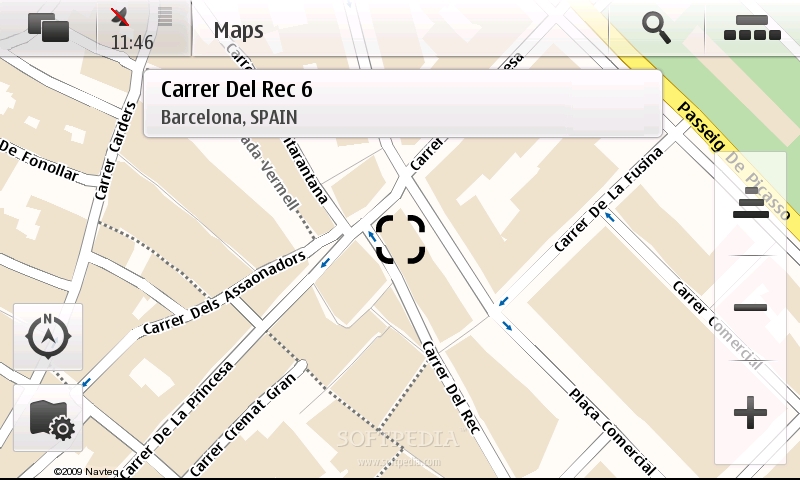
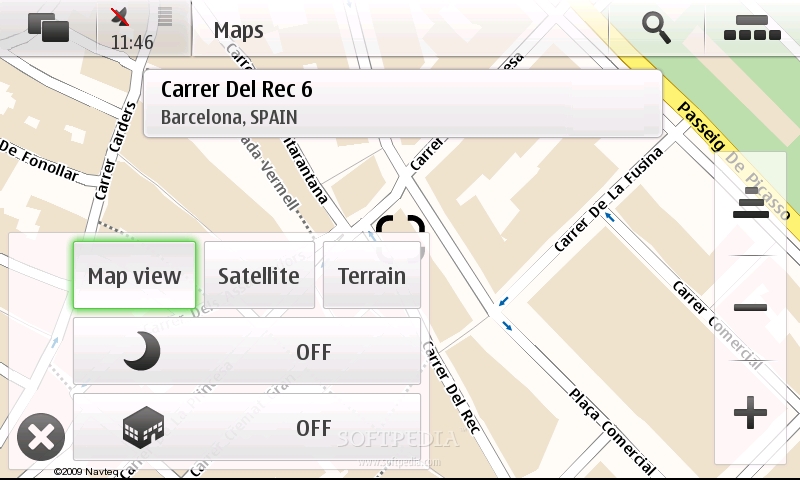
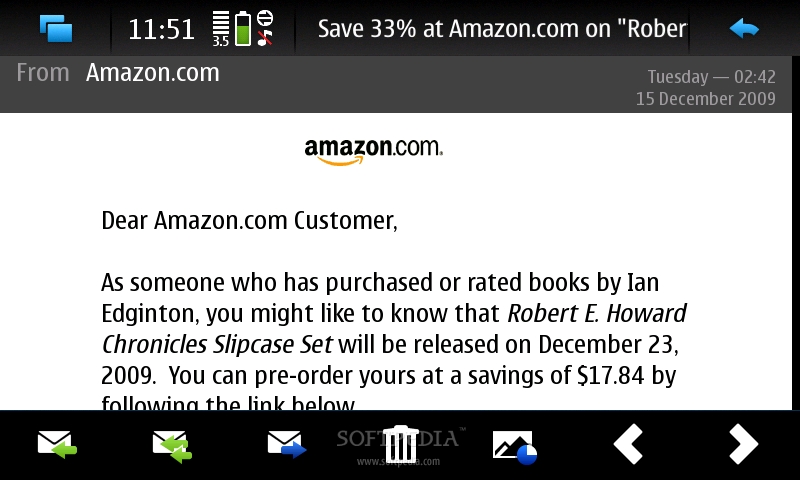
When connecting the USB cable, you'll be able to choose among two modes: PC Suite, Mass storage. Both are intuitive and easy to use, so there's nothing more to add here. The process of synching is very fast, browsing and transfers are made very quickly between phone and PC and the device is also charghing when is synched with the PC.The built-in GPS receiver supports A-GPS function and works flawlessly together with the newly renamed Ovi Maps.
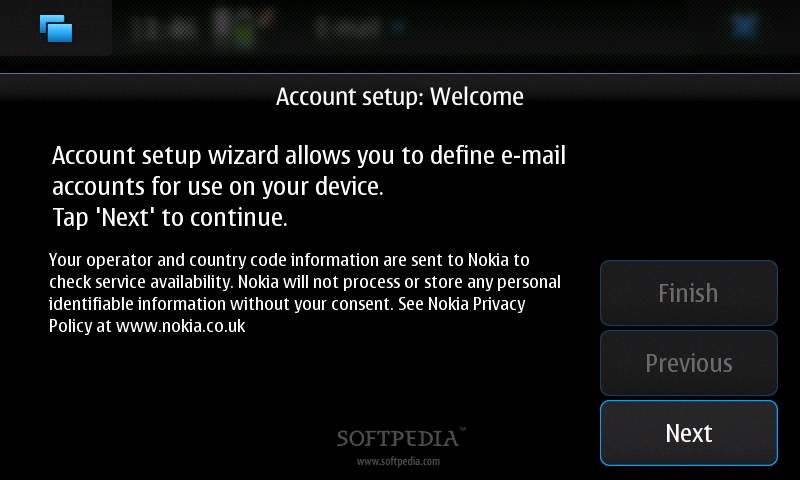
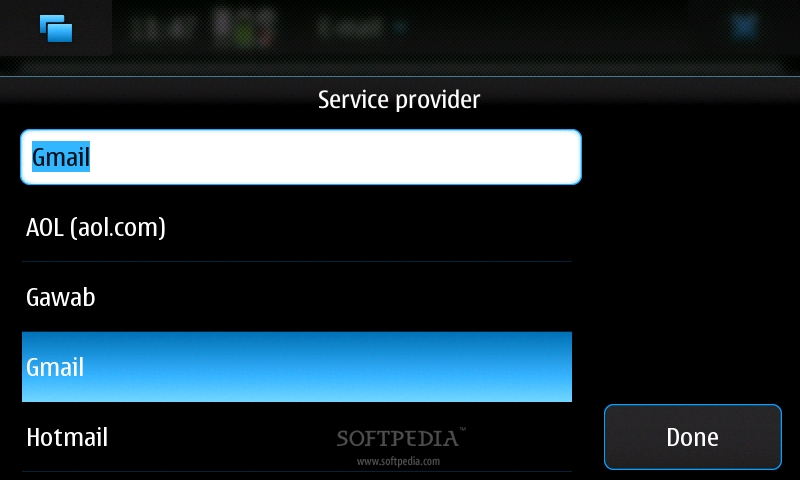
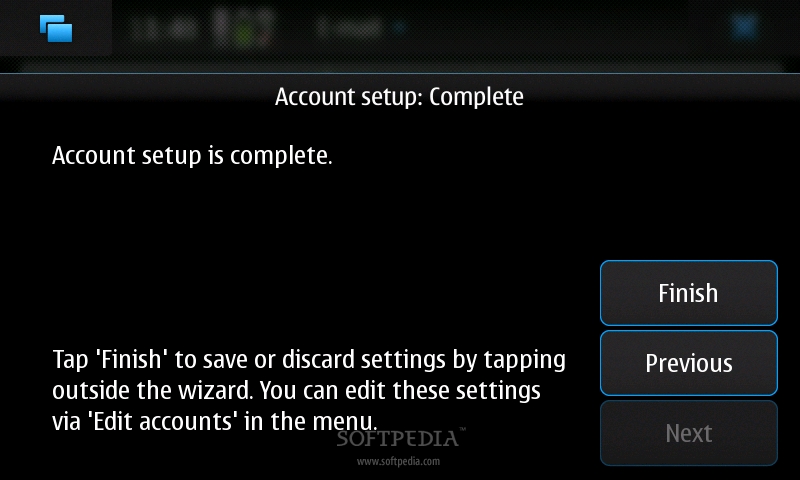
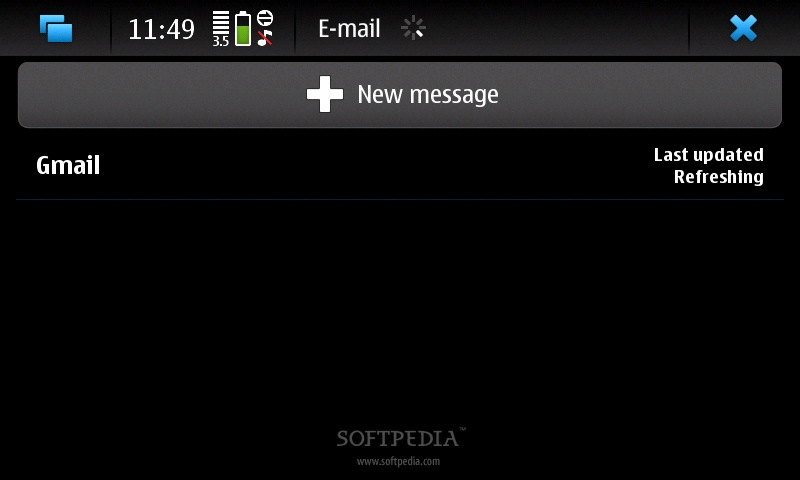
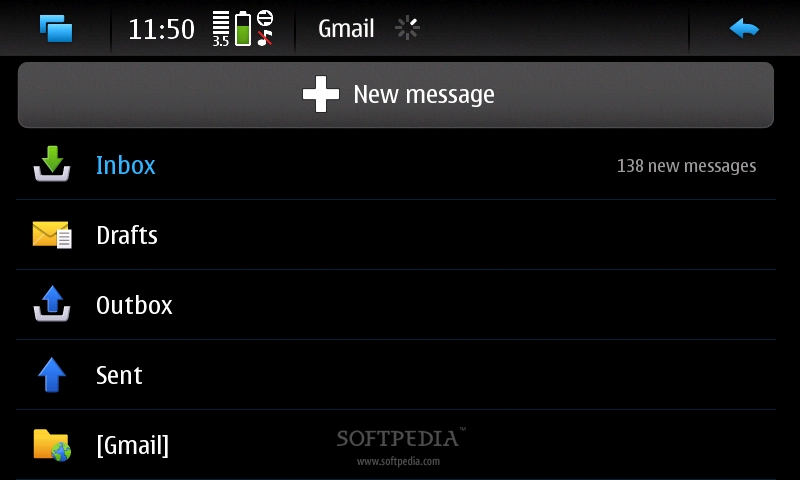
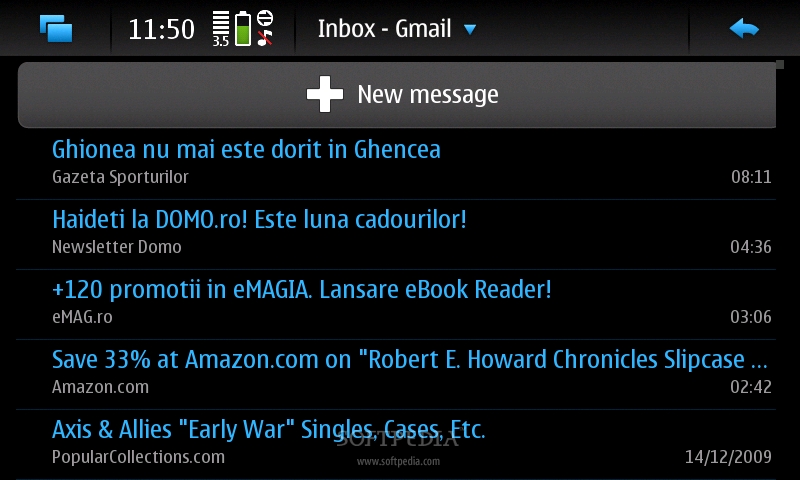
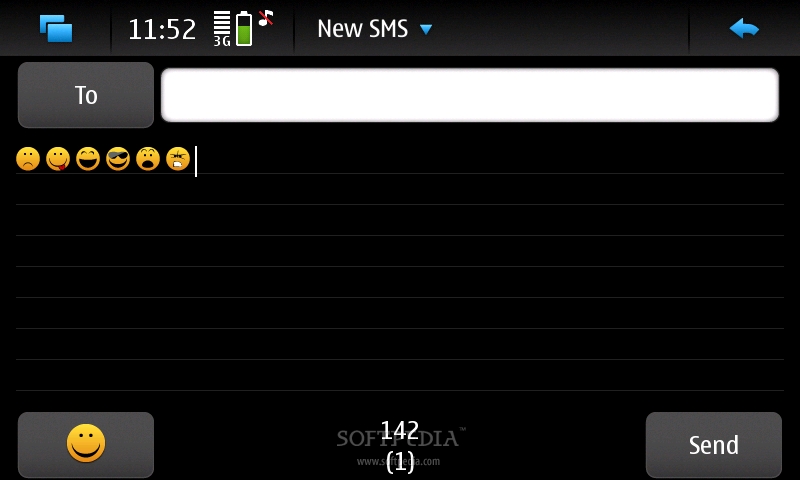
In terms of messaging, the device offers standard SMS messaging solutions, accepting all available message types, but lacks MMS support. The message client works with POP3, SMTP, and IMAP4 protocols, and supports more than one e-mail account. Additionally, it can download headers and supports attachments. Nokia N900 also benefits from Skype and GoogleTalk VoIP integration, which might come in handy whenever you have it available as it cuts short the bills. N900 is quad-band GSM (850 / 900 / 1800 / 1900) compatible, but also supports HSDPA 900 /1700 / 2100 GSM networks. I didn't have any problems with the GSM signal and the sound at both ends was excellent. Video-calls are also not available for Nokia N900.style="color: rgb(170,51,51)">Processor and Memory
Nokia N900 is powered by a single TI OMAP 3430 ARM Cortex-A8 family processor running at speeds of up to 600 Mhz. Further, the device also benefits from a dedicated graphics processor PowerVR SGX with OpenGL ES 2.0 support for better graphics rendering. Suffice it to say that I haven't encountered any lags or freezes, while the movies that I watched and the games I played really worked flawlessly.
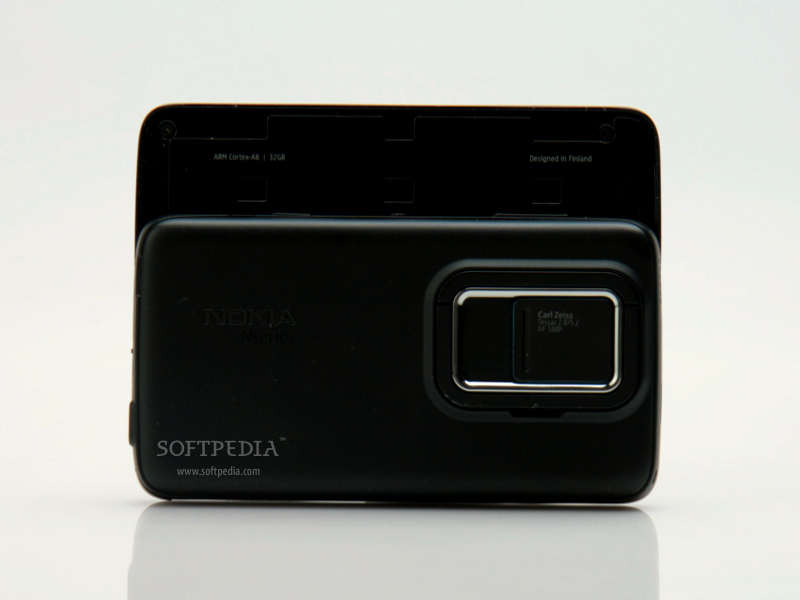
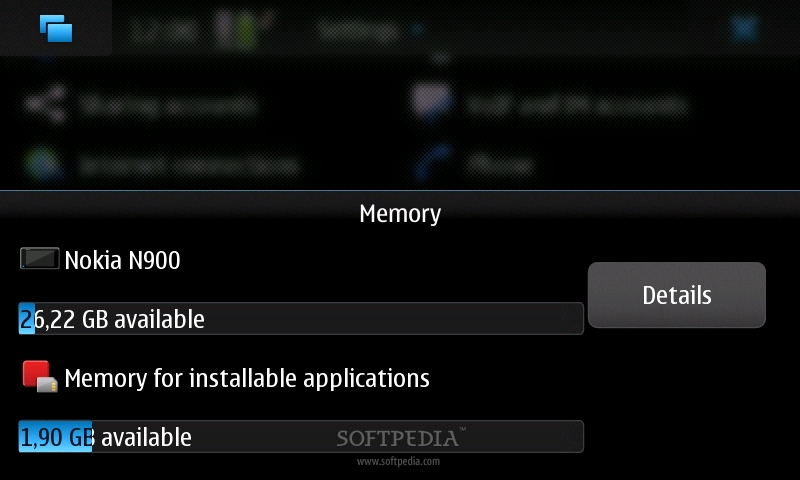
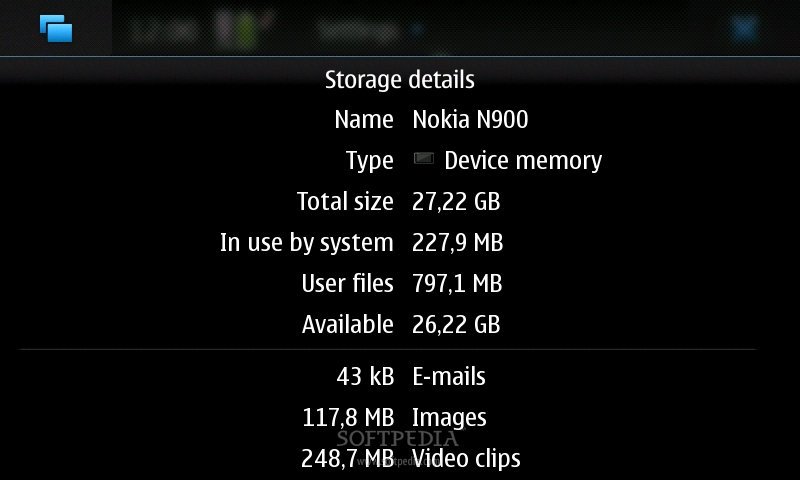
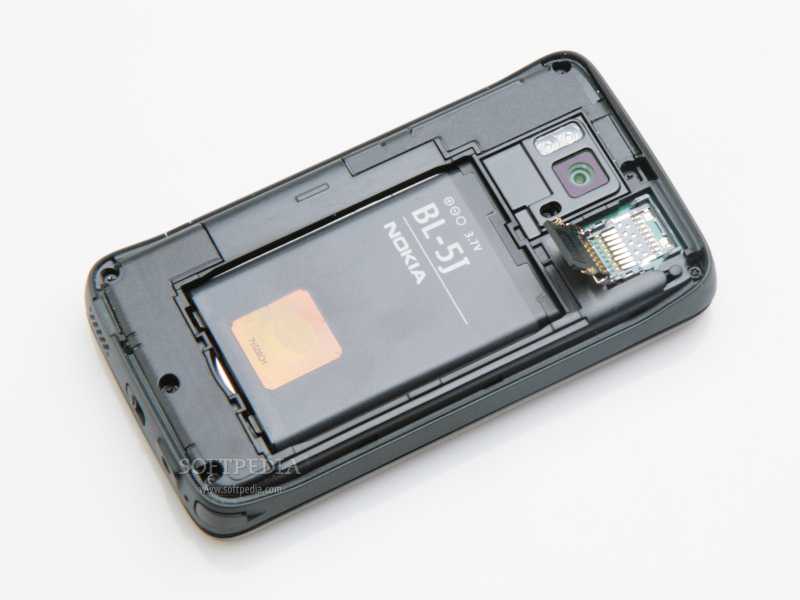
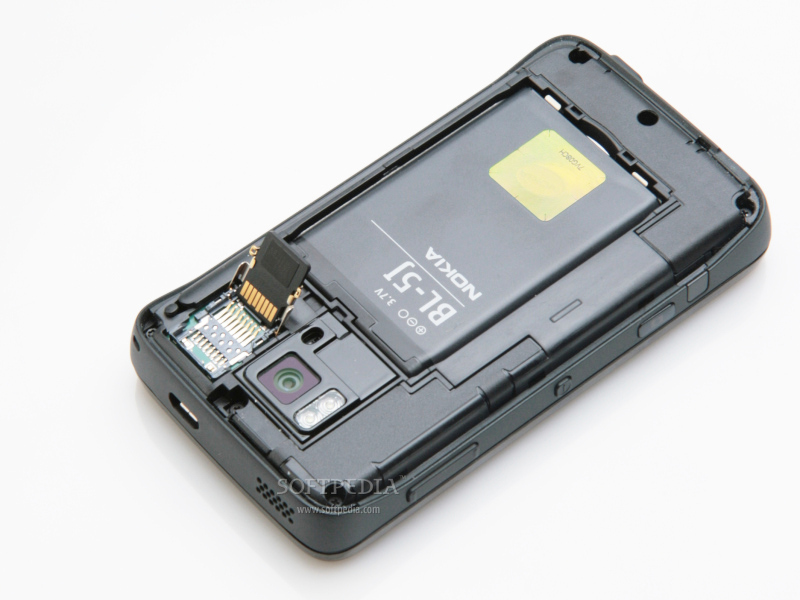
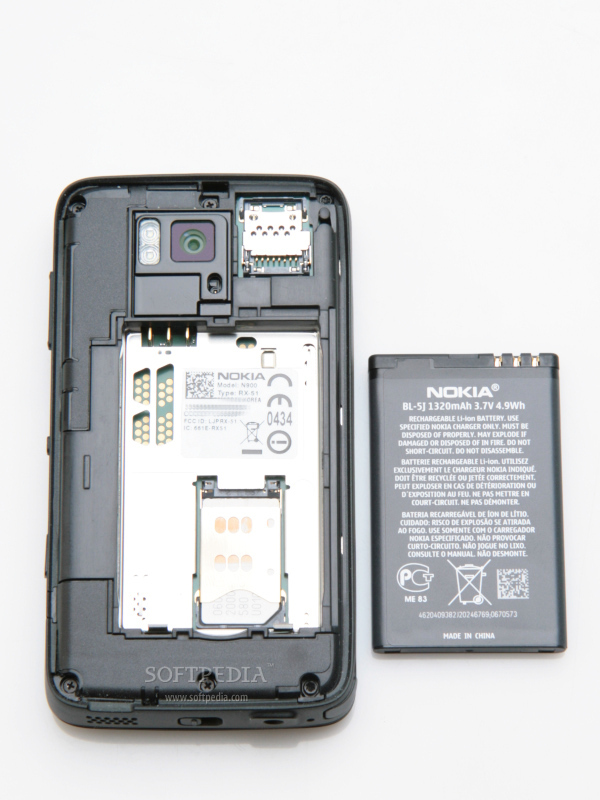
The smartphone embeds 32 GB user free internal storage memory, 256 MB SDRAM memory and 768 MB NAND Memory. If that storage space is not enough for you (which I doubt), you will be able to add up to 16GB through the hot-swappable microSD slot card. The latter can be found after removing the back hood of the device.style="color: rgb(255,102,0)">Multimedia
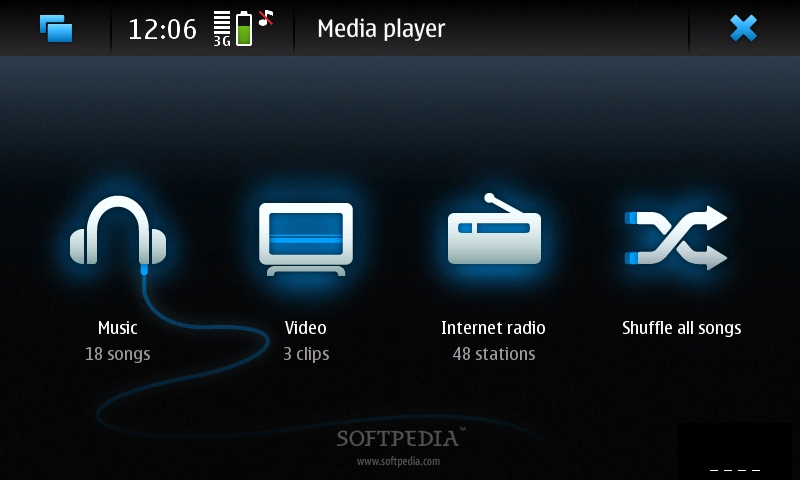
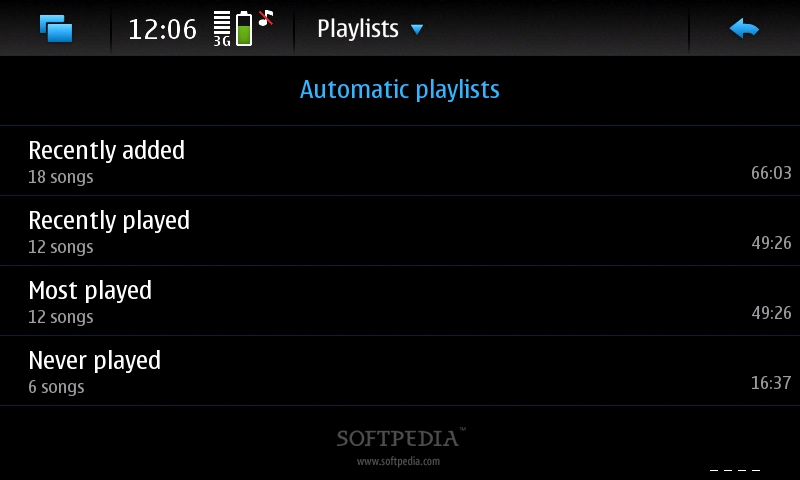
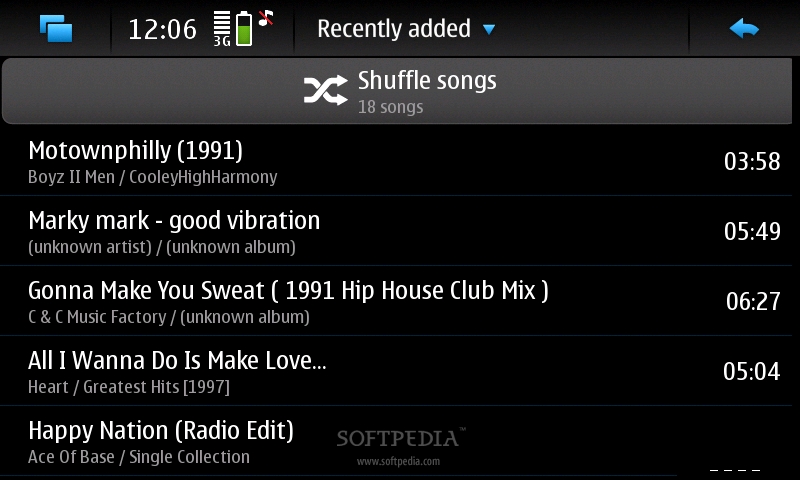
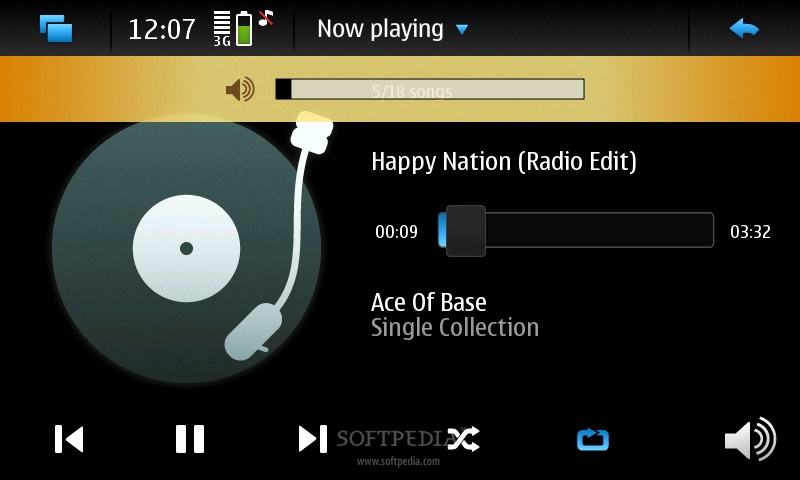
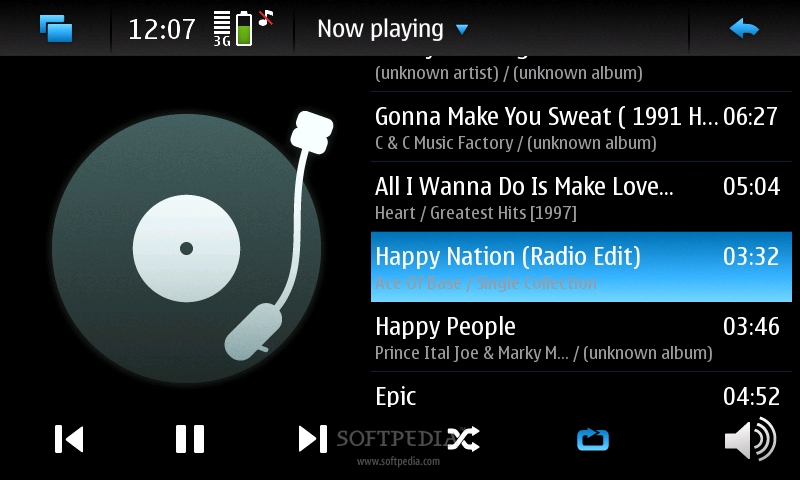
Even though it has been tagged as an Internet Tablet, Nokia N900 includes decent multimedia features. The included music player supports audio formats such as: AAC, AAC+, eAAC+, M4A, MP3, WAV and WMA. Sound is impressive, but doesn't reach any of Sony Ericsson's Walkman series standards. Another drawback might be the fact that it lacks any Equalizer options, so you will be stuck with the raw sound of the song.
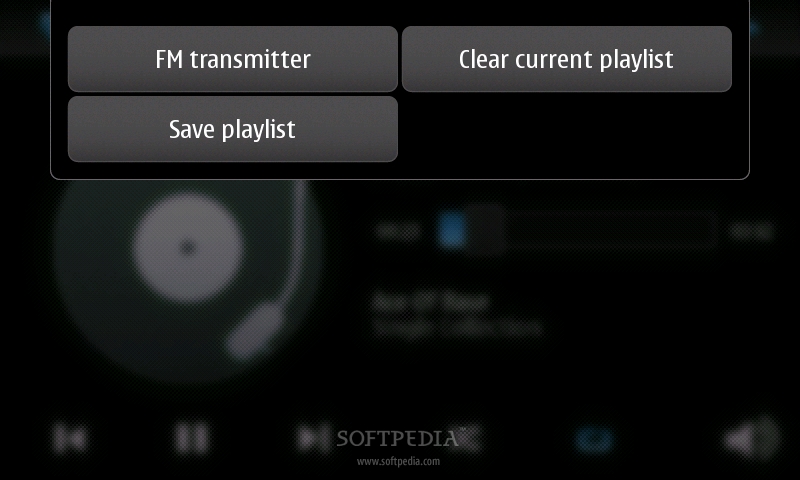
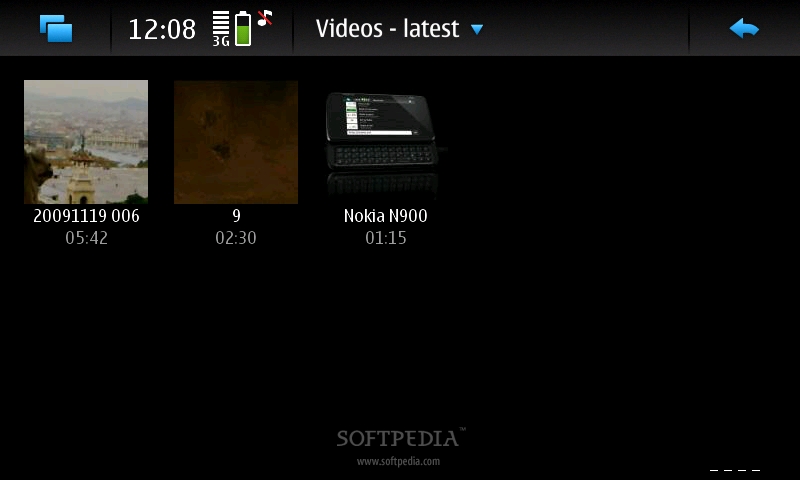
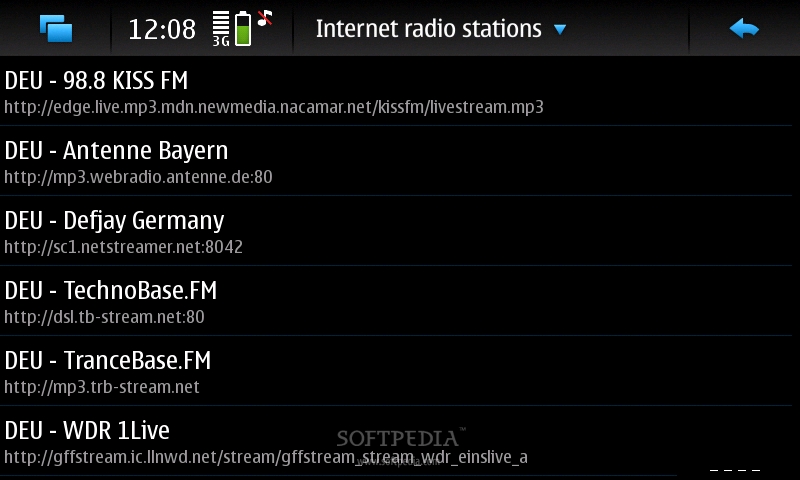
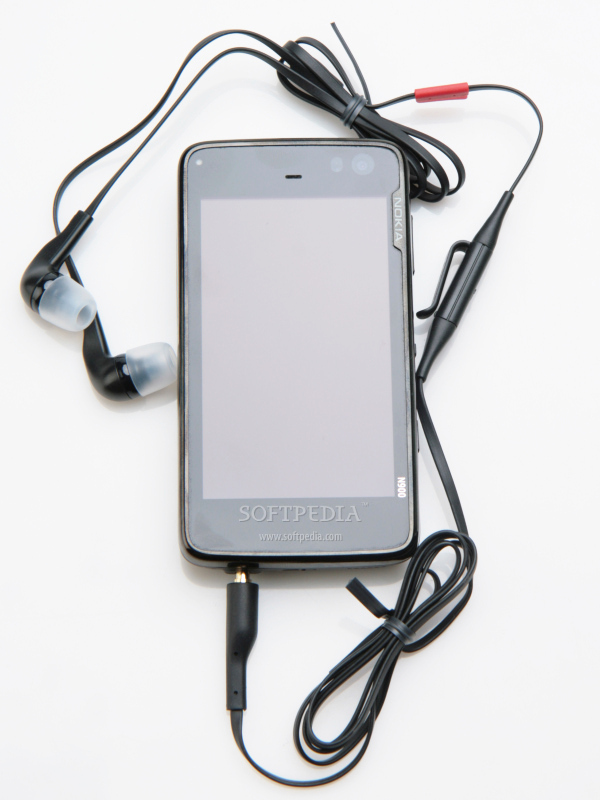
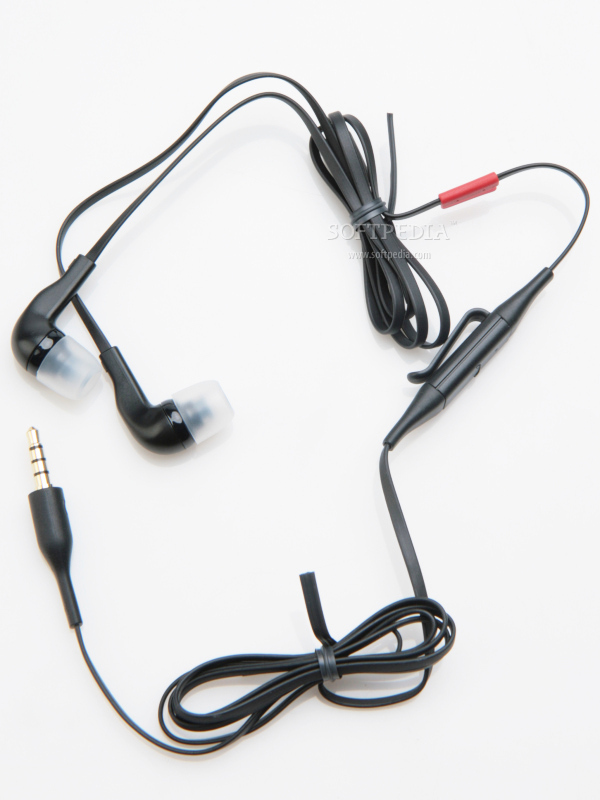
Thanks to the 3.5mm jack port users will be able to plug-in their own headphone, if they're not satissfied by the earphones in the sales package (WH-205), which by the way sound pretty nice. Nokia N900 also features an Internet radio and and FM Transmitter. Stereo FM Radio is only available via third party software. The thing that amazed me is the quality of the movie playback. The video player included uses its 3.5-inch screen at its full potential and can now read DivX and Xvid files, besides 3GPP formats (H.263), AVI, Flash Video, H.264/AVC, MPEG-4, WMV. Even if it's only for the movie playback, I could say that this device is worth a try even for those that aren't looking for a business phone.style="color: rgb(153,204,0)">Battery
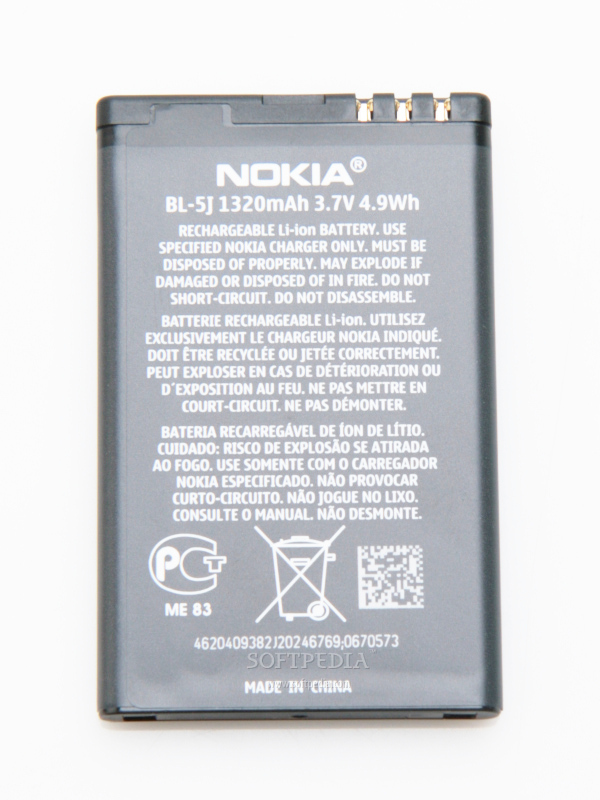
The 1320 mAh Li-Ion (BL-5J) battery has an officially stated life expectancy of about 9 hours in talk time mode (5 hours for 3G). Also, Nokia didn't state any standby time as it thinks that the device will always be online and have an active connection. Basically, it has been designed to last about 1-day of continous usage. While I wasn't able to achieve the 5-hour talk time promised, our test unit made it for about 2 days with medium use. Unfortunately, I found the battery autonomy a little bit poor, even though I have expected it. Maybe one of the future firmwares will improve these numbers.
style="color: rgb(153,51,102)">Impressions
I found the N900 one of the best Internet tablets on the market, even though there are only a few. Moreover, adding phone functions and a new operating system was very good idea, as it now stands for an excellent business phone also. Stuffed with lots of Web-browsing abilities, multimedia features, a user-friendly interface and a pretty decent camera, Nokia N900 really worths to be put into Nokia's new high-end class series.
The Good
The Bad
style="color: rgb(170,51,51)">Sales Package
Nokia N900 Internet Tablet Nokia Battery 1320 mAh (BL-5J) Nokia High Efficiency Charger (AC-10) Nokia Stereo Headset (WH-205) Video out cable (CA-75U) Nokia charger adaptor (CA-146C) Cleaning cloth