 14 DAY TRIAL //
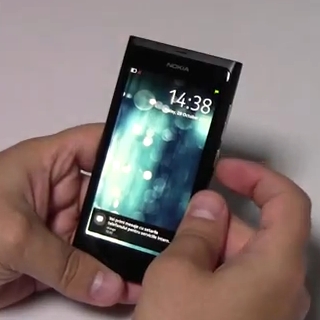
 Nokia has done very good job with the N9's design, but it has outdone itself with the smartphone's MeeGo user interface.
Although it does not come up with new concepts, the UI is truly innovative in the fact that is based on a single gesture – 'swipe.'
In addition, it's simply to use, as it only features three panes that are very intuitive and easy to manage: Applications, Events and Open Applications, or in Android-terms Launcher, Notifications and Task Manager.
Every time you finish working with an application you can just simply remove it from the screen by swiping toward the center of the screen from any edge.
However, the application will go directly on the Task Manager screen, where you can resume it anytime you want, or you can close it.
There's also a special setting that will let you close application by using this “swipe” gesture without having to send it in the Task Manager.