14 DAY TRIAL //
 After last year's market hit, E71, Nokia comes out with another Eseries smartphone, E75, that is meant to exceed the first one's huge sales. Furthermore, the Finnish giant stuffed it with a new and free service that will combine all known email ones into a single Inbox, thus increasing the phone's productivity in terms of messaging. The promise of a future Push Email service that will be available for most of the email clients, including corporate email, makes the E75 one of the most wanted business phones available on the market. Adding an outstanding QWERTY keyboard makes it even greater, but let's see how it behaves in daily use, compared to its E71 predecessor.
Announced in February 2009, Nokia E75 was made available in few European countries in April 2009. The rest of the countries will probably have it until the end of May. The device seems to be priced excessively high and can be bought for no less than 500 bucks, depending on the location. It is surprising for a business phone to be available in more than two colors, but here it goes: Silver black, Red and Copper yellow.
Design
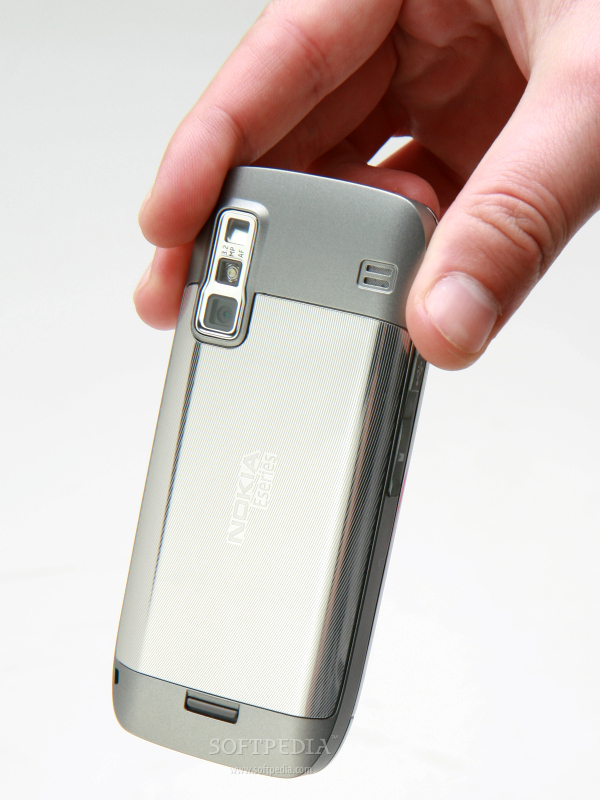
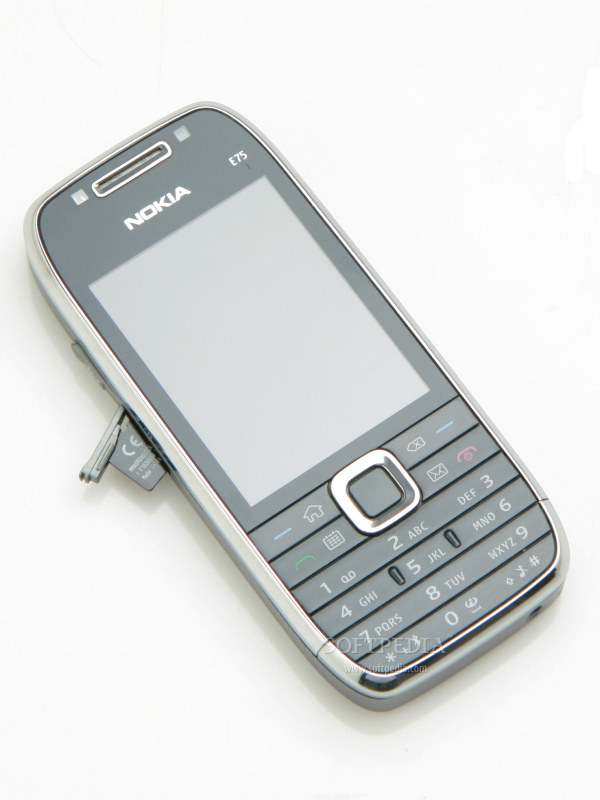
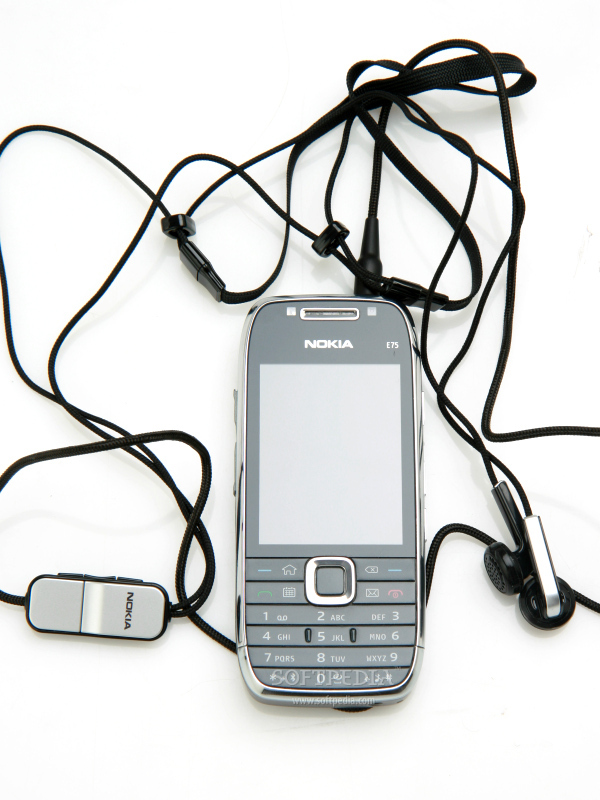
Even though Nokia 75 strongly resembles E71 in terms of technical features, its design can only be compared with E51's. In fact, you could say that this is E51's younger brother, as they look much the same, except that the E75 is a little bit thicker, because of the QWERTY keyboard that has been attached to its back. At first glance, E75 may look as a standard candy-bar phone, as the keyboard doesn't make it bulky at all. Measuring 111.8 x 50 x 14.4 mm and weighing 139g (including battery), Nokia E75 feels excellent in hand and fits perfectly in any pocket. The metallic back cover gives it an exquisite and stylish aura, which is a little bit faded by the cheap glossy plastic on the front part. This seems to be the same plastic as that of Nokia's N96 and N78 smartphones, which means that it will be a fingerprint magnet.
The front part of the phone features a 2.4-inch display and an in-call speaker just above the screen. On both sides of the latter, you'll notice an ambient light sensor and a secondary video-call camera. Below the screen, a very small and crowded numeric keypad has been placed. The keys are slippery, if you have your fingers wet or sweaty. Moreover, the last row of keys is very hard to use, as the buttons are small and aren't spaced as they should. Most of the time, your fingers will slip when you want to push the *, 0, or # buttons. The big D-pad controller seems very responsive and does a great job, but the keys around it are annoying for the user. Because the keypad is basically shaped in the form of flat plates and none of the buttons are delimited, you will wrongly press another one pretty often. Nokia E75 lacks a power button, so you'll have to use the red Reject calls one. Still, you'll have to be very careful, as the key is very responsive and pressing it twice in a row, by mistake, will basically power off your phone.
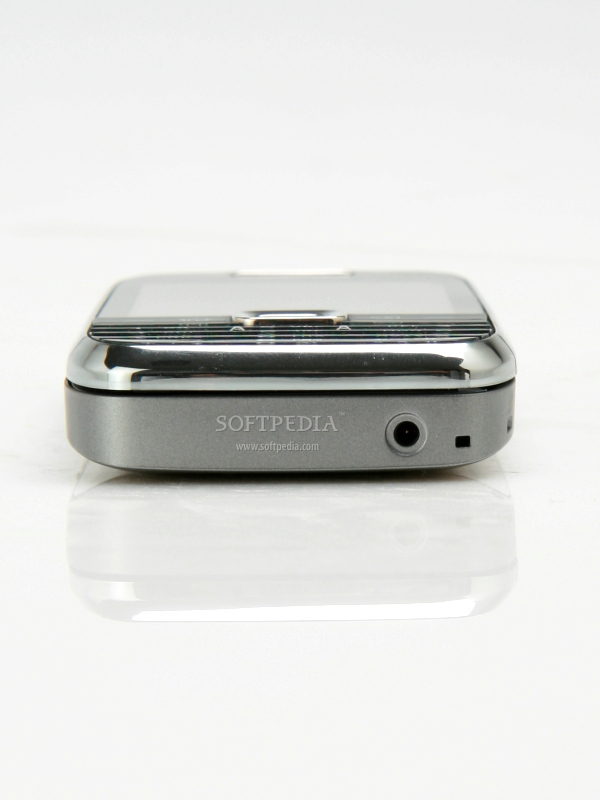
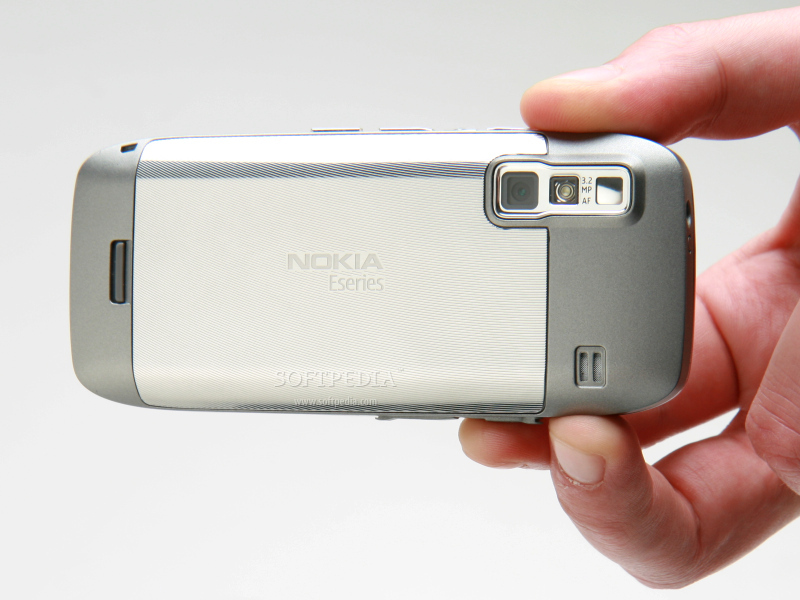
The right side of the slider features two volume keys and a Voice command one, but also a dedicated camera button. Fortunately, this one won't start the camera, unless you press it for about four-five seconds. This is to prevent the accidental press of the button, while the phone is in the pocket. The left side of the phone features a microUSB port and a microSD slot, both covered by two rigid plastic stripes. The small charger port has been placed on the bottom of the phone, while on top I have been surprised to notice a 3.5mm jack port. The back of the phone is stainless steel plated, except the small upper and lower parts, which are made of a glossy, silver-colored plastic. The 3.2-Megapixel camera features a mirror for self portraits and an LED flash. Next to the camera, on the right part of the back cover, there's a small loudspeaker.
The sliding mechanism seems pretty sturdy and not that loud. The actual QWERTY keyboard is one of the best on the market, as the keys are flat and very spacious. The responsiveness is excellent, while the backlighting is outstanding. This seems to be the strong point of the device, even though the numerical keypad is not that user-friendly. Overall, Nokia E75 features a pretty standard design for a bar handset, but manages to place itself in the “eye-catchy phones” category, thanks to the stainless steel casing and the extremely ergonomic form factor.
Display and Camera
Nokia E75 features a 2.4-inch TFT display (240x320 pixel resolution) that supports 16 million colors. As usual, the colors, the contrast, as well as the quality of the image displayed are flawless. Add to that perfect sunlight eligibility and you get an excellent display that can meet any user’s expectations. It would've been really the best if it was a little bit larger. The display also features an accelerometer function, but bear in mind that this function must be activated in order to work. Unfortunately, there's no protection against scratches for this screen, so you should be careful where you keep it.
I wasn't expecting too much of a performance from the 3.2-Megapixel camera embedded in this Eseries smartphone. Even though it features an LED flash, autofocus and a bunch of other settings that can be used, in the end I found out that the quality of the pictures was not far from E71's. However, you can get above-average pictures with E75, if you are in good light-condition areas.
Even so, pictures will have some noise and a low-detail level. I also noticed that colors, contrast and sharpness were extremely not balanced. The camera also features the geotagging function, but lacks some lens protection, which will make the glass in front of it to scratch in no time.
The user interface boasts extensive settings, but nothing new. The maximum resolution supported is of 2048x1536 pixels, while users can choose to shoot in six modes, as seen in the pictures. The autofocus works like a charm and the camera button can be pressed very easily. The only drawback I found was the position of the button, which is weirdly annoying.
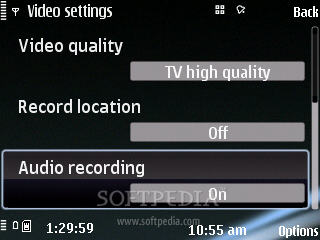
There are no specially created functions for this camera, but, as you can see from the screenshots, all of them remain very easy to use. The same goes for the video camera, which can capture VGA (30fps) clips in MP4 format or 3GPP, depending on the quality you choose.
The secondary camera on the front can be used to take pictures or for video-calls. It must be selected from the camera interface in order to start working.
Menu and Software
Nokia E75 runs the Symbian 9.3 operating system, with a S60 3rd Edition and Feature Pack 2 interface. This is the third phone to include Feature Pack 2, but the first to include all the features of the pack. The pack brings both visual and performance improvements that otherwise wouldn't be available for devices that only run Feature Pack 1. Besides the amazing Gallery with the geotagging feature, you'll get a new kind of Active standby layout. The latter enables you to bring up on the Home screen a lot more shortcuts than usual, such as game, application and link shortcuts.
The new Task manager is also a specific FP2 improvement, and gives you quick access to any application running in the background. The Task manager now appears on top of every menu option that you open. Moreover, you will now be able to select a Talking theme for the slider, which will, well, speak to you every time you enter a new menu or open an application. It will also give you extra details about that function or application, which is more than helpful for first-time users of Symbian OS.
The main menu can be accessed by pressing the special Home icon key, placed on the left side of the D-pad controller. In addition to the usual options and applications that we find in almost all Symbian-powered handsets, Nokia E75 features Search and Maps utilities. Maps is used together with the GPS receiver and enables you to employ Nokia maps, localization and directions when you're on the go. Lots of maps can be downloaded from Nokia's website and then used to pick the shortest route from one point to another. In fact, the phone comes with three months of free voice-guided navigation and some local maps.
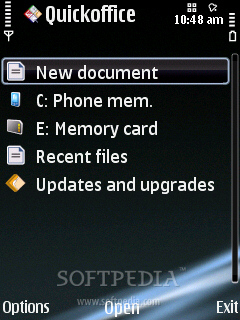
Under the Office category, we find QuickOffice applications, used for reading Word, Excel and PowerPoint files. This time, users benefit from the full version of the application, so editing files is possible. There's also a PDF reader, a Zip archiver, a currency converter, Dictionary, ActiveNotes and Calculator.
If you want to access the Media features of the phone, you'll need to click the Application icon in the main menu. The first icon on the left, Media, will get you where you want. You'll find here features such as: Video center, Radio, Music player, Music store, Camera, Podcasting, Games (N-gage), Recorder and RealPlayer. The phone doesn't include any games, not even N-Gage trials, but you can easily find third-party titles.
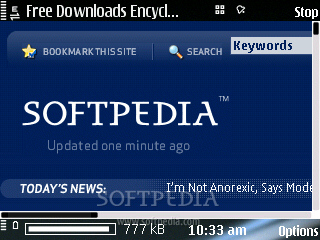
The integrated accelerometer for auto-rotate works like a charm, even in main menus of the phone. The phone includes everything a user may need on the road or at the office, pre-installed on the handset: email, web, calendar, organizer, IM, office tools, messaging, application manager, connectivity wizard, synchronization tools, GPS navigator, themes, profiles, and more. The email is an important category, so it has received an icon and can be accessed from the main menu.
Communications
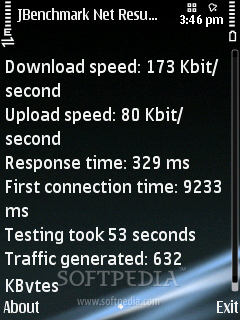
Nokia E75 is a quad-band GSM (850 / 900 / 1800 / 1900) handset, HSDPA-compatible, which features GPRS class 32 (107 kbps), EDGE 32 class (296 kbps), High-Speed Circuit-Switched Data (57.6 kbps) and Wi-Fi 802.11 b/g UPnP. Tested on the EDGE and 3G networks, the phone has performed amazingly good, as you can see from the screenshots. I can only compare it to Nokia N95 8GB or E51 in terms of HSDPA speed, but E75 is even better this time.
The WLAN wizard helps you search and define your WLAN network connection settings. Should you want to connect to the Internet, you must first define an Access point (EDGE, WLAN, or 3G). You can do that by going to the Main menu / Tools / Settings / Connection / Access points, and define which access point to be used whenever a network connection is required (Main menu / Home network / Settings). The GPS receiver is one of the fastest, as no more than 20 seconds are needed for first-time localization. Moreover, if you activate the A-GPS function, the pin-point will be much faster.
Other connectivity tools include Bluetooth 2.0 with A2DP support, and microUSB for PC synchronization (charging available). When connecting the USB cable, you'll be able to choose from 5 modes: PC Suite, Mass storage, Image transfer, Media transfer and Connect PC to Web. All of them are intuitive and easy to use, so there's nothing more to add here.
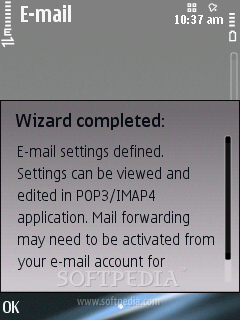
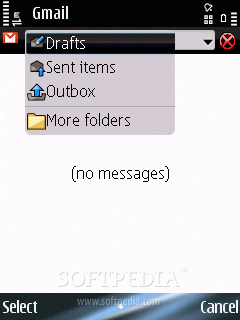
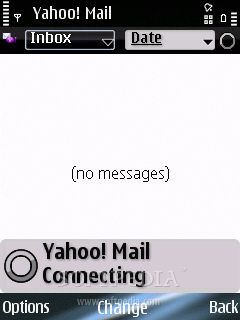
In terms of messaging, the phone accepts all available message types, but, given the not-so-friendly keypad, you'll have to use the QWERTY keyboard most of the time, so you can enjoy the full experience of texting. Anyway, the handset includes no less than four message editors, one for each type: SMS, MMS, audio message and e-mail. The message client works with POP3, SMTP, and IMAP4 protocols, and supports more than one email account. Also, it can download headers and allows for attachments. Nokia offers the phone together with a new service that enables users to combine all their email accounts into a single Inbox.
What's interesting is the fact that you can do this in a matter of seconds, as you only need to fill in your username and password and these settings will be remembered at a future login. It has full integration with Gmail, Yahoo, Hotmail, Ovi, and many more. The new Email service offers full compatibilty with corporative Nokia email services, such as Mail for Exchange and IBM Lotus Notes Traveler. In the future, Nokia plans to add integration with social network services like Facebook and Twitter, but also the Push Email service.
The quad-band (GSM 850 / GSM 900 / GSM 1800 / GSM 1900) network-compatible slider has a very good GSM signal reception. It was no surprise to find that the UMTS signal reception was also excellent. The sound is outstanding at both ends, but somewhat medium. The vibration alert is below average in intensity.
Processor and Memory
Nokia E75 is powered by a single ARM11 family processor, running at speeds of up to 369 Mhz, which seems to be working greatly with this Symbian 3.2 platform. The CPU is one of the best that have been included in an Eseries device, so, obviously, you will barely notice any lags when browsing the menus or running more than one application in the background. Anyway, I suggest upgrading to the latest firmware, in case your phone features an older version.
The handset embeds a 50 MB user-free internal memory and a 96 MB SDRAM memory. The storage space can be expanded up to another 16GB through the hot-swappable microSD slot card. The device comes with a 4GB microSD memory card included in the sales package.
Multimedia
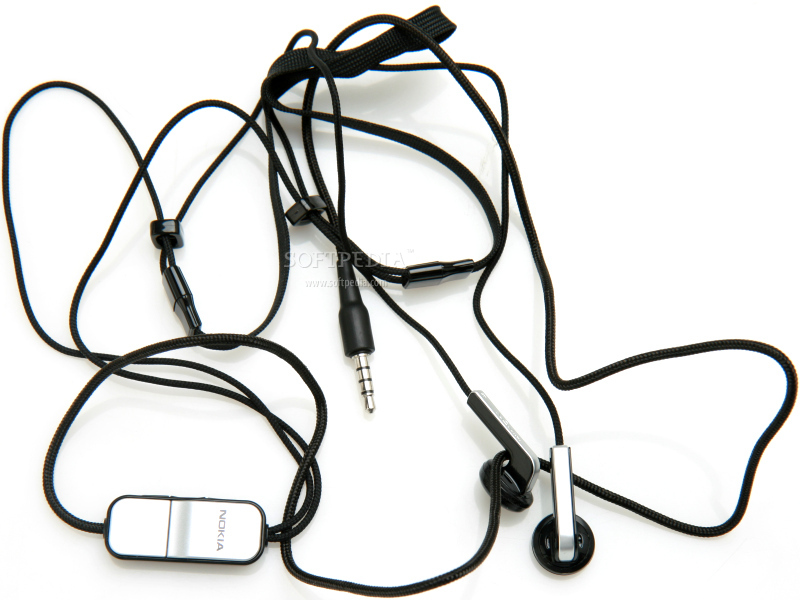
Nokia E75 features what has lately become standard for Nokia high-end devices, a 3.5mm jack port. Thanks to this port, users will be able to attach any kind of headphones compatible with its kind, as the ones in the sales package are not that good. The integrated music player looks very cool and supports almost any type of music file you can think of: MP3, AAC, eAAC, eAAC+, WMA, M4A, as well as MU3 playlists. The files are automatically sorted by artist, genre, and album, or by using the PC Suite.
The music player can be easily controlled with the D-pad. Even though it features a 3.5mm port jack, the sound is at a decent level. Small improvements will be obtained only if better headphones will be used, but don't expect miracles, it's a business phone after all. The Bluetooth 2.0 with A2DP support enables you to listen to music wirelessly.
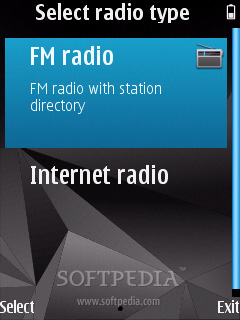
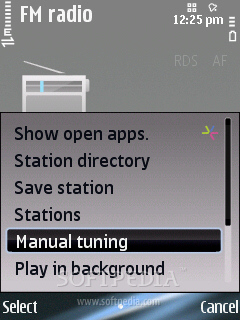
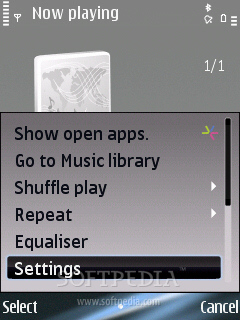
The music player features all kinds of options and settings: Equalizer, Balance, Loudness, Stereo Widening, or Shuffle. Some of these are also available for the included FM Radio, which can memorize up to 50 base stations and feature RDS and Visual-radio capabilities. The reception is excellent, and the quality of the sound likewise. Nokia E75 also boasts Internet Radio, but Internet data charges will apply.
Furthermore, videos can be played with the help of the integrated Real Player application, but only MP4 can be ran. The video player is fully compatible with both orientations, namely landscape and portrait, and can play movies in full screen. For better experience, I recommend third-party video players with a full DivX and XviD support.
Battery
The 1000 mAh Li-Ion (BL-4U) battery has an officially stated life expectancy of 288 hours in standby and of about five hours and 20 minutes in talk-time mode. While the smartphone has a much lower battery than E71 (1500 mAh), we have still gotten a pretty decent autonomy time for the handset: four days of use, two hour of calls and 30MB of overall data transfer. These numbers point out that the battery performs above average.
Impressions
Nokia E75 looks and behaves above average, thus it's supposed to stand out from the crowd. It offers the sturdiness and the security a businessman needs, thanks to the partial stainless steel casing, and the features needed to be reckoned as a true messaging device. Add to this one of the best QWERTY keyboards on the market and you have one of the best Eseries smartphones available.
The Good
As a business phone, Nokia E75 offers a full Email service, as well as powerful connectivity options (HSDPA, Wi-Fi). The QWERTY keyboard and the features included raise its desirability among businessmen on the go. I would recommend this phone in an instance for its strong points: HSDPA, the QWERTY keyboard, Email and the user interface.
The Bad
Even though it's a swiss-knife in terms of messaging, Nokia E75 has its drawbacks. I wouldn't recommend the phone because of the crowded numerical keypad, small display, high price and cheap plastic on the front that makes it a fingerprint and grease magnet.
Sales package
Nokia E75 handset; 1000 mAh Li-Ion Nokia Battery (BL-4U); Nokia High-Efficiency Charger (AC-8); Nokia Connectivity Cable (CA-101); Nokia Stereo Headset (HS-43); User Guide, Quick Start Guide and other documentation; 4 GB microSD memory card.