 14 DAY TRIAL //
 The Eseries from Nokia continues to spawn new devices on the handset market, this time a cheaper version, but with enough up-to-date features to have some success. The Nokia E63 smartphone competes with its more rich-featured brother E71. If you're looking for a business phone and do not have the amount to acquire the top of the line E71, then the new Nokia E63 can easily take its place. While there are some design and feature differences between the two, the latter is definitely excellent value for money.
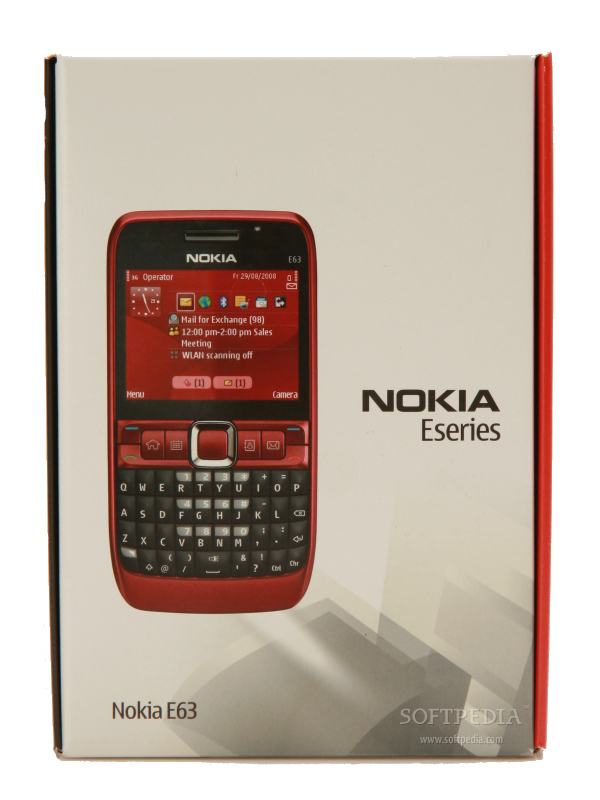
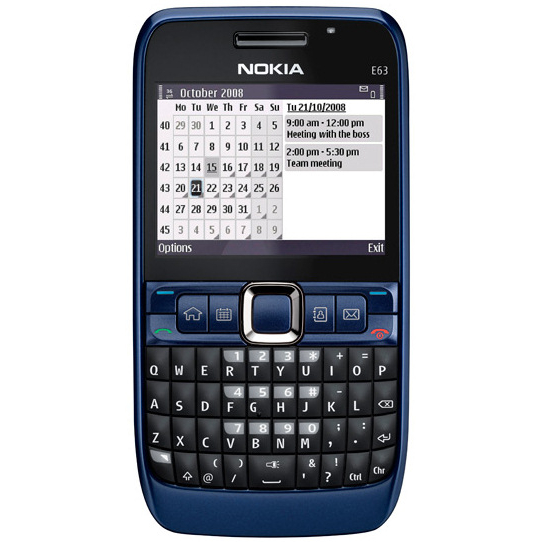
Announced in November 2008, Nokia E63 was made available on the market just in time for Christmas, in December 2008. The price of the smartphone is pretty cheap compared to what it can do – 250USD. The phone was launched in three colors: Ultramarine Blue, Ruby Red and Black.
Design
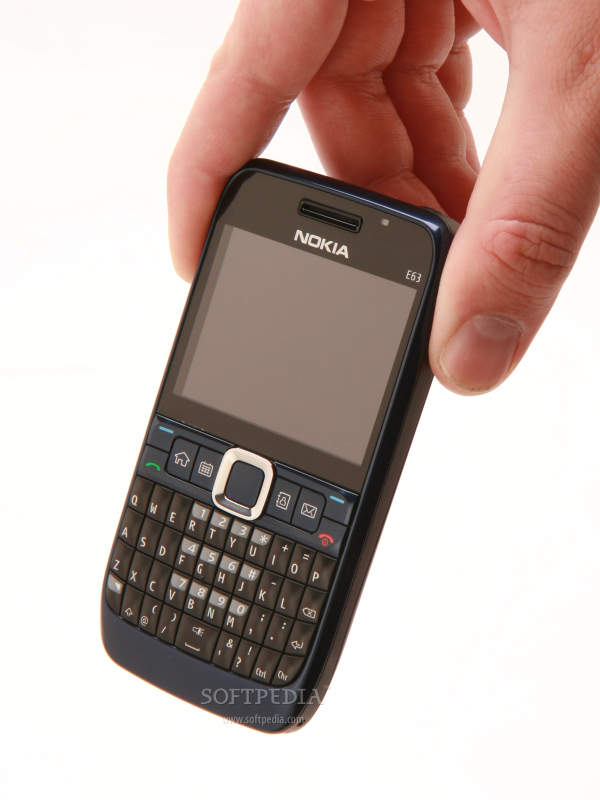
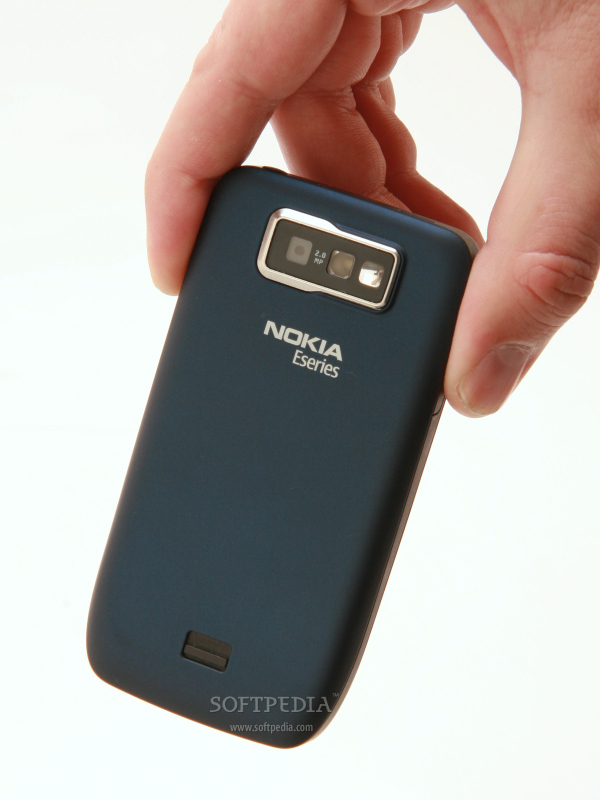
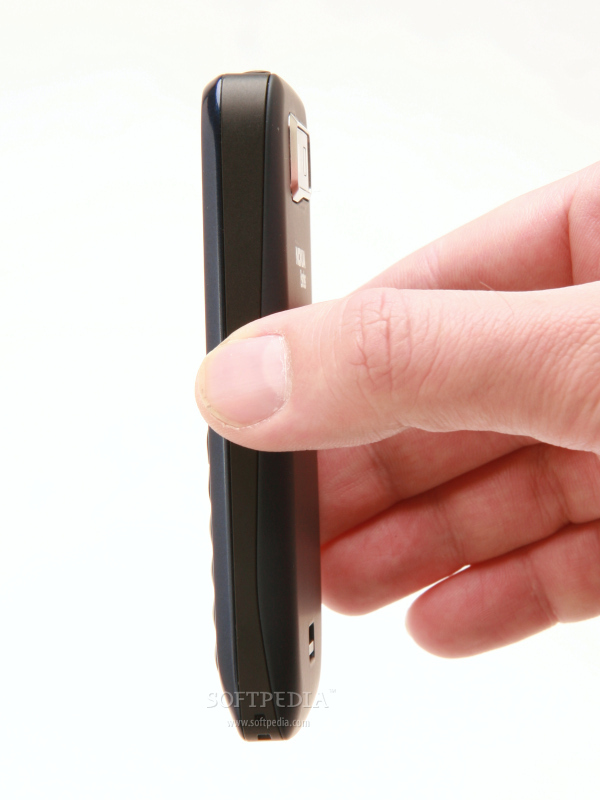
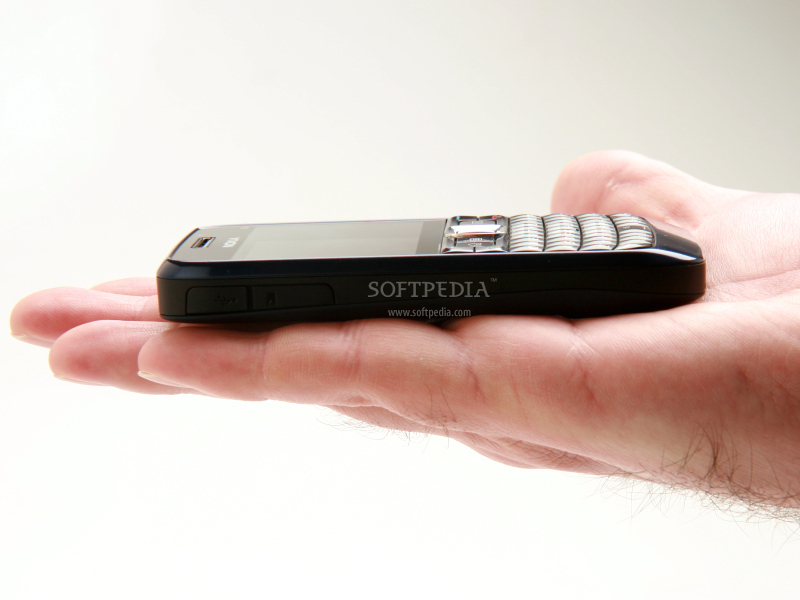
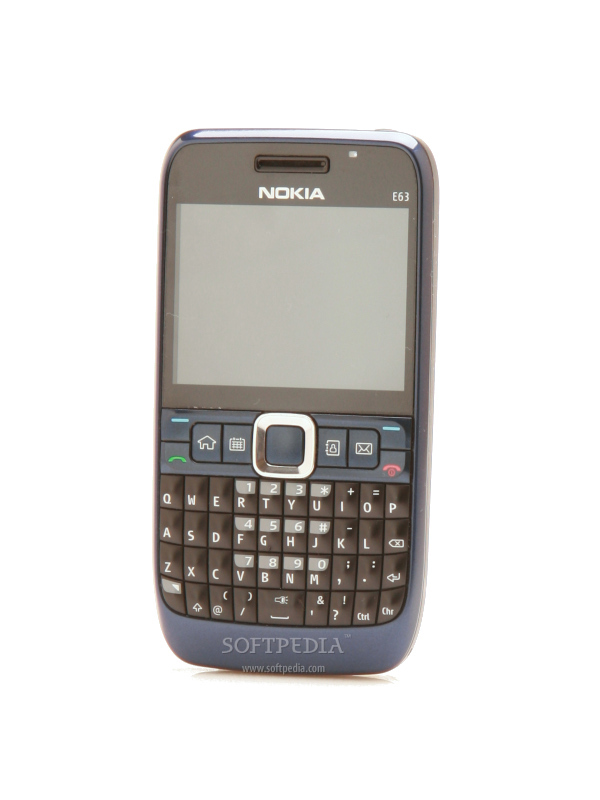
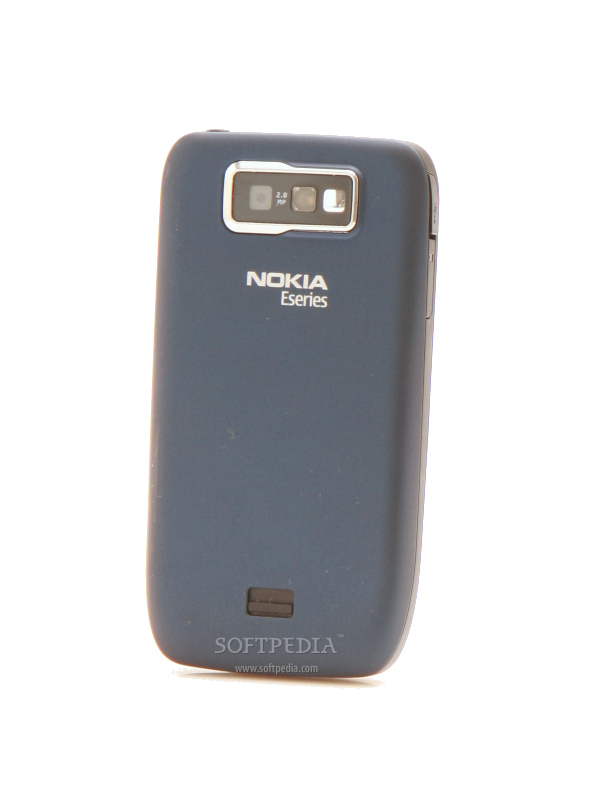
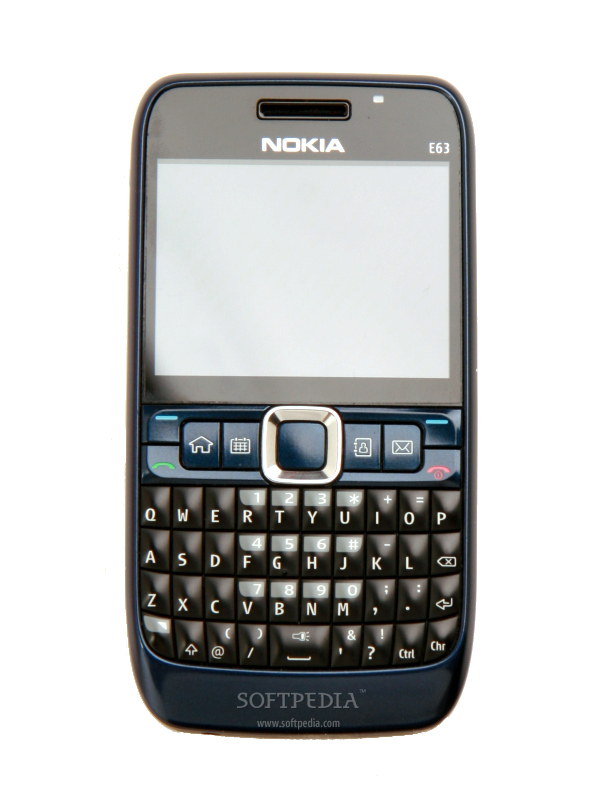
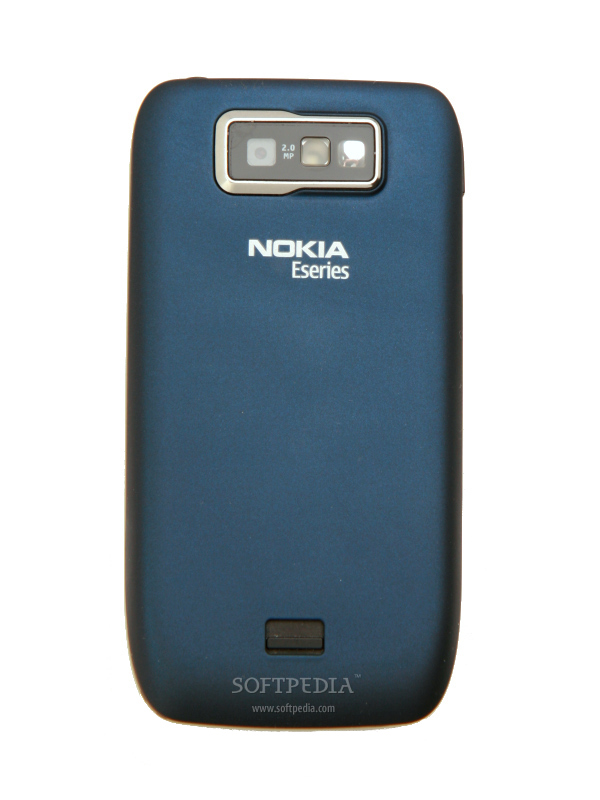
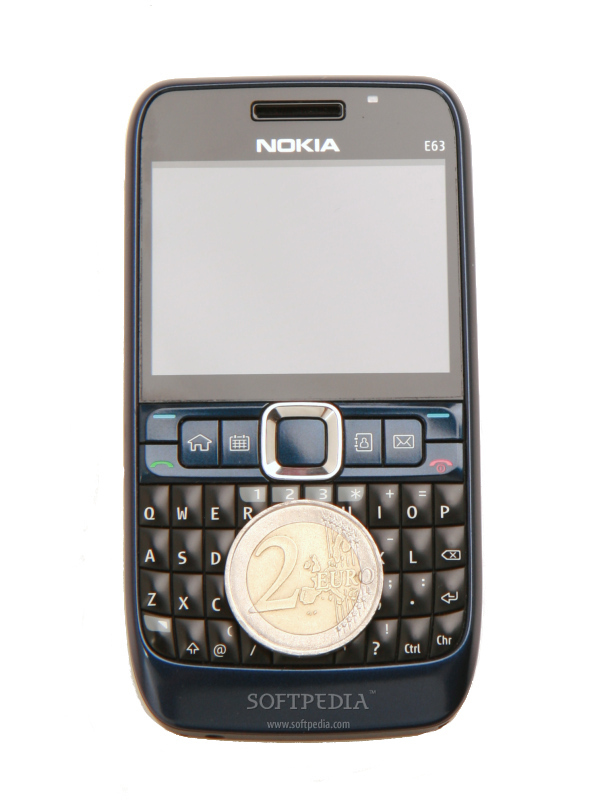
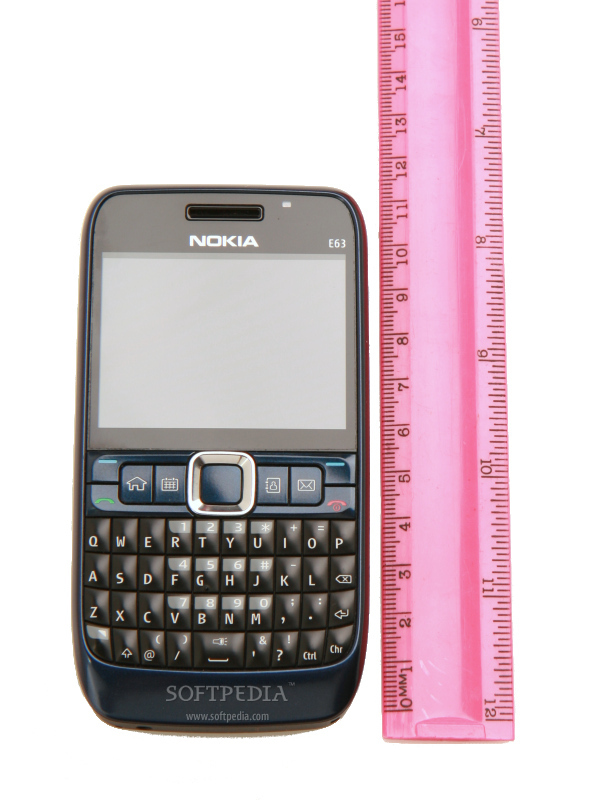
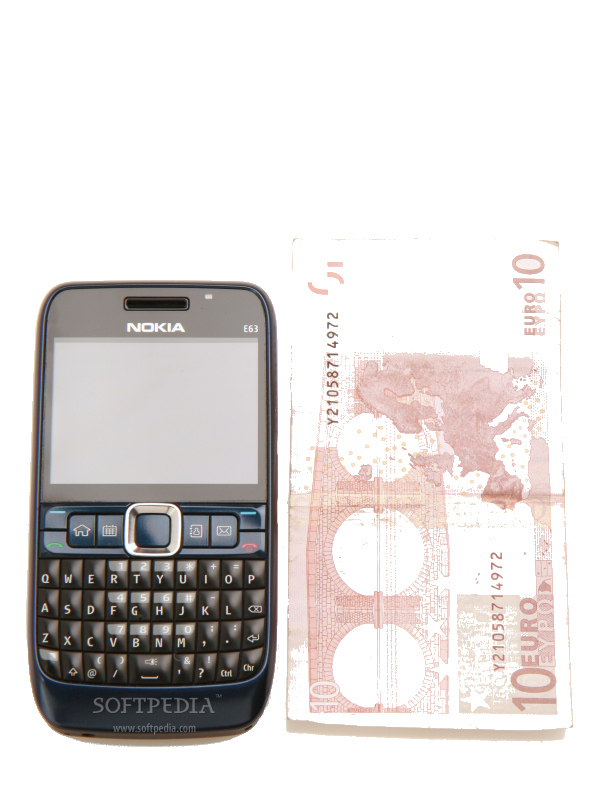
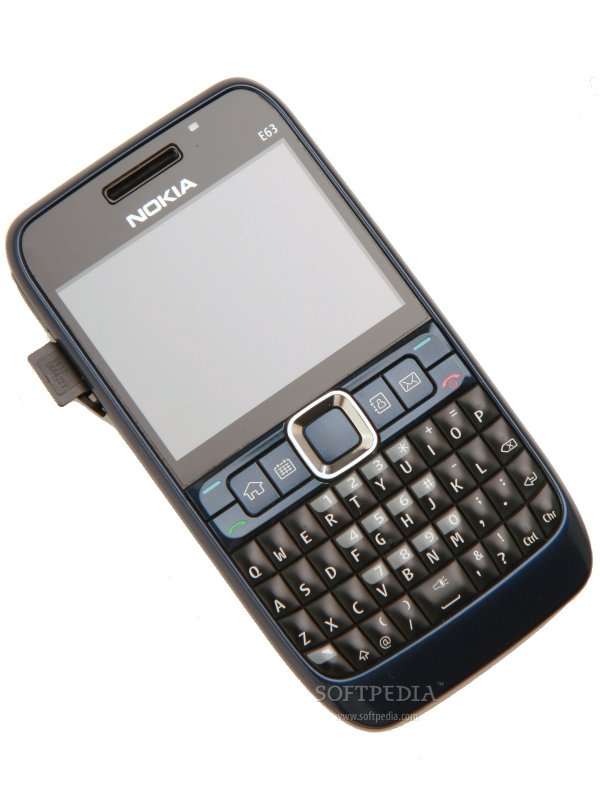
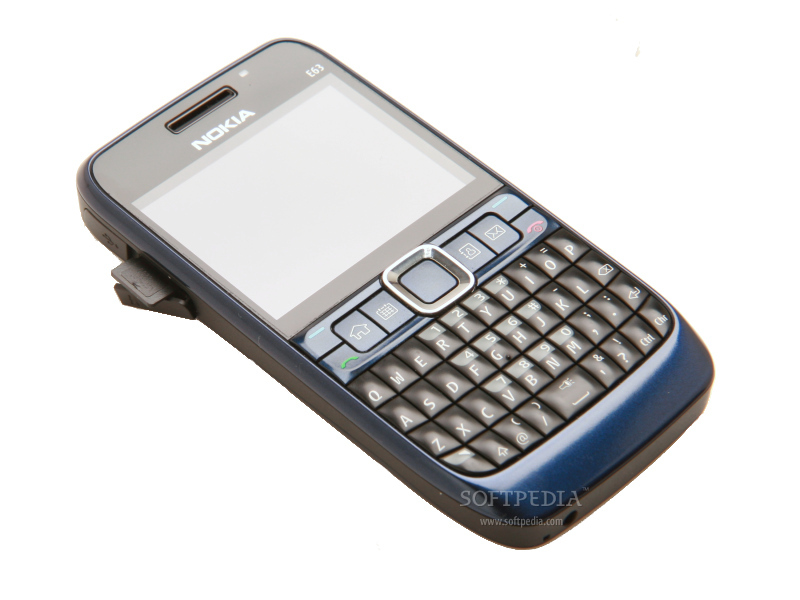
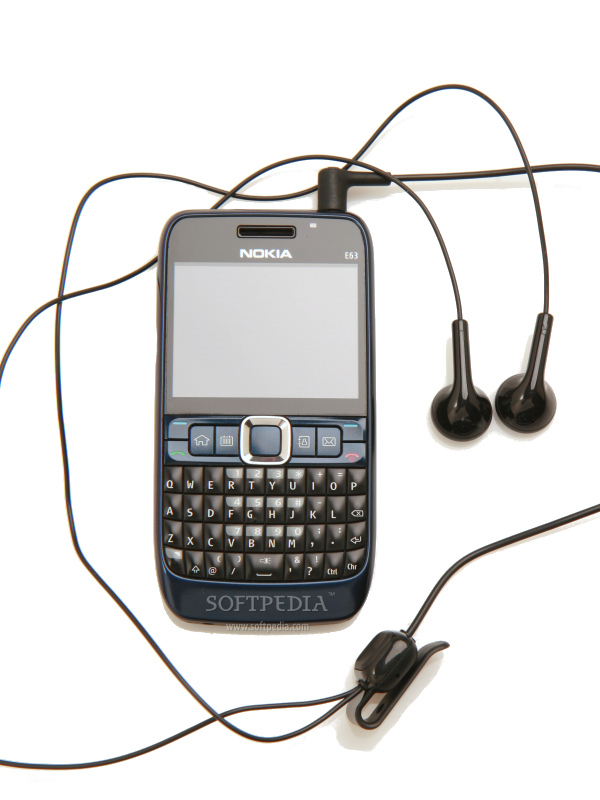
Nokia E63 keeps the same 'pie' form line that has been well-known since 2005, when E61 was announced. Compared to E71, the E63 is a little bit thicker and the material used for manufacture is a simple cheap plastic rather than the famous 'stainless steel' compound. Nothing to worry though, the smartphone is still pocket-sized and easy to carry and use. Measuring 113 x 59 x 13 mm and weighing 126g (including battery), Nokia E63 can be easily mistaken for E71. The main things that distinguish them are the different colors. While the front part of the E63 bar smartphone is made from a shiny plastic, with nice finishes, the backside has a rubberized plastic that helps the phone grip better in your hand.
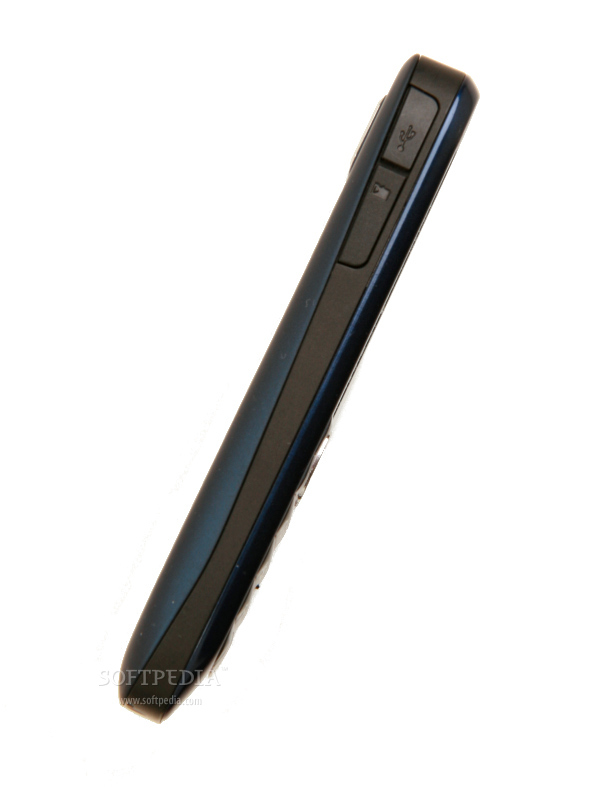
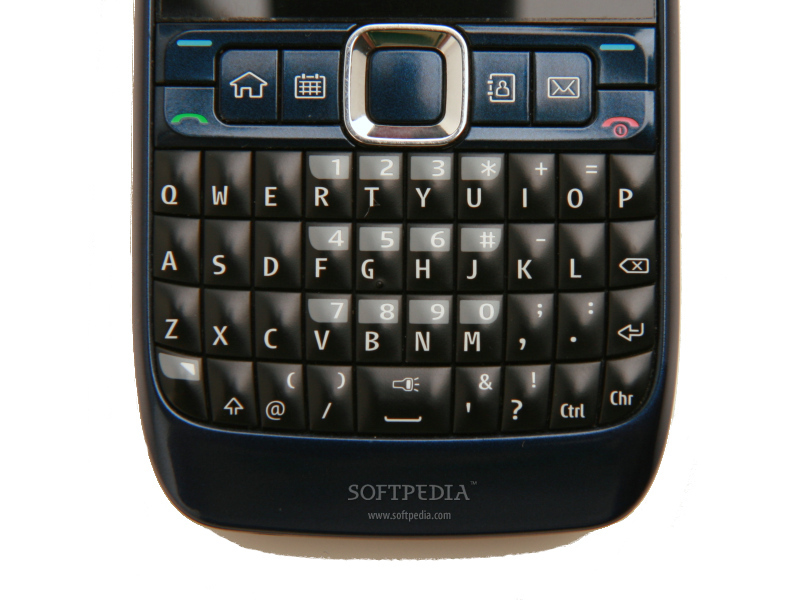
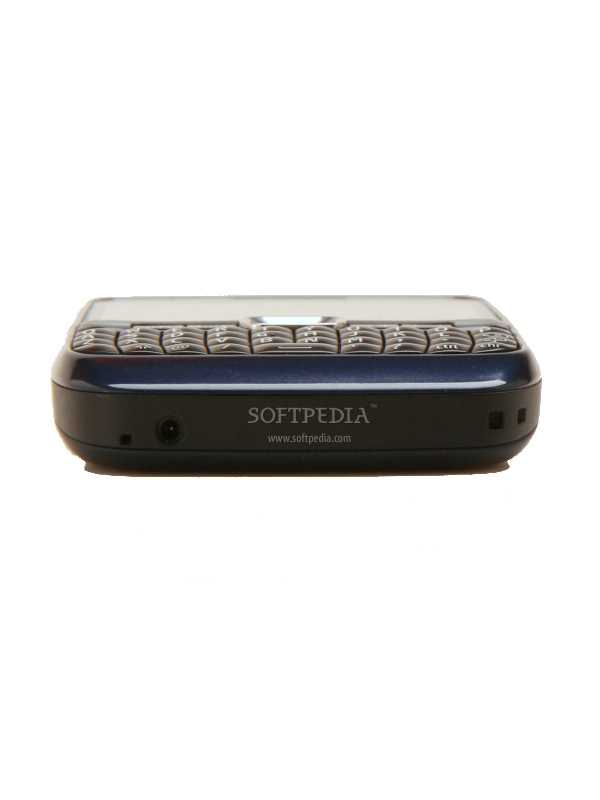
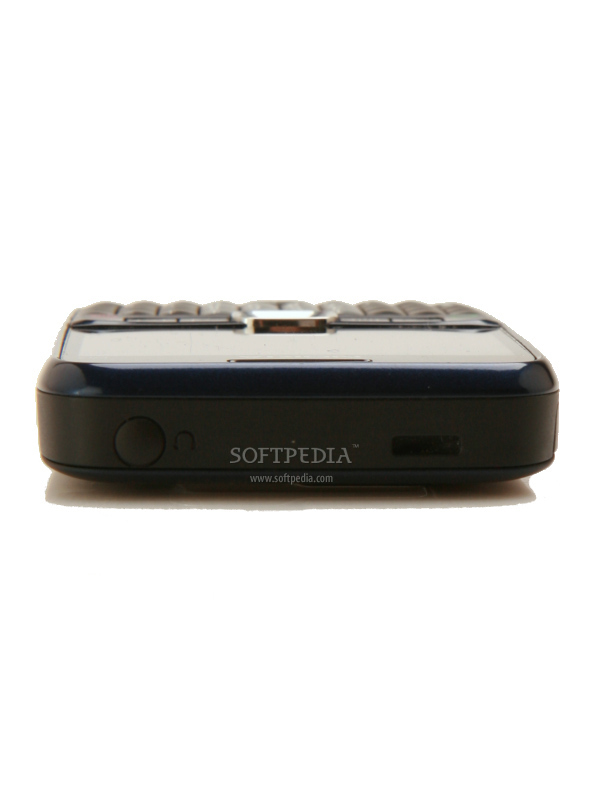
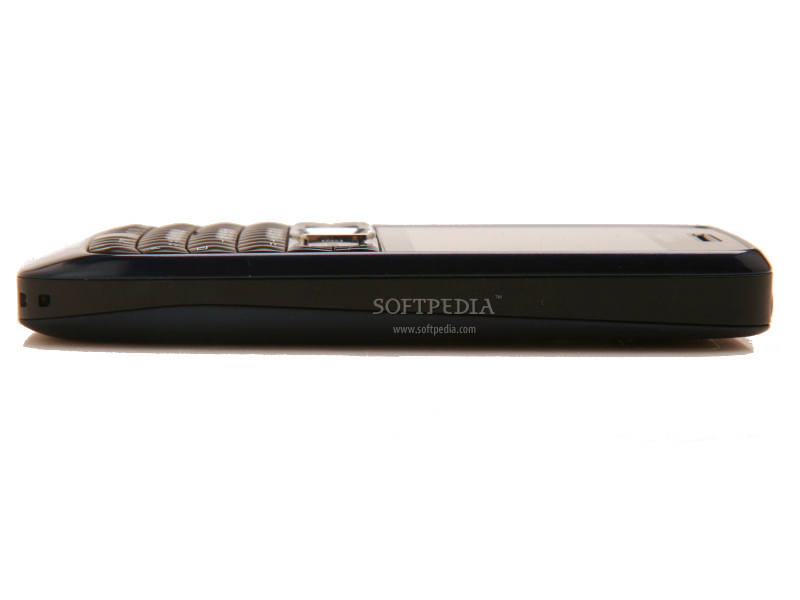
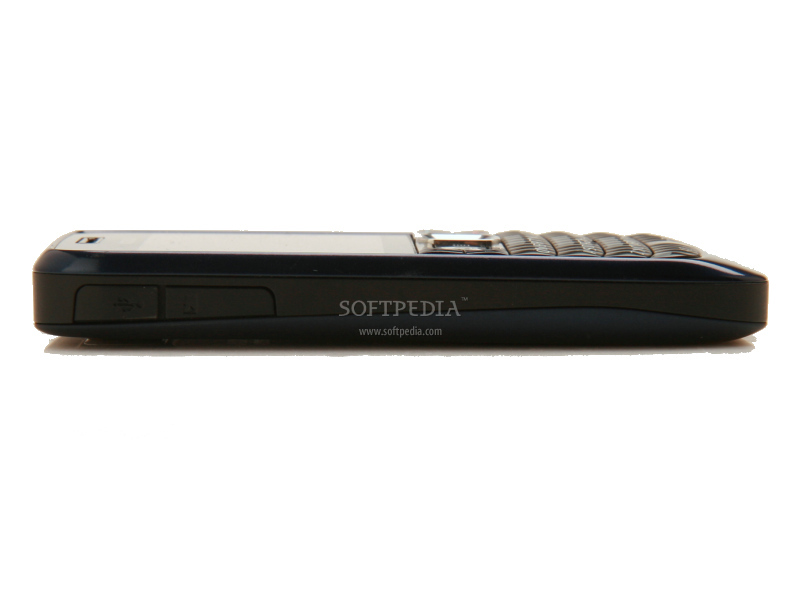
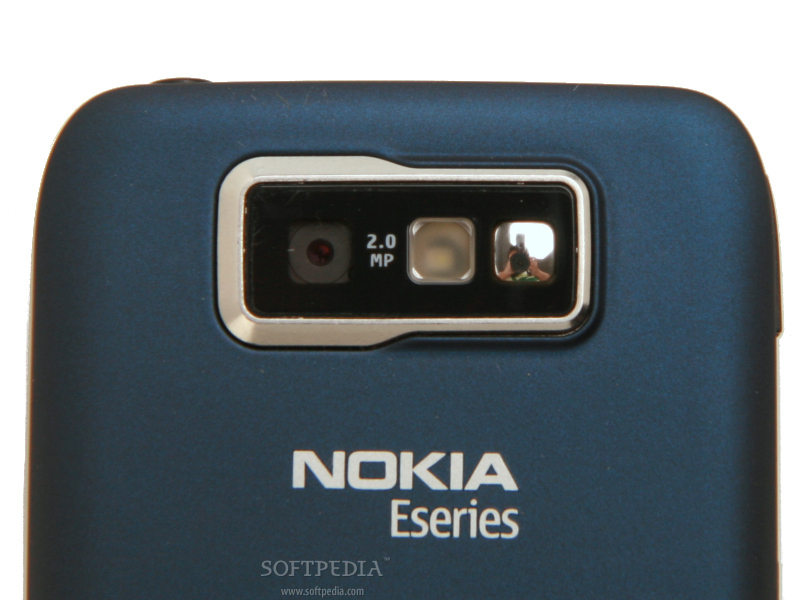
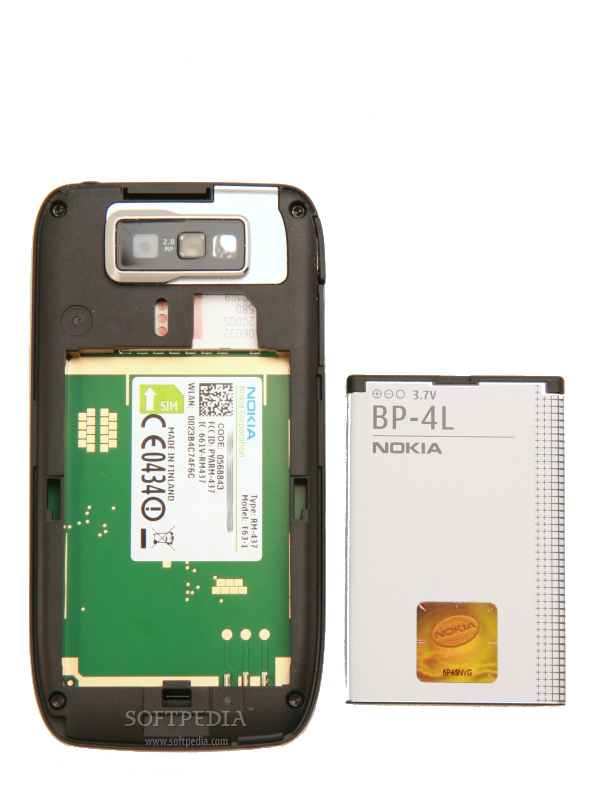
The upper front half of the handheld is seized by the 2.4-inch display, while below the screen, there is a full QWERTY keyboard. The layout of the keyboard is much the same with E71s with some minor exceptions. The Space bar key size has been reduced to make room for two more keys: Ctrl key and Parenthesis key. Furthermore, the Space bar key features a flashlight icon, which means that every time you keep it pressed, you'll be able to use the LED flash of the phone as a flashlight. Texting is smooth, but that also depends on your fingers' size. For those with bigger fingers, it may take a while to get used to it. Otherwise, the keys are extremely responsive, so I advise users to keep the keypad locked when they're not using it. A small ambient light sensor has been placed above the screen, right near the in-call speaker. On the left side of the handheld, there are two ports: microUSB and microSD card slot. The charger port has been placed on the bottom side of the device, while a 3.5mm jack port and the loudspeaker can be found on the top side. The jack port is covered by a rubber plug, which must be completely pulled out when trying to insert headphones. I don't think that this is such a good idea, as the plug is very small and can be lost easily. The back part of the smartphone includes a 2-megapixel camera that features flash and self-portrait mirror. The back cover can be easily taken out by simply moving up the plastic slider near the bottom of the phone. I'm not sure about the sturdiness of the handheld, but I was thrilled to find that it is not a fingerprint magnet, as E71 was. You should try to avoid keeping the phone in the same pocket as your spare change or keys, as the cheap plastic can be easily scratched.Display and Camera
The 2.4-inch display has already become a standard for most Eseries smartphones, so it's no wonder E63 features one. It supports 16 Million colors and 320x240 pixel resolution. It also keeps the same high standard quality, and that includes excellent eligibility under bright sunlight.
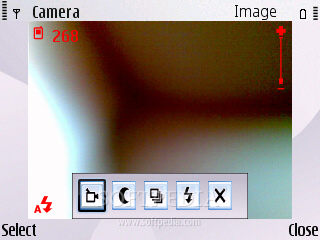
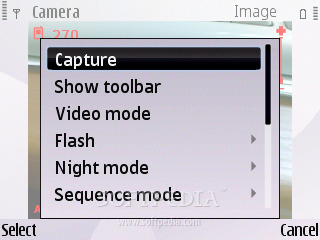
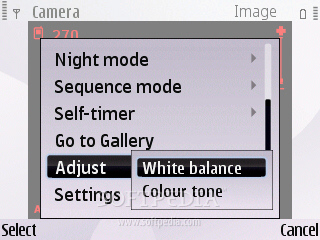
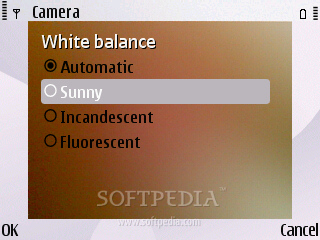
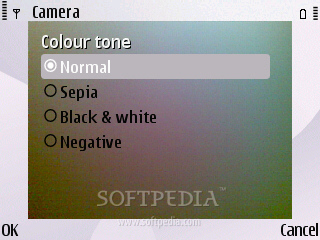
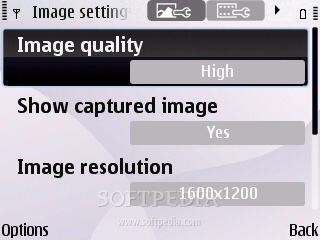
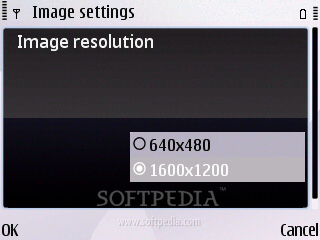
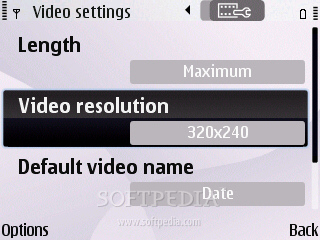
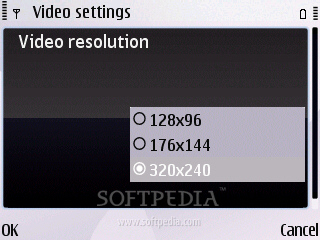
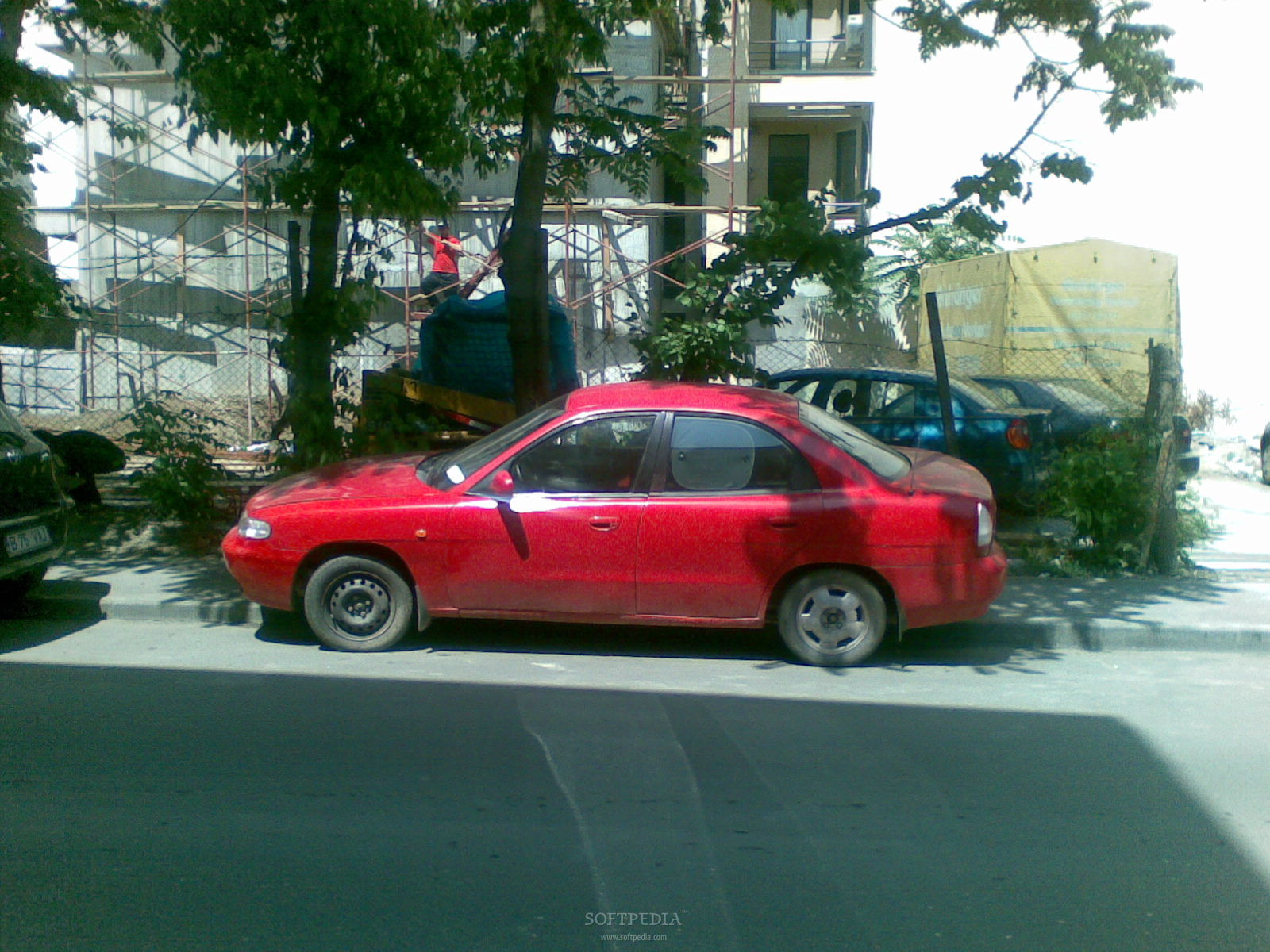
The 2-megapixel camera has only basic setting and features functions like self-portrait and LED flash. Perhaps the camera is one of the weak points of the device, but this isn't meant to be a camera phone after all. The interface of the camera doesn't come up with anything new and keeps it all simple. The preview of pictures is not full screen. You can only modify White balance (Automatic, Sunny, Incandescent, Fluorescent) and Color tone (Normal, Sepia, Black & white, Negative). Changes you make won't affect pictures in a positive way, as the quality of the module camera is too low. As you can see from the samples below, there's a lot of noise and few details. Nokia E63 has unjustly been equipped with such a weak camera, so if you're not too fond of this part of the phone, you'll have no troubles. The maximum resolution that you can use to take pictures is 1600x1200 pixels, while the maximum resolution for movies is 320x240 pixels.Menu and Software
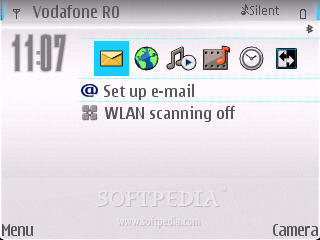
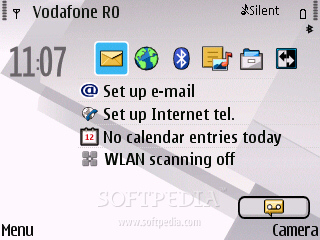
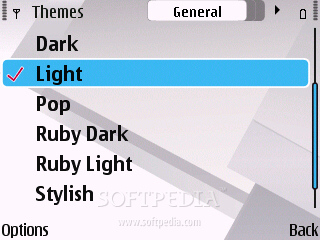
Nokia E63 runs Symbian 9.2 operating system, with S60 3rd Edition and Feature Pack 1 interface, but also some light FP2 features. This Pack offers several improvements and adds new features, like an alarm clock, vCalendar 2.0, support for 3D graphics and hardware acceleration, as well as screen turning. The repeated alarm clock provides users with the wake up call whenever they want, so they don't have to buy third-party applications for that purpose.
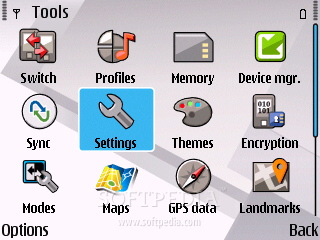
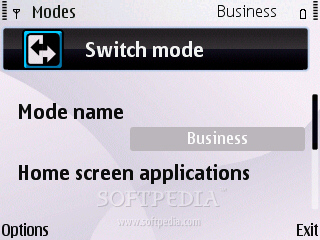
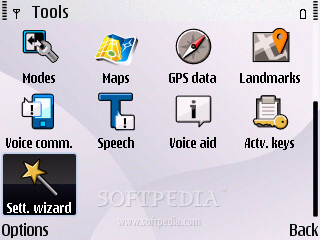
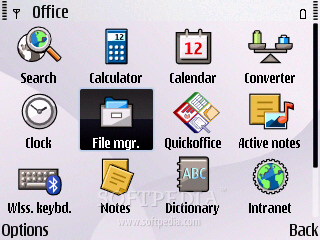
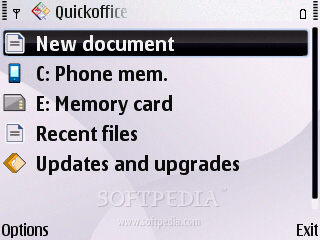
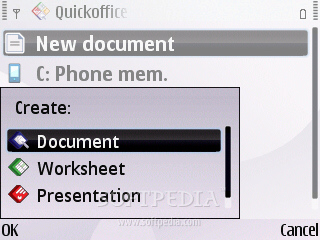
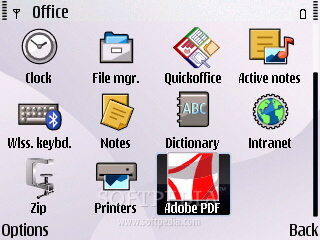
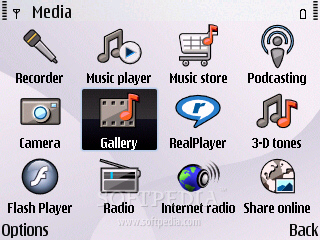
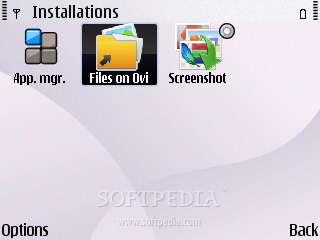
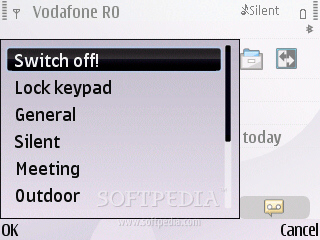
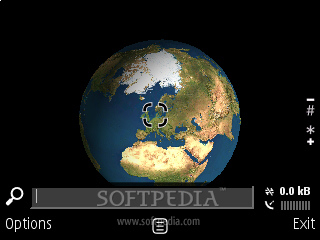
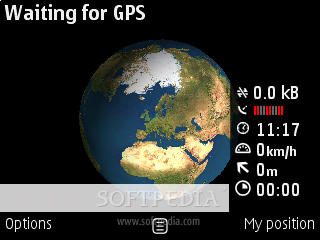
The main menu can be accessed by pressing the second left key ('House' icon), next to the D-pad controller. In addition to the usual options and applications that we find in almost all Symbian-powered handsets, Nokia E63 features Search and Maps utilities. Unfortunately, Nokia E63 hasn't been gifted with a GPS receiver, so you'll need to buy a Bluetooth GPS receiver if you want to use the included Maps feature. Under the Office category, we find QuickOffice applications, used for reading Word, Excel and PowerPoint files, but also for editing these files, so there's no need to upgrade the application. There's also a complex calendar, a dictionary, a PDF reader, a Notepad, a Zip archivator, a calculator, a currency converter, a voice recorder (active notes), a file manager, printers and a support for wireless keyboard. All applications pre-installed or third-party apps installed after buying the device are placed in the Installations sub-menu. The phone includes everything a businessman may need on the road or at the office, pre-installed on the handset: email, web, calendar, organizer, IM, office tools, messaging, applications manager, connectivity wizard, synchronization tools, and even more. Media sub-menu is comprised of utilities more or less present in almost all Symbian-based devices: Recorder, Music player, Gallery, RealPlayer, Podcasting, Radio, Flash Player, 3-D tones, Music store, and Internet radio. When accessing the Tools section of the menu, one can discover some goodies that weren't previously specific to Eseries devices: Switch (transfers content, such as contacts, from a compatible Nokia device to E63 handset using Bluetooth), Encryption, Modes (changes one home screen to another customized screen), Voice aid, Speech. Nokia E63 features the same Menu layout as its high-end brother, E71, and only lacks GPS receiver to be on par.Communications
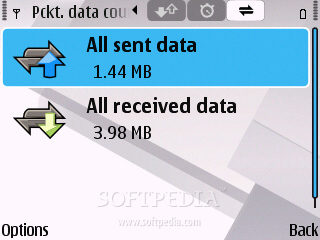
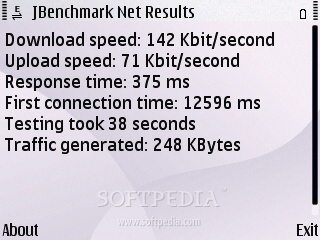
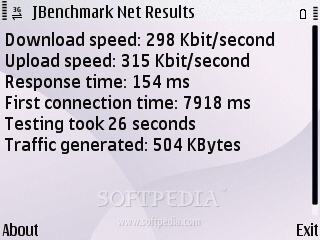
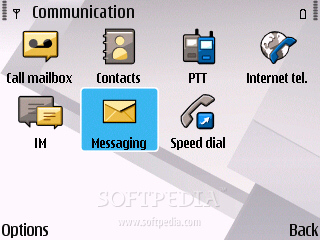
Nokia E63 is a quad band GSM (850 / 900 / 1800 / 1900) handset, UMTS (384 kbps) compatible, which features GPRS class 32 (100 kbps), EDGE 32 class (296 kbps), High-Speed Circuit-Switched Data (57.6 kbps) and Wi-Fi 802.11 b/g. Tested on the EDGE and 3G networks, the phone performed a little bit above average, as you can also see in the screenshots.
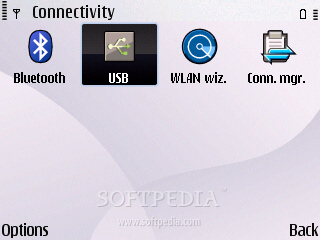
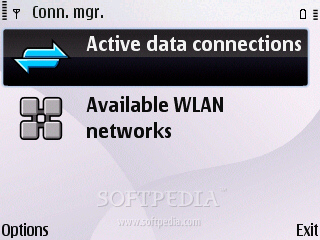
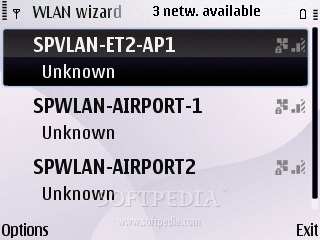
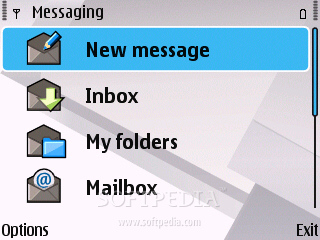
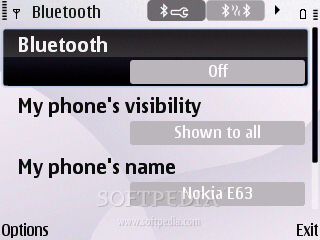
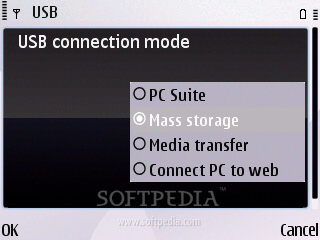
The WLAN wizard helps you search and define your WLAN network connection settings. If you want to connect to the Internet, you must first define an Access point (EDGE, WLAN or 3G). You can do that by going to Main menu - Tools - Settings - Connection - Access points, and define which access point to be used whenever a network connection is required (Main menu - Home network – Settings). Other connectivity tools include Bluetooth 2.0 with A2DP support, and microUSB for PC synchronization (no charging). When connecting the USB cable, you'll be able to choose among four modes: PC Suite, Mass storage, Media transfer, Connect PC to Web. All four modes are intuitive and easy to use, so there's nothing more to add here. In terms of messaging, the phone offers a complete messaging solution accepting all available message types. Furthermore, given the full QWERTY keypad, it's a real pleasure to text or edit documents. The phone includes no less than four message editors, one for each type: SMS, MMS, audio message and e-mail. The message client works with POP3, SMTP, and IMAP4 protocols, and supports more than one email account. Also, it can download headers and supports attachments. The quad-band (GSM 850 / GSM 900 / GSM 1800 / GSM 1900) network compatible handset has a very good GSM signal reception. The UMTS signal reception is also at full strength, but it’s energy consuming, so I don't recommend accessing it unless you intend to use the phone to browse the Internet or to make data transfers. The sound is above average in quality at both ends, and pretty loud. The vibration alert is also above average in intensity, so you don't really need to set it to higher levels.Processor and Memory
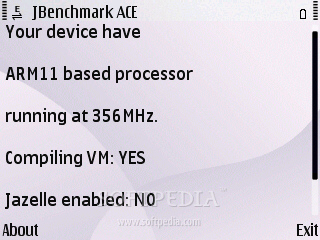
Nokia E63 is powered by the same single ARM11 family processor running at speeds of up to 369 Mhz that has been included with the E71 model. Even if it's a cheaper version, it seems that Nokia decided that the CPU of the phone was too important and kept it at the same level. Nokia E63 worked fine even when accessing more than one application, and no freezes were noticed.
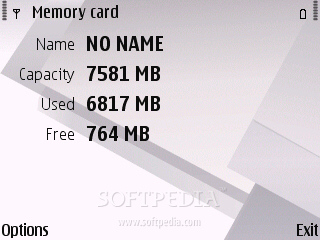
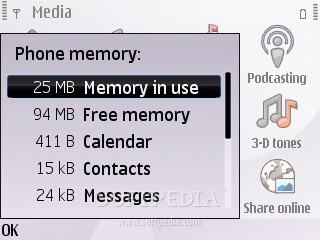
The handset embeds 120 MB user free internal storage memory, 128 MB SDRAM and 256 MB NAND memory. Bear in mind that just 71 MB is free executable RAM memory. Anyway, storage space can be expanded up to 8GB through the hot-swappable microSD slot card.Multimedia
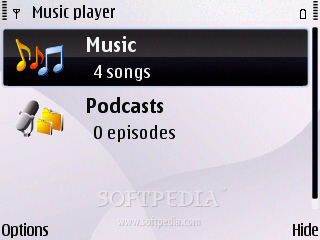
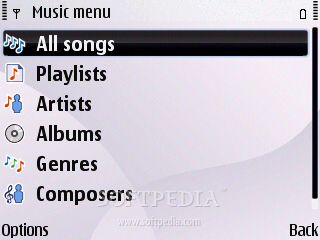
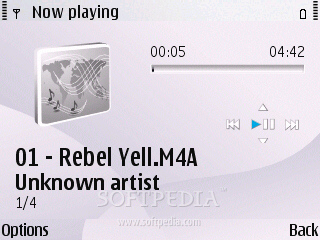
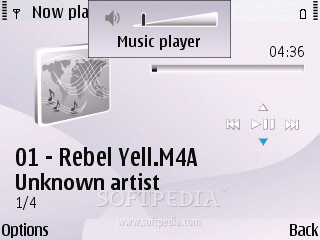
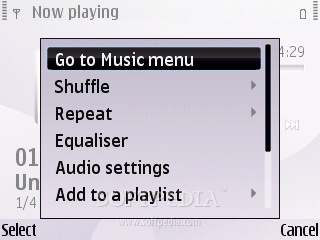
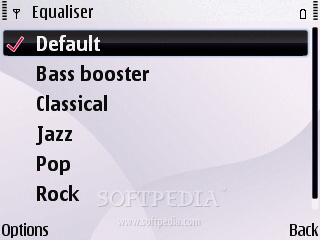
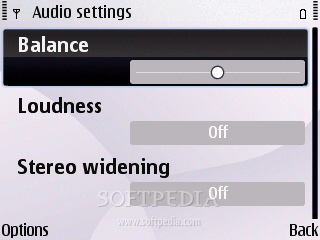
Nokia E63 is a business phone, thus multimedia features aren't at high standards here. Music player and radio are there, but don't expect more than average in terms of sound quality. The only thing worth mentioning is the fact that the E63 smartphone features a 3.5mm jack port, which enables users to insert better headphones than those from the sales package. The music player included looks very nice and supports AAC, AAC+, eAAC+, MP3 and WAV music file formats. It features Equalizer (Bass booster, Classical, Jazz, Pop, Rock and Default), Balance, Loudness and Stereo widening. Files can be automatically sorted by artist, genre, and album.
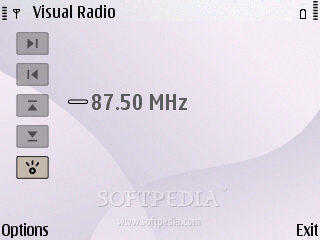
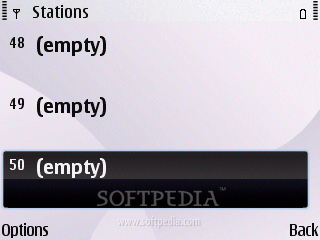
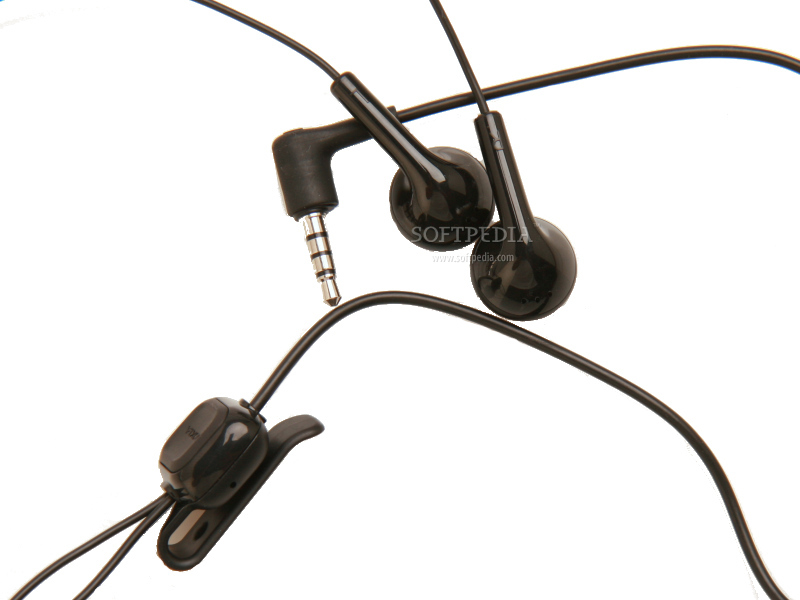
The integrated FM Radio can record up to 50 base stations and features the Visual Radio functions. Reception is very good, but sound is a little bit of a let down if you don't change the WH-102 stereo headset that comes with the phone.The same goes for the music player sound, but don't expect too much quality even with good headphones. The Bluetooth 2.0 with A2DP support enables users to listen to music wirelessly.
Videos can be played with the help of the integrated Real Player application, which can run clips in full screen mode.Battery
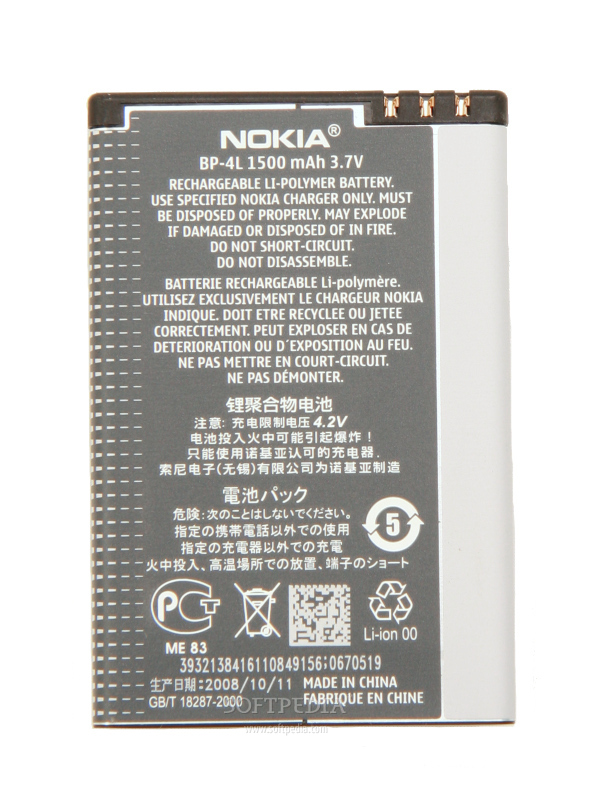
The 1500 mAh Li-Polymer (BP-4L) battery has an officially stated life expectancy of 432 hours in standby and of about 11 hours in talk time mode. This is even better than the previous E71 model, but that is understandable, as E63 misses some features. I have tested the device for almost a month and only needed one charge per week, four per month. The phone has been heavily used for calls, Internet surfing, data transfer. Thanks to the high energy power, Nokia E63 is one of the least energy consuming handsets made by Nokia at the moment, together with E71.
Impressions
I was pleasantly surprised by this medium budget smartphone, which targets people that are looking for a cheap business phone. If the lack of a GPS receiver is not a big problem, nor the low quality camera, this might come to be more useful than E71 in terms of value for money. I would definitely recommend fans of the Eseries to try one, if they don't have money for the better and more expensive E71 version.
The Good
The Bad
Sales package
Nokia E63 handset Nokia Battery BP-4L Nokia Charger AC-8 Nokia Headset WH-102 User Guide, Quick Start Guide and other documentation microSD depending on market/channel.