 14 DAY TRIAL //
 In the same quiet fashion as the second version of Microsoft Security Essentials was launched, the Redmond Company released to the public a new anti-malware solution called Safety Scanner.
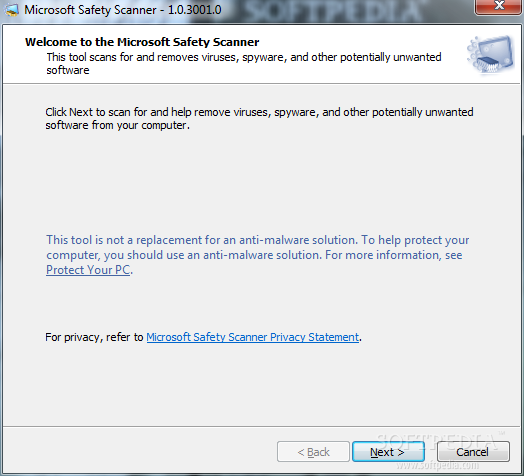
The application is a free security tool tailored to perform on-demand scans whenever the user has the suspicion of malware crawling on the system. It is not designed to replace the residing anti-malware product, so it can’t be considered a full-fledged protection utility for your computer.
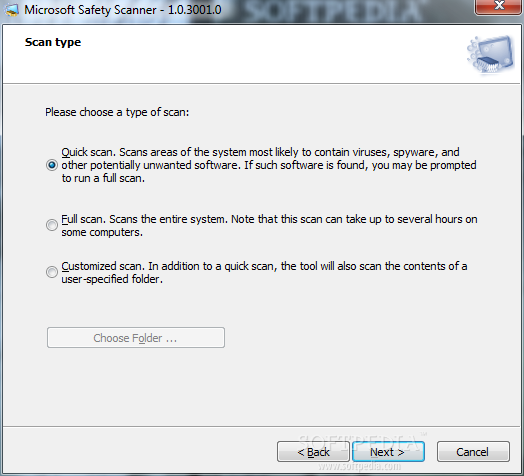
Even if it seems that Microsoft Security Scanner gets closer to the general trend more and more antivirus companies adopt these days and can peacefully coexist with other similar software its functionality is limited to the basic three scan types: quick (checks system areas most likely to contain malware), full (verifies the entire system) and custom (apart from looking into a user-defined location it will also run a quick scan).
Also, the solution released by the Redmond-based company has a short life-span on the system since it expires after only 10 days. Past this period you have to re-download and re-run the hefty package currently weighing 68.5MB in order to perform a scan with the latest anti-malware definitions.
Having these restrictions may look like a drawback for most of the users, but there are advantages in this. First of all, Security Scanner gets you a second opinion on the current state of the system without having to uninstall the regular security product.You do not have to worry about uninstalling it after the scan completes, just delete the program from your hard drive and you’re done. The scanner simply checks the data on your computer against malware definitions.
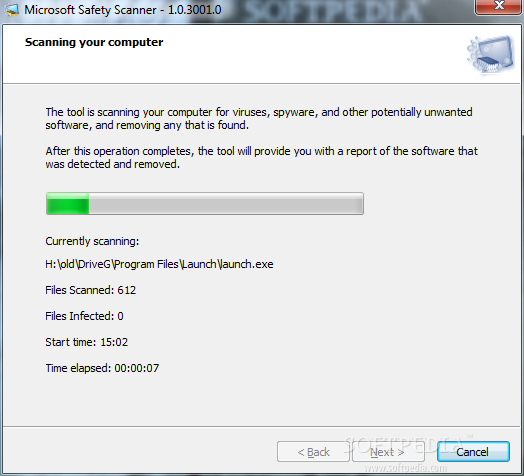
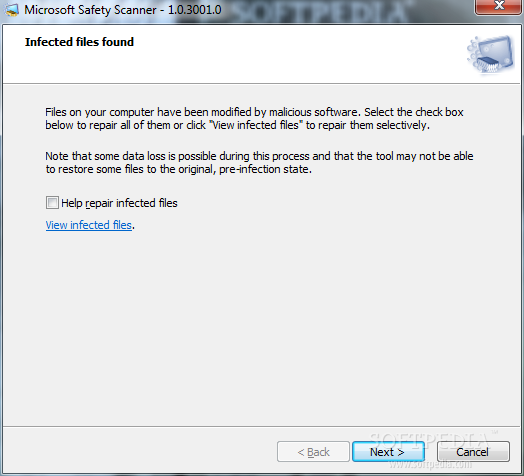
Besides uncovering the threats on your system Security Scanner can also remove the malware and try repairing the infected files.
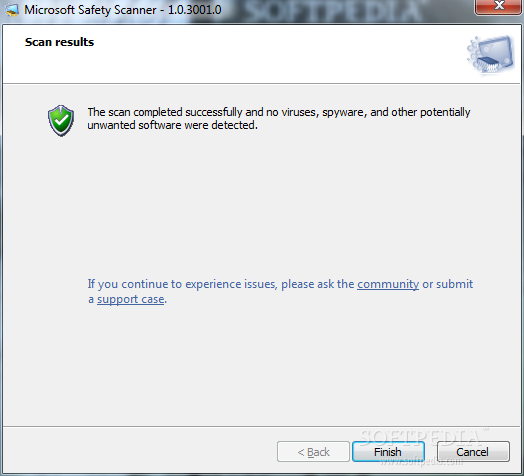
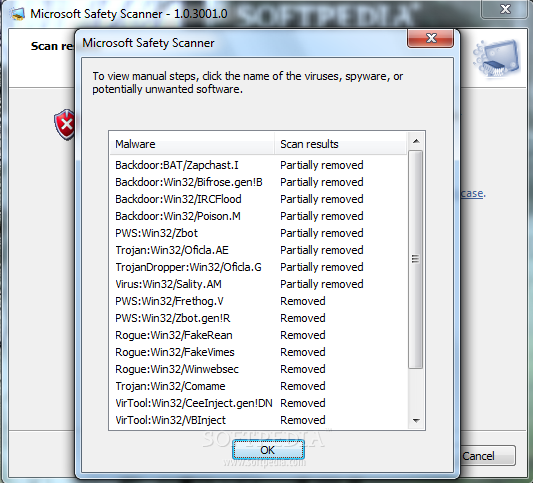
Designing a good looking interface was not a priority for this instrument so it is a bit hard on the eye. But it proved to be pretty efficient during our tests as it managed to remove 19 threats out of 29. However, its detection value is higher as it recognized 28 of the threats (8 of them were only partially removed).
All in all Security Scanner is a lightweight product that checks if there is malware on your system and manages to remove most of it. It does not feature any protection layers, so for real time protection you should head to a different product.You can download Safety Scanner from Softpedia at this link.