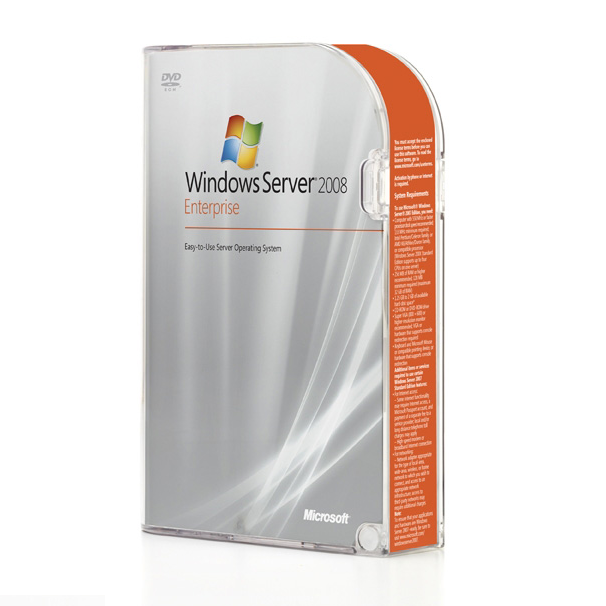
 14 DAY TRIAL //
 With Windows server 2008, formerly known as Windows server code-name Longhorn, Microsoft aims to generalize enterprise storage features. While security, branch office, virtualization are indeed strong pillars of the upcoming version of Microsoft Windows Server, the product also brings to the table new storage features. All the samples enumerated below are in fact pointing to solutions that were delivered exclusively to enterprise class storage devices. However, once Windows server 2008 will be launched, the features will also be accessible at server level.
"True to the model of Universal, Distributed Storage, Windows Server 2008 will bring more enterprise storage features to everyone. A good example is the inclusion "in-box" of the Microsoft MPIO DSM. This is an industry standard solution that brings multi-pathing and load balancing with failover clusters to any users of Windows Server 2008. Storage vendors (iSCSI or Fibre Channel) can add features based on this DSM to integrate with their storage array management schema if desired, no need for separate download and integration in the server console," revealed Claude Lorenson, Group Product Manager for Storage in the Windows Server division.
Server Message Block 2.0 (SMB 2.0) is another feature deserving a moment in the spotlight, just because it is designed as the new remote file sharing protocol in Windows Server 2008, evolving the connectivity capabilities of the server operating system. "With SMB 2.0, customer data has shown the ability to download a 300MB file 35 times faster than with SMB 1.0 using a 100 Mbps link (from 24 minutes to 41 seconds). SMB2.0 will also support transactions, symbolic links and client side encryption. All these features are fully functional when Vista clients are used in combination with Windows Server 2008," Lorenson explained.
Building on the SMB 1.0, SMB 2.0 is a clear indication of the scalability of the feature, but also of its flexibility and adaptability. SMB 2.0 supports a greater number of both simultaneously opened files and shares, and the protocol has been enhanced for speed.
With Windows Server 2008's Virtual Disk Service (VDS), users will be able to take full advantage of "Shrink" for volumes and Logical Devices. Both features aim to optimize disk storage assets. "With this feature, it will be possible to re-capture/re-assign disk capacity that is not needed for a certain application anymore (assuming support from the disk array vendors). The other key storage service, VSS is also getting some enhancements. A new utility, called "Diskshadow" is an "in-box" VSS requestor that can create and manage both software and hardware based shadow copies. Auto-recovery of transportable hardware shadow copy is enabled and fast recovery scenarios (with GPT disks) are also supported," Lorenson added.