
|
|
|
|
|
Linux Mint LiveCDAn Ubuntu-based LiveCD! |
By Marius Nestor, Linux Editor
16th of November 2006, 13:10 GMT
Adjust text size: 
|
| |
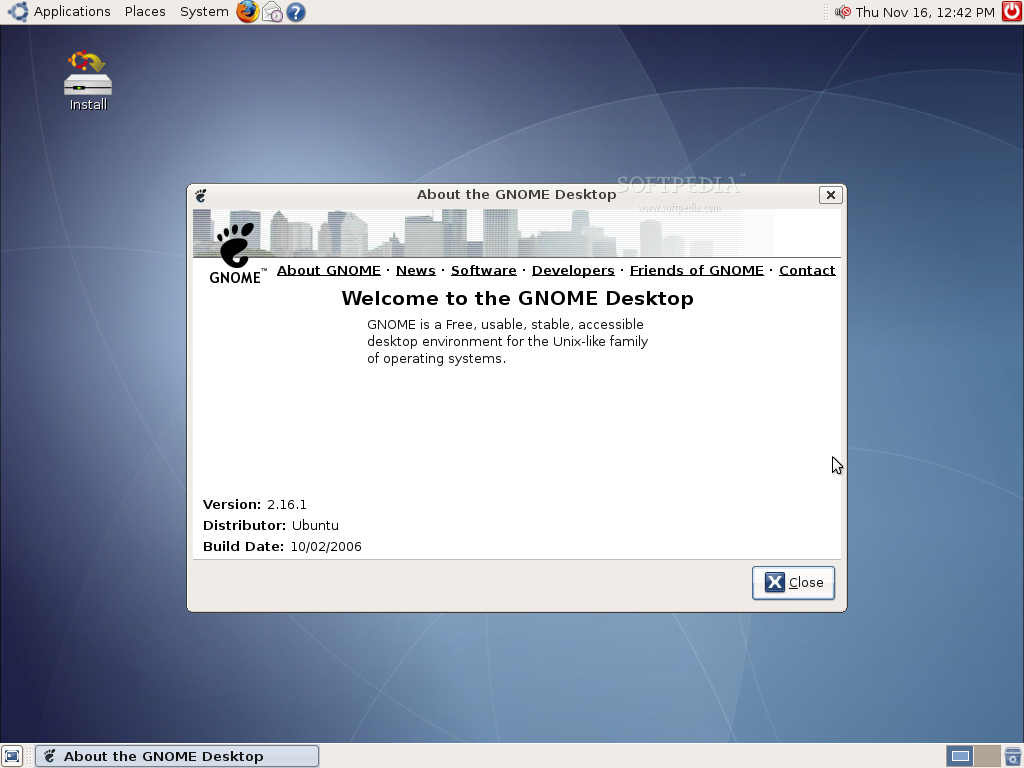
Linux Mint is a Linux LiveCD based on the popular Ubuntu Linux distribution. Linux Mint's purpose is to produce an up to date, comfortable and elegant GNU/Linux distribution. Barbara is the name of the latest version of Linux Mint, which was released three days ago and is powered by GNOME 2.16.1 desktop environment.
Linux Mint project uses the same repositories and the same packages as Ubuntu. It follows the Ubuntu releases and innovations. Basically, it is 98% Ubuntu, but with a few differences. For example:
- Ubuntu has a fixed 6 months release cycle, but Linux Mint produces one release with up to date packages, every 3 months.
- Linux Mint's artwork is different then Ubuntu's.
- Ubuntu and Kubuntu tend to follow the "free software" philosophies and for this reason, they do not include "dirty" software (patented or proprietary technologies for instance). This is great and this is the way it should be. However, other distributions provide the choice to the user (for instance, Mandriva 2007 can be downloaded as a "free" or "non-free" version). If you're like us, you probably read encrypted DVDs and listen to MP3 songs. It is important to understand why these formats are indeed "dirty" but since we'll end up adding them to our Ubuntu installation anyway, we decided to give an option to lazy users. In other words, if "freedom" is more important for you than "comfort", you should consider using a "clean" distribution such as Ubuntu (or Debian, or Fedora...). If it isn't, then Linux Mint is made for you.
- Linux Mint doesn't necessarily use Gnome. For instance, for Linux Mint 1.0 KDE seemed a better option than Gnome, but in version 2.0, it was the opposite.
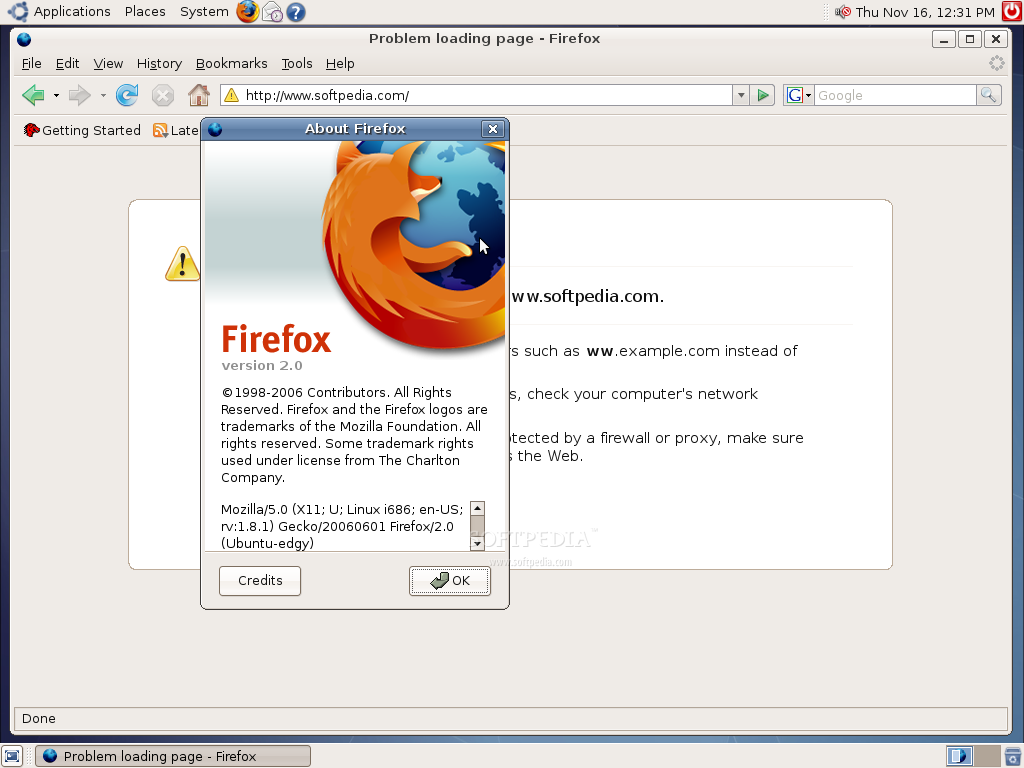
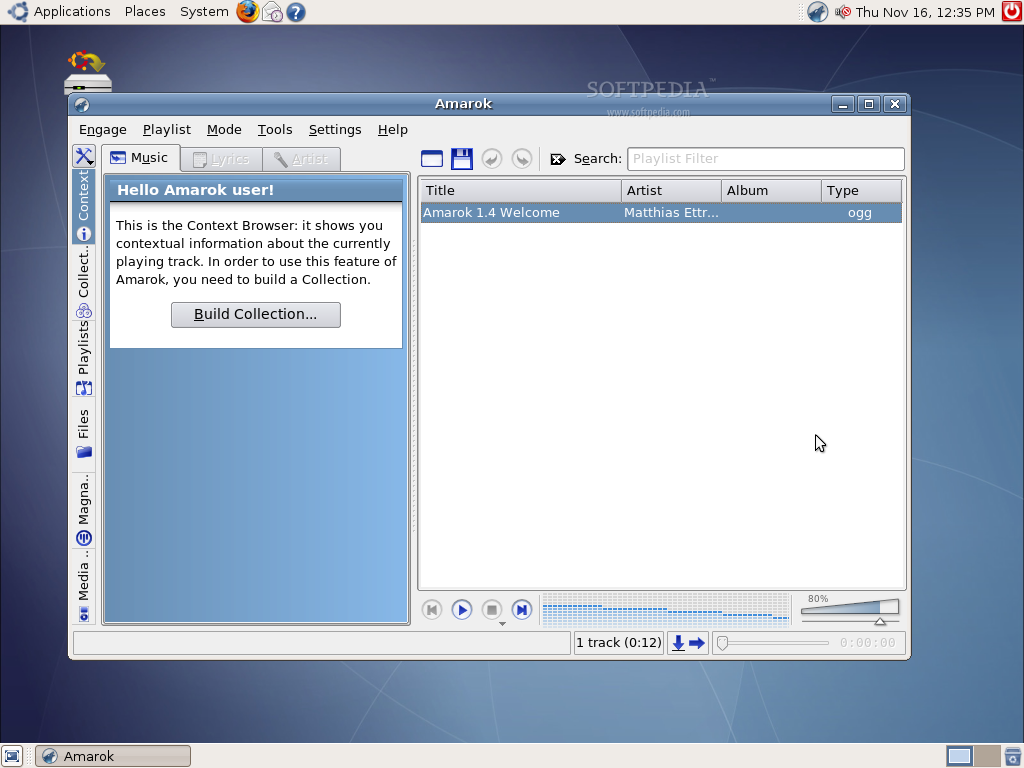
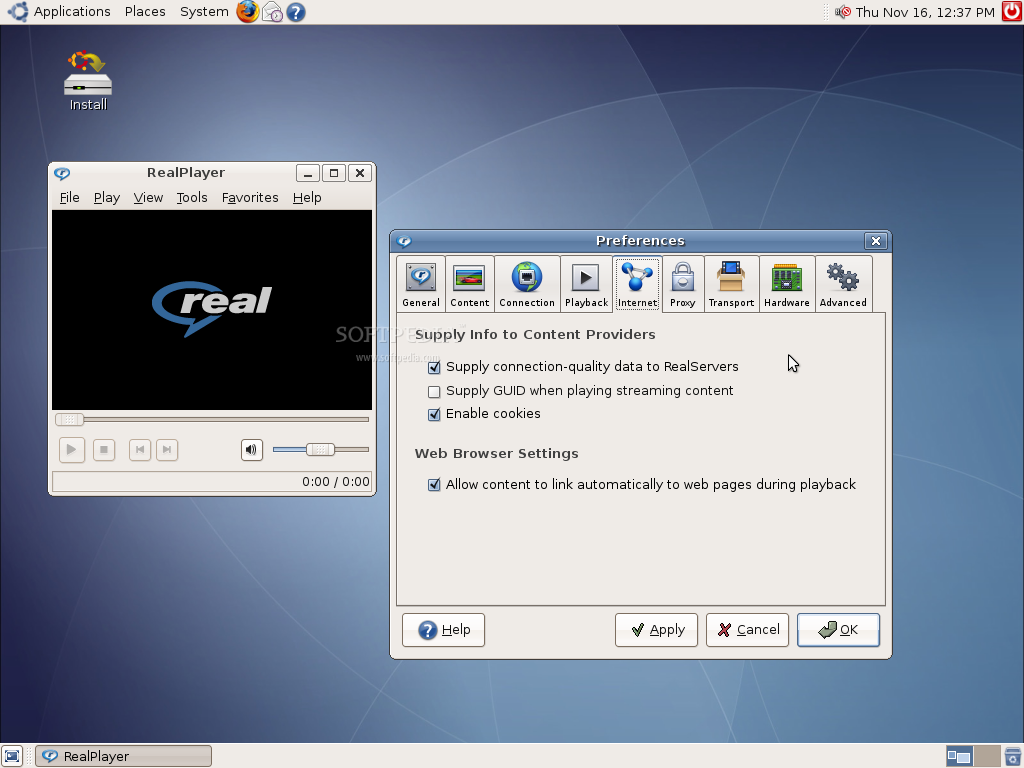
- Linux Mint has a different selection of packages. First universe, multiverse and unofficial repositories are configured to give more choice to the user, then some software is removed and some added (for instance Amarok is preferred to Rhythmbox). Also, a lot of codecs for "dirty" formats (encrypted DVDs, MP3, divX, win32) and plugins (Java, Flash, Realplayer) are added.
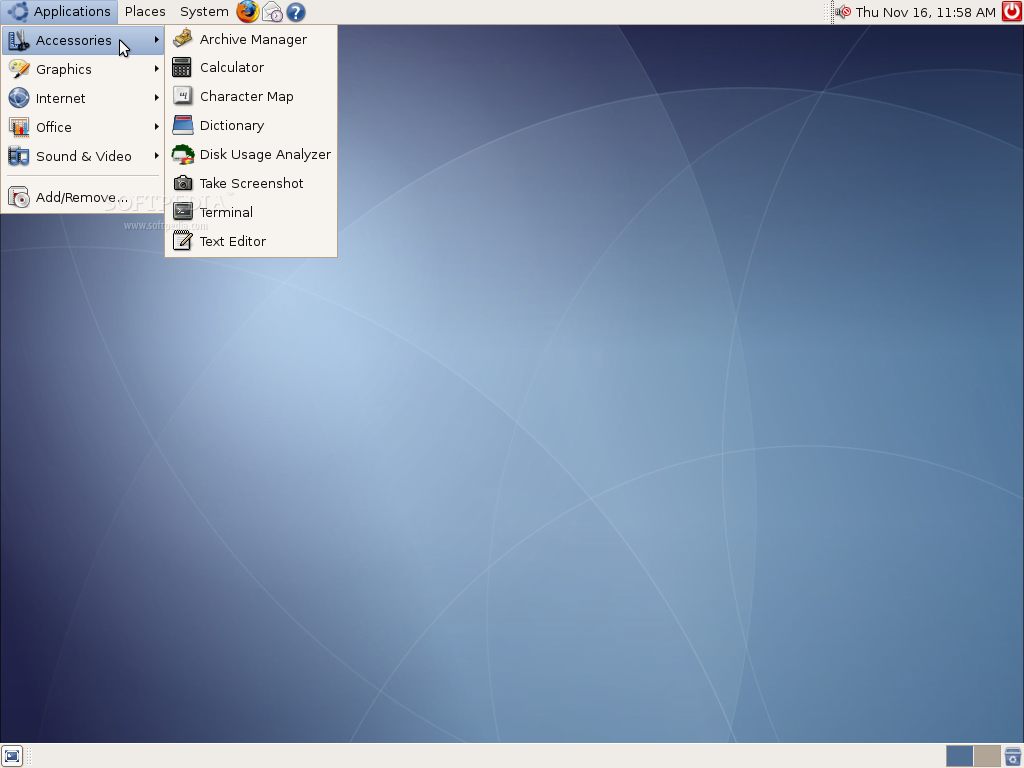
Let's have a look at the installed applications :
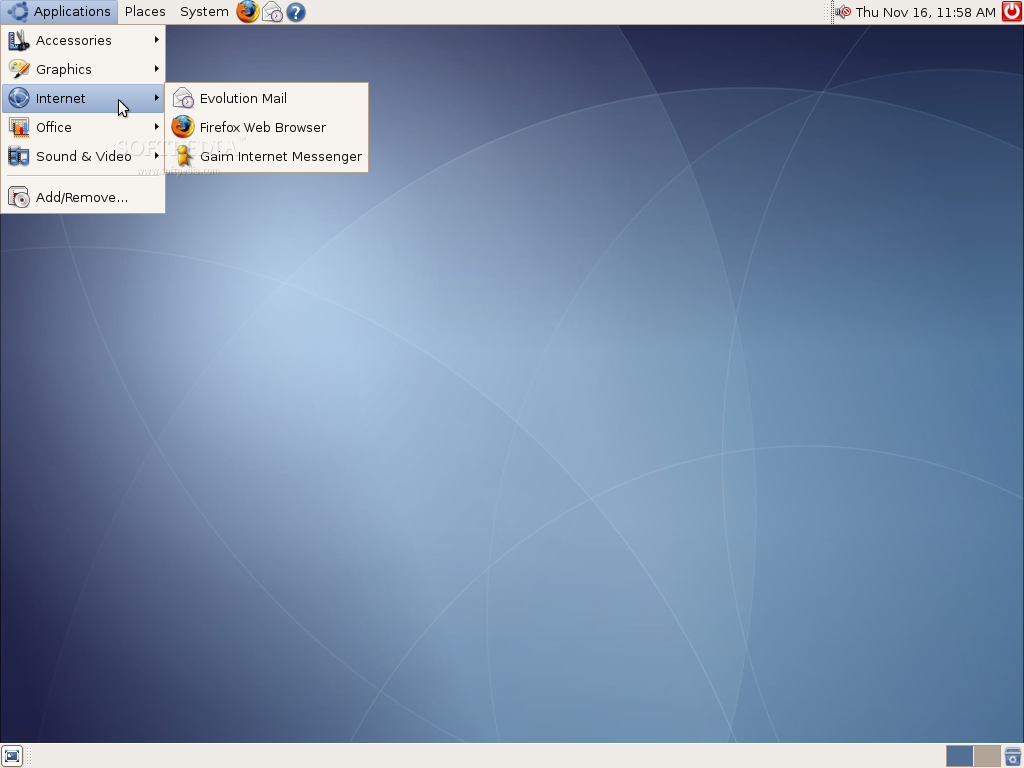
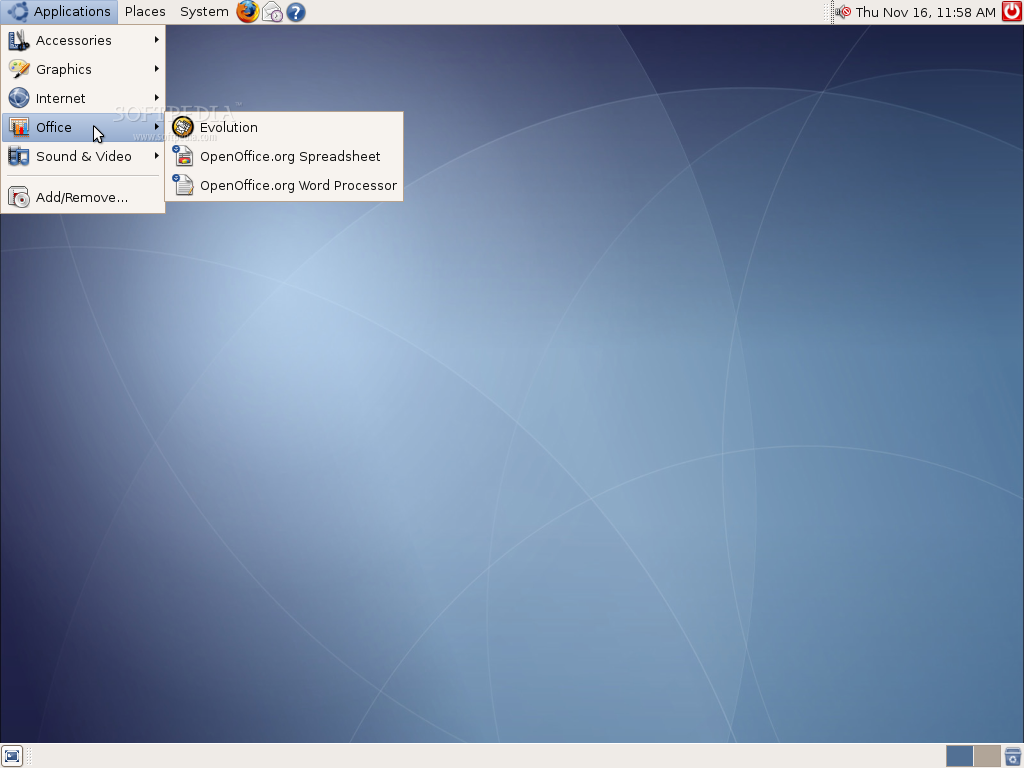
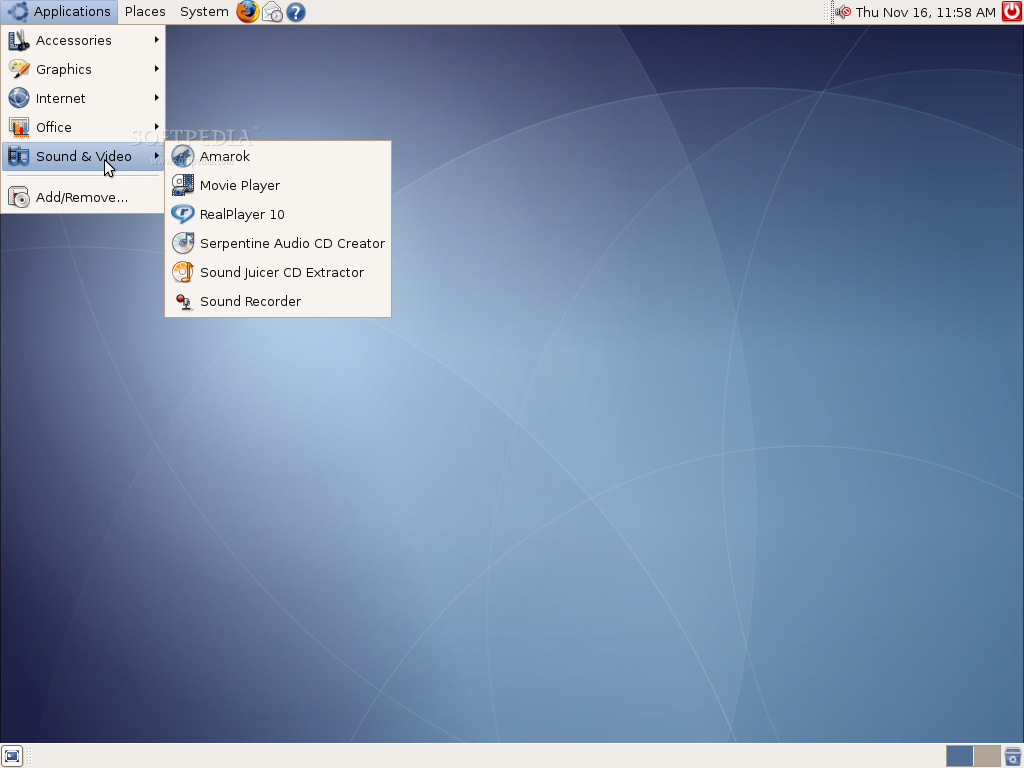
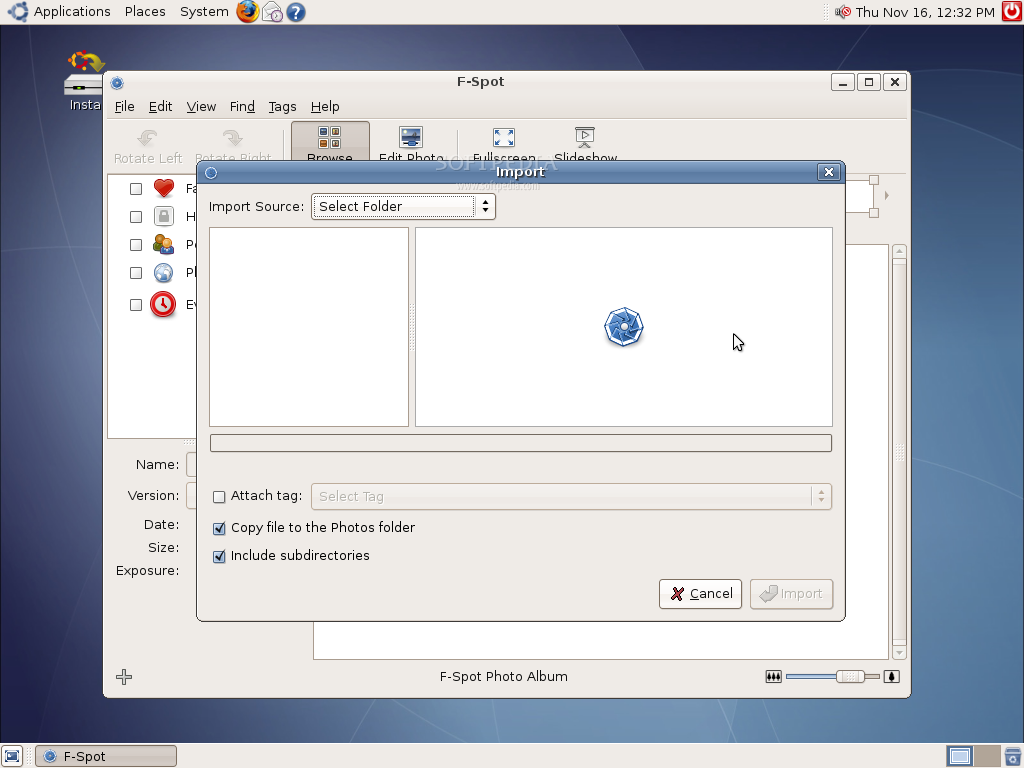
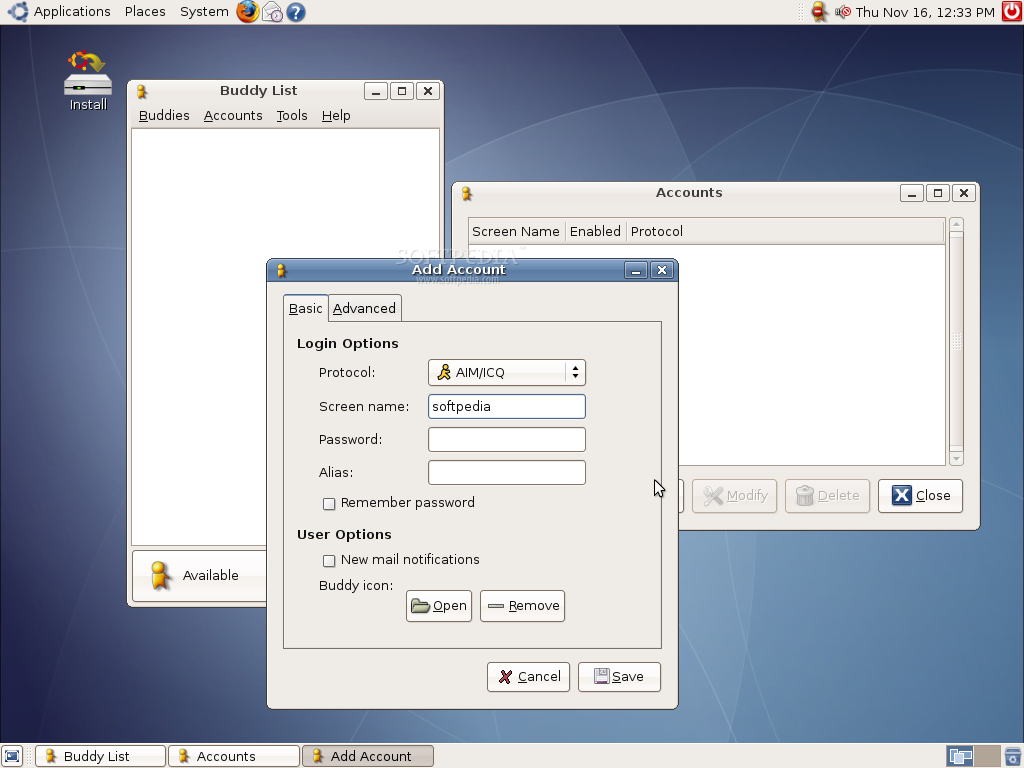
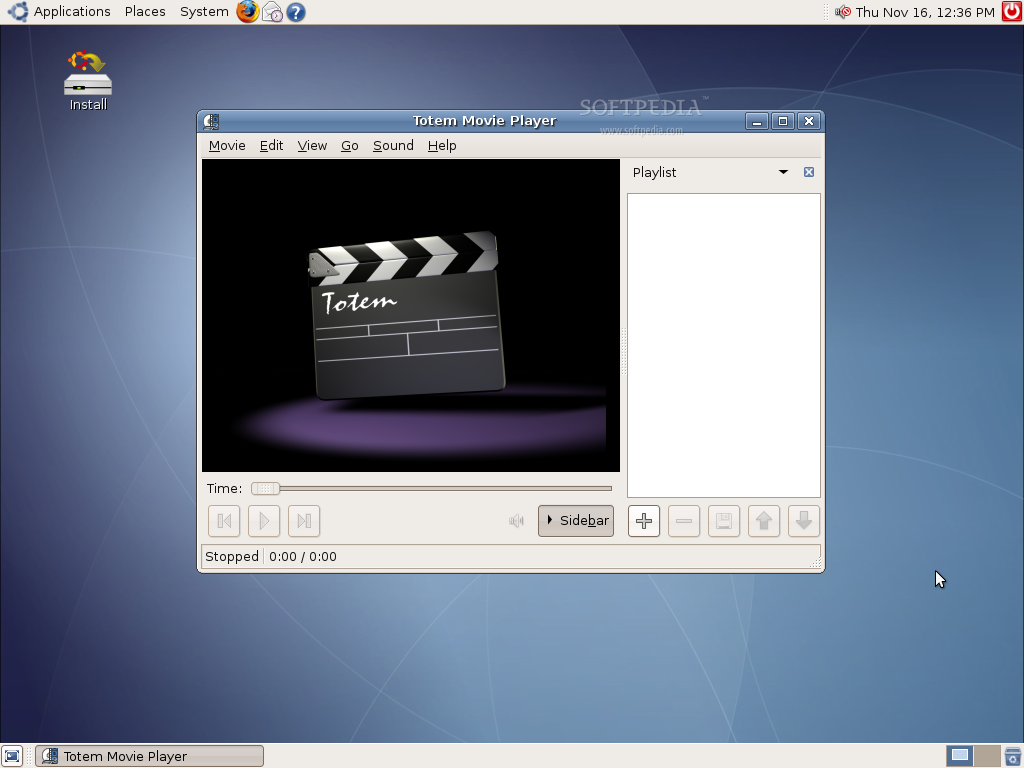
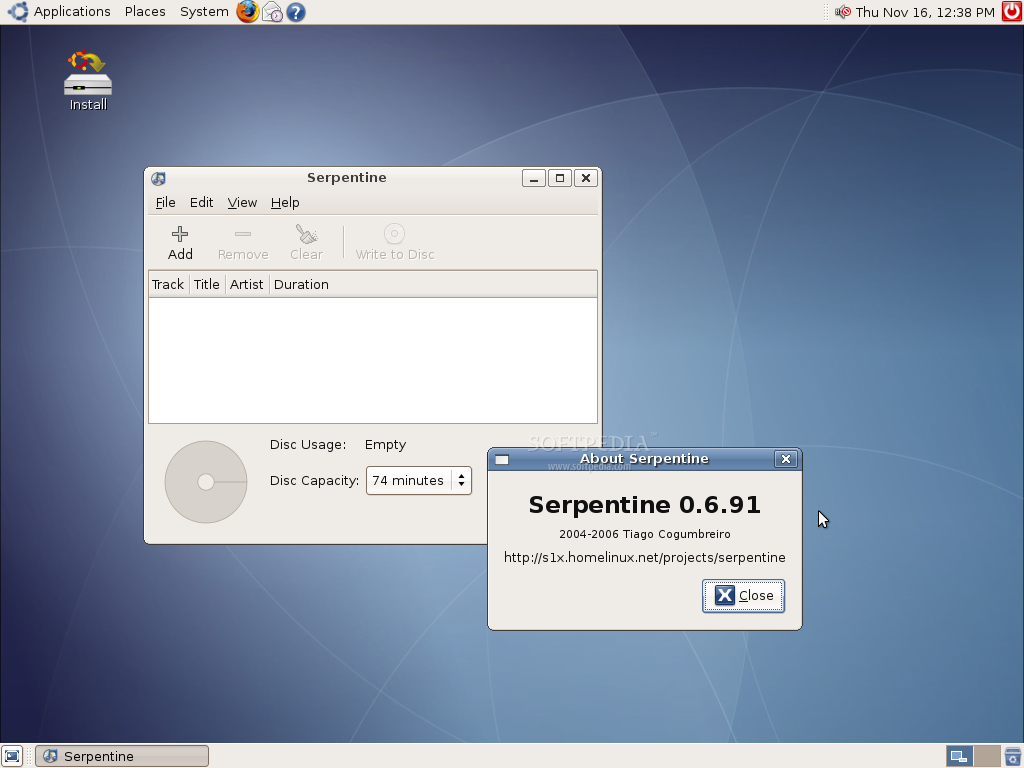
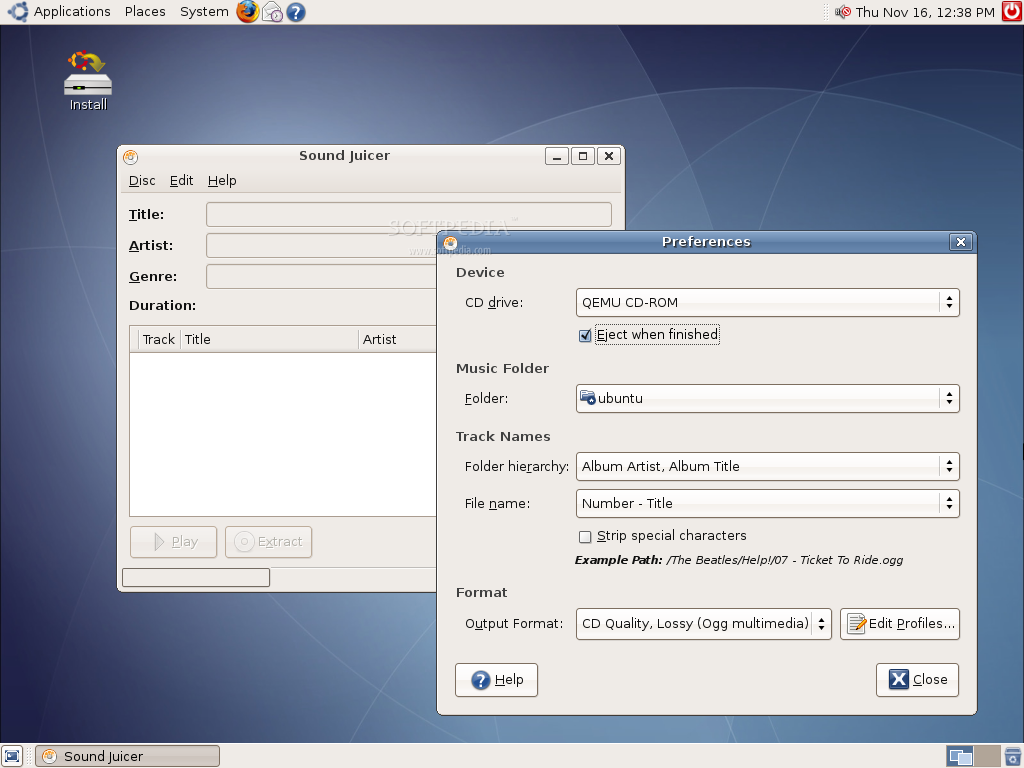
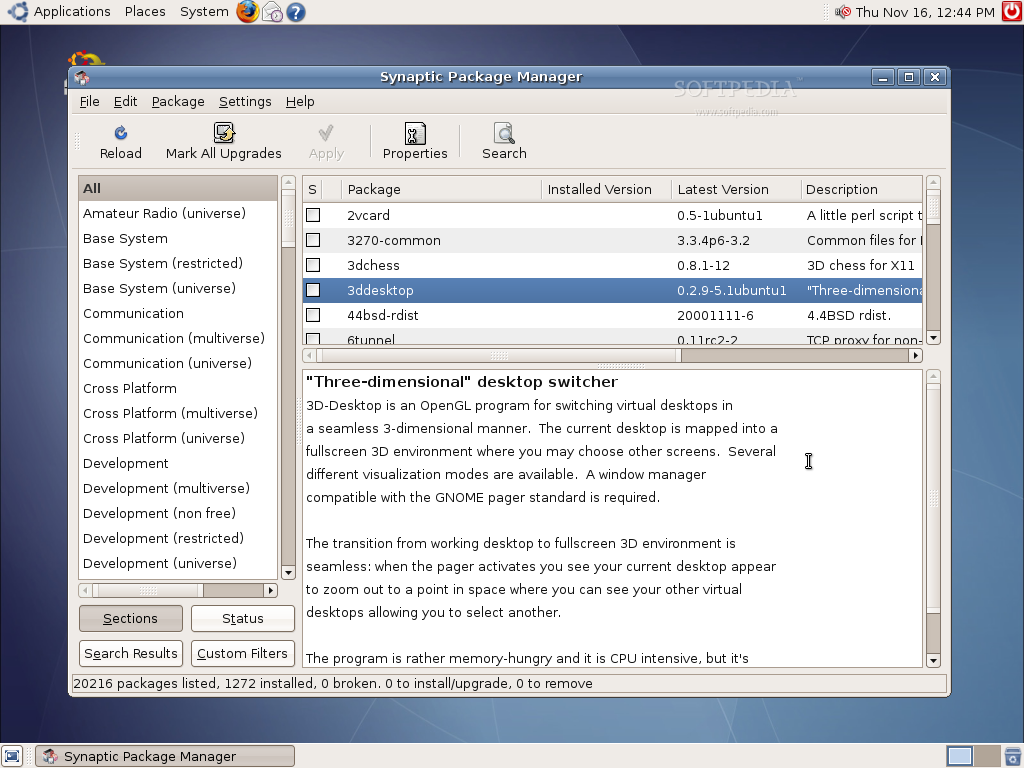
■ F-Spot Photo Manager ■ Evolution Mail ■ Mozilla Firefox Web Browser ■ Gaim Internet Messenger ■ OpenOffice.org Suite ■ Amarok ■ Totem Movie Player ■ RealPlayer 10 ■ Serpentine Audio CD Creator ■ Sound Juicer CD Extractor ■ Sound Recorder ■ GNOME Partition Editor ■ Synaptic Package Manager
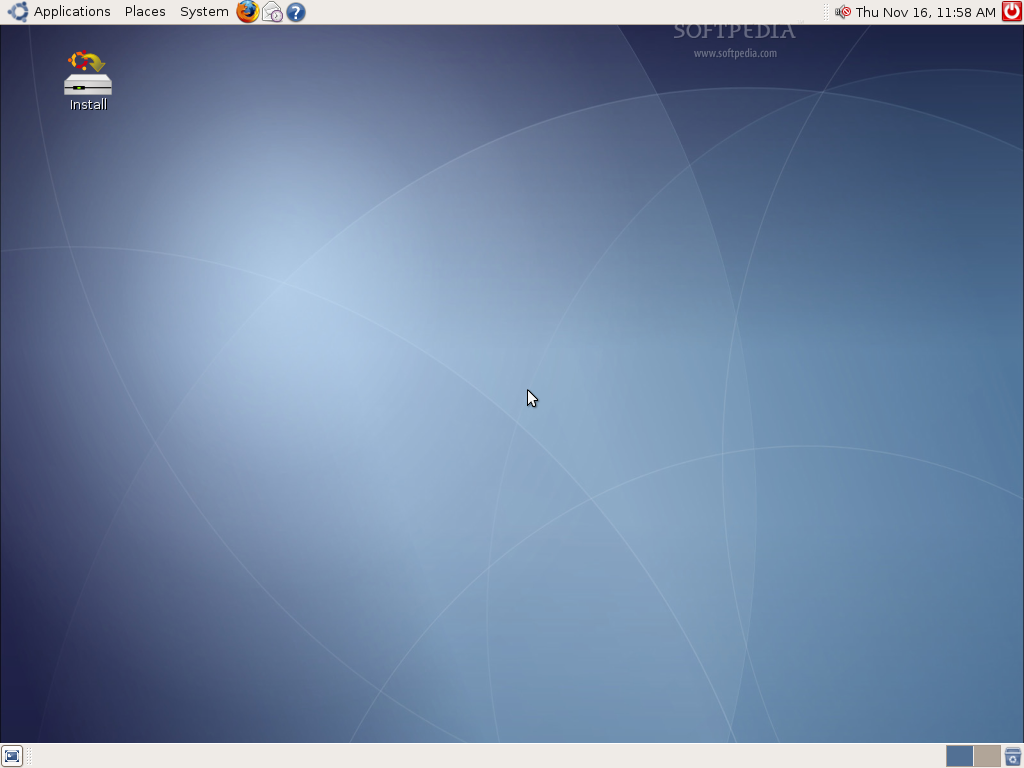
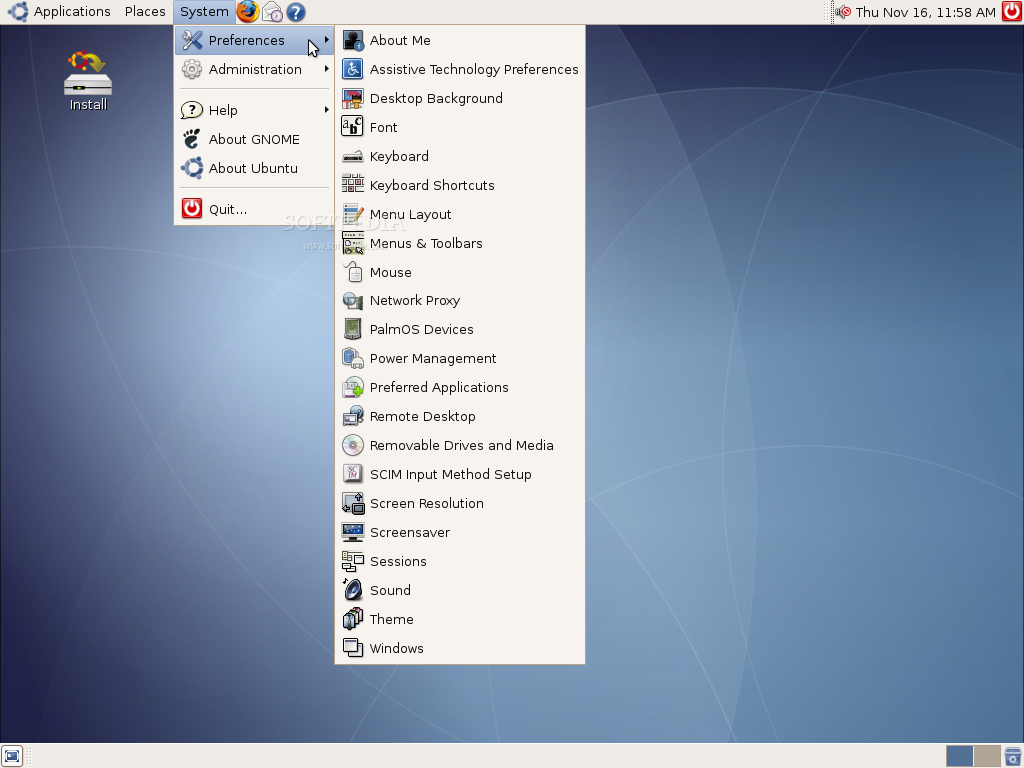
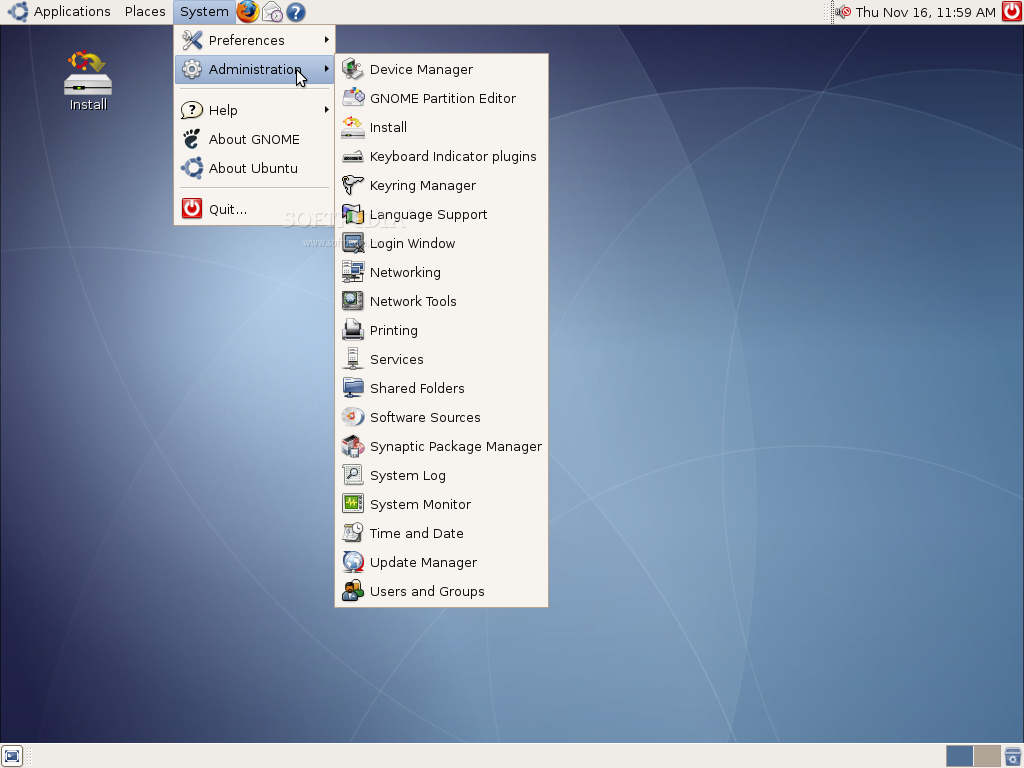
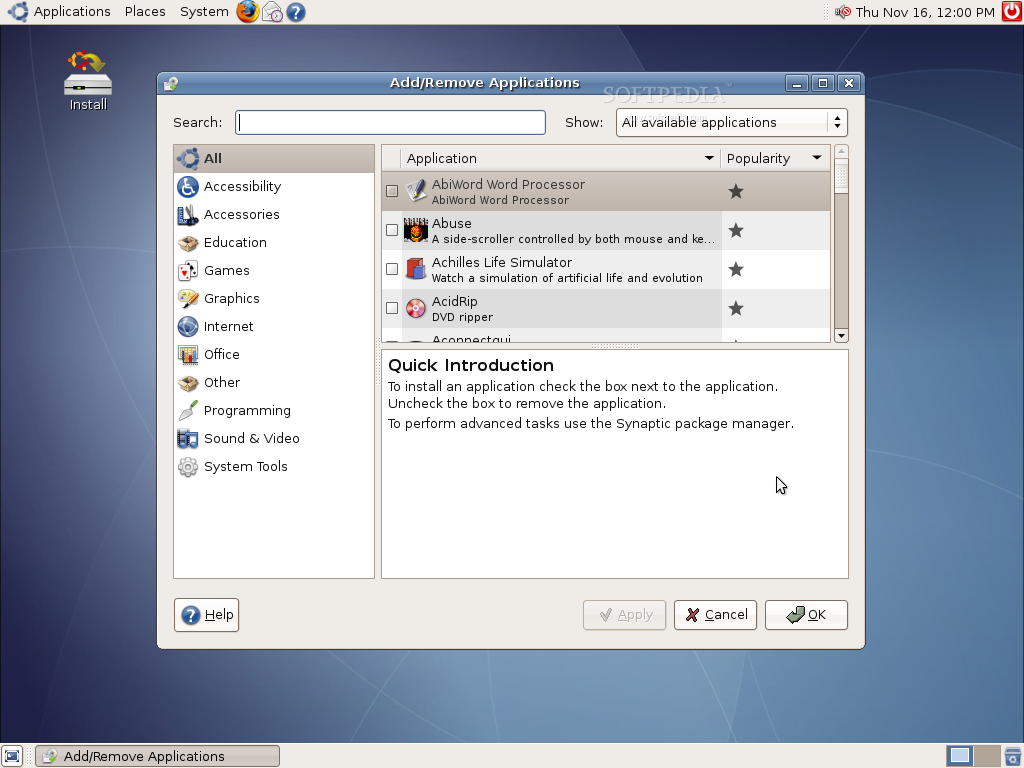
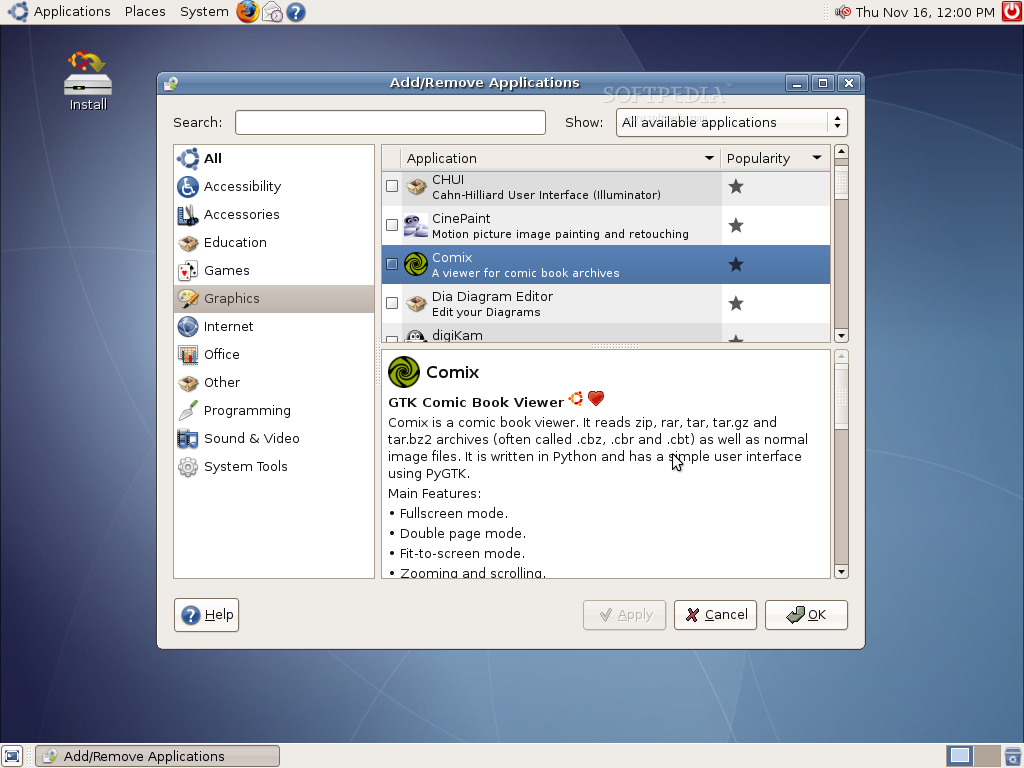
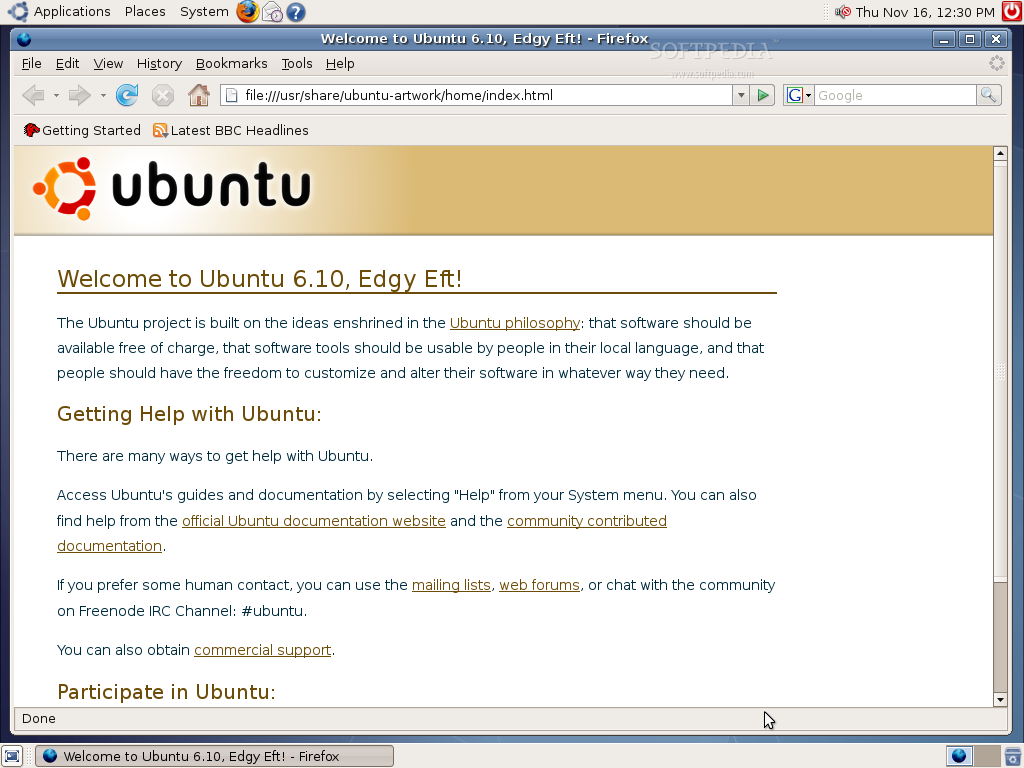
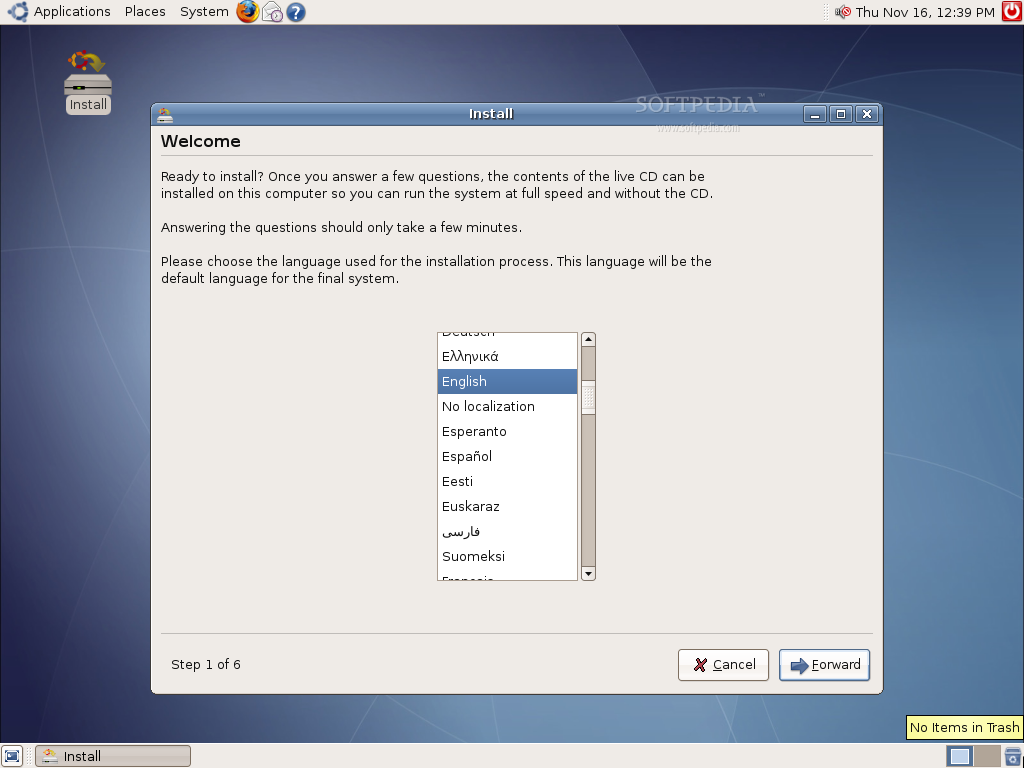
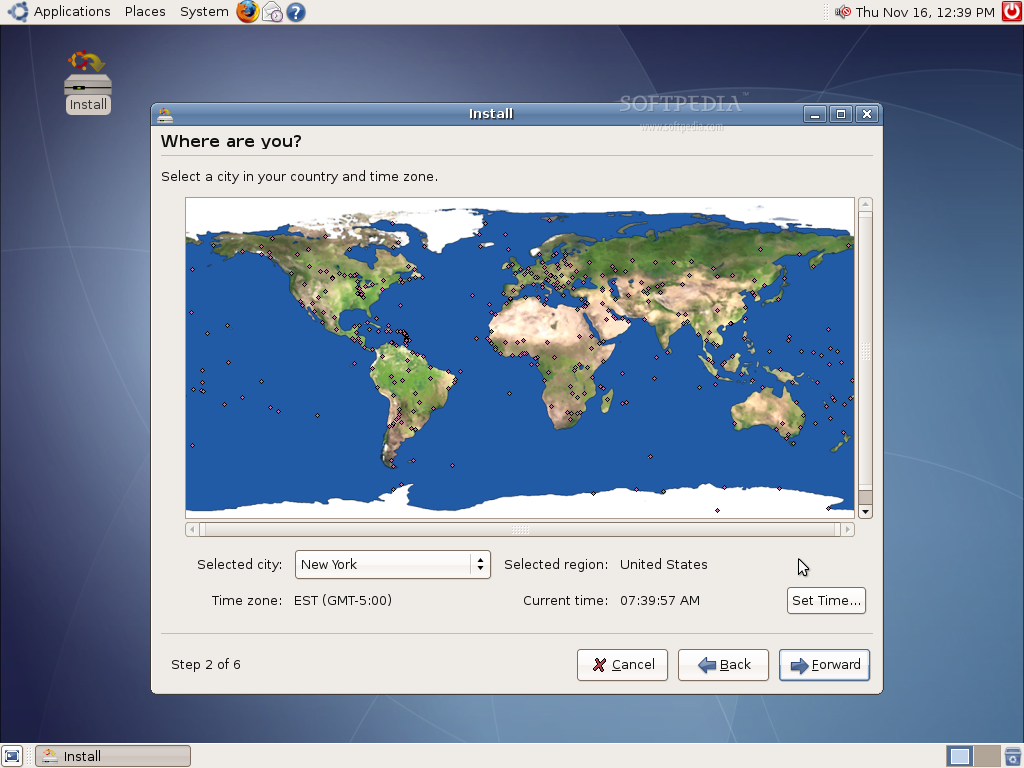
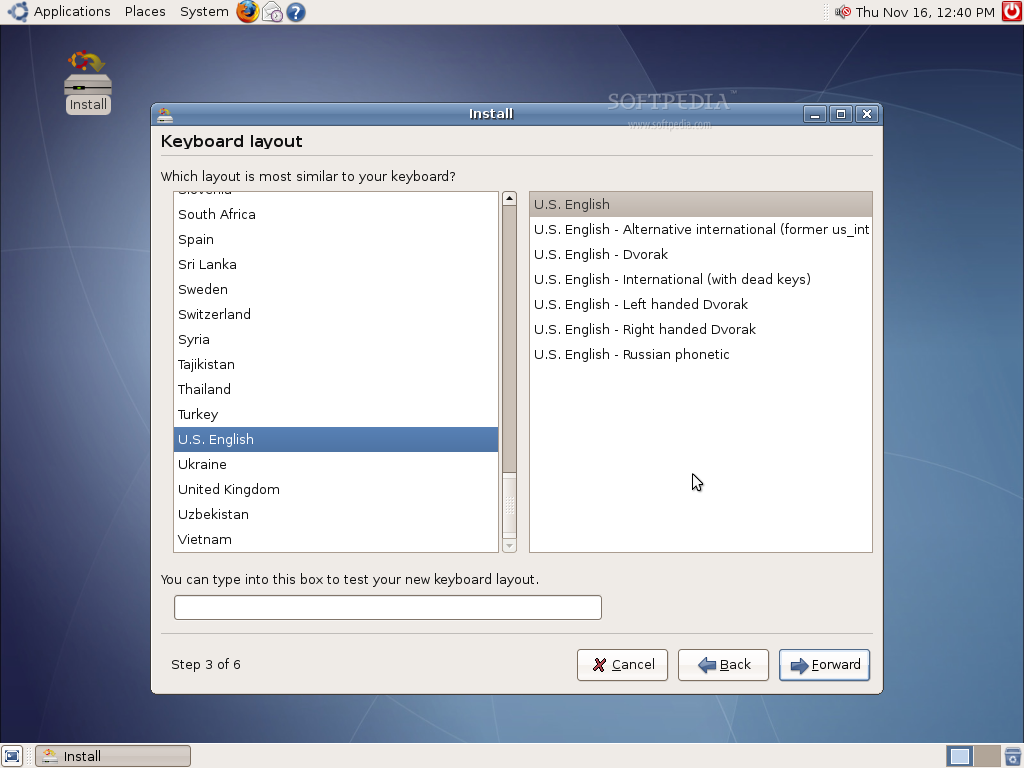
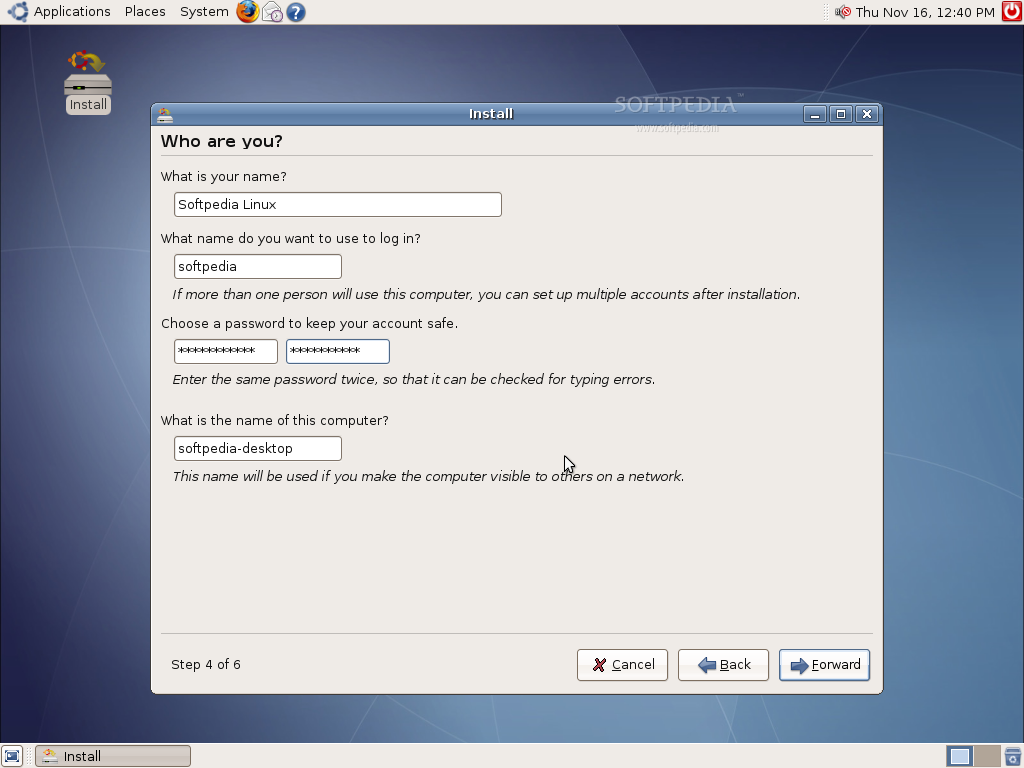
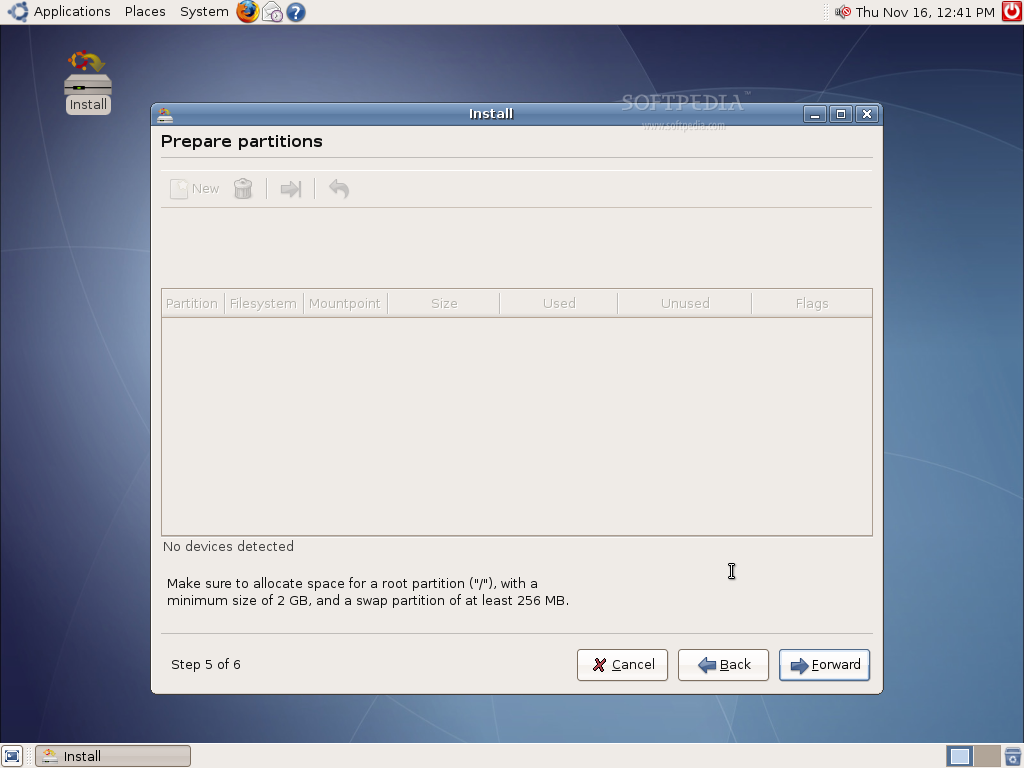
Please enjoy some screenshots of Linux Mint in action:
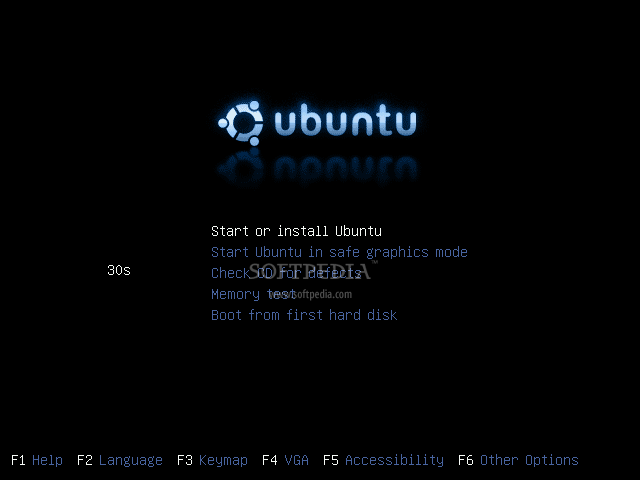
You can download Linux Mint now from Softpedia.
|
|
| Rating: |
|
Good (3.2/5) |
12 vote(s) so far |
|

|
|
|
User opinions: |
| Comment #1 by: John Howell on 11 Feb 2008, 09:39 GMT | reply to this comment | I got a version of Mint (Cassandra) on a mag cover, some time ago but never installed it anywhere as I primarily use KDE and Open Suse, but I ended up with a free afternoon and the weather was rubbish, and I found the mag ina stack, so I thought I'd give the distro a spin. Due to licensing reasons the mag cover version was Light, with no proprietary codecs or software installed, but once installed there was a single package available in Mint Install to install all of the missing software and bring it up to the full version.
Well I was impressed. I spent the evening playing around with Emerald and trying to make it work with my Nvidia 6100 series video card before deciding this release was too buggy with my card. But I liked everything else enough to grab the current Full version 4.0 (Darina) iso from a torrent.
I decided to play dumb user and just try the defaults to see how easy a newbie could set this up, and apart from the live session not finding my mouse (odd, because the earlier version had no problems). No mouse and 800x600 basic screen resolution made the install tricky, as the install window was slightly larger than my screen res and could not be resized (which meant the action buttons were just of the bottom of the screen) but otherwise the install was flawless, and about 10 minutes later I rebooted into the full install. Unlike Cassandra Light, the new version instantly told me I had a card that could use a proprietry video driver and walked my through the install wizard, one more reboot and I had full 1650x1024 (detected the native res of my screen straight away) and fully funtioning XGL/Compiz desktop. I love it. Faster than OpenSuse on the same hardware, and no messing around getting all the media codecs working (primarily what i use my home PC for) right out of the box.
I'd definitely recommend this distro to anyone wanting to give linux a spin for the first time.
I like the fact that it just chooses the best of breed software, and makes it work. The email client default however is just Thunderbird and I prefer to have my calander, RSS feeds, news and weather all in one client. So. I simply installed Korganizer instead, wallpaper-tray to swap the wallpaper images around, K3B as I am familiar with it, then I was done. (I do still prefer many KDE apps over the default Gnome ones but the great thing about Linux is choice)
Install Time?
Mint 4.0: 5 minutes to burn the iso and boot the live desktop, about 20 minutes all up for the install (8 minutes of this seemed to be just formatting the harddrive) and about another 20 minutes to patch and install my preferred apps. |
|
|
|