 14 DAY TRIAL //
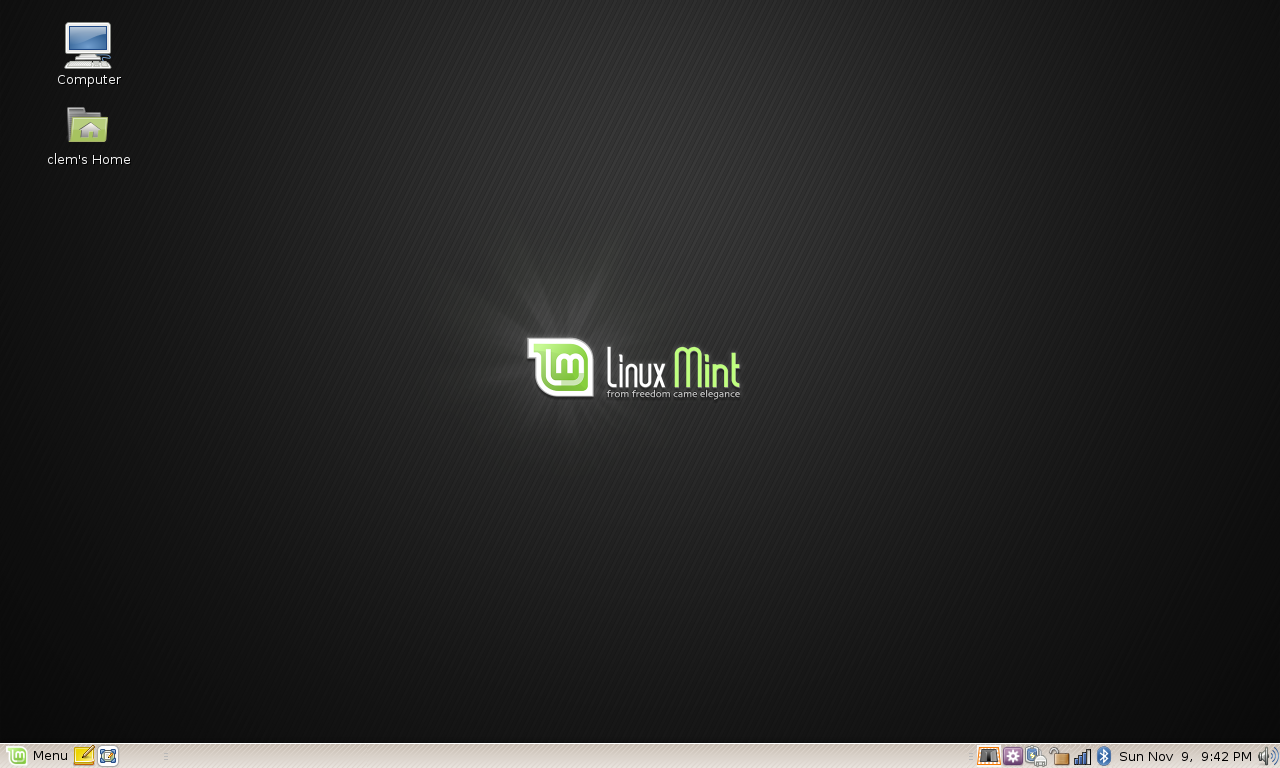
 Clement Lefebvre and the Linux Mint community proudly announced last night, on the official Linux Mint Blog, the final release of Linux Mint 6 (dubbed Felicia), a popular Linux distribution based on the Ubuntu operating system. Linux Mint 6 is a new and important step in the evolution of the Linux Mint OS, it is based on Intrepid Ibex (Ubuntu 8.10), and it includes all the latest technologies, such as Linux kernel 2.6.27, GNOME 2.24 or X.Org 7.4. Why is Linux Mint 6 so important? Because it now offers a new, in-house tool called mint4win, which will allow everyone to install the Linux Mint operating system directly from Microsoft Windows!
"The team is proud to announce the release of Linux Mint 6 “Felicia”. Congratulations and thanks to all the people who contributed to this release, to all the translators, to the upstream developers and projects which made this possible and above all to the development team for their continuous support." - said Clement Lefebvre, developer of Linux Mint, in the official release announcement.
Highlights of Linux Mint 6:
· mint4win allows you to install Linux Mint from the Microsoft Windows operating system; · mintInstall 5 with a new offline interface, software versions information and support for multiple portals; · mintUpdate 3 with a revamped GUI, proxy support, updates history; · mintUpload 2 with support for FTP transfers; · mintNanny, a useful parental control tool; · Giver, a LAN (Local Area Network) transfer tool; · Gufw, a Graphical User Interface (GUI) frontend for the ufw firewall; · Flegita, an utility for scanners.
On top of that, the Linux Mint team is proud to present the introduction of the Linux Mint Universal Edition, a customized version of Felicia, available as a Live DVD. The Universal Edition contains the following features:
· Installs all the missing audio and video codecs; · Offers support for English, Italian, German, Spanish, Indonesian, French, Norwegian, Portuguese, Polish, Dutch, Swedish, Russian, Hindi, Greek, Urdu, Finnish, Chinese, Japanese, Danish, Filipino, Bulgarian, Czech, Hungarian, Slovak, Romanian, Ukrainian, Turkish, Thai, Arabic, Hebrew, Korean, Catalan, Esperanto, Croatian, Serbian and Farsi languages; · Available as a Live DVD.
What are recommended system requirements? To install Linux Mint 6, you will need minimum 512 MB of RAM (however, the system will work very well with 256 MB of RAM after installation). Be aware that the installation may hang if you have less than 512 MB of RAM. As a solution, you can try to repeat the installation process several times. Also, you must have at least 3 or 4 GB of free hard drive space.
What is Linux Mint? Linux Mint is an elegant, easy to use, up-to-date, 100% free and comfortable Linux desktop distribution based on the very popular Ubuntu operating system. It offers paid commercial support to companies and individuals. Also, free community support is available from the forums and the IRC channel. If you want to give Linux Mint 6 (Felicia) a try, download it right now from Softpedia. The Linux Mint Universal Edition can also be downloaded from Softpedia.