 14 DAY TRIAL //
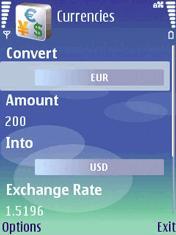
 Developed by SymbianGuru, the Currencies application assures those frequently working with currencies that they stay connected with the latest exchange rates. Compatible with all Symbian smartphones and with Java-compatible handsets, the software can help those that need to take decisions regarding high amounts of money very fast, and quickly provides live pieces of information about the rates of various currencies. Furthermore, the application doesn't require any access to the PC, as all the currencies' exchange rates will be updated on the smartphone directly from the Central European Bank. The latter function requires a working Internet connection like GPRS, EDGE, 3G or Wi-Fi.
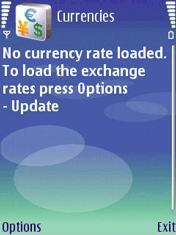
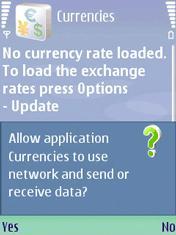
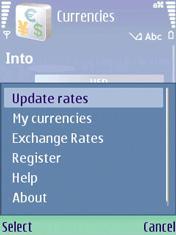
The jar. file can be easily transferred on your mobile phone through Bluetooth, IrDA or Cable in case you don't have access to an Internet connection directly from your device. After double-clicking and installing the application, you will be able to update the currency values for the first time. Still, you will need a working Internet connection to be able to do that. There is no data saved when you open the application for the first time. All you need to do is click the Update Rates tab and you will receive all the pieces of information regarding the exchange rate of a wide range of currencies.
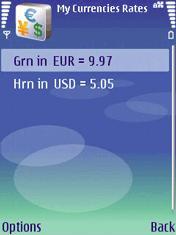
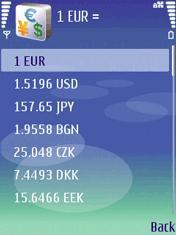
As a matter fact, there are 35 most used currencies already predefined, their rates being updated every time you connect to the Central Bank. The predefined currencies are: EUR, USD, JPY, BGN, CZK, DKK, EEK, GBP, HUF, LTL, LVL, PLN, RON, SEK, SKK, CHF, ISK, NOK, HRK, RUB, TRY, AUD, BRL, CAD, CNY, HKD, IDR, KRW, MXN, MYR, NZD, PHP, SGD, THB, ZAR. More currencies can be added to the large list above. The list can be updated by simply clicking the Refresh button or you can opt to use the Auto refresh command, which will update the rate values automatically at a certain time period. Currencies can be bought for $6.99, but you can try the application for free before buying it.Note: You can easily follow my guides by subscribing to the RSS feed.