
Softpedia
 

NEWS CATEGORIES:


NEWS ARCHIVE >>
SOFTPEDIA REVIEWS >>
MEET THE EDITORS >>
TRENDING TODAY
Home > News > Linux > Open Source Software

January 25th, 2012, 18:04 GMT · By

KDE Software Compilation 4.8 Officially Released

SHARE:

Adjust text size:

KDE Software Compilation 4.8
Enlarge picture
KDE e.V. and the developers behind the KDE project has proudly announced a few minutes ago, January 25th, the final and stable release of the highly anticipated KDE Software Compilation 4.8 environment. 

After six month of hard work, the KDE Software Compilation 4.8 is finally here, bringing beautiful new features, various software updates, and lots of performance improvements.

KDE Software Compilation 4.8.0 is composed of the KDE Plasma Workspace, the KDE Applications and the KDE Development Platform. Click on each one to see a detailed announcement.

Click here to install KDE SC 4.8 in Ubuntu/Kubuntu 11.10 (Oneiric Ocelot) right now!

Highlights of KDE Software Compilation 4.8.0:

· Kwin optimizations;
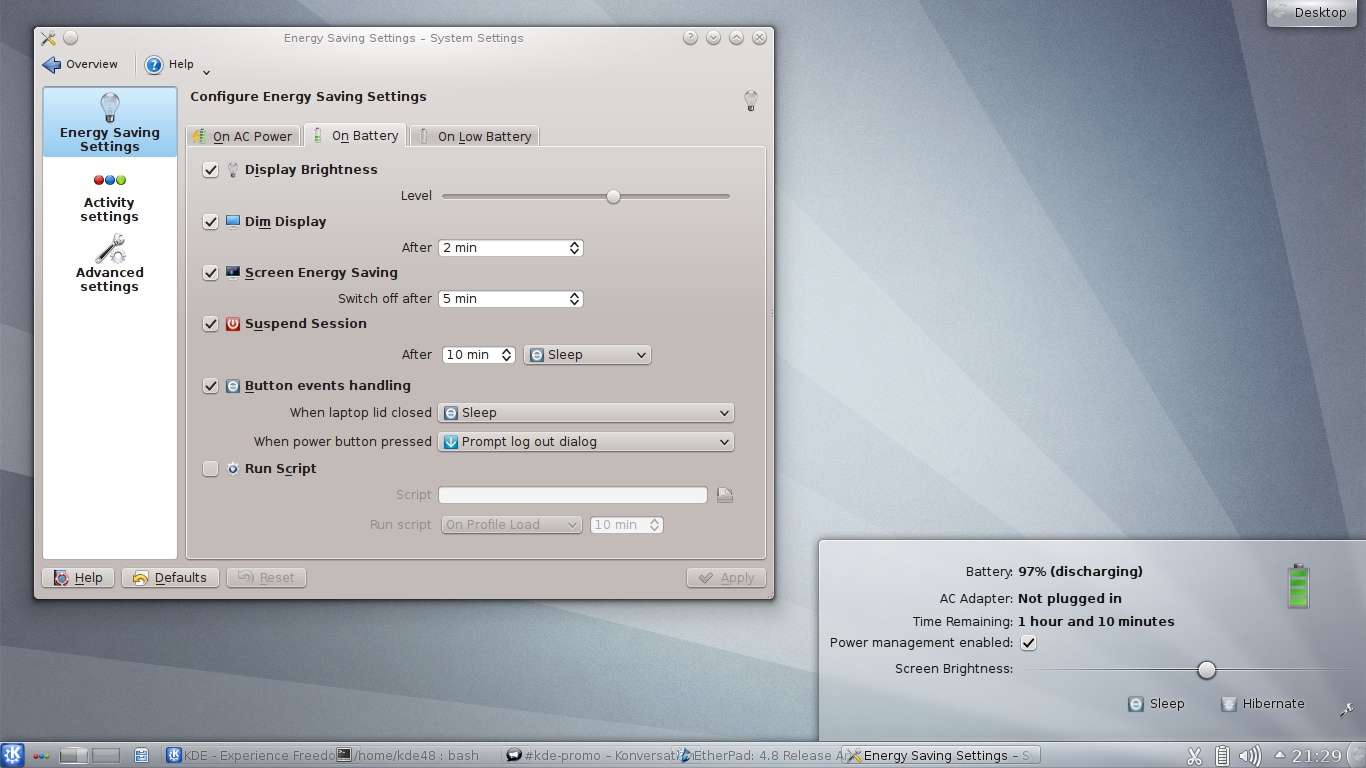
· Adaptive power management, integrated with Activities;
· New QtQuick-based Plasma widgets;
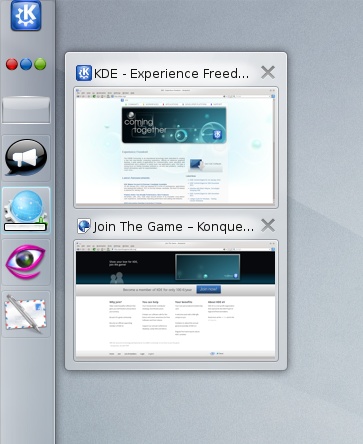
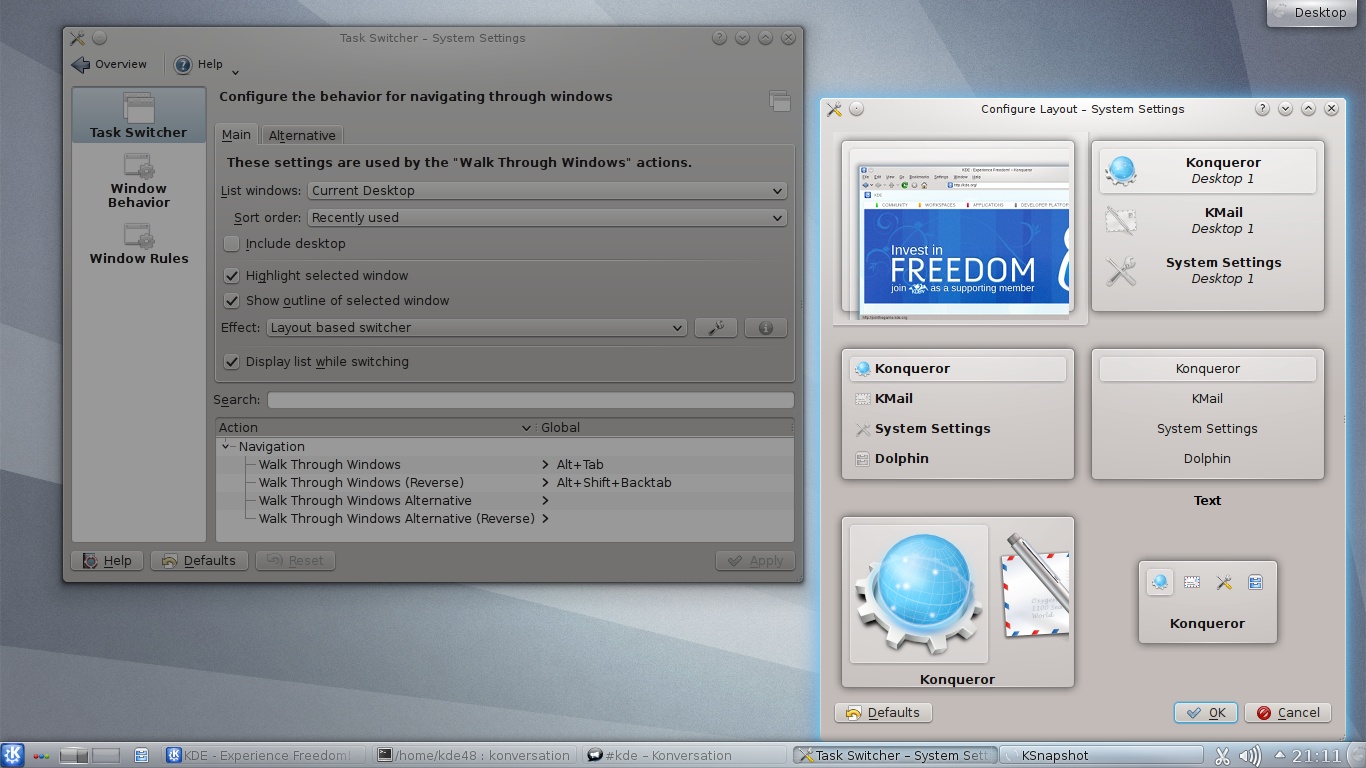
· Ability to choose the layout of Plasma's Alt-Tab window switcher;
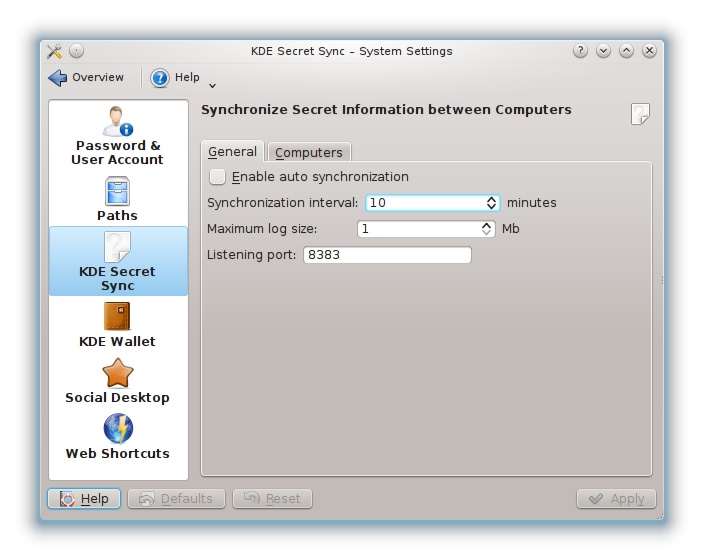
· Shared password storage was implemented in KSecretService;
· A new splash screen implementation using QtQuick;
· Improved on-screen keyboard;
· Better taskbars and docks with improved support for launchers and nicer context menus;
· Revamped device notifier widget;
· New picture-of-the-day wallpaper plugin;
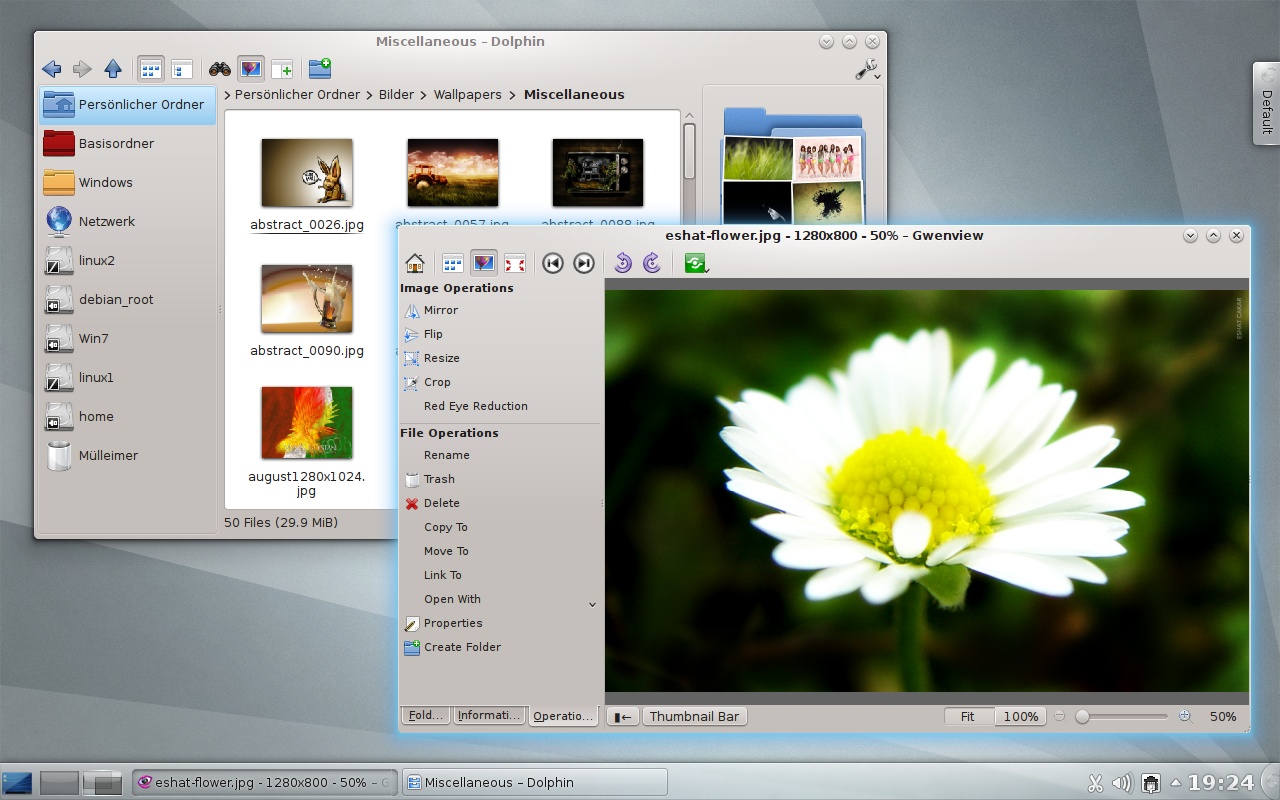
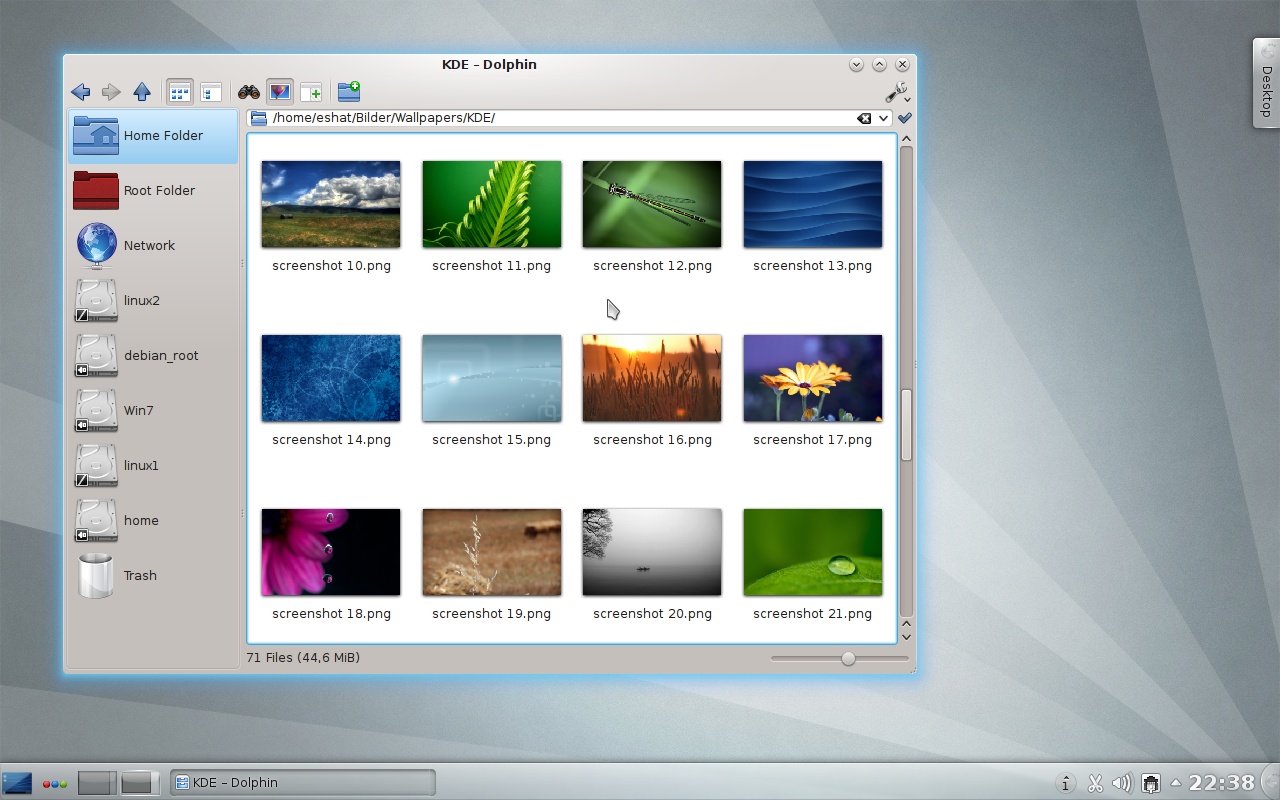
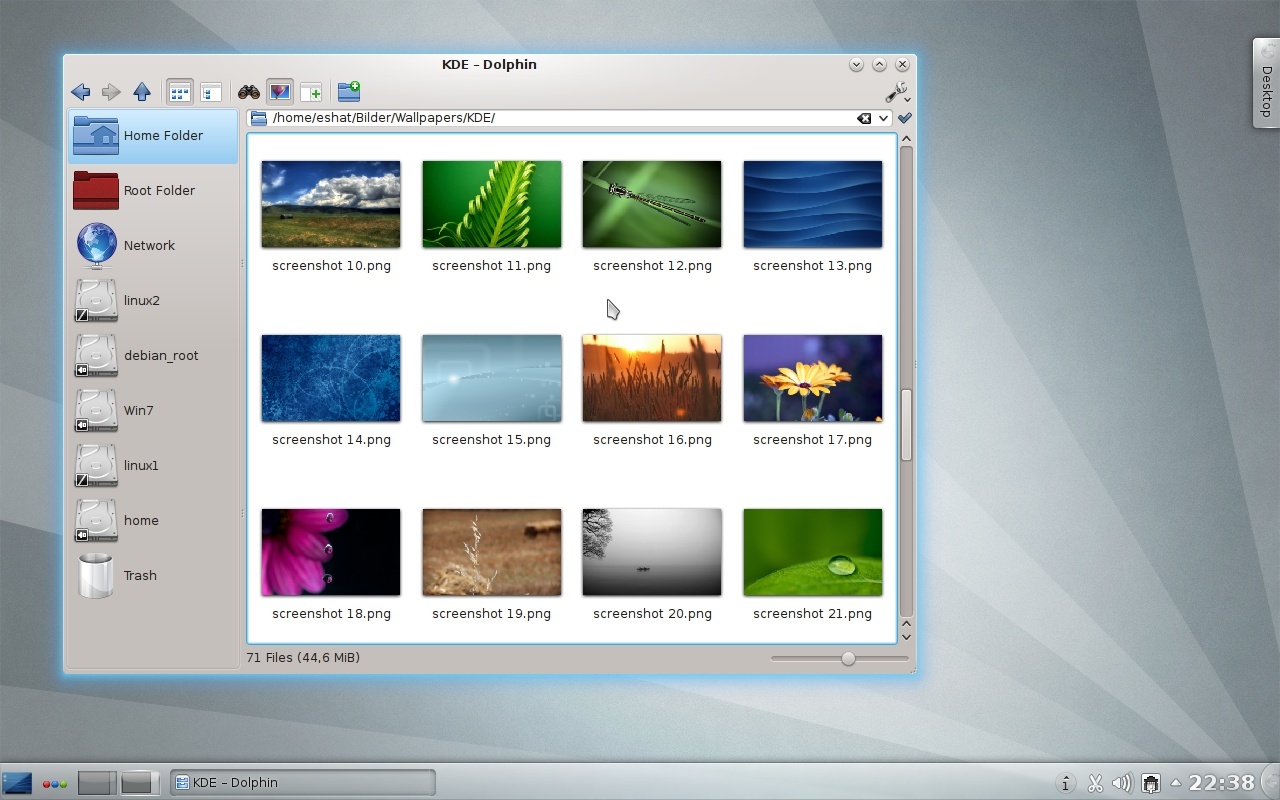
· Dolphin got a lot faster and more prettier;
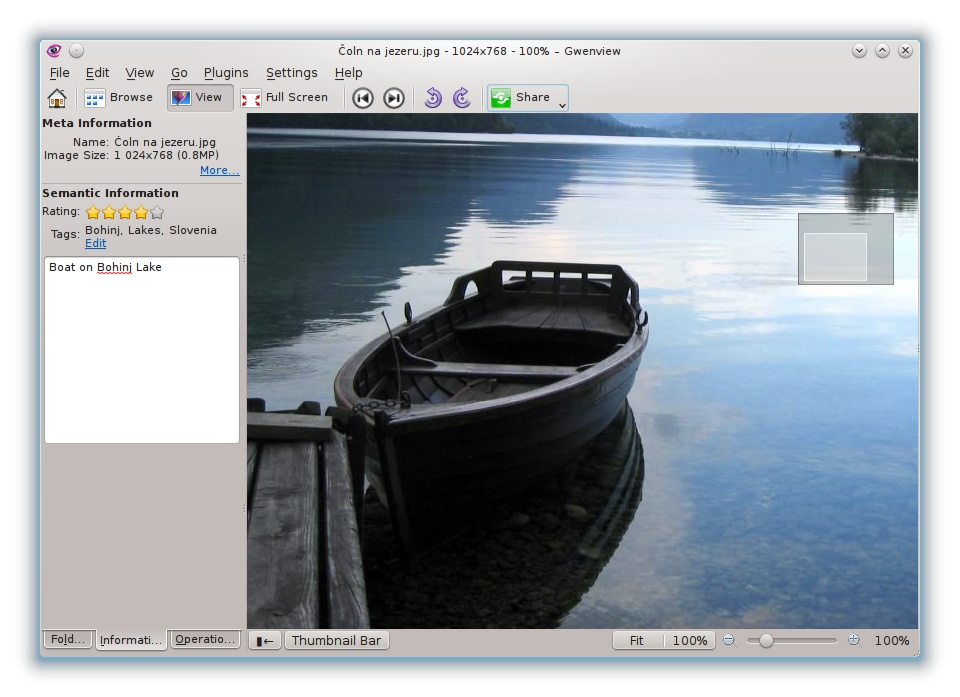
· Gwenview offers improved image viewing abilities and better usability;
· Okular has advanced text selection features;
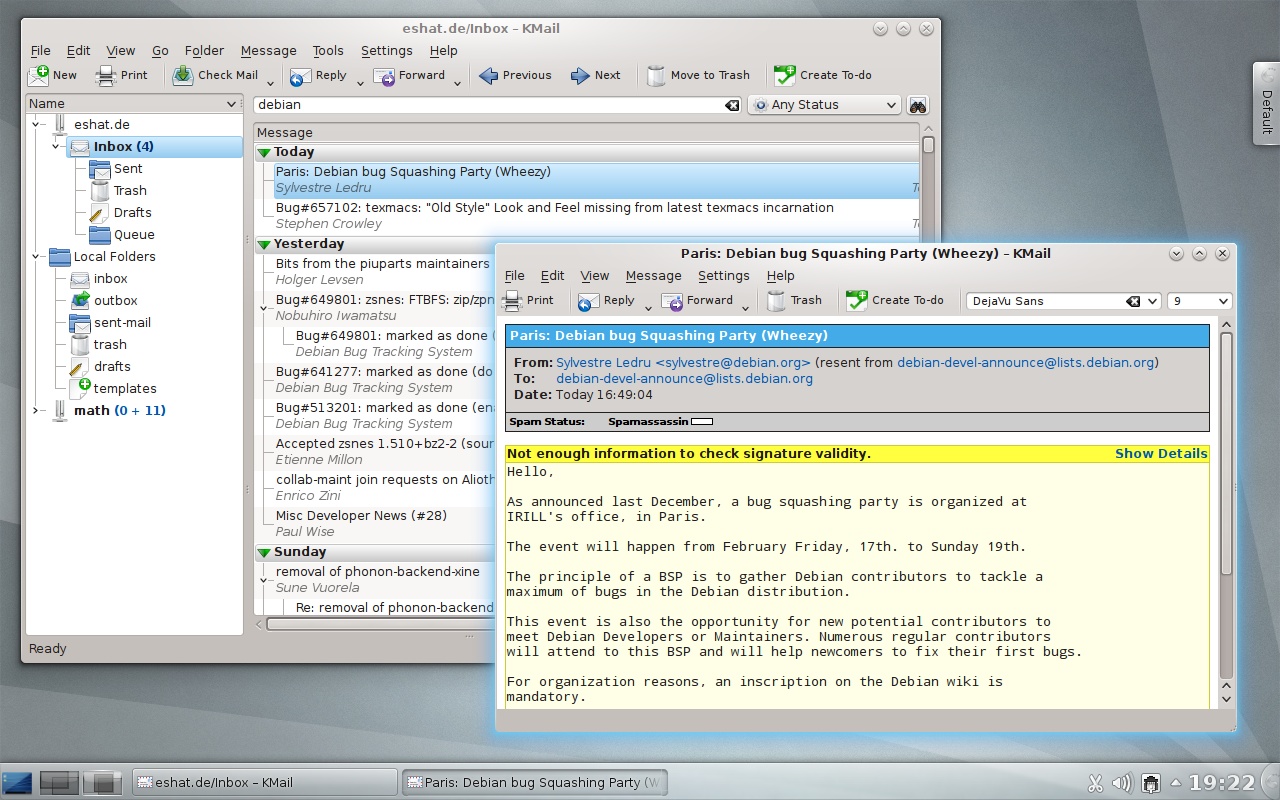
· KMail received lots of performance improvements and bug fixes;
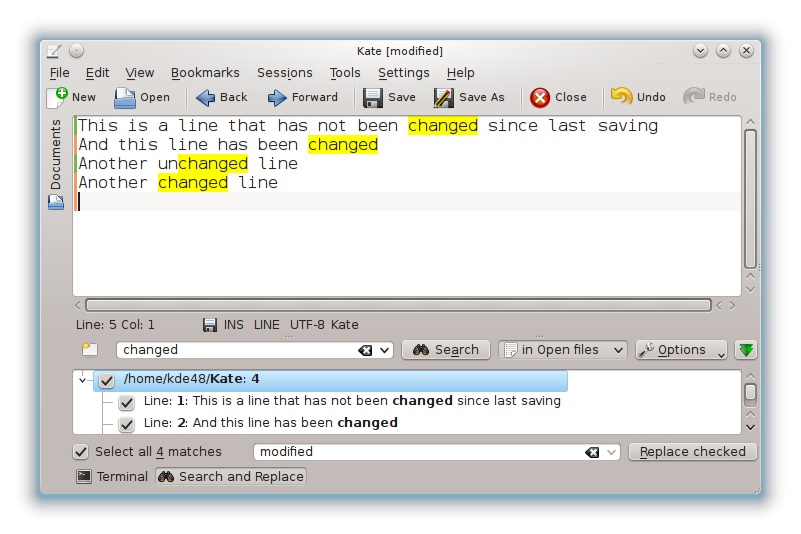
· Kate features a new Search & Replace plugin, a new editor, useful indicators, and more;
· Cantor received support for Scilab and Qalculate;
· Lokalize has better support for XLIFF (XML Localisation Interchange File Format) translation catalogs and TBX (TermBase eXchange) glossaries;
· Marble is now integrated with Plasma's KRunner;
· QtQuick was integrated in Plasma Workspaces allowing developers to easily port widget to QML;
· New Plasma QtQuick components provides standardized user interface elements;
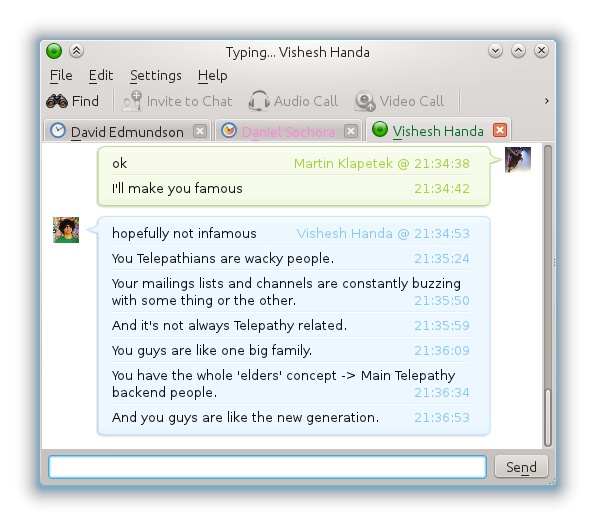
· KDE Telepathy enters KDE Extragear.

The KDE team is also working hard to bring you KDE Development Platform, dubbed Frameworks 5 and based on Qt5, which will allow developers to use only parts of the platform and reduce dependencies considerably.
Review image
KDE 4.8 Plasma and Applications

Review image
You can choose the layout in Plasma's Alt-Tab window switcher

Review image
Power Management adapts to the user's activity

Review image
Icon Tasks provides an alternative way to the more traditional task bar

Review image
KDE Applications 4.8

Review image
Gwenview 4.8 comes with nicer transitions between images

Review image
KMail has seen many performance and stability improvements

Review image
Kate 4.8 shows changes you've made to files

Review image
KSecretService improves interoperatbility between applications

Review image
KDE Telepathy's chat window


KDE Software Compilation 4.8 also brings updates to lots of other included applications and core libraries. KDE Software Compilation 4.8 is translated into more than 55 languages.

Download KDE Software Compilation 4.8.0 sources right now from Softpedia.


7,107 hits · 7 comments
Link to this article · Print article · Send to friend

MUST-READ RELATED ARTICLES:


New Kernel Vulnerabilities Affect Ubuntu 11.04

2 New Kernel Vulnerabilities Affect Ubuntu 10.04 LTS

Thunderbird 9.0 Officially Lands in Ubuntu 11.10

Spain’s Extremadura Moves 40,000 PCs to Linux

Ubuntu 12.04 LTS Will Have Next-Gen Menus

READER COMMENTS:


Comment #1 by: max on 26 Jan 2012, 13:10 UTC reply to this comment

KDE has been a de facto window manager. Elegant and revolutionary
(without being stupid, like "the other"). Just please, please, don´t let
basket die.
Max

Comment #1.1 by: Basket - a superduper app for notetaking on 26 Jan 2012, 20:50 GMT

Indeed, I second that!


Comment #2 by: TRoeschen on 26 Jan 2012, 17:24 UTC reply to this comment

When installed KDE 4.8 I thought something was wrong with my computer because it seemed so much faster.
Obviously you guys did a great job optimizing this release!!


Comment #3 by: doug on 27 Jan 2012, 05:04 UTC reply to this comment

I like to put program icons (or widgets?) on the desktop, just like in Windows, and like I could do in 4.6.5. I don't see any illustration of that. If that's gone, so am I!

Comment #3.1 by: VezaR on 28 Jan 2012, 15:02 GMT

Change plasma desktop to folder view.


Comment #4 by: Klemen on 27 Jan 2012, 11:46 UTC reply to this comment

Loving it. Even faster then 4-7. I think I did the best thing when I switched from Ubuntu/Unity to openSUSE/KDE a last month. KDE is so much better. It's about the same improvement as when I switched from Windows to Ubuntu Linux.


Comment #5 by: opis on 27 Jan 2012, 14:40 UTC reply to this comment

All this new development of features is well and good, but only if they would make sure the serious stuff would work.

Akonadi server, nepomunk (whatever that is) continually post error messages, Kontact and Konqueror crashes to the point where they are no longer useable and corrupted Kmail files to where mail does not send ...

In the rush to develop new "features" it would be desirable to not forget basic values like stability.

All this in 4.5 and 4.7 so I don't hold out much hope for 4.8, prettier maybe but so what if it does not do the job seamlessly.

And who is responsible for PulseAudio because it really sucks ... does not recognize mikes integrated in video cameras ... and no way to configure it ...

Serious disenchantment is setting in ... even tried Gnome 3x and while everything worked, no crashes, quite attractive really but no sale, how anyone can get anything done in that environment is beyond me ...

Copyright © 2001-2013 Softpedia. Contact/Tip us at

WindowsGamesDriversMacLinuxScriptsMobileHandheldNews

SUBMIT PROGRAM   |   ADVERTISE   |   GET HELP   |   SEND US FEEDBACK   |   RSS FEEDS   |   UPDATE YOUR SOFTWARE   |   ROMANIAN FORUM