|
|
|
|
|
It's a Bird, It's a Plane, It's Super UbuntuBased on Intrepid Ibex, but with OpenOffice.org 3, GIMP 2.6.3, A/V codecs and many more |
|
| |
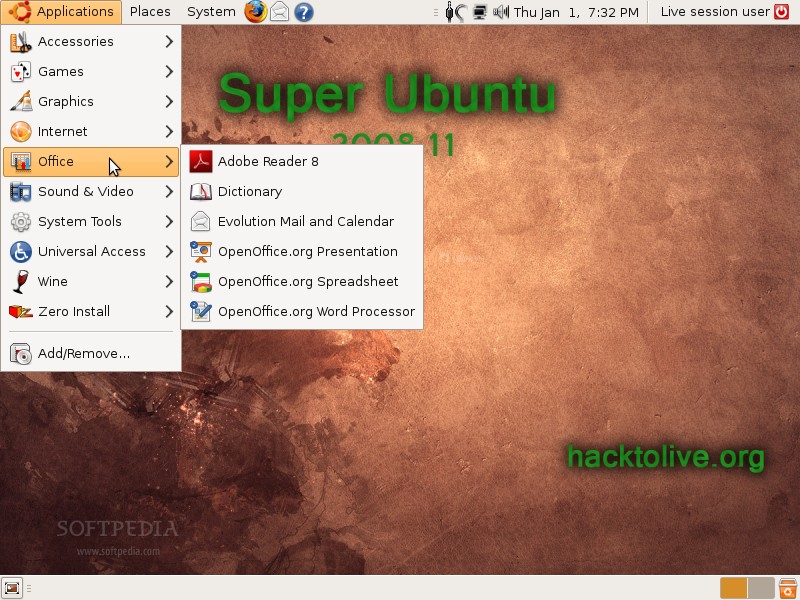
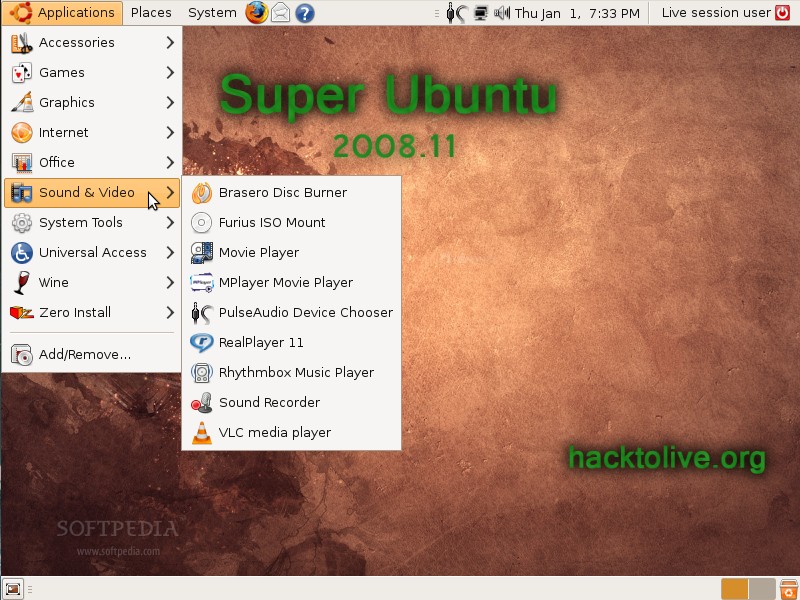
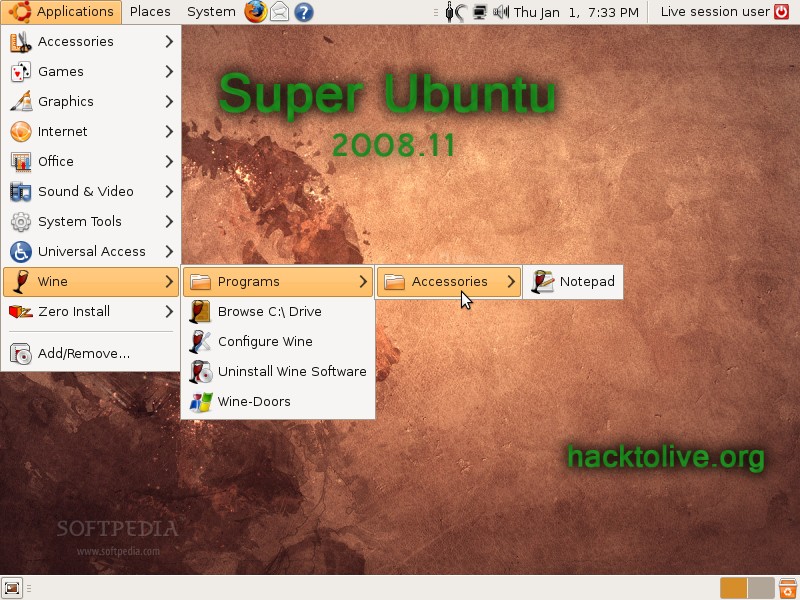
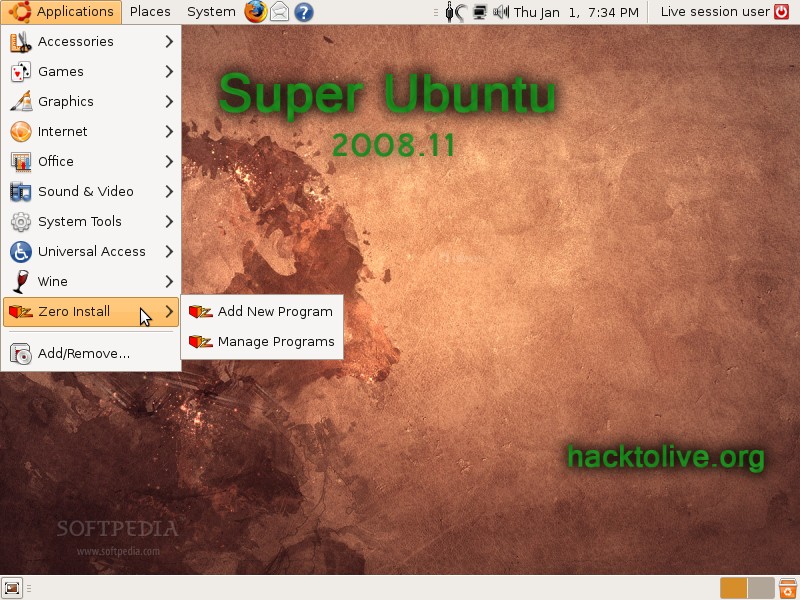
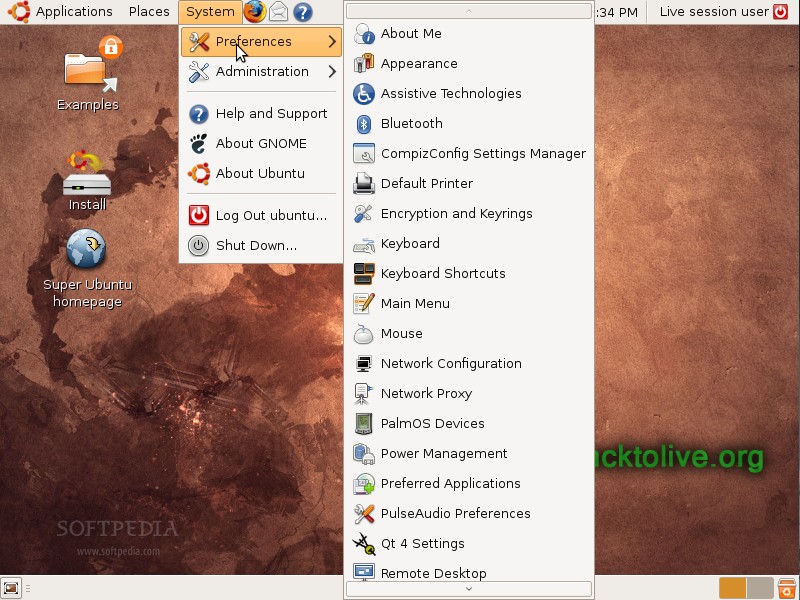
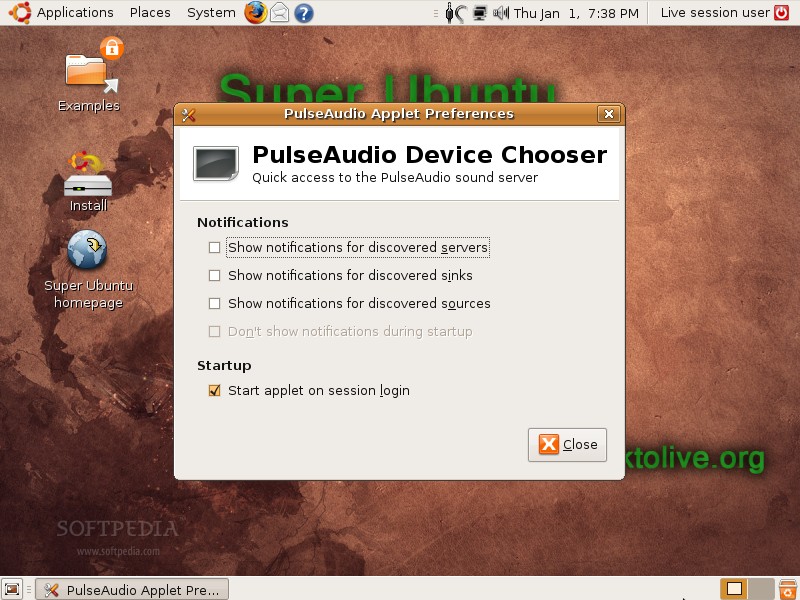
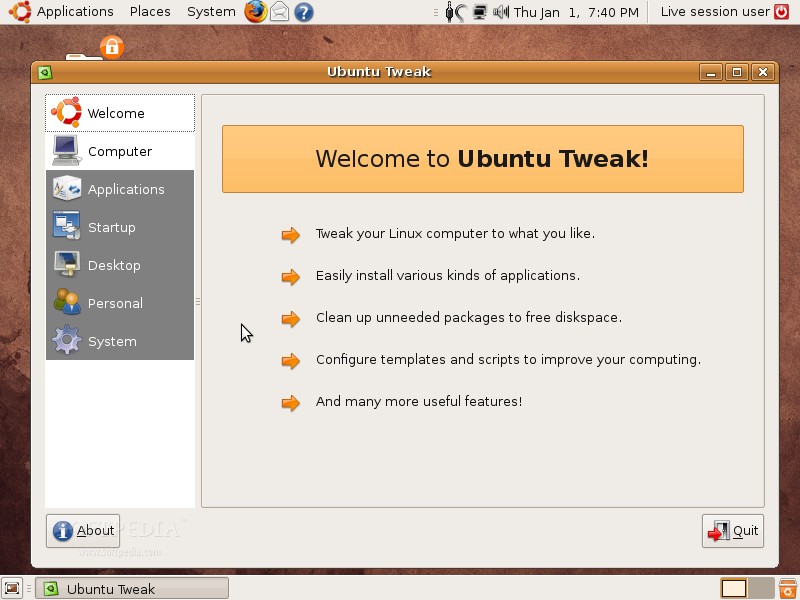
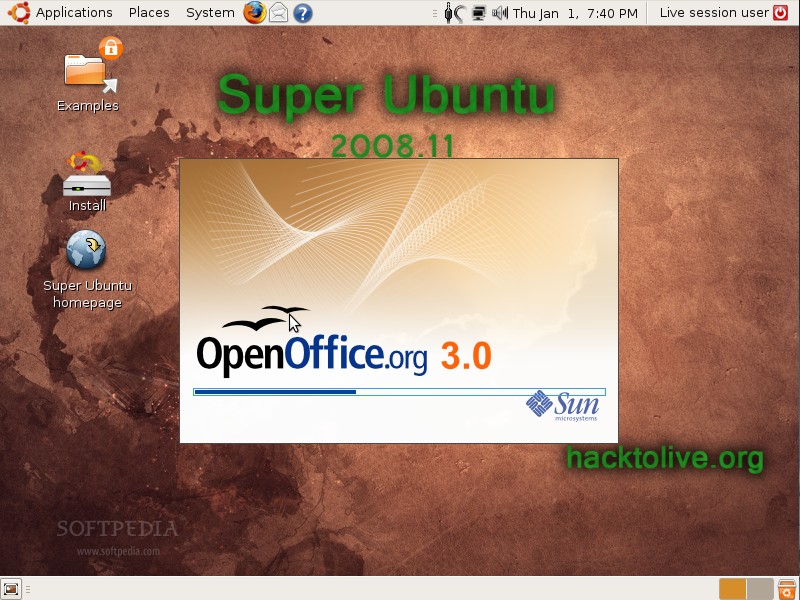
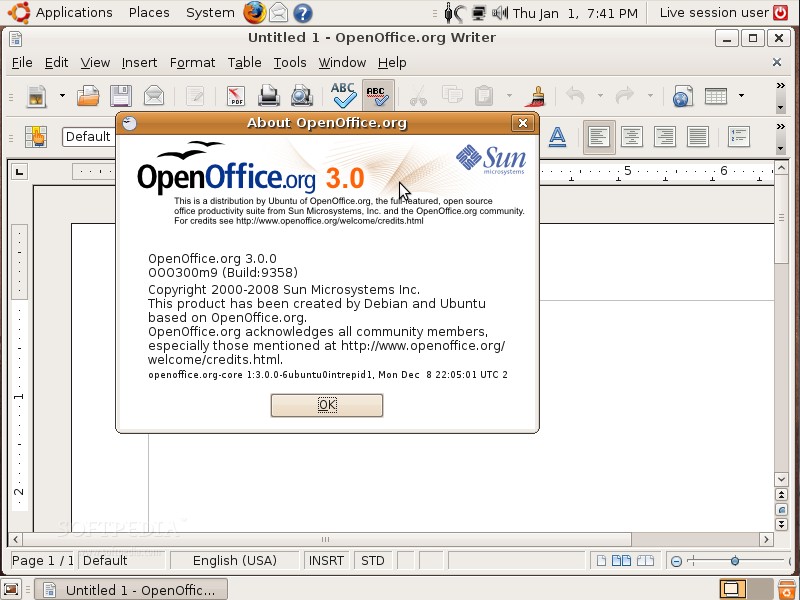
We are pleased to announce yet another Ubuntu-based Linux distribution, this time... with "super powers," called Super Ubuntu. The "super powers" of Super Ubuntu can be translated into the inclusion of applications, tools and technologies that are missing from a standard Ubuntu 8.10 (Intrepid Ibex) installation. Among the applications included in Super Ubuntu 2008.11 we can notice the powerful and ever-popular OpenOffice.org 3.0 open source office suite with support for Microsoft's Office 2007 file formats; MPlayer, the number one video player for Linux systems, which includes support for DVD playback and most of today's video and audio formats; Wine and Wine-Doors, two amazing apps that allow users to use Microsoft Windows applications in a Linux environment; support for portable applications with the SFS technology and Zero Install. Super Ubuntu 2008.11 was also injected with all the multimedia codecs, Java technology, Adobe's Flash player 10, PulseAudio, Compiz Fusion and UFW graphical user interfaces, better wireless network support and many other useful applications, such as Ubuntu Tweak, StartUp-Manager or Furius ISO Mount. Last but not least, Super Ubuntu 2008.11 includes extra software repositories from Medibuntu, OpenOffice.org 3, Opera, Playdeb, Ubuntu Tweak, Wine and Remastersys.
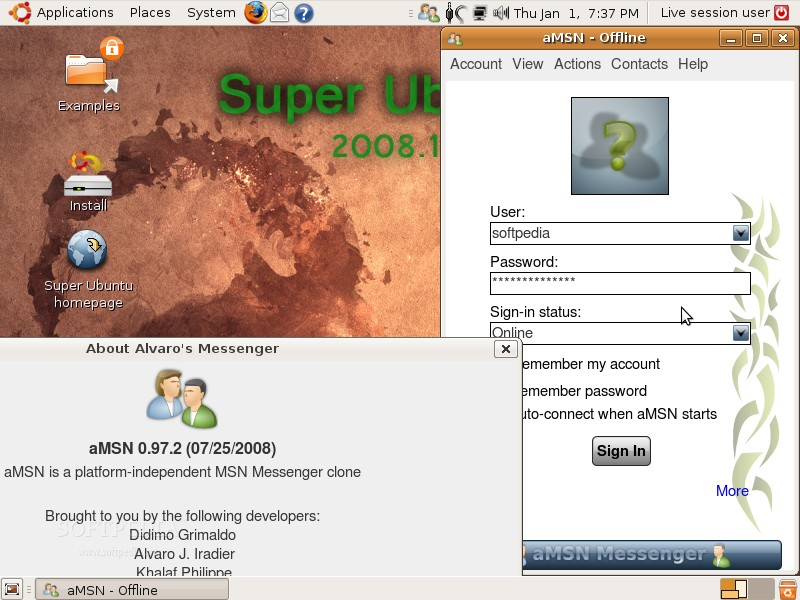
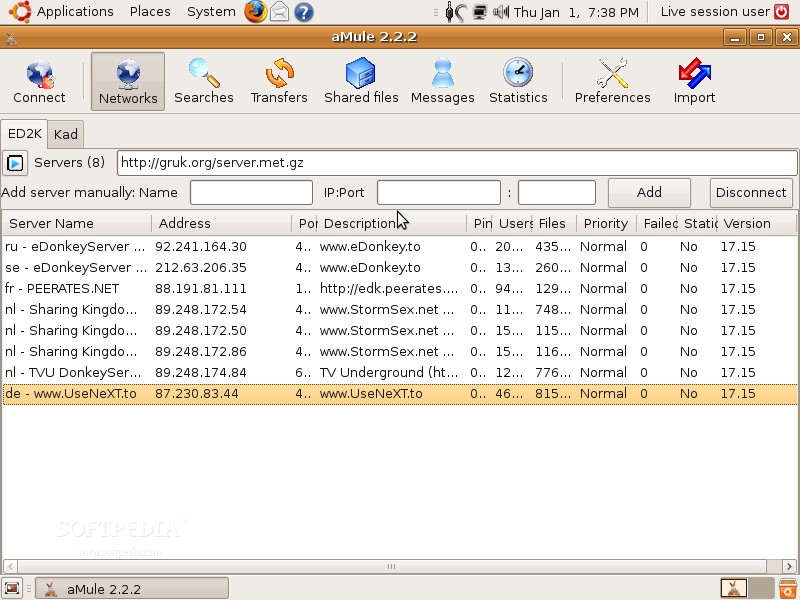
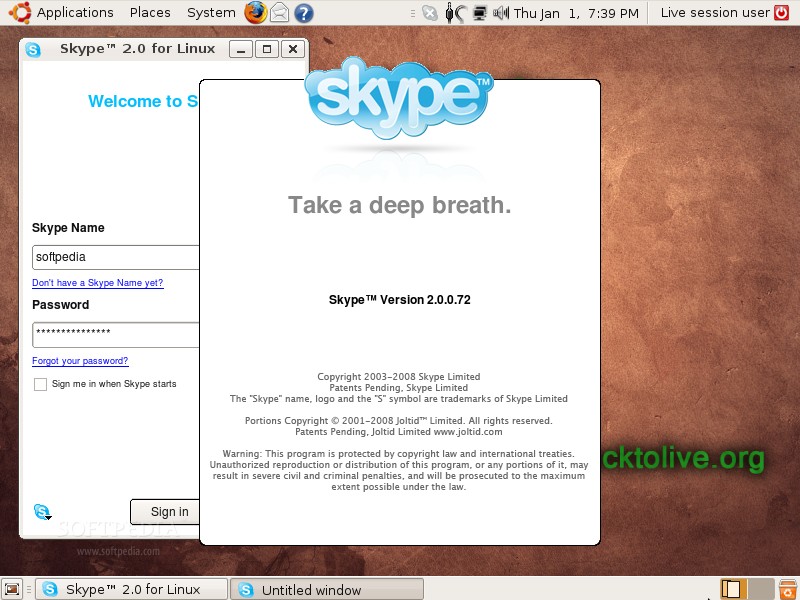
Below is an alphabetical list with the major applications included in Super Ubuntu 2008.11: · Adobe Reader 8.1.3 · aMule 2.2.2 · aMSN 0.97.2 · Autopackage 1.2.5 · Brasero 0.8.4 · Compiz Fusion Settings Manager · EnvyNG (command line version) · Mozilla Firefox 3.0.4 · Furius ISO Mount 0.11.1.0 · GParted 0.3.8 · The GIMP 2.6.3 · Gufw 0.20.6 · MPlayer 1.0 · NDISwrapper · NdisGTK | · OpenOffice.org 3.0 · Opera 9.63 · PulseAudio GUI · RealPlayer 11 · SFS Technology 0.3.0.4 · Smart Package Manager 1.1.1 · Skype 2.0.0.72 · StartUp-Manager 1.9.11 · Mozilla Thunderbird 2.0.0.16 · Ubuntu Restricted Extras · Ubuntu Tweak 0.4.4 · VLC Media Player 0.9.4 · Wine 1.1.10 · Wine-Doors 0.1.2 · Zero Install 0.3.7 |
Super Ubuntu 2008.11 is a Linux distribution based on Ubuntu 8.10 (Intrepid Ibex), it is available only as Live DVD of 1.1 GB in size and can be downloaded right now from Softpedia.
|
|
| Article rating: |
|
Good (3.9/5) |
20 vote(s) |
|

|
|
|
User opinions: |
| Comment #1 by: arpit on 02 Jan 2009, 14:30 GMT | reply to this comment | the distribution has lot of stuff that ppl add-on after installing a new basic ubuntu version ,but it could have been better if it did remove some basic applications,for which it has provided counterparts .some unwanted applications have been included,which only make the distro heavier .the disto lacks a good theme and wall paper,and just including the distro's name on the ibex wallpaper is not a very good idea.
i get a feeling that the developer(s) made the distro in hurry. |
| Comment #2 by: Nick on 02 Jan 2009, 16:03 GMT | reply to this comment | I would like to say that this looks great!!! I'n a fan of Ubuntu and have been using it on a spare pc for a year now. the only issue i've had was my usb devices were stuck at usb 1.0 speeds. So i built a FreeNAS Server and solved all my storage issues, except $$$, lol, i mean total space.
TYhe "Plain" Screenshots your talking about are an expected screen, considering they are the same that have been used for the past couple of years, but you can mod that if you don't like it.
I think this version should be productive. |
| Comment #3 by: tom on 03 Jan 2009, 00:17 GMT | reply to this comment | This might be good for people with no internet connection, but then again, it could use a better wallpaper. |
| Comment #4 by: jmc on 03 Jan 2009, 16:47 GMT | reply to this comment | This is a really good idea, especially the inclusion of ndisgtk & ndiswrapper, since it seems wireless is the biggest problem for people coming straight from windows, and having this already installed, makes it one step easier...also having the "best" apps already installed goes a long way for those first starting, especially those not really wanting to do the research that most linuxer's have to do, even if most of us find that's half the reason to love it! |
| Comment #5 by: aficionado on 05 Jan 2009, 03:20 GMT | reply to this comment | Hi. I'm new in ubuntu. I have 2 OS in my laptop, i.e. ubuntu 8.10 and windows xp. How can i install this super ubuntu? How to uninstall ubuntu 8.10? |
| Comment #6 by: Marius Nestor on 05 Jan 2009, 09:08 GMT | reply to this comment | For aficionado: Hi, there is no need to uninstall Ubuntu 8.10... just install Super Ubuntu over it :) |
| Comment #7 by: hacktolive.org on 06 Jan 2009, 03:57 GMT | reply to this comment | If you have internet, it is very easy to upgrade, see:
http://hacktolive.org/wiki/Super_Ubuntu_Upgrades |
| Comment #8 by: shamil on 07 Jan 2009, 05:32 GMT | reply to this comment | aficionado. Just install super ubuntu onto the partition that ubuntu is already on. The best way is to format that partition and install super ubuntu on it with the super ubuntu installer.
While i'm not a fan of all of these ubuntu spin offs. This is hardly modified at all. It's just straight up ubuntu with everything you need like codecs and stuff. Very cool, and mostly doesn't have software and utilities that you don't need. Although the redundant software? Stupid devs...when you have say one video player...YOU DON'T NEED ANOTHER!!!
Everyone take my advice. Get a really good ubuntu spin off like linux mint which is like the only good spin off, or use plain old ubuntu. Getting all crazy on a possibly poorly maintained, no future continuance, and definitely pointlessy unnecessary retarded existence distro never did anyone good. So, what's so much better about super ubuntu compared to ubuntu ultimate?
While you're all ranting and raving, y don't u all go and get temporarily excited about the fedora spins. |
| Comment #9 by: Eclectic Solutions on 08 Jan 2009, 06:51 GMT | reply to this comment | Well shamil you maybe a Linux Pro but I'm using Ubuntu as a second OS. Only recently learning. The command system just to install a program is just too much trouble. And most web sites I have found gives the most confusing instructions. If Linux is ever going to become mainstream and get on more than a handful of desktops it has to be more user friendly. And from what i have read this seems to be alot eaiser to do something as simple as install a program. And by the way I loved Xandros but not as the OS to learn on. |
| Comment #10 by: zakany on 31 Jan 2009, 20:23 GMT | reply to this comment | Unlike others here, I like having multiple software solutions installed from the get-go. I can try redundant programs and decide which (if not both) I will use. If I care to, I can delete the ones I don't use, or not.
I love that it contains the items I'd just immediately search for and install. Saves me the hassle.
My only criticism is the default desktop wallpaper. Heh. |
| Comment #11 by: Greg on 01 Feb 2009, 11:04 GMT | reply to this comment | Ubuntu. I did the Fiesty Fawn on an older laptop and enjoyed the experience, however, never got the wireless piece to work, so fount it did not suit my needs.
The community needs to sell the idea of Ubuntu/Linux to the world by having a product that works as windows does right out of the box and easy to use.
The techy side of the house can be done after people convert! |
| Comment #12 by: doug on 15 May 2009, 19:03 GMT | reply to this comment | Best distro i've tried so far. Only thing missing is my USB cam and magicjack support. PnP otherwise on my Lenovo, no fiddling required which is good since i'm a linux noob. |
| Comment #13 by: tomdownard on 25 Jun 2009, 22:17 GMT | reply to this comment | I bought a Dell back when they sold them with Ubuntu and support. I don't think they support them anymore, but I may be wrong. Anyway it is a Dell Insperon 1525 and when it came from the factory it worked perfect. So I upgraded it and lost lots of functions. Like Youtube etc. I can't seem to get the things to work that used to. I know that the problem is me, but my 1 year support is over with. And I can't seem to understand the instructions on the Ubuntu forums. They all talk like we should know where everything is and how to write code.
So I am trying to install the new super OS Ubuntu over the top of what I have now, hoping it will correct my mistakes. Since it is just me and my computer, and not one person in 100 miles of me seems to know what Ubuntu is, when I make a stupid mistake it stays. I bought Ubuntu for Non-Geeks for $35 and so far it hasn't done much.
The disk didn't launch that came with it, etc.
I want very badly to learn this OS as I believe in the whole concept. I guess I got to old to learn new things. Not giving up though.
PS don't you hate the mousepad on laptops? It seems you can't move the pointer anywhere without clicking the darn thing. |
| Comment #13.1 by: Marius Nestor on 26 Jun 2009, 08:48 GMT | Hi, write me a list with the things you want to do or fix in Ubuntu, and I will tell you everything you want to know.
For example, the Flash plugin (for Youtube videos) can be easily added if you install a package called flashplugin-nonfree. All you have to do, is to go to System -> Administration -> Synaptic Package Manager, enter your password when asked, search for flash and double click the flashplugin-nonfree entry to install it.... if it isn't installed already :) |
|
|
|