 14 DAY TRIAL //
 The upcoming Lubuntu 11.10 (Oneiric Ocelot) operating system, due for release on October 13th, will introduce a new software center application.
The Lubuntu Software Center is, of course, a clone of the popular Ubuntu Software Center (the old version), but designed to be lightweight, for the Lubuntu 11.10 Linux distribution.
Lubuntu 11.04 users use Synaptic Package Manager to install or remove packages, but the next release, Lubuntu 11.10, will feature the lightweight Lubuntu Software Center to manage application on their computers.
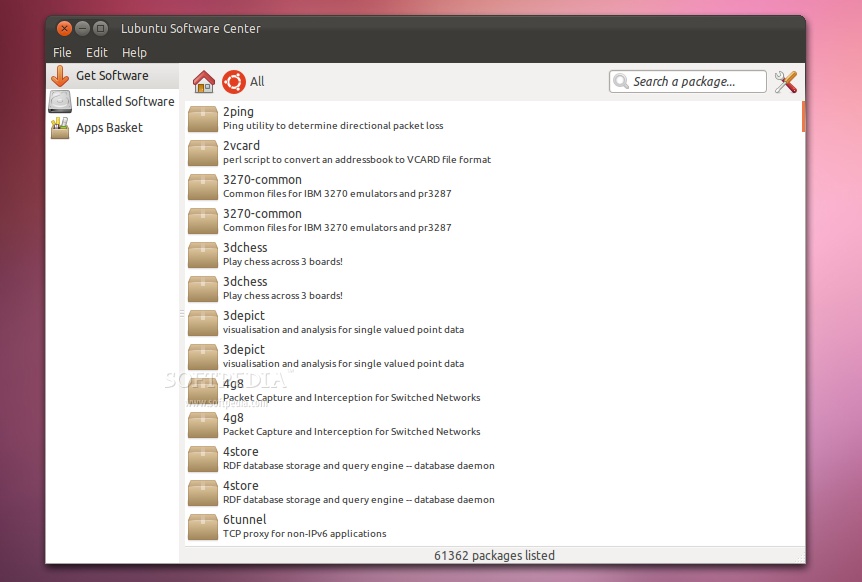
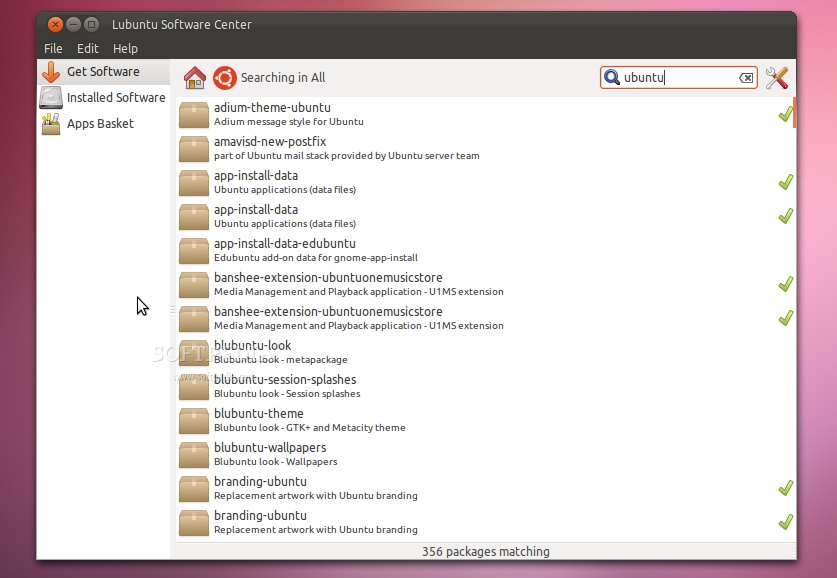
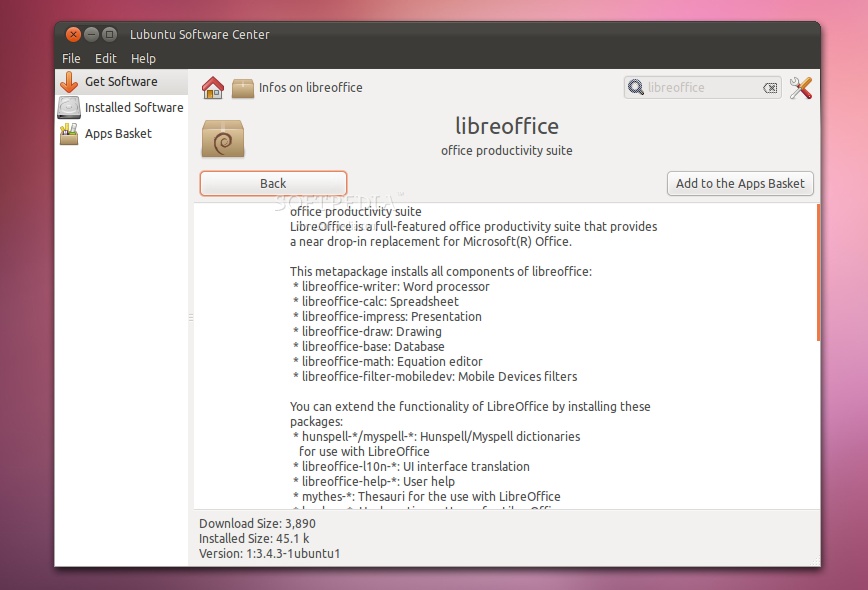
At the moment, Lubuntu Software Center allows users to browse, install, remove and view detailed information about packages found in the software repositories. It allows access to the Software Sources tool and it features an App Basket function.
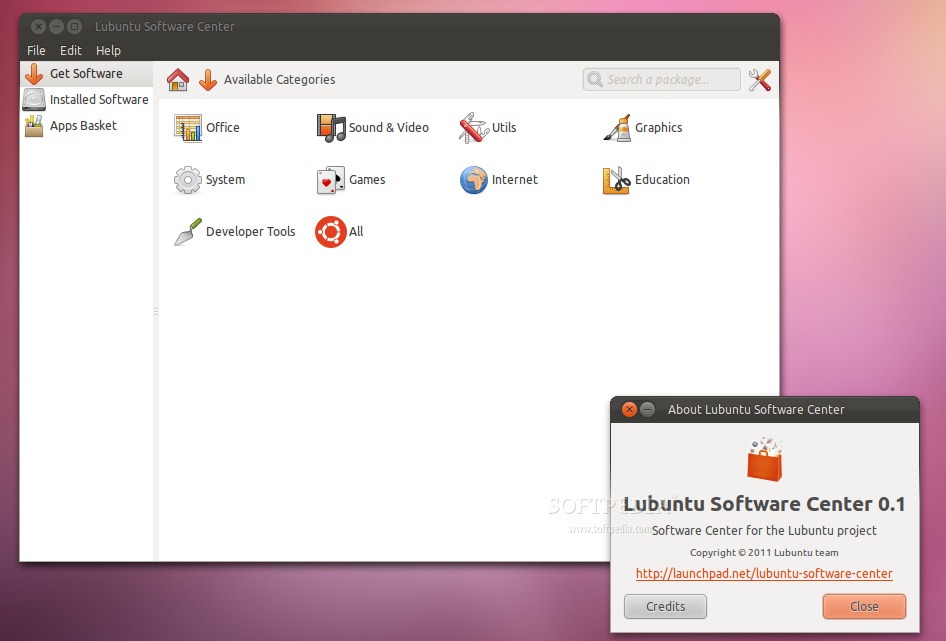
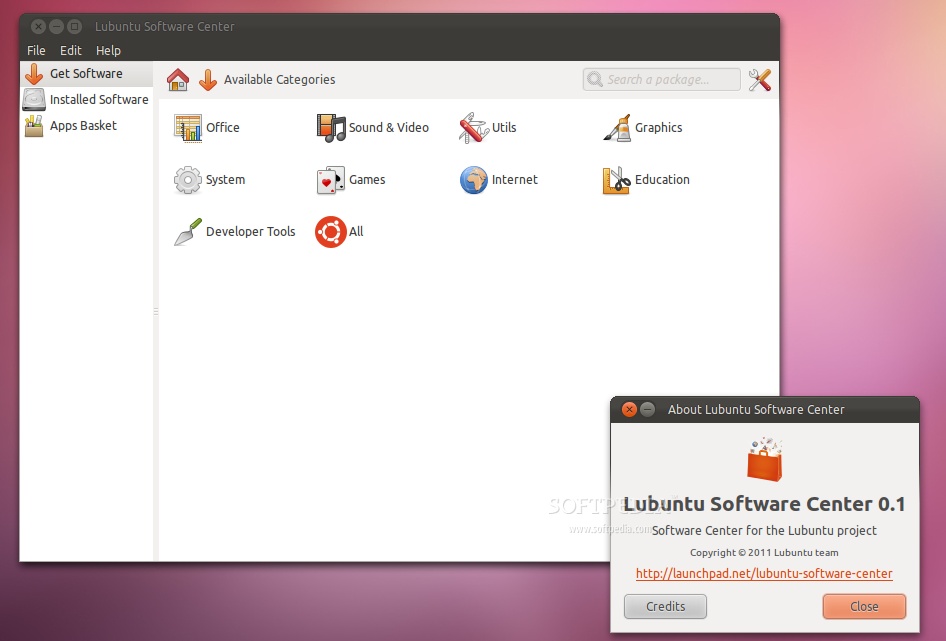
Lubuntu Software Center allows users to view applications by category and provides a quick search by name or description. Lubuntu Software Center also allows access to the applications from the Ubuntu Software Center.
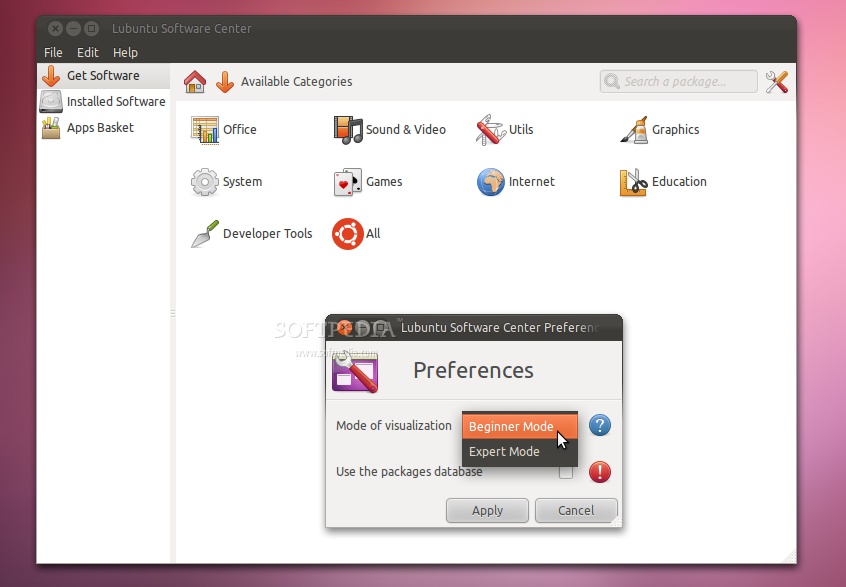
We've took Lubuntu Software Center for a test drive and here's how it looks...
How to install Lubuntu Software Center
If you want a taste of the new Lubuntu Software Center than you should know that it is available in the Lubuntu Desktop PPA for Lubuntu 11.10 and Lubuntu 11.04 users.
To install it, open a terminal window and type the following commands (one by one, hitting Enter after each one): sudo add-apt-repository ppa:lubuntu-desktop/ppa sudo apt-get update sudo apt-get install lubuntu-software-center
When the installation is over, hit the ALT+F2 key combination and type lubuntu-software-center to start the application.
Remember that Lubuntu Software Center is a work in progress and you will encounter bugs. The final version of Lubuntu Software Center will be released with the Lubuntu 11.10 (Oneiric Ocelot) operating system, on October 13th, 2011.