 14 DAY TRIAL //
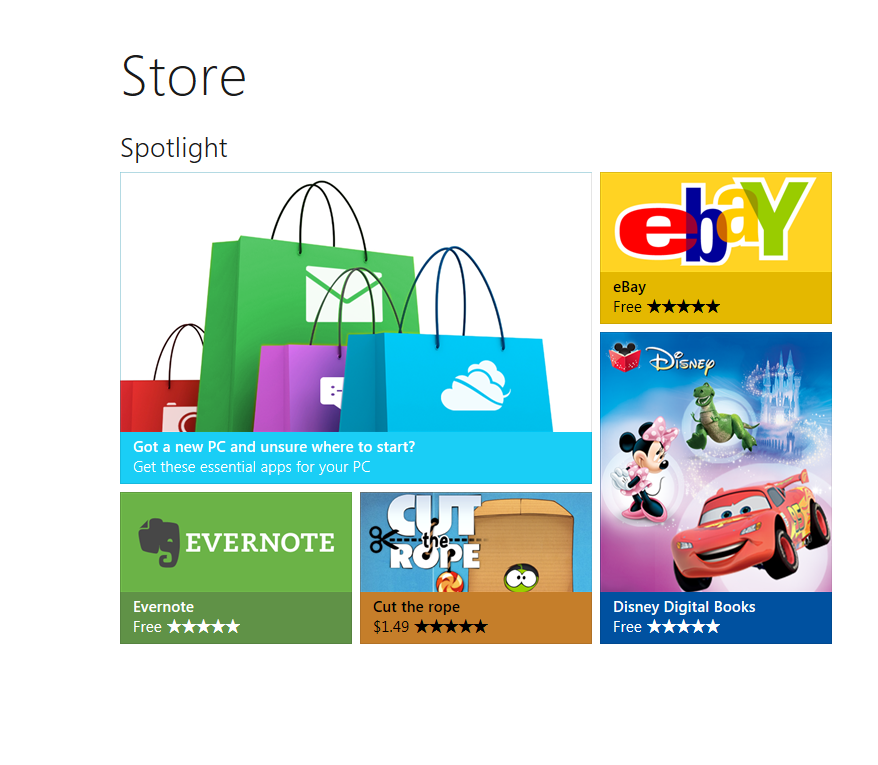
 Applications built specifically for Windows 8 and its Metro UI will arrive on devices mainly via Microsoft’s own application portal, the Windows Store.
This means that users will have to access the store to find applications that fit their needs, and that they will also perform the installation via the Store.
The app stores available today function in about the same manner. Similarly, Windows 8 users will be able to install free apps right away, while having to get through a series of security steps for paid apps.
“Assuming you are signed in to the Windows Store, one tap on the app listing page is all you’ll need to install free and trial apps. That’s it,” Jonathan Wang, program manager of Microsoft’s Windows Store client team, explains.
“For paid apps, we will ask for your password to confirm your purchase. If you don’t want to enter your password for each purchase, we do have a setting to turn off this security step—but we think those of you with kids will appreciate this extra little roadblock to unintentional purchases.”
After hitting the install button for a specific app, users will be taken to the previous page they were looking at, instead of remaining on the app’s page. According to Wang, users should not be taken out of the context once they have decided to install an application.
“We don’t believe you should have to stare at a progress bar and count every second as it goes by,” he explains.
“Likewise, staying on the app listing page for the app you just acquired leaves you at a dead end with nothing to do.
“Instead, as soon as the installation starts, we take you back to the previous page you were looking at, so you can continue your shopping experience; in many cases, that’s the landing page, or a category page, or another list of great apps to try that you were previously looking at.”
Apparently, users find it more pleasant to be able to continue discovering new software after getting one application on their devices.
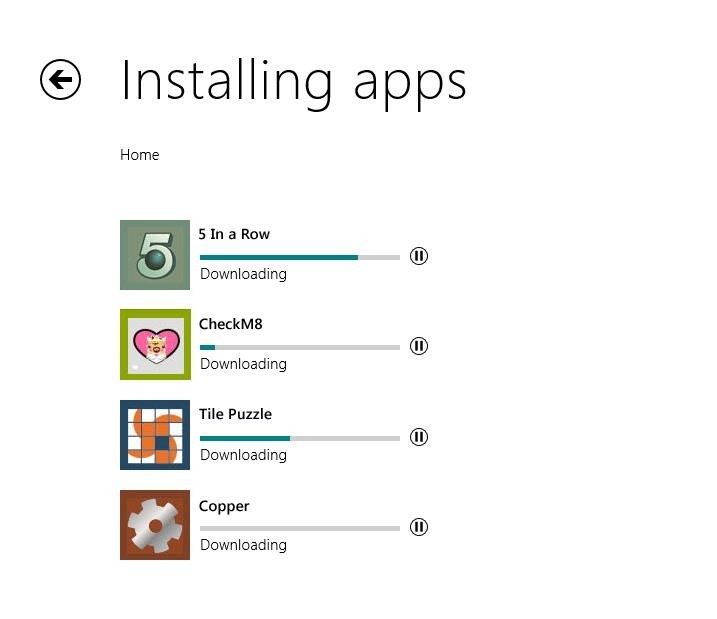
Windows 8 will provide info on the progress of the installation, and there will also be a tile added to the Start screen as soon as the installation is completed. Users will also be able to tap on the progress indicator to access more details on how the installation is moving forth.
As soon as the installation completes, users receive a notification and are offered the possibility to launch the application through tapping that notification.
“Tapping that notification will launch the app, so you can start using it the second it’s ready. The new app tile always appears at the end of your Start screen, and from there, you can easily move it to wherever you like—so you stay in charge of how you organize apps on your Start screen,” Wang notes.