 14 DAY TRIAL //
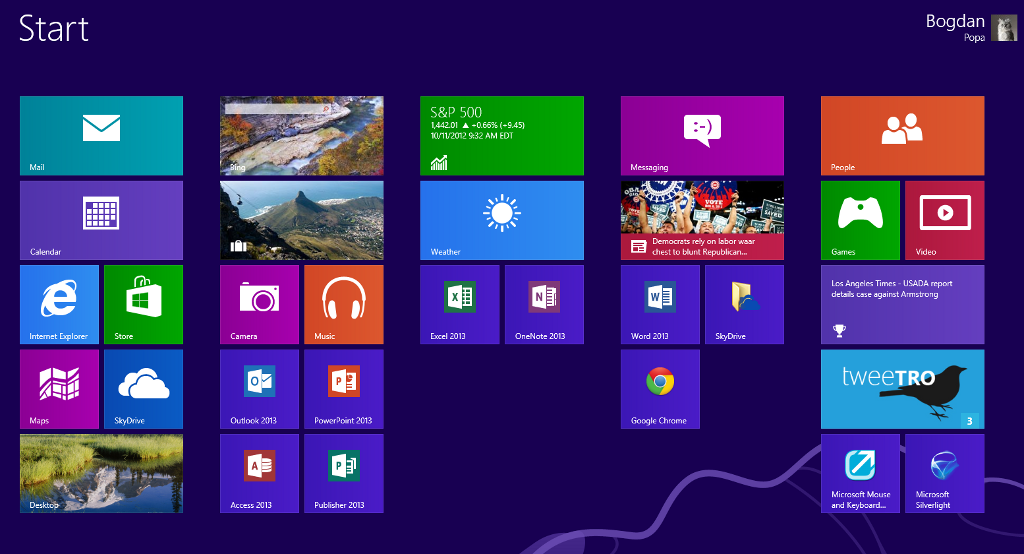
 Windows 8 has to face an avalanche of criticism because it lacks a Start button and a Start Menu, but Dale Vile, research director at Freeform Dynamics, thinks that it’s just a matter of time before consumers actually get used to the Start Screen.
Windows 8 has been designed in a way that makes working on the computer much more comfortable, the analyst wrote in a post on CIO.co.uk.
He emphasizes the fact that Microsoft made the right decision to phase out the Start menu from the new operating system.
“Being a typical lazy human being that gravitates to the familiar when given a chance, if the start menu was there I probably would have continued using it and failed to take advantage of the more efficient navigation mechanisms designed into the Windows 8 desktop,” Vile wrote.
“Now I wouldn’t want the start menu back, even if I could have it, as it would be totally redundant, arguably even counterproductive.”
Microsoft will officially introduce the new Windows 8 operating system later this month and although it comes with no Start Menu, software developers around the world created dedicated apps to replace it.
There are plenty of software solutions out there at this time, both freeware and shareware, supposed to create a new Start button and a Start Menu that allow consumers to use Windows 8 in the same fashion as the previous iterations of Windows.
If you wish to create your very own Start button too, we’ve created a guide to explain how to do it, so follow this link to find out more information.