
Softpedia
 

NEWS CATEGORIES:


NEWS ARCHIVE >>
SOFTPEDIA REVIEWS >>
MEET THE EDITORS >>
Home > News > Editor Blogs > Mobile

October 12th, 2011, 14:03 GMT · By

BLOG

How to Text Using Voice on Windows Phone

SHARE:

Adjust text size:

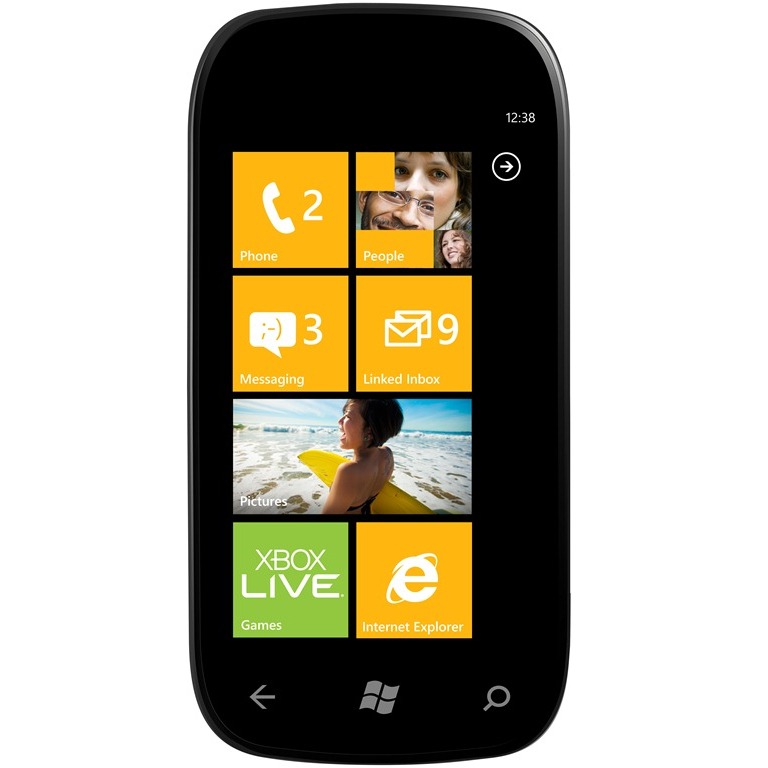
Microsoft's Windows Phone operating system can prove a great option when it comes to sending messages to a contact even when you cannot use your hands, such as when you are driving, for example.

Sending a test message using the voice is very simple, as one can learn from the video embedded above.

All that users will need to do is to press and hold the start button, and then simply say text. Then, just say the name of the contact you would like to text to. After than, one will simply have to say the message, and then say send.

The Windows Phone device will do all. It will find the recipient in the list of contacts, will transform speech into text, and will also recognize commands like “Text” or “Send.” You can keep your eyes on the road at all time when behind the wheel.

TELL US WHAT YOU THINK:

1,281 hits · Link to this article · Print article · Send to friend · Subscribe to news

MUST-READ RELATED ARTICLES:


AT&T's HTC HD7S to Receive Mango Today

4G LTE and Dual-Cores Coming to Windows Phone Soon

Windows Phone 7.5 to Cash in on Android and iPhone 4S This Season

New Nokia 800 Promo Materials Emerge

NAVIGON traffic4all Arrives on Windows Phone

READER COMMENTS:


No user comments yet.
Be the first to express your opinion!
Copyright © 2001-2012 Softpedia. Contact/Tip us at

WindowsGamesDriversMacLinuxScriptsMobileHandheldNews

SUBMIT PROGRAM   |   ADVERTISE   |   GET HELP   |   SEND US FEEDBACK   |   RSS FEEDS   |   UPDATE YOUR SOFTWARE   |   ROMANIAN FORUM