
Softpedia
 

NEWS CATEGORIES:


NEWS ARCHIVE >>
SOFTPEDIA REVIEWS >>
MEET THE EDITORS >>
TRENDING TODAY
Home > News > Telecoms > Mobile Blog

November 19th, 2012, 21:11 GMT · By

BLOG

How to Save Photos from Text Messages on Windows Phone 8

SHARE:

Adjust text size:


Performing various actions in Windows Phone 8 is not as complicated as it might seem at first, even if the platform comes with an interface completely different from that of other mobile OSes out there.

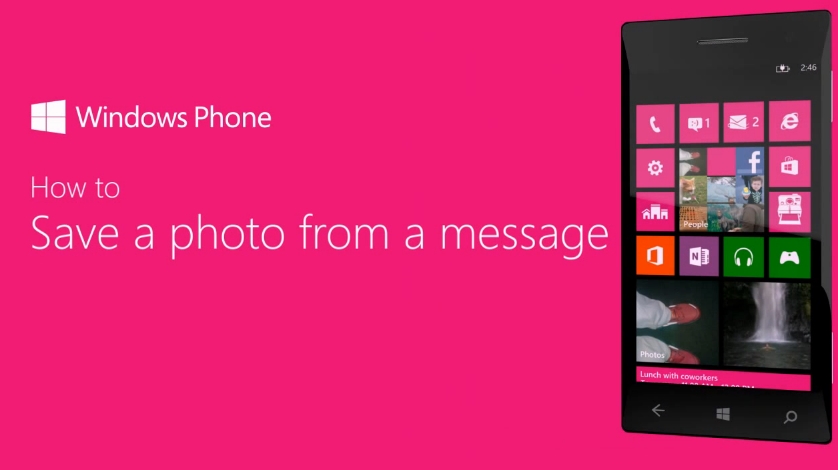
When it comes to saving a photo received in a text message, it all takes a few simple taps to complete the quest.

First of all, simply open the Messaging app from the list, and tap a thread that has a photo. Should the photo appear there, tap it and then hit more and choose save to phone from the available options.

Provided that the photo does not appear in the tread, simply hit Get media content now and then tap the photo to save it as mentioned above. The photo will be saved in the Saved Pictures album in the Photos Hub.

For a visual guide through the process, simply have a look at the video embedded above.

TELL US WHAT YOU THINK:

1,861 hits · 1 comment · Link to this article · Print article · Send to friend · Subscribe to news

MUST-READ RELATED ARTICLES:


Vodafone UK’s Samsung ATIV S Now on Pre-Order

Windows Phone 8 Users Report Random Reboots

Lumia 920 Tops Amazon’s Best Seller List in the US

Lumia 920 / 820 Now Available in the Middle East at Axiom Telecom

Huawei Ascend W1 Emerges in New Photos in Cyan and White

READER COMMENTS:


Comment #1 by: Win8 on 28 Mar 2013, 01:57 UTC reply to this comment

How do I save a video from a message thread?

Copyright © 2001-2013 Softpedia. Contact/Tip us at

WindowsGamesDriversMacLinuxScriptsMobileHandheldNews

SUBMIT PROGRAM   |   ADVERTISE   |   GET HELP   |   SEND US FEEDBACK   |   RSS FEEDS   |   UPDATE YOUR SOFTWARE   |   ROMANIAN FORUM