14 DAY TRIAL //
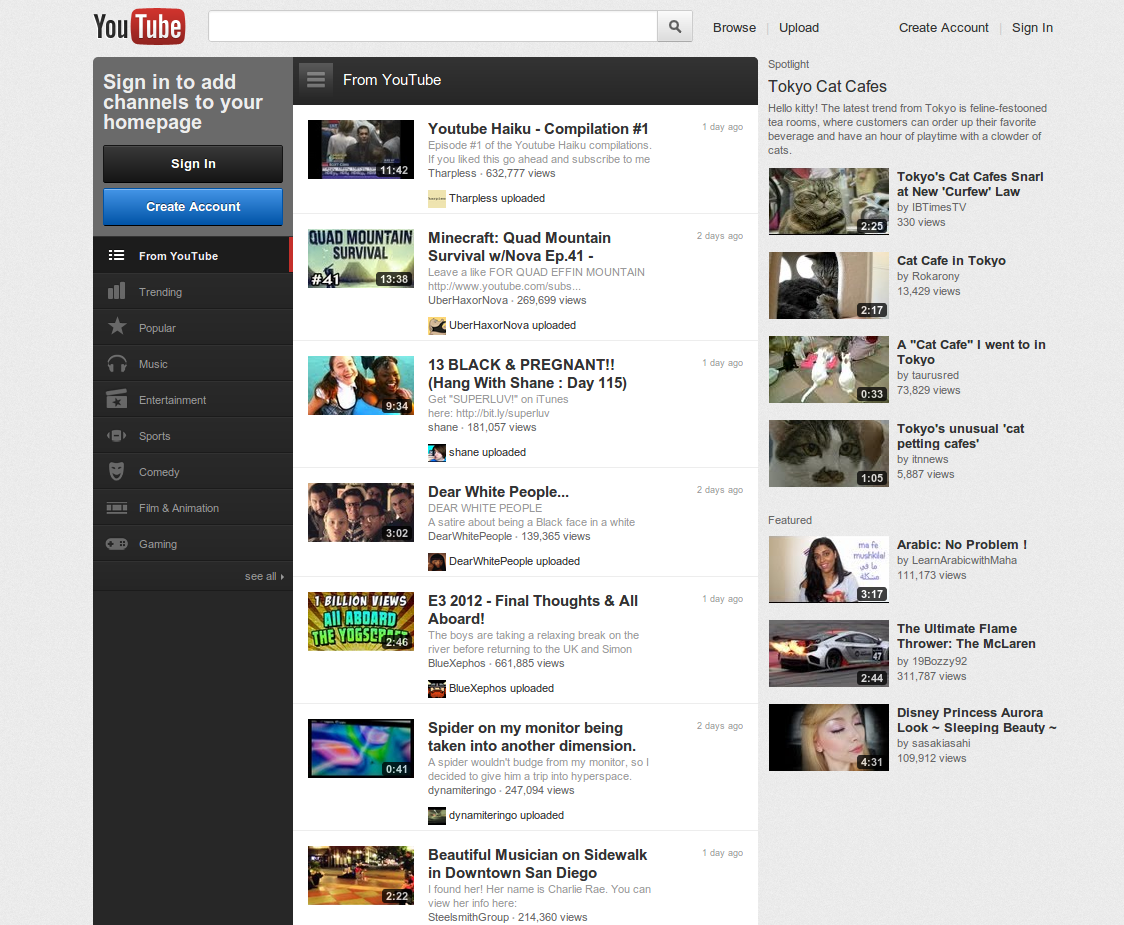
 YouTube just got a major redesign, but Google is always experimenting with tweaks and changes. It's generally on the small scale though, but it seems that YouTube is headed for another major redesign, at least the homepage is. Granted, the YouTube homepage has seen its fair share of redesigns and tweaks.
The reason is simple, YouTube wants people to spend more time on the homepage, to revisit it frequently and get accustomed to visit it (and YouTube) on a regular basis rather than just when they find an interesting video online.
YouTube wants to become the place for online video, it's investing hundreds of millions of dollars into online shows. Viral videos are nice, but shows that keep people coming back pay the bills.
The last homepage redesign had this in mind as well, in fact, most recent homepage redesigns have focused on retention, and the most recent experiment doesn't steer away from the trend.
Still, the experimental version isn't a major redesign, it's just an update of the existing homepage. It's cleaner, it gets rid of much of the dark background introduced in the last update, and removes some minor elements.
If you're logged in, you'll only see a list of subscriptions in the left sidebar, the generic YouTube sections, Poplar, Trending and so on are gone.
The video feed is a bit more interesting, the video thumbnails are much larger. This means that fewer videos make it above the fold, which may actually be a good thing as it's easier to spot ones that interest you.
The focus on images over text is obvious for a video site, yet it seems that only recently sites and apps have started putting more emphasis on thumbnail, images and the visual aspects of feed entries.
There's a way of checking out the new homepage for yourself, you just have to modify a YouTube cookie. The easiest way to do this is via the JavaScript console (ctrl+shift+j in Chrome, ctrl+shift+k in Firefox, F12>console in IE). In Safari you first have to enable the dev tools.
Then paste this code in the console: