 14 DAY TRIAL //
 Google Earth is a mapping solution powered by Google which offers numerous functions to its users. Beside high-resolution photos, Google Earth provides an impressive pack of features which help you analyze this imagery. Just like the web-based technology Google Maps, Google Earth also brings driving directions that are supposed to help users choose the best route to reach a certain destination. But how can I use this function? I admit you might find Google Earth driving directions a little bit difficult to use but there are a few things you must know before you start using it.
First of all, you have to click on a certain location to create a Placemark which is usually your starting point. The Mountain View company provides some simple steps which should be followed to use the driving directions as you should.
1. Click the Placemark, which causes an information "bubble" to appear. 2. If you're traveling to this location, click "To here." In the "Start address" text box, enter the address you're traveling from.
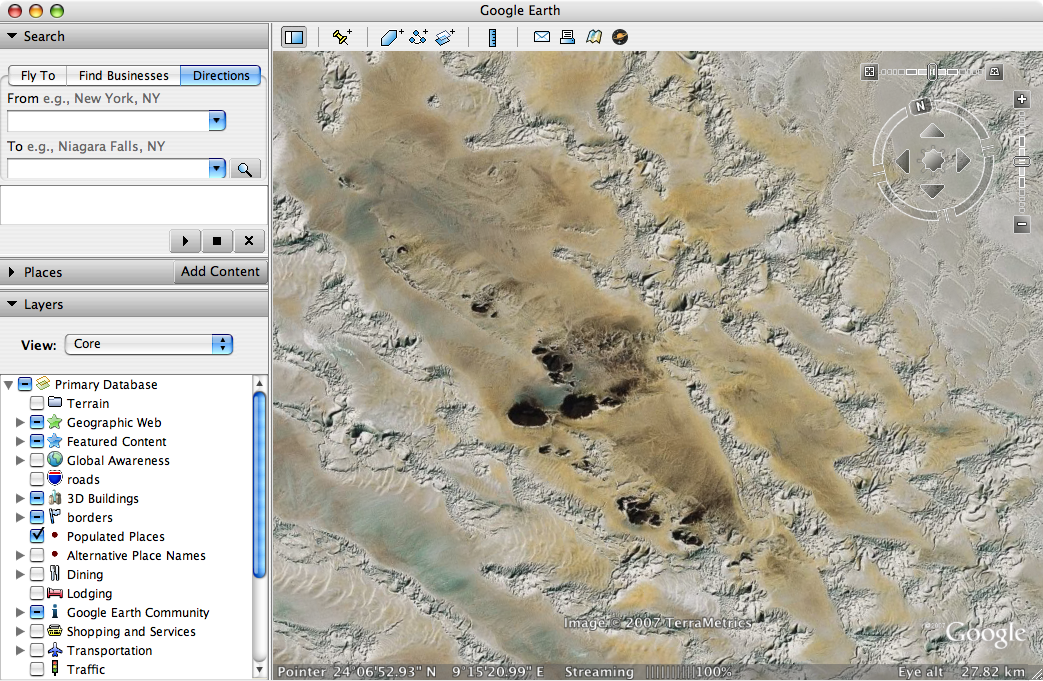
In addition to these steps, you can always use the 'Driving Directions' button which allows you to specify the start and the end point. However, this feature is recommended only if you know the correct address of your destination.
Google Earth's Driving Directions are somehow similar to the ones implemented in Google Maps, the web-based mapping solution also powered by the Mountain View giant. Moreover, they can be used by following the same steps, but most people prefer to install Google Earth to access the function from their desktop.
Just like usual, you can download the latest version of Google Earth straight from Softpedia using this link. In addition, the official website of Google Maps, the web-based version of Google Earth, is accessible through the following page.