 14 DAY TRIAL //
 One of the first smartphones to feature the latest version of Microsoft's operating system for mobile devices, Windows Mobile 6.5 – HTC Touch2 is a mid-budget Pocket PC that targets the mass market. The device had been rumored since the beginning of the year, when the whole HTC line of devices for 2009 was leaked on the Internet.
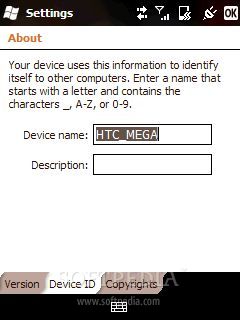
Codenamed HTC Mega, the smartphone will be officially launched this fall under the name of HTC Touch2. Announced as a Windows Mobile device for the masses, Touch2 features a nice design that follows the same lines as its older predecessor, HTC Touch. We have received a test sample of the device that features an earlier Windows Mobile build, so we will mostly center upon the new features of the OS and less on its functionality.
Announced in September 2009, HTC Touch2 should be available on the market in October. HTC Touch2 is available in three different colors: Black, Brown and Silver. While we don't have any information regarding its price, I believe that 250 USD should be the right one for this mid-budget smartphone.
Design
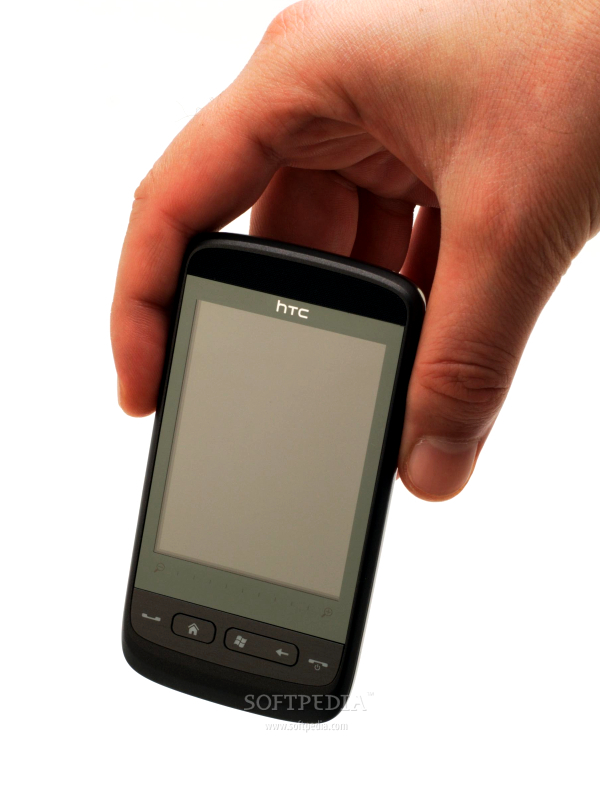
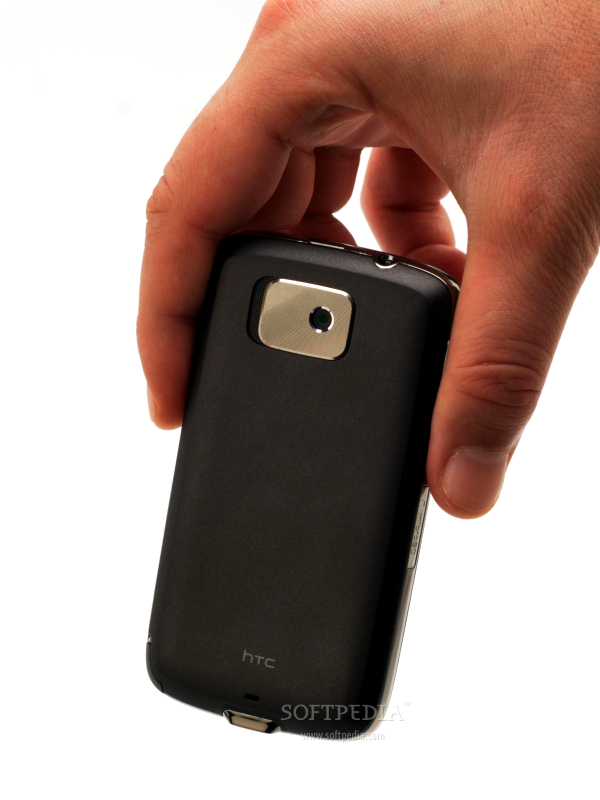
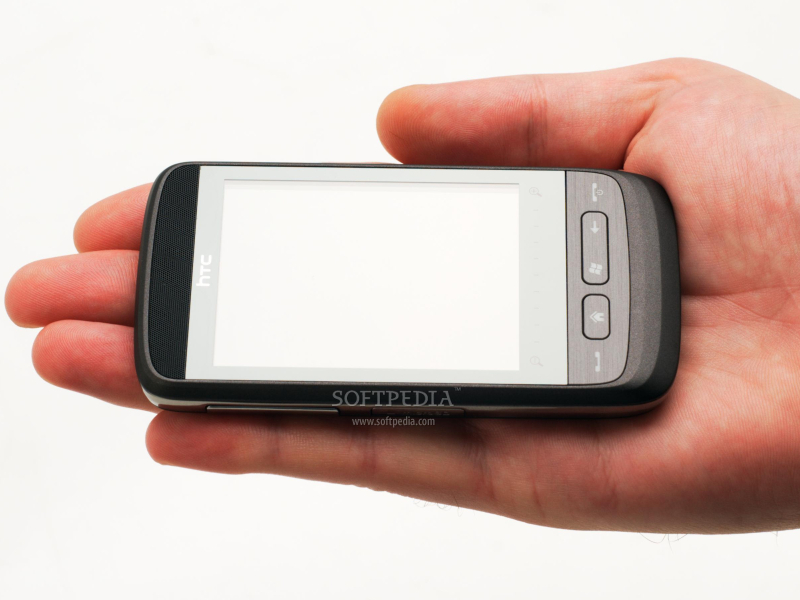
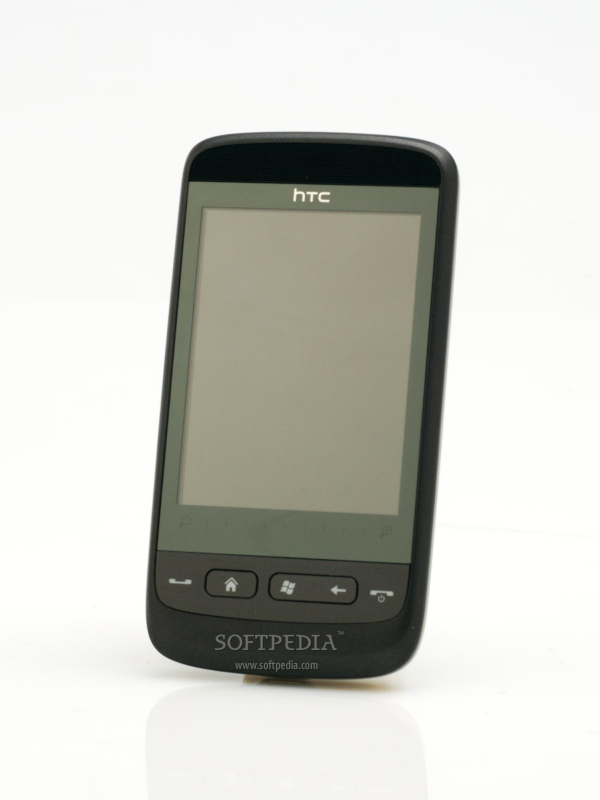
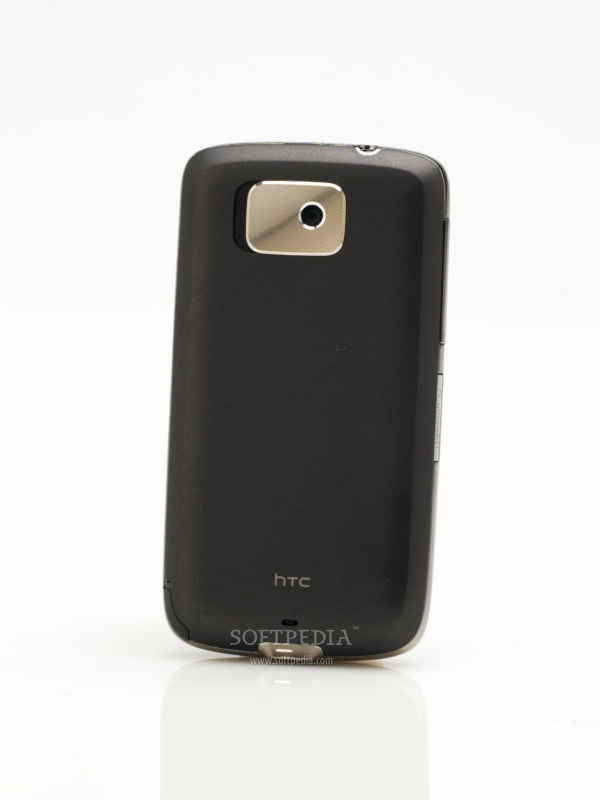
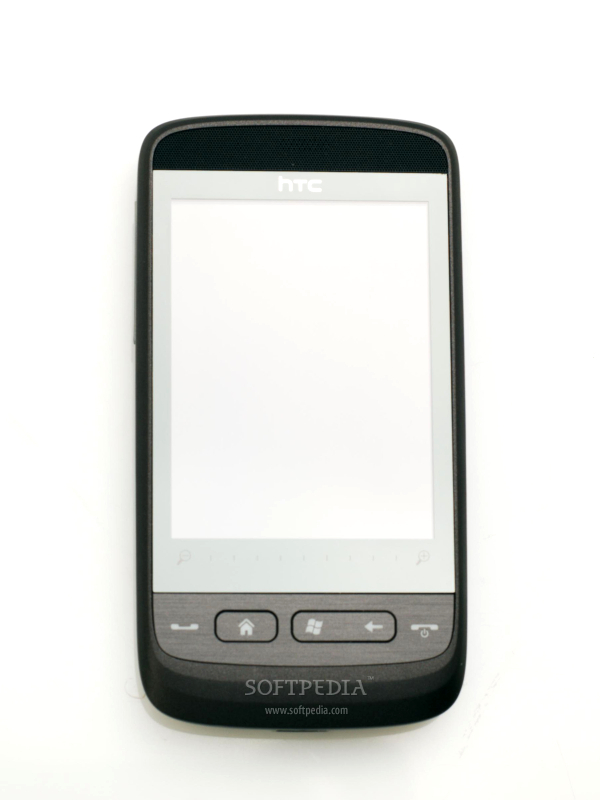
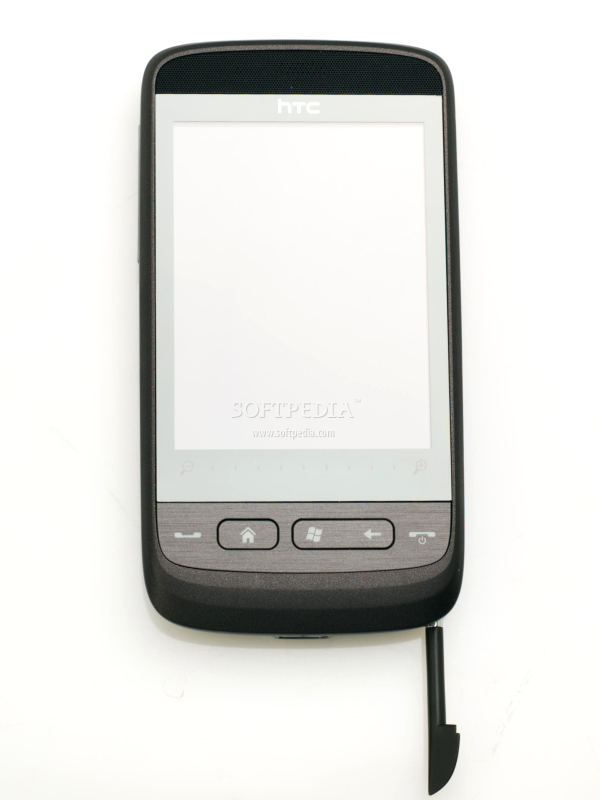
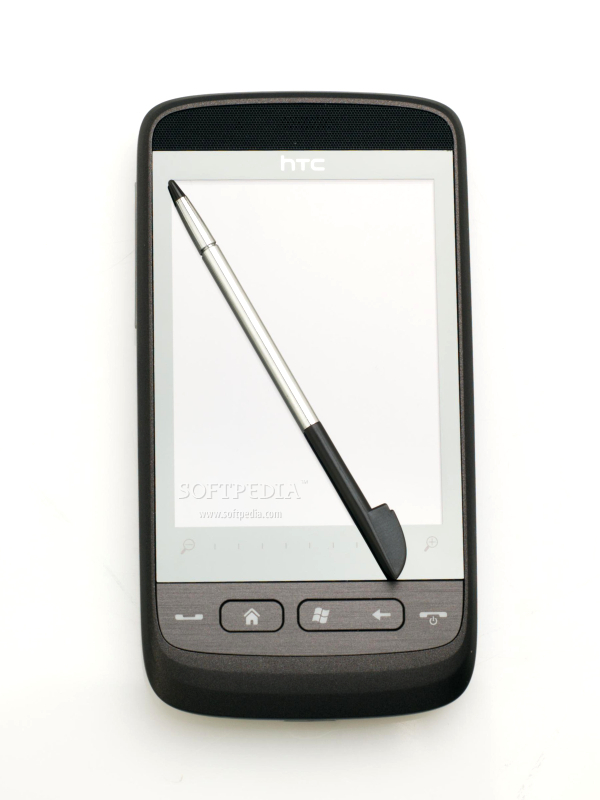
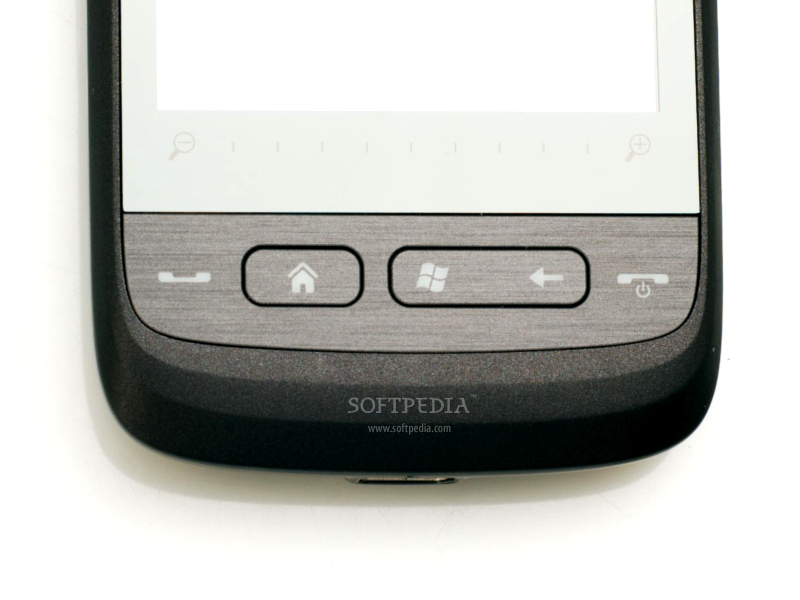
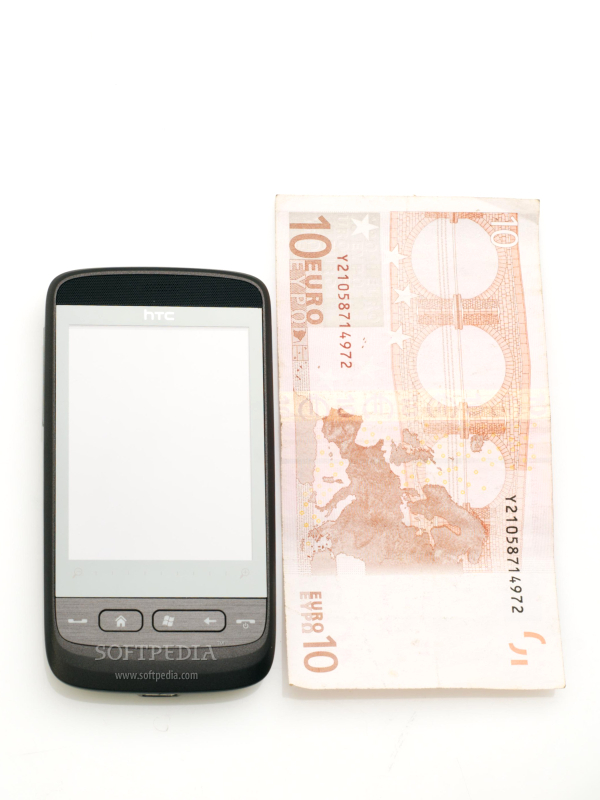
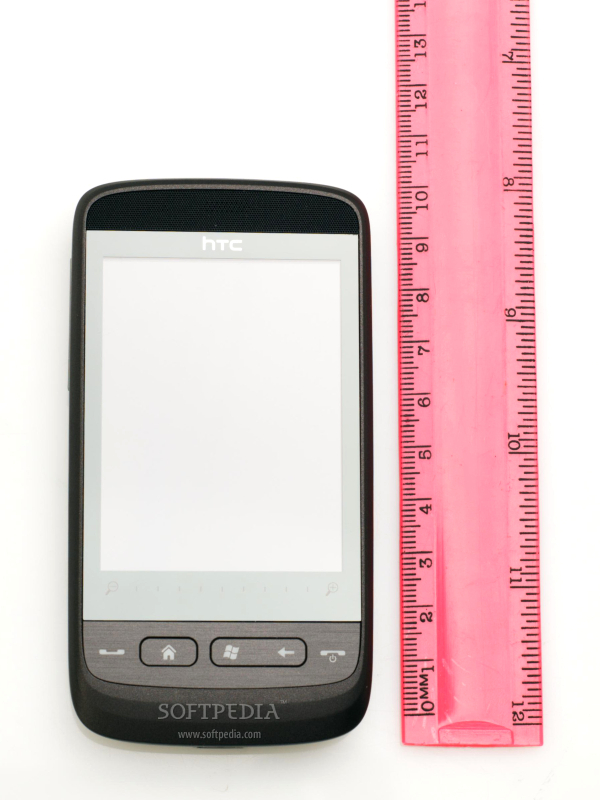
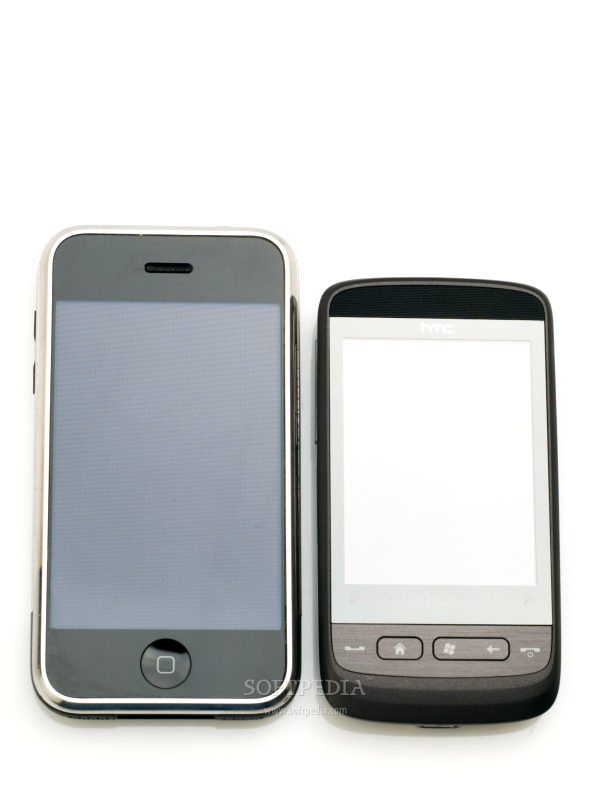
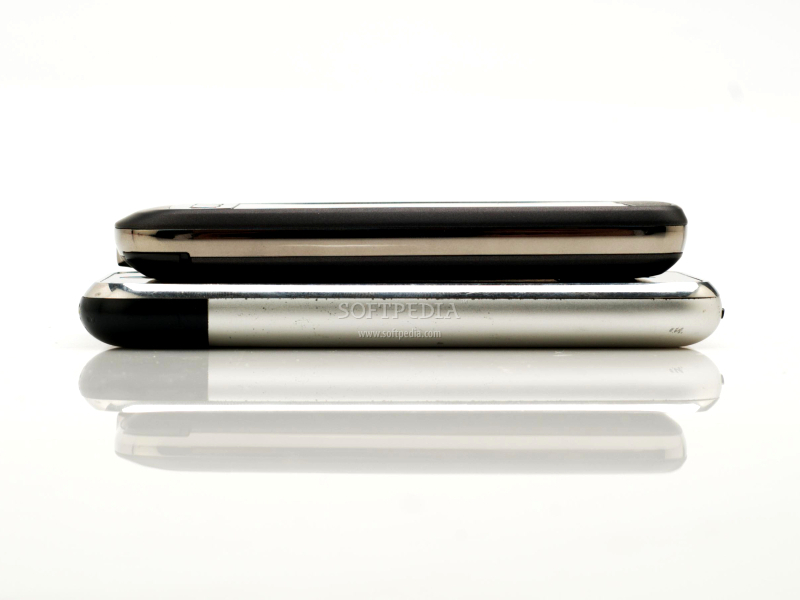
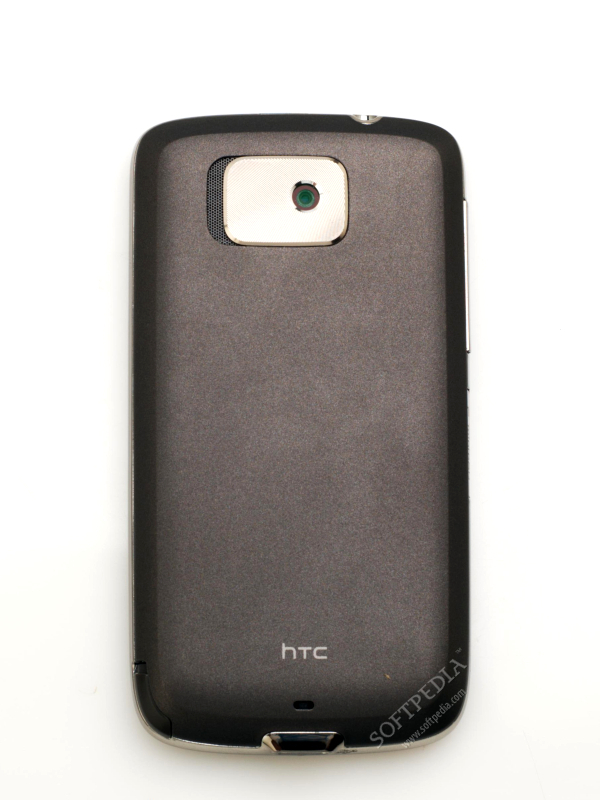
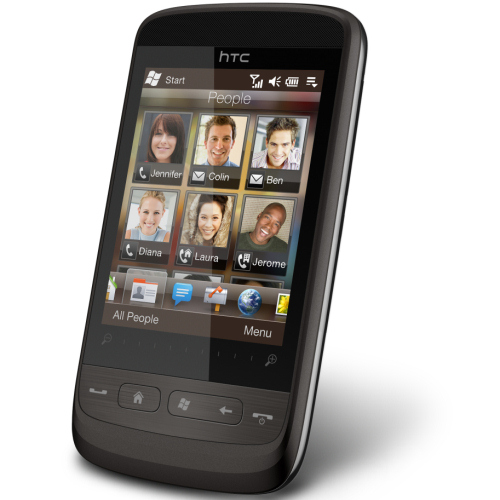
HTC Touch2 looks small and slim at a first glance, the kind of phone that fits into any pocket. Its compact form makes it also resistant to soft drops, but don't think of it as a very durable device, as it's just a mid-budget phone. The whole front part of the phone is seized by the 2.8-inch touchscreen, while the back of the phone only features a 3-megapixel camera. Under the screen, there is a short set of keys that improves users' interaction with the phone's interface. Starting from left to right, these are: Accept calls, Home, Menu and Back, Reject calls. At the base of the screen, between the display and the key-set mentioned above, there's a grading scale that is used to zoom in/out when you open the camera interface.
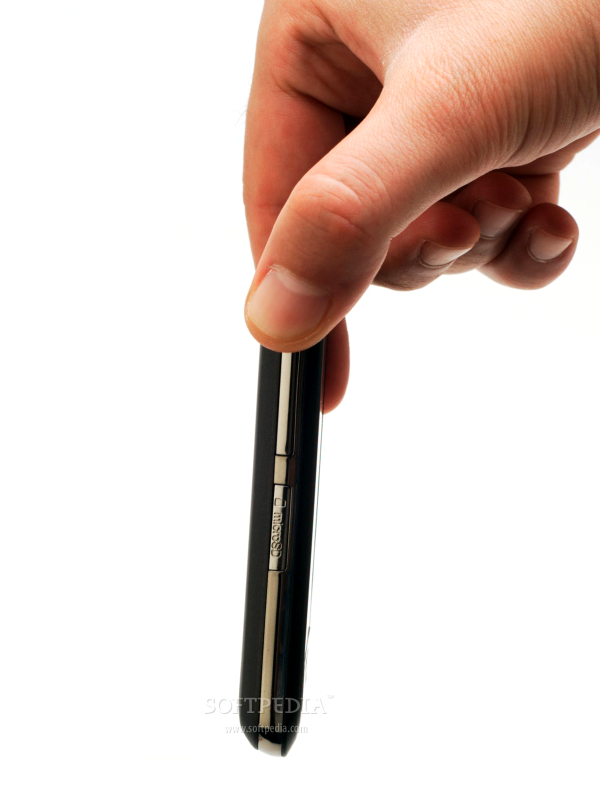
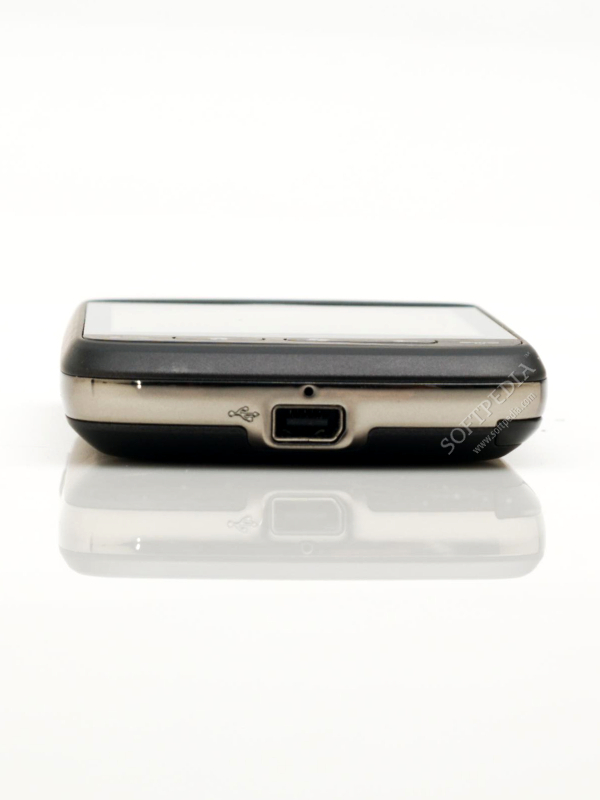
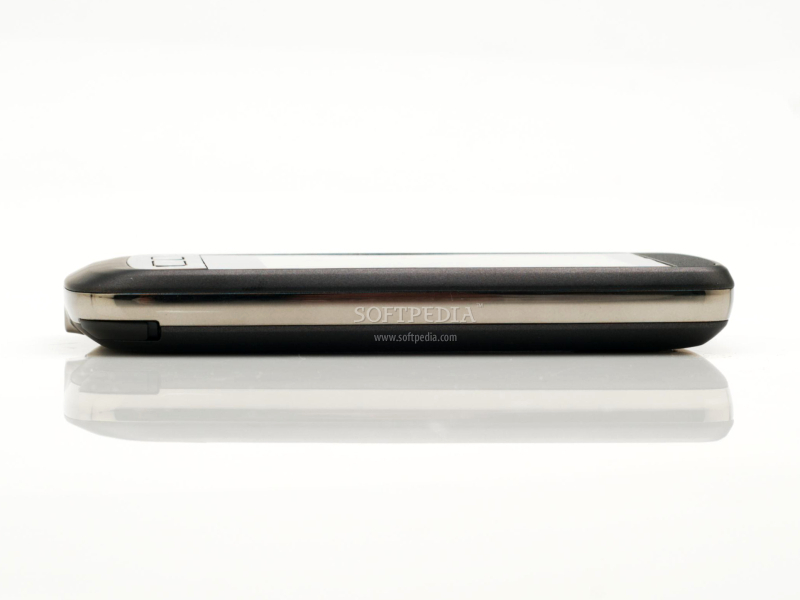
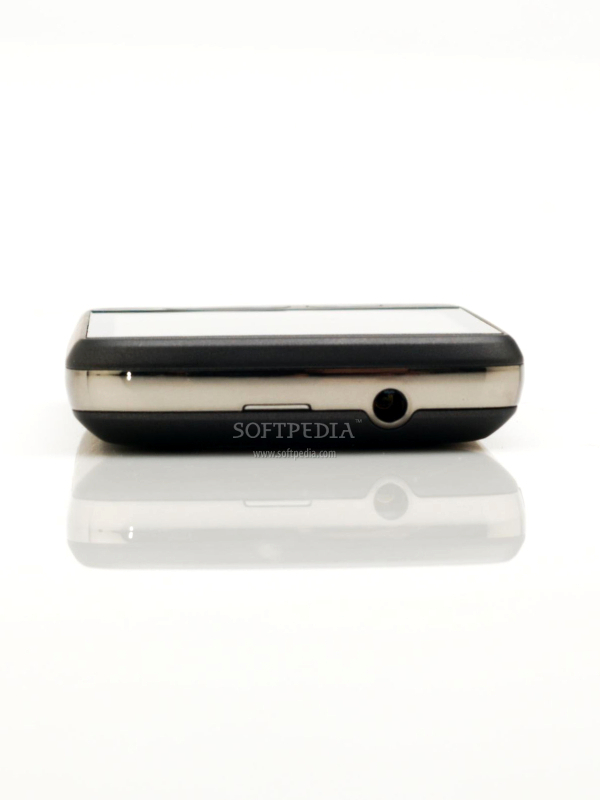
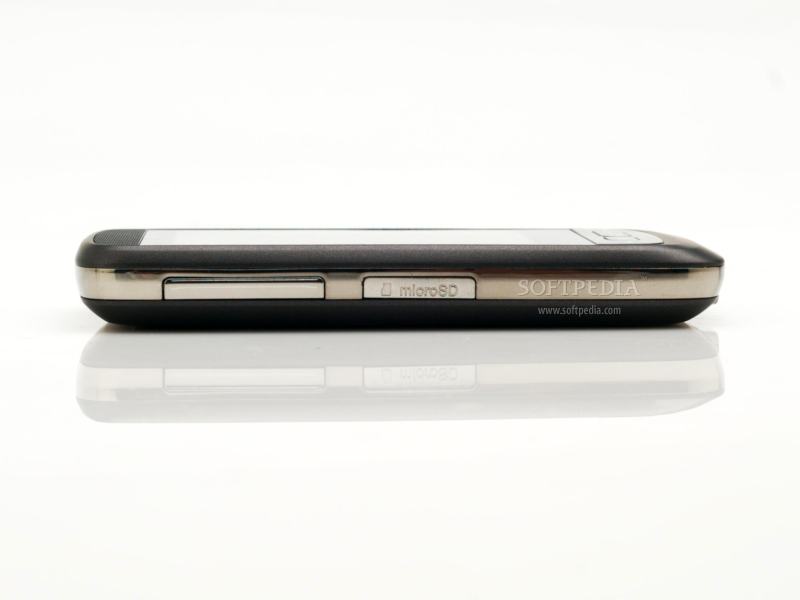
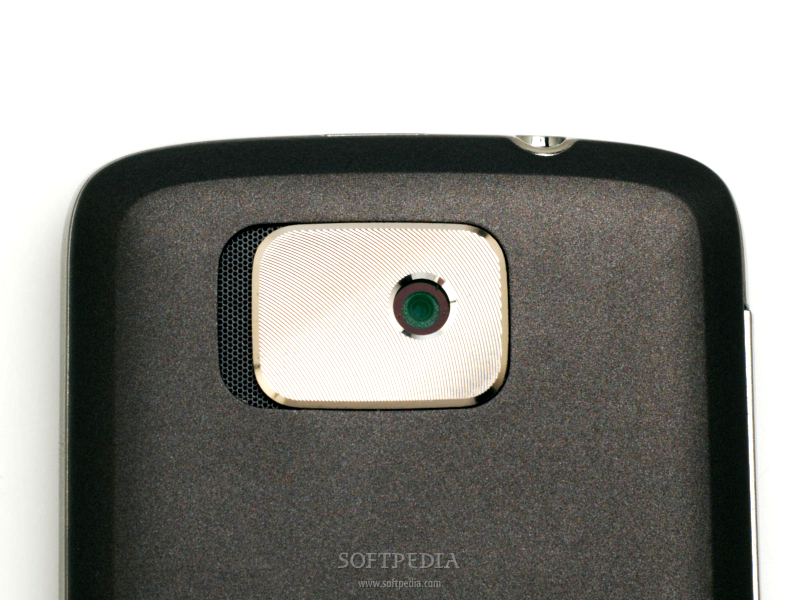
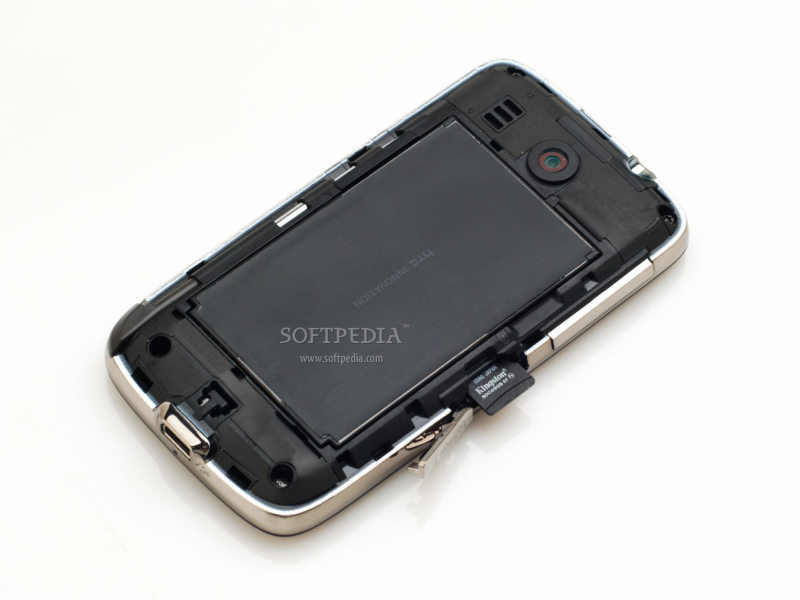
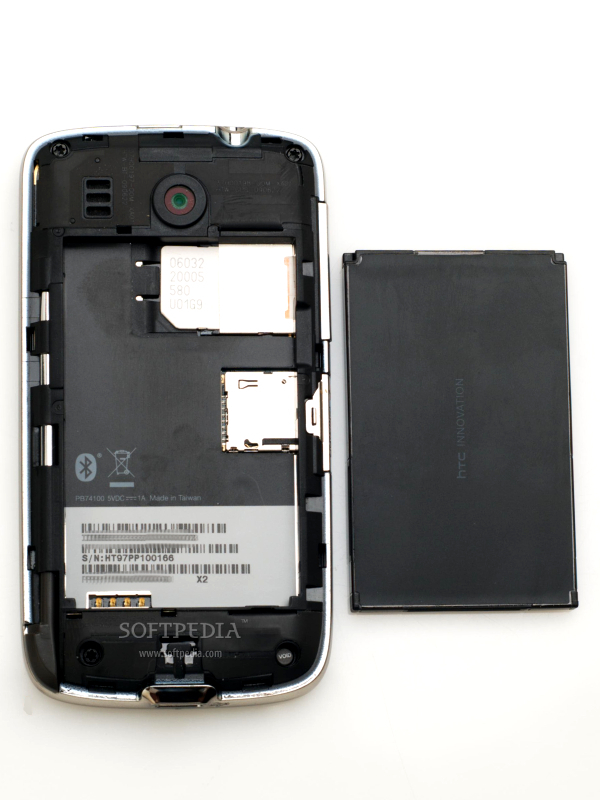
HTC Touch2 features a resistive touchscreen, so you'll be needing a stylus, which has been placed to the right corner, on the bottom of the smartphone. There's also a miniUSB port near the stylus slot and a 3.5mm jack port on top of it. The left side of the device features a microSD slot and a long volume dual key. The camera on the back of the phone doesn't have any flash capabilities, but seems to be well protected with a metallic plate that has been embedded around it. There's also a small loudspeaker near this plate that protects the camera module. The exact measures of the smartphone are 104 x 55 x 12.9 mm, while the weight of the phone including battery is of 110g. The plastic used for manufacturing doesn't look cheap at all, on the contrary. Still, the smartphone is surrounded by a silvery, plastic band, which will definitely peel off after intensive use. This will make the phone look somewhat bad when you will keep it in your hand. Anyway, HTC Touch2 features a simple, yet stylish, design, which will most likely appeal to the majority of customers.Display and Camera
HTC Touch2 features a 2.8-inch TFT resistive touchscreen that supports 65K colors and a 240x320-pixel resolution. Being a resistive display has some disadvantages, like a low sensibility to touch, a low thumb-control functionality, a low visibility under strong sunlight, and the lack of the multi-touch feature. Still, this kind of display lowers the price of the phone, making it cheaper overall. That comes with more missing features, though. HTC Touch2 doesn't have the accelerometer function, so users won't be able to rotate the phone's image to landscape or portrait modes. Furthermore, the quality of the image displayed is a little bit on the mediocre side, as the contrast is not that good and the colors are a little bit washed.
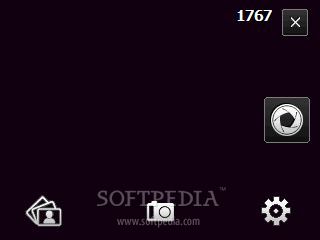
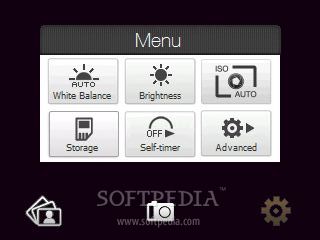
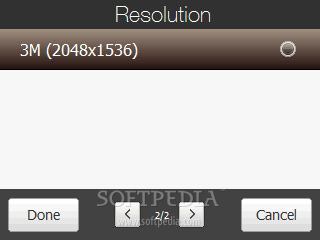
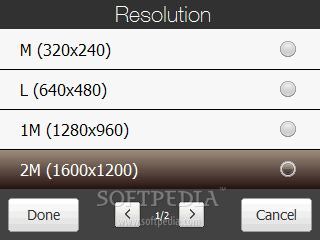
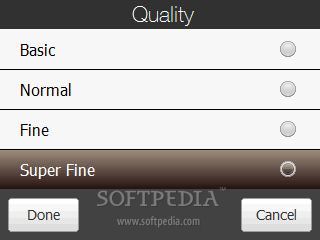
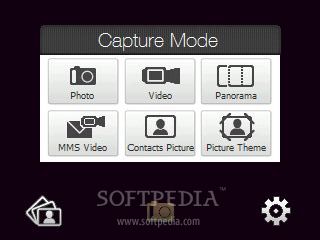
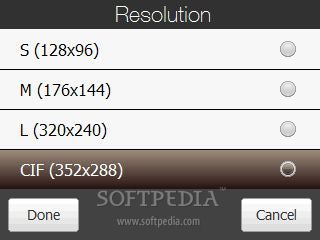
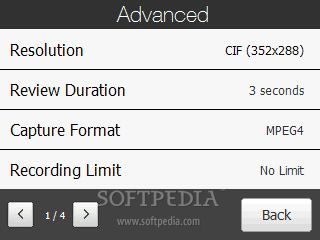
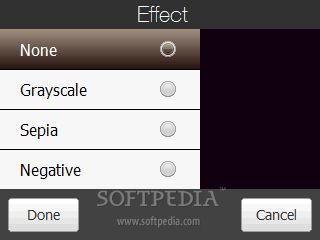
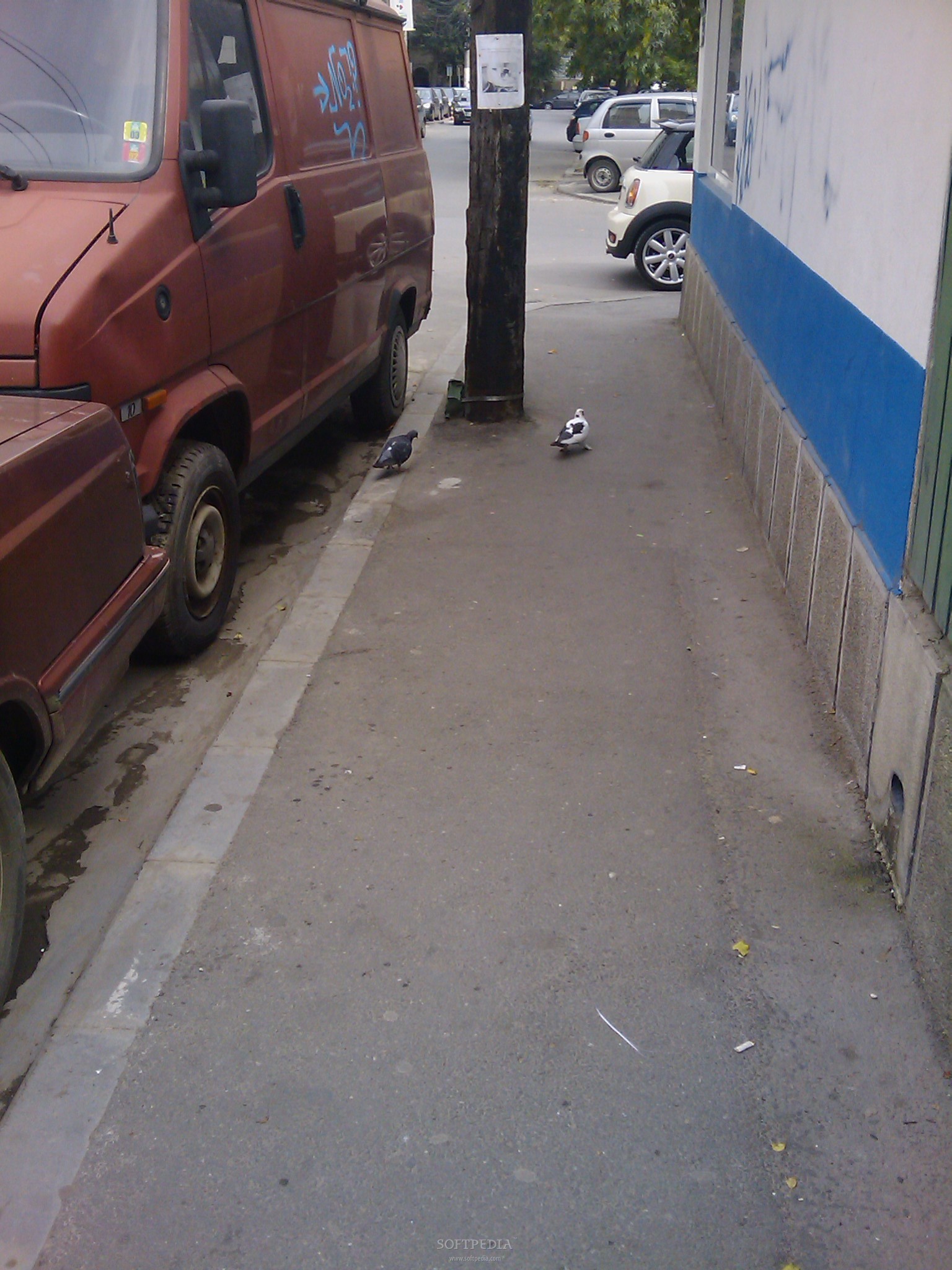
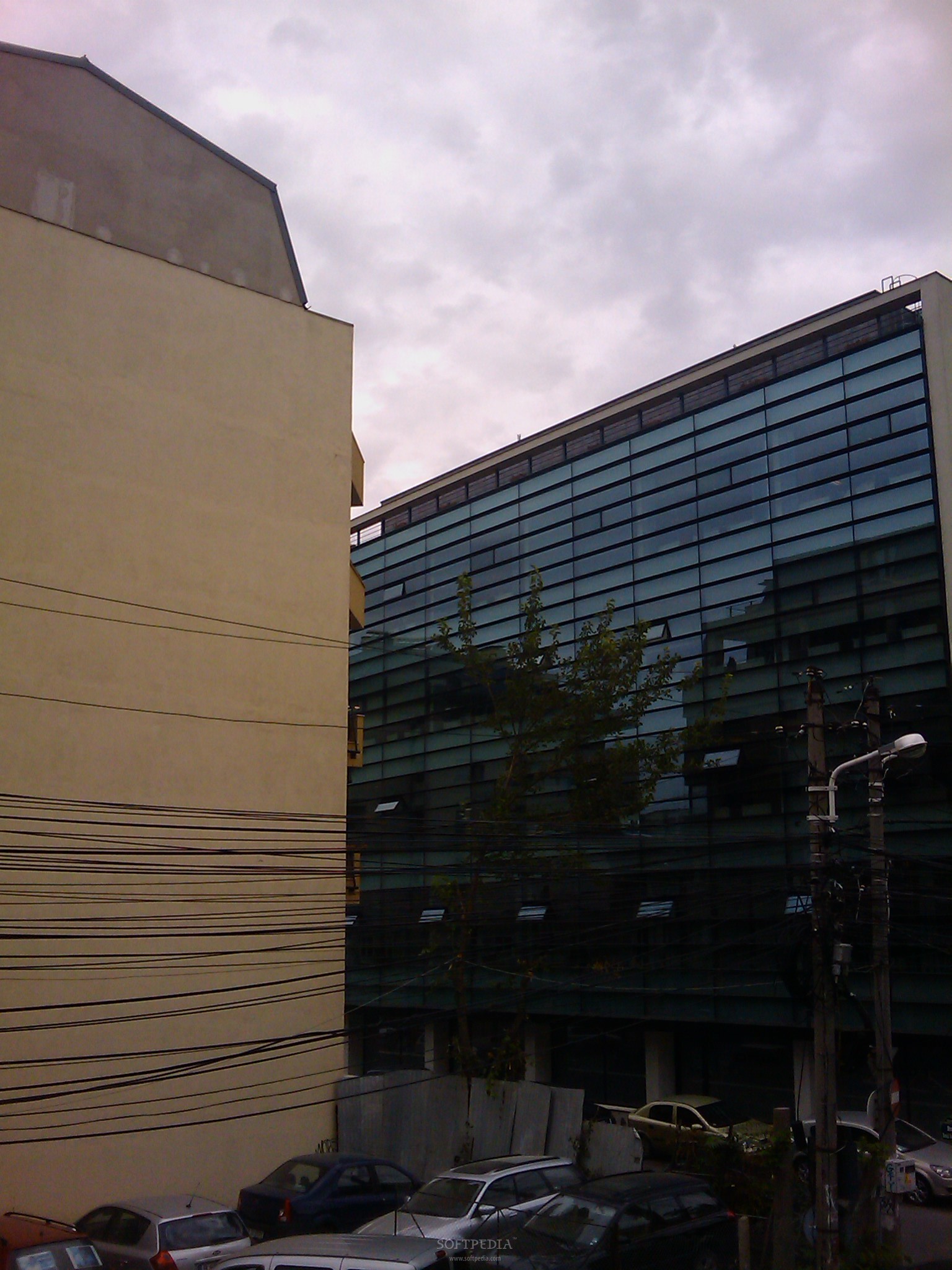
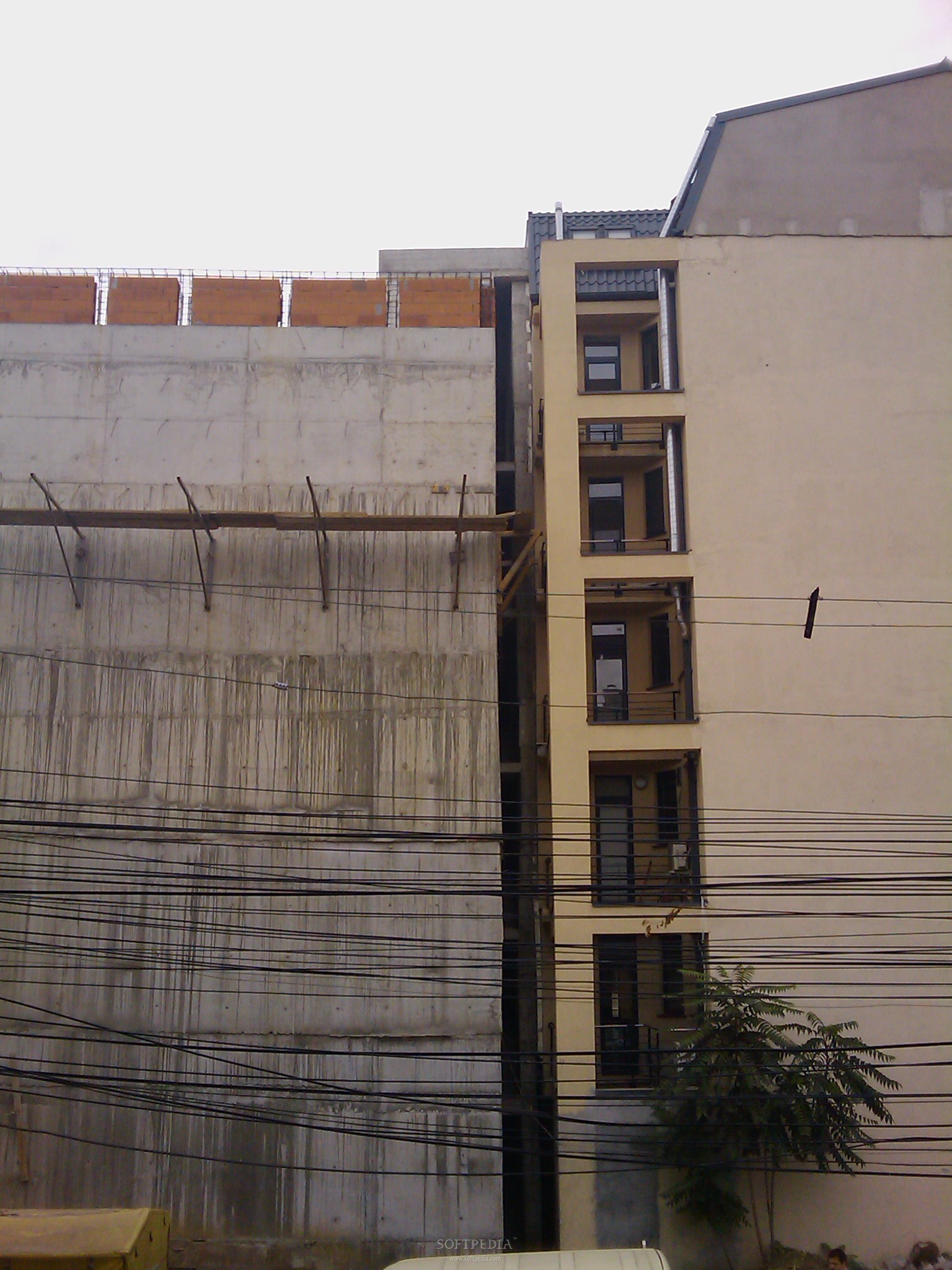
The 3-megapixel camera is simple to use, as it doesn't have any complex features. Basically, you will only need to point and shoot what you want. There's no dedicated button for the camera, but you'll be able to use the touch button that appears on the display. You can zoom in/out by swiping your fingers on the grade scale at the base of the display. The camera interface is simple and straightforward, as you can see from the screenshots. The maximum resolution that you can use for the pictures is of 2048x1536 pixels. Clips can be recorded in CIF mode at a 352x288-pixel resolution at maximum. Unfortunately, there's no autofocus, flash or other standard capabilities, only basic settings such as: White balance, ISO, Brightness and Effects. Pictures are decent, but don't expect more than average quality. The pictures below show that Touch2 only features a mediocre camera, just as its price suggests.Menu and Software
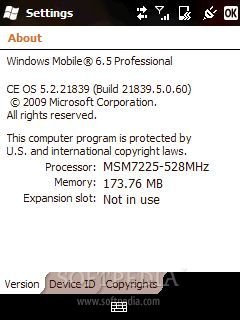
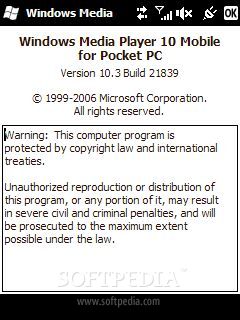
HTC Touch2 runs the new Microsoft Windows Mobile 6.5 Professional operating system, featuring the second version of the TouchFLO interface. The latter has been stripped by any animation effects for transitions to messaging, email, photos, music, weather, and more. The test-sample device that we received features an older version of the operating system – build 21839, which has been improved and has already reached version 23047. The same innovative, touch-sensitive control for interacting with the device that was introduced with Touch Pro is also present with the Touch2 device.
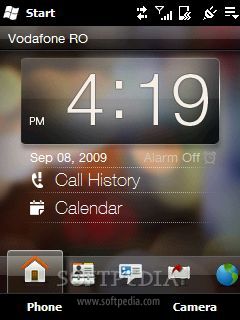
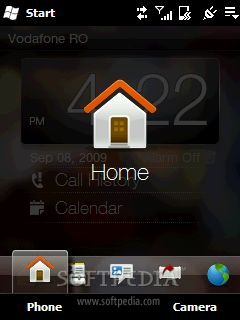
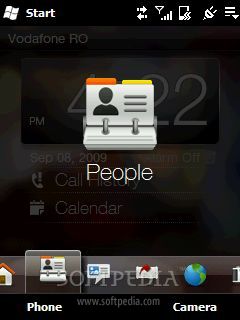
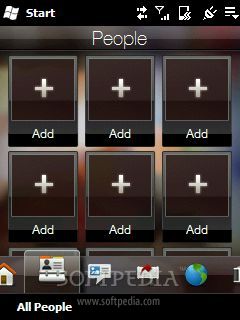
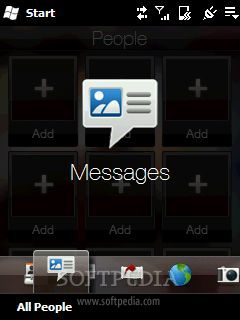
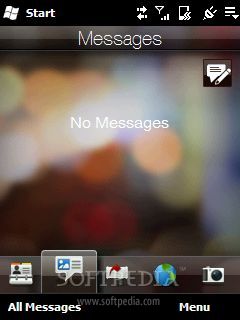
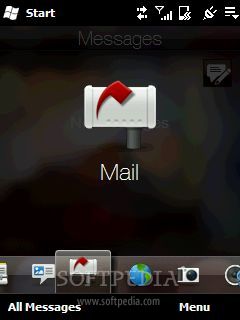
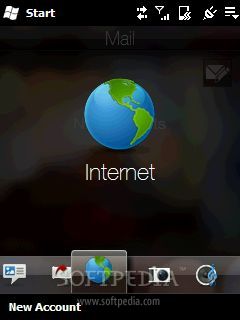
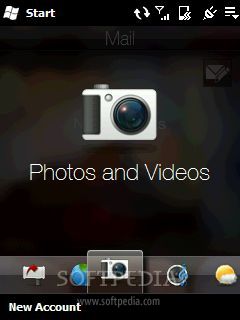
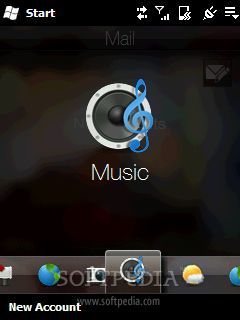
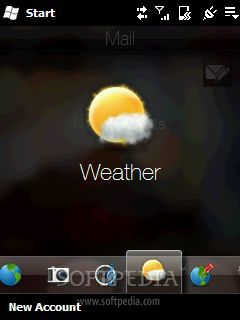
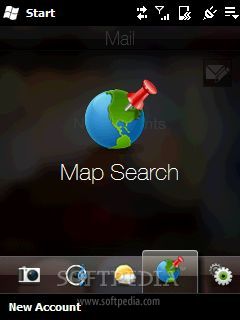
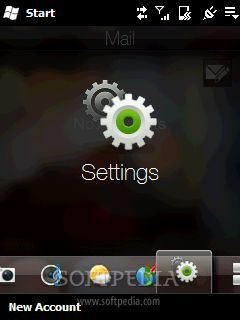
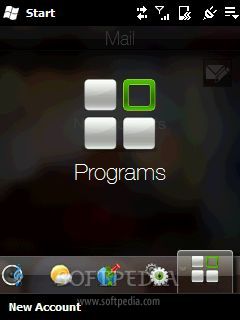
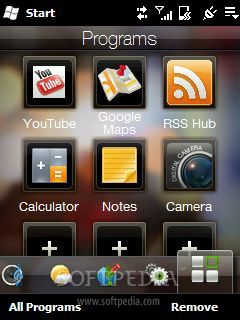
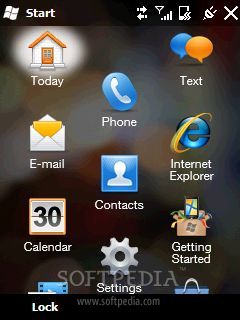
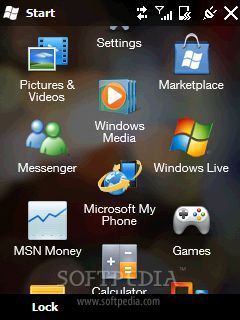
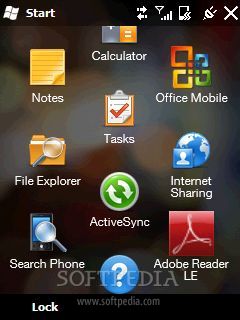
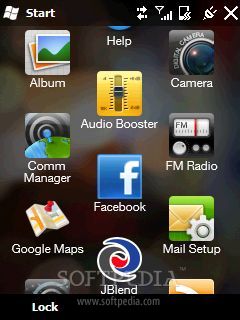
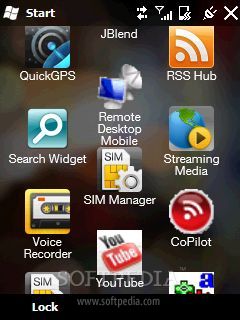
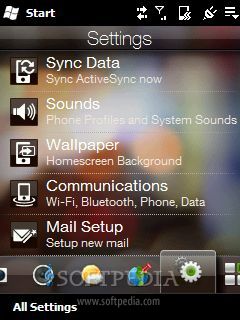
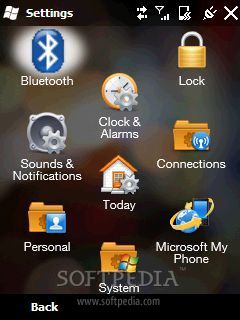
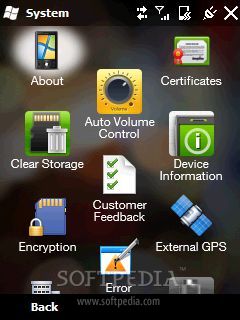
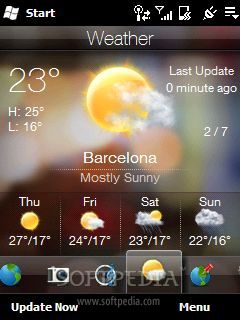
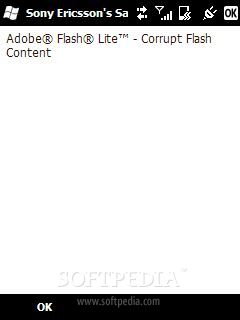
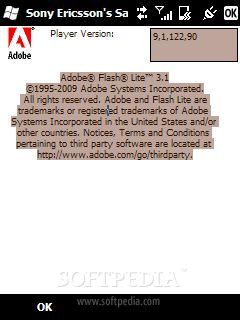
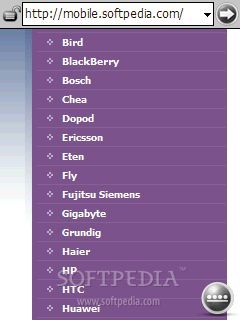
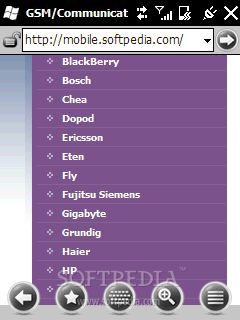
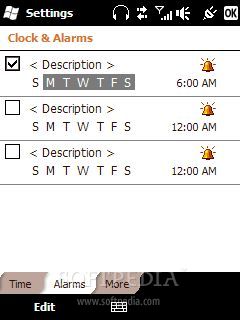
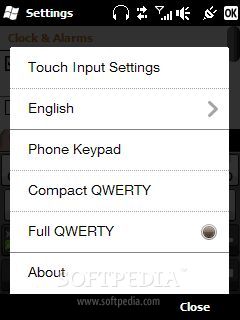
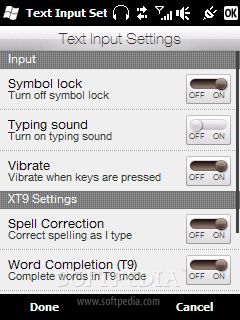
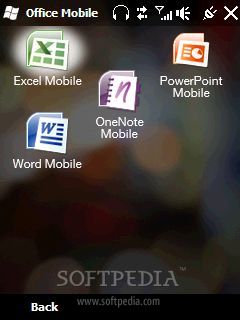
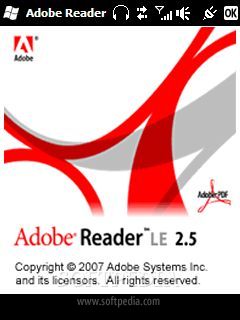
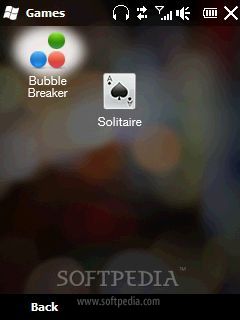
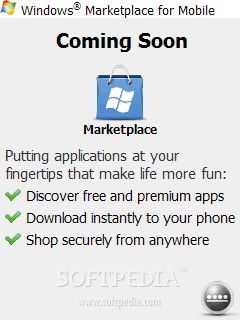
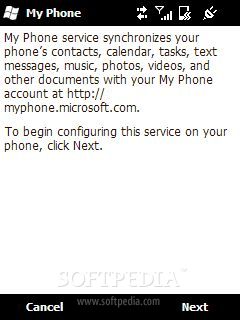
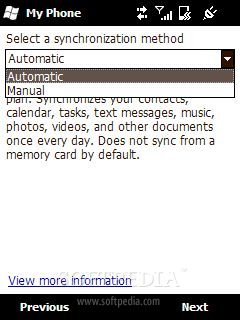
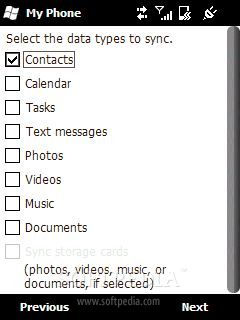
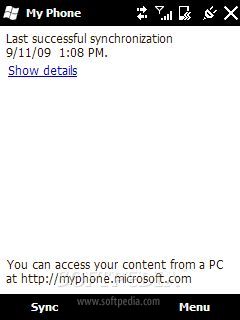
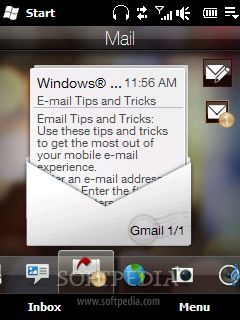
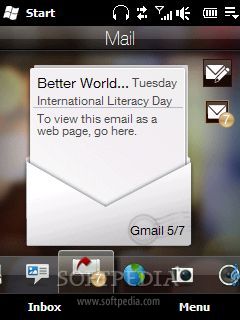
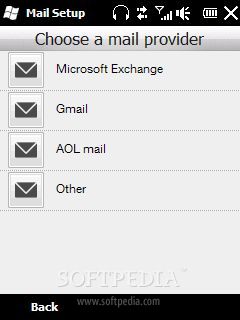
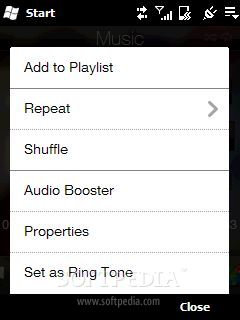
While the TouchFLO 2.0 enables finger-swipe navigation through menus, the lack of an accelerometer sensor limits its functionality. You will only be able to use the swipe navigation when scrolling and less when browsing through the menu. Instead, you are presented with a new way of menu browsing. The small icons at the base of the Homescreen will help you reach the desired application or function very fast. Keep your finger pressed on any of those icons and then gently swipe to the left or to the right until you reach the window menu that you need. The main menu of Windows Mobile 6.5 didn't impress me too much, but at least the white, boring background from the menu has been removed. Instead, you are now presented with three rows of settings, applications and functions, which have been placed in a serpentine, just like in the screenshots. Odd, at first glance, but I didn't find any real advantage, nor disadvantage. There's an aesthetic side to this, but as tastes differ, you might like it or not. The navigation can be easily done without the need of a stylus, by using only the finger and swiping to the right or to the left on the Home screen, just as I have described above. The Start menu will not get you directly to the main menu of the smartphone and will not list the most used programs. To facilitate the writing method and to come to the aid of those who are used with various inputting methods, HTC has introduced three types of keypad layouts: Phone keypad, Compact QWERTY, and Full QWERTY. For business people, HTC has included the Office Mobile package, which now also comprises the OneNote Mobile application, besides the usual Excel, PowerPoint and Word Mobile programs. The Notes application cannot be accessed when talking on the phone, unless you click the additional Menu button on the screen and choose the Create-note command. The touchscreen offers you a couple of nice functions, like zooming in and out when browsing the Internet or when viewing pictures. The zooming can be done by double-tapping on the screen. The Internet Explorer browser has been gifted with Adobe Flash Lite 9.0, but I have encountered some problems with various websites. I think that the newest builds have corrected the errors that I got when browsing some sites that were heavily animated. The rest of the pieces of software included are pretty much standard for a Windows Mobile device, with several exceptions. The Touch2 includes the standard productivity tools: Notes, Tasks and Calendar; the Office Mobile suite with Word, Excel and PowerPoint; Adobe Reader (version 2.5) for viewing PDF documents; Voice Recorder; and the same, boring games, Bubble Breaker and Solitaire. Internet-related programs include a Streaming Media application, which does exactly what the name suggests and is designed to be easily used with the finger; Windows Live Messenger and Live Search; Internet Explorer for Web navigation; MSN Money, Market and Microsoft MyPhone. The last two new features have been the highlights of the announcement that made the 6.5 version of the operation system official. Market, as the name suggests, is the place where you will be able to download applications compatible with Windows Mobile. Unfortunately, the function is not ready yet, so I cannot tell you anything about it. Check out the screenshots to see what's the degree of the development. The Microsoft MyPhone service enables you to synchronize and save your Contacts, Calendar, Tasks, Text Messages, Photos, Videos, Music and Documents with your MyPhone account on the PC. Basically, you have access to everything that I mentioned above from your PC, and you'll be able to add new contacts, events and the likes on the PC and then synchronize it with your Pocket PC later. For the multimedia part, the HTC Touch offers the Windows Media Player for audio and video playback, and Pictures & Video for browsing photos and video files and for modifying images. Regarding the communications, the device includes Internet Sharing, which allows the smartphone to be used as a modem; the Comm Manager for enabling/disabling and changing various communications settings; Bluetooth Explorer for managing Bluetooth connections. Then, there are a File Manager, a search tool, a ZIP utility, a tool for encrypting files on the memory card, Clear Storage for restoring all settings to their default values, an application for configuring the connection with the internal GPS unit, the JBlend Java emulator and the very useful Task Manager, which can be used to switch between or close running tasks and also to change the behavior of the "x" button, to make it really remove applications from the memory, instead of sending them in the background.Communication
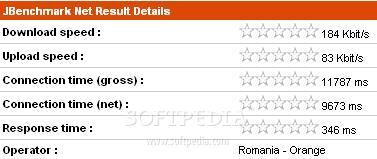
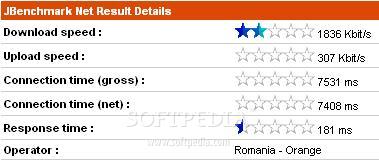
HTC Touch2 features quad-band support for 850/900/1800/1900 Mhz and HSDPA 900 / 2100 frequency bands. For wireless Internet connectivity, the HTC Touch2 offers both GPRS and EDGE, but also the faster HSDPA. In our tests, EDGE managed to attain a transfer rate of 184 Kbit/s for download and of 83 Kbit/s for upload, while the 3G+ band only reached speeds of up to 1,836 Kbit/s for download and of 307 Kbit/s for upload. Wi-Fi 802.11 b/g can also be used at available hotspots to speed up things and reduce data-plan costs.
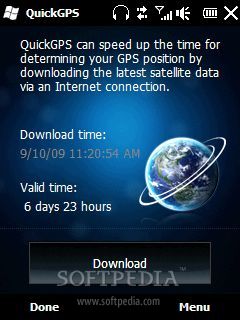
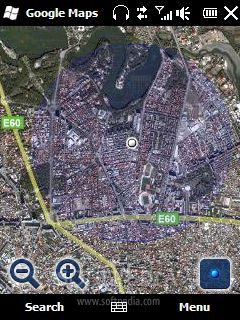
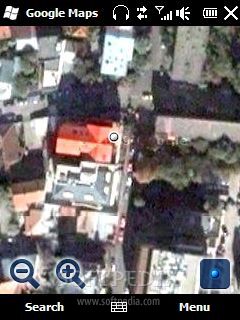
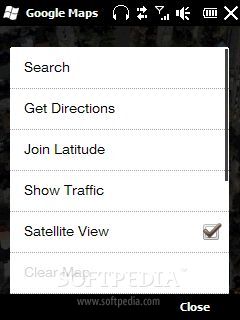
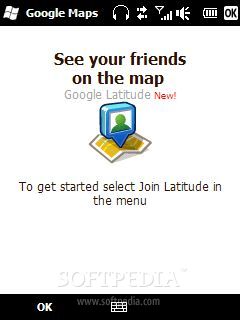
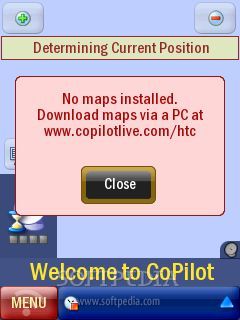
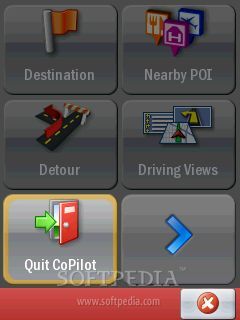
For wireless data transfer between mobiles, the HTC Touch2 uses the latest Bluetooth 2.1 standard, while, for data synchronization with the PC, the device offers USB 2.0.The smartphone also includes a built-in GPS receiver, which surprisingly works with the GoogleMaps application. To be able to take advantage of the voice-guide navigation, users will need to install the CoPilot Mobile Navigation software and download the necessary map. The localization works smoothly and the pin-point is made very fast, even if one is indoors.
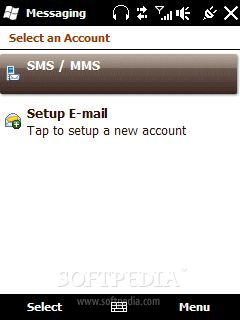
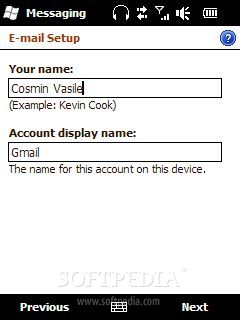
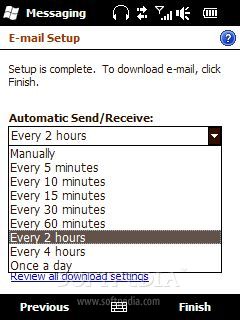
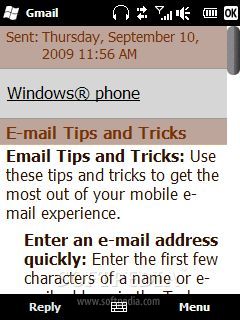
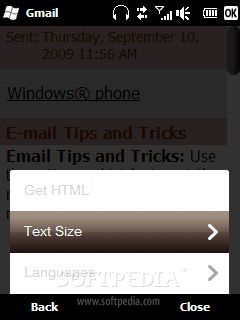
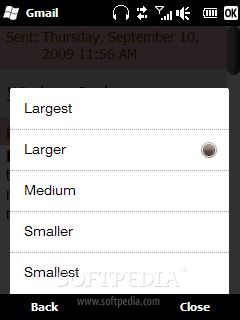
HTC Touch2 is compatible with all email clients and protocols (POP3, IMAP) and can be synchronized with the PC. The device is also compatible with SMS, EMS, and MMS text features. Instant-messaging options include Windows Live Messenger, but other IMs can also be installed. The interface is pretty straightforward and user-friendly. The in-call sound quality is above average, as I've seen better. The GSM signal is also good, as long as you don't keep the device set on the 3G band, as the reception is only average.Processor and Memory
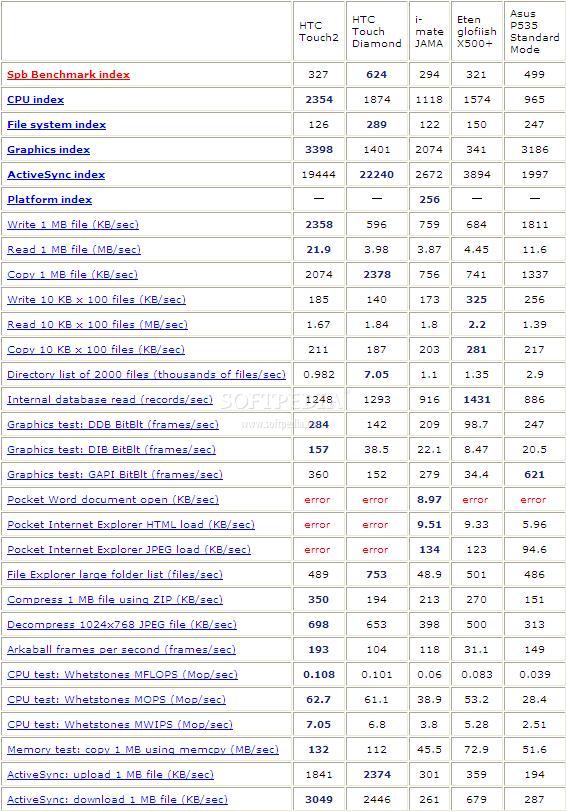
HTC Touch2 is powered by a Qualcomm MSM7225 ARM11 family processor, running at speeds of up to 528 Mhz. Overall, I haven't experienced any lock-downs, crashes, or lags. As the phone doesn't have any animations or transition effects, you won't have any problems when browsing the menus or running multiple applications.
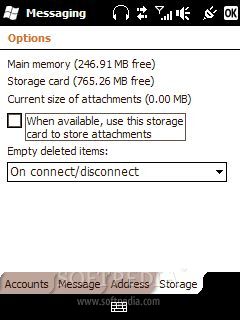
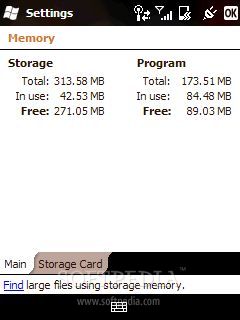
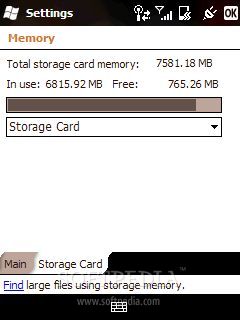
The smartphone embeds a 256 MB RAM and 512 MB ROM memory. The storage space can be expanded up to 16GB through the hot-swappable microSD slot card.Multimedia
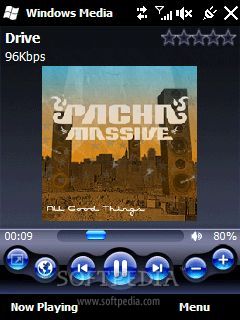
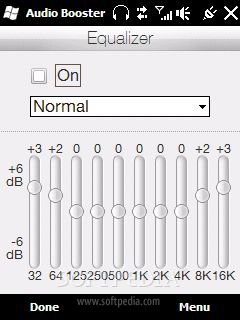
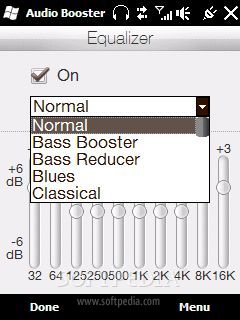
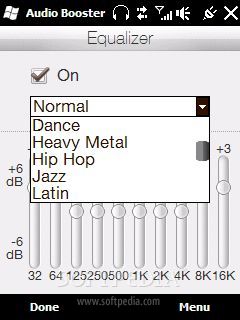
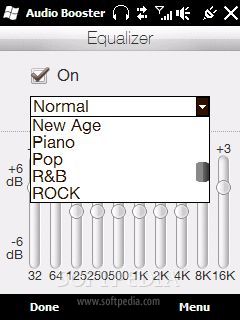
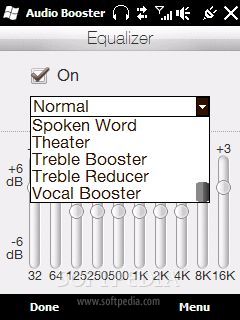
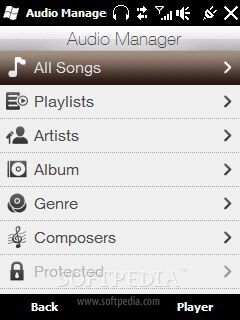
In general, Pocket PCs haven't paid much attention to the multimedia capabilities, but the HTC Touch2 makes an exception, or at least it tries. First of all, HTC is now including an 3.5mm jack port, which says something. Secondly, the default application used for audio and video playback is more advanced, compared with older HTC devices, as it features a sound equalizer and a very nice user interface. The music player supports MP3, WAV, eAAC+, and WMA format files.
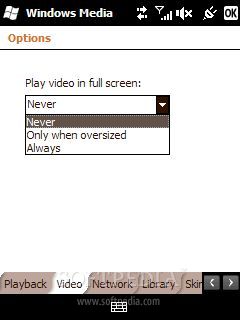
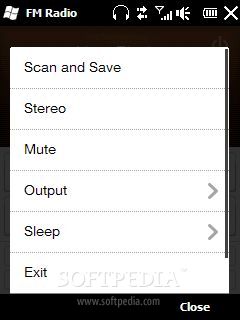
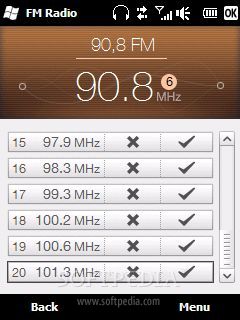
The music sound is very good, actually, especially that you have access to a wide range of equalizer modes, but you can also make your own settings. The Windows Media Player version 10 supports MP4, WMV, H.263, and H.264 video files. The smarpthone also features the Radio FM function, which can auto-scan and memorize up to 20 base stations. The radio can be run in the background and listened to in the loudspeaker. There's also a YouTube client embedded, if you like to watch short movies. Overall, I had a good experience with Touch2's multimedia part, and I think the gap between smartphones and music phones is slowly coming to a close.Battery
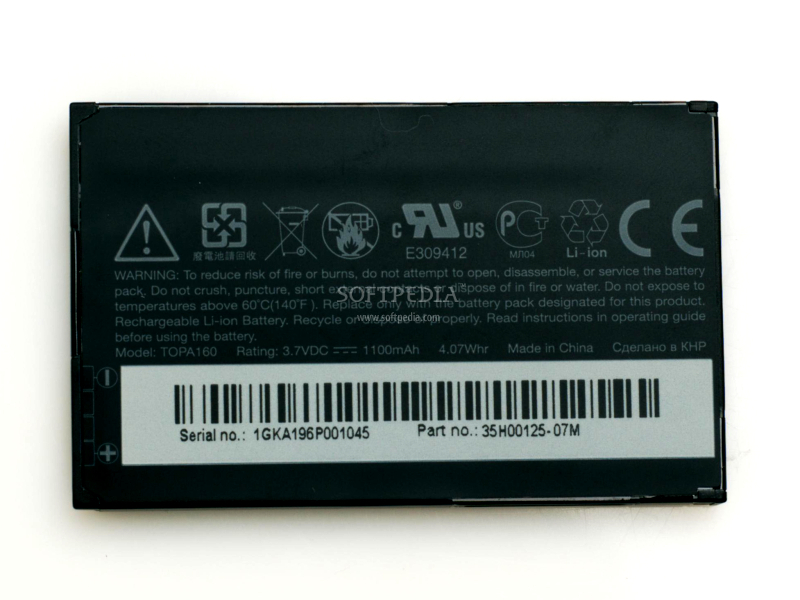
The HTC Touch2 is powered by a 1100 mAh Li-Ion battery, which, according to the official specifications, gives the device an autonomy of up to five hours and 30 minutes of talk time (six hours and ten minutes for 3G) and 500 hours in standby mode (370 hours for 3G).
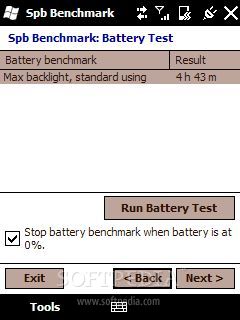
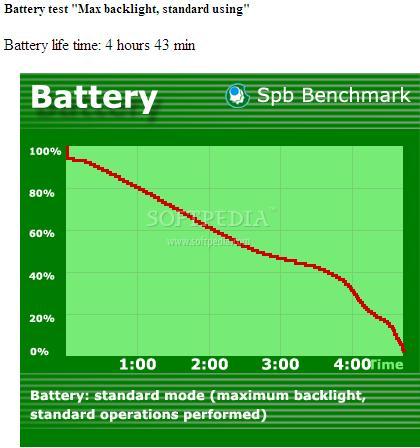
In our tests, the battery depleted after four hours and 43 minutes of standard usage, with the backlight set to the maximum. Even though it is far from the official numbers, I would say that the battery's autonomy is satisfying.Impressions
I've been pleasantly surprised by the new, mid-budget device in terms of design, but a little bit disappointed about the new version of the operating system. While, visually, there are some changes, I still think that Windows Mobile is far from Android and the iPhone in terms of performance, functionality and look. Still, HTC Touch2 is a good smartphone, but only if it sells for a cheap price, otherwise I think people will look for more advanced solutions and Android is so much better for now.
The Good
The Bad
Sales Package
HTC Touch2 Pocket PC; 1100 mAh Li-ion battery; Stylus; User Guide; Charger; Mini-USB data cable.