 14 DAY TRIAL //
 Gmail is a pretty powerful email client and offers plenty of features, shortcuts and advanced functionality for power users. What's more, the Gmail Labs are a great way of discovering tools that you didn't realize how much you'd need them until you found out about them. But if even that is not enough, there are other ways of expanding Gmail's functionality with iGoogle gadgets.
"There is a powerful but little known Gmail feature that lives in Labs called 'Add any gadget by URL'," Gmail's Martin Gruau wrote.
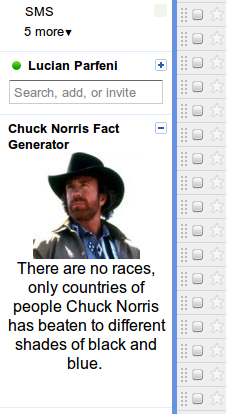
"Once you turn it on, you can add iGoogle gadgets (or any gadget specified by an .xml file) to the side of your Gmail account. While most of these gadgets are built by third-parties and not owned or maintained by Google, they can be super handy," he added.
Granted, enabling these features requires a bit more steps than what most users would expect, but it's not exactly rocket science. At first, you need to enable the 'Add any gadget by URL' Labs extension.
You'll then get a new Gadgets tab in the Gmail Settings and you'll be able to install any gadget as long as you know its URL. Since this may not so easy to find, Google has provided a list of the most useful and fun gadgets you can use in Gmail.
If you already use iGoogle, you know what kind of gadgets you can find. In a blog post, Google lists some interesting third-party gadgets you can install in Gmail.
Most of the suggestions are quite obvious, things like Wikipedia Search, Google Calculator, the currency converter or the world clock. There are also several task managers, if for some reason you don't like the built-in one.
An interesting suggestion is the Bit.ly gadget which enables you to shorten links inside Gmail. All of Google's 10 suggestions as well as their URL's are available in the Gmail blog post.