 14 DAY TRIAL //
 Google+ is already a big part of most Google products, but one area that still has potential is YouTube. Linking YouTube channels to Google+ profiles makes a lot of sense to a lot of people and it would be a great boon for Google.
The problem is that, so many years after it's been acquired, YouTube still retains its identity.
Google has been absorbing YouTube, but it's a slow process. The latest redesign is perhaps the biggest move in that direction, since YouTube now looks very much like a Google site, particularly Google+. Not that it's a bad thing, the latest YouTube is quite slick.
Integrating Google+ into YouTube is part of that process, a big part. The latest such move is the ability to share any YouTube uploads to Google+ in the simplest way possible, just by checking a box.
This depends on you having associated your Google+ profile to your YouTube one. Google is going beyond this for people that want to promote their stuff on Google+.
"For those of you who are aspiring musicians, pundits, comedians, or brands, we’ve now made it even easier for you to connect with your fan base," Google's Dom Carr explained.
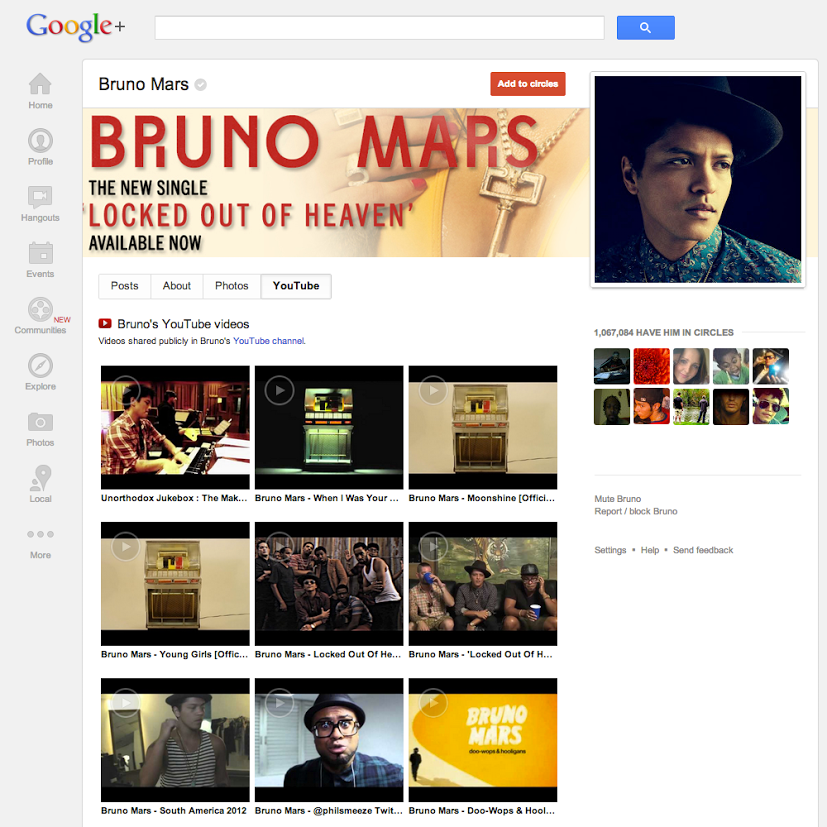
"Starting today, we’ll display all of your public YouTube videos on your Google+ profile. We’ll also rename the 'Videos' tab to 'YouTube' and send people to YouTube when they click. This way you can grow your audience even faster with Google+," he added.
Again, this will happen automatically to those that have linked up their profiles. YouTube has been nagging users to merge their profiles, but they can put it off if they want to. What's more, if you do merge your profiles and later decide it was a bad idea, you can unlink them again, for now.
Though it's not so obvious how to do that, you have to click on "Rename channel" in the Advanced profile settings page.